Free • No signup Create Trading card · Free

AI Trading Card Maker

Transform any photo into custom trading cards instantly with AI.
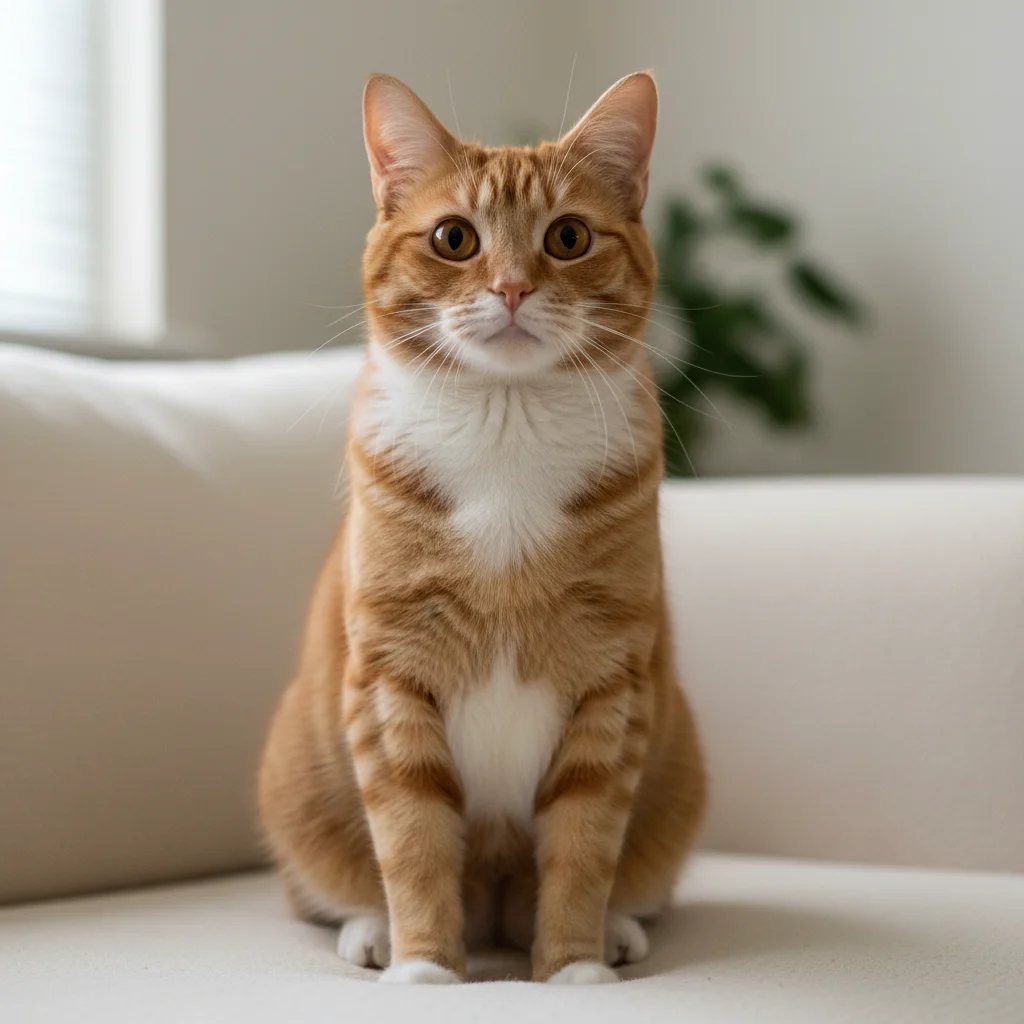
Orange tabby cat portrait photo
Before
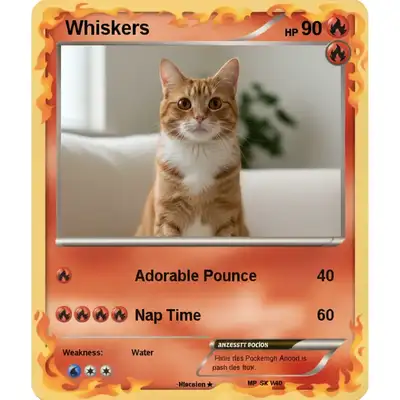
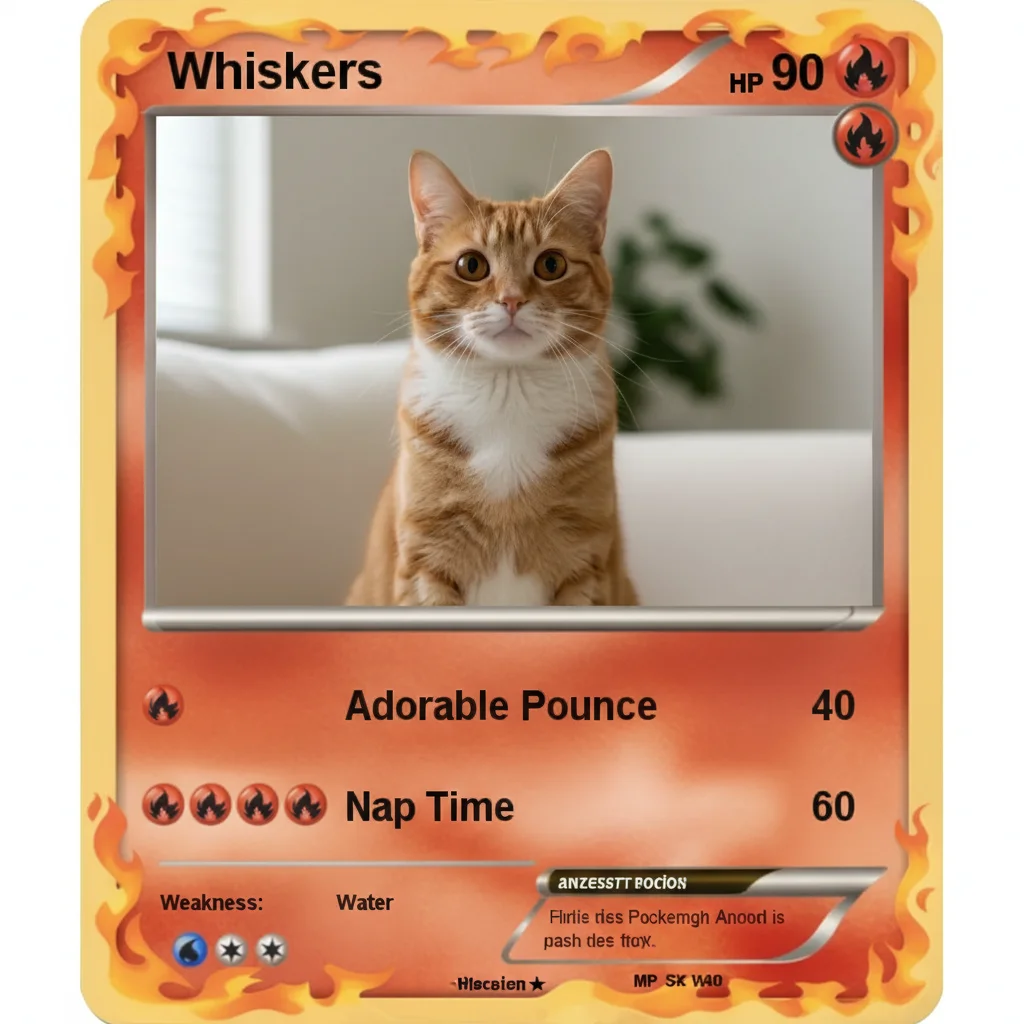
Pokemon-style trading card with fire type and cat stats
After

Create Trading Card from Photo

Drop your photo here

or click to browse

Release to upload

Free • No signup

Advertisement
Popular use cases:
  • Pokemon fans
  • Magic the Gathering players
  • Yu-Gi-Oh collectors
  • tabletop gamers
  • D&D campaigns
  • pet owners
  • custom card games
  • party favors
  • gift ideas
  • employee recognition
  • family fun
  • hobby collections

Cost
Free No signup required
Time
Instant results in 15-30 seconds
Works on
Any device - browser, phone, tablet, desktop
Powered by
AI-powered photo editing
Scenario Prompt Time
Pokemon-style card create a Pokemon-style trading card with yellow electric border, creature name at top, HP 120, lightning type icon, attack moves with damage 35s
Magic the Gathering card create a Magic the Gathering style card with ornate gold border, spell name at top, mana cost symbols, card text box with ability, power/toughness 4/5 40s
Holographic rare card create a holographic rare trading card with rainbow prismatic border, gold foil accents, RARE badge, character name in metallic font, power level text 45s
Custom pet card create a cute pet trading card with pastel pink and blue border, pet name at top, special abilities, cuteness rating 5 stars 30s

How it works

  1. Upload your photo

    Drop your character art, pet photo, portrait, or custom design into EditThisPic. JPG, PNG, WebP up to 7MB. Works best with clear photos where the subject is centered and visible. Digital art, drawings, and illustrations work great too.

    Expect: Simple cards with standard layouts: 30-45 seconds. Complex custom designs with holographic effects or multiple stat categories: may need 2-3 refinements.
  2. Describe your card design

    Type your instruction: 'create a Pokemon-style trading card with lightning border, character name at top, HP and attack stats' or 'make a holographic rare card with gold accents and power level 9000.' Be specific about card game style, colors, border type, layout, stats format, and rarity indicators. No marking needed—the AI understands trading card design conventions.

    Tip: Reference popular card games (Pokemon, Magic the Gathering, Yu-Gi-Oh) to get authentic styling, or describe custom elements for original card game designs.

    Copy one of these to get started:

    Pokemon-style creature card create a Pokemon-style trading card with yellow electric border, creature name at top, HP 120, lightning type icon, two attack moves with damage numbers, weakness and resistance at bottom
    Magic the Gathering style card create a Magic the Gathering style card with ornate gold border, spell name at top, mana cost symbols in corner, card text box with ability description, power/toughness 4/5
    Holographic rare card create a holographic rare trading card with rainbow prismatic border, gold foil accents, RARE badge, character name in metallic font, power level 9000, special ability text box with glowing effects
    Custom pet trading card create a cute pet trading card with pastel pink and blue border, pet name 'Luna' at top, breed and age info, special abilities like 'Extreme Cuddliness' and 'Nap Master', cuteness rating 5 stars
    3 more prompts
    Yu-Gi-Oh monster card create a Yu-Gi-Oh style monster card with purple mystical border, card name in embossed letters, level 7 with star icons, ATK 2500 DEF 2000, card effect description in text box
    Fantasy RPG character card create a fantasy RPG trading card with medieval border and scroll-work design, character class Warrior, level 15, stats showing Strength 18, Dexterity 12, Constitution 16, special abilities list
    Vintage baseball card style trading card create a vintage 1950s trading card design with retro border and aged paper texture, subject name at top, fun facts and trivia at bottom, classic typography, nostalgic feel
  3. Generate and review

    Click Generate and the AI creates your trading card design. Review the layout, colors, border style, stat placement, and overall composition. Zoom in to check text readability, rarity indicators, and fine details. Most designs nail the style on the first try.

  4. Refine with markers if needed

    If you want to adjust specific elements—like repositioning the stat box, changing holographic shine in one area, or adding effects to certain parts—tap markers on those spots and regenerate. This is optional—most cards look great without markers.

    Tip: Markers are for precision refinement, not required. Try without them first.
Try it free

Create Trading Card from Photo

Drop your photo here

or click to browse

Release to upload

Free • No signup

"Made custom trading cards for my D&D campaign in minutes. The AI nailed the fantasy card aesthetic!" @dungeon_master

See it in action

Orange tabby cat portrait photo
Before
->
Pokemon-style trading card with fire type and cat stats
After

Custom pet Pokemon-style card

Transformed a cat photo into a Pokemon-style trading card with electric-type styling, HP stats, and custom attack moves based on the pet's personality. Perfect gift for Pokemon fans.

Prompt: create a Pokemon-style trading card with orange fire border, cat name 'Whiskers' at top, Fire type icon, HP 90, two attacks 'Adorable Pounce 40 damage' and 'Nap Time 60 damage', weakness to water
Fantasy elf sorcerer digital art
Before
->
Holographic rare trading card with prismatic effects
After

Holographic fantasy character card

Created a holographic rare card for a D&D character with rainbow prismatic effects, gold foil accents, and detailed ability descriptions. Looks professional enough to print and play with.

Prompt: create a holographic rare trading card with rainbow prismatic border and gold foil accents, character name 'Elara Stormwind' in metallic font, class Sorcerer level 12, power level text, special abilities with glowing magic effects
Professional employee headshot
Before
->
Corporate-style trading card with employee stats
After

Custom employee appreciation card

Made employee appreciation trading cards for a team-building event, complete with job title stats and special ability descriptions. Unique alternative to standard awards.

Prompt: create a professional trading card with blue and silver corporate border, employee name 'Sarah Chen' at top, title Senior Developer, stats showing Code Quality 95, Teamwork 98, Innovation 92, special ability 'Bug Fix Master'
Advertisement

If something looks off

AI changed the wrong area or added elements I didn't request

Why: The AI couldn't determine exactly which design elements you meant from description alone. This happens with complex layout requests that could be interpreted multiple ways.

Try: Tap a marker on the specific area you want to modify, then regenerate with a more specific prompt breaking down the change by section

Tip: Markers tell the AI 'I mean THIS area specifically.' Use them when description alone is ambiguous.

Text is blurry, overlapping, or hard to read

Why: The original photo resolution is too low, or the AI placed text over a busy part of the image where contrast is poor.

Try: Start with a higher resolution photo (at least 1200px width). Specify text placement: 'place card name in top banner on solid background' to ensure readability. Request 'high contrast text' in your prompt.

Tip: Text boxes with solid color backgrounds ensure crisp, readable results. Mention 'text on solid banner' or 'dedicated text area' in your prompt.

Card doesn't look authentic to the game style I requested

Why: Generic descriptions don't capture the specific visual elements that make each card game unique. The AI needs explicit details.

Try: Research actual cards from that game and mention specific elements: for Pokemon mention 'type icon, evolution stage, HP in top right', for MTG mention 'mana cost symbols, card type line, flavor text'

Tip: The more game-specific details you include, the more authentic the result. Reference actual card examples when describing your design.

Stats or numbers are in wrong positions or missing

Why: The AI needs clear guidance on where each stat should appear and what format to use. Without explicit instructions, it may place stats randomly.

Try: Specify exact stat placement: 'HP 120 in top right corner', 'attack damage 40 next to move name', 'power/toughness 4/5 in bottom right corner'

Tip: List stats with their positions: 'top right: HP, center: ability text, bottom left: weakness, bottom right: resistance' ensures correct layout.

Holographic or foil effects look flat or aren't visible

Why: Holographic effects need strong contrast and specific placement instructions to be visible. Generic 'holographic' descriptions may not be enough.

Try: Be specific: 'rainbow prismatic foil on the border with rainbow gradient', 'gold metallic foil accents on card name and corners', 'holographic shine with visible rainbow spectrum'

Tip: Mention where the holographic effect should appear: 'prismatic foil covering the entire border' vs 'subtle foil accents on text only'.

Subject's face or important parts are cut off by the card border

Why: The AI tried to fit the photo into a standard card frame, but the original photo's composition didn't leave enough space around the subject.

Try: Use a photo with space around the subject (not tightly cropped). Or specify: 'center subject with full visibility, adjust card frame to include entire subject without cutting off any parts'

Tip: Photos with the subject centered and some background space work best. Avoid extreme close-ups or subjects at the edge of the frame.

Quick answers

Do I need to mark areas before describing the card design?

No! Just describe what you want: 'create a Pokemon-style card with electric border and stats' or 'make a holographic rare card with gold accents.' The AI understands trading card layout conventions. Only use markers when you need precision—like adjusting text placement or adding effects to specific areas after your first attempt.

How do I make custom trading cards for free?

Upload your photo to EditThisPic and describe the card design you want—game style, colors, borders, stats, and rarity level. The AI generates a professional trading card design in 30-45 seconds. Free to try with no login or signup. Download your card with no watermark.

What types of trading cards can I create?

You can create any style: Pokemon-style creature cards, Magic the Gathering spell cards, Yu-Gi-Oh monsters, custom pet cards, fantasy RPG character cards, employee appreciation cards, family member cards, hobby collection cards, and completely original card game designs. The AI adapts to whatever style you describe.

Can I add custom stats and abilities to the cards?

Yes! Include specific stats in your prompt: 'HP 120, Attack 65, Defense 50' or 'Strength 18, Dexterity 12, Charisma 16.' You can also add custom abilities: 'Special Ability: Thunder Strike - deals 60 damage' or 'Power: Extreme Cuddliness - charms all opponents.' The AI will format and display these on your card.

Is there a free trading card maker that doesn't require an account?

Yes! EditThisPic's AI Trading Card Maker is completely free to try with no signup required. Just upload your photo, describe the card design, and generate. Download your card with no watermark. No subscription, no account needed for basic use.

Can I print the trading cards or use them in actual games?

Yes! Download your cards in high resolution and print them at home or through a professional printing service. Cards work great as gifts, party favors, custom game pieces, collectibles, or just for fun. For tournament-legal game cards, check the specific game's official rules about custom proxies.

Ready to create your trading card?

Free to try. No signup required.

Try it free