AI Face On Magazine Cover Placer
← Browse all creative effectsLast updated
Upload your photo and describe the magazine style. AI creates a realistic cover with your face. No design skills needed.
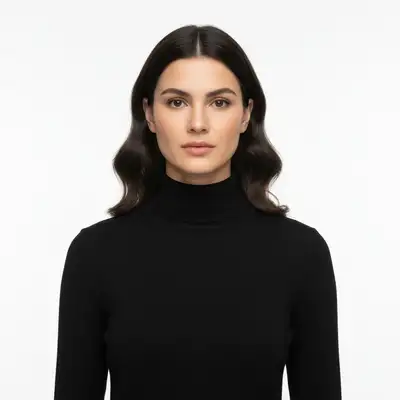
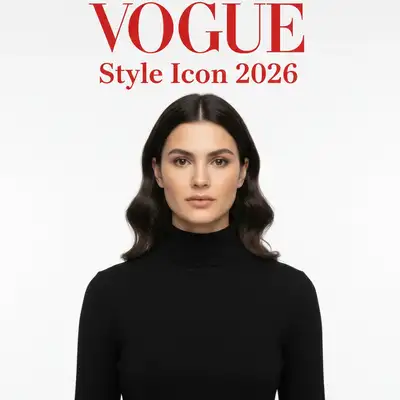
Upload photo to put face on magazine cover
"create a Time magazine cover featuring this person with bold red border and headline 'Person of the Year"
Free to try · no sign-up · photos are never shared
Release to upload
<30stypical edit
1 freeedit weekly
Photo on your phone?
Scan to open this editor there — free edit works on your phone too.
How it works
See it in action
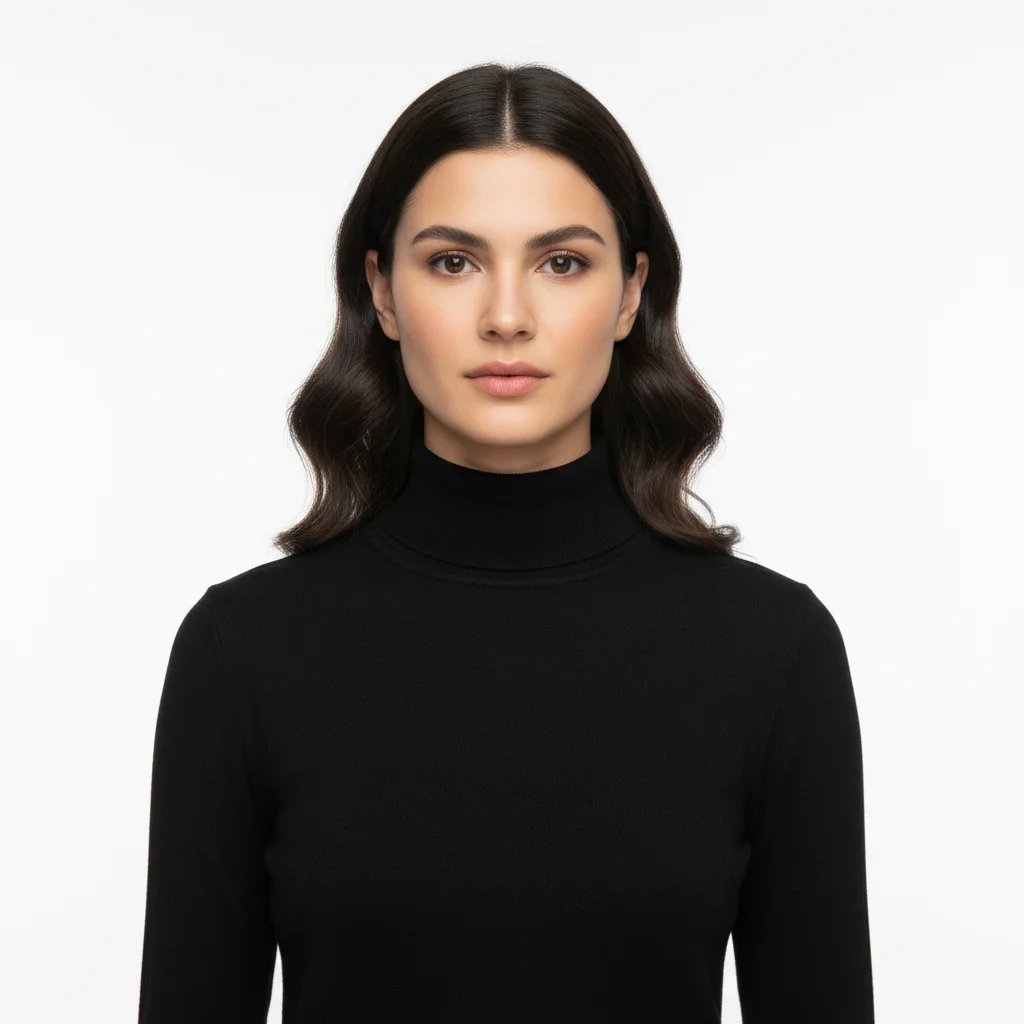
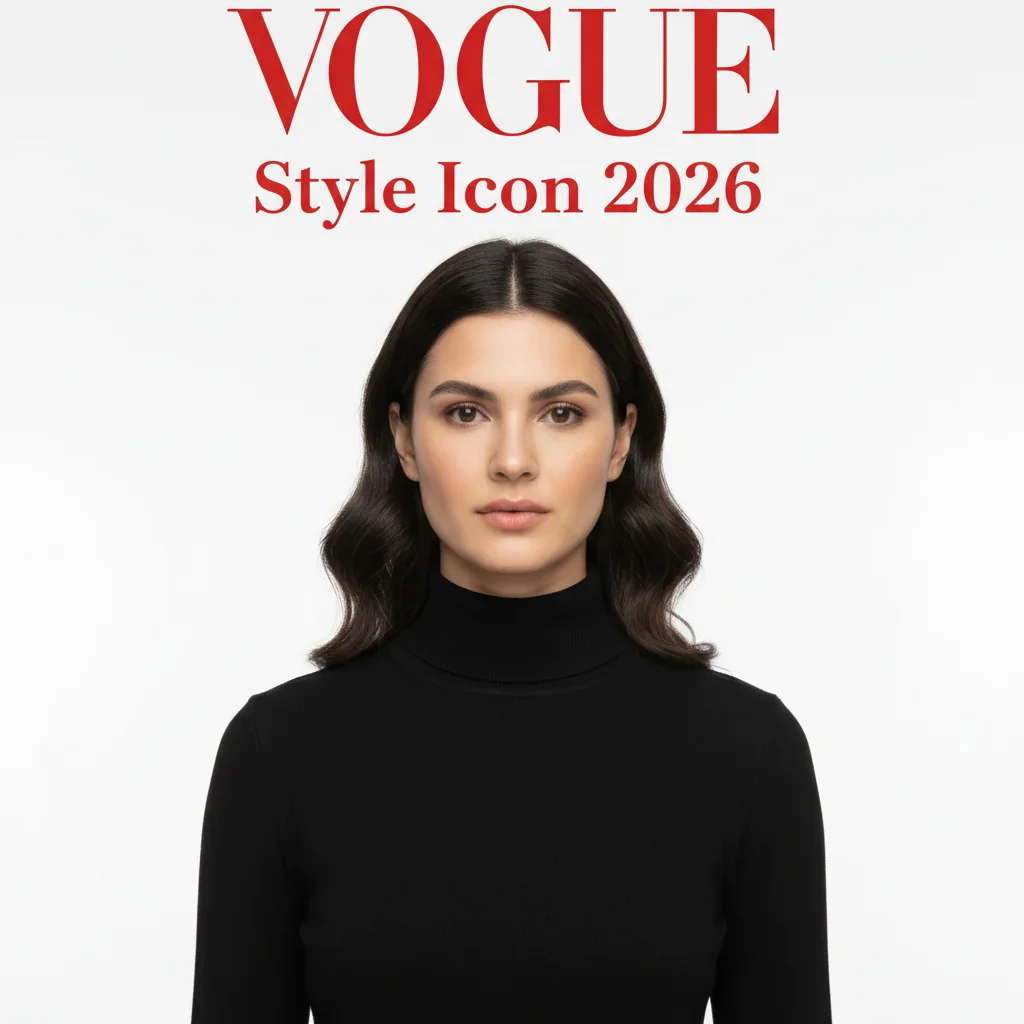
Vogue-style fashion cover transformation
A portrait photo transformed into an elegant Vogue-inspired magazine cover with sophisticated typography.
Prompt:
put my face on a Vogue-style fashion magazine cover with elegant serif typography and the headline 'Style Icon 2026'


Time magazine Person of the Year
A casual headshot transformed into an iconic Time magazine cover with the signature red border frame.
Prompt:
create a Time magazine cover featuring this person with bold red border and headline 'Person of the Year'
Quick answers
Popular use cases
Ready to put your face on a magazine cover?
Free to try. No signup required.