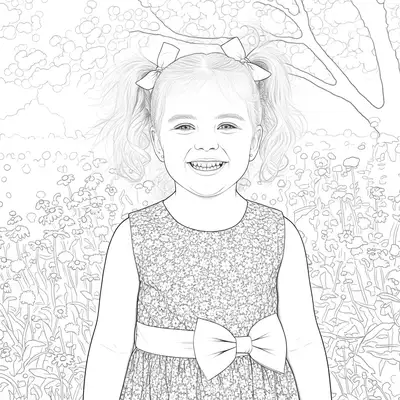
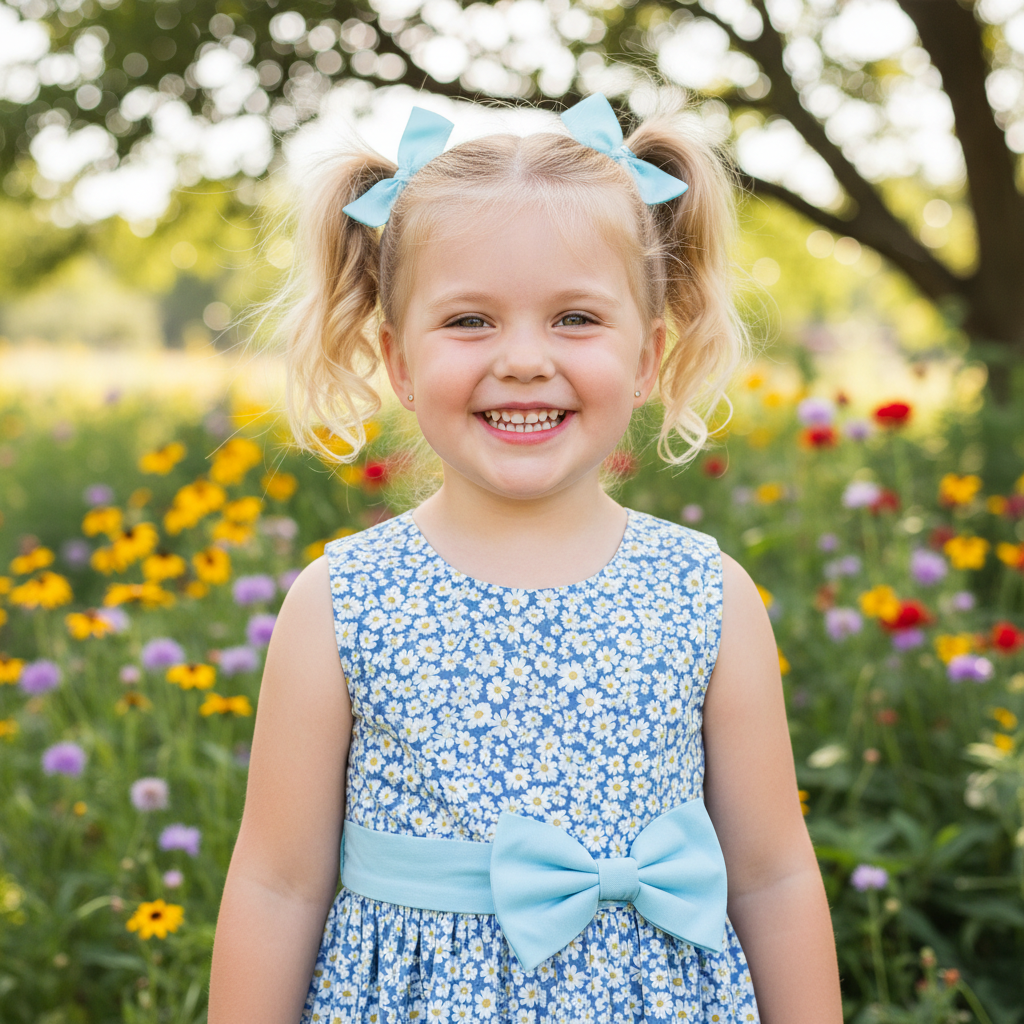
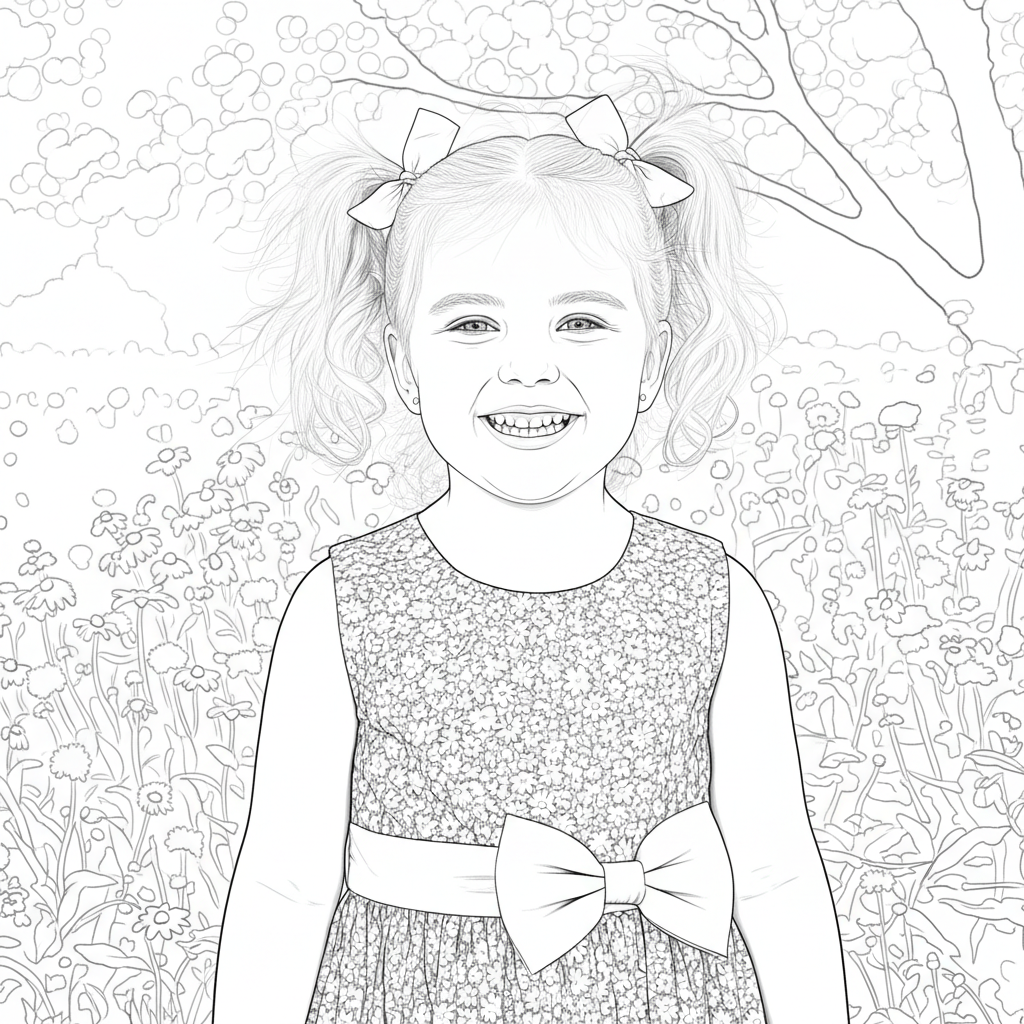
Free • No signup Create Coloring page · Free

AI Coloring Page Maker

Describe the outline style and AI converts your photo into a printable coloring page in seconds.
Happy labrador puppy sitting on grass with tongue out
Before
Same puppy as a clean coloring page with thick outlines on white background
After

AI Coloring Page Maker

Upload photo to create coloring page

Free • Results in 30 seconds • No signup

Release to upload

FreeNo signupNo watermark
Popular use cases:
  • kids coloring activities
  • classroom worksheets
  • custom coloring books
  • birthday party activities
  • pet coloring pages
  • adult coloring therapy
  • homeschool materials
  • rainy day activities

Cost
Free No signup required
Time
Instant results in 15-30 seconds
Works on
Any device - browser, phone, tablet, desktop
Powered by
AI-powered photo editing
Scenario Prompt Time
Simple kids coloring page convert to simple coloring page with thick outlines for kids 30s
Detailed adult coloring page convert to detailed adult coloring page with fine intricate outlines 40s
Pet coloring page turn this pet into a cute coloring page with clean outlines 30s

How it works

  1. Upload your photo

    Upload any photo for color work. Images with varied tones give the AI more to work with for coloring page adjustments. JPG, PNG, WebP up to 7MB.

    Expect: Simple coloring page: 30-40 seconds. Complex scenes with lots of detail: 45-60 seconds.
  2. Describe the coloring page style

    Type your instruction: 'convert this photo into a coloring page with clean black outlines on pure white background, no shading or color fill, ready to print' or 'make a simple coloring page suitable for kids with thick easy-to-color outlines.' Specify the detail level and target audience. No marking needed—the AI converts the entire image.

    Tip: Specify detail level: 'simple thick outlines for young children' or 'detailed fine outlines for adults' to match the coloring difficulty.

    Copy one of these to get started:

    Kid-friendly coloring page convert this photo into a simple coloring page for kids with thick black outlines, no shading, large areas to color, and pure white background
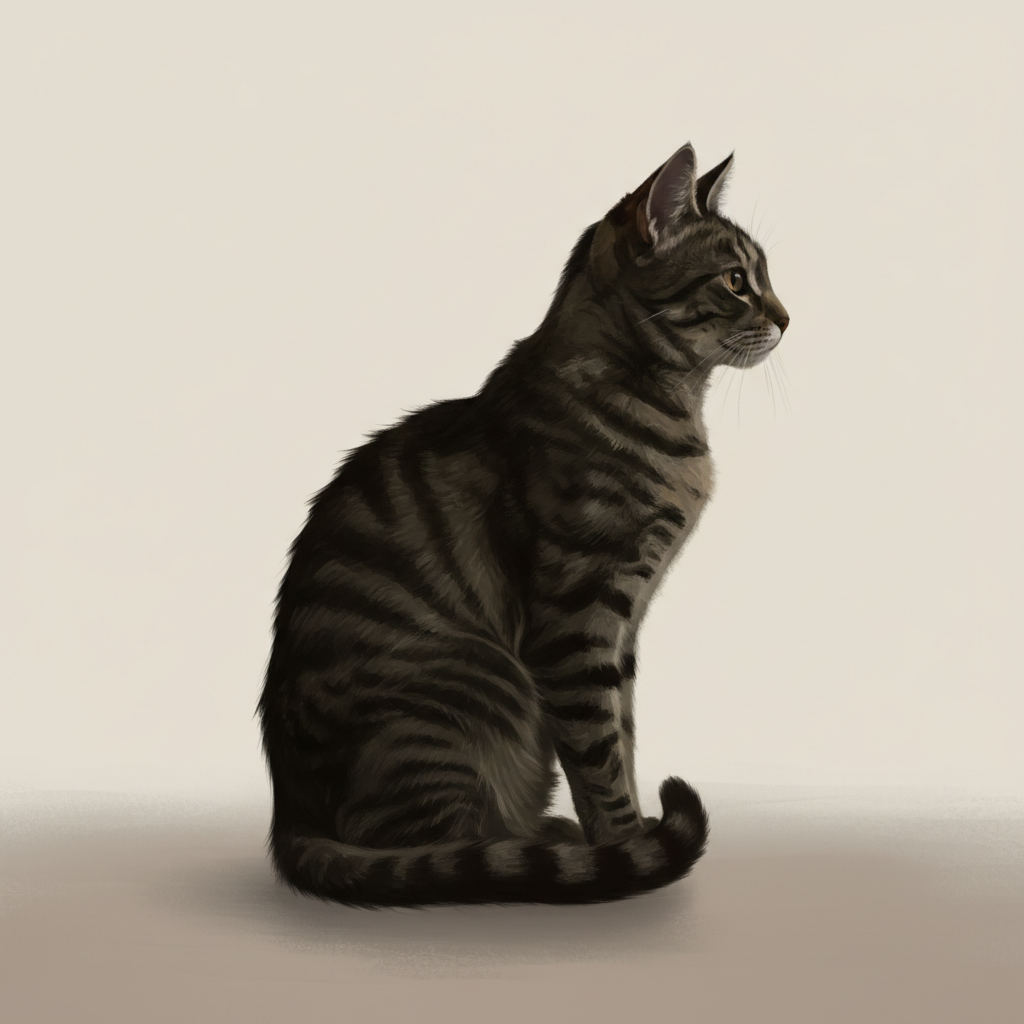
    Personalized gift or keepsake create coloring page in a high-quality, polished style. This is a personalized gift — make it look handcrafted and special, with rich detail and warm tones
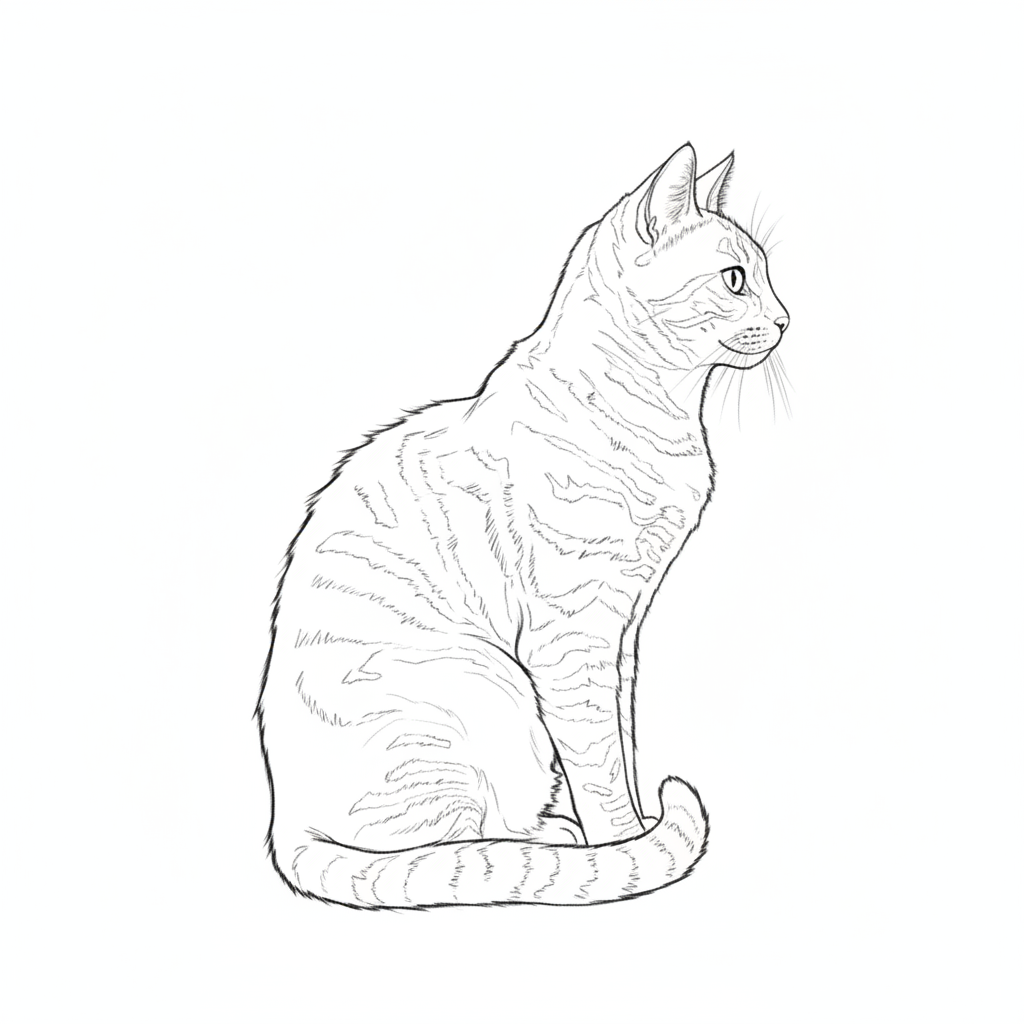
    Pet coloring page turn this pet photo into a cute coloring page with clean outlines showing the animal's features clearly, no color, pure white background
    Landscape coloring page convert this landscape photo to a coloring page with clean outlines for sky, mountains, trees, and foreground elements, no shading, white background
    3 more prompts
    Mandala-style from photo convert this photo into a mandala-inspired coloring page with symmetrical patterns, decorative outlines, and intricate repeating elements
    Cartoon coloring page turn this photo into a cartoon-style coloring page with simplified features, bold outlines, fun exaggerated proportions, and no shading
    Floral coloring page convert this flower photo into a botanical coloring page with detailed petal outlines, leaf veins visible, and delicate stem details on white background
  3. Review the coloring page

    Check that all outlines are clean and closed (no gaps where color would leak). Look for appropriate detail level—simple enough to color but recognizable. Verify the background is pure white and ready to print.

  4. Refine with markers if needed

    If specific areas need more detail, simpler outlines, or closed gaps, tap markers on those spots and regenerate. Most coloring pages are print-ready on the first try.

    Tip: Markers are for precision refinement only. Try without them first—coloring page conversions usually produce clean results immediately.
Try it free

AI Coloring Page Maker

Upload photo to create coloring page

Free • Results in 30 seconds • No signup

Release to upload

Free • No signup

See it in action

Happy labrador puppy sitting on grass with tongue out
Before
->
Same puppy as a clean coloring page with thick outlines on white background
After

Pet photo to kid-friendly coloring page

A pet photo transformed into a simple, clean coloring page with thick outlines perfect for children.

Prompt: convert this photo into a simple coloring page for kids with thick black outlines, no shading, large areas to color, and pure white background
Bouquet of sunflowers in ceramic vase
Before
->
Same sunflowers as a detailed botanical coloring page with intricate outlines
After

Flower arrangement to botanical coloring page

A flower photograph converted into a detailed botanical coloring page with intricate petal and leaf outlines.

Prompt: convert this flower photo into a botanical coloring page with detailed petal outlines, leaf veins visible, and delicate stem details on white background

Detailed Guides by Scenario

📷

Art & Decoration

Transform your photos into coloring page artwork for wall prints, framed art, and home decoration.

Common Scenarios

  • Converting a favorite photo into a coloring page print for your living room wall
  • Creating a series of coloring page portraits of family members as matching wall art
  • Turning landscape or travel photos into coloring page art for office decoration

Best Practices

  • Start with a high-resolution photo — printed art needs sharp detail even after the style transform
  • Request a specific aspect ratio if the print will go in a particular frame
  • Try 'bold coloring page' vs. 'subtle coloring page' to control how dramatic the transformation looks
📷

Social Media & Content

Create scroll-stopping social media content by converting photos to coloring page — perfect for profiles, stories, and viral posts.

Common Scenarios

  • Making a unique coloring page profile picture that stands out in feeds
  • Creating a coloring page version of a trending meme or photo challenge
  • Building a themed Instagram series where every post uses coloring page transformation

Best Practices

  • Pair the transformation with a catchy caption that references the art style
  • For Instagram stories, add text overlays after the coloring page conversion for maximum engagement
  • Process several photos in the same session to maintain a consistent style across posts
📷

Gifts & Personal Keepsakes

Turn meaningful photos into coloring page keepsakes — custom gifts, cards, and personalized items that people actually treasure.

Common Scenarios

  • Creating a coloring page portrait as a birthday or anniversary gift
  • Designing coloring page wedding invitations or save-the-dates from engagement photos
  • Making a coloring page memorial portrait for a loved one

Best Practices

  • Choose photos with clear faces and good lighting — the transformation preserves detail best from quality originals
  • For gifts, print on canvas or premium paper to complement the coloring page aesthetic
  • Request 'warm tones' or 'cool tones' to match the recipient's home decor

If something looks off

AI changed the wrong area or something I didn't want changed

Why: The AI couldn't determine which subject to convert from description alone.

Try: Tap a marker on the specific subject you want as a coloring page, then regenerate with the same prompt

Tip: Markers tell the AI 'I mean THIS subject specifically.' Use them when multiple subjects are in the photo.

Outlines have gaps where color would leak through

Why: The AI left open spaces in the outline where lines don't connect, making it hard to color within the lines.

Try: convert to coloring page with all outlines fully closed and connected, no gaps or breaks in any line, every area is a complete enclosed shape

Tip: 'Fully closed' and 'no gaps' are critical for print coloring pages—color leaks through any open line.

Too much detail—hard to color in small areas

Why: The AI preserved too much detail from the photo, creating tiny areas that are difficult to color.

Try: convert to a simple coloring page with large, easy-to-color areas, thick outlines, and simplified detail—suitable for children

Tip: Specify 'simplified' and 'large areas' to reduce detail. For kids under 6, add 'very simple with minimal detail.'

Not enough detail—looks too plain or unrecognizable

Why: The AI over-simplified, removing distinctive features that make the subject recognizable.

Try: convert to coloring page with moderate detail that preserves the subject's distinctive features and recognizable characteristics

Tip: 'Preserves distinctive features' keeps the subject recognizable while still being a coloring page.

Background isn't pure white—has shading or grey areas

Why: The AI left residual shading or grey tones instead of converting to pure black-and-white line art.

Try: convert to pure line art coloring page with only black outlines on pure white background, absolutely no shading, no grey areas, no gradients

Tip: 'Absolutely no shading' and 'pure white' ensure clean printability—any grey will waste ink when printing.

Quick answers

Do I need to mark anything before creating a coloring page?

No! Just upload your photo and describe the coloring page style: 'convert this to a coloring page with clean outlines on white background.' The AI converts the entire image automatically. Only use markers if there are multiple subjects and you want to specify which one to outline.

How do I make a coloring page from a photo for free?

Upload your photo to EditThisPic and type 'convert this photo into a coloring page with clean black outlines on white background.' The AI generates a printable coloring page in about 30 seconds. Free to use, no account needed, no watermark.

Is there a free coloring page maker that doesn't require login?

Yes. EditThisPic creates coloring pages from photos with no signup required. Upload your image, specify simple or detailed outlines, and download. No watermarks, no account walls. Print-ready results.

What's the best free AI tool for making coloring pages from photos?

EditThisPic lets you control the detail level—simple thick outlines for kids or intricate fine lines for adult coloring books. Unlike preset filters, you describe the exact coloring page style. Free, no login, results in 30 seconds.

Is EditThisPic's AI coloring page creator really free?

Yes — you get 1 free edit per week, no account needed. For unlimited edits, plans start at $3.99/month.

Can I create coloring page on my phone?

Yes. EditThisPic works in any mobile browser — iPhone, Android, tablet. No app download needed.

What photo formats does the AI coloring page creator support?

JPG, PNG, WebP, and HEIC. Upload any common photo format and EditThisPic handles the rest.

How long does it take to create coloring page?

Usually 15-30 seconds. Upload your photo, describe what you want, and the AI delivers the result.

Ready to make coloring pages from your photos?

Free to try. No signup required.