AI Photo Editor for Ribbon Cutting Ceremonies
Last updated
Grand openings happen once. Get the photo right.
Drop your photo here
"balance the bright sky and shadowed faces, make everyone at the ribbon clearly visible"
Release to upload
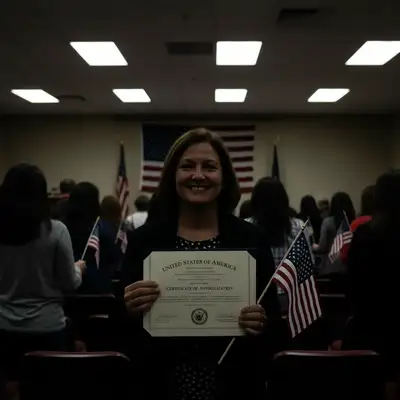
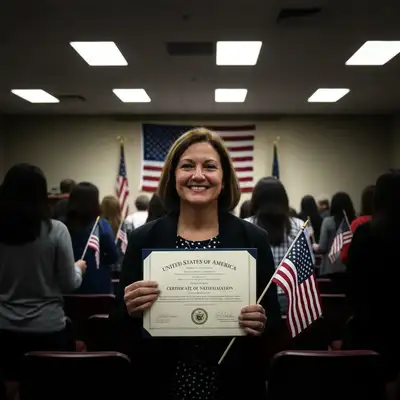
How to Edit Ribbon Cutting Ceremony Photos
-
Upload your photo
Drop your ribbon cutting ceremony photo into EditThisPic. JPG, PNG, WebP up to 7MB.
Most edits: 20-35 seconds. -
Describe your edit
Type what you want in plain English. The AI understands context and will enhance your photo accordingly.
-
Review and download
Check the result and download in high resolution for social media, printing, or sharing.
Best Prompts for Ribbon Cutting Ceremony Photos
balance the bright sky and shadowed faces, make everyone at the ribbon clearly visible
Outdoor ribbon cuttings often face the building, putting the sun behind people
brighten all faces in the ceremony group equally, make the ribbon and scissors visible
The ceremony moment photo is often the only shot you get
fix the harsh fluorescent lighting, add warm natural light that looks professional and inviting
New commercial spaces often have unflattering temporary lighting during openings
enhance the building exterior to look bright, inviting, and professional
The venue itself is part of the story and should look its best
Ribbon Cutting Ceremony Photo Transformations
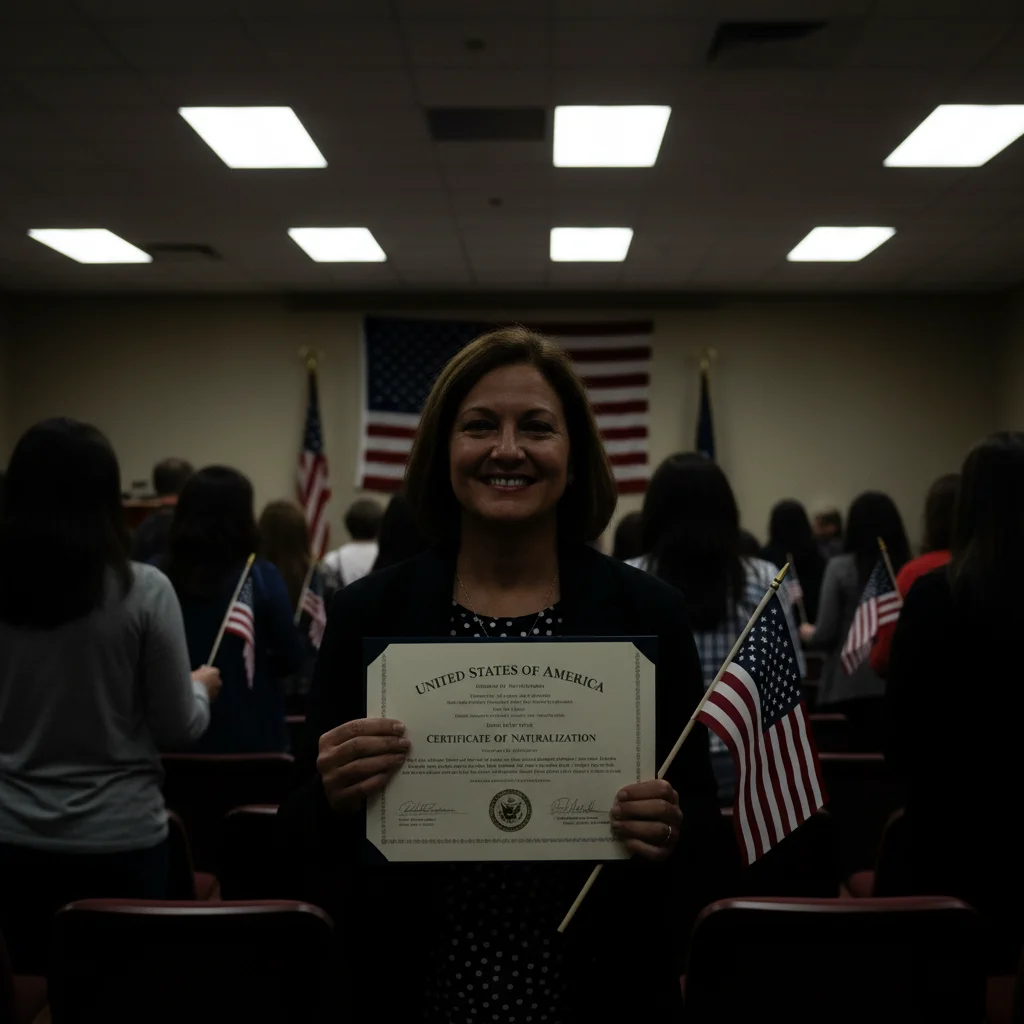
Outdoor ceremony balanced
Ribbon cutting group with faces visible despite backlit outdoor conditions.
balance the bright sky and shadowed faces, make everyone at the ribbon clearly visible
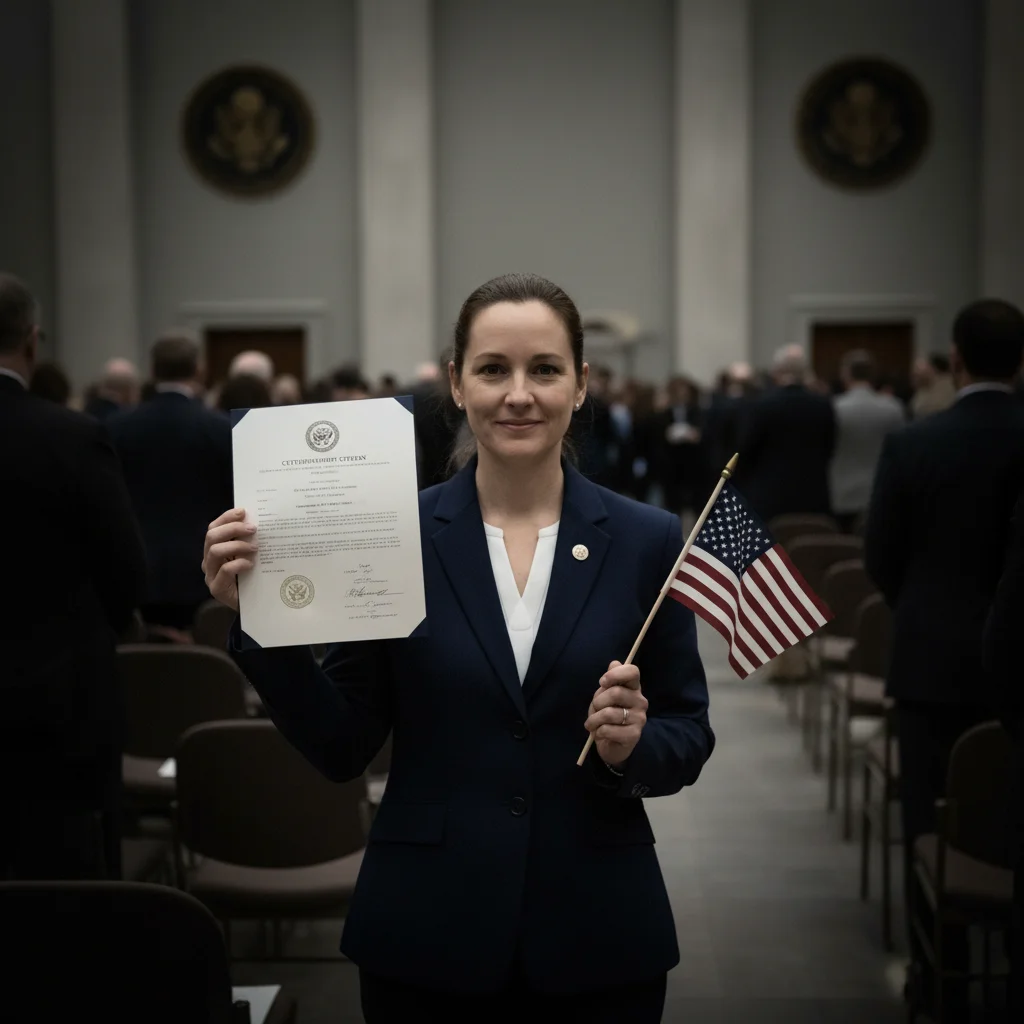
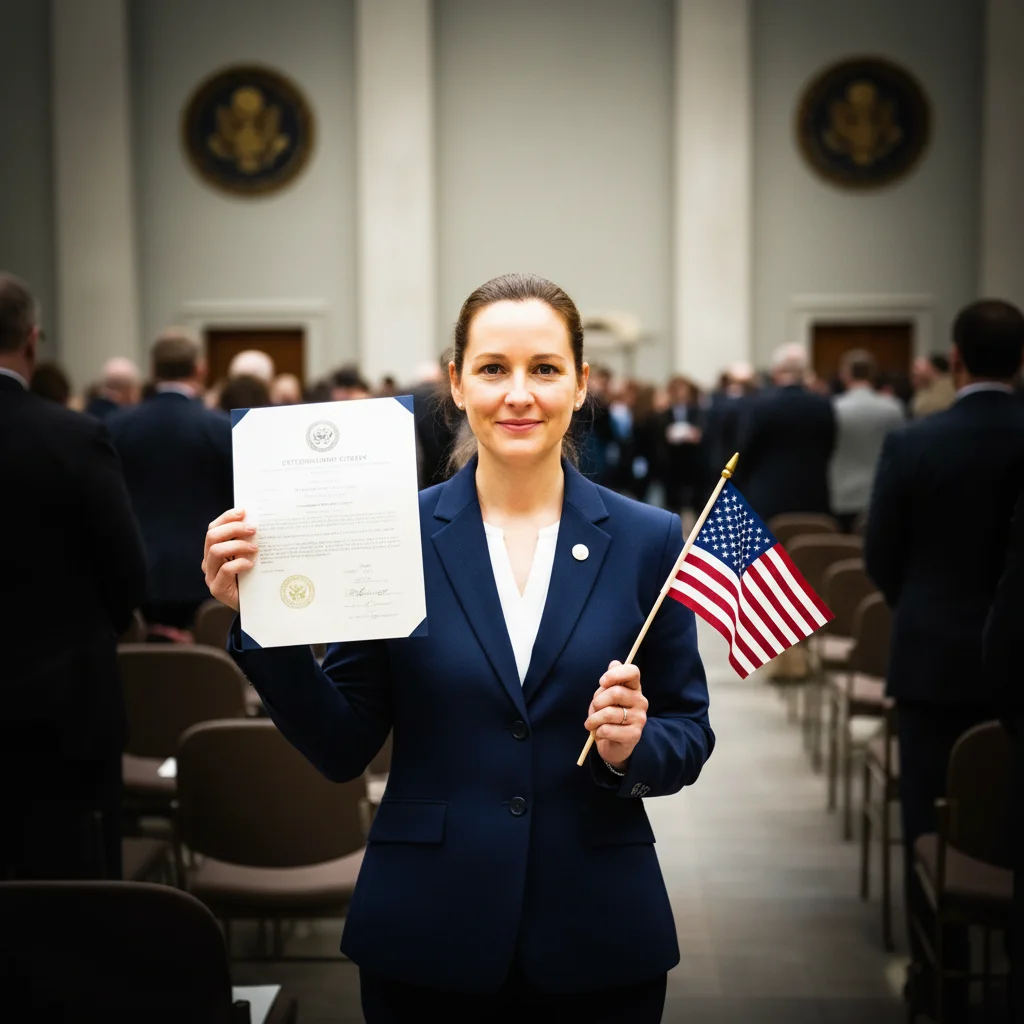
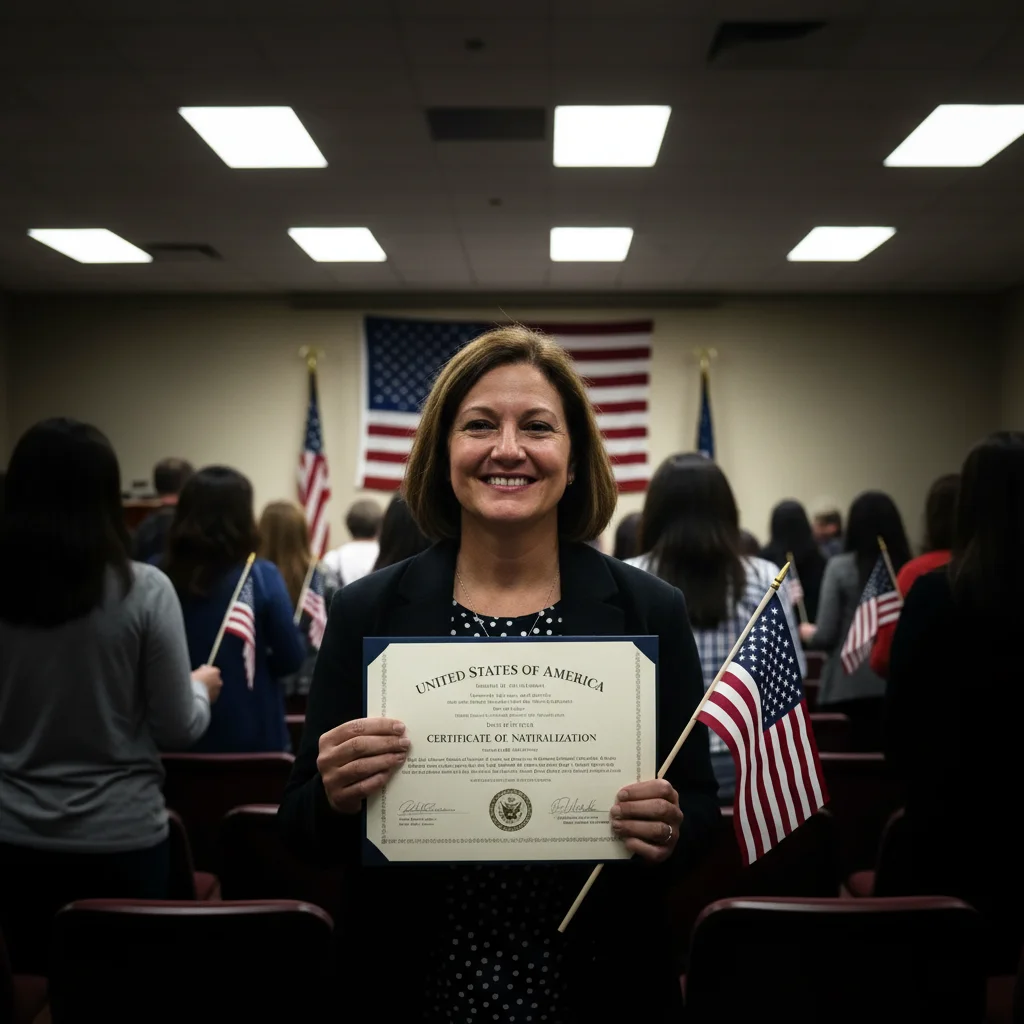
Ceremony group brightened
Grand opening group photo with every participant clearly visible.
brighten all faces in the ceremony group equally, make the ribbon and scissors visible
Common Issues
Harsh flash shadows on faces and walls
Why: Direct camera flash creates unflattering shadows behind subjects
Adding 'natural and even' helps AI simulate soft diffused lighting
Poor indoor lighting makes everything dark or yellow
Why: Churches, halls, and venues often have dim or warm tungsten lighting
Specify 'natural white balance' to fix both brightness and color at once
Motion blur during key moments
Why: Low light forces slow shutter speeds, blurring movement
AI works best on mild blur — very heavy motion blur may need multiple passes
Frequently Asked Questions
How specific should my prompt be to get a good AI Photo Editor for Ribbon Cutting Ceremonies result on the first try?
One sentence is usually enough: 'enhance this ribbon cutting ceremony photo.' If the first result is off, refine with details — color, position, lighting, or what to keep. Each pass takes 20-45 seconds and runs separately, so you can compare. Free first edit per week, no signup.
Can I enhance the ribbon cutting moment?
Yes! Type 'brighten all faces equally, make ribbon and scissors visible.' The ceremony moment needs every participant and the ribbon to be clear.
Is this ceremony photo editor free?
Yes - 1 free edit per week, no account needed. From $4.99/month for 15 edits.
Can I edit on my phone?
Yes. Works in any mobile browser - edit right at the event.
Is EditThisPic really free?
Yes, EditThisPic offers one free Fast edit per week — no signup or credit card required. For more edits, affordable packs start at $1.99.
Do I need to download any software?
No, EditThisPic runs entirely in your browser. No downloads, no plugins, no app installation needed. It also has an iOS app on the App Store.
Popular use cases
Ready to perfect your ribbon cutting ceremony photos?
Free to try. No signup required. Professional results in seconds.
Upload Your PhotoTrusted by 15,000+ users