AI Photo Editor for Tutoring Service Profile Photos
Last updated
Profile photos that parents and students trust.
Drop your photo here
"make this a professional tutor profile photo, friendly, approachable, and competent"
Release to upload


Built for Tutoring Service Professionals
Parents trust tutors who look professional and approachable. Your profile photo is the first impression on Wyzant, Varsity Tutors, and Tutors.com. Professional photography costs $100-300 per session. EditThisPic creates the friendly, competent look that converts profile views into bookings.
How to AI Photo Editor for Tutoring Service Profile Photos
-
Upload your photo
Drop your tutoring service photo into EditThisPic. JPG, PNG, WebP up to 7MB.
-
Describe your edit
Type what you want in plain English.
-
Review the result
Check accuracy and natural appearance.
Copy-Paste Prompts for Tutoring Service
make this a professional tutor profile photo, friendly, approachable, and competent
Friendly + competent is the sweet spot for tutor photos
replace background with clean professional setting, keep the warm friendly expression
Parents associate clean backgrounds with organized, quality tutoring
enhance to professional profile quality, bright warm lighting, sharp and clear
Sharp, bright photos stand out in tutoring platform search results
enhance the tutoring center photo with bright engaging lighting, show a positive learning environment
Center photos should show a space parents feel comfortable sending kids to
Show more prompts
enhance the virtual tutoring background to look professional and educational
Online tutoring needs a clean, professional background visible in video
Real Tutoring Service Photo Transformations
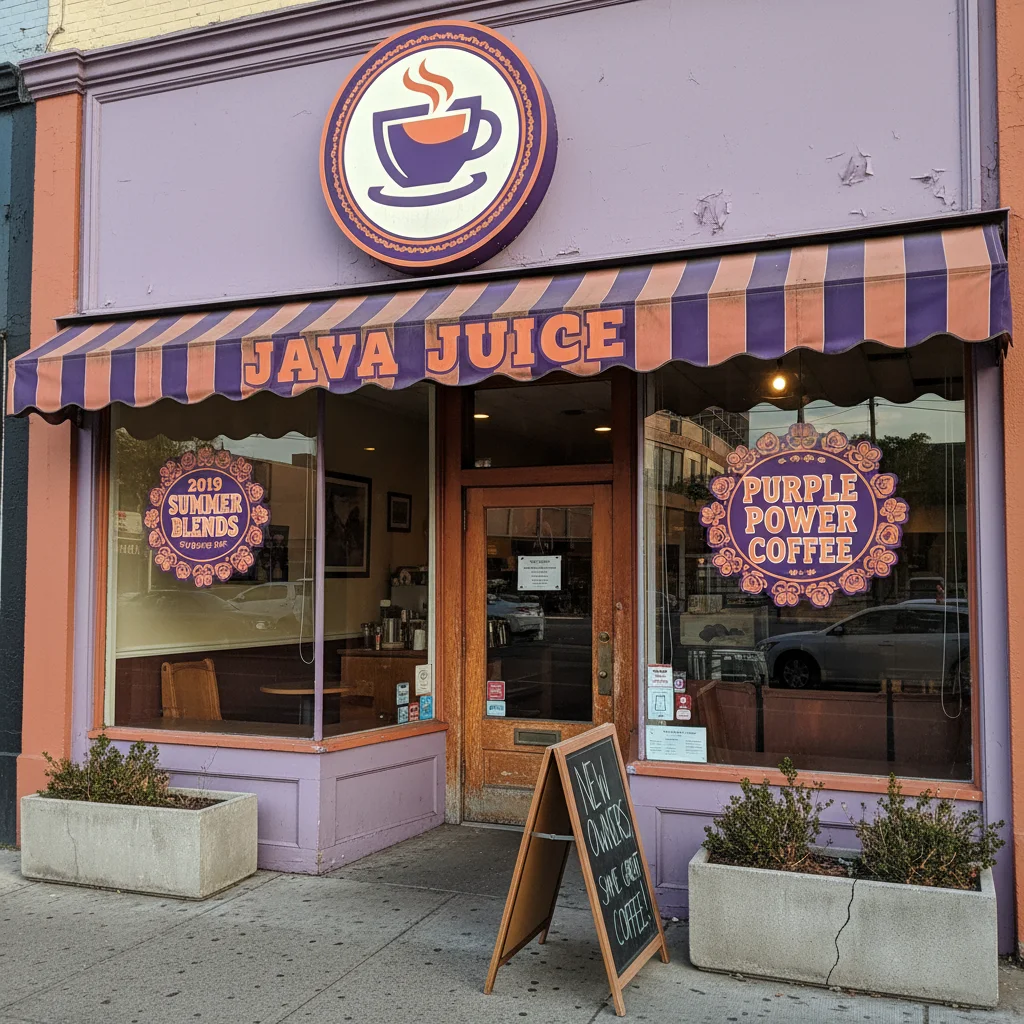
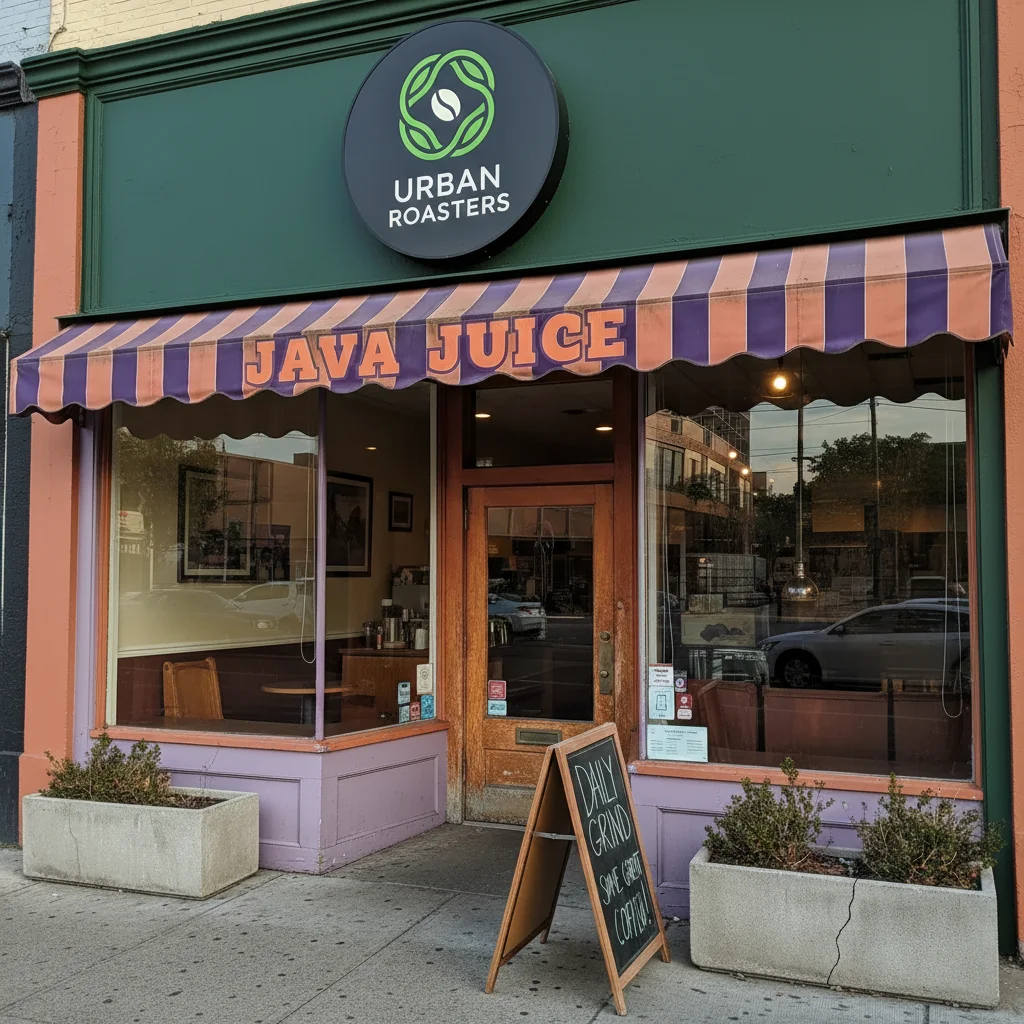
Tutor selfie professionalized
Casual tutor selfie transformed into a professional, approachable profile photo for tutoring platforms.
make this a professional tutor profile photo, friendly, approachable, and competent
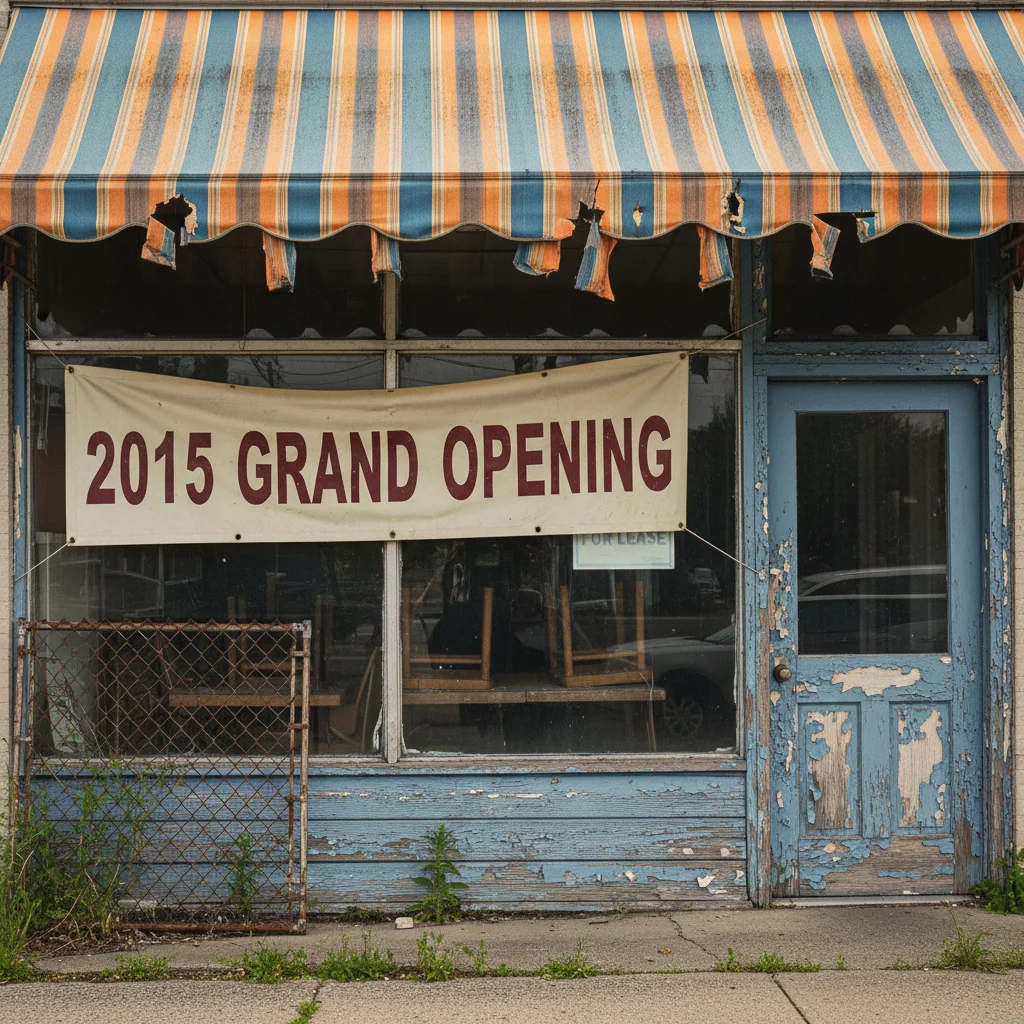
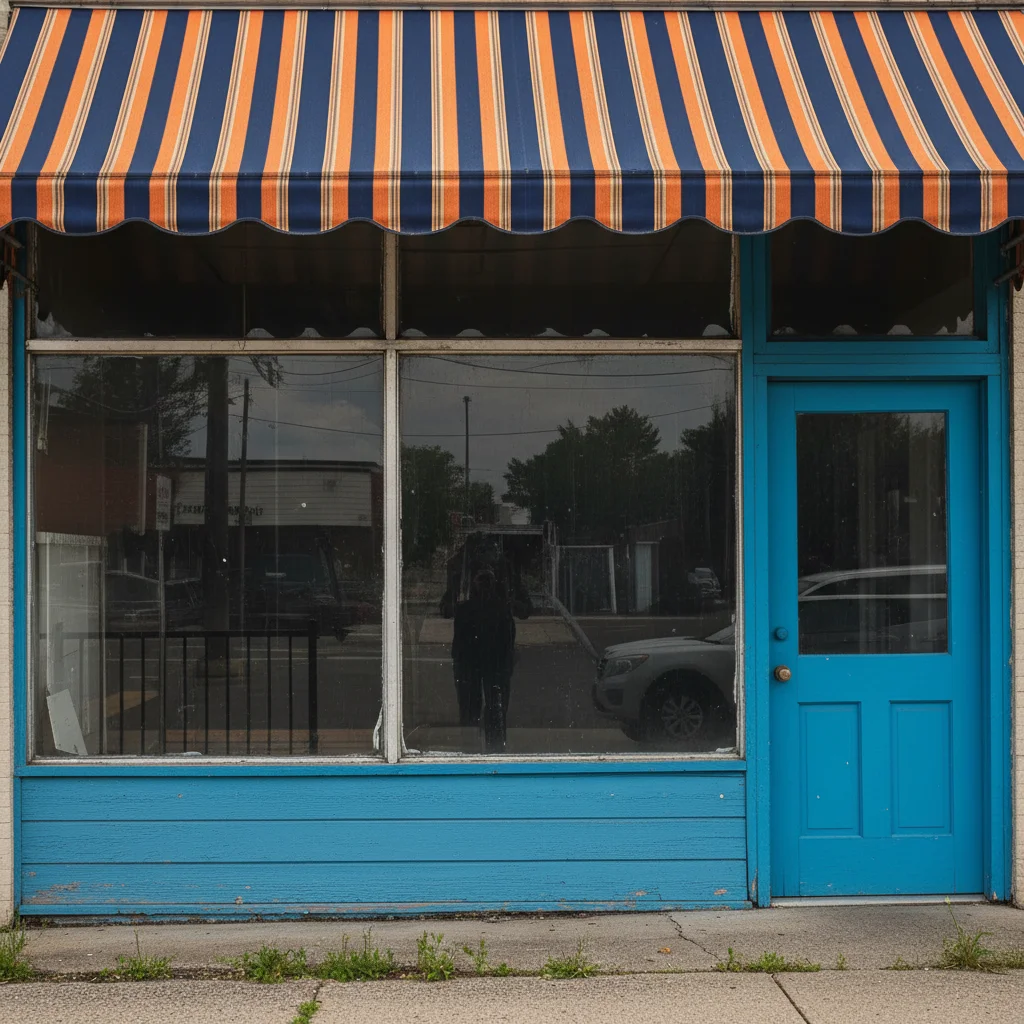
Tutoring center enhanced
Tutoring center learning area enhanced to look bright, engaging, and professional.
enhance the tutoring center photo with bright engaging lighting, show a positive learning environment
Common Issues
Result looks over-processed or artificial
Why: AI can over-correct, creating an unnatural or HDR-like appearance
Adding 'natural and subtle' to any prompt helps keep results realistic
Colors shifted or look wrong after the edit
Why: Brightness and exposure changes can inadvertently alter color balance
Mention 'preserve original colors' when you only want one specific change
Photo still doesn't look quite right after one edit
Why: Complex issues may need multiple targeted adjustments
Multiple focused passes often produce better results than one big edit
Frequently Asked Questions
Does my tutor profile photo really matter?
Absolutely. Parents screening tutors look at photos first. A professional, friendly photo signals competence and approachability — the two things parents want most in a tutor.
Should I look professional or casual?
Split the difference — business casual works best. Professional enough to signal competence, casual enough to seem approachable to students. Think 'knowledgeable friend' not 'corporate executive.'
Can I use the same photo for all platforms?
Yes. Consistent branding across Wyzant, Varsity Tutors, and other platforms builds recognition. Use the same enhanced headshot everywhere.
What about photos for my tutoring website?
Enhanced photos work for websites, social media, business cards, and flyers. The professional quality translates across all marketing materials.
Should I include a photo showing tutoring in action?
For your main profile photo, a clean headshot works best. For supplementary photos on your website or social media, action shots of tutoring sessions add credibility.
Is this free?
Yes — 1 free edit per week, no account needed. For marketing materials, plans start at $4.99/month.
Popular use cases
Turn profile views into students
Professional tutor photos in seconds. Free to try.
Upload Your PhotoTrusted by 15,000+ users