AI Photo Editor for Company Anniversary Celebrations
Last updated
Milestones worth celebrating deserve photos worth keeping.
Drop your photo here
"brighten the anniversary celebration with warm festive lighting, show decorations and faces clearly"
Release to upload


How to Edit Company Anniversary Celebration Photos
-
Upload your photo
Drop your company anniversary celebration photo into EditThisPic. JPG, PNG, WebP up to 7MB.
Most edits: 20-35 seconds. -
Describe your edit
Type what you want in plain English. The AI understands context and will enhance your photo accordingly.
-
Review and download
Check the result and download in high resolution for social media, printing, or sharing.
Best Prompts for Company Anniversary Celebration Photos
brighten the anniversary celebration with warm festive lighting, show decorations and faces clearly
Anniversary venues are styled for elegance, not photography
brighten the cake cutting or toast moment, make the milestone number and decorations visible
The cake-cutting and toast are the key photo moments of any anniversary
brighten all employees equally from front to back, make the anniversary banner behind them clear
Company-wide photos with 50+ people need aggressive even lighting
enhance the historical display photos and text to be clear and readable
Anniversary events often feature company history that should be legible in photos
Company Anniversary Celebration Photo Transformations
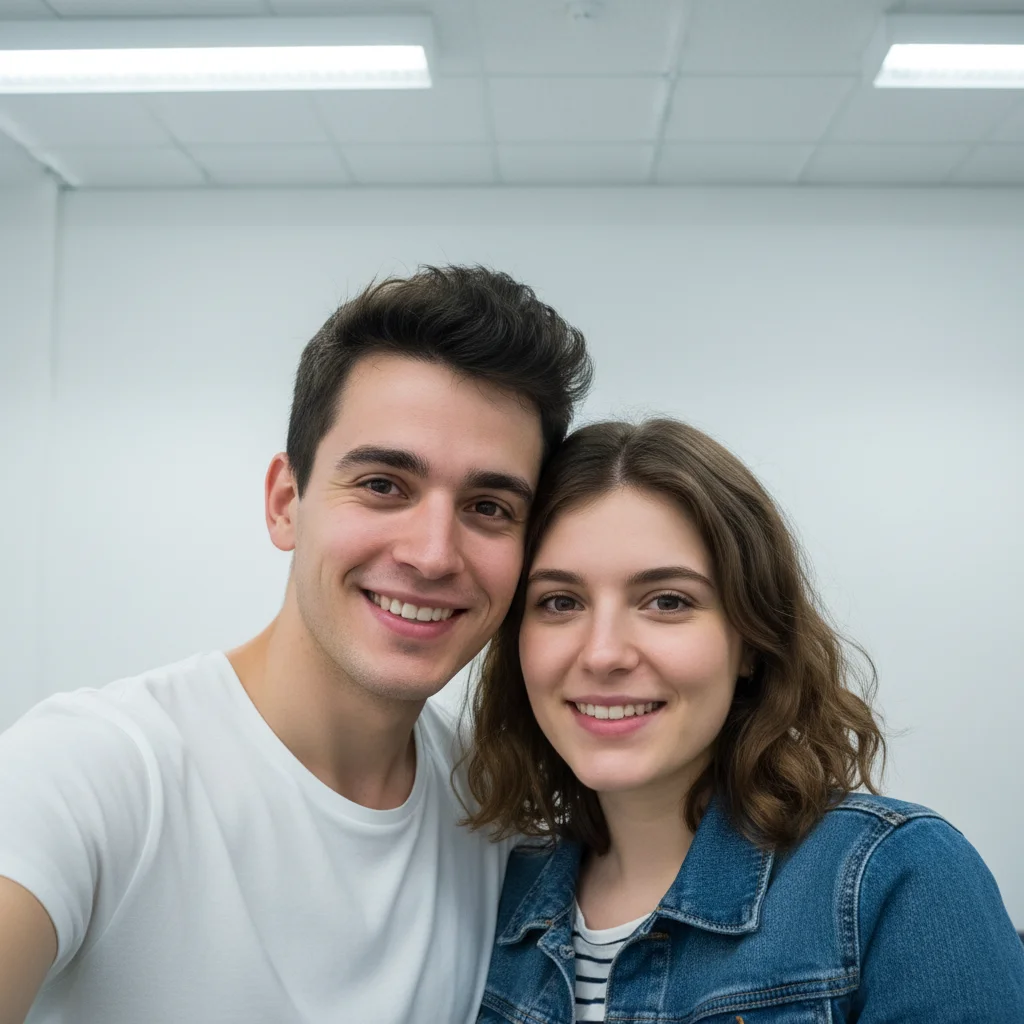
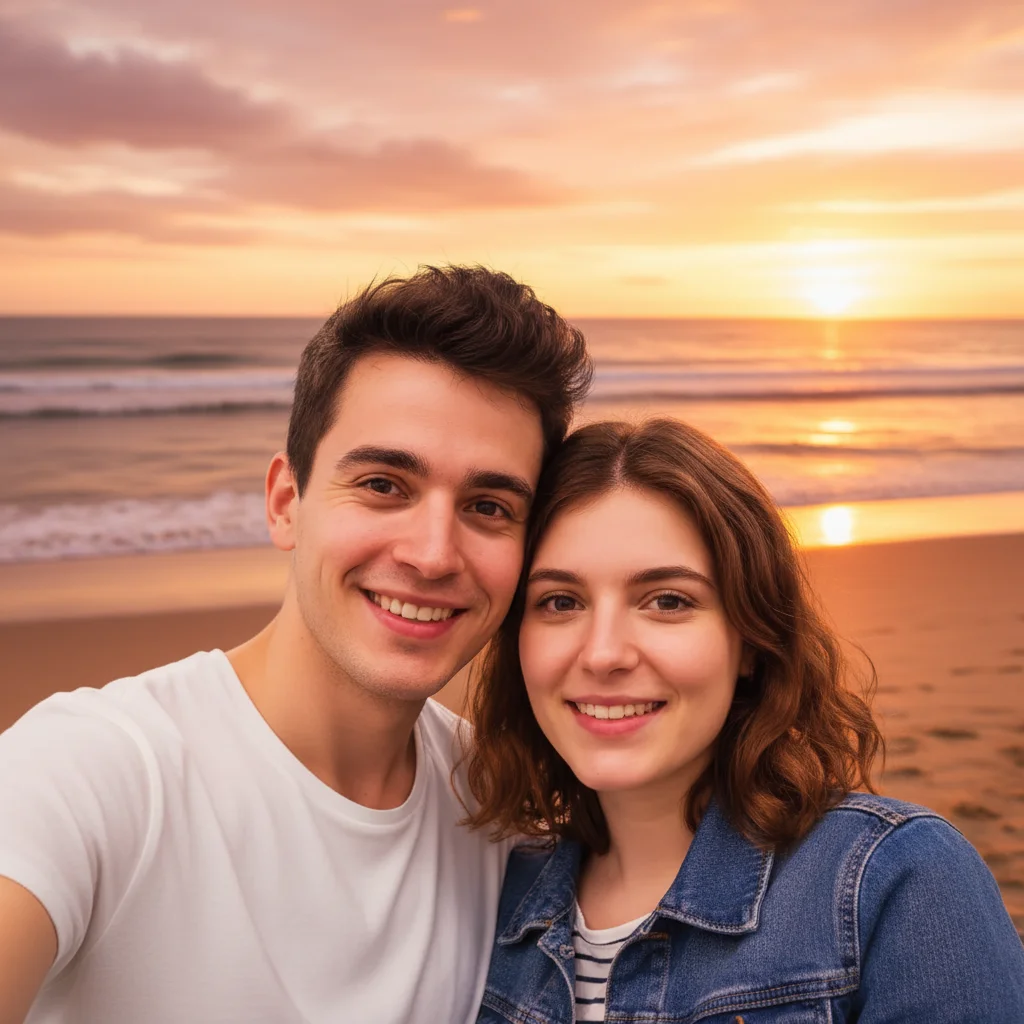
Celebration venue brightened
Anniversary celebration with warm lighting, visible decorations, and happy faces.
brighten the anniversary celebration with warm festive lighting, show decorations and faces clearly
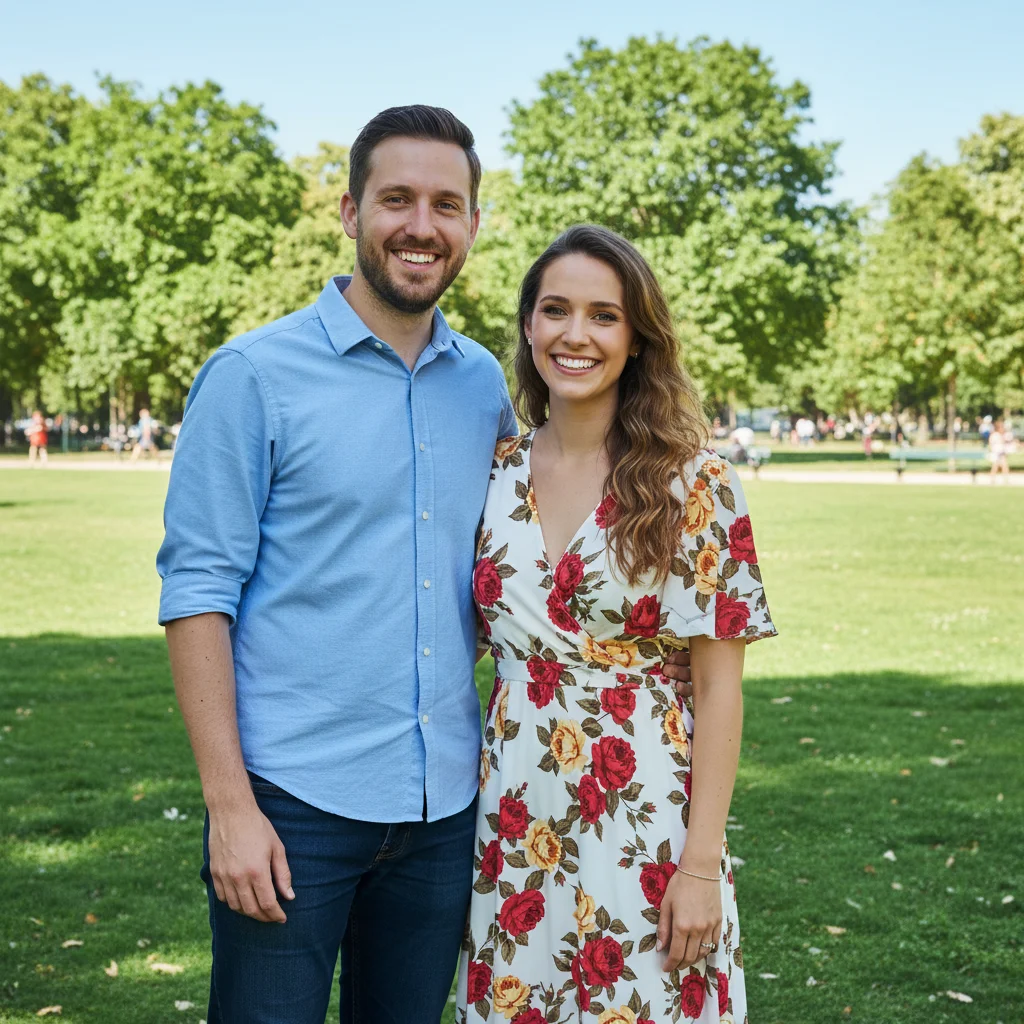
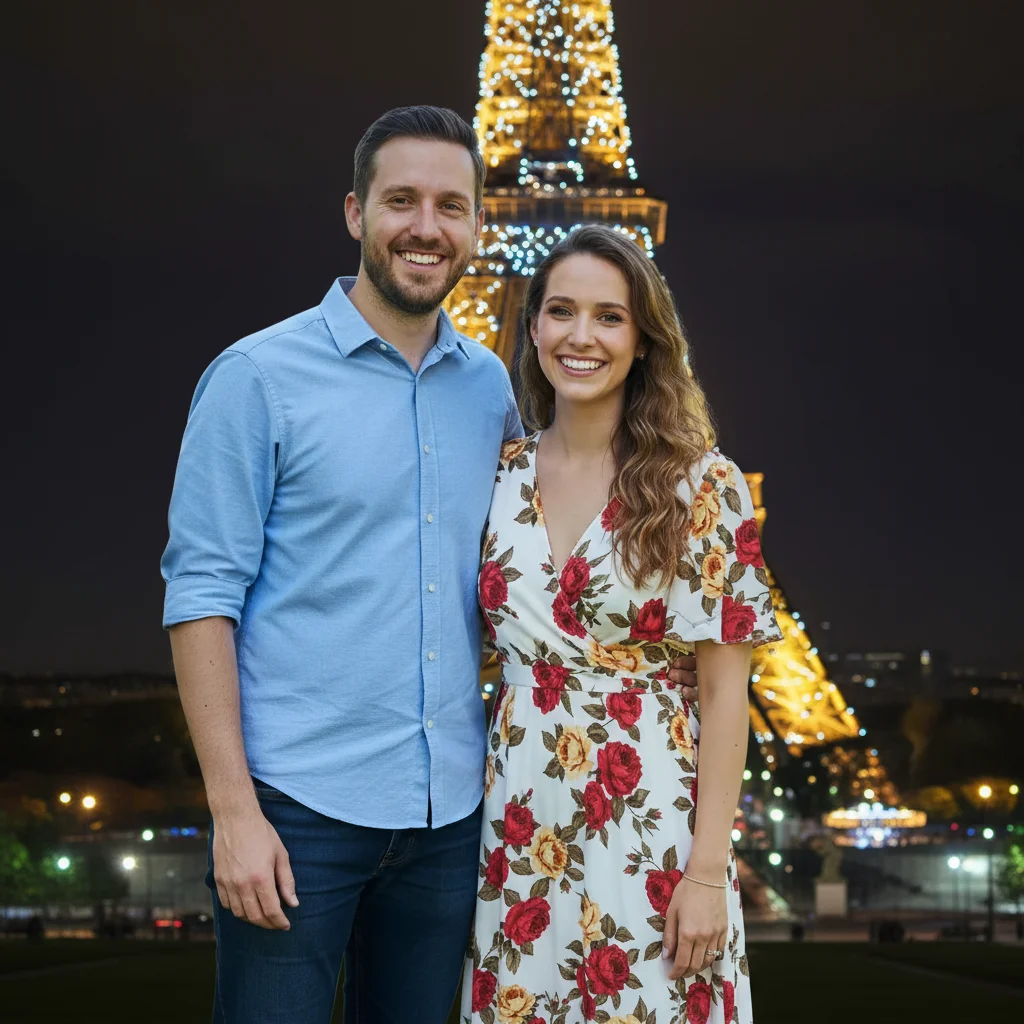
Cake moment enhanced
Anniversary cake cutting with clear milestone number and bright participants.
brighten the cake cutting or toast moment, make the milestone number and decorations visible
Common Issues
Result looks over-processed or artificial
Why: AI can over-correct, creating an unnatural or HDR-like appearance
Adding 'natural and subtle' to any prompt helps keep results realistic
Colors shifted or look wrong after the edit
Why: Brightness and exposure changes can inadvertently alter color balance
Mention 'preserve original colors' when you only want one specific change
Photo still doesn't look quite right after one edit
Why: Complex issues may need multiple targeted adjustments
Multiple focused passes often produce better results than one big edit
Frequently Asked Questions
How do I brighten company anniversary photos?
Type 'brighten with warm festive lighting, show decorations and faces.' AI makes the celebration photos match the milestone moment.
Can I enhance the cake and decoration photos?
Yes! Type 'make milestone number and decorations visible.' The anniversary details that people planned for months will finally be clear in photos.
How do I fix a large company group photo?
Type 'brighten all employees equally from front to back.' AI ensures nobody is lost in shadow, even in photos with 50+ people.
Is this celebration photo editor free?
Yes - 1 free edit per week, no account needed. From $4.99/month for 15 edits.
Can I edit on my phone?
Yes. Works in any mobile browser. No app needed.
Is EditThisPic really free?
Yes, EditThisPic offers one free Fast edit per week — no signup or credit card required. For more edits, affordable packs start at $1.99.
Popular use cases
Ready to perfect your company anniversary celebration photos?
Free to try. No signup required. Professional results in seconds.
Upload Your PhotoTrusted by 15,000+ users