AI Photo Editor for Home Inspector Report Photos
Last updated
Report photos that clearly communicate findings.
Drop your photo here
"brighten this inspection photo to clearly show the documented finding in detail"
Release to upload
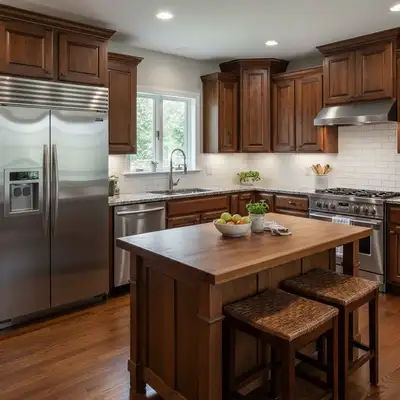
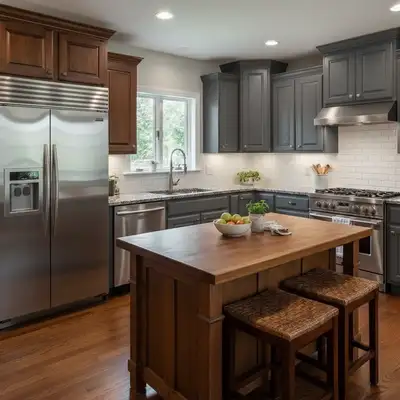
Built for Home Inspection Professionals
Home inspection reports depend on photo evidence. Buyers, agents, and sellers need to clearly see documented findings. Dark, blurry inspection photos undermine your professional credibility and can miss critical documentation. EditThisPic enhances your inspection photos to show findings clearly and professionally.
How to AI Photo Editor for Home Inspector Report Photos
-
Upload your photo
Drop your home inspection photo into EditThisPic.
-
Describe your edit
Type what you want in plain English.
-
Review the result
Check accuracy and natural appearance.
Prompts for Home Inspection
brighten this inspection photo to clearly show the documented finding in detail
Clear finding documentation is the core of a quality report
brighten and enhance this foundation photo, show the condition clearly
Foundation conditions need to be unambiguously visible
enhance the water damage documentation, show staining and moisture evidence clearly
Water damage evidence needs to be obvious to all parties
brighten this dark crawlspace photo, show the area and any findings clearly
Crawlspaces are the darkest inspection areas — brighten them
Show more prompts
brighten the electrical panel to show wiring conditions clearly
Panel documentation is critical for safety findings
Real Home Inspection Transformations
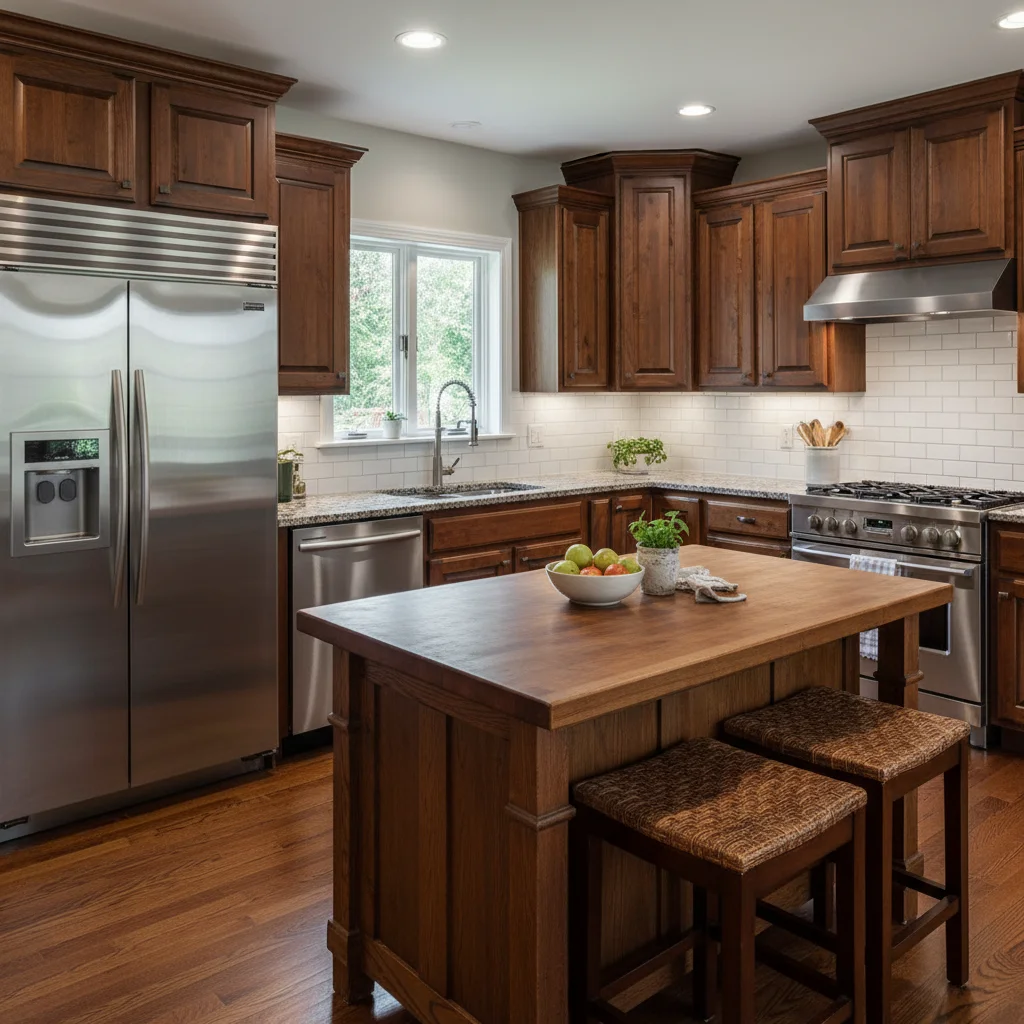
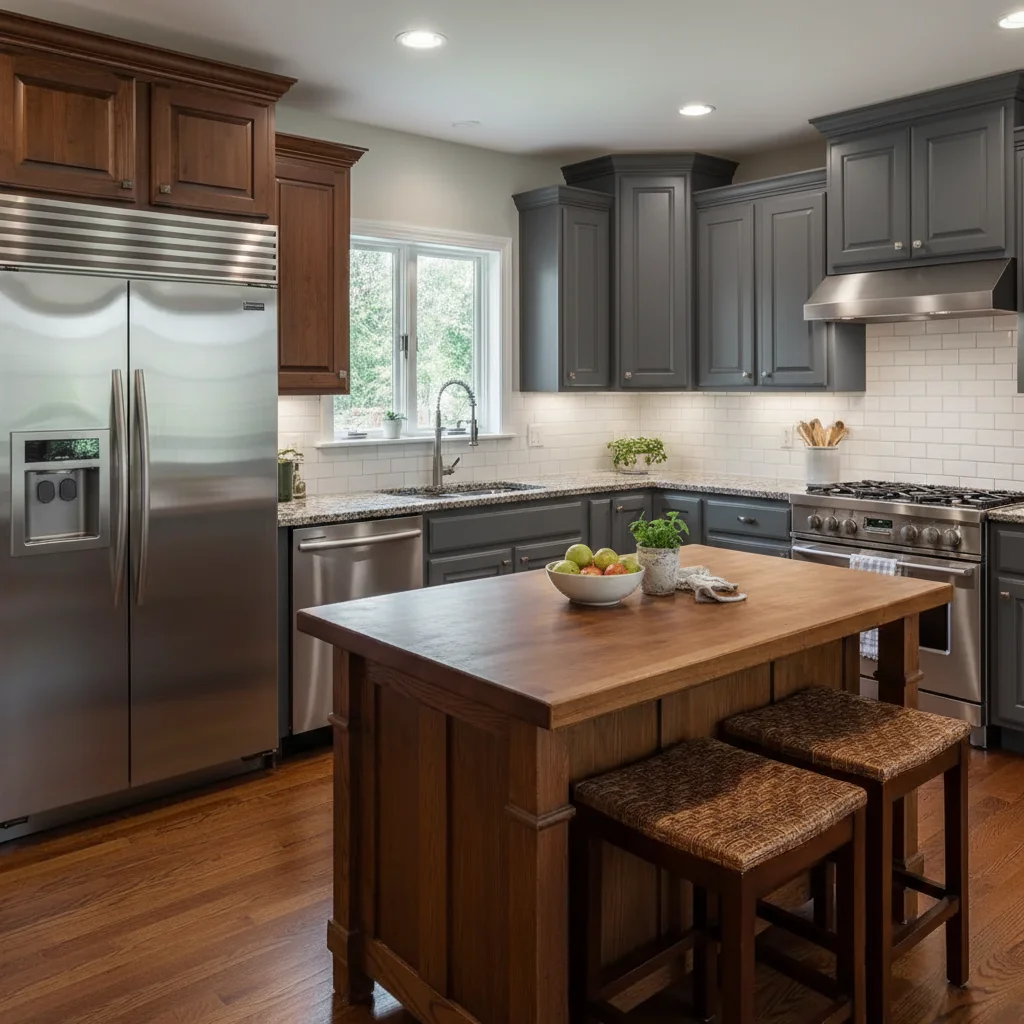
Crawlspace finding documented
Dark crawlspace inspection photo enhanced to clearly show foundation condition.
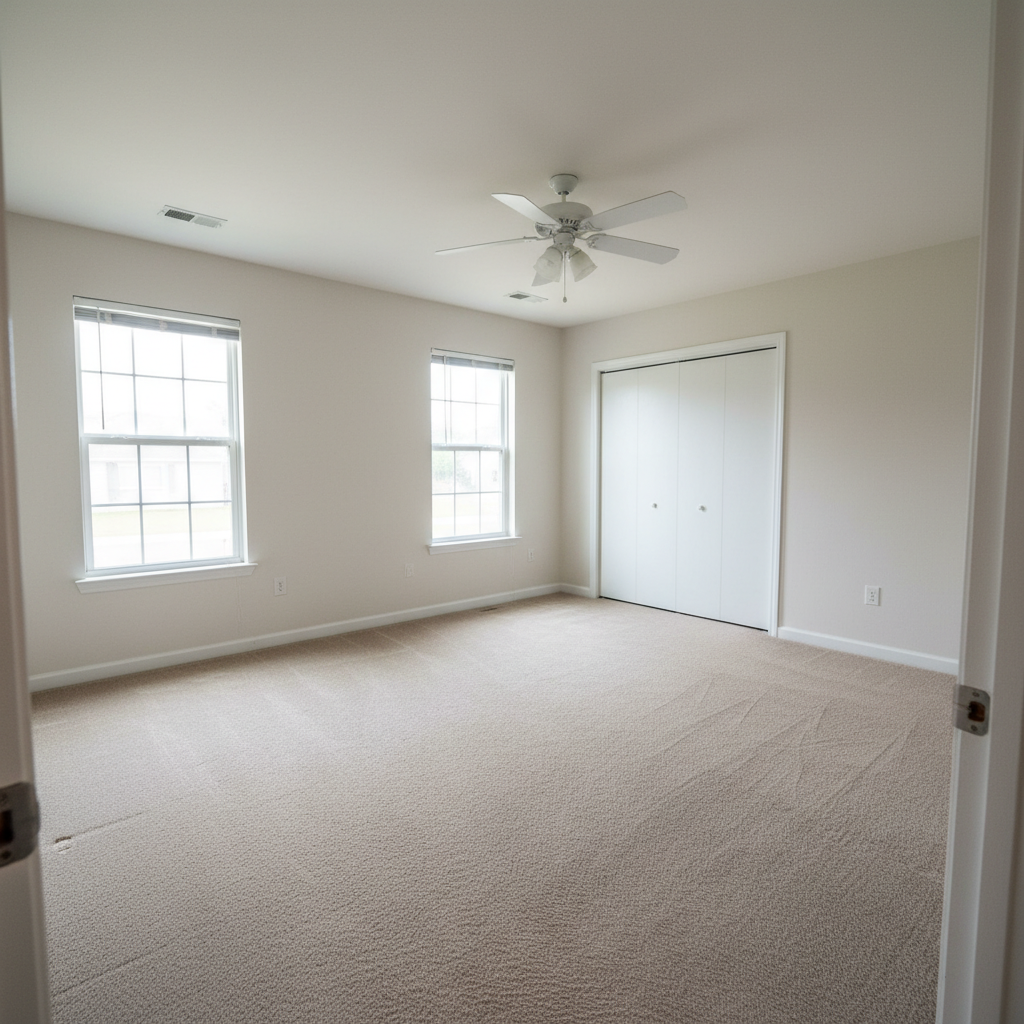
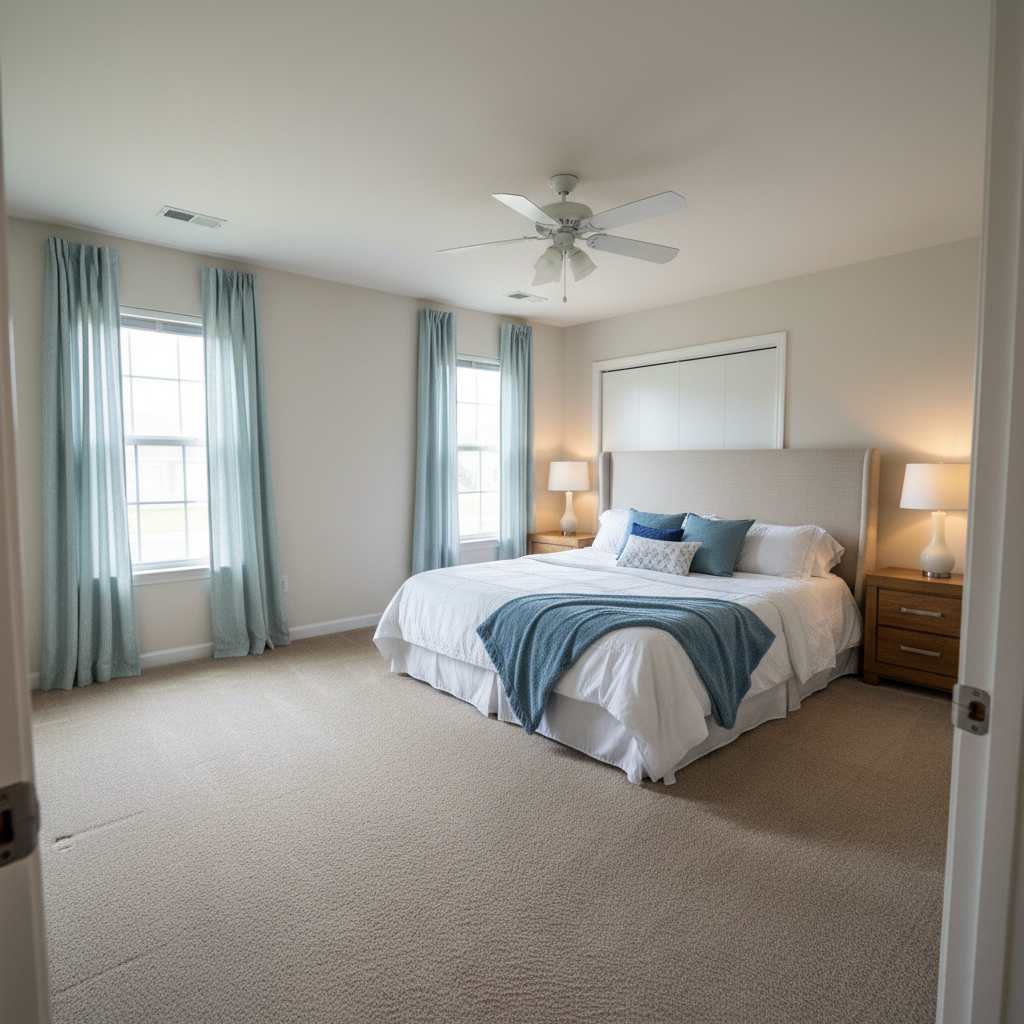
Water damage evidence enhanced
Water damage documentation photo enhanced for clear report presentation.
enhance the water damage documentation, show staining and moisture evidence clearly
Common Issues
Room looks darker and smaller than reality
Why: Phone cameras struggle with indoor exposure, especially mixed lighting
'Spacious and well-lit' triggers AI to open up shadows and enhance natural light
Windows are blown out white while interior is dark
Why: Extreme contrast between bright windows and dim rooms exceeds camera range
This HDR-style fix is one of AI's strongest capabilities — it handles it naturally
Clutter and personal items make space look messy
Why: Lived-in spaces have furniture, toys, and personal items that distract
For listing photos, decluttered spaces get significantly more engagement
Colors look wrong — walls appear yellow or green
Why: Indoor lighting and mixed light sources create color casts
Mention the actual wall color if you know it for more accurate correction
Frequently Asked Questions
Do photo quality affect inspection reports?
Absolutely. Clear photos support your findings, reduce disputes, and demonstrate professionalism. Agents and buyers trust inspectors whose documentation is clear and thorough.
Can I enhance photos of safety hazards?
Yes. Making hazards clearly visible is responsible documentation. Enhanced lighting helps all parties understand the finding. Never alter what's actually shown — only improve visibility.
Will this help with agent referrals?
Yes. Real estate agents prefer inspectors with clear, professional documentation. Quality report photos lead to more referrals and repeat business.
What about thermal imaging photos?
EditThisPic works best on standard photos. Thermal images have specific color scales that shouldn't be altered. Enhance the companion standard photos instead.
Can I use this for commercial inspections?
Yes. The same enhancement works for commercial building documentation. Clear photos of systems, structures, and conditions improve any inspection report.
Is this free?
Yes — 1 free edit per week. plans start at $4.99/month.
Popular use cases
Reports that build your reputation
Clear inspection photos. Free to try.
Upload Your PhotoTrusted by 15,000+ users