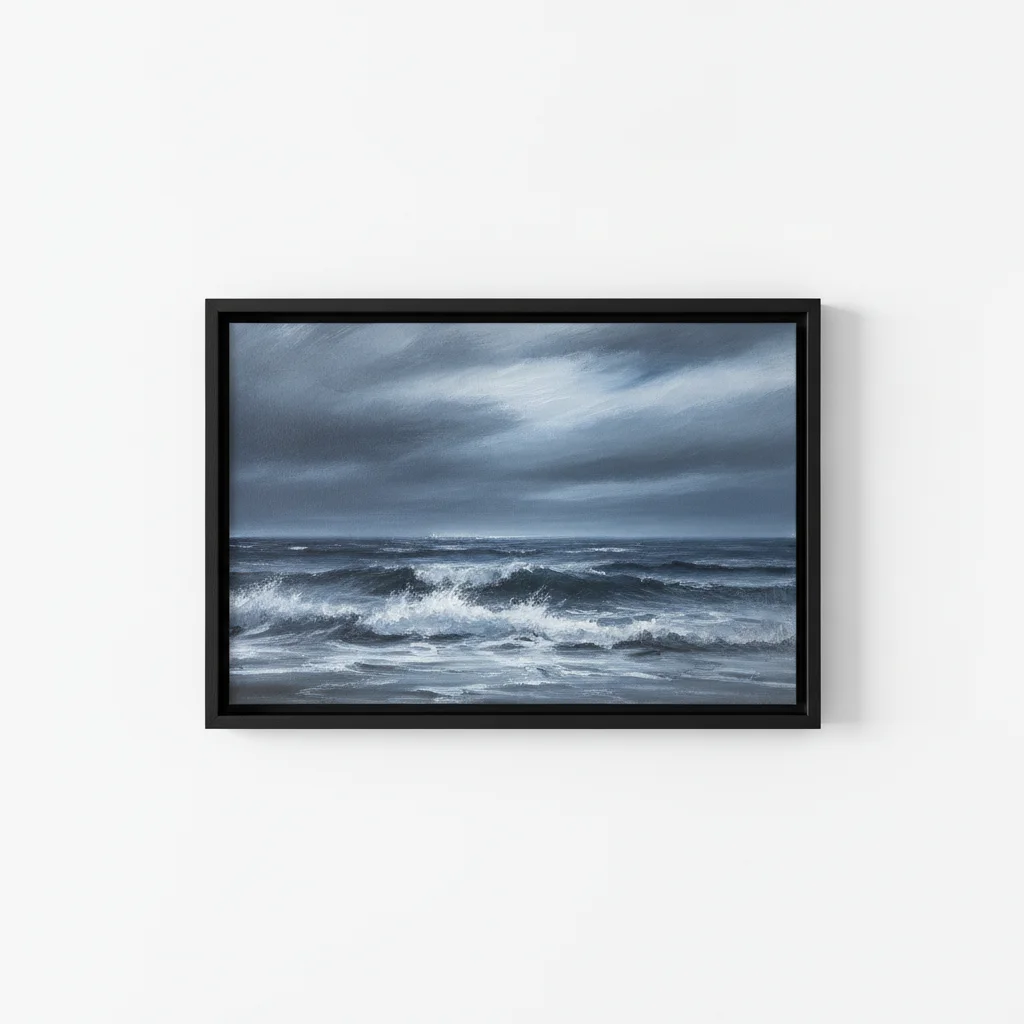
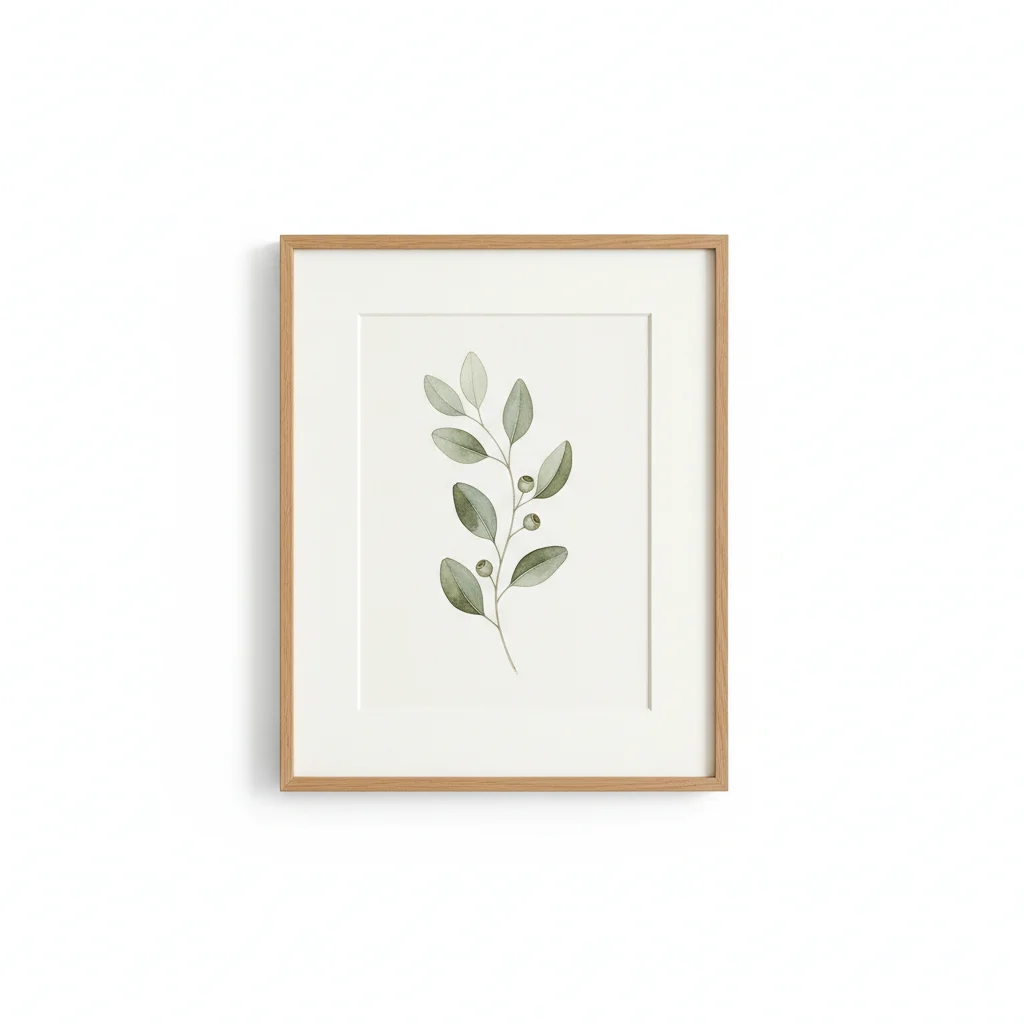
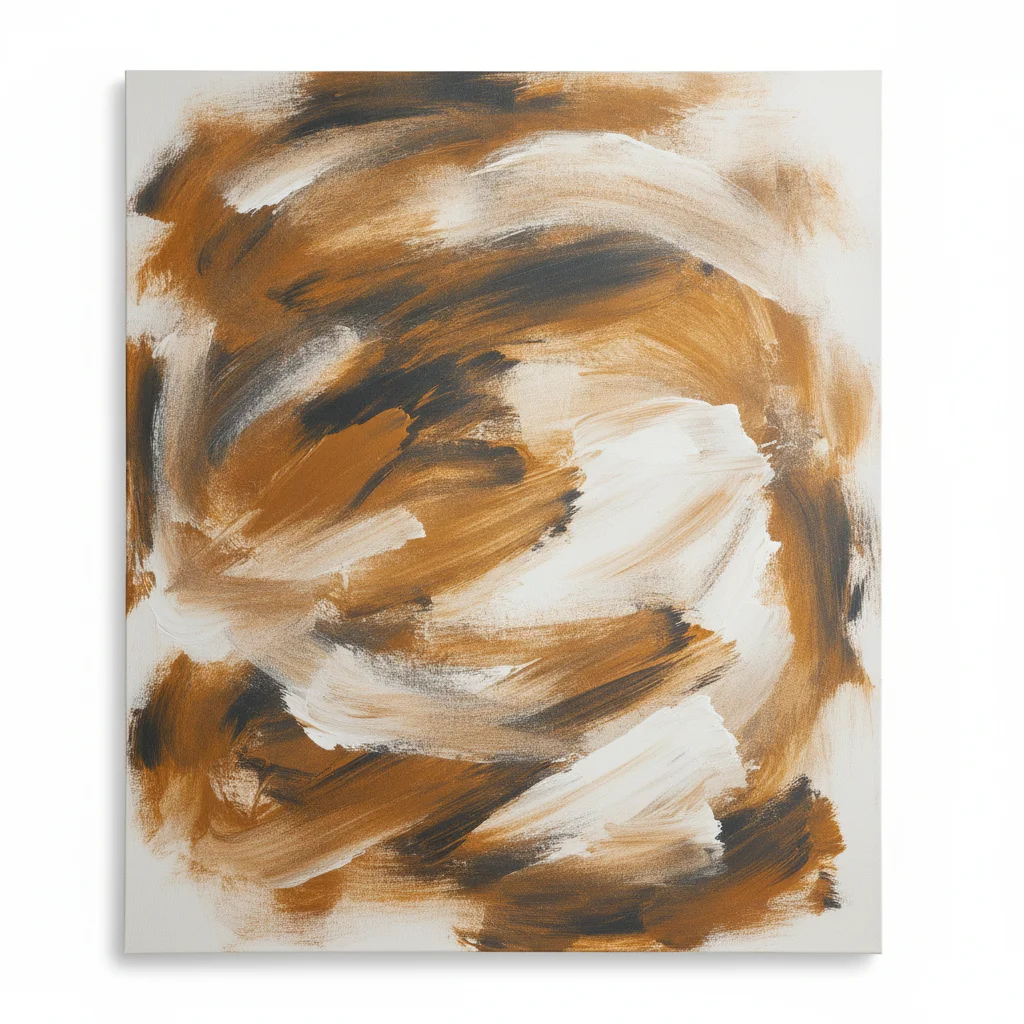
Free • No signup Place Artwork on wall · Free

Place Artwork on Wall from Photo

Upload a room photo + your artwork. AI composites it onto the wall with correct perspective and lighting.

Modern living room with blank white wall above gray sofa
Before
Same living room with landscape painting naturally composited above the sofa
After

Place Artwork on Wall from Photo

Drop your photo here

or click to browse

Release to upload

Free • No signup

Popular use cases:
  • artwork on wall mockup
  • art in situ visualization
  • place painting on wall photo
  • gallery art sales preview
  • interior design art placement
  • Etsy art listing mockup
  • artwork client visualization
  • wall art preview tool

Cost
Free No signup required
Time
Instant results in 15-30 seconds
Works on
Any device - browser, phone, tablet, desktop
Powered by
AI-powered photo editing
Scenario Prompt Time
place artwork from reference on wall above the sofa, matching room lighting 30s
composite art print from reference centered on wall at poster scale 30s
place canvas from reference on office wall, filling one-third wall width 30-45s
composite framed artwork from reference on brick wall with natural shadow 30-45s

How it works

  1. Upload the room or wall photo

    Drop a photo of the room where the artwork will hang. A straight-on or slightly angled shot of the wall works best. The wall area should be clearly visible with enough space for the artwork.

    Expect: Simple wall placements: 30 seconds. Complex angles or textured walls: may need 2-3 refinements.
  2. Add your artwork as a reference image

    Click '+ Add reference image' below the prompt and upload your artwork photo. A clean, straight-on shot of the painting or print works best. Then describe the placement: 'place the artwork from the reference onto the main wall, matching perspective and room lighting.' Be specific about position and scale.

    Tip: Include size context: 'as a 24x36 inch piece' or 'filling about one-third of the wall width' so the AI scales it realistically.

    Copy one of these to get started:

    Painting on living room wall for a buyer preview place the artwork from the reference onto the main wall above the sofa, matching the wall angle and room lighting, with a subtle frame shadow for realism
    Art print in minimalist room for Etsy listing composite the art print from the reference centered on the white wall, at realistic 18x24 inch scale relative to the furniture, with soft natural lighting matching the room
    Large canvas in a client's office place this canvas painting from the reference onto the wall behind the desk, filling about one-third of the wall width, with perspective matching the slight wall angle and overhead office lighting
    Framed photograph on bedroom wall composite this framed photograph from the reference onto the bedroom wall above the headboard, centered, with the frame casting a thin shadow and warm bedside lamp lighting reflected on the glass
    4 more prompts
    Abstract art in a restaurant or commercial space place this abstract artwork from the reference onto the restaurant wall, large scale, with dramatic spot lighting from above and a slight shadow underneath the frame
    Gallery wall with single focal piece composite this artwork from the reference as the central piece on the gallery wall, matching the white wall background, with even museum lighting and a clean minimal frame shadow
    Artwork on a textured or brick wall place this painting from the reference onto the exposed brick wall, with perspective matching the wall texture, natural shadow below the frame, and warm ambient lighting
    Small artwork in a hallway or entryway composite this small framed print from the reference onto the hallway wall at eye level, at realistic 8x10 inch scale, with the overhead hallway light casting a gentle shadow below the frame
  3. Generate and review

    Check that the artwork sits naturally on the wall: correct perspective matching the wall angle, consistent lighting and shadows, realistic frame edges. Zoom in where the artwork meets the wall surface.

  4. Refine with markers if needed

    If the artwork appears at the wrong position or the AI placed it on the wrong wall, tap a marker on exactly where you want the center of the artwork and regenerate. Useful when a room has multiple walls visible.

    Tip: Markers are for precision refinement, not a required step. Try without them first.
Try it free

Place Artwork on Wall from Photo

Drop your photo here

or click to browse

Release to upload

Free • No signup

"I sell original paintings on Etsy. Now I send buyers a photo of their own wall with my art on it before they commit. Conversions doubled." @GalleryByMara

See it in action

Modern living room with blank white wall above gray sofa
Before
->
Same living room with landscape painting naturally composited above the sofa
After

Oil painting placed above a living room sofa

An artist wanted to show a collector how their landscape painting would look in the buyer's actual living room. Uploaded the room photo plus the painting image.

Prompt: place this painting from the reference centered on the wall above the sofa, at realistic 36x48 inch scale, with warm room lighting and a subtle frame shadow
Cozy bedroom with blank gray wall above wooden nightstand
Before
->
Same bedroom with framed botanical print composited above nightstand
After

Framed print mockup for Etsy art listing

An Etsy seller created an in-situ lifestyle image showing their botanical print in a styled bedroom setting for a product listing.

Prompt: composite this framed art print from the reference onto the bedroom wall above the nightstand, at realistic poster scale, with soft morning light and a thin shadow behind the frame
Corporate conference room with blank white wall behind table
Before
->
Conference room with large abstract canvas naturally composited on the wall
After

Large canvas in a corporate office for designer proposal

An interior designer needed to present an artwork option for a client's office renovation. Composited a large abstract canvas onto the conference room wall.

Prompt: place this large abstract canvas from the reference onto the wall behind the conference table, filling about half the wall width, with overhead office lighting and a clean shadow at the frame edges

Detailed Guides by Scenario

📷

Interior Design Client Mockups

Present artwork placement options to interior design clients using photos of their actual rooms. Show multiple pieces on the same wall to help them choose.

Common Scenarios

  • Show a curated artwork selection on a client's bedroom accent wall
  • Preview a gallery wall arrangement in a client's hallway
  • Demonstrate scale by showing different artwork sizes on the same wall
  • Present art options for a restaurant or hotel lobby renovation

Best Practices

  • Run multiple versions with different artworks for side-by-side comparison
  • Include furniture reference points so clients can judge scale
  • For gallery walls, composite one piece at a time or describe the full arrangement
  • Specify wall color interaction: 'the white frame against the navy wall'
Bedroom artwork selection for interior design client place this abstract print from the reference on the bedroom wall above the headboard, centered, at 24x36 inch scale relative to the bed width, with natural shadow and room lighting
Commercial space art placement for designer composite this landscape painting from the reference onto the restaurant wall, large scale filling about half the wall width, with warm ambient lighting matching the dining room
📷

Etsy & Online Art Store Listings

Create compelling in-situ lifestyle images for your art listings. Show prints and paintings in realistic room settings to help online buyers visualize the piece in their home.

Common Scenarios

  • Print shown in a minimalist living room for Etsy listing main image
  • Canvas painting in a cozy bedroom for Redbubble product mockup
  • Set of 3 prints shown on a gallery wall for a bundle listing
  • Artwork shown at multiple scales to help buyers choose the right size

Best Practices

  • Use room photos that match your target buyer's aesthetic
  • Show the same piece in 2-3 different room styles for listing variety
  • Include lifestyle elements: a couch, plant, or lamp for scale reference
  • For prints, photograph the actual printed piece with frame for authenticity
Etsy art print listing lifestyle image place this art print from the reference onto the white wall above the mid-century sofa, with a thin black frame, centered and at realistic poster scale, with soft natural window lighting
Online art store lifestyle mockup composite this canvas painting from the reference onto the bedroom wall beside the window, at 20x30 inch scale, matching the cozy warm lighting and casting a subtle wall shadow

If something looks off

Artwork perspective doesn't match the wall angle

Why: The AI misjudged the wall's angle relative to the camera, making the artwork look flat or skewed against an angled wall.

Try: place the artwork with perspective matching the wall angle exactly, with converging lines following the room's vanishing point

Tip: Straight-on wall photos give the best results. If the wall is at an angle, mention it: 'the wall angles slightly to the right.'

Artwork scale looks unrealistic

Why: Without size context, the AI guesses proportions and may make the artwork too large or too small relative to the furniture.

Try: place the artwork at realistic 24x36 inch scale relative to the sofa below it, about two-thirds the sofa width

Tip: Reference nearby furniture: 'about half the width of the couch' or 'eye level above the dining table.'

AI changed the wrong area or something I didn't want changed

Why: The AI couldn't determine exactly which area you meant from description alone. This happens with ambiguous requests or rooms with multiple walls.

Try: Tap a marker on the specific wall area where you want the artwork, then regenerate with the same prompt

Tip: Markers tell the AI 'I mean THIS wall specifically.' Use them when description alone is ambiguous.

Artwork lighting doesn't match the room

Why: The artwork was photographed under different lighting than the room, creating a mismatch in color temperature and shadow direction.

Try: place the artwork matching the room's warm lighting direction, with consistent color temperature and a natural shadow below the frame

Tip: Describe the room's light source: 'the light comes from the window on the left' helps the AI add correct shadows.

Frame edges look harsh or unnatural against the wall

Why: The composite boundary between artwork and wall shows visible hard edges, halos, or missing shadow.

Try: blend the artwork frame edges into the wall naturally, with soft shadow underneath and no visible seam between frame and wall surface

Tip: Adding 'with a thin shadow below and on the right side of the frame' creates the depth that makes it look real.

Artwork appears floating or detached from the wall

Why: The composite lacks the contact shadow and wall interaction that makes a hung artwork look physically present.

Try: place the artwork flush against the wall surface, with a thin contact shadow along the bottom and right edges of the frame as if naturally hung

Tip: The phrase 'as if hung on a nail' gives the AI context that this is physically mounted on the wall, not floating.

Quick answers

Do I need to mark where to place the artwork on the wall?

No. Describe the placement in words: 'place the artwork on the wall above the sofa' or 'centered on the main wall.' The AI understands room layout references. Use markers only when the room has multiple walls visible and the AI picks the wrong one, or when you need exact positioning.

How do I place my artwork on a customer's wall photo?

Upload the customer's room photo as the main image. Click '+ Add reference image' and upload your artwork photo. Type 'place the artwork from the reference onto the wall' and specify the position. The AI composites it with correct perspective and lighting in 30 seconds. Send the result to your customer as a visualization of the piece in their space.

Is there a free tool to create artwork wall mockups without signing up?

Yes. EditThisPic lets you composite any artwork onto any room wall photo completely free, with no signup and no watermark. Upload your room photo and artwork as a reference image, describe the placement, and download the result. One free edit per week, or purchase credits starting at $1.99 for more.

What type of artwork photo works best as a reference?

A clean, straight-on photo of the artwork on a plain background works best. Include the frame if you want the frame visible in the mockup. Avoid photos taken at an angle or with heavy shadows across the artwork surface. High resolution preserves fine details like brushstrokes and texture.

Can I control the size of the artwork on the wall?

Yes. Include size references in your prompt: 'at 24x36 inch scale' or 'about half the width of the sofa.' The AI uses furniture and room proportions to judge scale. For the most accurate sizing, reference nearby objects: 'the painting should be roughly the same width as the headboard.'

How is this different from the Etsy wall art mockup editor?

The Etsy wall art mockup editor works with a single photo and is designed for quick marketplace-style mockups from template room scenes. This tool is specifically a two-photo operation: your real artwork photo + a real room photo = a realistic composite showing your actual piece on an actual wall. Use this when you need to show a specific artwork in a specific room.

Will the mockup show correct perspective if the wall is at an angle?

Yes. The AI detects the wall angle from the room photo and applies matching perspective distortion to the artwork. Straight-on wall shots give the cleanest results, but angled walls work too. If the perspective looks off, add 'matching the wall angle and vanishing point' to your prompt.

What is the best free AI tool for art sellers to create in-situ mockups?

EditThisPic is ideal for art sellers. Upload a real room photo and your artwork as a reference image, and the AI composites them with perspective-correct placement, realistic lighting, and natural shadows. Unlike mockup generator subscriptions, there is no monthly fee for basic use. One free edit per week, no account needed.

Ready to place your artwork on a real wall?

Upload room photo + artwork. Get a realistic mockup in seconds. Free, no signup.

Try it free