AI Photo Editor for Roofing Before & After Photos
Last updated
Roof photos that win every bid.
Drop your photo here
"enhance the completed roof with bright lighting, blue sky, impressive curb appeal"
Release to upload
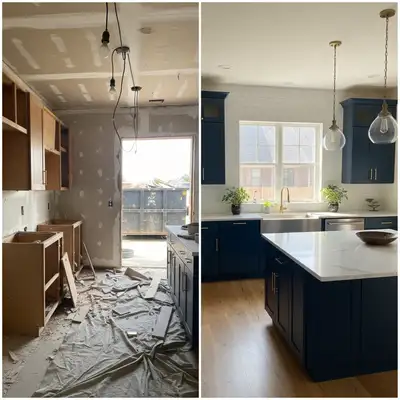
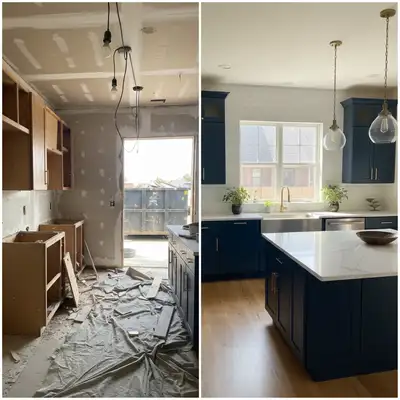
Built for Roofing Professionals
Roofing is highly visual — homeowners need to see your work quality from the street. Storm damage documentation and completed project photos drive insurance restoration and new roof sales. EditThisPic enhances your documentation to portfolio quality regardless of weather conditions.
How to AI Photo Editor for Roofing Before & After Photos
-
Upload your photo
Drop your roofing photo into EditThisPic.
-
Describe your edit
Type what you want in plain English.
-
Review the result
Check accuracy and natural appearance.
Prompts for Roofing
enhance the completed roof with bright lighting, blue sky, impressive curb appeal
A new roof under blue sky is the ultimate roofing portfolio shot
enhance this storm damage photo with clear even lighting, show the damage clearly
Clear damage documentation supports insurance claims
standardize lighting between before and after roofing photos for clear comparison
Consistent conditions make the transformation obvious
enhance this drone aerial roof photo with vibrant colors and professional quality
Aerial photos show the full scope of your roofing work
Show more prompts
replace grey sky with blue, brighten the house and new roof, impressive appearance
Don't let weather determine your portfolio quality
Real Roofing Transformations
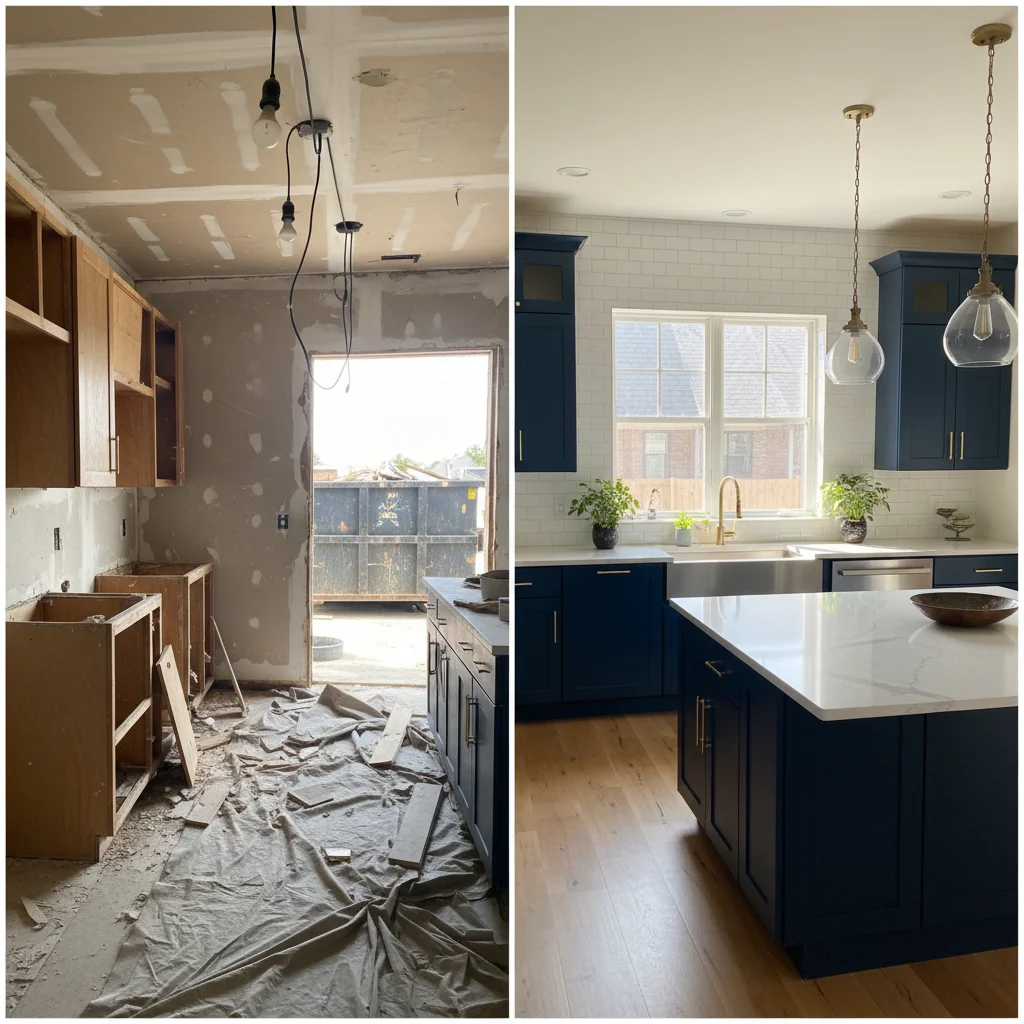
New roof with blue sky
Completed roofing project on overcast day transformed to impressive portfolio shot.
enhance the completed roof with bright lighting, blue sky, impressive curb appeal
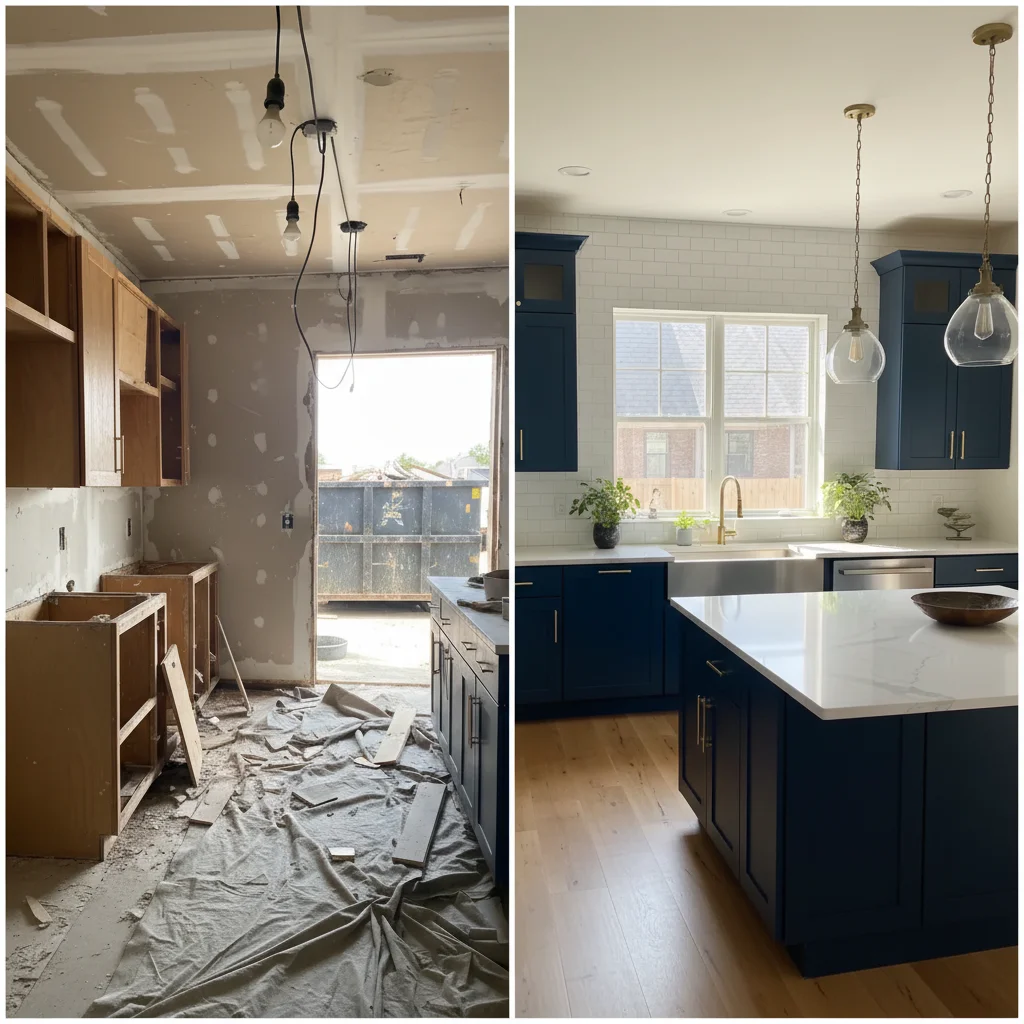
Storm damage documented
Storm damage roofing photo enhanced for clear insurance claim documentation.
enhance this storm damage photo with clear even lighting, show the damage clearly
Common Issues
Room looks darker and smaller than reality
Why: Phone cameras struggle with indoor exposure, especially mixed lighting
'Spacious and well-lit' triggers AI to open up shadows and enhance natural light
Windows are blown out white while interior is dark
Why: Extreme contrast between bright windows and dim rooms exceeds camera range
This HDR-style fix is one of AI's strongest capabilities — it handles it naturally
Clutter and personal items make space look messy
Why: Lived-in spaces have furniture, toys, and personal items that distract
For listing photos, decluttered spaces get significantly more engagement
Colors look wrong — walls appear yellow or green
Why: Indoor lighting and mixed light sources create color casts
Mention the actual wall color if you know it for more accurate correction
Frequently Asked Questions
How do I make a new roof look impressive?
Blue sky replacement and bright lighting are the two most impactful enhancements. A new roof under blue sky on a well-lit house is the gold standard roofing portfolio photo.
Can I enhance drone photos?
Yes. Drone aerial photos work perfectly with EditThisPic. Enhance colors, fix cloudy skies, and make aerial roof shots impressive for portfolios and proposals.
Do roofing photos help with insurance work?
Clear, well-lit storm damage documentation supports insurance claims. And professional before/after comparisons of completed restoration work win future insurance referrals.
What about shingle color accuracy?
The AI enhances lighting without distorting colors. Shingle colors remain accurate while the overall photo quality improves dramatically.
Should I document every roofing job?
Yes. Each completed job is portfolio material. Five minutes of photos per job builds a comprehensive portfolio that wins future work.
Is this free?
Yes — 1 free edit per week. plans start at $4.99/month.
Popular use cases
Win more roofing bids with better photos
Professional roofing documentation. Free to try.
Upload Your PhotoTrusted by 15,000+ users