Free • No signup Change Sky · Free

AI Sky Replacer

← Browse all replace tools

Last updated

Type what sky you want. No selection tools needed.

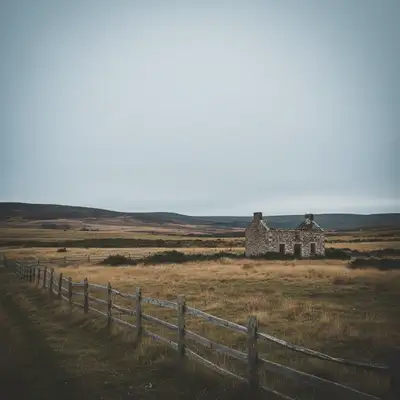
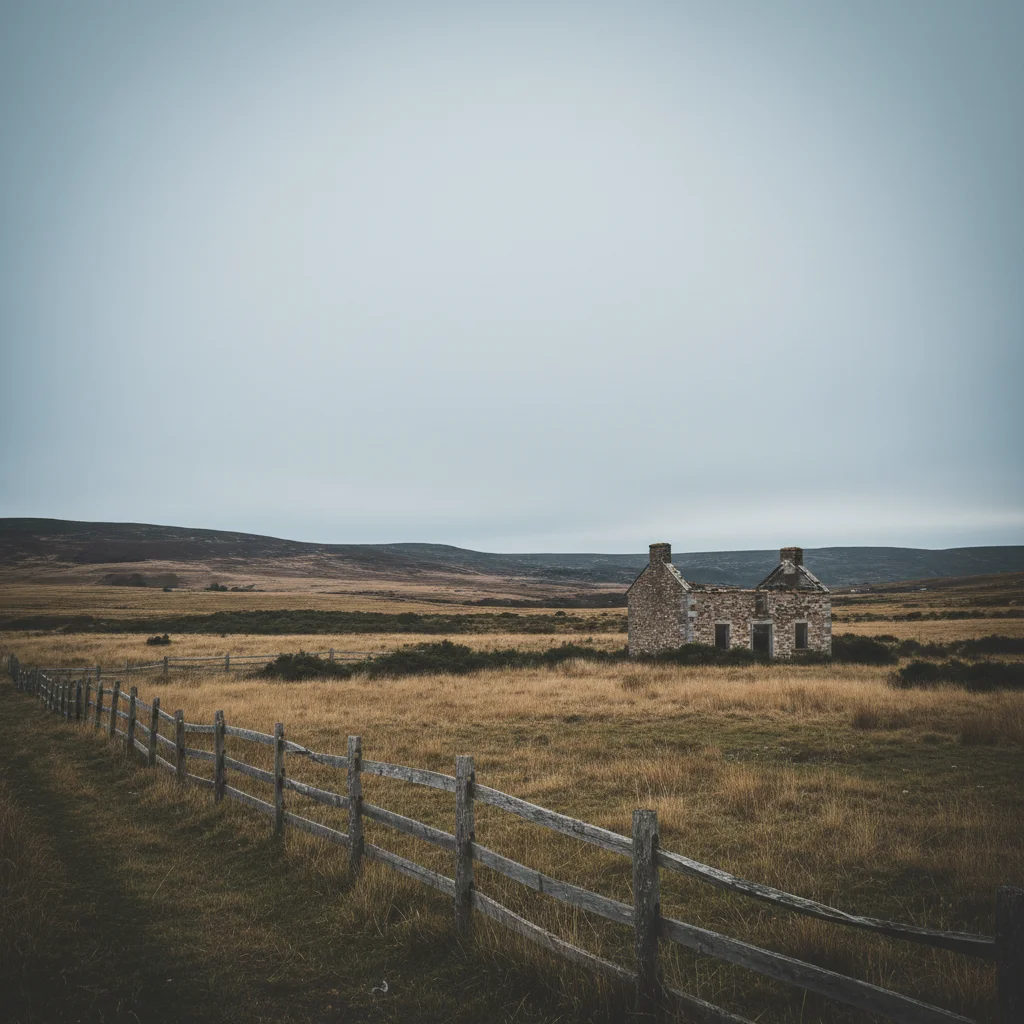
01Photo 1
City skyline with boring gray overcast sky
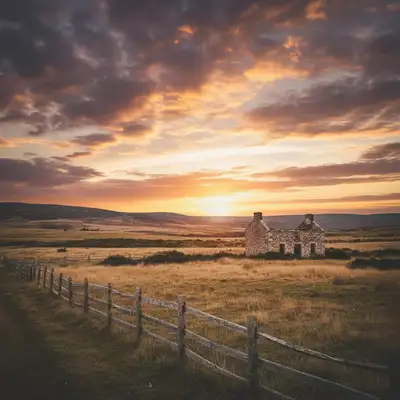
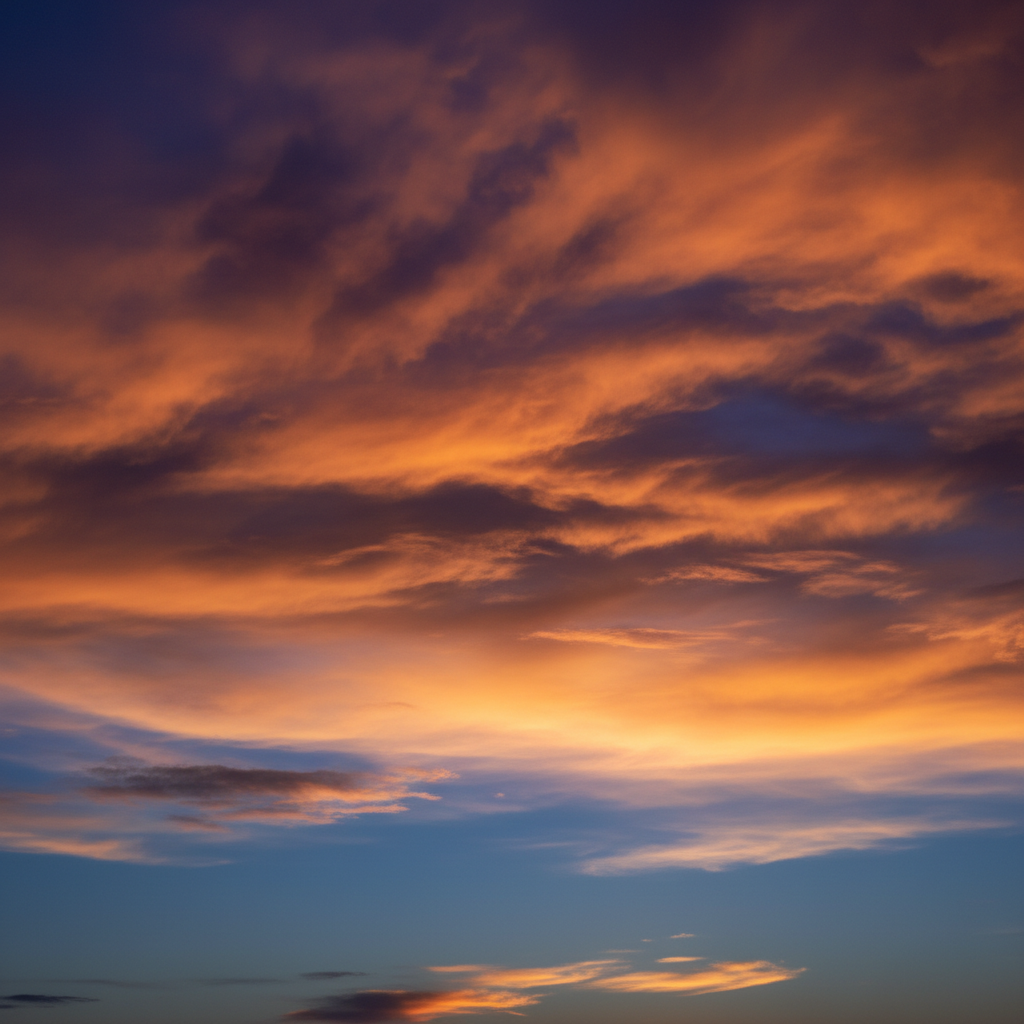
02Photo 2
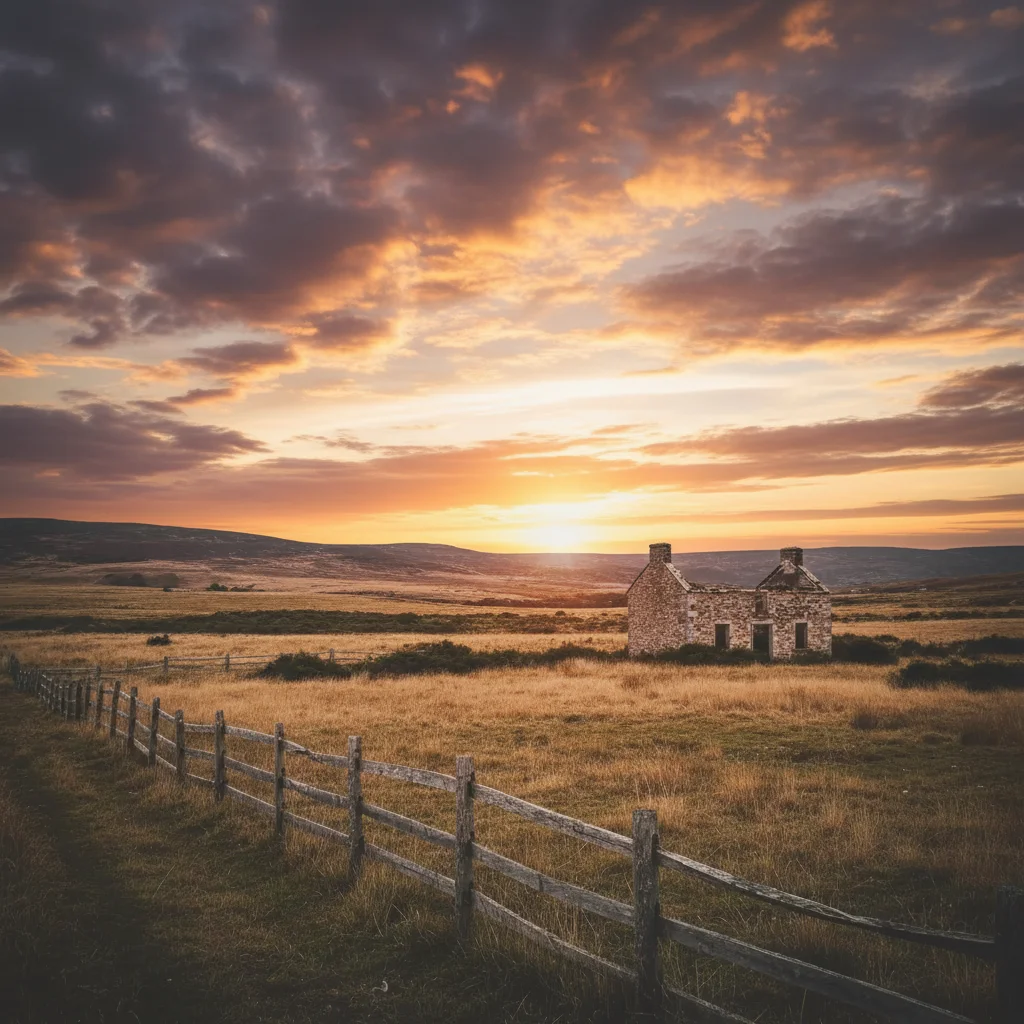
Dramatic sunset sky to use as replacement
03Result
City skyline with vibrant orange and pink sunset

Upload photo to replace sky

"change sky to bright blue with scattered white fluffy clouds, midday sunlight"

Release to upload

50,000+photos edited
<30stypical edit
1 freeedit weekly

1 free edit·then from $4.99

How it works

  1. Upload your photo

    Upload your landscape or outdoor photo. Higher resolution captures give the AI more detail to work with for sky adjustments. JPG, PNG, WebP up to 7MB.

    Expect: Simple clear skies: 15-20 seconds with natural blending. Complex scenes with trees or buildings: may need one refinement for perfect edge blending.
  2. Describe the sky you want

    Type your instruction: 'replace sky with golden hour sunset' or 'change sky to deep blue with white clouds.' Be specific about colors, time of day, and cloud type. No selection needed—the AI automatically detects where the sky is and preserves everything else.

    Tip: Include lighting direction for realistic results: 'sunset with warm orange light from the right' helps the AI match the scene's lighting.

    Copy one of these to get started:

    Dramatic sunset for golden hour look replace sky with dramatic orange and pink sunset with wispy clouds, golden hour lighting
    Bright blue sky for perfect weather change sky to bright blue with scattered white fluffy clouds, midday sunlight
    Stormy dramatic clouds replace sky with dark stormy clouds with dramatic lighting, overcast atmosphere
    Twilight blue hour change sky to deep twilight blue with purple gradient near horizon, blue hour lighting
    3 more prompts
    Sunrise with warm tones replace sky with soft pink and orange sunrise gradient, early morning golden light from left
    Night sky with stars change sky to dark night sky with visible stars and milky way, moonlit scene
    Cloudy overcast day replace sky with soft gray overcast clouds, diffused natural light with no harsh shadows
  3. Generate and review

    Click Generate and watch the AI replace your sky. Check the horizon line at full zoom to verify smooth blending. The AI automatically adjusts foreground lighting to match your new sky.

See it in action

City skyline with boring gray overcast sky
Main Photo
Dramatic sunset sky to use as replacement
Reference
City skyline with vibrant orange and pink sunset
Result

Sunset over city skyline

Transformed a midday cityscape photo into a golden hour masterpiece with warm sunset tones.

Prompt: Replace the sky in the first photo with the sunset sky from the reference photo.
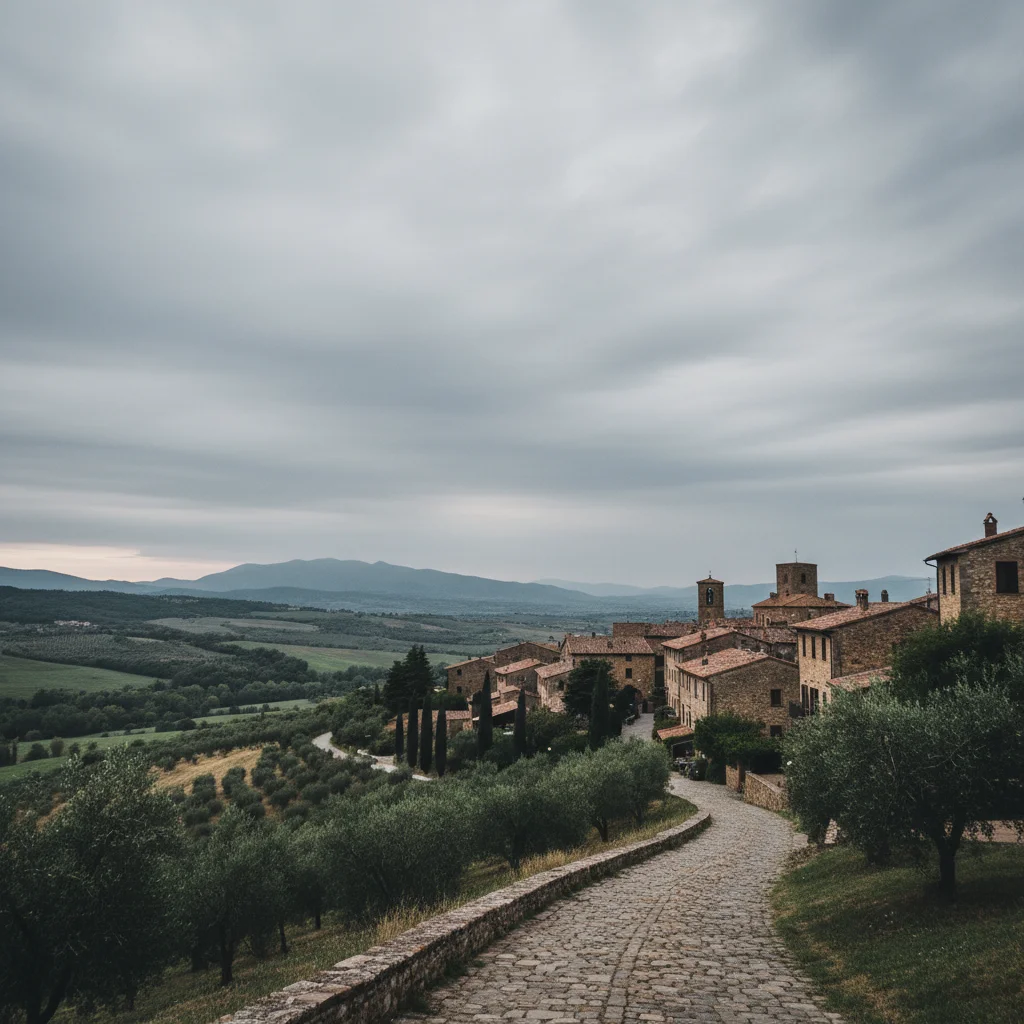
House photo with washed-out blown-out sky
Before
->
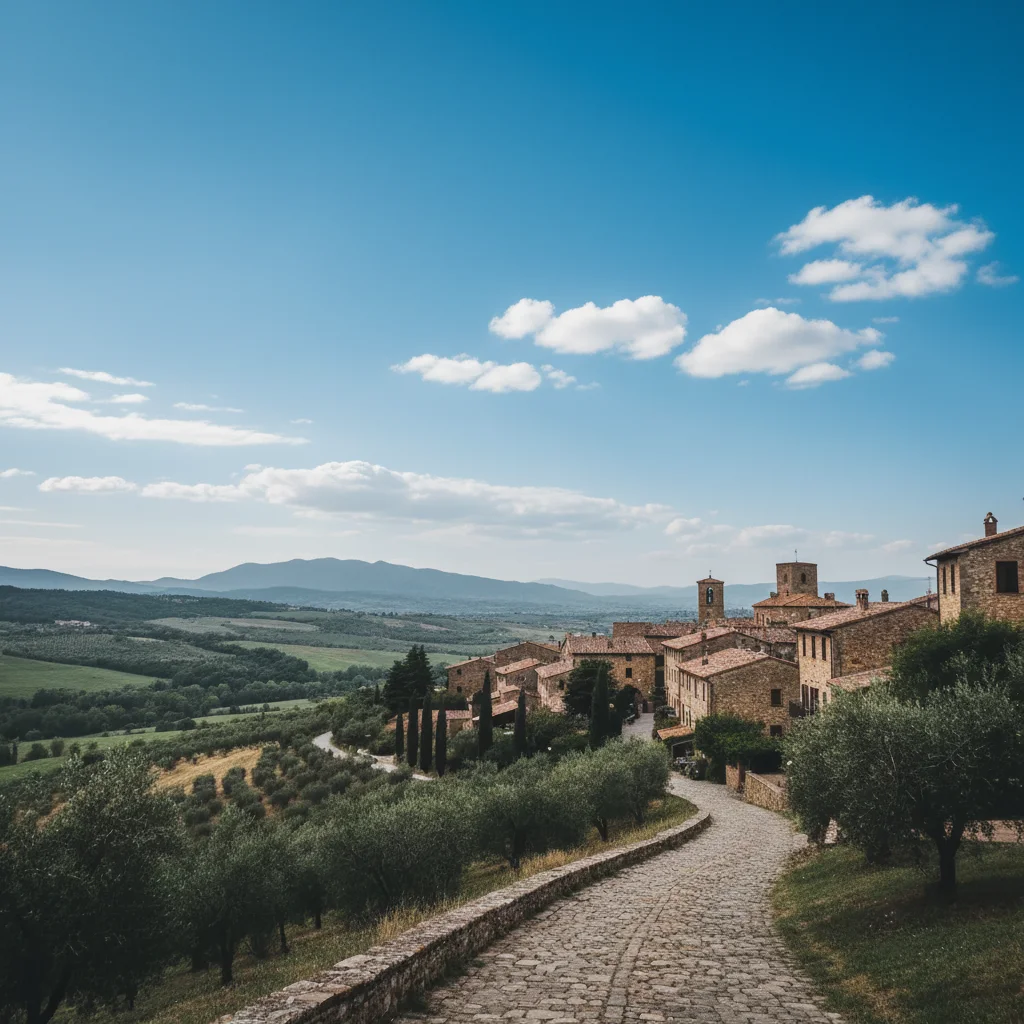
House photo with perfect blue sky and clouds
After

Blue sky for real estate

Replaced washed-out white sky with perfect blue for a professional property listing photo.

Prompt: change sky to bright blue with scattered white fluffy clouds, midday sunlight
Mountain landscape with plain boring blue sky
Before
->
Mountain landscape with dramatic stormy clouds
After

Stormy atmosphere for dramatic effect

Added dark moody clouds to create a dramatic cinematic look for a landscape photo.

Prompt: replace sky with dark stormy clouds with dramatic lighting, overcast atmosphere

Quick answers

Do I need to mark the sky before describing?

No! Just describe what sky you want: 'replace sky with sunset' or 'change to blue sky with clouds.' The AI automatically detects where the sky is.

How do I replace the sky in a photo for free?

Upload your photo to EditThisPic, type what sky you want (like 'replace sky with dramatic sunset'), and click Generate. The AI handles sky detection and blending automatically. No Photoshop or manual masking required. Free to try with no signup.

Will the new sky look realistic or obviously edited?

The AI automatically blends the new sky with your horizon and adjusts foreground lighting to match. When you specify lighting that matches your scene (e.g., 'sunset with warm light from the right'), results look completely natural. The key is matching the sky's time of day to your photo's existing shadows and light direction.

Can I replace the sky in photos with buildings or trees?

Yes! The AI detects complex edges like building outlines, tree branches, and mountain silhouettes.

What is the best free AI tool for sky replacement?

EditThisPic offers free AI-powered sky replacement with no signup, no watermark, and no download required. Unlike traditional sky replacement tools that require manual masking, EditThisPic understands natural language prompts and handles detection and blending automatically. Perfect for real estate photos, landscape photography, and social media content.

Is EditThisPic's AI sky replacer really free?

Yes — you get 1 free edit per week, no account needed. Plans start at $4.99/month for 15 edits.

Can I replace sky on my phone?

Yes. EditThisPic works in any mobile browser — iPhone, Android, tablet. No app download needed.

What photo formats does the AI sky replacer support?

JPG, PNG, WebP, and HEIC. Upload any common photo format and EditThisPic handles the rest.

How much does EditThisPic cost?

You get 1 free edit per week — no account needed. After that, credit packs start at $1.99 for 3 edits. Monthly plans start at $4.99/mo for 20 edits with unused credits rolling over. All edits are full resolution with no watermark.

Ready to transform your sky?

Free to try. No signup required.

1 free edit included·Credit packs from $4.99