Free • No signup Change House exterior color · Free

Change House Color in Photo

Describe the exterior color you want and AI repaints your house instantly. No marking needed.

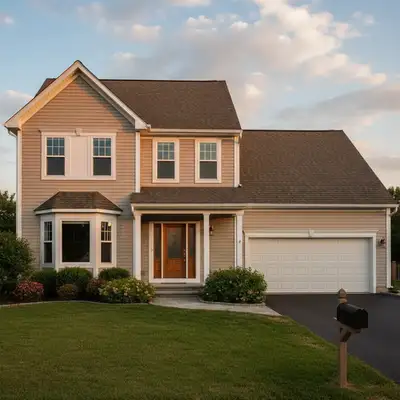
House with beige siding
Before
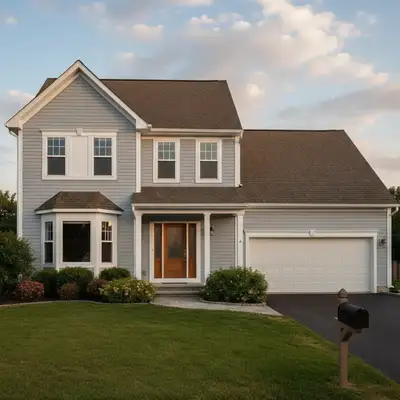
Same house with modern light grey siding, white trim, black accents
After

Change House Color in Photo

Drop your photo here

or click to browse

Release to upload

Free • No signup

Advertisement
Popular use cases:
  • house paint visualizer
  • exterior color preview
  • home paint color testing
  • siding color visualization
  • house painting planning
  • exterior paint selection
  • home color mockup
  • paint color before buying

Cost
Free No signup required
Time
Instant results in 15-30 seconds
Works on
Any device - browser, phone, tablet, desktop
Powered by
AI-powered photo editing
Scenario Prompt Time
Simple color change change the siding to light grey 30s
Color with trim specification paint house navy blue, keep trim white 35s
Two-tone scheme grey siding, navy gable ends 40s

How it works

  1. Upload your house photo

    Drop your exterior image into EditThisPic. JPG, PNG, WebP up to 7MB. Front facade photos with clear siding visibility work best. Any time of day works—the AI adapts to your lighting conditions.

    Expect: Simple color changes: 30-40 seconds. Complex multi-color schemes with trim: 45-60 seconds.
  2. Describe the new exterior color

    Type what you want: 'change the siding to light grey' or 'paint the house navy blue with white trim.' Be specific about colors and what to change versus what to keep. No need to mark—the AI understands 'siding', 'house', 'trim', and automatically preserves windows, doors, and roof.

    Tip: Specify both main color and trim: 'change siding to sage green, keep trim white' for complete control over the look.

    Copy one of these to get started:

    Modern grey exterior change the house siding to light grey with white trim and black accents
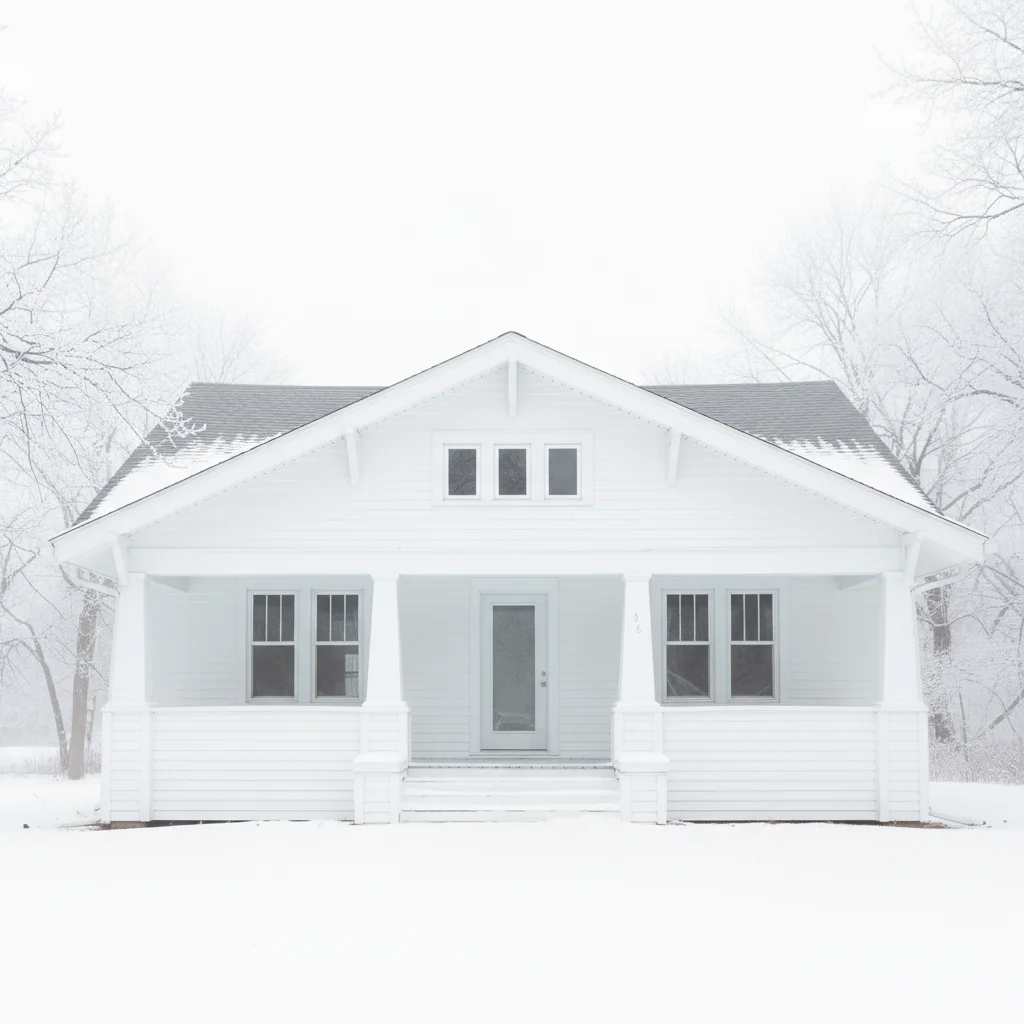
    Classic white farmhouse paint the entire house white, bright clean white siding
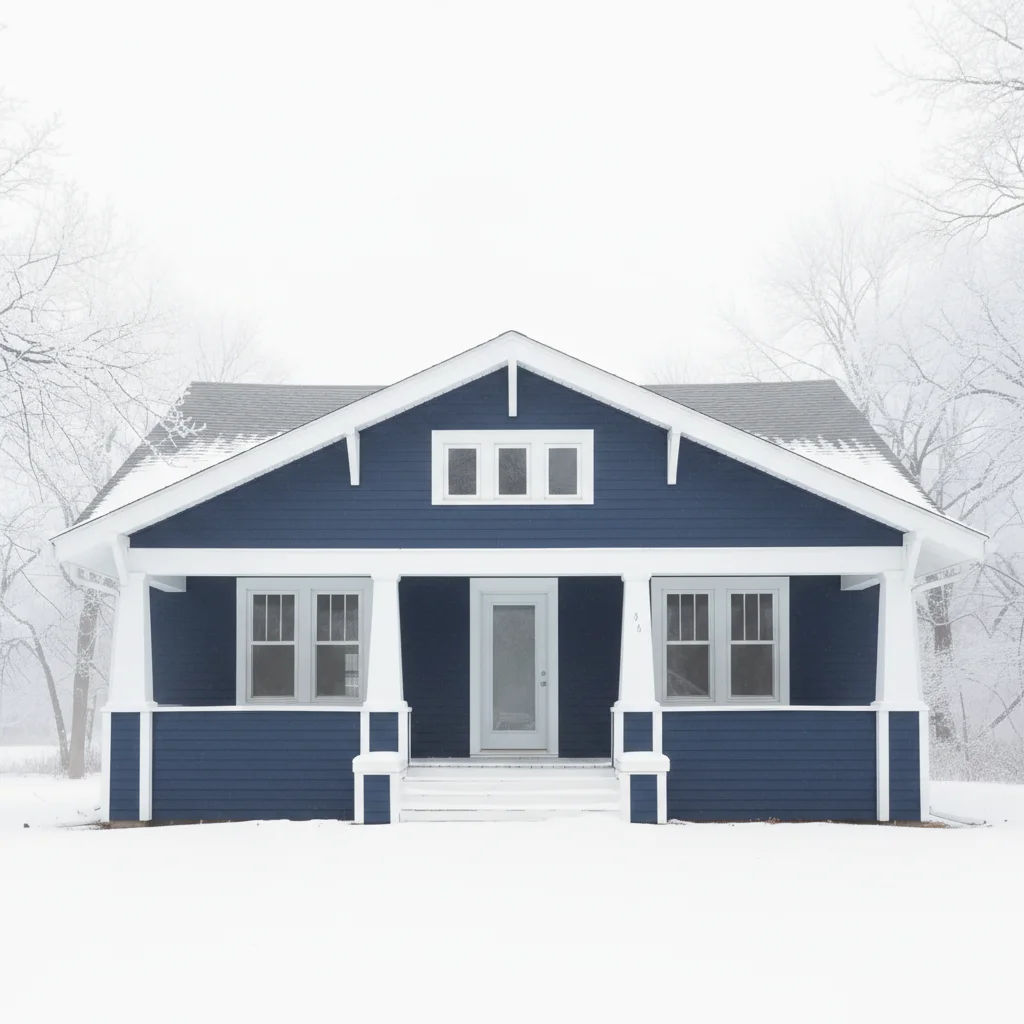
    Navy blue statement change the siding to navy blue, deep dark blue, keep the trim white
    Sage green natural look paint the house sage green, a soft muted green color with white trim
    3 more prompts
    Charcoal contemporary change the siding to charcoal grey, almost black with warm undertones
    Warm beige traditional paint the house warm beige, a neutral tan color, keep shutters and trim darker
    Two-tone color scheme change the main siding to light grey, paint the gable ends navy blue for contrast
  3. Review the repainted house

    Check that the new color looks natural with proper shadows, highlights, and depth. Look at how color wraps around corners, how it looks under eaves, and verify trim and windows are preserved. Zoom in on edges.

  4. Refine with markers if needed

    If you want to change specific sections like garage door color separately from siding, or if the AI missed a detail, tap markers on those areas and regenerate. Most whole-house repaints work without markers.

    Tip: Markers help when you want different colors on different elements: blue siding but grey garage door.
Try it free

Change House Color in Photo

Drop your photo here

or click to browse

Release to upload

Free • No signup

"We were choosing between five exterior paint colors for our home. Used this to see all of them in minutes. Saved us from repainting—the color that looked best in the store looked terrible on our actual house." @Homeowner_Lisa

See it in action

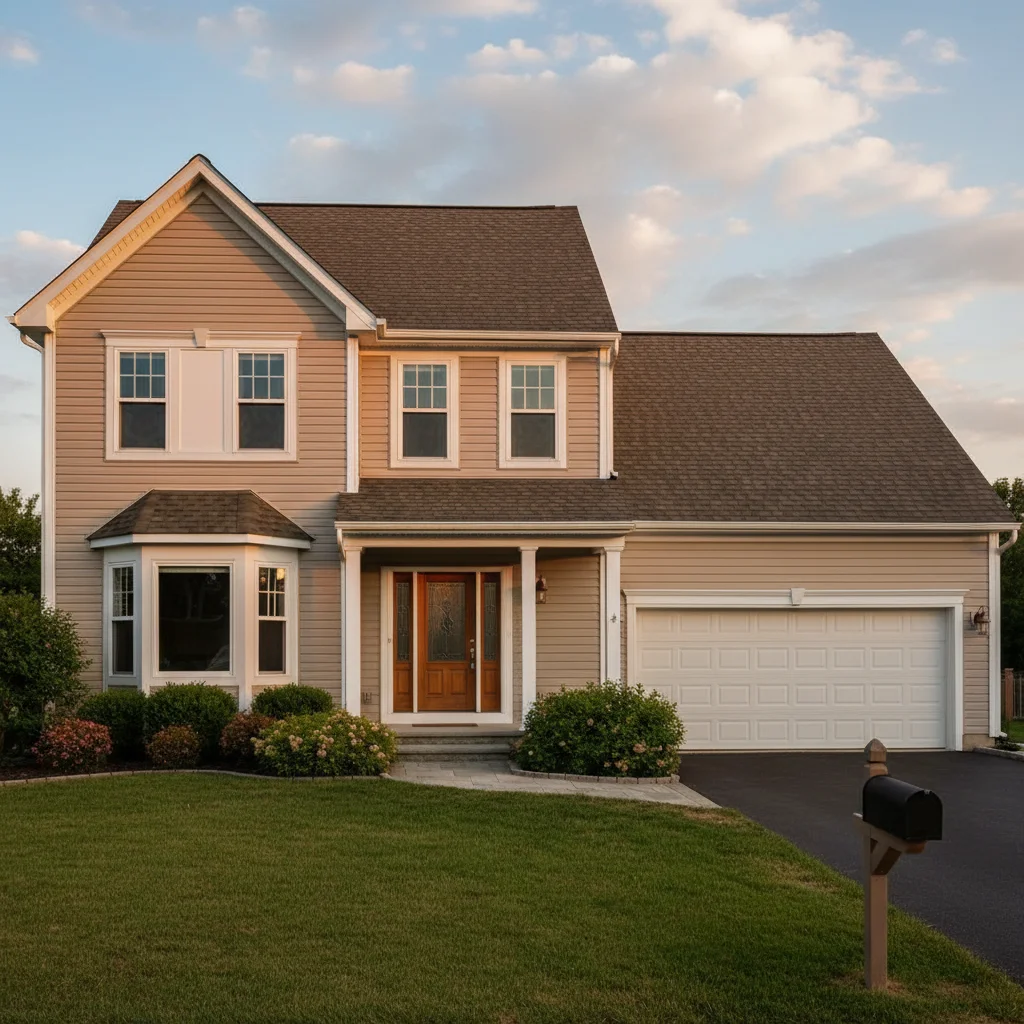
House with beige siding
Before
->
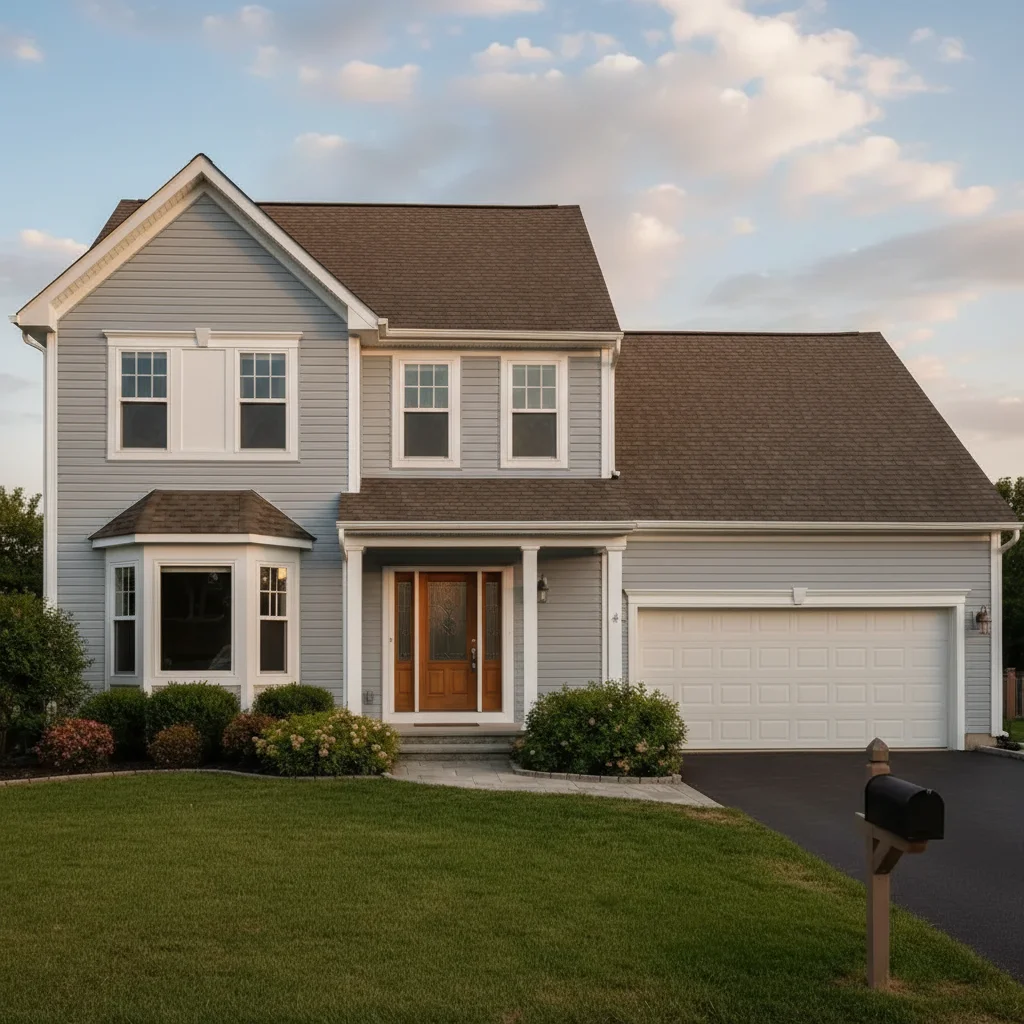
Same house with modern light grey siding, white trim, black accents
After

Beige to modern grey transformation

A dated beige house updated to contemporary light grey with white trim and black accents.

Prompt: change the house siding to light grey with white trim and black accents
House with white siding throughout
Before
->
Same house with navy blue siding and white trim
After

White to navy blue statement home

A plain white house transformed to bold navy blue while preserving crisp white trim for contrast.

Prompt: change the siding to navy blue, deep dark blue, keep the trim white
House with dark brown siding
Before
->
Same house with soft sage green siding and white trim
After

Dark to light sage green refresh

A dark exterior brightened with soft sage green, creating a fresh modern farmhouse look.

Prompt: paint the house sage green, a soft muted green color with white trim
Advertisement

If something looks off

AI changed the wrong area or something I didn't want changed

Why: The AI couldn't determine exactly which area you meant from description alone.

Try: Tap a marker on the specific area you want to change, then regenerate with the same prompt

Tip: Markers tell the AI 'I mean THIS one specifically.' Use them when description alone is ambiguous.

AI changed trim, windows, or roof when I only wanted siding changed

Why: The prompt wasn't specific about what to preserve. 'Paint the house blue' could mean everything.

Try: change the siding to navy blue, keep all trim, windows, doors, and roof their original colors

Tip: Explicitly stating what to keep unchanged prevents unwanted changes: 'keep white trim as is'.

New color looks flat without dimension or shadows

Why: The AI didn't properly maintain depth, highlights, and shadows that give siding realistic appearance.

Try: paint the siding [color], maintain all original shadows, highlights, and dimensional texture

Tip: Photos with good lighting that shows texture work better than flat evenly-lit photos.

Color doesn't match what I expected or looks wrong

Why: Color names are subjective. 'Blue' could be navy, sky blue, royal blue, or teal.

Try: Be very specific: 'deep navy blue, almost black' or 'light grey with warm beige undertones'

Tip: Add context descriptors: 'modern farmhouse grey', 'coastal cottage blue', 'classic white'.

Corners, edges, or sections look unnatural

Why: The AI had difficulty where siding wraps around architectural features or changes plane.

Try: change siding to [color], ensure color wraps naturally around all corners and architectural details

Tip: Photos showing the house straight-on work better than extreme angles.

Garage door or shutters didn't change when I wanted them to

Why: The AI interpreted 'siding' to mean wall surfaces only, not doors or shutters.

Try: change the siding, garage door, and shutters all to navy blue for a uniform look

Tip: List every element you want changed: 'siding, garage, shutters, front door'.

Quick answers

Do I need to mark the house before changing color?

No! Just describe the color: 'change the siding to light grey' or 'paint the house navy blue.' The AI understands what 'siding' and 'house' mean and automatically preserves trim, windows, doors, and roof. Only use markers if you want different colors on specific elements like garage door separate from siding.

Can I try multiple exterior colors on the same house?

Yes! Upload your house photo once, then try different colors: 'paint the house grey', regenerate, then try 'paint the house navy blue', and so on. Perfect for visualizing multiple exterior paint options before making an expensive commitment to one color.

Will the AI preserve my trim, windows, and architectural details?

Yes! When you say 'change the siding' or 'paint the house', the AI only changes wall surfaces. Trim, windows, doors, shutters, and roof stay their original colors unless you specifically request otherwise. This is the standard expectation for exterior repainting.

What's the best free tool to visualize house paint colors?

EditThisPic lets you change house exterior colors with AI for free, no signup required. Unlike paint brand apps, you can try any color you describe on YOUR actual house with your lighting, landscaping, and roof. Upload a photo, describe the color, and see realistic results in 30 seconds.

Can I create a two-tone exterior color scheme?

Yes! Say 'change the main siding to light grey, paint the gable ends navy blue' or use markers to select specific areas for different colors. The AI can handle multi-color schemes where different surfaces get different colors for architectural interest.

Ready to change house colors in your photos?

Free to try. No signup required.

Try it free