Free • No signup Convert Photo to Studio Ghibli style · Free

AI Studio Ghibli Style Converter

← Browse all creative effects

Last updated

Transform any photo into magical Studio Ghibli animation style with one simple description.
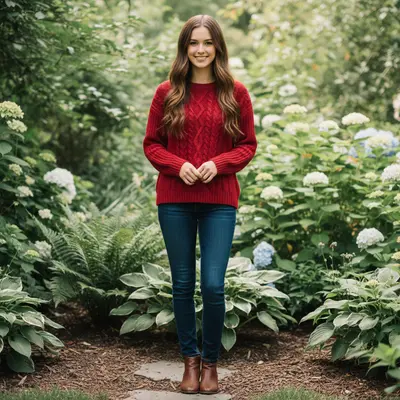
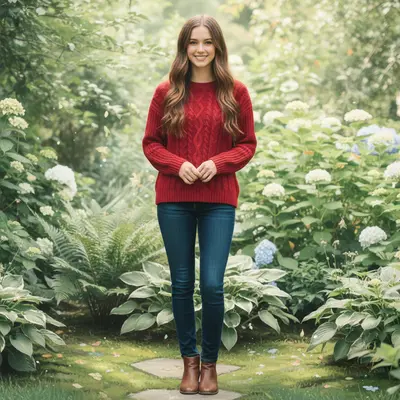
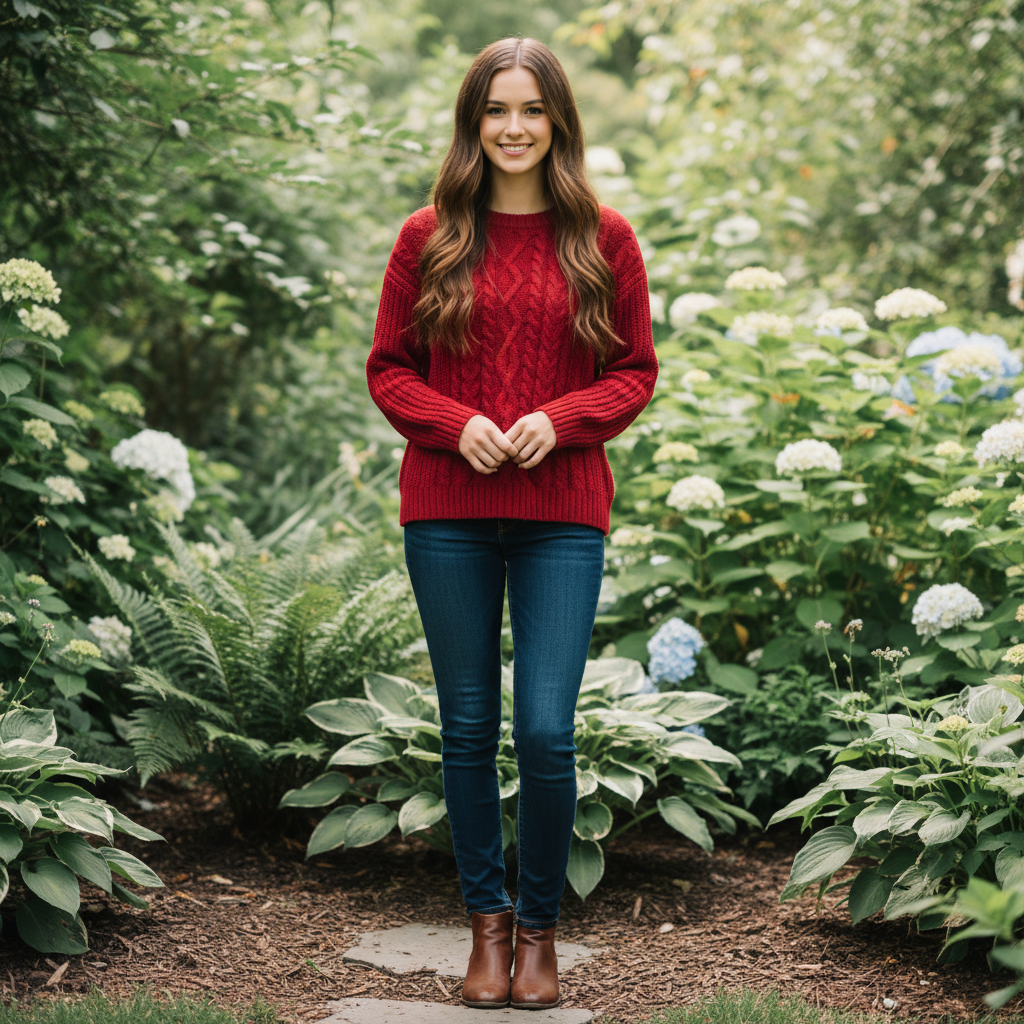
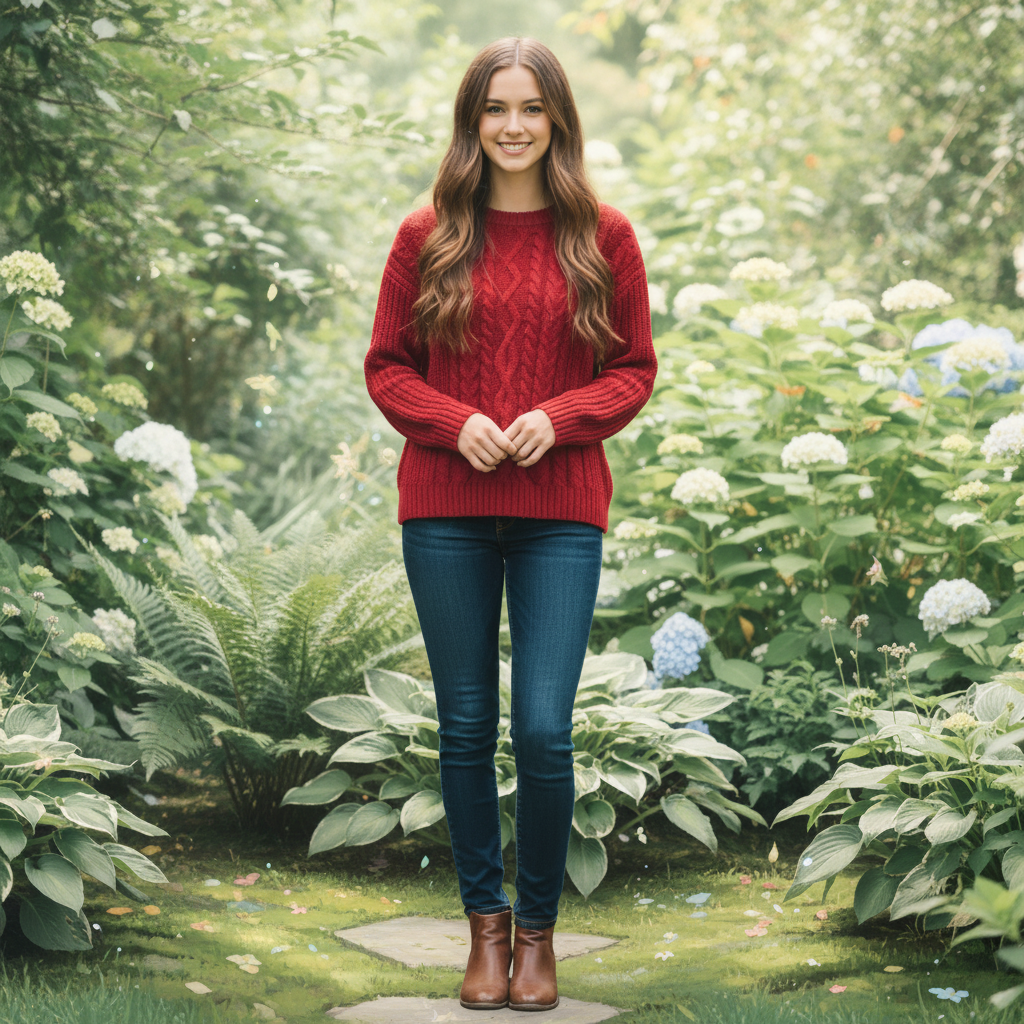
Young woman in red sweater in garden setting Same woman transformed into Studio Ghibli animation style with soft pastel colors

Upload photo to convert photo to Studio Ghibli style

"Transform into Studio Ghibli landscape with floating magical particles, ethereal lighting, and enchanted forest atmosphere"

Release to upload

1 free edit·then from $4.99

Popular use cases:
  • studio ghibli
  • miyazaki style
  • anime conversion
  • animation filter
  • spirited away
  • totoro style

Cost
Free No signup required
Time
Instant results in 15-30 seconds
Works on
Any device - browser, phone, tablet, desktop
Powered by
AI-powered photo editing
Scenario Prompt Time
Basic portrait Convert to Studio Ghibli animation style with soft pastel colors 20s
Nature scene Transform into Studio Ghibli landscape with magical particles 30s
Specific film style Convert to Spirited Away style with mystical atmosphere 25s

How it works

  1. Upload your photo

    Choose a photo with clear subjects and good lighting. Portraits, landscapes, and scenes with nature work particularly well for Studio Ghibli style conversion. Photos with soft natural lighting give the best magical transformation results.

    Expect: Simple portraits: 15-20 seconds. Complex scenes with multiple elements: 30-45 seconds and may need refinements for perfect Ghibli atmosphere.
  2. Describe the Ghibli transformation

    Type exactly what Studio Ghibli style you want. Be specific about the atmosphere, colors, and magical elements. No marking needed - just describe the Miyazaki-inspired vision you want to create.

    Tip: Mention specific Ghibli elements like 'soft pastel colors', 'magical floating particles', or 'dreamy atmosphere' for more authentic results

    Copy one of these to get started:

    Basic Ghibli portrait conversion Convert to Studio Ghibli animation style with soft pastel colors, gentle lighting, and magical dreamlike atmosphere
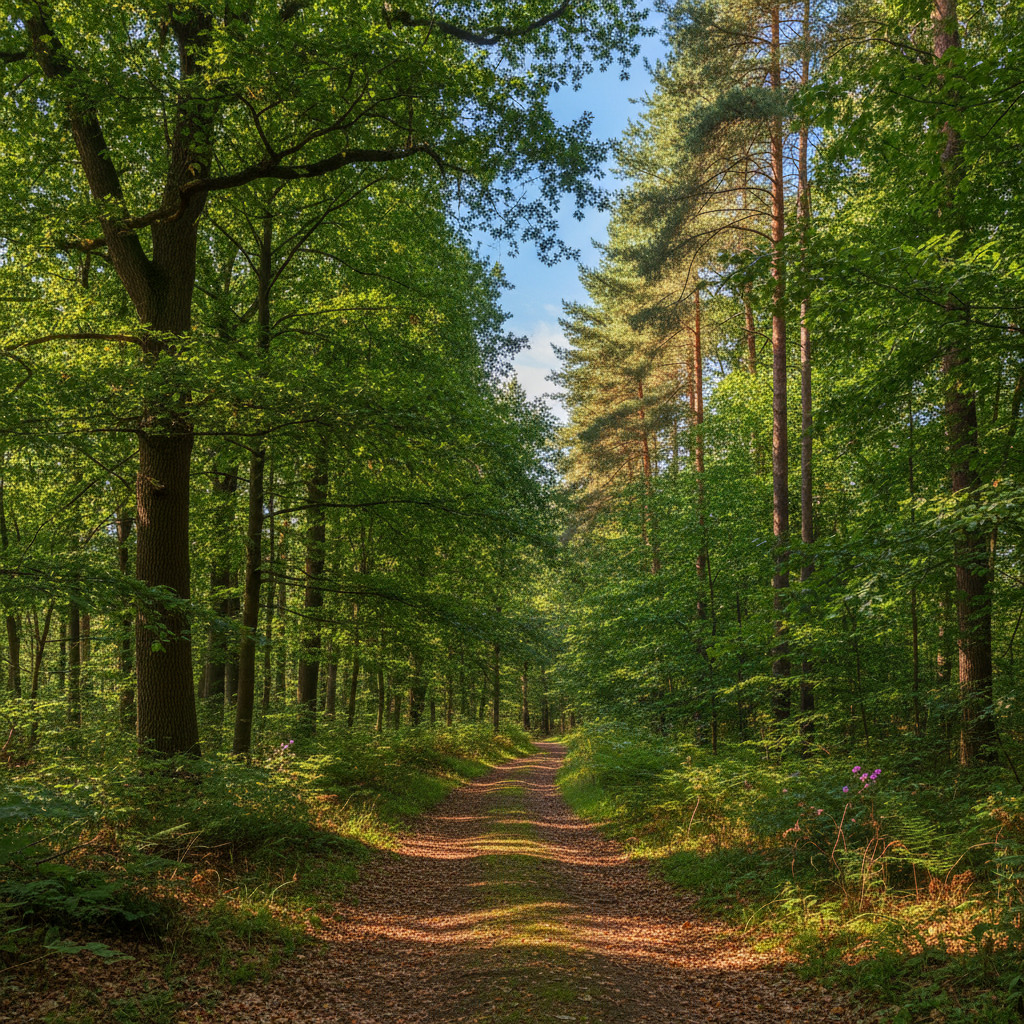
    Magical landscape transformation Transform into Studio Ghibli landscape with floating magical particles, ethereal lighting, and enchanted forest atmosphere
    Spirited Away inspired scene Convert to Spirited Away style with mystical colors, floating spirits, and Miyazaki's signature magical realism
    Totoro-style nature scene Transform to My Neighbor Totoro style with lush green forest, soft sunlight filtering through trees, and peaceful countryside atmosphere
    3 more prompts
    Castle in the Sky aesthetic Convert to Castle in the Sky style with floating islands, magical clouds, steampunk elements, and adventure atmosphere
    Princess Mononoke forest Transform to Princess Mononoke style with ancient mystical forest, kodama spirits, and powerful nature magic atmosphere
    Howl's Moving Castle romance Convert to Howl's Moving Castle style with romantic magical atmosphere, flowing fabrics, and enchanted Victorian elements
  3. Review the magical result

    Check how well the AI captured the Studio Ghibli aesthetic. Look for the characteristic soft colors, gentle lighting, and dreamlike quality. Zoom in to see details like the animation-style line work and magical atmosphere effects.

See it in action

Young woman in red sweater in garden setting
Before
->
Same woman transformed into Studio Ghibli animation style with soft pastel colors
After

Portrait to Ghibli Character

A simple headshot transformed into the classic Studio Ghibli character style with soft features and magical lighting.

Prompt: Convert to Studio Ghibli animation style with soft pastel colors, gentle lighting, and magical dreamlike atmosphere
Forest path with green trees and dappled sunlight
Before
->
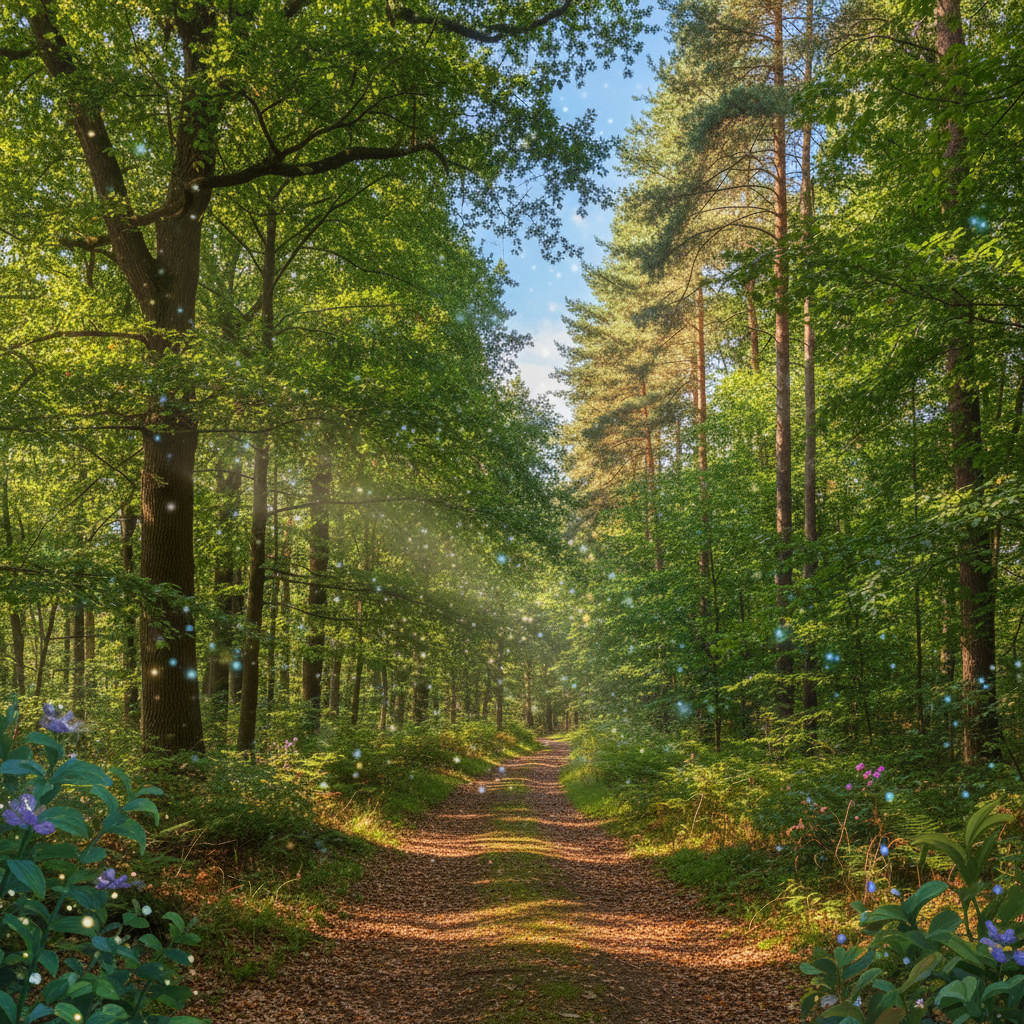
Same forest transformed to magical Ghibli style with floating particles and ethereal lighting
After

Landscape to Magical Forest

A regular forest photo became an enchanted Ghibli-style woodland with floating magical particles and ethereal atmosphere.

Prompt: Transform into Studio Ghibli landscape with floating magical particles, ethereal lighting, and enchanted forest atmosphere
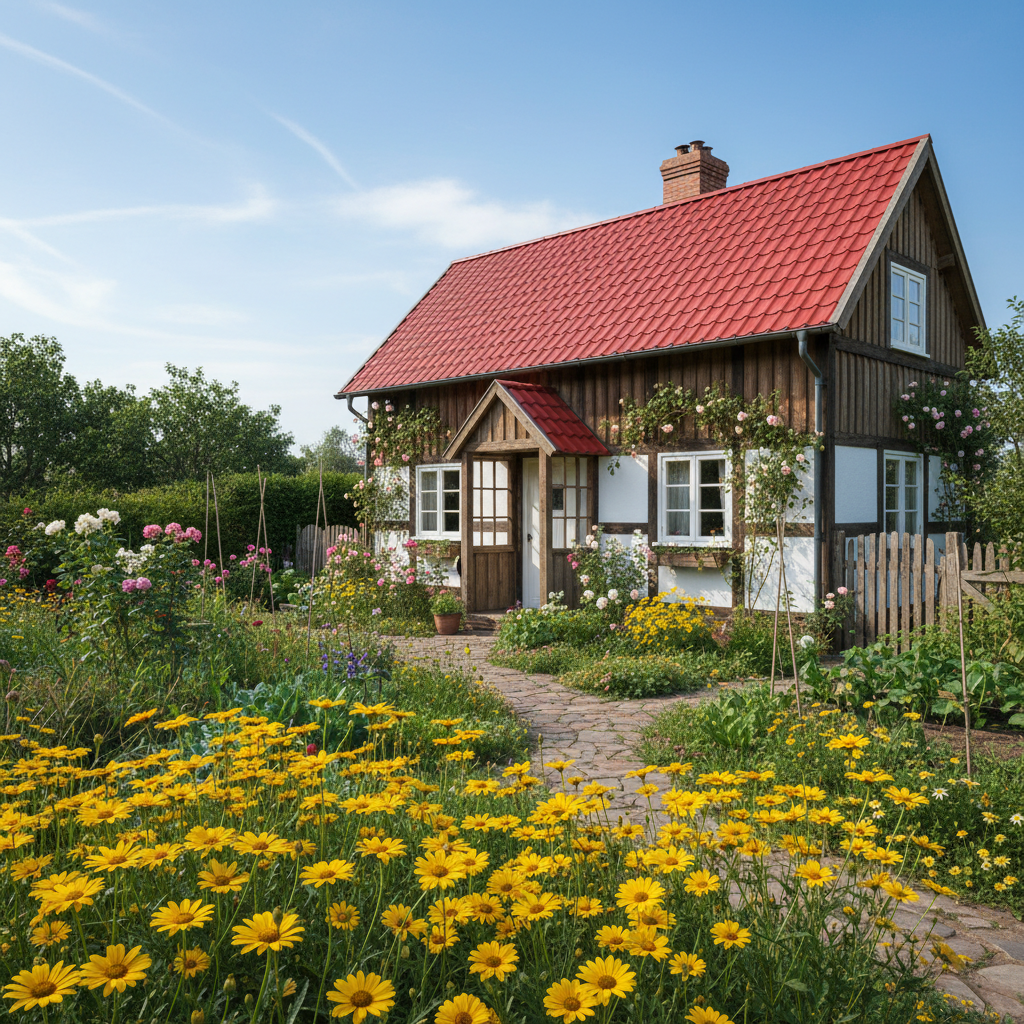
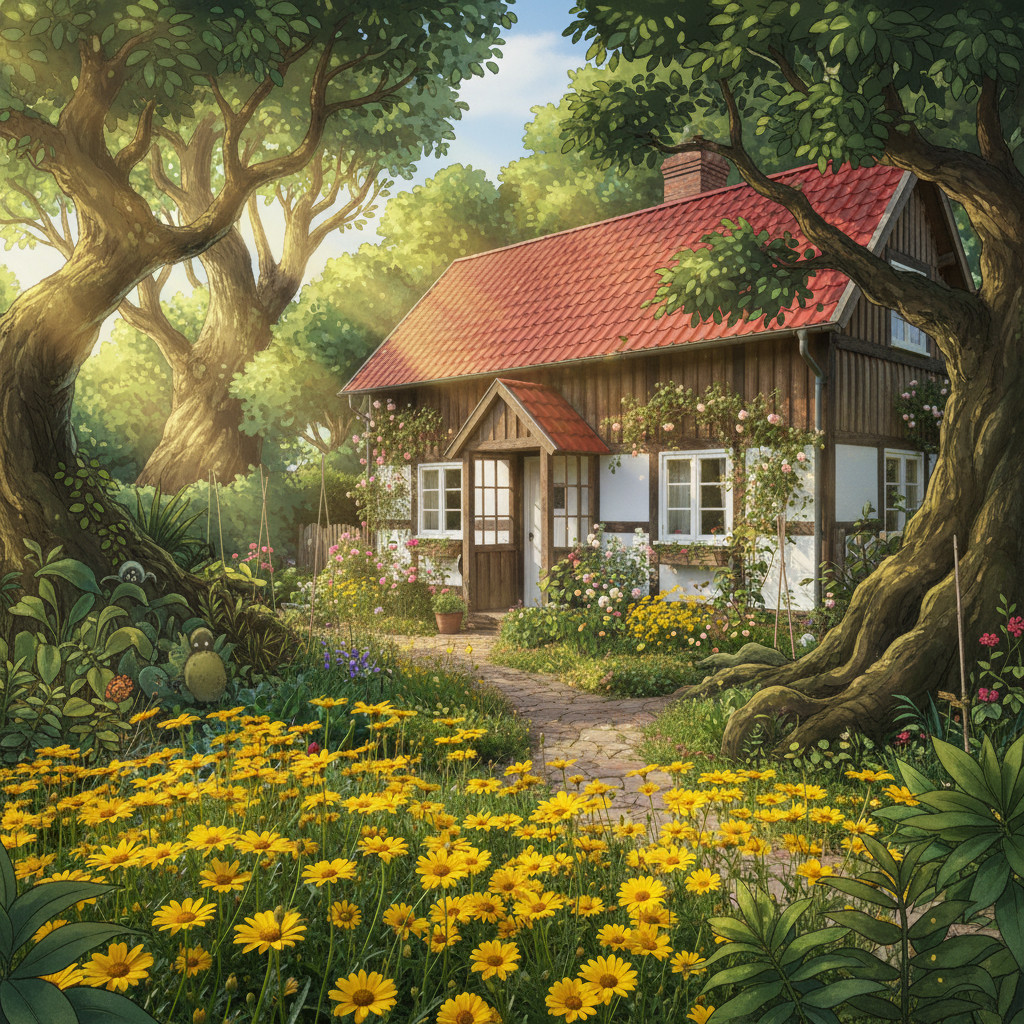
Small wooden house with garden and yellow flowers
Before
->
House transformed to Totoro-style dwelling with lush magical garden atmosphere
After

House to Ghibli Home

A suburban house transformed into a cozy Ghibli-style dwelling with magical garden elements and whimsical atmosphere.

Prompt: Convert to My Neighbor Totoro style with lush green forest, soft sunlight filtering through trees, and peaceful countryside atmosphere

If something looks off

The Ghibli style looks too cartoonish or exaggerated

Why: The prompt may be pushing too hard into generic cartoon territory instead of authentic Ghibli aesthetics.

Try: Try 'subtle Studio Ghibli style with realistic proportions and soft pastel colors'

Tip: Ghibli style is more about atmosphere and color than extreme stylization. Emphasize 'soft' and 'gentle' in prompts.

Colors became too bright or saturated

Why: AI interpreted 'magical' as overly vibrant instead of the gentle Ghibli palette.

Try: Specify 'muted pastel colors' or 'soft earthtone Ghibli palette' in your prompt

Tip: Studio Ghibli films use surprisingly muted colors. Think gentle pastels, not neon brights.

Lost important facial features or details

Why: The style conversion was too aggressive and simplified features too much.

Try: Add 'preserve facial features' or 'maintain character details' to your prompt

Tip: For portraits, mention keeping specific features you want preserved in the Ghibli conversion.

Doesn't look authentically Ghibli

Why: Generic 'anime style' interpretation instead of specific Studio Ghibli characteristics.

Try: Reference specific films: 'Spirited Away style' or 'My Neighbor Totoro aesthetic'

Tip: Mentioning specific Ghibli films helps the AI understand the exact style you want.

Background became too busy or distracting

Why: AI added too many magical elements without considering composition balance.

Try: Use 'simple Ghibli background' or 'minimal magical elements, focus on atmosphere'

Tip: Ghibli backgrounds are often simple and serve the story. Less can be more for authentic results.

Quick answers

Do I need to mark the areas before describing the Studio Ghibli conversion?

No! Just describe what Studio Ghibli style you want and the AI will transform your entire photo.

How do I convert photos to Studio Ghibli style for free?

Upload your photo to EditThisPic and describe the Ghibli transformation you want. Our AI converts any image to authentic Studio Ghibli animation style instantly. No account required, completely free to try.

Is there a free Studio Ghibli converter that doesn't require login?

Yes, EditThisPic is free to try with no account needed. Upload your photo and get Studio Ghibli style conversions instantly without any signup or registration required.

What makes a good photo for Studio Ghibli conversion?

Photos with clear subjects, good natural lighting, and simple compositions work best. Portraits, nature scenes, and architecture convert beautifully. Avoid heavily edited or low-quality images for the most authentic Ghibli results.

Can I make it look like specific Studio Ghibli movies?

Yes! Mention specific films in your prompt like 'Spirited Away style', 'My Neighbor Totoro aesthetic', or 'Princess Mononoke atmosphere'. Each Ghibli film has distinct visual characteristics that the AI can replicate.

How much does EditThisPic cost?

You get 1 free edit per week — no account needed. After that, credit packs start at $1.99 for 3 edits. Monthly plans start at $4.99/mo for 15 edits with unused credits rolling over. All edits are full resolution with no watermark.

Ready to create your Studio Ghibli masterpiece?

Free to try. No signup required.

1 free edit included·Credit packs from $4.99