AI Photo Editor for Auto Detailing Before & After Photos
Last updated
Detailing photos that showcase your craftsmanship.
Drop your photo here
"enhance to show paint clarity, gloss depth, and ceramic coating reflection quality"
Release to upload
Built for Auto Detailing Professionals
Detailing results live in the finish — gloss, clarity, and depth that phone cameras struggle to capture under shop lighting. EditThisPic enhances your photos to show the finish quality your customers experience when they see their car.
How to AI Photo Editor for Auto Detailing Before & After Photos
-
Upload your photo
Drop your auto detailing photo into EditThisPic.
-
Describe your edit
Type what you want.
-
Review
Check accuracy.
Prompts for Auto Detailing
enhance to show paint clarity, gloss depth, and ceramic coating reflection quality
Paint quality and clarity are what detailing customers are paying for
standardize lighting for detailing before/after comparison, consistent professional quality
Consistent lighting makes paint improvement obvious
enhance the interior detailing photo with clean professional lighting, show the transformation
Interior detailing results need proper lighting to appreciate
correct the shop fluorescent lighting, show the vehicle finish with professional automotive lighting
Shop lights are terrible for showcasing detailing results
Show more prompts
enhance the close-up paint photo to show depth, reflection clarity, and finish quality
Close-ups are where detailing craftsmanship is most visible
Auto Detailing Transformations
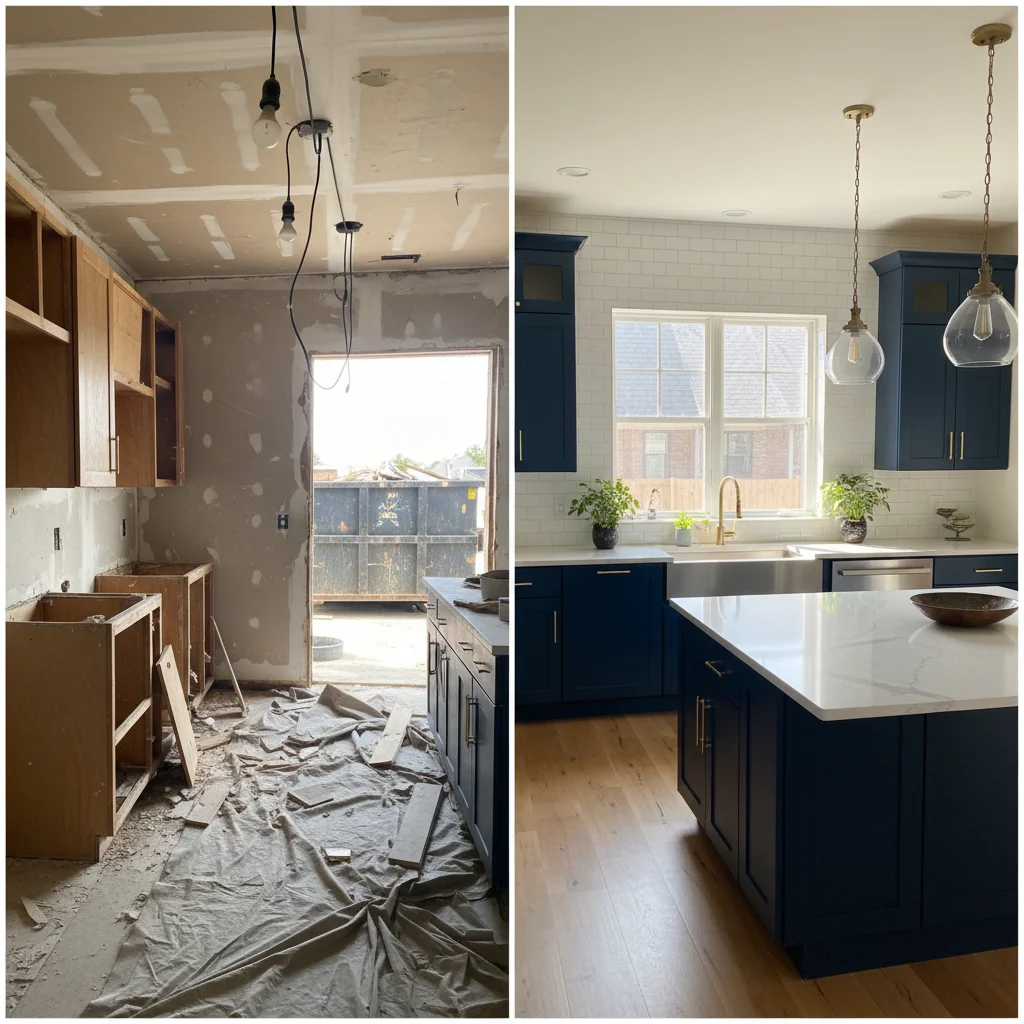
Paint correction showcase
Paint correction results enhanced to show gloss and clarity for detailing portfolio.
enhance to show paint clarity, gloss depth, and ceramic coating reflection quality
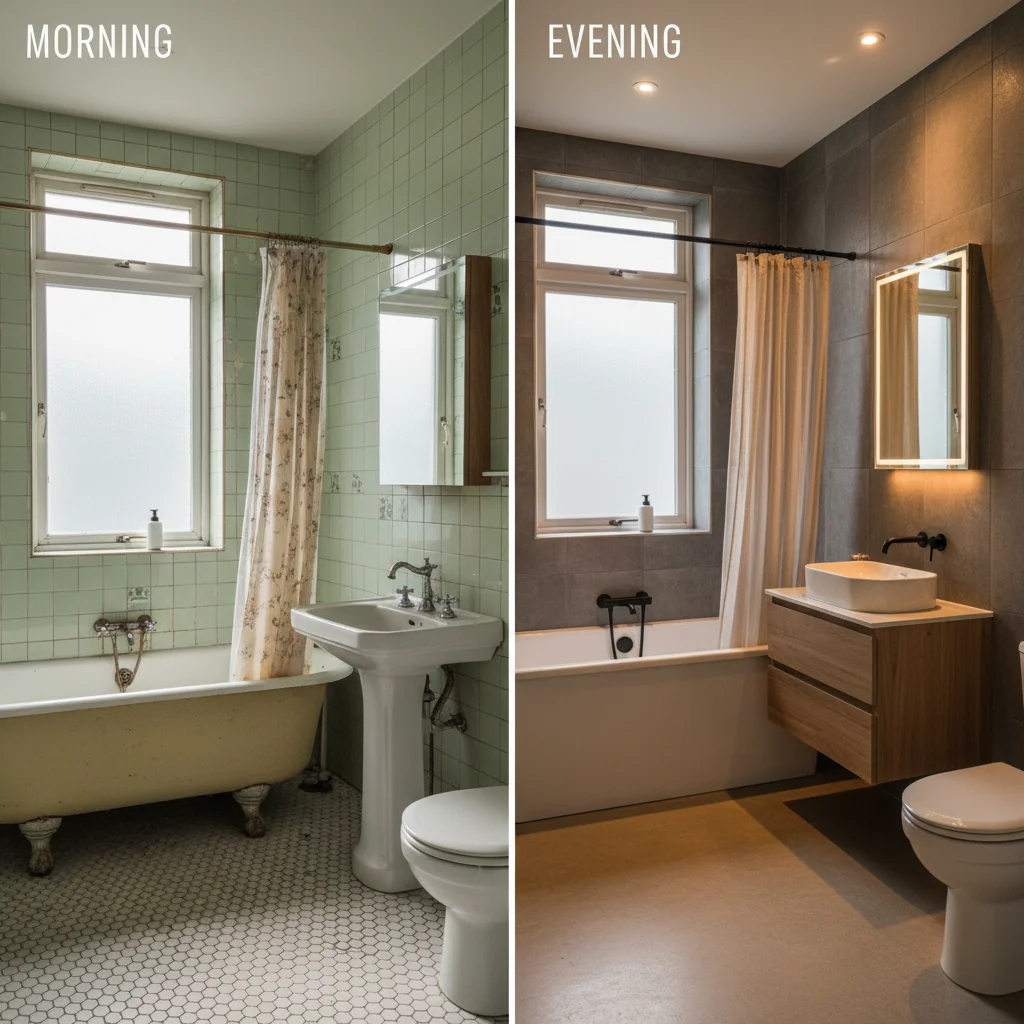
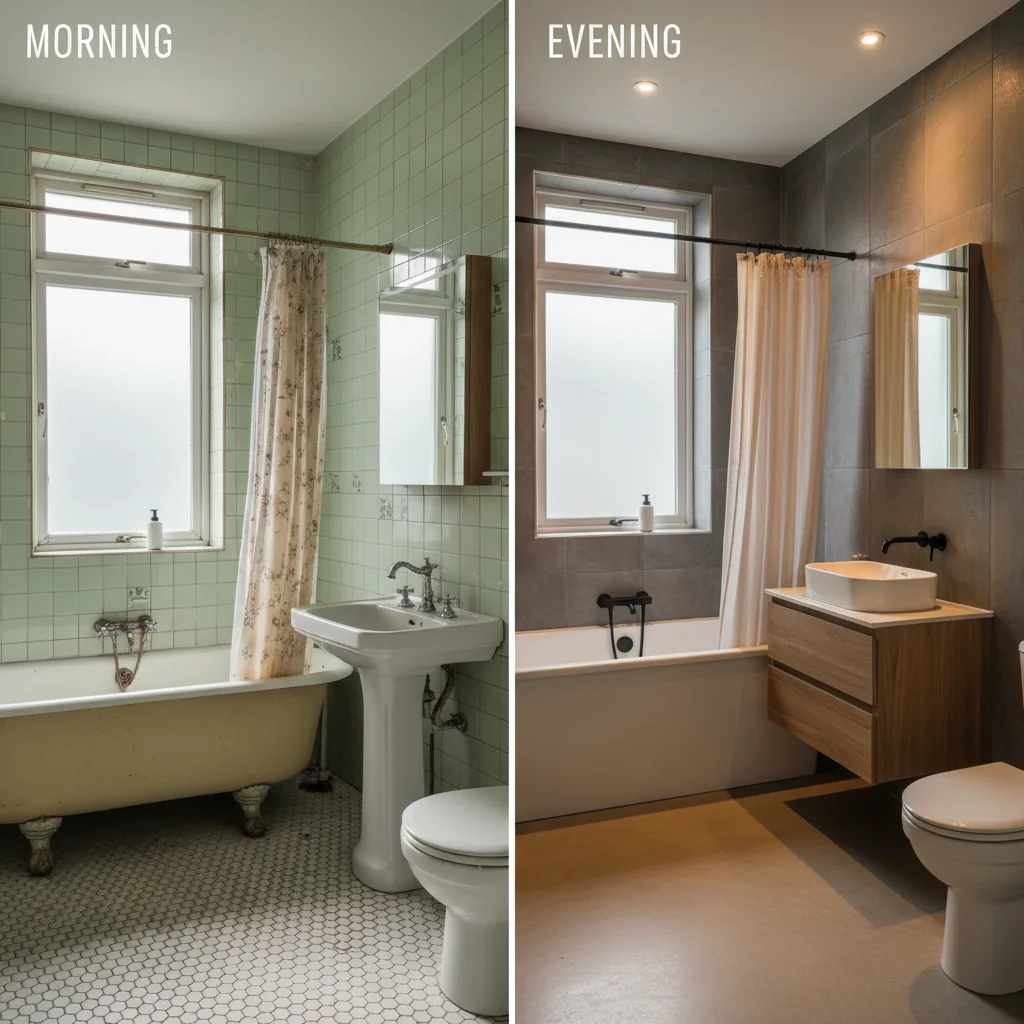
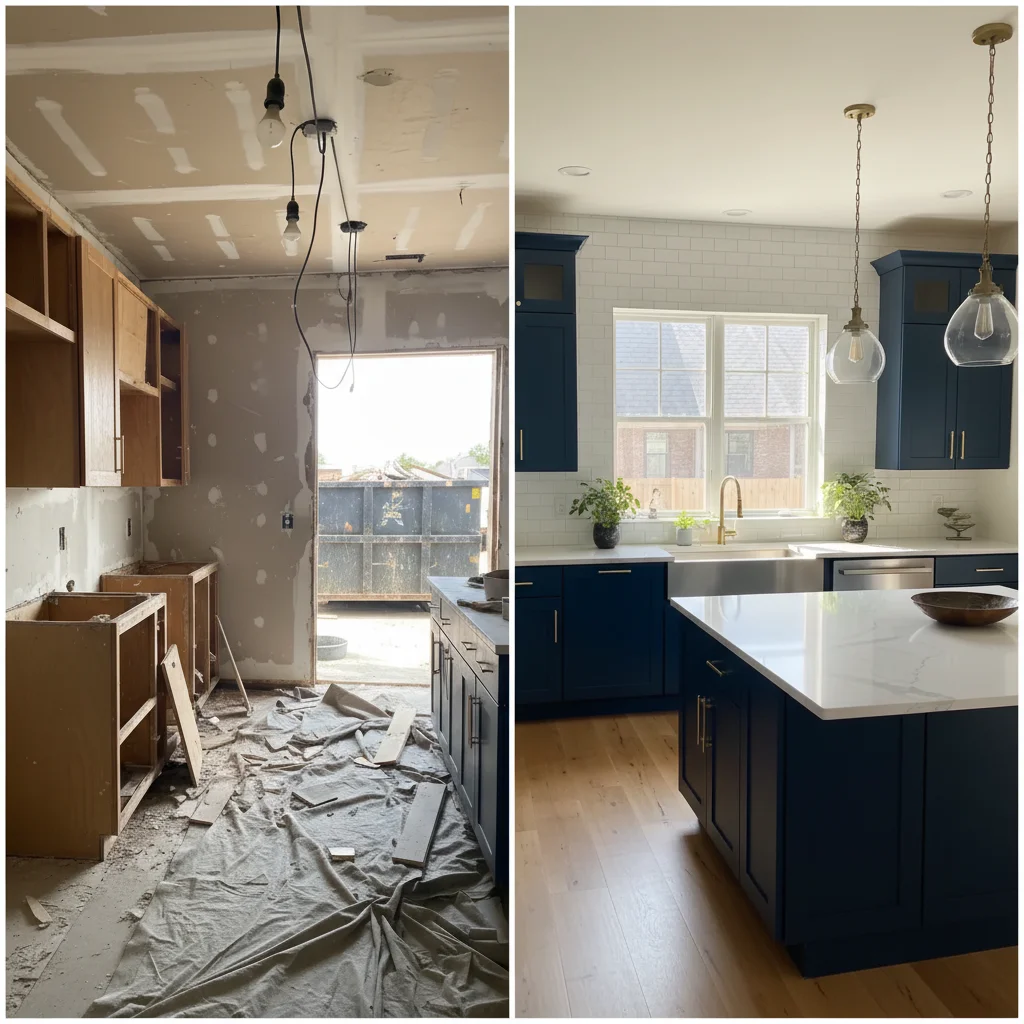
Full vehicle before/after
Detailing before/after pair with shop lighting standardized for portfolio.
standardize lighting for detailing before/after comparison, consistent professional quality
Common Issues
Result looks over-processed or artificial
Why: AI can over-correct, creating an unnatural or HDR-like appearance
Adding 'natural and subtle' to any prompt helps keep results realistic
Colors shifted or look wrong after the edit
Why: Brightness and exposure changes can inadvertently alter color balance
Mention 'preserve original colors' when you only want one specific change
Photo still doesn't look quite right after one edit
Why: Complex issues may need multiple targeted adjustments
Multiple focused passes often produce better results than one big edit
FAQ
How do I show paint correction quality?
Directional lighting reveals the depth and clarity that paint correction creates. The AI simulates better lighting angles that show gloss, depth, and surface perfection.
Why don't my detailing photos look impressive?
Shop fluorescent lighting flattens paint appearance. Professional detailing photography uses controlled directional lighting. The AI simulates this for phone photos.
Can I show ceramic coating results?
Yes. Enhanced photos showing reflections and depth effectively demonstrate ceramic coating quality. Use prompts mentioning 'reflection clarity' and 'depth.'
Do portfolio photos help win customers?
Detailing is highly visual. Customers choose detailers based on portfolio evidence of quality. Professional-looking before/after comparisons convert inquiries into bookings.
What about interior detailing documentation?
Interior detailing benefits equally from enhancement. Clean, bright interior photos show the transformation from worn to renewed.
Is this free?
Yes — 1 free edit per week. plans start at $4.99/month.
Popular use cases
Show the quality of your detailing
Professional detailing photos. Free to try.
Upload Your PhotoTrusted by 15,000+ users