Free • No signup Stage Empty rooms · Free

AI Virtual Staging Tool

Describe the furniture and style you want and AI stages empty rooms instantly. No marking needed.

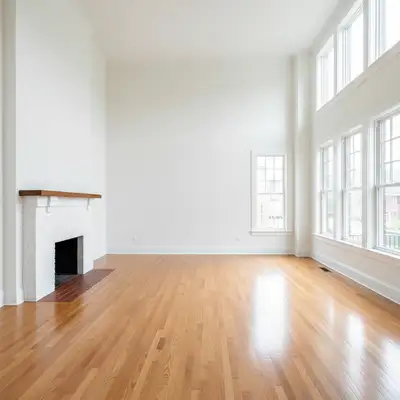
Completely empty living room with hardwood floors and white walls
Before
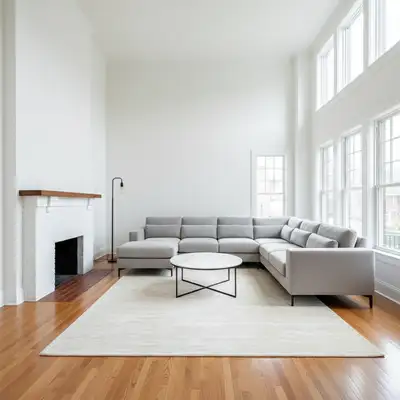
Same living room staged with grey sectional sofa, coffee table, area rug, and wall art
After

AI Virtual Staging Tool

Drop your photo here

or click to browse

Release to upload

Free • No signup

Advertisement
Popular use cases:
  • virtual staging for listings
  • empty room staging
  • real estate virtual staging
  • vacant property staging
  • home staging for sale
  • rental property staging
  • house flipping staging
  • MLS virtual staging

Cost
Free No signup required
Time
Instant results in 15-30 seconds
Works on
Any device - browser, phone, tablet, desktop
Powered by
AI-powered photo editing
Scenario Prompt Time
Living room staging stage as modern living room with sofa and table 40s
Bedroom staging stage as cozy bedroom with queen bed 40s
Full room with decor stage with furniture, art, plants, and lighting 55s

How it works

  1. Upload your empty room photo

    Drop your vacant room image into EditThisPic. JPG, PNG, WebP up to 7MB. Photos showing the full room from a corner angle work best. Make sure walls, floor, and windows are clearly visible so the AI understands the space.

    Expect: Simple furniture additions: 30-45 seconds. Full room staging with multiple pieces and decor: 45-60 seconds and may need refinements.
  2. Describe the staging you want

    Type your instruction: 'add modern living room furniture with a grey sectional sofa, glass coffee table, and area rug' or 'stage as a cozy bedroom with queen bed, nightstands, and warm lighting.' Be specific about style, colors, and pieces. No marking needed—the AI understands room layouts and places furniture logically.

    Tip: Name a design style for cohesive results: 'mid-century modern', 'Scandinavian minimalist', or 'farmhouse rustic' gives the AI a complete aesthetic to follow.

    Copy one of these to get started:

    Modern living room staging stage this room as a modern living room with a grey sectional sofa, glass coffee table, area rug, and wall art
    Cozy bedroom staging stage this room as a cozy bedroom with a queen bed, white bedding, two nightstands with lamps, and a throw blanket
    Home office setup stage this room as a home office with a wooden desk, ergonomic chair, bookshelf, and a plant by the window
    Dining room with table set stage this room as a dining room with a wooden table for 6, upholstered chairs, a centerpiece, and pendant lighting
    3 more prompts
    Minimalist Scandinavian style stage this room in Scandinavian minimalist style with light wood furniture, neutral tones, and a few green plants
    Kids bedroom staging stage this room as a kids bedroom with a twin bed, colorful bedding, a small desk, and storage shelving
    Luxury master suite stage this room as a luxury master bedroom with a king bed, tufted headboard, matching nightstands, and elegant curtains
  3. Review the staging

    Check that furniture is proportional to the room, placed realistically on the floor, and follows the room's perspective. Verify that shadows and lighting on furniture match the ambient light in the photo.

  4. Refine with markers if needed

    If furniture placement looks off or you want to adjust a specific piece, tap markers on the area and regenerate with updated instructions. Most virtual staging results look realistic on the first try.

    Tip: Markers are for adjusting specific placements. Try without them first—the AI handles room layout surprisingly well.
Try it free

AI Virtual Staging Tool

Drop your photo here

or click to browse

Release to upload

Free • No signup

"Traditional virtual staging costs $50-100 per room and takes days. I staged an entire 4-bedroom house in 20 minutes with this tool. My vacant listings finally get the attention they deserve." @Realtor_StagingPro

See it in action

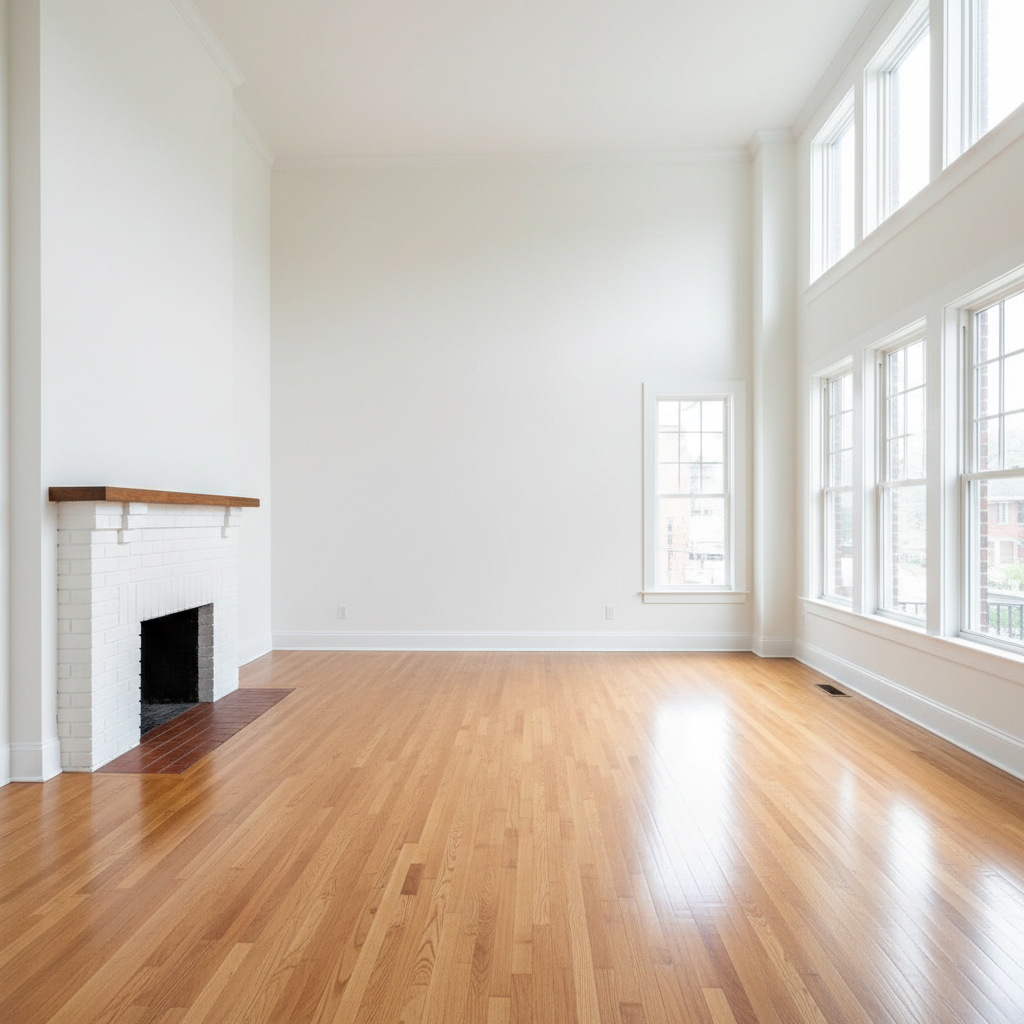
Completely empty living room with hardwood floors and white walls
Before
->
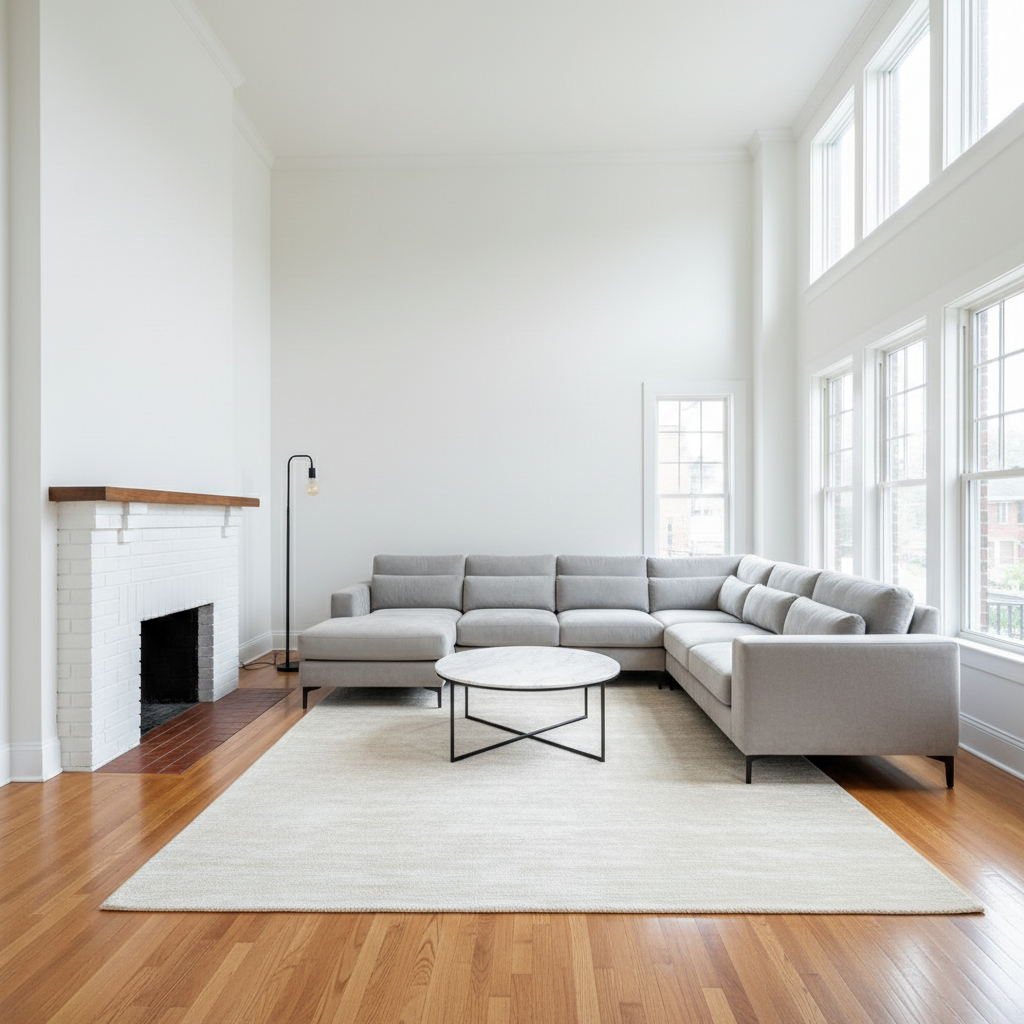
Same living room staged with grey sectional sofa, coffee table, area rug, and wall art
After

Empty living room to modern staged showcase

A completely vacant living room transformed into an inviting, fully staged space with modern furniture.

Prompt: stage this room as a modern living room with a grey sectional sofa, glass coffee table, area rug, and wall art
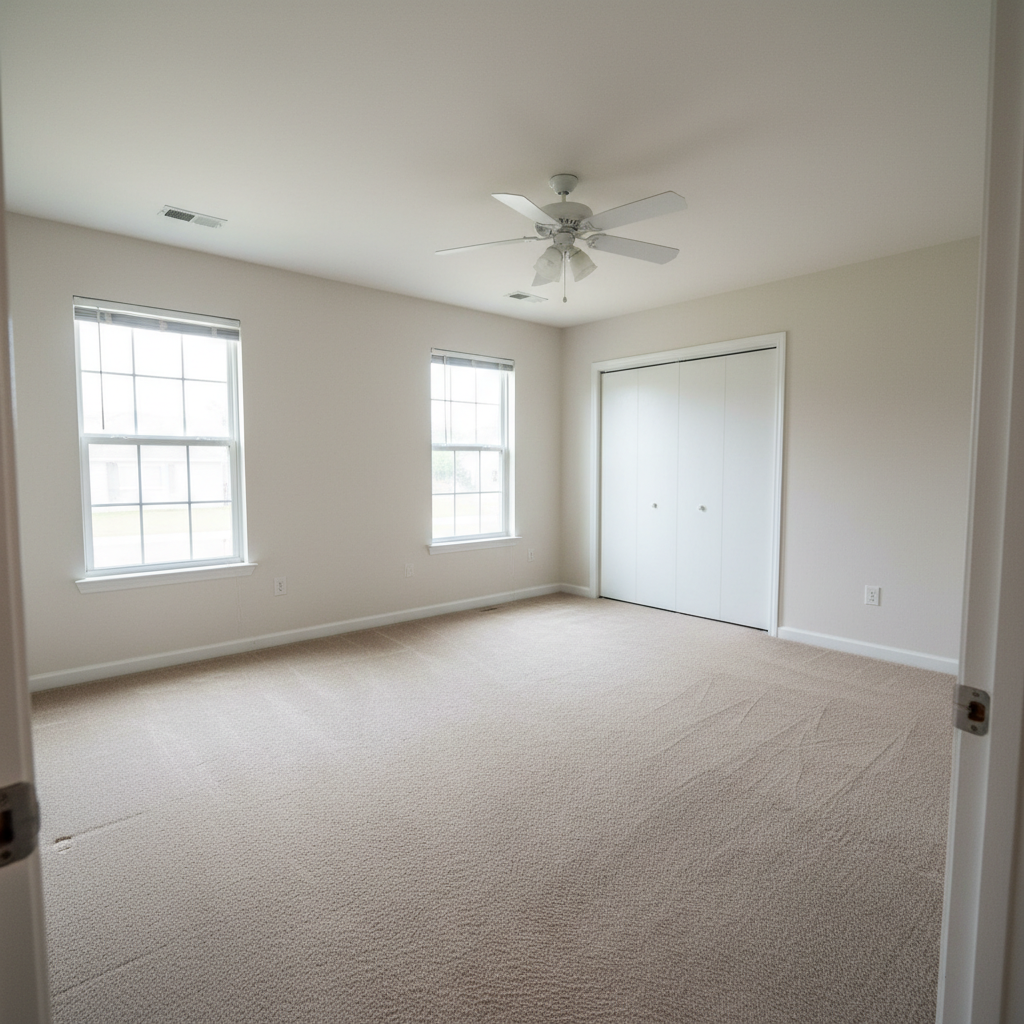
Completely empty bedroom with beige carpet and bare white walls
Before
->
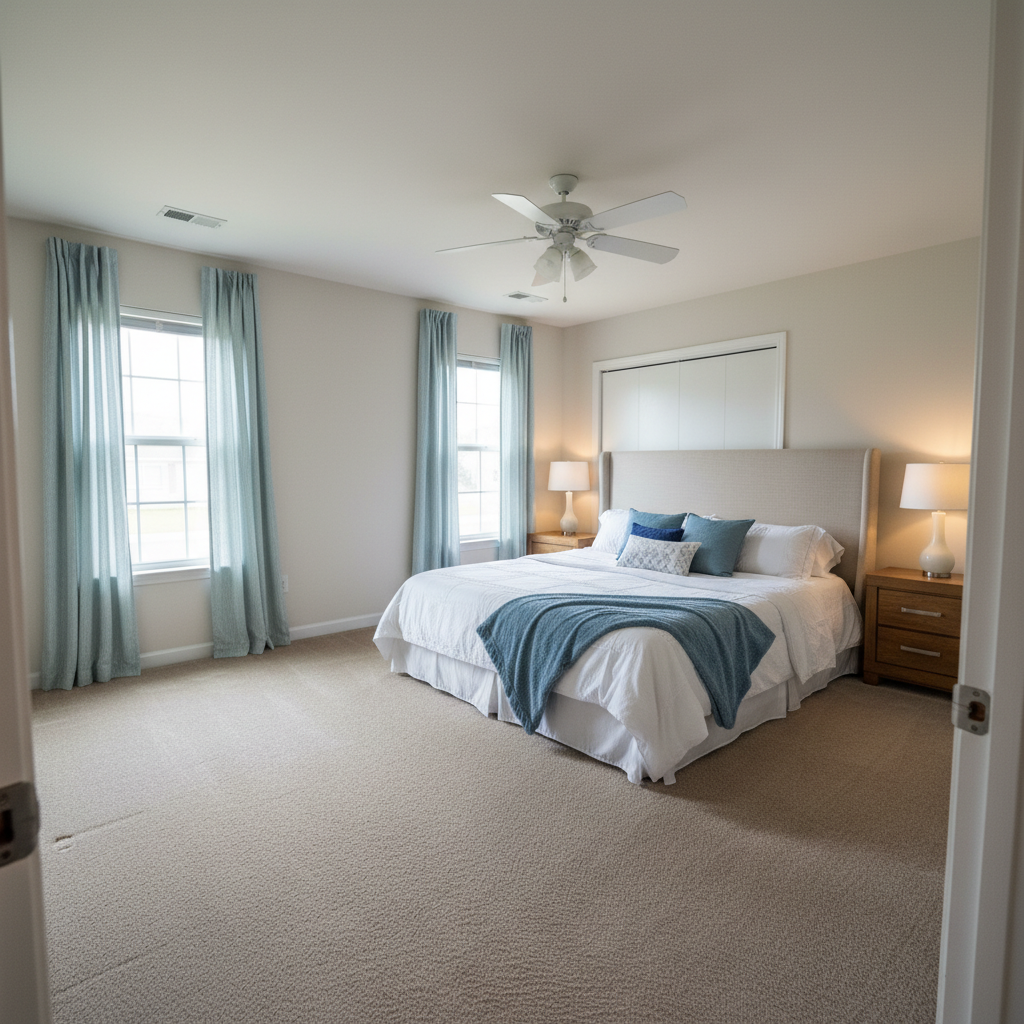
Same bedroom staged with queen bed, white bedding, nightstands, lamps, and throw blanket
After

Vacant bedroom to cozy retreat

An empty bedroom with nothing but carpet and closet doors staged into a warm, inviting sleeping space.

Prompt: stage this room as a cozy bedroom with a queen bed, white bedding, two nightstands with lamps, and a throw blanket
Advertisement

If something looks off

AI changed the wrong area or something I didn't want changed

Why: The AI couldn't determine exactly where to place furniture or modified walls and floors instead of adding items.

Try: Tap a marker on the specific area where you want furniture placed, then regenerate with the same prompt

Tip: Markers tell the AI 'put furniture HERE specifically.' Use them when the AI places furniture in the wrong spot.

Furniture looks too big or too small for the room

Why: The AI misjudged the room's scale from the photo's perspective, generating furniture that doesn't match the actual room size.

Try: stage the room with properly scaled furniture that fits this room's proportions, not too large or small

Tip: 'Properly scaled' forces the AI to recalculate proportions. Mentioning room dimensions helps too if you know them.

Furniture is floating or not sitting on the floor correctly

Why: The AI didn't correctly interpret the floor plane in the photo, placing furniture slightly above or below the actual surface.

Try: place all furniture firmly on the floor with realistic contact shadows where legs meet the surface

Tip: 'Contact shadows where legs meet surface' is the key detail that makes staged furniture look physically real.

Lighting on furniture doesn't match the room

Why: The AI generated furniture with different light direction or color temperature than what's in the room photo.

Try: stage with furniture that matches the room's existing lighting direction and color temperature

Tip: If you can see which direction light comes from (windows on the left), mention it explicitly.

Walls, floor, or architectural features were changed

Why: The AI interpreted the staging request too broadly and modified the room structure along with adding furniture.

Try: add furniture only, do not change the walls, floors, windows, or any architectural features of the room

Tip: 'Do not change walls, floors, windows' is critical for honest real estate listings—the room must stay accurate.

Quick answers

Do I need to mark where the furniture should go before describing the staging?

No! Just describe the staging: 'add a grey sofa and coffee table' or 'stage as a bedroom with queen bed.' The AI understands room layouts and places furniture logically against walls and in natural positions. Only use markers if furniture lands in the wrong spot and you need to redirect placement.

How do I virtually stage empty rooms for real estate listings?

Upload your empty room photo and describe the furniture and style you want: 'stage as modern living room with sectional sofa, coffee table, and rug.' The AI adds realistic furniture in 30-45 seconds. Works for any room type—bedrooms, living rooms, dining rooms, and home offices. No interior design experience needed.

Is there a free virtual staging tool that doesn't require signup?

Yes, EditThisPic does virtual staging for free with no account needed. Upload your vacant room photo, describe the furniture style, and download the staged result. No watermarks. Handles living rooms, bedrooms, kitchens, offices, and dining rooms.

What's the best free AI virtual staging tool for real estate?

EditThisPic offers instant virtual staging by describing what you want. Unlike services that charge $50-100 per room and take days, it generates staged photos in seconds. Just describe the furniture style and the AI places realistic furnishings that match the room's lighting and proportions.

Ready to stage your empty rooms?

Free to try. No signup required.

Try it free