AI Photo Editor for Engagement Party Photos
Last updated
Your ring said yes. Now make your photos say wow.
Drop your photo here
"brighten all faces and enhance the warm lighting, keep the celebratory atmosphere"
Release to upload
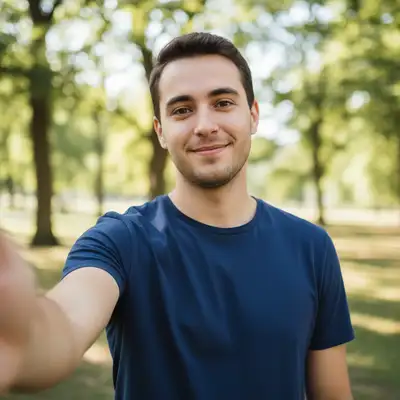
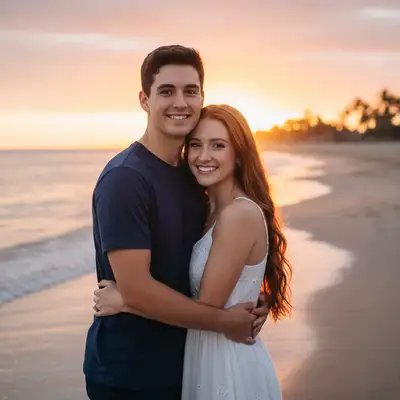
How to Edit Engagement Party Photos
-
Upload your engagement party photo
Drop your celebration photo into EditThisPic. Ring close-ups, group shots, couple portraits, and candid moments all work. JPG, PNG, WebP up to 7MB.
Lighting fixes: 15-20 seconds. Background cleanup: 25-35 seconds. -
Describe your edit
Type what you want: 'brighten everyone's faces in this restaurant photo' or 'make the engagement ring sparkle' or 'remove the clutter behind us.' The AI understands celebration photography needs.
For ring close-ups, try 'enhance the diamond sparkle and clarity while keeping the background softly blurred.' -
Review and download
Check that the edit looks natural and captures the joy of your celebration. Download in high resolution for social media announcements or printing.
Best Prompts for Engagement Party Photos
brighten all faces and enhance the warm lighting, keep the celebratory atmosphere
Preserving warm tones keeps the intimate celebration feel while making faces visible
enhance the ring sparkle and diamond clarity, soften the background with gentle bokeh
Ring photos look best with sharp detail on the stone and a creamy blurred background
remove clutter and dirty dishes from the background, keep the people sharp and clear
Removing restaurant mess lets the focus stay on the happy couple and guests
fix red-eye on everyone and soften the harsh flash shadows
Flash at parties often causes red-eye in multiple people simultaneously
Show more prompts
blur the background crowd and keep only the couple in sharp focus
Creates a professional portrait effect from a casual party snapshot
smooth and enhance the hand skin, keep the ring perfectly detailed
Clean hands make ring photos look polished for announcements
Engagement Party Photo Transformations
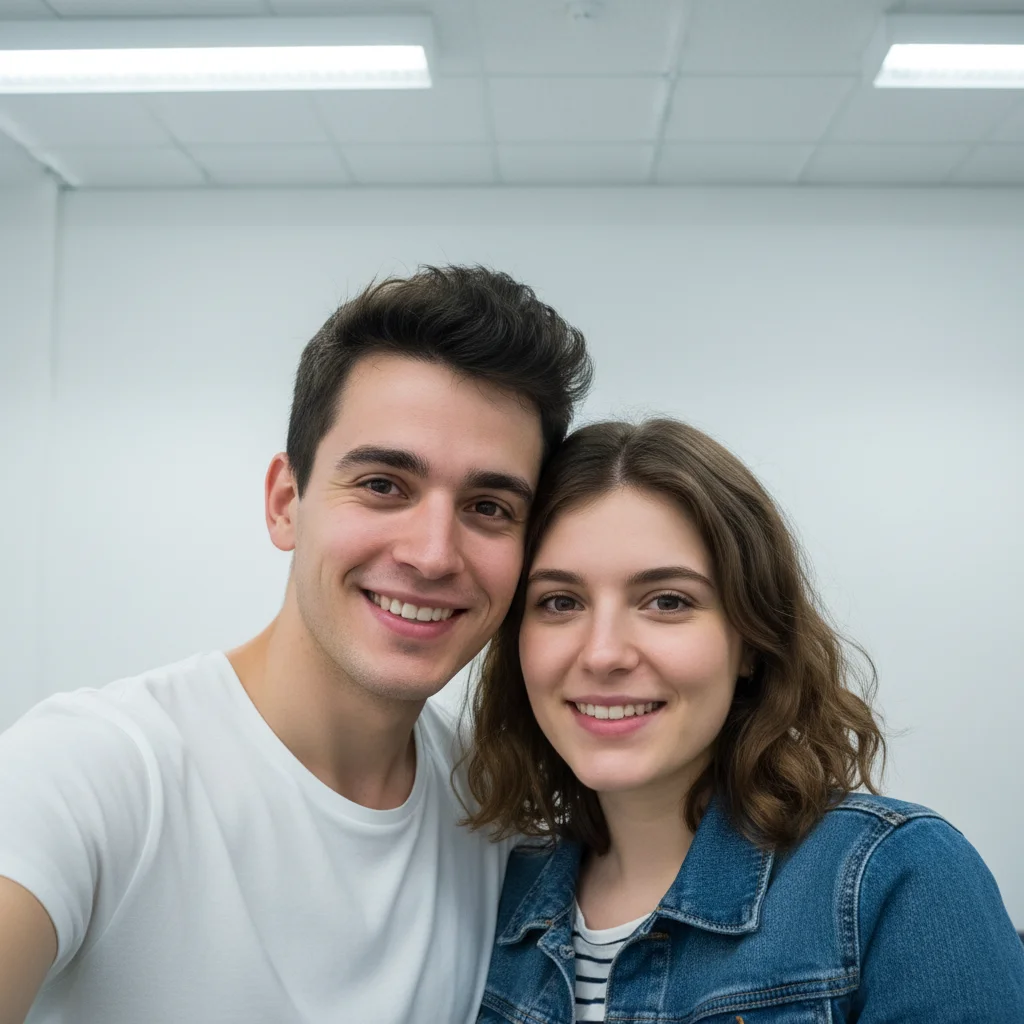
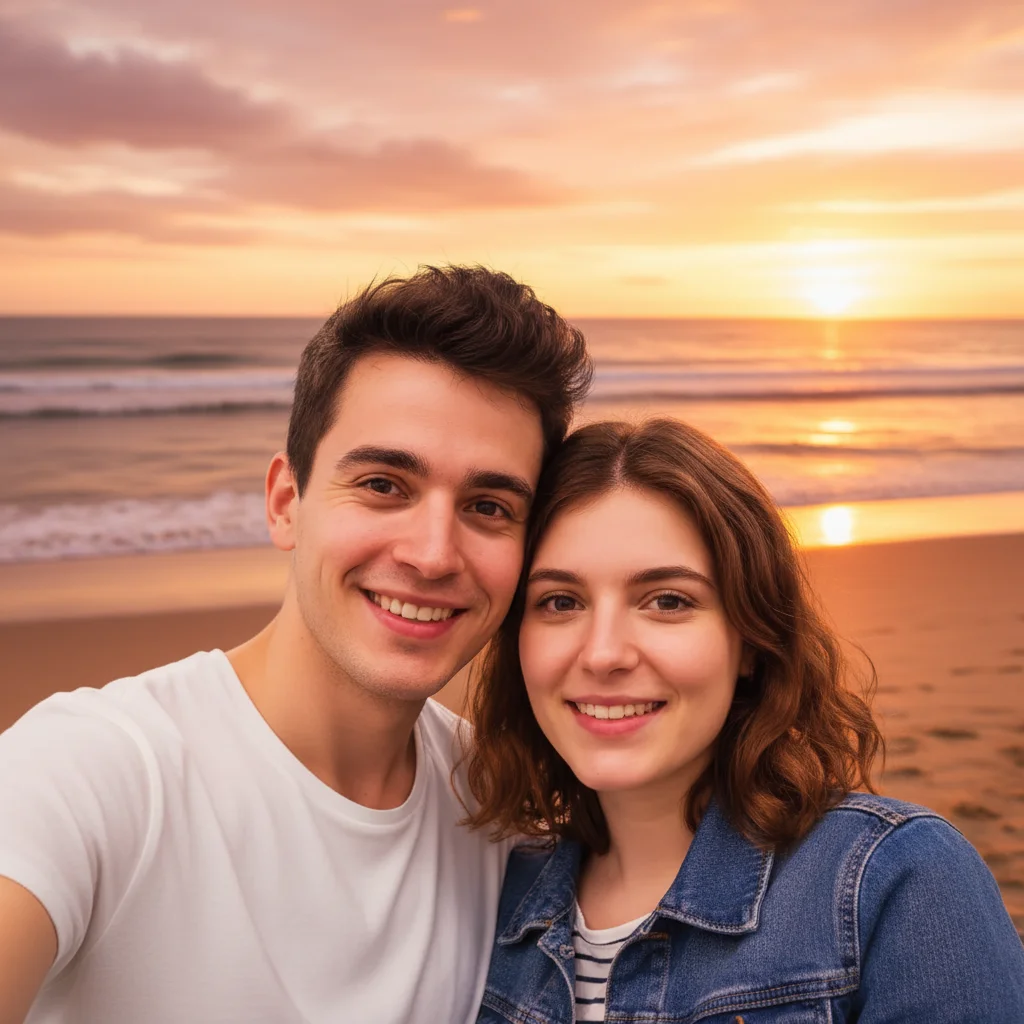
Restaurant group shot brightened
Dimly lit engagement dinner group photo transformed with bright, warm lighting that shows every smiling face.
brighten all faces and enhance the warm lighting, keep the celebratory atmosphere
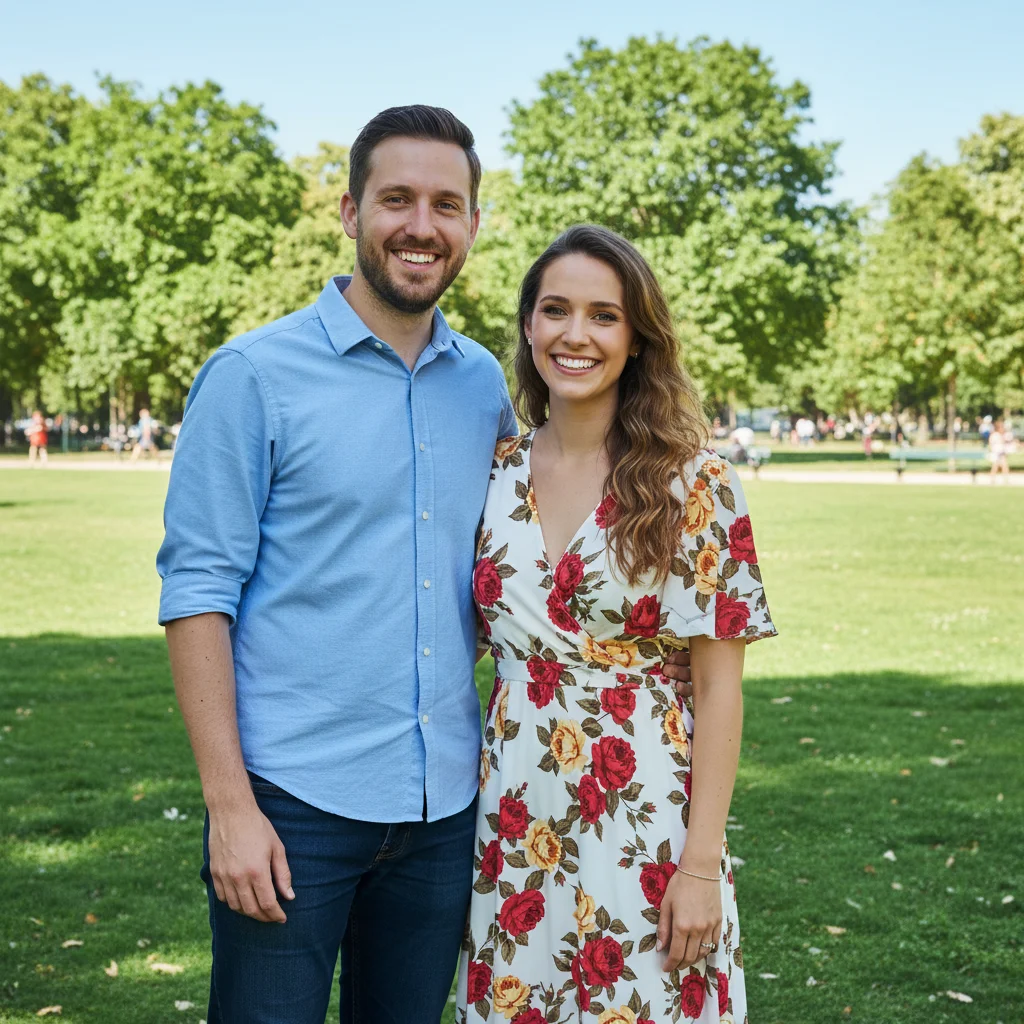
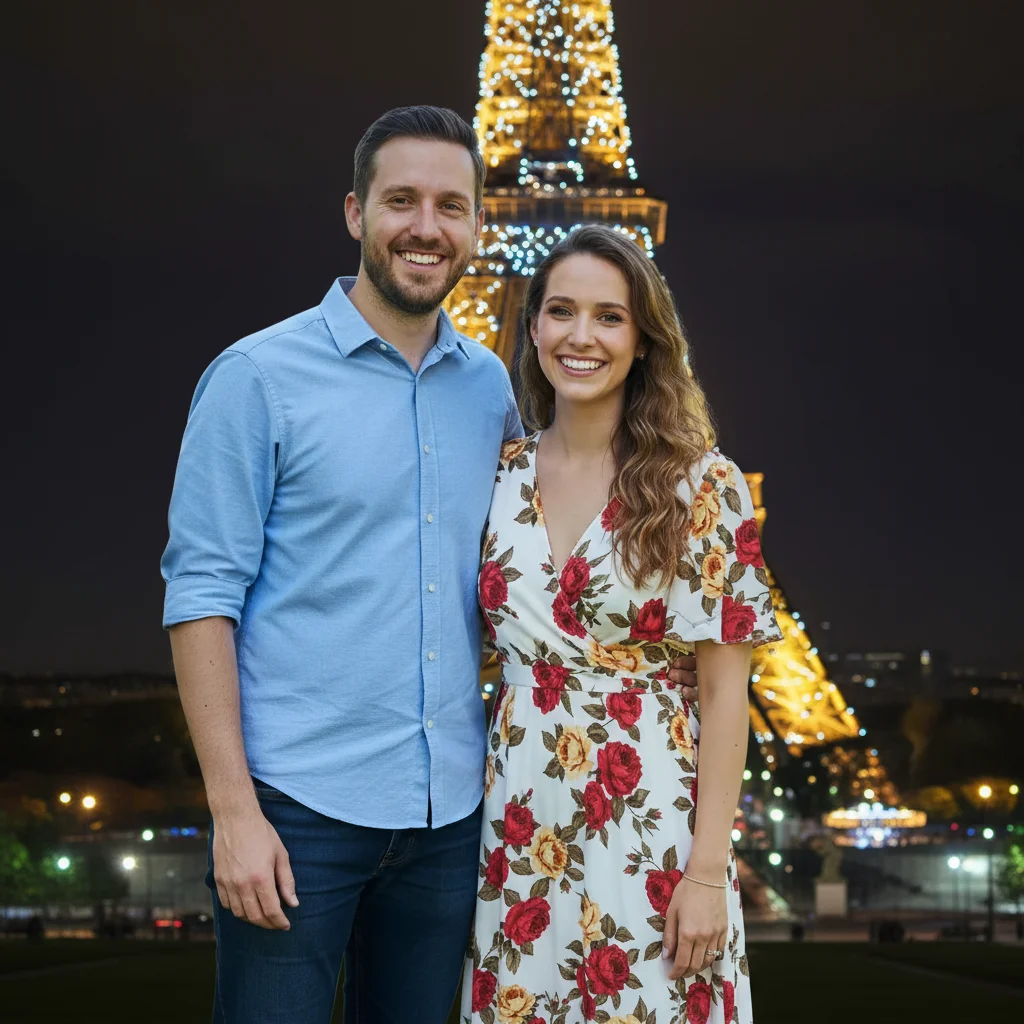
Engagement ring close-up enhanced
Close-up ring photo with improved sparkle and soft background blur for social media announcement.
enhance the ring sparkle and diamond clarity, soften the background with gentle bokeh
Common Issues
Brightened photo lost the warm, intimate atmosphere
Why: The AI overcorrected toward neutral white light instead of preserving warm tones
Adding 'warm' or 'golden' guides the AI to preserve the cozy atmosphere
Ring enhancement made the metal look plastic
Why: Over-processing smoothed out the natural metal reflections
Be specific about what to enhance. The ring band should look natural, focus the sparkle effect on the stone.
Frequently Asked Questions
How do I fix dark engagement party photos taken at a restaurant?
Type 'brighten faces and enhance the warm lighting' in EditThisPic. The AI lifts exposure on faces while keeping the warm, intimate restaurant atmosphere. For very dark photos, add 'significantly brighten' to the prompt.
Can I make my engagement ring look better in photos?
Yes! Upload your ring close-up and type 'enhance the diamond sparkle and clarity.' The AI adds realistic light reflections and can soften the background for a professional jewelry photography look.
Can I edit group engagement party photos?
Absolutely. The AI handles group shots well. Try 'brighten all faces in the group' or 'fix red-eye on everyone.' For large groups, mention 'all faces' so the AI doesn't focus on just one person.
Is EditThisPic good for engagement announcement photos?
Perfect for it. Enhance ring close-ups, fix couple portraits, and brighten celebration shots. The edited photos work great for Instagram, Facebook, and printed save-the-dates.
Is EditThisPic's engagement photo editor really free?
Yes - you get 1 free edit per week, no account needed. Plans start at $4.99/month for 15 edits.
Can I edit engagement party photos on my phone?
Yes. EditThisPic works in any mobile browser - iPhone, Android, tablet. No app download needed.
What formats work for engagement party photos?
JPG, PNG, WebP, and HEIC. Upload any common photo format from your phone or camera.
Popular use cases
Ready to perfect your engagement photos?
Free to try. No signup required. Celebration-worthy results in seconds.
Upload Your PhotoTrusted by 15,000+ users