AI Photo Editor for Housewarming Party Photos
Last updated
New home, new memories. Make your housewarming photos look as good as your new place.
Drop your photo here
"remove the moving boxes and packing materials, show clean settled home"
Release to upload
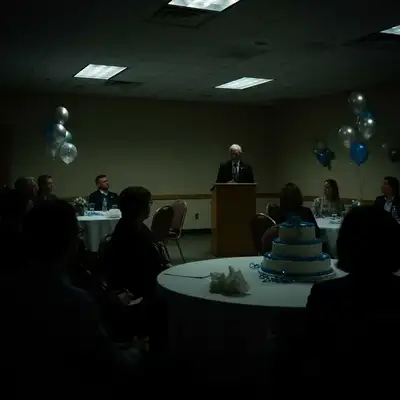
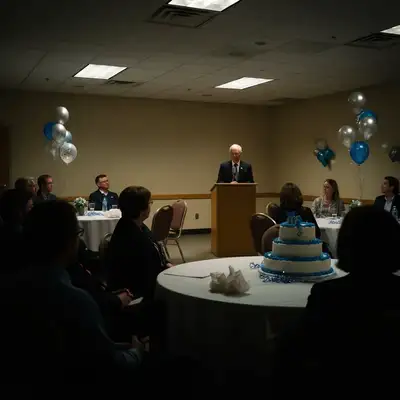
How to Edit Housewarming Photos
-
Upload your party photo
Drop your housewarming photo into EditThisPic. Group shots, house tours, kitchen gatherings, and backyard celebrations all work. JPG, PNG, WebP up to 7MB.
Lighting fixes: 15-20 seconds. Object removal: 25-35 seconds. -
Describe your edit
Type what you want: 'remove the moving boxes and make the space look settled' or 'brighten the living room party shot' or 'enhance the backyard to look inviting.'
For new home photos, try 'make the room look bright, clean, and move-in ready' for a polished look. -
Review and download
Check that your new home looks its best. Download for social media or to share with family.
Best Prompts for Housewarming Photos
remove the moving boxes and packing materials, show clean settled home
The AI fills in removed areas with what the room would look like without boxes
brighten everyone's faces and the room with warm, welcoming lighting
New homes often have insufficient lighting before all lamps are set up
replace the grey sky with blue sky and make the house exterior look bright and inviting
Blue skies make any home look more welcoming
remove the paper plates and party mess from the counter, keep the people
Kitchen gatherings always have counter clutter that's hard to avoid
Show more prompts
enhance the backyard greenery and make the grass look lush and vibrant
Great for homes with newly laid sod or bare landscaping
Housewarming Photo Transformations
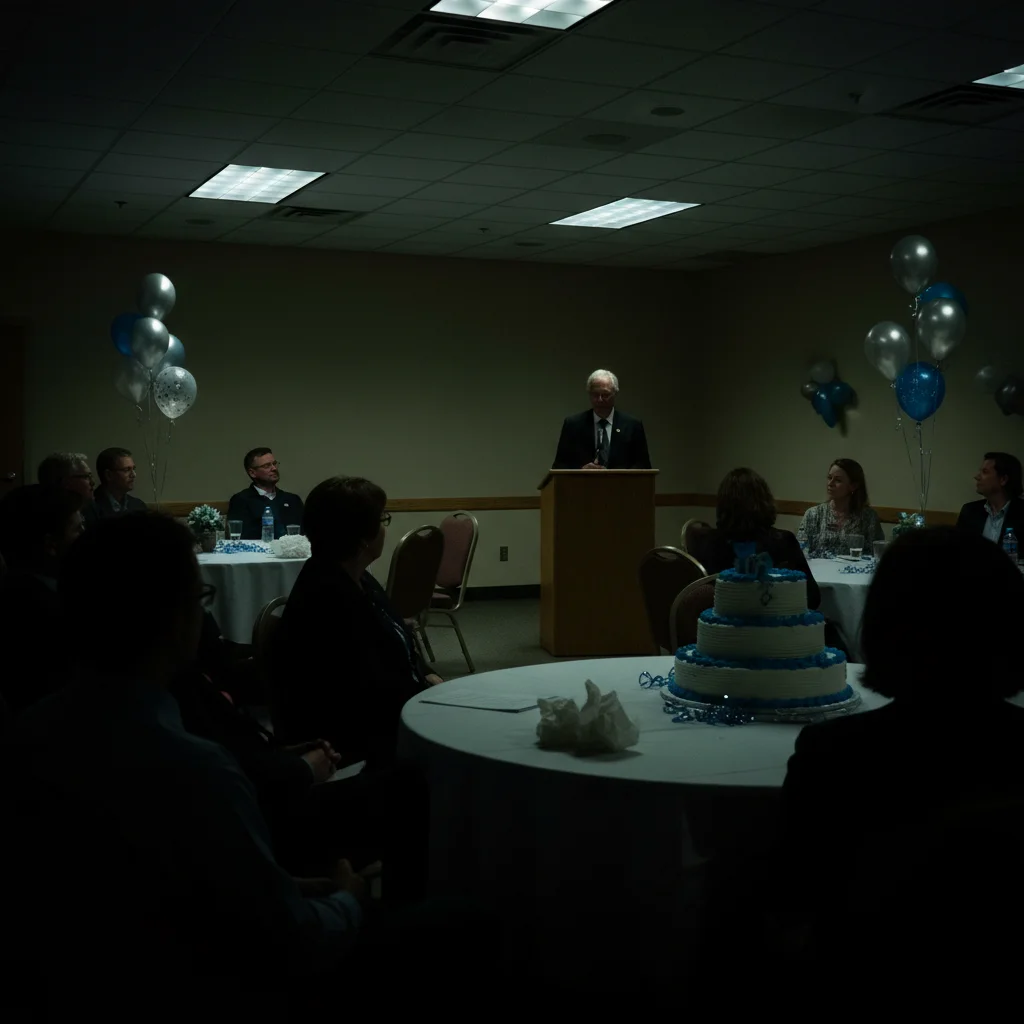
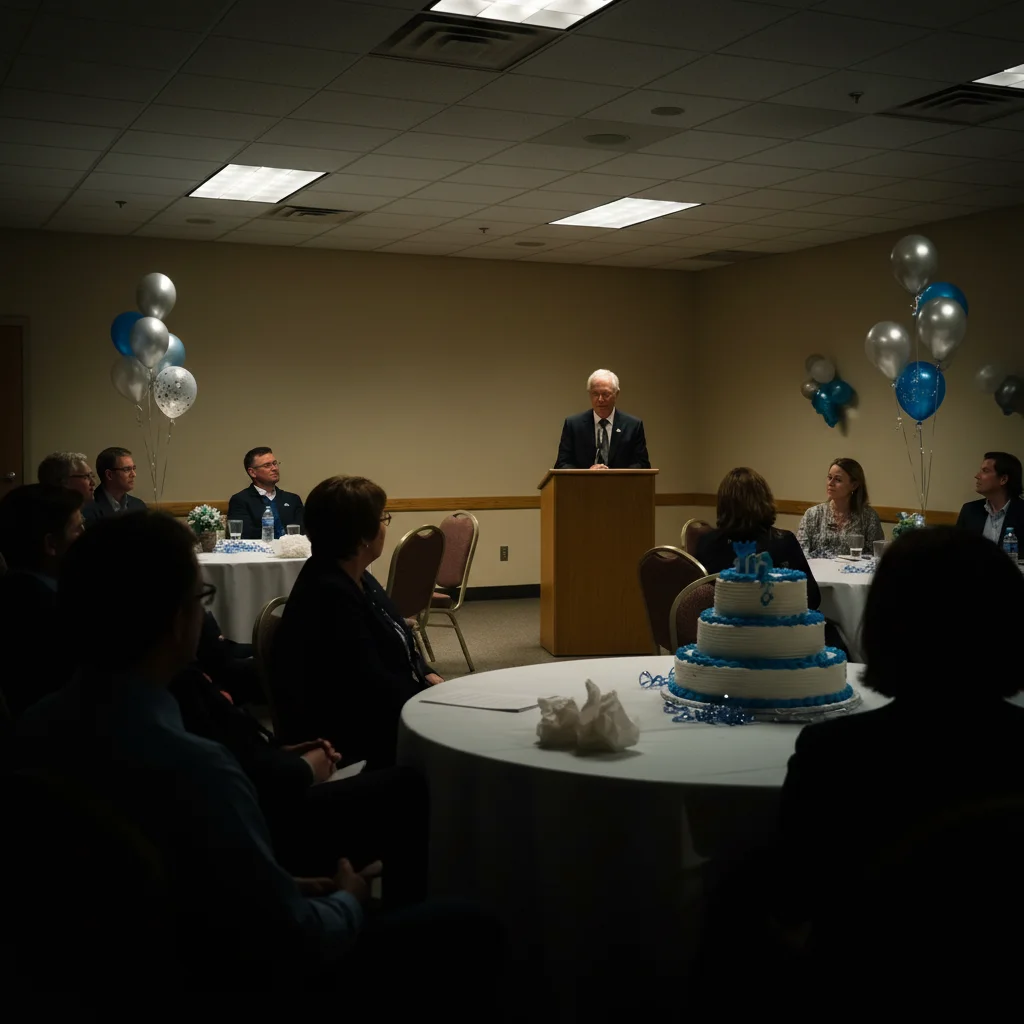
Moving boxes removed from party shot
Housewarming group photo with visible moving boxes cleaned up to show a settled, welcoming home.


Dark room brightened
Dimly lit new home gathering transformed with bright, warm lighting.
Common Issues
Room brightening made window area overexposed
Why: Windows were already bright and AI pushed them further
Mentioning windows specifically prevents over-brightening those areas
Frequently Asked Questions
Can I remove moving boxes from housewarming photos?
Yes! Type 'remove moving boxes and show clean settled home.' The AI removes boxes and fills the space naturally. Works for boxes, packing materials, and other moving clutter.
How do I make my new home look better in photos?
Type 'brighten the room with warm welcoming lighting.' For exteriors, try 'replace grey sky with blue sky.' The AI enhances your home to look bright, clean, and inviting.
Can I fix dark party photos in my new home?
Yes. New homes often lack sufficient lighting. Type 'brighten all faces and the room.' The AI adds natural-looking light while preserving the warm party atmosphere.
Is this housewarming photo editor free?
Yes - you get 1 free edit per week, no account needed. Plans start at $4.99/month for 15 edits.
Can I edit housewarming photos on my phone?
Yes. EditThisPic works in any mobile browser - iPhone, Android, tablet. No app download needed.
Is EditThisPic really free?
Yes, EditThisPic offers one free Fast edit per week — no signup or credit card required. For more edits, affordable packs start at $1.99.
Popular use cases
Ready to perfect your housewarming photos?
Free to try. No signup required. Move-in ready results in seconds.
Upload Your PhotoTrusted by 15,000+ users