AI Photo Editor for Interior Designer Portfolio Photos
Last updated
Design photos that win projects.
Drop your photo here
"enhance with warm professional interior lighting, show space and materials"
Release to upload
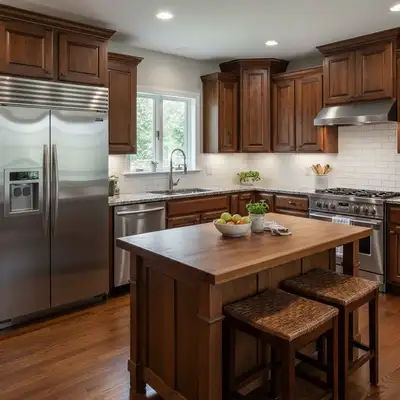
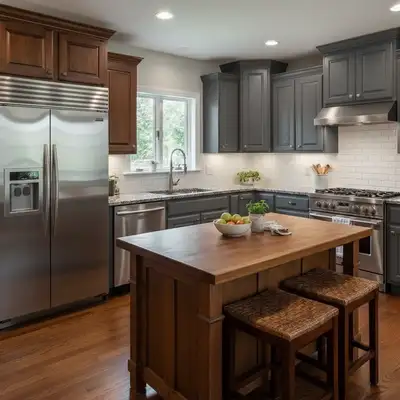
Built for Interior Designer Portfolio Professionals
Interior design clients choose designers by portfolio quality. They need to see how you handle space, light, materials, and color. EditThisPic transforms your phone photos into architecture-magazine-quality portfolio images.
How to AI Photo Editor for Interior Designer Portfolio Photos
-
Upload your photo
Drop your interior designer portfolio photo into EditThisPic.
-
Describe your edit
Type what you want.
-
Review
Check accuracy.
Prompts for Interior Designer Portfolio
enhance with warm professional interior lighting, show space and materials
Warm lighting makes interiors feel inviting and aspirational
enhance to show material textures clearly — wood grain, stone, fabric
Visible material quality demonstrates your specification expertise
balance the interior lighting with the window view, recover both
Balanced exposures show the room's relationship with natural light
standardize lighting for interior renovation before/after comparison
Before/after renovations demonstrate transformation skills powerfully
Show more prompts
enhance the design detail close-up with professional lighting, show craftsmanship
Detail shots showcase your attention to finishing touches
Interior Designer Portfolio Transformations
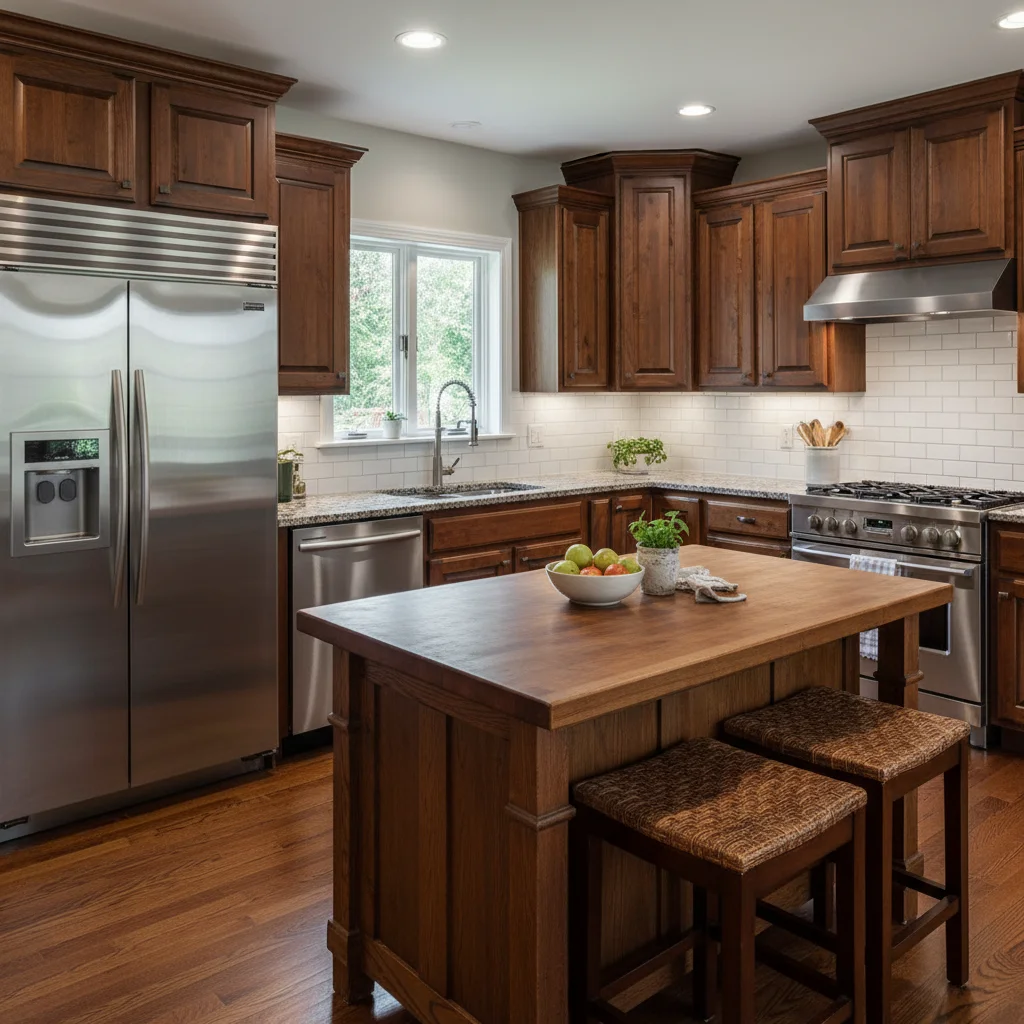
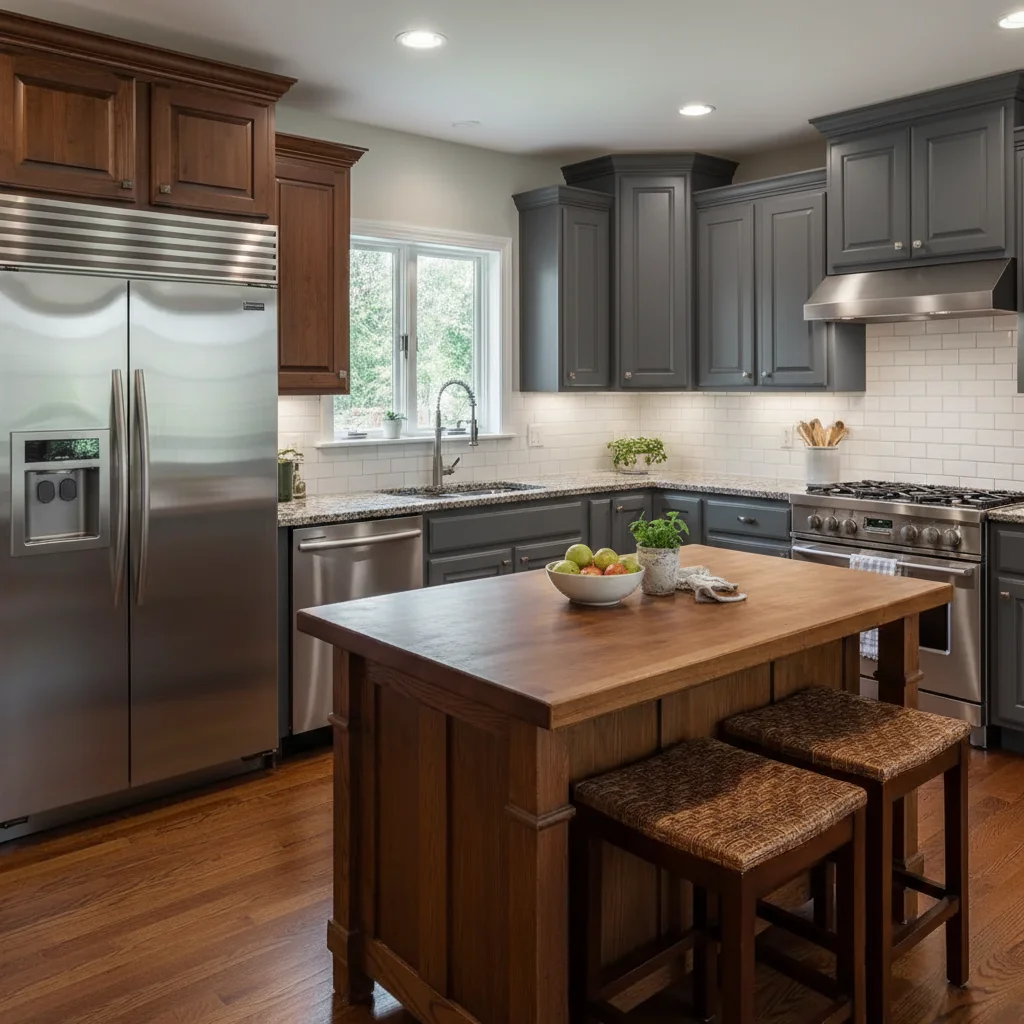
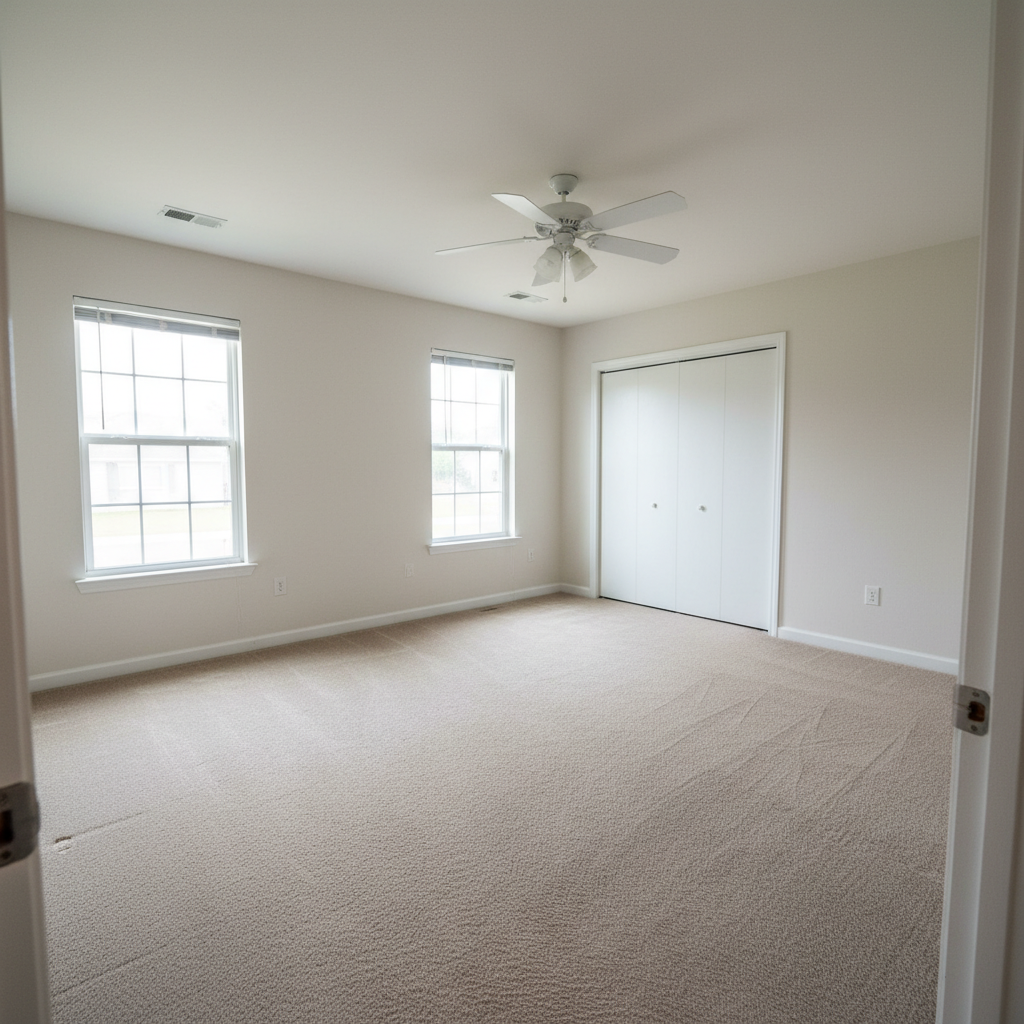
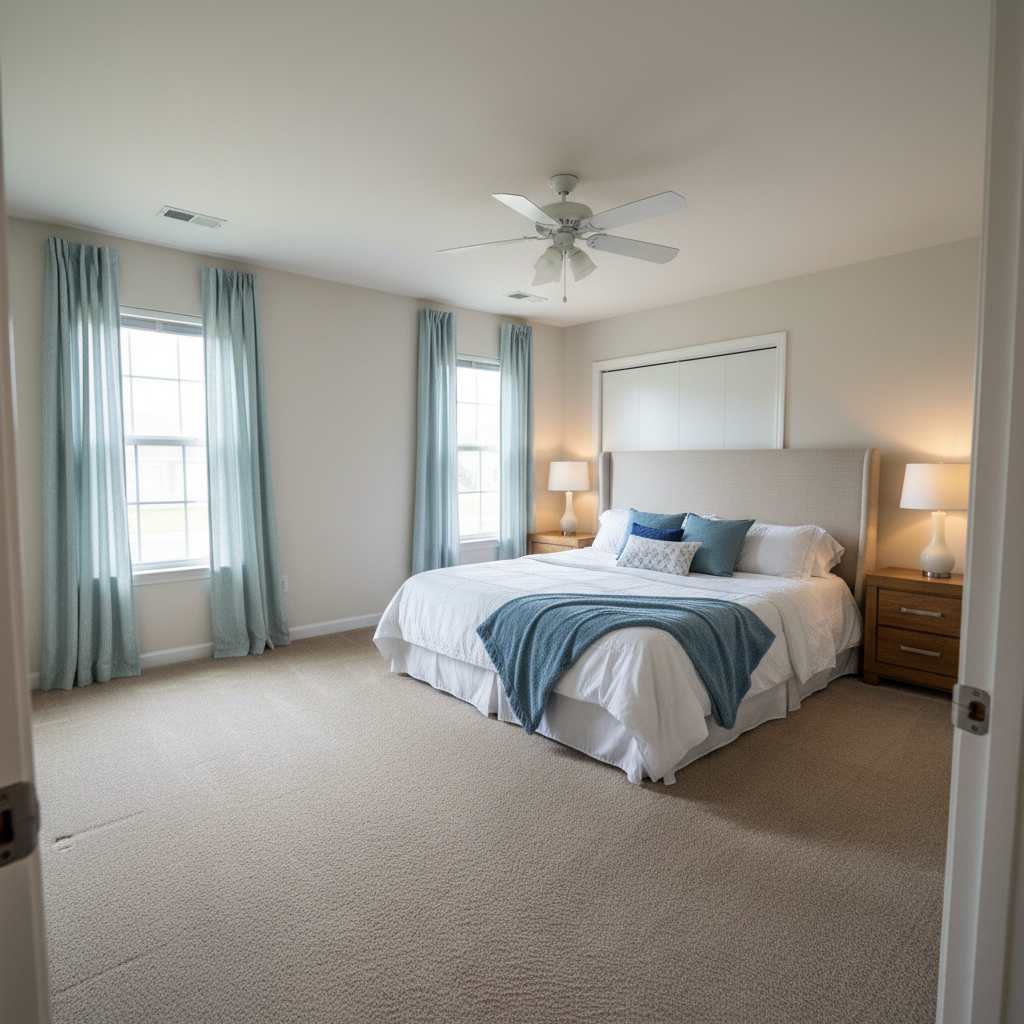
Living room enhanced
Interior design photo enhanced with warm professional lighting showcasing space and materials.
Material details visible
Close-up of design materials enhanced to show texture, quality, and design choices.
Common Issues
Colors don't match the creative vision
Why: Camera captures literal colors, not the artistic mood you intended
Describe the mood you want (e.g., 'moody and dark' or 'bright and airy')
Fine details are lost in the photo
Why: Phone cameras compress detail in textures, brushstrokes, or fine work
Tap-mark the specific detail area for targeted sharpening without artifacts
Background doesn't complement the portfolio piece
Why: Workshop or studio backgrounds can look messy in portfolio shots
replace the background with a clean, professional surface that complements the piece
Neutral backgrounds let the creative work speak for itself
Lighting makes the work look flat
Why: Even lighting removes the depth and dimensionality of physical work
Slight side lighting reveals texture and depth that flat lighting hides
FAQ
How do I photograph interiors without a wide-angle lens?
Shoot from room corners, include multiple angles per room, and let the portfolio tell the full story. Enhancement improves any camera's output.
What about professional architectural photography?
Professional photographers cost $500-2000+ per project. Enhanced phone photos fill your portfolio between professional shoots.
How do I show before/after renovations?
Photograph from the exact same position and angle. The AI standardizes the lighting so viewers focus on the design transformation, not lighting differences.
Should I stage rooms for photos?
Always. Remove clutter, add fresh flowers and styled books, straighten everything. Then enhance. Staging plus enhancement creates magazine-quality results.
What portfolio platforms work for interior designers?
Houzz, your website, and Instagram. All need high-quality images. Consistent professional photos across platforms build your brand.
Is this free?
Yes — 1 free edit per week. plans start at $4.99/month.
Popular use cases
Win projects with better portfolio photos
Professional interior design portfolio. Free to try.
Upload Your PhotoTrusted by 15,000+ users