AI Photo Editor for Real Estate Photos
Last updated
Make every listing photo look like it was shot on a perfect day, in 30 seconds.
Drop your photo here
"replace the grey overcast sky with a clear bright blue sky with a few fluffy white clouds, sunny day lighting"
Release to upload
Built for Real Estate Professionals
Real estate photography has specific requirements: bright skies sell homes, clean yards invite buyers, and well-lit interiors show space. Traditional photo editing takes hours or expensive outsourcing. EditThisPic lets you describe what you need in plain English and get MLS-ready photos in seconds.
Tools Real Estate Pros Use Most
Replace Sky
Transform grey, overcast days into bright sunny skies that sell homes
Remove Power Lines
Eliminate distracting wires and cables from exterior shots
Remove Clutter
Clean up trash cans, garden hoses, toys, and other yard items
Enhance Lighting
Brighten dark interiors without blowing out windows
Remove Objects
Remove any distracting items from property photos
How to AI Photo Editor for Real Estate Photos
-
Upload your property photo
Drop your listing image into EditThisPic. JPG, PNG, WebP up to 7MB. Works with exterior shots, interior rooms, aerial drone photos, and detail images. Whether it's a grey sky day or a dark kitchen, upload what you have.
Simple fixes like sky replacement: 20-30 seconds. Complex edits like removing multiple objects: may need 2-3 refinements. -
Describe your edit in plain English
Type what you need: 'replace the overcast sky with a clear blue sky with white clouds' or 'remove the garden hose and trash cans from the front yard.' Be specific about what to change. No marking or selection needed - the AI understands property photo terminology.
Combine multiple edits in one prompt: 'replace the grey sky with blue sky, remove the power lines, and make the lawn look greener.' -
Review and download
Check key areas: sky-treeline transitions, removed object areas for natural fill, overall lighting balance. For interiors, verify windows don't look blown out. Download your listing-ready image.
-
Refine specific areas if needed
If the AI missed something or edges need cleanup, tap a marker on that exact spot and regenerate. Common refinements: treeline edges after sky replacement, or specifying which of multiple similar objects to remove.
Most edits work on the first try. Markers are for precision when you need to tell the AI 'this specific thing here.'
Copy-Paste Prompts for Real Estate Photos
replace the grey overcast sky with a clear bright blue sky with a few fluffy white clouds, sunny day lighting
This transforms any grey day exterior into an inviting sunny listing photo that buyers love
remove all power lines and utility wires from the sky, fill with clean sky
'All power lines' ensures the AI catches every wire, including subtle ones near the edges
remove the trash cans, garden hose, and toys from the front yard, fill with clean grass
List specific items for precise removal, or say 'all clutter' for a general cleanup
brighten the room and enhance the natural lighting, make windows look bright without being blown out
Mentioning windows prevents the AI from over-brightening them while improving overall room lighting
Show 4 more prompts
remove the neighbor's car and trash visible at the edge of the property, extend the fence and landscaping naturally
'Extend naturally' tells the AI what to fill the space with after removal
make the lawn look healthy and green, lush grass without changing the flowers or landscaping
Specifying 'without changing flowers' protects existing landscaping you want to keep
replace the sky with a warm golden sunset with orange and pink clouds, adjust the house lighting to match the golden hour
Perfect for luxury listings that benefit from dramatic curb appeal photos
add a simple patio table and chairs on the empty deck to show the space potential
Hint at possibilities without full virtual staging - helps buyers visualize living there
| Edit Type | Prompt | Time | |
|---|---|---|---|
| Grey sky to blue | replace grey sky with bright blue sky with clouds |
20s | Try This → |
| Remove power lines | remove all power lines from sky |
25s | Try This → |
| Clean up yard | remove trash cans and clutter from yard |
25s | Try This → |
| Brighten interior | brighten room, keep windows natural |
30s | Try This → |
Real Examples
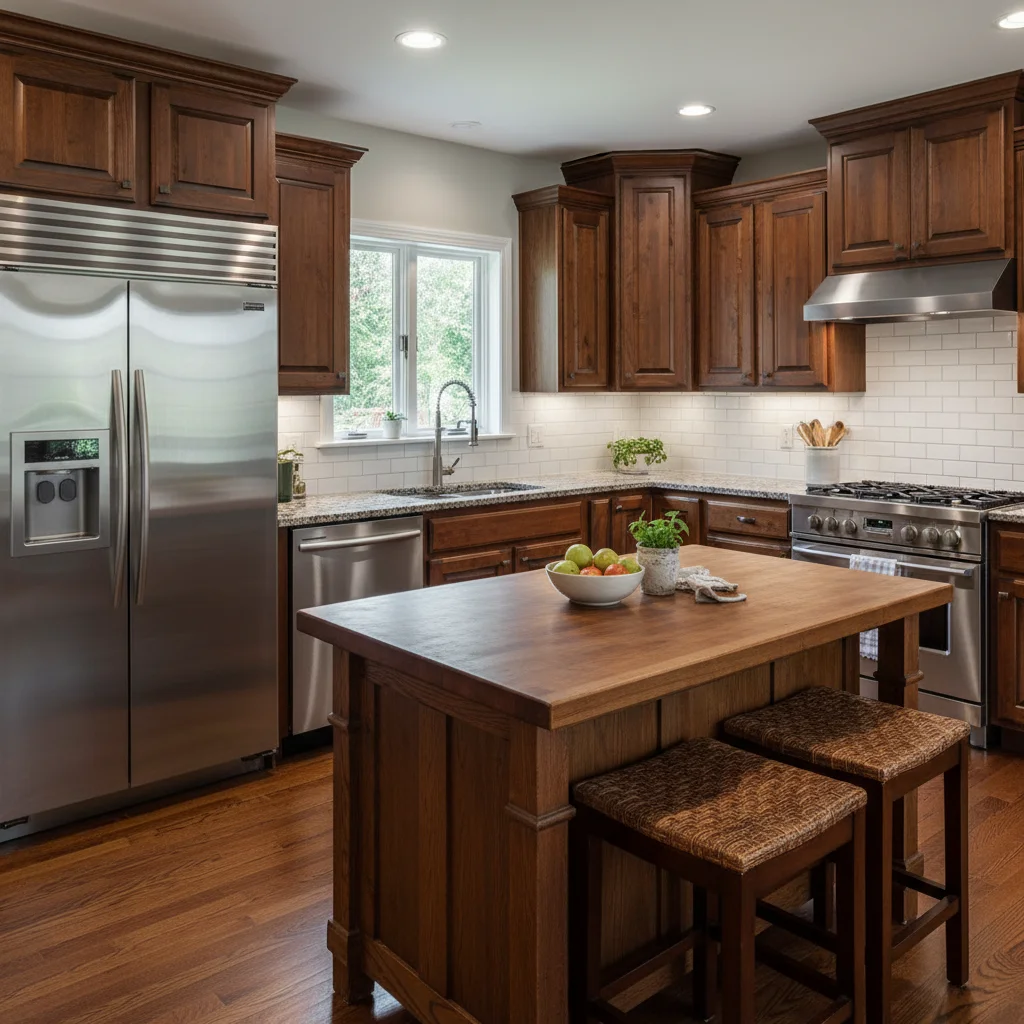
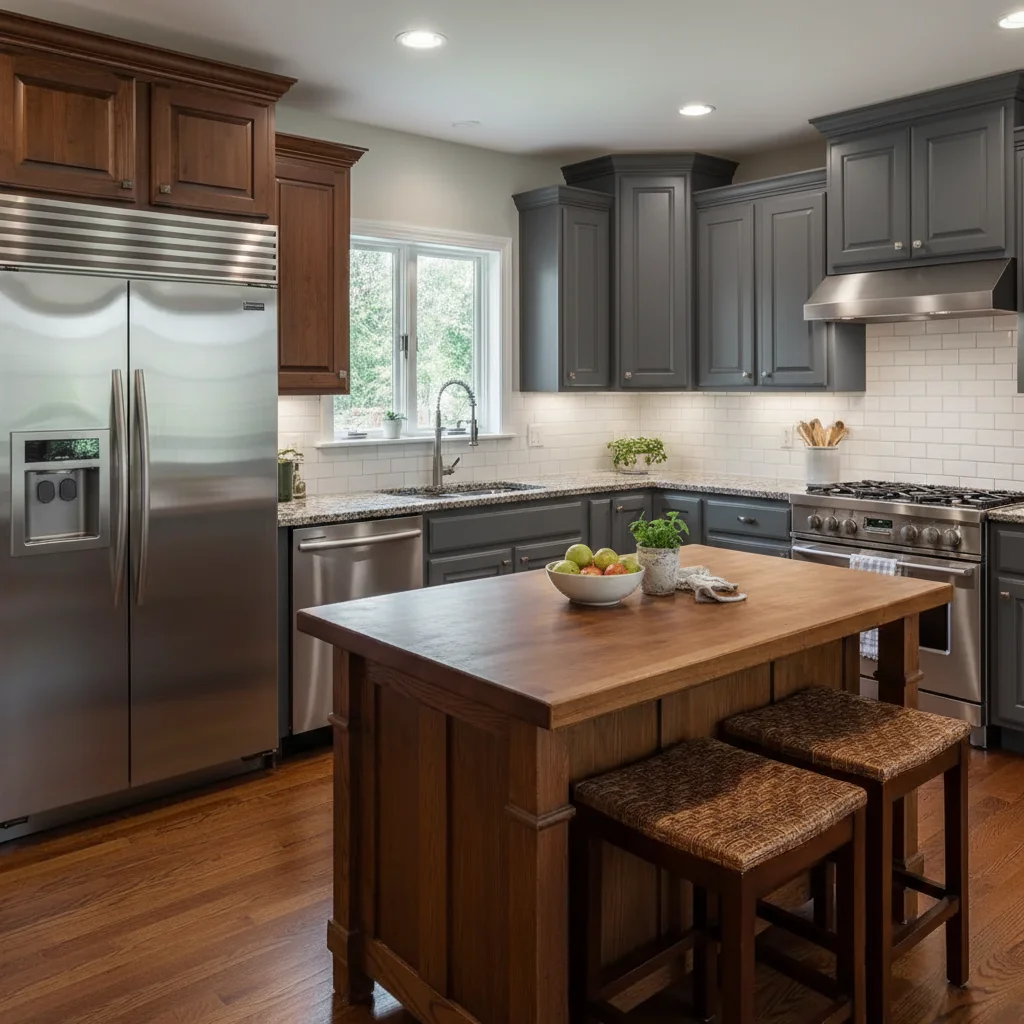
Grey sky to blue sky transformation
A house exterior shot on a rainy day. The AI replaced the overcast sky with inviting blue, making the property look sunny and welcoming.
replace the grey overcast sky with a clear bright blue sky with a few fluffy white clouds, sunny day lighting
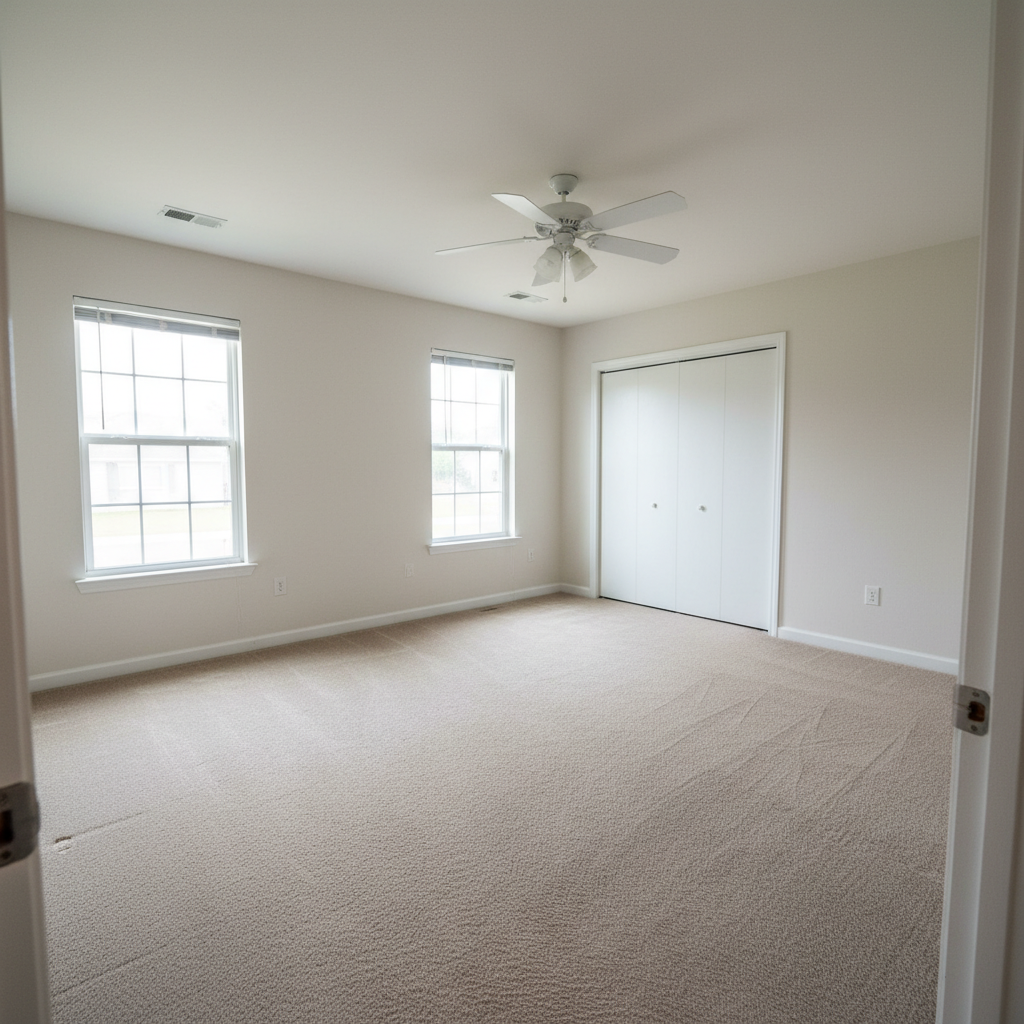
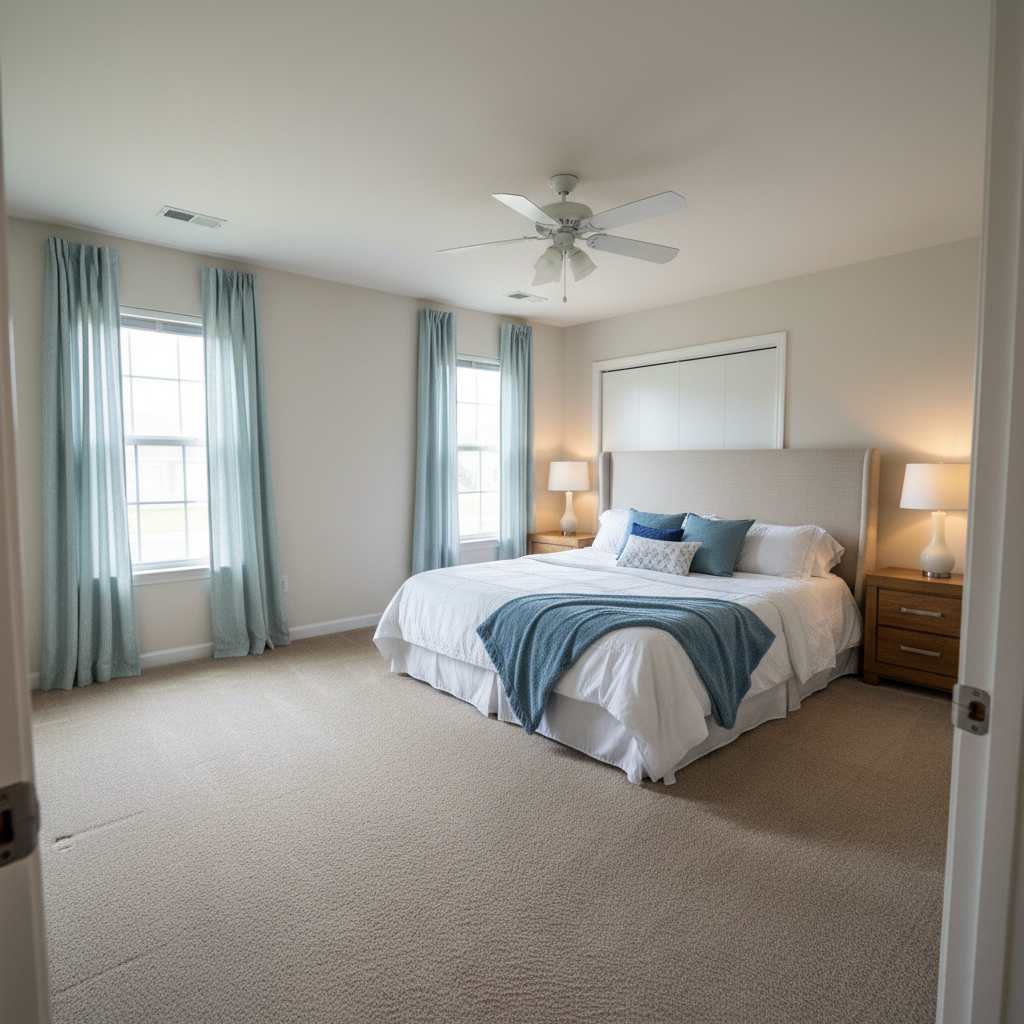
Power lines removed from skyline
A beautiful home with distracting power lines crossing the sky. One prompt removed all the wires for a clean view.
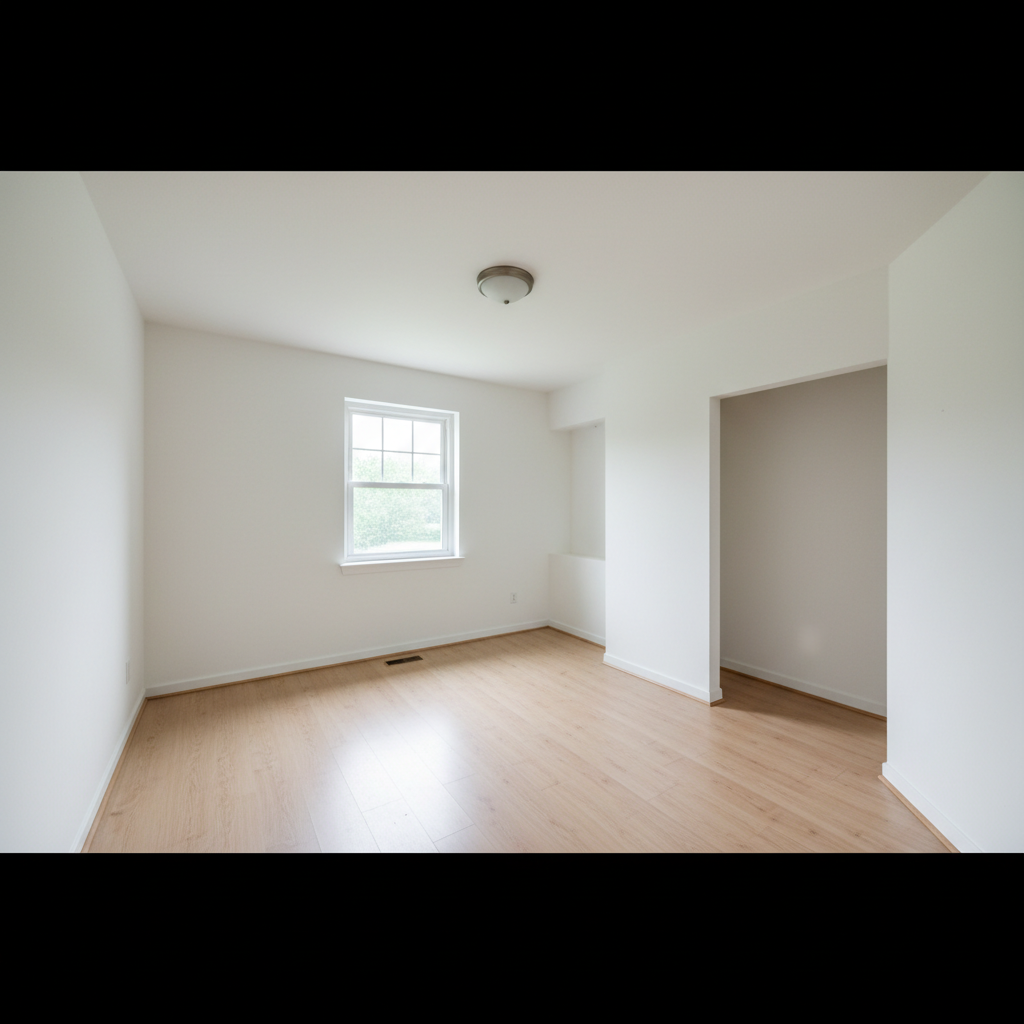
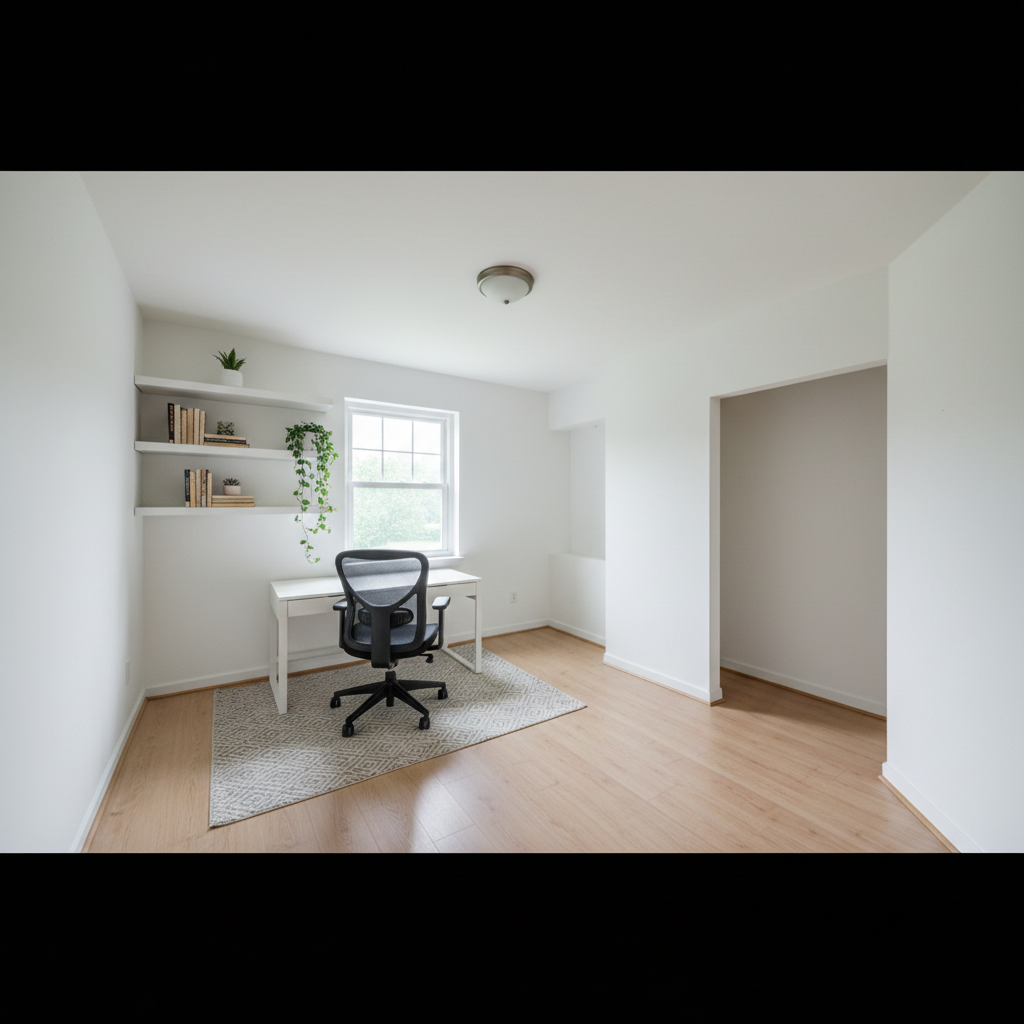
Cluttered yard cleaned up
A front yard with visible trash cans and garden equipment. The AI removed the clutter and filled with clean lawn.
When Things Go Wrong
Sky replacement leaves halos around trees
Why: Complex tree branches with many small gaps between leaves are challenging for automatic edge detection.
Tap markers on the tree edges with halos, then: blend the sky naturally around the tree branches, no visible edges
Markers on problem areas tell the AI exactly where to focus its refinement.
AI removed the wrong object
Why: When multiple similar items exist (like several cars), the AI may choose incorrectly without guidance.
Tap a marker on the specific item you want removed, then regenerate with the same prompt
Markers tell the AI 'I mean THIS one specifically.' Use them when description alone is ambiguous.
Interior enhancement made windows pure white
Why: Brightening algorithms can blow out already-bright areas like windows if not constrained.
brighten the interior while keeping the windows natural, preserve the outdoor view through windows
'Preserve outdoor view' tells the AI to maintain window detail while enhancing the room.
Removed area shows obvious AI fill pattern
Why: Large removed objects need the AI to generate significant background content, which can sometimes look artificial.
remove [object] and fill the area with realistic [grass/sky/floor] matching the surrounding texture
Specifying the material to fill with helps the AI generate more realistic replacement texture.
Frequently Asked Questions
How do I replace a grey sky in real estate photos?
Upload your property photo to EditThisPic and type: 'replace the grey overcast sky with a clear bright blue sky with fluffy white clouds'. The AI automatically detects the sky area, preserves treelines and rooflines, and generates a natural-looking blue sky in 20-30 seconds. No masking or selection needed.
Can I remove power lines from listing photos?
Yes. Type 'remove all power lines and utility wires from the sky' and the AI detects and removes every wire, cable, and pole visible against the sky. It fills the areas with matching sky automatically. Works on complex wire arrangements and multiple crossing lines.
How to brighten dark interior photos for MLS?
Type 'brighten the room and enhance natural lighting, keep windows looking natural'. The AI increases interior brightness without blowing out windows or creating unnatural highlights. This balances exposure so buyers can see both room details and outdoor views through windows.
Is sky replacement allowed for real estate listings?
Sky replacement and removing temporary clutter (trash cans, cars, garden hoses) is standard practice in real estate photography and widely used on MLS, Zillow, Redfin, and Realtor.com. Avoid edits that misrepresent the property: don't remove permanent features like power towers, add windows that don't exist, or hide structural issues. The goal is showing the property at its best, not deceiving buyers.
Do I need to mark areas before describing what I want?
No! Just describe your edit: 'replace the grey sky with blue' or 'remove the trash cans.' The AI understands property photo context and finds the sky, clutter, or other elements automatically. Only use markers when you need precision - like specifying which of several similar items to remove, or fixing edges after your first attempt.
How does it handle complex treelines against the sky?
The AI is trained on intricate boundaries including leafy trees, bare branches, and complex rooflines. It identifies tiny gaps between branches where sky shows through. Very dense foliage may need a refinement pass with markers on problem edges, but most property photos work automatically.
Can I edit multiple photos in a batch?
Currently EditThisPic processes one photo at a time. For a listing with many photos, work through them individually. Each edit typically takes 20-40 seconds. Pro tip: If all exteriors need the same sky replacement, save your exact prompt and reuse it for consistency.
What about drone or aerial photos?
Aerial shots work great for sky replacement and removing objects. The AI handles top-down perspectives well. Common drone edits include replacing grey skies, removing cars from driveways, and cleaning up neighboring properties at the frame edges.
Will edited photos pass MLS image requirements?
Yes. EditThisPic preserves image quality and resolution. Edited photos meet MLS, Zillow, Redfin, and Realtor.com requirements. The AI doesn't add watermarks or compress your images. Download full-resolution files ready for any platform.
Popular use cases
Ready to transform your listing photos?
Free to try. No signup required. No watermarks.
Upload Your First PhotoTrusted by 15,000+ users