AI Photo Editor for Architecture Photos
Last updated
Show buildings as designed, not as cluttered by the world around them.
Drop your photo here
or click to browse
Free • No signup
Release to upload
Built for Architecture Professionals
Architecture photography demands clean, uncluttered views that showcase design intent. But buildings exist in busy environments. EditThisPic lets you describe what to remove or change in plain English - no masking, no cloning, no hours of cleanup. The AI understands architectural context and fills removed areas with appropriate surfaces.
Tools Architecture Photographers Use Most
Remove People
Clear pedestrians, workers, and crowds from building exteriors
Remove Cars
Clear parked and moving vehicles from streets and parking areas
Replace Sky
Transform grey days into dramatic blue skies that complement the building
Remove Wires
Eliminate power lines, cables, and utility infrastructure
How to AI Photo Editor for Architecture Photos
-
Upload your architecture photo
Drop your building image into EditThisPic. JPG, PNG, WebP up to 7MB. Works with exteriors, interiors, details, and aerial views. DSLR shots, drone photos, or phone captures - any source works.
Removing scattered people: 25-30 seconds. Complex multi-object cleanup: may need 2-3 passes. -
Describe your edit in plain English
Type what you need: 'remove all people and cars from the plaza' or 'replace the overcast sky with dramatic evening light.' Be specific about what should go and what surfaces should fill the empty spaces. The AI understands architectural terms - facades, plazas, atriums.
For busy scenes, work in layers: remove people first, then cars, then sky. This often produces cleaner results than one massive prompt. -
Review and download
Check filled areas for consistent texture and perspective. Verify building edges against new sky look natural. Ensure removed vehicles left clean, perspective-correct pavement. Download your portfolio-ready architecture photo.
-
Refine specific areas if needed
If certain areas show artifacts or missed objects, tap a marker on that exact spot and regenerate. Architectural photos may need precision at building-sky boundaries or where removed objects touched building edges.
For building reflections in windows, be explicit: 'remove the reflection of the photographer' vs. 'remove all reflections.'
Copy-Paste Prompts for Architecture Photos
remove all the people from the scene, fill the areas with clean sidewalk and plaza pavement matching the existing surface
'Matching the existing surface' ensures the AI maintains correct perspective and texture
remove all parked cars and vehicles from the street, fill with clean asphalt road matching the perspective
Removing cars requires filling with perspective-correct road surface - mention this explicitly
replace the grey sky with a clear blue sky with white clouds, keep the building edges clean and natural
'Keep building edges clean' helps with complex rooflines and architectural details
remove all power lines, utility poles, and cables from the entire scene, fill with clean sky
'Entire scene' catches wires at frame edges that are easy to overlook
Show 4 more prompts
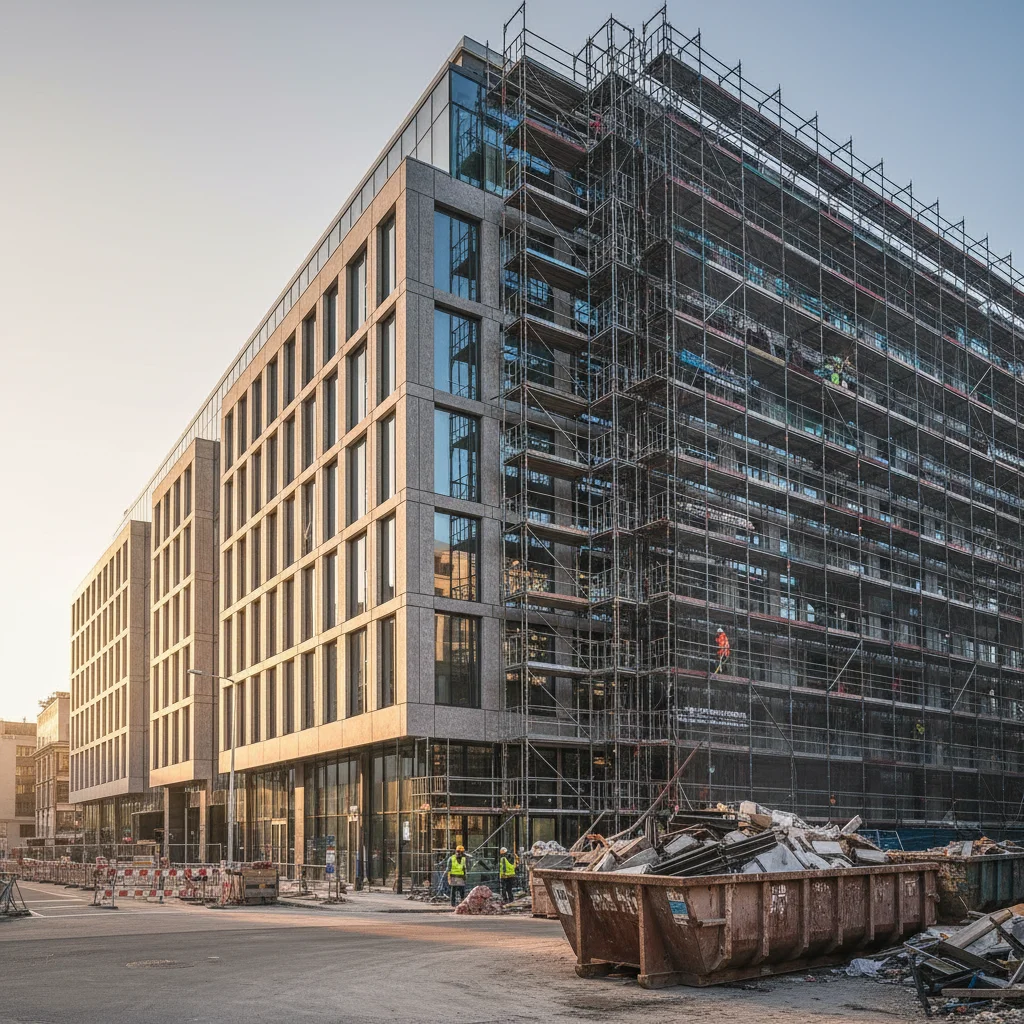
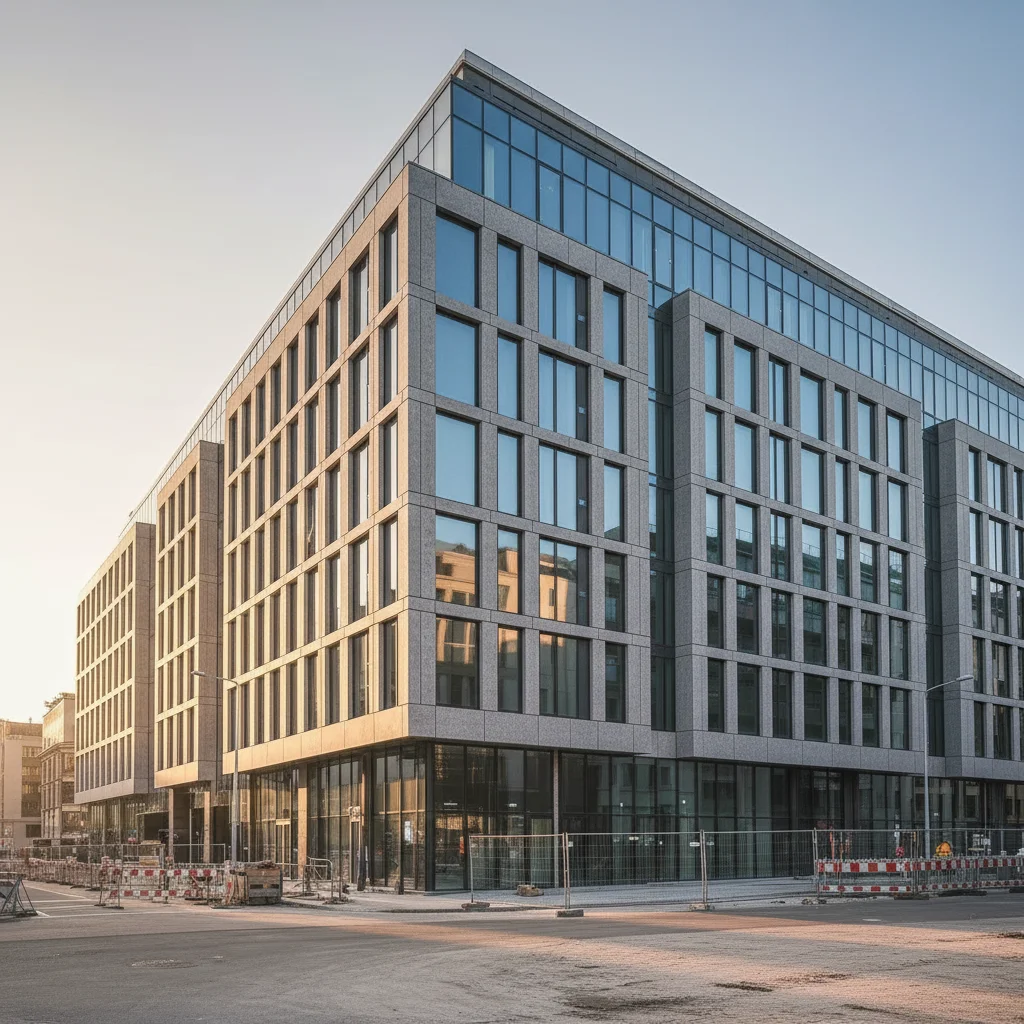
remove the construction equipment, scaffolding, and barriers visible around the building, fill naturally
Works for ongoing construction sites where you need 'finished' shots
remove the photographer's reflection from the building windows, keep the glass looking natural and clear
Be specific about which reflection to remove if there are multiple
remove the old building visible at the right edge of frame, extend the sky and surroundings naturally
For cropping out adjacent structures that distract from your subject
replace the sky with a dramatic twilight gradient from deep blue to orange, add warm light glow to the building windows
Twilight skies make buildings look dramatic - the window glow adds realism
| Edit Type | Prompt | Time | |
|---|---|---|---|
| Remove people | remove all people, fill with clean pavement |
30s | Try This → |
| Remove cars | remove all cars, fill with clean street |
30s | Try This → |
| Replace sky | replace grey sky with blue and clouds |
25s | Try This → |
| Remove wires | remove all wires and cables |
25s | Try This → |
Real Examples
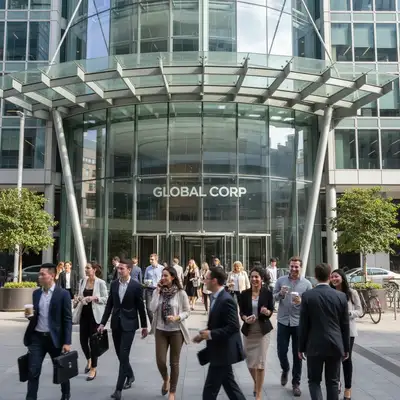
Pedestrians cleared from plaza
A modern office building entrance with busy lunchtime crowds. All people removed, plaza surface cleanly filled.
remove all the people from the scene, fill the areas with clean pavement matching the existing surface
Street cleared of vehicles
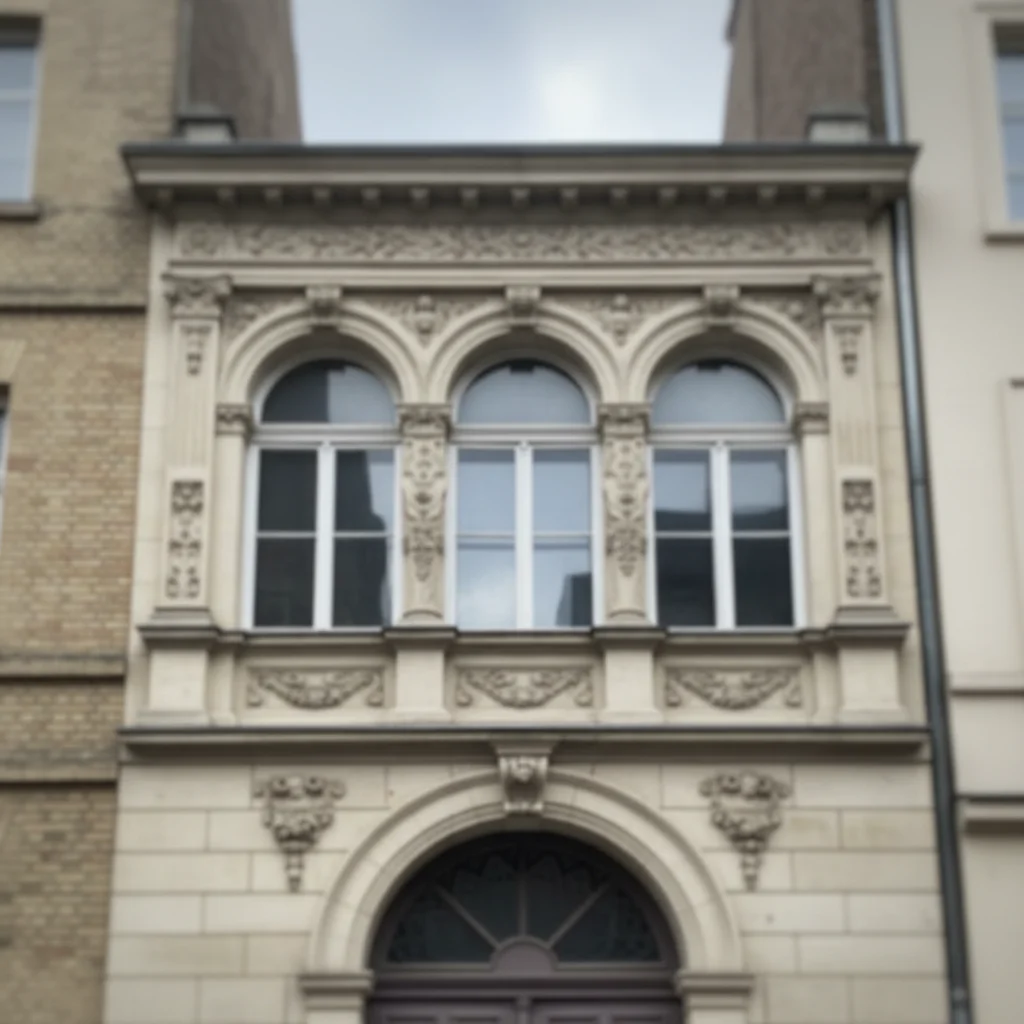
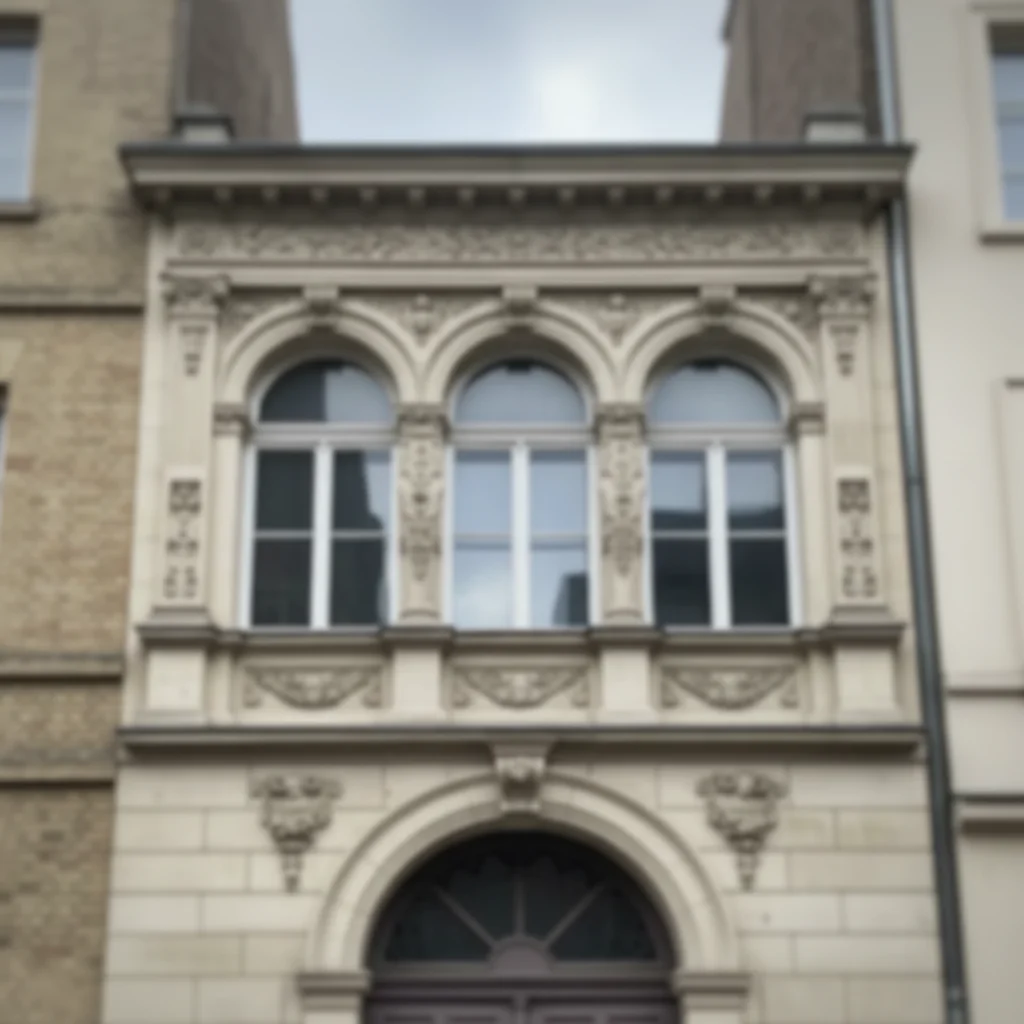
A historic building with parked cars lining the street. All vehicles removed for unobstructed view.
remove all parked cars from the street, fill with clean road matching the perspective
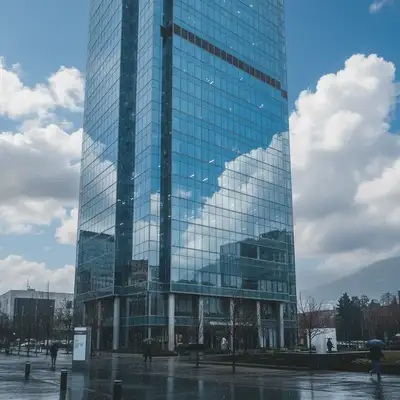
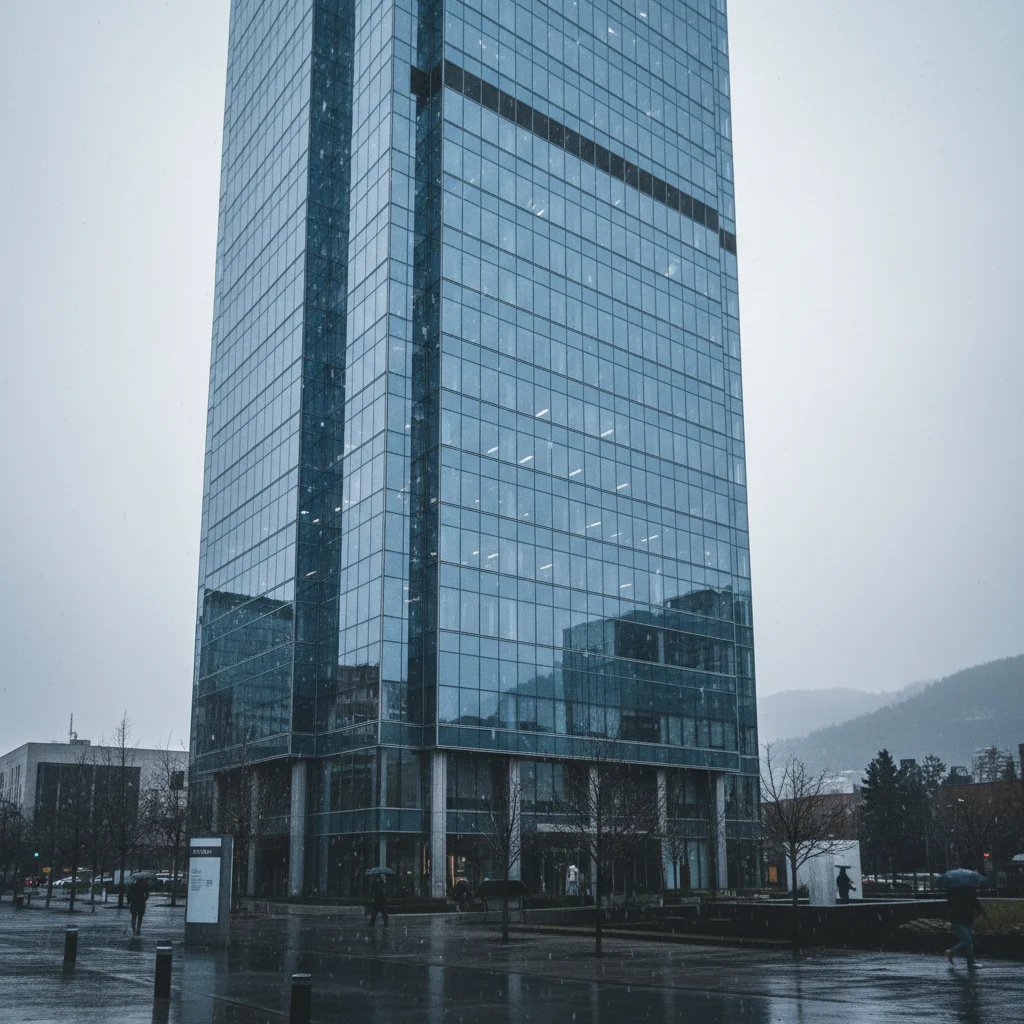
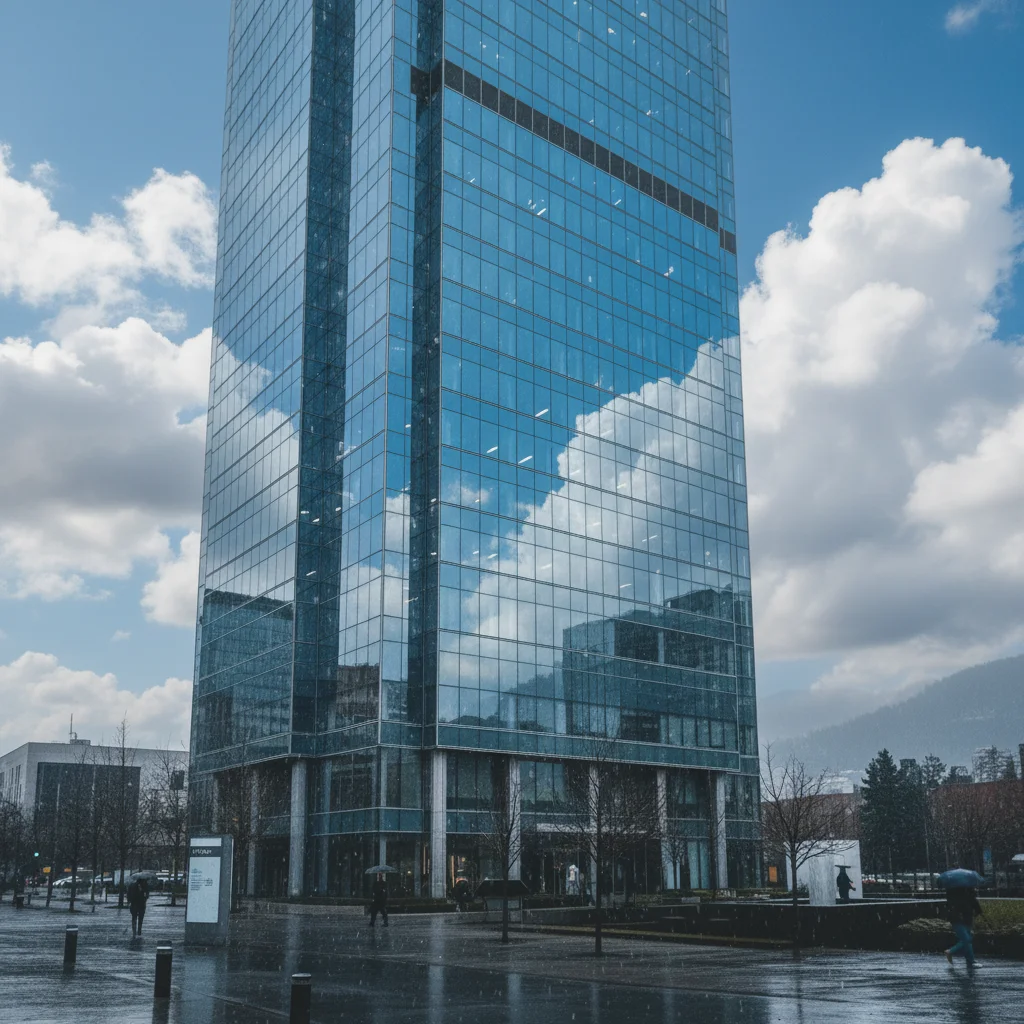
Grey sky replaced with blue
A glass tower shot on an overcast day. Sky replaced with blue sky featuring white clouds.
replace the grey sky with a bright blue sky with scattered white clouds, keep building edges natural
When Things Go Wrong
Removed car left perspective-distorted pavement
Why: The AI may struggle with perspective-correct surface generation in challenging angles.
Tap marker on the distorted area, then: fill this area with pavement matching the correct perspective of the surrounding street
For extreme perspective shots, you may need multiple refinement passes.
Sky replacement has halos around building details
Why: Complex rooflines, antennas, or fine architectural details challenge edge detection.
Tap markers on halo areas, then: blend the sky naturally around the building details, no visible edges or halos
Intricate rooflines benefit from 'handle fine architectural details' in the original prompt.
Removed person left a 'ghost' shadow
Why: Shadows are separate from objects and may need explicit removal.
Add 'including their shadows' to your original removal prompt.
Window reflections now show AI artifacts
Why: Generating realistic reflections is complex, especially in glass-heavy buildings.
make the window reflections look natural and consistent, subtle sky and environment reflection
Sometimes removing reflections entirely looks better than generating new ones.
Frequently Asked Questions
Can I remove people but keep specific ones?
Yes. Be specific in your prompt: 'remove all people except the person in the blue jacket near the entrance.' Or work in two steps - first describe who to keep, then what to remove. Markers also help: tap on the person to keep and say 'keep this person, remove everyone else.'
Will it handle modern glass buildings with complex reflections?
Yes, but reflections are nuanced. For glass-heavy buildings, you can remove unwanted reflections, but the AI may generate subtle new reflections to maintain realism. If you want completely clear glass, specify 'make windows clear with no reflections.' For realistic results, 'natural subtle reflections' works well.
Can I straighten perspective distortion?
EditThisPic focuses on content changes - removing, replacing, and enhancing. Significant perspective correction is better handled in tools designed for that (Lightroom, Photoshop lens correction). Minor visual improvements to converging verticals may work, but specify exactly what you need.
How does it handle interior architecture photos?
Interiors work well for removing clutter, enhancing lighting, and cleaning up spaces. Common interior edits include removing furniture for 'empty room' shots, brightening dark corners, and removing visible cords or outlets. The AI understands interior architectural elements.
Can I use this for real estate photography too?
Absolutely. While we have a dedicated page for real estate photos, the architecture tools work perfectly for property photography. Remove cars from driveways, clear clutter from yards, replace grey skies - all the same capabilities apply.
What about drone and aerial architecture photos?
Aerial views work great. The AI handles top-down and angled aerial perspectives for sky replacement, removing rooftop equipment, and clearing parking lots of cars. Specify 'aerial view' or 'drone shot' in your prompt to help the AI understand the perspective.
Is EditThisPic's AI photo editor for architecture photos really free?
Yes — you get 1 free edit per week, no account needed. Plans start at $4.99/month for 15 edits.
Can I architecture photos on my phone?
Yes. EditThisPic works in any mobile browser — iPhone, Android, tablet. No app download needed.
How EditThisPic compares
| Tool | Free tier | Per-edit cost | AI-powered | Signup required |
|---|---|---|---|---|
| EditThisPic | 1 free edit/week | From 27¢ | Yes (Gemini) | No |
| Adobe Photoshop | 7-day trial | ~$22.99/mo subscription | Yes (Firefly) | Yes |
| Remove.bg | Low-res preview only | ~20¢/HD edit | Background only | Yes (for HD) |
| Canva | Basic tools only | $15/mo Pro for AI | Partial (Pro tier) | Yes |
Popular use cases
Ready to perfect your architecture photos?
Free to try. No signup required. No watermarks.
Upload Your Architecture PhotoTrusted by 15,000+ users