AI Photo Editor for Photographer Portfolio
Last updated
Portfolio photos that book clients.
Drop your photo here
"apply cinematic color grading with warm tones, professional portfolio quality"
Release to upload


Built for Photographer Portfolio Professionals
Your portfolio is your business card. Every image needs to represent your best work — consistent color grading, professional retouching, and a cohesive look that defines your style. EditThisPic delivers portfolio-ready results in seconds.
How to AI Photo Editor for Photographer Portfolio
-
Upload your photo
Drop your photographer portfolio editing into EditThisPic.
-
Describe your edit
Type what you want.
-
Review
Check accuracy.
Prompts for Photographer Portfolio
apply cinematic color grading with warm tones, professional portfolio quality
Consistent color grading defines your photographic style
professional portrait retouching — smooth skin, enhance eyes, natural look
Natural retouching that doesn't look over-processed wins clients
create moody editorial atmosphere with dramatic lighting and contrast
Editorial looks showcase creative range in your portfolio
enhance with clean bright airy style, soft highlights and open shadows
Bright airy style is consistently popular for wedding and lifestyle work
Show more prompts
convert to dramatic black and white with rich tonal range
Strong B&W conversions demonstrate technical mastery
Photographer Portfolio Transformations
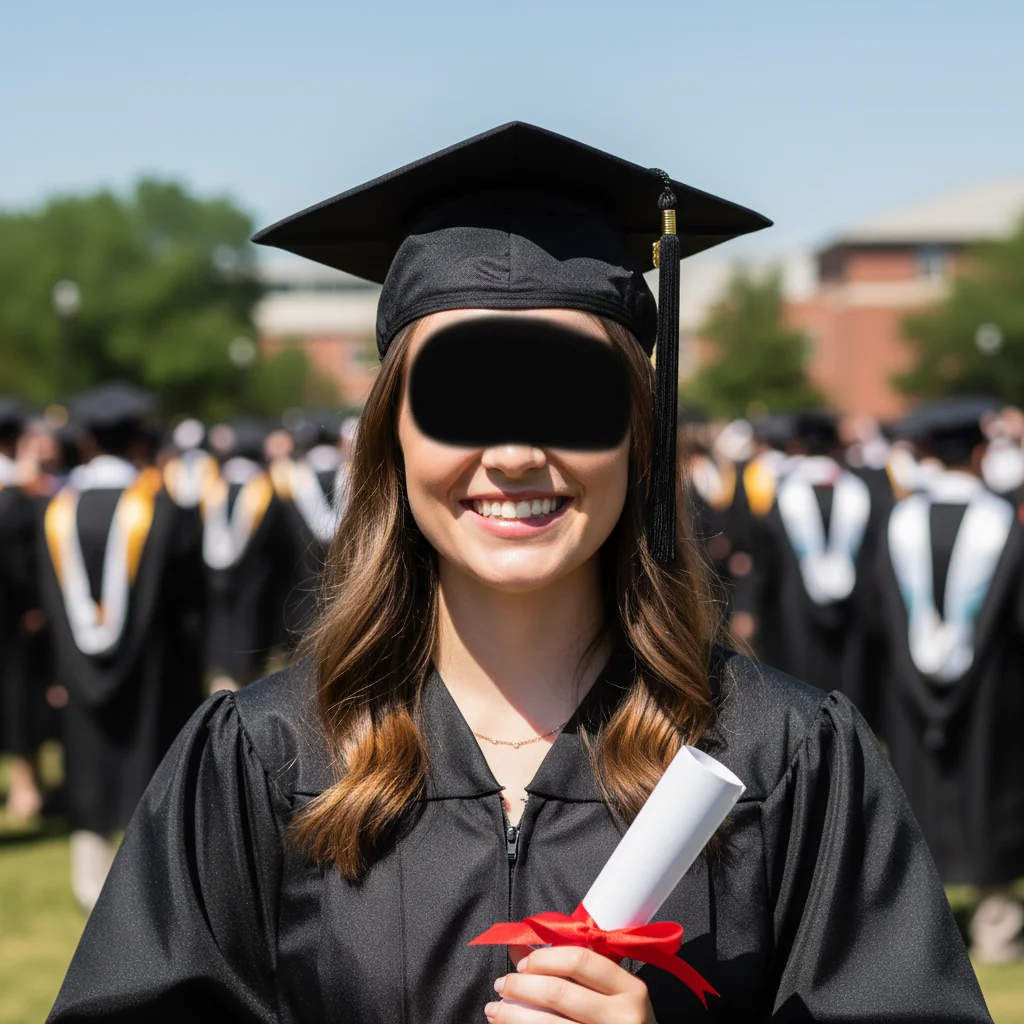

Portrait color graded
Portrait photo enhanced with cinematic warm color grading for portfolio presentation.
Editorial portrait retouched
Portrait retouched with professional skin smoothing and eye enhancement while maintaining natural appearance.
Common Issues
Colors don't match the creative vision
Why: Camera captures literal colors, not the artistic mood you intended
Describe the mood you want (e.g., 'moody and dark' or 'bright and airy')
Fine details are lost in the photo
Why: Phone cameras compress detail in textures, brushstrokes, or fine work
Tap-mark the specific detail area for targeted sharpening without artifacts
Background doesn't complement the portfolio piece
Why: Workshop or studio backgrounds can look messy in portfolio shots
replace the background with a clean, professional surface that complements the piece
Neutral backgrounds let the creative work speak for itself
Lighting makes the work look flat
Why: Even lighting removes the depth and dimensionality of physical work
Slight side lighting reveals texture and depth that flat lighting hides
FAQ
How do I create a consistent portfolio look?
Apply the same color grading style across all portfolio images. Use the same enhancement prompt for consistency — this creates the cohesive look that defines your brand.
How many images should be in my portfolio?
20-30 of your absolute best work. Quality over quantity. Each image should be one you'd proudly show a potential client.
Should I show different photography styles?
Show range within your niche, not every style you can shoot. A focused portfolio with consistent quality books more clients than a scattered one.
Can I batch-edit multiple portfolio images?
Apply the same prompt across multiple images for consistent results. This is how you build a cohesive portfolio efficiently.
What about print portfolio quality?
Enhanced images maintain full resolution. Download the high-quality version for print portfolios and gallery submissions.
Is this free?
Yes — 1 free edit per week. plans start at $4.99/month.
Popular use cases
Build a portfolio that books clients
Professional portfolio editing. Free to try.
Upload Your PhotoTrusted by 15,000+ users