Do I need to mark where the sign goes before uploading?
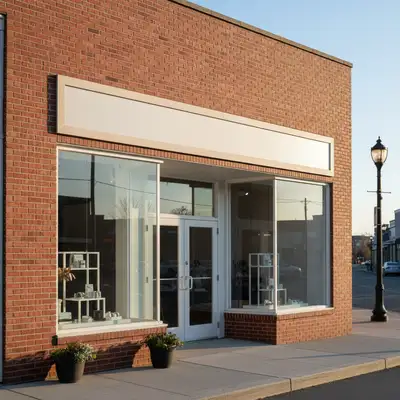
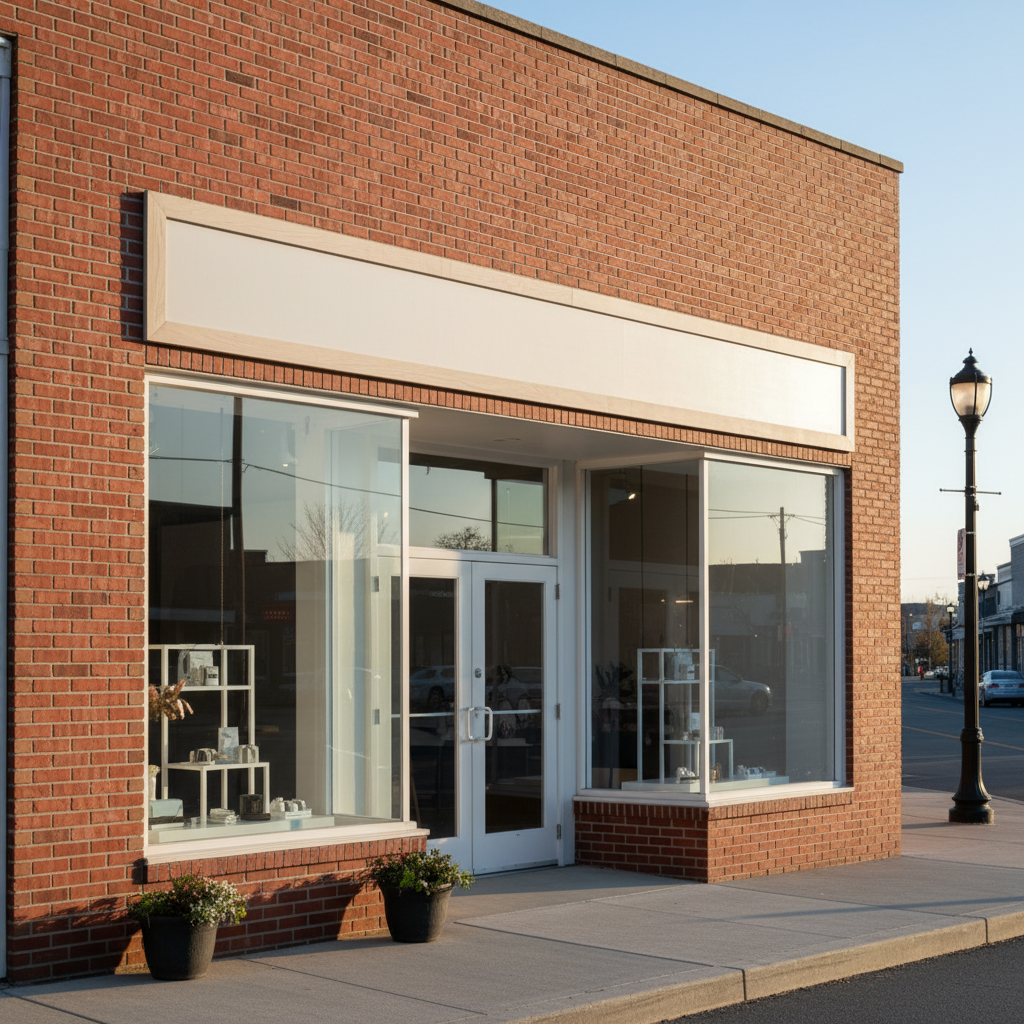
No. Just describe the placement in your prompt: 'place this sign on the fascia above the entrance' or 'mount the sign on the wall to the left of the door.' The AI understands architectural terms like fascia, awning, and facade.
How do I add my sign design to the editor?
After uploading your storefront photo, click '+ Add reference image' below the prompt field to upload your sign artwork. This can be a logo PNG, a design mockup from Canva, or an Illustrator export. The AI extracts the sign from the reference and composites it onto the building with correct perspective and lighting. If you don't have a reference, you can describe the sign text and style instead.
How do I put my sign on a storefront photo for free?
EditThisPic lets you place any sign design on any building photo free to preview, with no signup or account required. Upload your storefront photo, click '+ Add reference image' to upload your sign design, type where to place it, and click edit. The result downloads without any watermark. You get one free edit per week, or purchase credits for more.
Can I use this to create a storefront signage mockup for a landlord proposal?
Yes — this is one of the most common B2B use cases. Upload a photo of the building (even from Google Street View) and your proposed sign design. Generate a realistic mockup showing the sign on the actual facade with correct proportions and lighting. Most landlords accept these AI-generated mockups for sign approval requests. Describe the sign dimensions in your prompt for a to-scale result: 'a 4-foot by 8-foot panel on the fascia.'
Is there a free storefront signage mockup tool that doesn't require signup?
Yes. EditThisPic is free to try with no account required, and purchased downloads are clean. Unlike Photoshop templates or paid design tools, you just upload your actual building photo and sign design — the AI handles perspective matching, lighting, and surface integration automatically. No design skills needed.
What is the best AI tool for previewing a restaurant sign on a building?
EditThisPic is purpose-built for this: upload the restaurant's exterior photo plus the logo or sign design as a reference image, describe the mounting location, and the AI composites the sign with accurate perspective and lighting in about 30 seconds. It handles brick facades, stucco, awnings, and glass storefronts. Free, no signup, no Photoshop skills required.
Can I preview a sign replacement for a rebrand on an existing building?
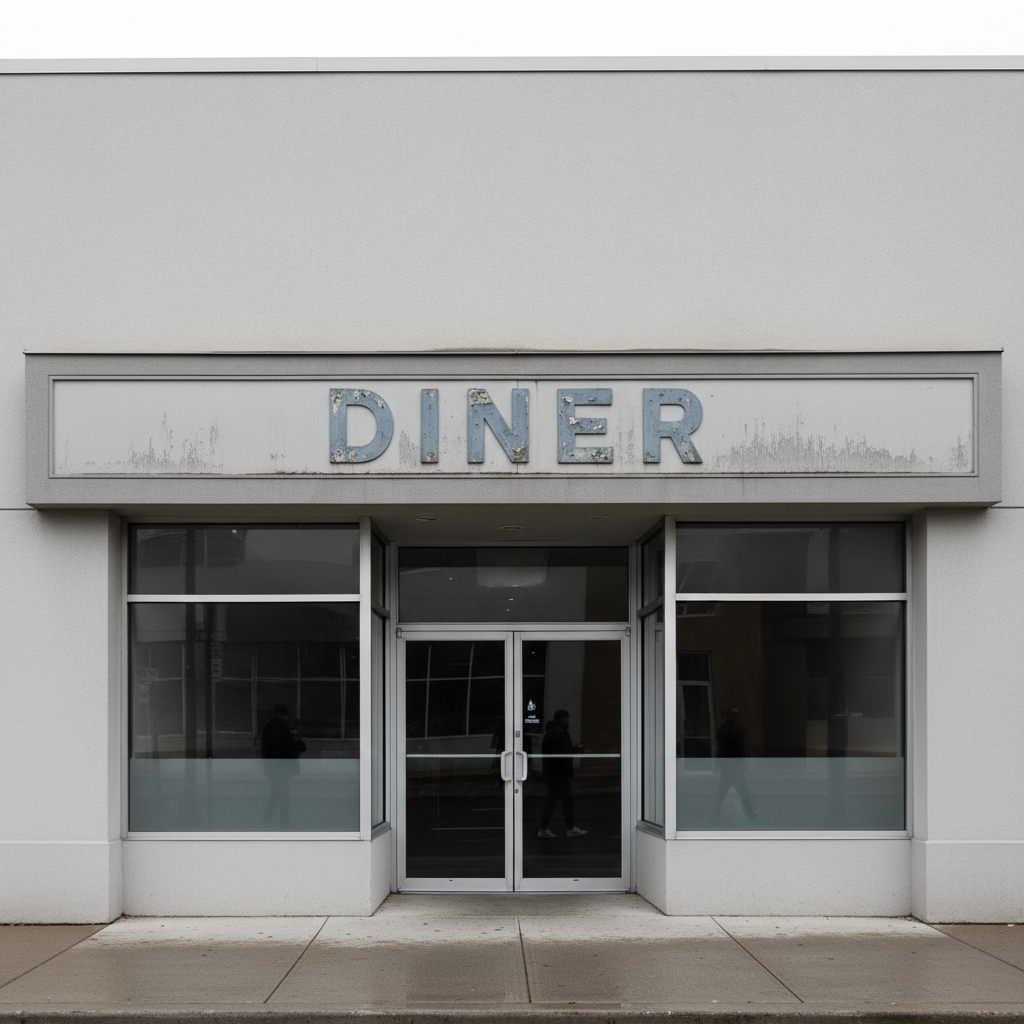
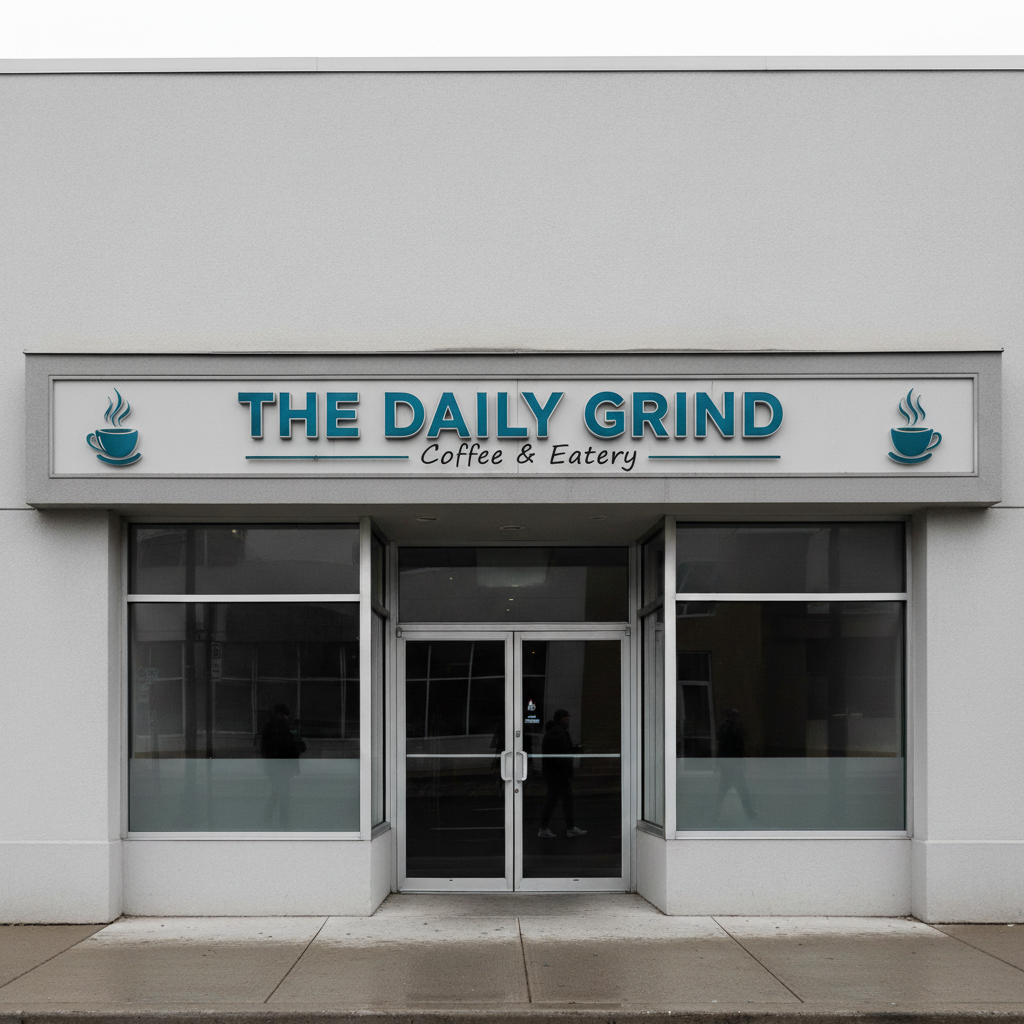
Yes. Upload the current building photo showing the existing sign, then upload the new design as a reference image. Describe the replacement: 'replace the existing sign above the entrance with this new logo, same fascia position.' The AI removes the old sign and composites the new design in its place — useful for showing franchise owners, corporate stakeholders, or landlords the rebrand impact.
What format should my sign design be in for the reference image?
Any standard image format works: PNG (best for logos with transparency), JPG, or WebP, up to 7MB. A sign design on a plain white or light solid background gives the cleanest composite. Even a screenshot of your Canva design or a PDF export converted to JPG works. The AI extracts the sign shape and applies it to the building surface.
How do I get accurate perspective matching on an angled building photo?
Straight-on facade shots require no special handling.
Can I use a Google Street View photo of a building?
Yes. Screenshot a Street View image of the storefront and upload it as your main photo. The resolution is sufficient for a preview mockup, especially for landlord proposals where photorealistic precision isn't required. For final marketing materials or fabrication approvals, take your own high-resolution photo of the building.
Will the sign placement look realistic enough for a professional proposal?
For most commercial proposals — landlord approvals, franchisor reviews, stakeholder presentations — yes. The AI matches surface perspective, replicates the building's light direction, and integrates shadow detail. The result is visually convincing at standard presentation sizes. For highly polished marketing materials where exact photorealism is required, 2-3 refinements with more specific prompts will tighten the result.
How much does EditThisPic cost?
You get 1 free edit per week — no account needed. After that, one-time credit packs start at $4.99 for 10 edits, valid 12 months, no subscription. Power users who edit daily can pick Studio Membership, a monthly workspace at $49.99/mo for 300 edits. Purchased downloads are clean with no watermark.