AI Therapist Headshots from Selfies
Last updated
Turn any selfie into a warm, trustworthy therapist headshot in under 60 seconds.
Upload photo to create therapist headshots
"Create a warm, approachable therapist headshot with soft natural lighting and a calm neutral background, professional but inviting"
Release to upload
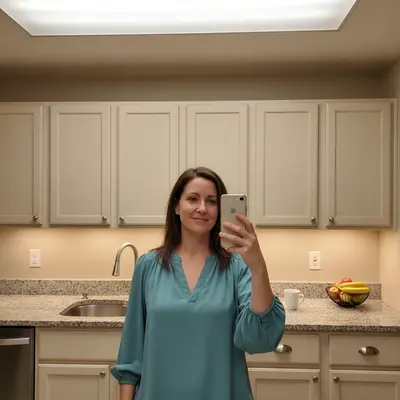
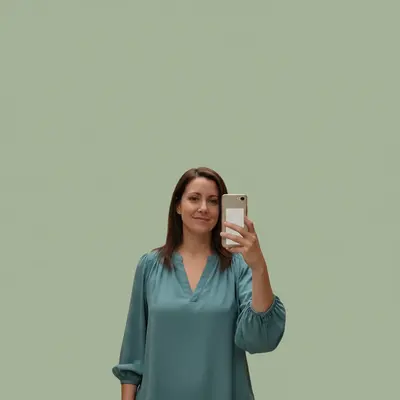
How to Create a Therapist Headshot
-
Choose a warm, natural expression photo
Pick a photo where your face is clearly visible and your expression is open and calm. Soft, even lighting is best — outdoor shade or near a window works well. The background doesn't matter; you'll replace it.
Background replacement with lighting adjustment: 30-40 seconds. Background swap alone: 20-25 seconds. -
Describe the warm professional look you want
Type your instruction directly: 'create a warm, approachable therapist headshot with soft natural lighting and a calm neutral background' or 'replace background with soft sage green or warm beige, gentle studio lighting.' The AI understands the aesthetic of mental health practice profiles without any marking.
Use words like 'warm,' 'approachable,' 'calm,' and 'soft lighting' — these signal the right visual tone for therapy headshots. -
Review the warmth and approachability
Check that the photo feels inviting, not clinical. Lighting should be soft and flattering, not harsh. The background should be calm and non-distracting. Potential clients will judge safety and trustworthiness from this image.
Copy-Paste Therapist Headshot Prompts
Create a warm, approachable therapist headshot with soft natural lighting and a calm neutral background, professional but inviting
'Warm and approachable' consistently produces the right visual tone for therapy profiles
replace background with soft sage green gradient, gentle diffused lighting from the left, warm approachable therapist headshot
Sage green and warm beige are the most popular backgrounds in mental health practice photos
replace background with warm beige gradient, soft even studio lighting, calm counselor profile photo, professional and trustworthy
Beige backgrounds feel grounded and calming — ideal for anxiety therapists and trauma counselors
replace background with softly blurred therapy office with plants visible, warm golden lighting, approachable mental health professional
Blurred plants or soft office decor suggest a real therapy environment without being distracting
Show 3 more prompts
replace background with soft neutral wall, enhance to look like flattering natural window light from left, warm and calm therapist portrait
Window light feels natural and intimate — less clinical than studio lighting for therapists
replace background with softly blurred outdoor greenery, dappled natural light, warm therapist headshot for nature-based or trauma therapy
Outdoor or nature-inspired backgrounds work well for somatic, trauma, or holistic therapists
replace background with soft off-white seamless backdrop, gentle even professional lighting, therapist headshot that balances professionalism and warmth
Off-white is safe for all directories and websites while still feeling warm
| Edit Type | Prompt | Time | |
|---|---|---|---|
| Sage green background | warm approachable therapist headshot, soft natural lighting, sage green backdrop |
30s | Try This → |
| Warm beige backdrop | warm beige gradient background, gentle diffused lighting |
25s | Try This → |
| Blurred therapy office | blurred therapy office with plants, warm golden natural light |
40s | Try This → |
| Window light portrait | soft neutral wall, gentle natural window light effect |
30s | Try This → |
Real Examples
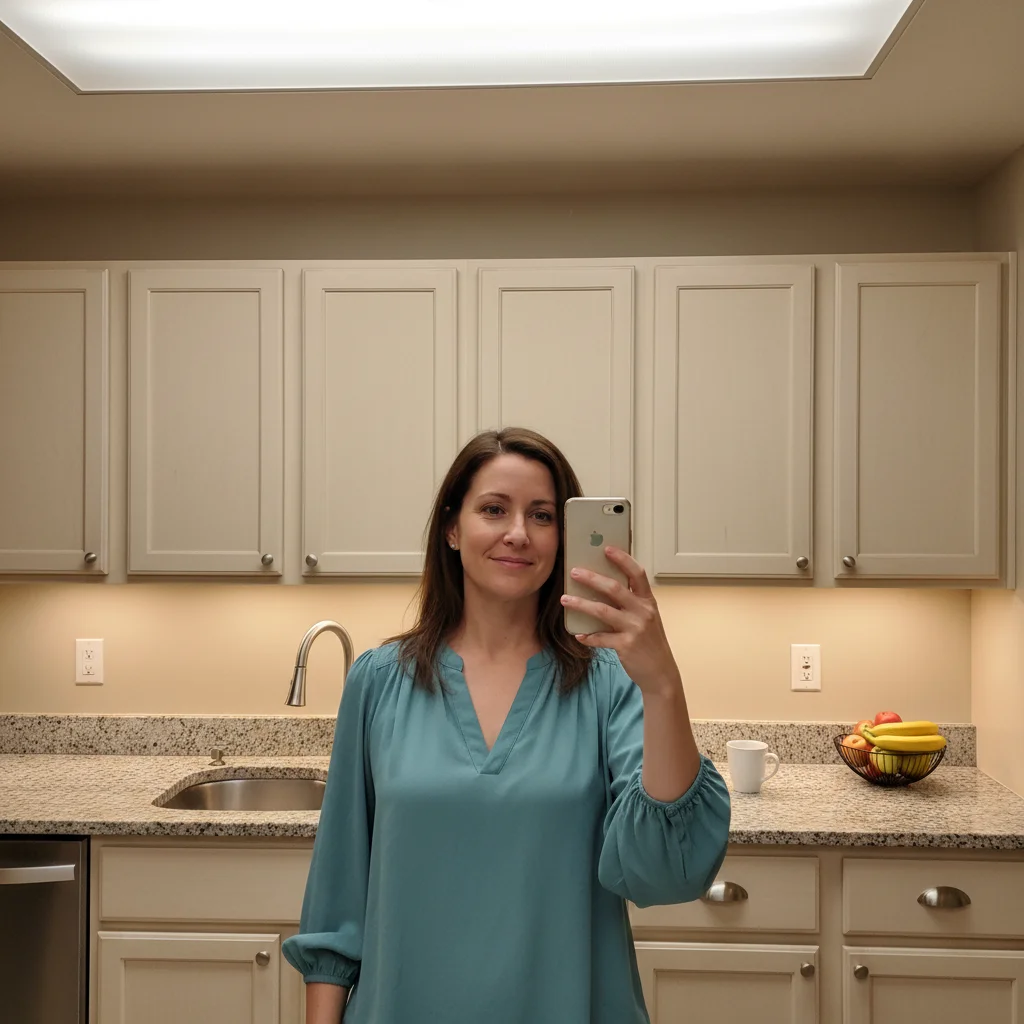
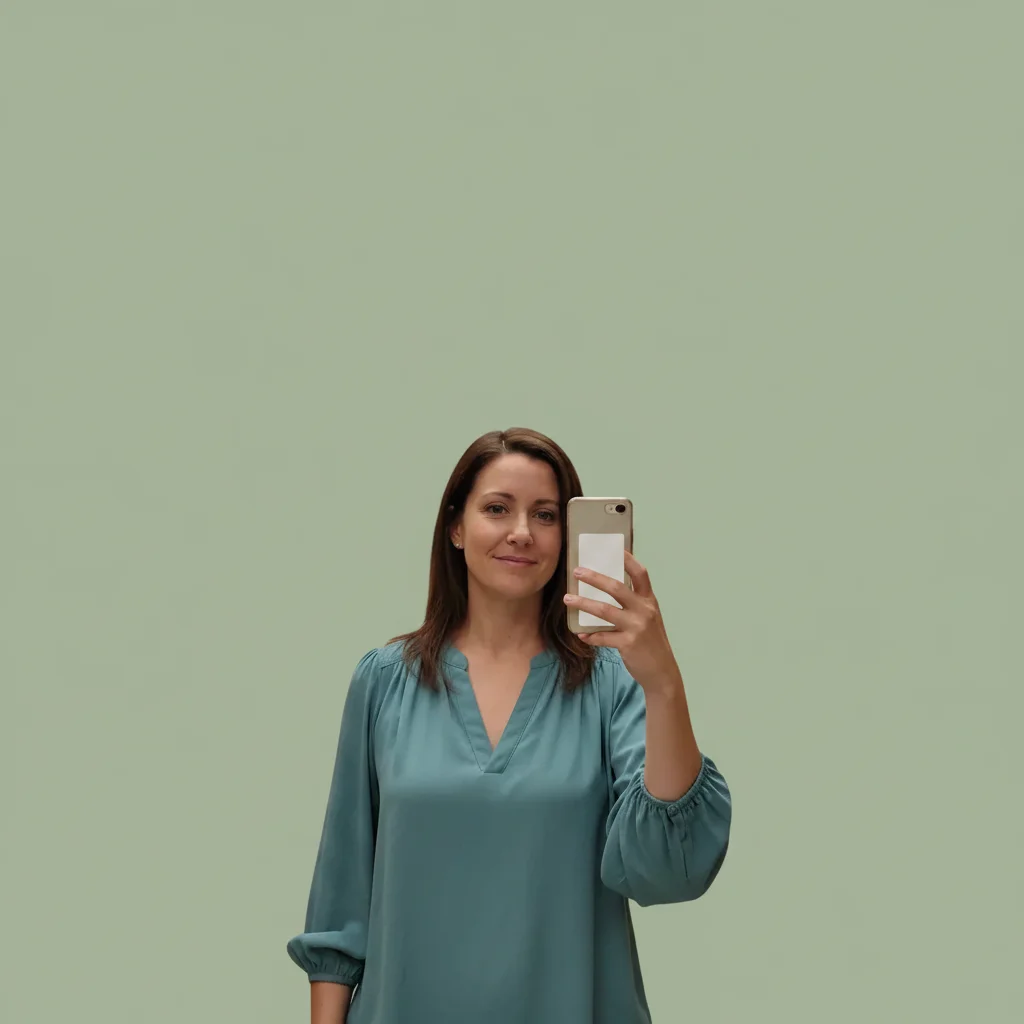
Kitchen selfie to therapy profile
Shot in the kitchen with visible cabinets and overhead lighting. One prompt added warmth and a calming background.
Create a warm, approachable therapist headshot with soft natural lighting and a calm sage green background, professional but inviting
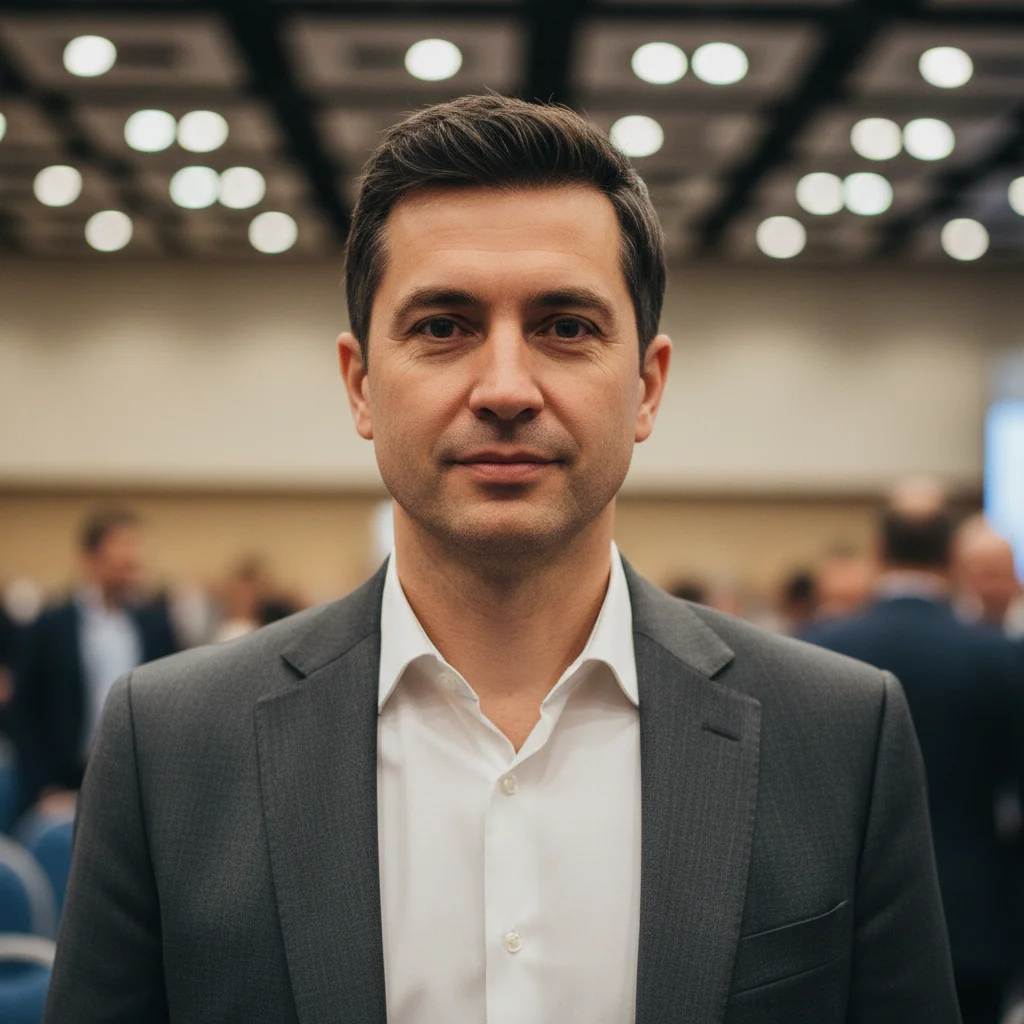

Conference photo to practice headshot
Cropped from a conference event photo. Warm background and soft lighting turned it into a usable therapy directory photo.
replace background with warm beige gradient, soft flattering lighting, calm counselor headshot for therapy practice directory
When Things Go Wrong
Background color looks too cold or clinical
Why: Generic 'neutral' backgrounds can render as cool grays or stark whites, which feel less warm.
replace background with warm beige or soft sage green, gentle warm lighting, keep completely natural looking
Be specific about temperature: 'warm beige,' 'soft sage,' or 'warm gray' gives the AI clear direction.
Lighting looks harsh or unflattering
Why: 'Professional' lighting prompts sometimes produce high-contrast studio results, not the soft warmth therapists need.
soft diffused lighting from the left, warm and gentle, no harsh shadows, therapist portrait style
Use 'diffused,' 'gentle,' and 'soft' rather than 'professional' or 'crisp' for therapy headshots.
Expression looks too stiff or formal
Why: The AI preserves your expression. If your starting photo was tense, the result will reflect that.
Choose a different photo with a softer, more open expression, then apply: replace background with warm neutral, soft lighting, keep expression completely unchanged
For therapist photos, start with a photo where you look relaxed and naturally approachable.
Frequently Asked Questions
Do I need to mark anything before creating a therapist headshot?
No. Just type what you want: 'create a warm, approachable therapist headshot with soft lighting and a calm neutral background.' The AI understands backgrounds and lighting context automatically.
How do I make a therapist headshot from a selfie for free?
Upload your selfie to EditThisPic and type 'create a warm, approachable therapist headshot with soft natural lighting and a calm neutral background.' The AI replaces the background and adjusts lighting in under 60 seconds. Free, no account needed.
Is there a free therapist headshot tool that doesn't require signup?
Yes. EditThisPic creates warm professional headshots for free with no account required. Upload your photo, describe the look, and download the result. No watermarks, no model training, no 24-hour wait.
Do I need multiple selfies or model training?
No. EditThisPic works with a single photo. No model training, no batch upload, no waiting period. Upload one photo, describe the edit, get the result in under 60 seconds.
How is this different from Photoai.com?
Photoai.com trains a model on 10-20 photos and creates synthetic images — a process that takes hours and may produce results that don't look like you. EditThisPic enhances your actual photo: replacing background and adjusting lighting while preserving your real face. One photo, under 60 seconds.
How fast is the result?
Under 60 seconds for most therapist headshots. Background replacement with lighting: 30-40 seconds. Background swap alone: 20-25 seconds.
Can I use my existing photo?
Yes. Upload any existing photo — a conference selfie, a photo from your phone, a cropped group shot — and EditThisPic transforms it into a practice-ready headshot. No new photo needed.
What background works best for Psychology Today and therapy directories?
Warm beige, soft sage green, and neutral off-white are the most common in mental health directories. Avoid stark white (too clinical) and dark backdrops (too corporate). Plants or softly blurred office settings also work well.
What is the best free AI tool for therapist headshots?
EditThisPic transforms your existing photo into a warm, professional therapist headshot by replacing backgrounds and adjusting lighting. Unlike AI generators that create synthetic faces, it preserves your real appearance. Free, no signup, results in under 60 seconds.
Popular use cases
Ready to create your therapy practice headshot?
Free to try. No signup required. No watermarks.
Create Your Therapist HeadshotTrusted by 15,000+ users