Free β€’ No signup Show What you would look like at 80 years old Β· Free

What Would I Look Like Old

Upload your selfie and AI ages you to 80+. Realistic wrinkles, gray hair, and natural aging effects.
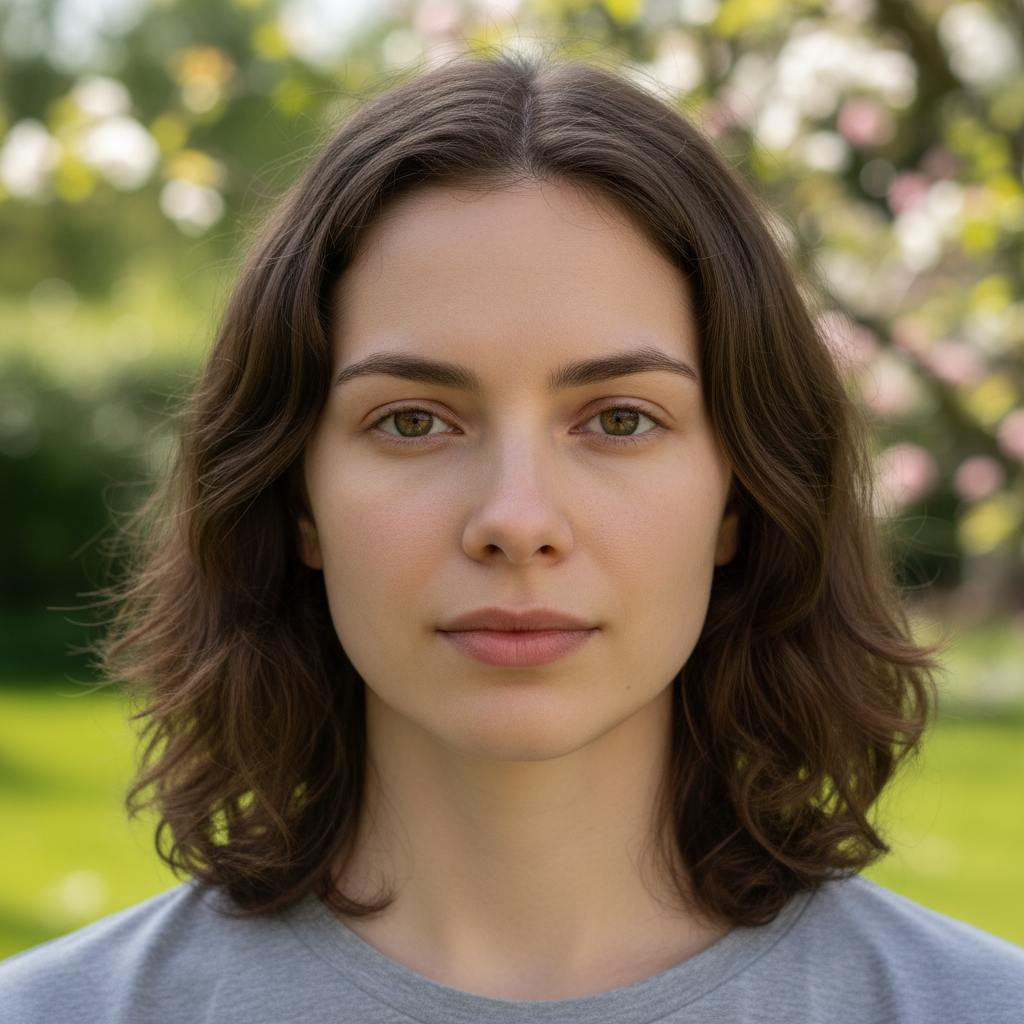
Original photo before show what you would look like at 80 years old
Before
β†’
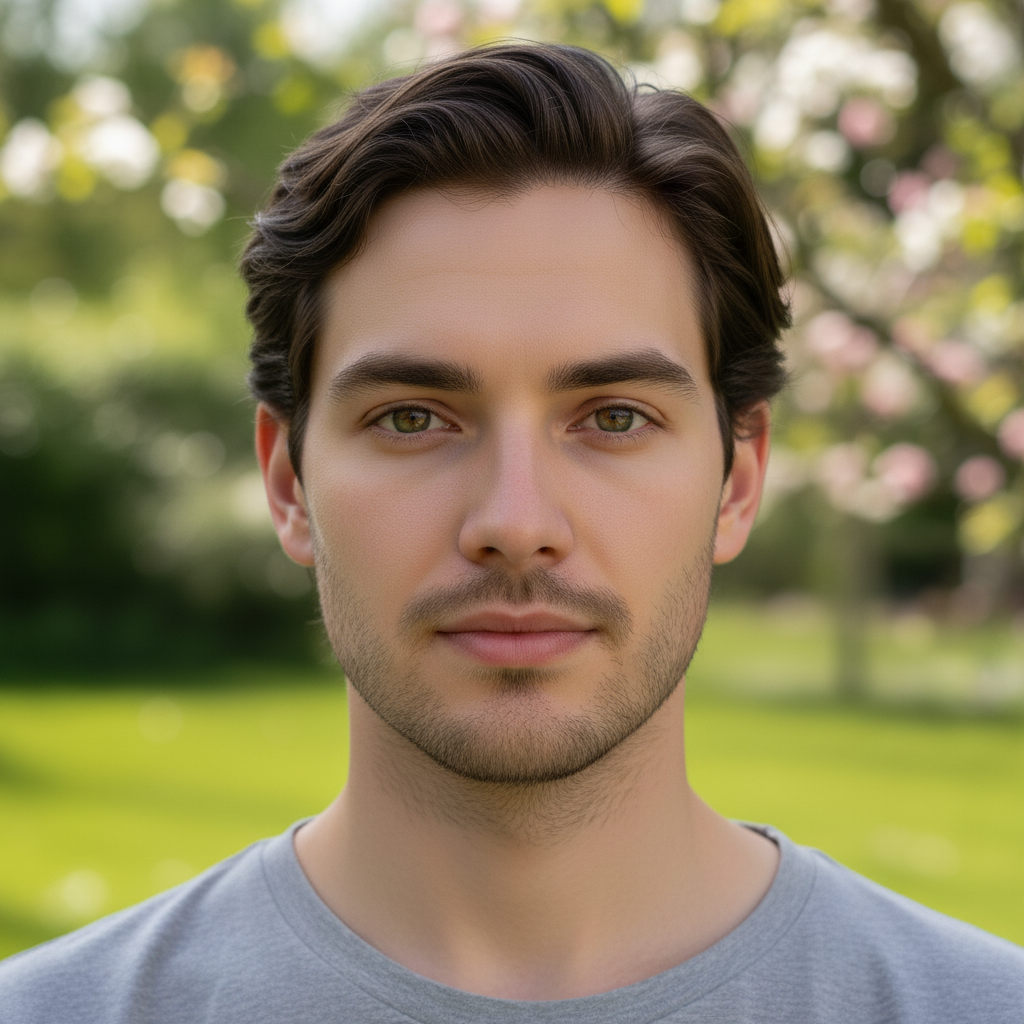
Photo after show what you would look like at 80 years old with AI
After

What Would I Look Like Old

Upload photo to show what you would look like at 80 years old

Free β€’ Results in 30 seconds β€’ No signup

Release to upload

FreeNo signupNo watermark

1 free edit·then from $1.99

Popular use cases:
  • show what you would look like at 80 years old
  • AI what you would look like at 80 years old editor
  • photo what you would look like at 80 years old tool
  • free what you would look like at 80 years old editing

Cost
Free No signup required
Time
Instant results in 15-30 seconds
Works on
Any device - browser, phone, tablet, desktop
Powered by
AI-powered photo editing

How it works

  1. Upload your photo

    Drop your image into EditThisPic. JPG, PNG, WebP up to 7MB. Choose a clear photo where the area you want to edit is visible.

    Expect: Most edits complete in 20-45 seconds. Complex changes may need 1-2 refinements.
  2. Describe your edit

    Type what you want: 'age my face to look like I'm 80 years old with realistic wrinkles, gray hair, age spots, and natural aging effects while keeping my features recognizable.' Be specific about details for best results. The AI understands natural language β€” no technical skills needed.

    Tip: Specify the exact age (60, 70, 80) for different levels of aging β€” '80 years old' produces more dramatic results than just 'old.'

    Copy one of these to get started:

    Age to 80 Age my face to 80 years old β€” realistic deep wrinkles, gray/white hair thinned out, age spots on skin, slightly sagging jawline. Keep my facial features recognizable but naturally aged
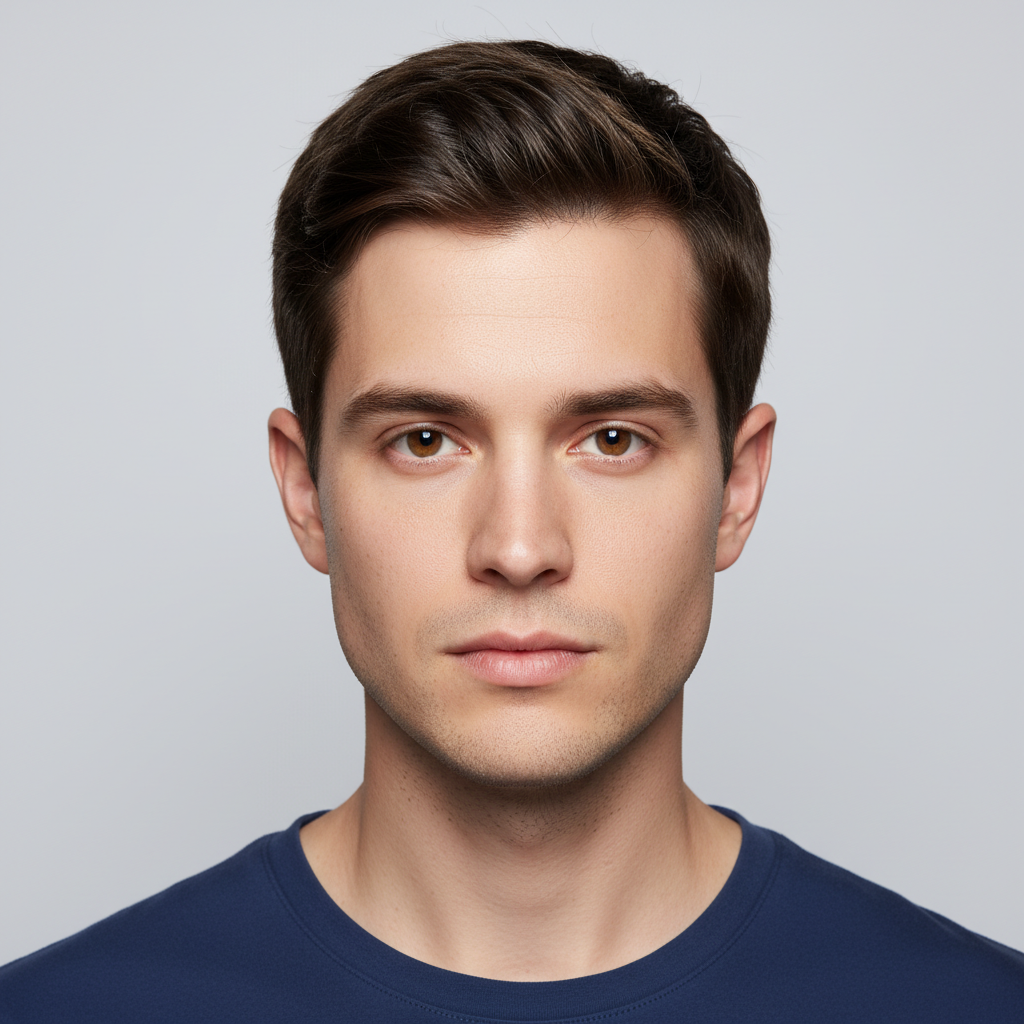
    Graceful aging at 60 Show me at 60 years old β€” distinguished gray temples, smile lines, subtle crow's feet, slightly more relaxed skin. Aging gracefully, not dramatically old
    Very elderly at 90+ Age me to 90+ years old β€” deep wrinkles everywhere, completely white thin hair, prominent age spots, deep-set eyes, thin lips. Maximum realistic aging while still looking like me
    Aging timeline Create an aging progression β€” show me at current age, then 50, then 70, then 90 in a horizontal strip. Same pose and lighting at each stage, gradual realistic aging
    2 more prompts
    Aged with character Age me to a wise 75-year-old β€” weathered but warm face, laugh lines that show a life well-lived, silver hair still thick, kind eyes with crow's feet. Think favorite grandparent energy
    Aged couple Age both of us together to our 80s β€” matching gray hair, complementary wrinkle patterns, still looking like a couple. Warm golden hour lighting, grandparent portrait style
  3. Review the result

    Check the output carefully. Look for natural blending, consistent lighting, and realistic details. Compare before and after using the slider.

Try it free ↓

What Would I Look Like Old

Upload photo to show what you would look like at 80 years old

Free β€’ Results in 30 seconds β€’ No signup

Release to upload

Free β€’ No signup

See it in action

Original photo before show what you would look like at 80 years old
Before
->
Photo after show what you would look like at 80 years old with AI
After

What Would I Look Like Old β€” Example 1

A photo edited using EditThisPic to show what you would look like at 80 years old.

Prompt: Age my face to 80 years old β€” realistic deep wrinkles, gray/white hair thinned out, age spots on skin, slightly sagging jawline. Keep my facial features recognizable but naturally aged
Original photo before show what you would look like at 80 years old
Before
->
Photo after show what you would look like at 80 years old with AI
After

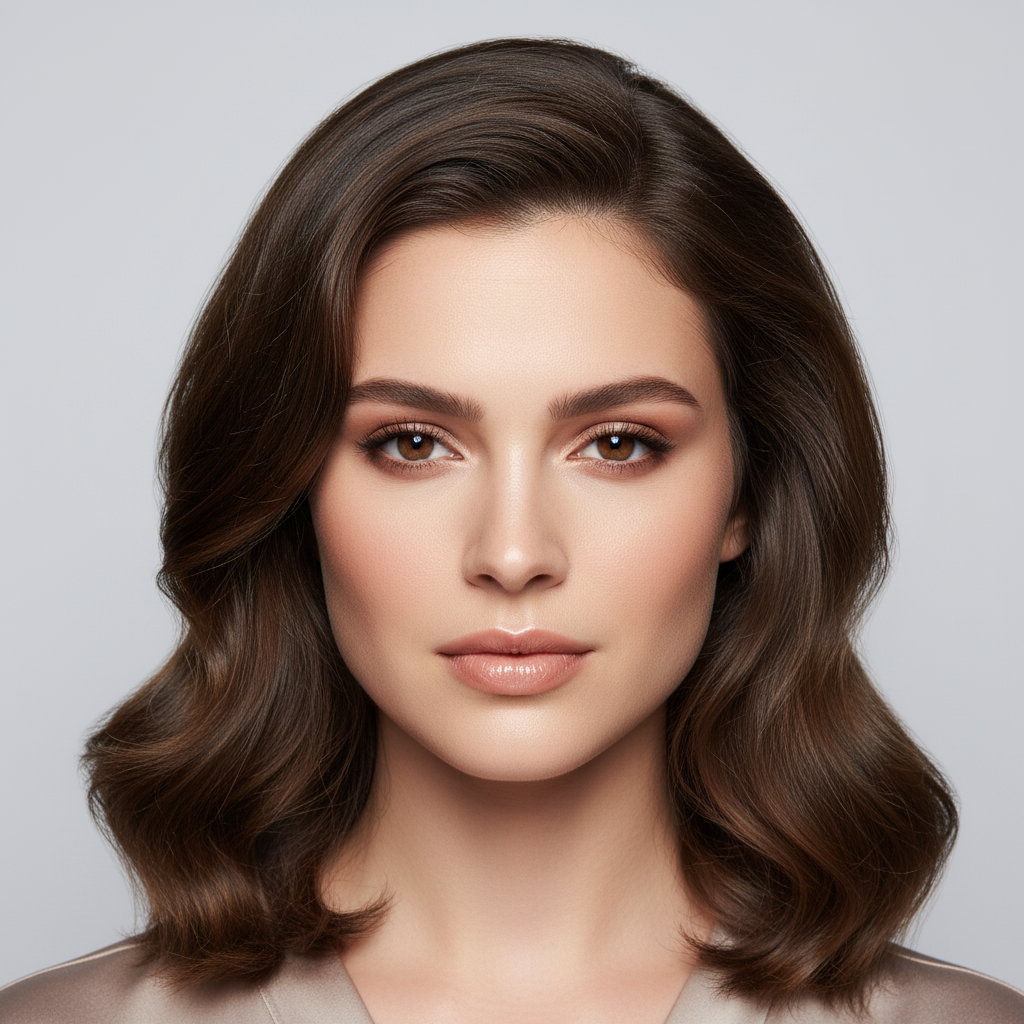
What Would I Look Like Old β€” Example 2

Another example showing a different scenario for this editing task.

Prompt: Show me at 60 years old β€” distinguished gray temples, smile lines, subtle crow's feet, slightly more relaxed skin. Aging gracefully, not dramatically old

If something looks off

AI changed the wrong area

Why: The AI couldn't determine exactly which area you meant from the description alone.

Try: Tap a marker on the specific area you want to edit, then regenerate with the same prompt

Tip: Markers tell the AI exactly where to focus. Use them when description alone is ambiguous.

Result looks unnatural or blurry

Why: The AI may need more specific guidance about the look you want.

Try: show what you would look like at 80 years old, ensure natural lighting and sharp details that match the rest of the photo

Tip: Adding 'natural' and 'realistic' to your prompt helps the AI prioritize believability.

Lighting doesn't match the rest of the photo

Why: The edited area has different lighting than the original scene.

Try: show what you would look like at 80 years old, match the lighting direction and color temperature of the original photo

Tip: If light comes from one side in the original, mention it: 'with light from the left side.'

Edges look rough or artificial

Why: Transitions between edited and unedited areas need refinement.

Try: Tap markers on the rough edges and regenerate: refine these edges for a seamless blend

Tip: Edge refinement is the most common adjustment β€” markers on problem areas make it quick.

Quick answers

Is the aging preview tool free?

Yes, EditThisPic lets you see what you'd look like old for free with one Fast edit per week. No signup or credit card required. Credit packs start at $1.99 for more edits.

How accurate is the age prediction?

The AI creates a realistic aging simulation based on natural human aging patterns β€” wrinkles, hair graying, skin changes. It's not a scientific prediction of exactly how you'll look, but it's impressively realistic and maintains your recognizable features.

Can I choose different ages?

Yes. Specify the exact age in your prompt β€” 50, 60, 70, 80, 90+. Each decade produces noticeably different aging effects. You can even create a progression showing multiple ages.

Will it still look like me?

Yes. The AI preserves your core facial features β€” bone structure, eye shape, nose β€” while adding age-appropriate changes like wrinkles, gray hair, and skin texture. You should be clearly recognizable.

Does it work for any age or gender?

Yes. The tool works regardless of your current age or gender. Upload any clear selfie and specify the target age. The AI applies appropriate aging patterns for all face types.

Can I de-age myself instead?

Yes! EditThisPic also has de-aging tools. Ask to 'make me look 20 years younger' and the AI smooths wrinkles, restores hair color, and tightens skin for a younger appearance.

Is this better than FaceApp aging?

EditThisPic gives you full control over the aging prompt β€” you can specify exact ages, styles, and even aging 'vibes' (distinguished vs weathered). The results are AI-generated transformations, not just filters.

How much does EditThisPic cost?

You get 1 free edit per week β€” no account needed. After that, credit packs start at $1.99 for 3 edits. Monthly plans start at $4.99/mo for 15 edits with unused credits rolling over. All edits are full resolution with no watermark.

Ready to show your photos?

Free to try. No signup required.

1 free edit included·Credit packs from $1.99