AI Photo Editor for Dental Practice Photos
Professional dental office photos without hiring a photographer.
Drop your photo here
or click to browse
Free • No signup
Release to upload

Built for Dental Professionals
Patients choose dentists partly based on how the office looks online. Professional photos build trust before the first appointment. But medical photographers charge $500+ per session. EditThisPic lets you photograph your practice and digitally enhance lighting, reduce clinical harshness, and showcase your clean, modern environment.
How to AI Photo Editor for Dental Practice Photos
-
Upload your photo
Drop your dental photo into EditThisPic. JPG, PNG, WebP up to 7MB.
-
Describe your edit
Type what you want — the AI understands dental photography needs.
-
Review the result
Check that the edit looks natural and accurately represents your space or subject.
-
Refine if needed
Tap markers on specific areas and describe adjustments for precision edits.
Copy-Paste Prompts for Dental
brighten the dental operatory with warm natural lighting, make it look clean and modern
'Warm' and 'modern' soften the clinical feel patients find intimidating
enhance the waiting room lighting to look bright, welcoming, and comfortable for patients
Welcoming waiting rooms reduce patient anxiety about dental visits
remove clutter from the reception desk, show a clean organized front desk area
An organized front desk signals a well-run practice
replace harsh fluorescent lighting with soft warm overhead lighting, keep equipment visible
Softening clinical light makes the space feel less intimidating
Show 2 more prompts
enhance the dental office exterior with better lighting and a clean professional appearance
First impressions start with your building exterior on Google Maps
brighten the dental chair area, make the equipment look modern and the space inviting
Show patients that your equipment is current and well-maintained
Real Dental Photo Transformations
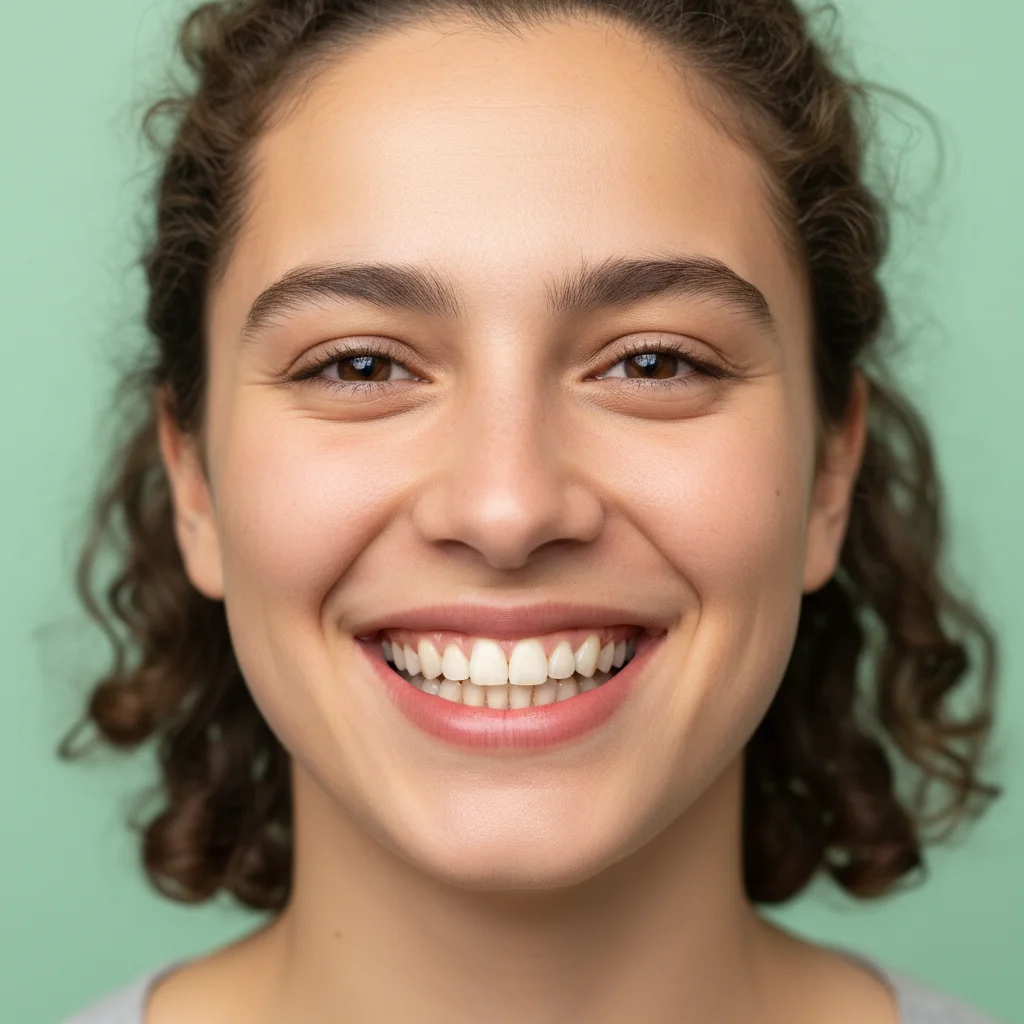
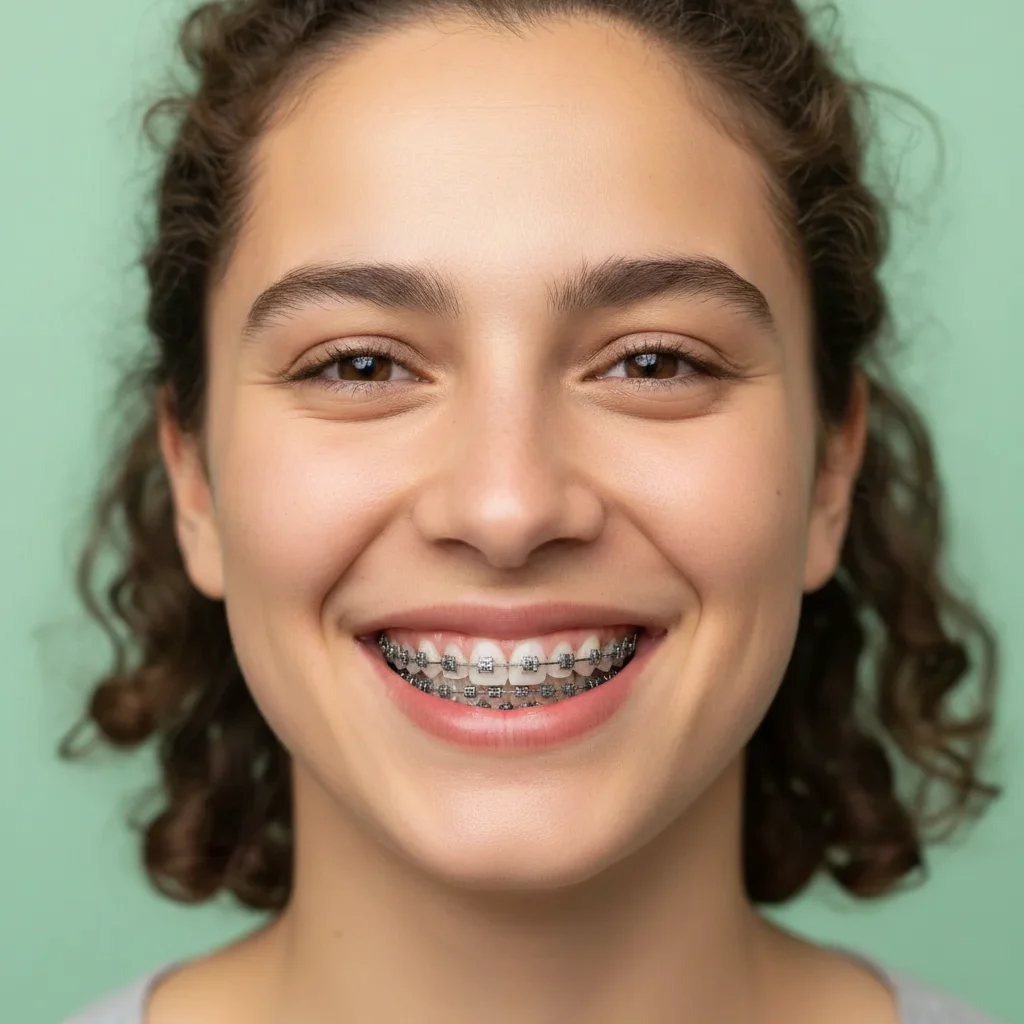
Operatory brightened for Google listing
Dental operatory with harsh overhead lighting transformed into a bright, modern-looking treatment room.
brighten the dental operatory with warm natural lighting, make it look clean and modern
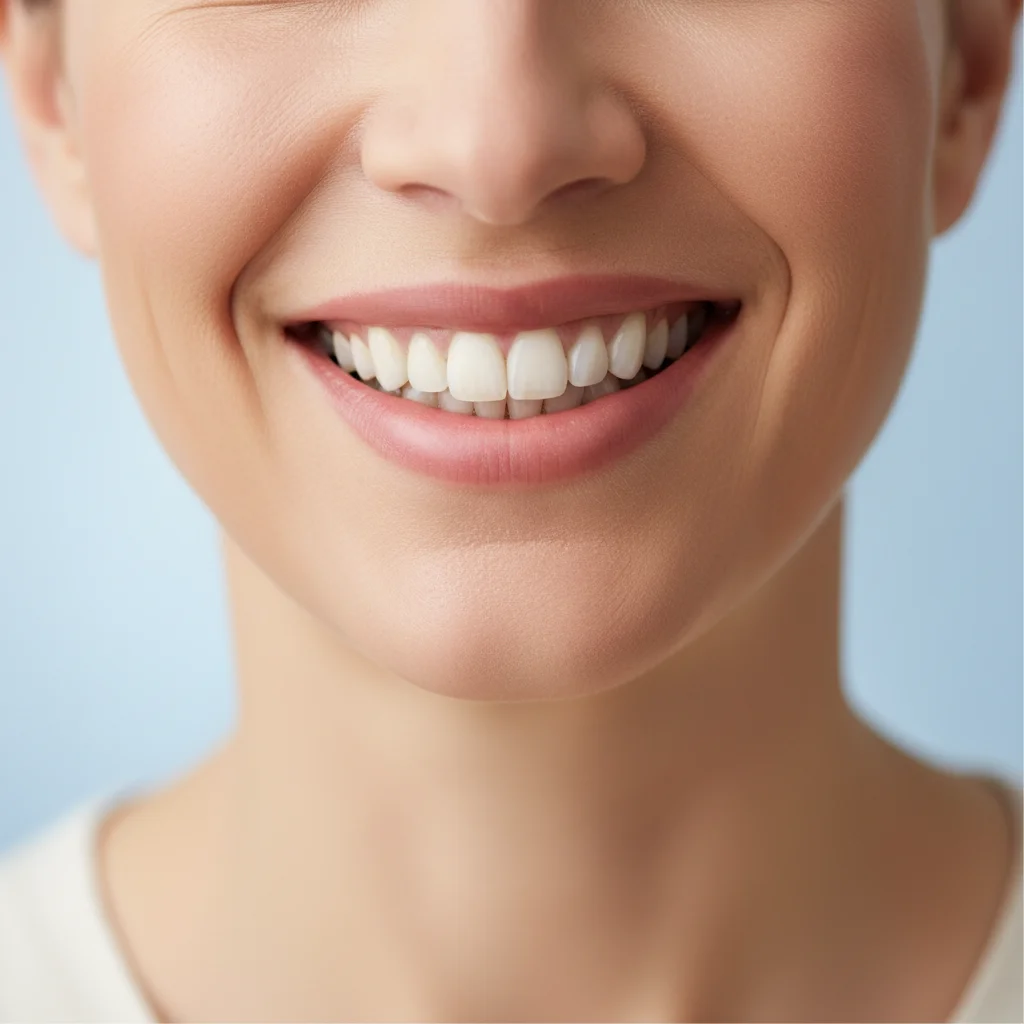
Waiting room made welcoming
Dimly lit dental waiting room enhanced to look bright and comfortable for prospective patients.
enhance the waiting room lighting to look bright, welcoming, and comfortable for patients
Common Issues
Clinical lighting makes everything look harsh
Why: Fluorescent office lights create unflattering cold tones and shadows
Warm, professional lighting builds patient trust and comfort
Before/after comparison isn't clear enough
Why: Different lighting or angles between shots make comparison difficult
Consistent lighting is more important than perfection for before/after pairs
Background clutter or equipment visible
Why: Clinical settings have monitors, wires, and equipment that distract
Focus attention on the subject by keeping only relevant context in frame
Colors look inaccurate under exam lights
Why: Medical exam lights and mixed light sources distort true colors
Color accuracy matters for medical documentation — be specific about what's off
Frequently Asked Questions
Should dental office photos show equipment?
Yes, showing clean modern equipment builds patient confidence. The goal is making equipment look approachable, not hiding it. Enhanced lighting and warm tones reduce the intimidation factor while keeping the professional look.
How many photos should a dental practice have on Google?
Aim for 8-15 photos covering your exterior, reception, waiting room, at least two operatories, and your team. More photos with consistent quality build trust and improve your Google Business ranking.
Can I enhance photos of dental procedures?
EditThisPic works best on environmental and facility photos. For clinical before/after photos of procedures, specialized dental photography software is more appropriate.
Will edited photos misrepresent my practice?
Enhanced lighting and reduced clutter show your practice at its best without creating false expectations. Patients visit in person, so keep edits honest — brighten, don't fabricate.
What file format works best for Google Business?
Google accepts JPG and PNG. EditThisPic outputs both. JPG is recommended for smaller file sizes and faster loading on Google Maps.
Is this free for dental practices?
Yes — you get 1 free edit per week, no account needed. For updating all your office photos at once, plans start at $4.99/month.
Make your dental practice shine online
Professional office photos in seconds. Free to try.
Upload Your PhotoTrusted by 15,000+ users