AI Photo Editor for Restaurant Google Business Photos
Google listing photos that fill every table.
Drop your photo here
or click to browse
Free • No signup
Release to upload


Built for Restaurant Google Professionals
When someone searches 'restaurants near me,' your Google Business photos determine whether they choose you. Listings with quality photos get 42% more direction requests. Professional photography for Google Business costs $300-800. EditThisPic makes every photo on your listing look professional.
How to AI Photo Editor for Restaurant Google Business Photos
-
Upload your photo
Drop your restaurant google photo into EditThisPic. JPG, PNG, WebP up to 7MB.
-
Describe your edit
Type what you want — the AI understands restaurant google photography needs.
-
Review the result
Check that the edit looks natural and represents your subject accurately.
-
Refine if needed
Tap markers on specific areas and describe adjustments.
Copy-Paste Prompts for Restaurant Google
enhance this restaurant photo with bright professional lighting for Google Business listing
Professional listing photos drive significantly more clicks
enhance the restaurant exterior to look inviting and well-maintained, bright and professional
Exterior photos help customers find you and form a first impression
make this dish look warm and appetizing for Google Business photo gallery
Food photos on Google listings drive the most engagement
enhance the dining room to look warm, inviting, and spacious for the listing
Interior photos let diners preview the dining experience
Show more prompts
enhance this team photo with professional lighting, warm and welcoming
Friendly team photos humanize your restaurant on Google
brighten the evening exterior shot, show the restaurant entrance warmly lit and inviting
Evening exterior photos work well for dinner-focused restaurants
Real Restaurant Google Photo Transformations
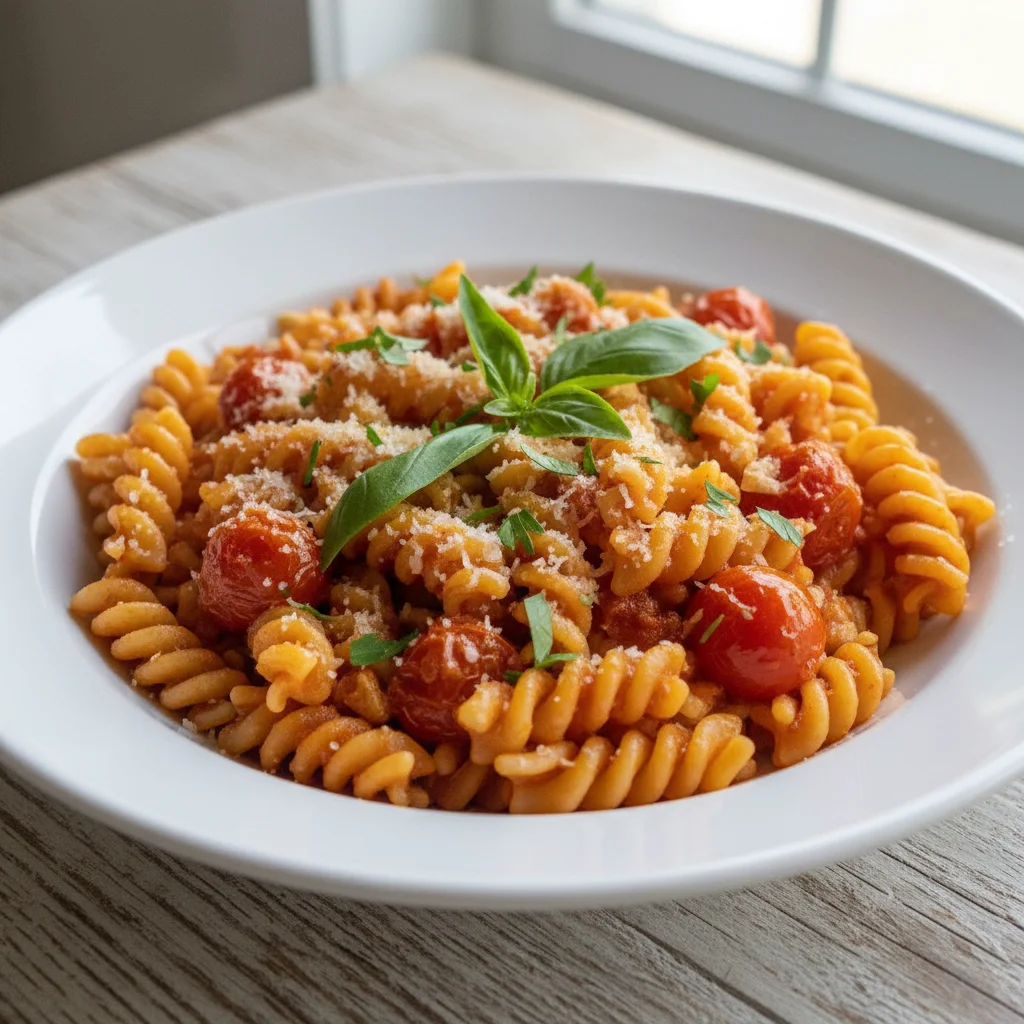
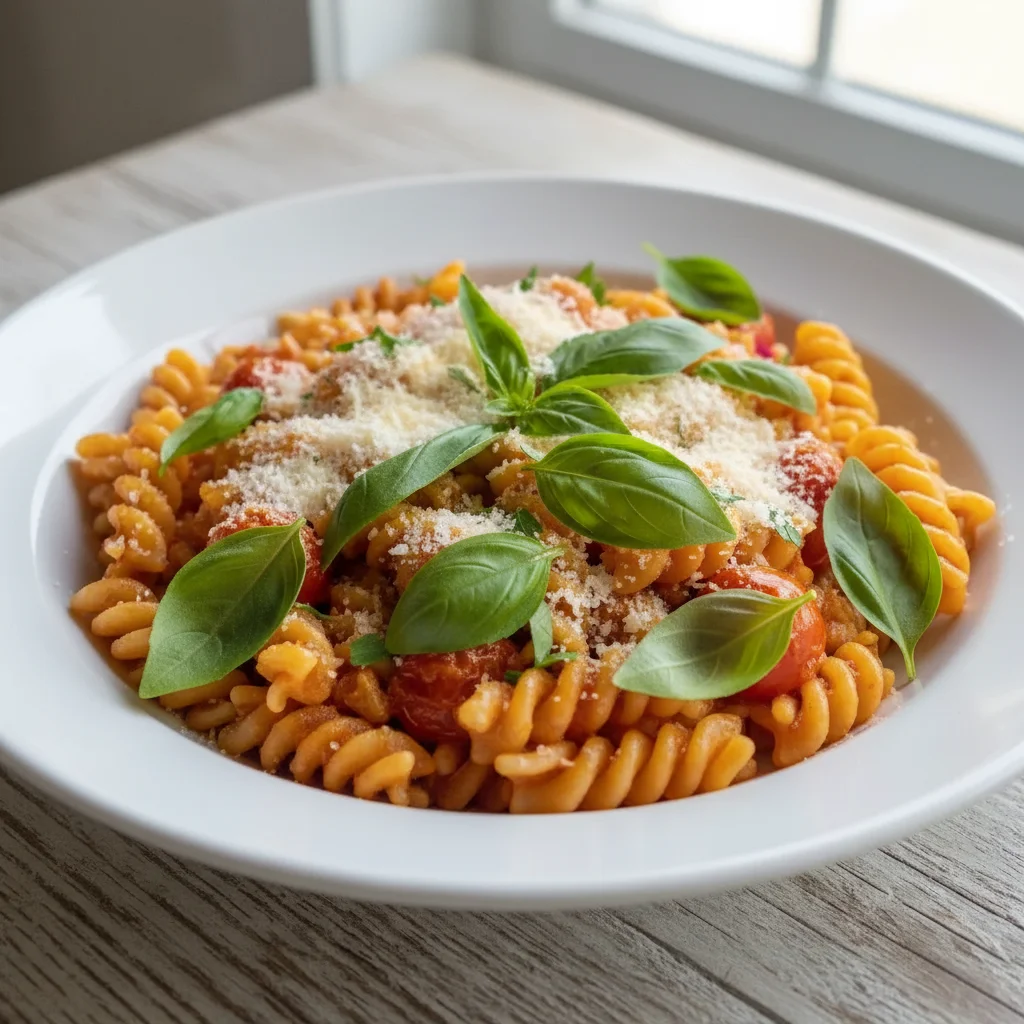
Restaurant exterior for Google
Restaurant exterior photo enhanced from dull to professional and inviting for Google Maps listing.
enhance the restaurant exterior to look inviting and well-maintained, bright and professional
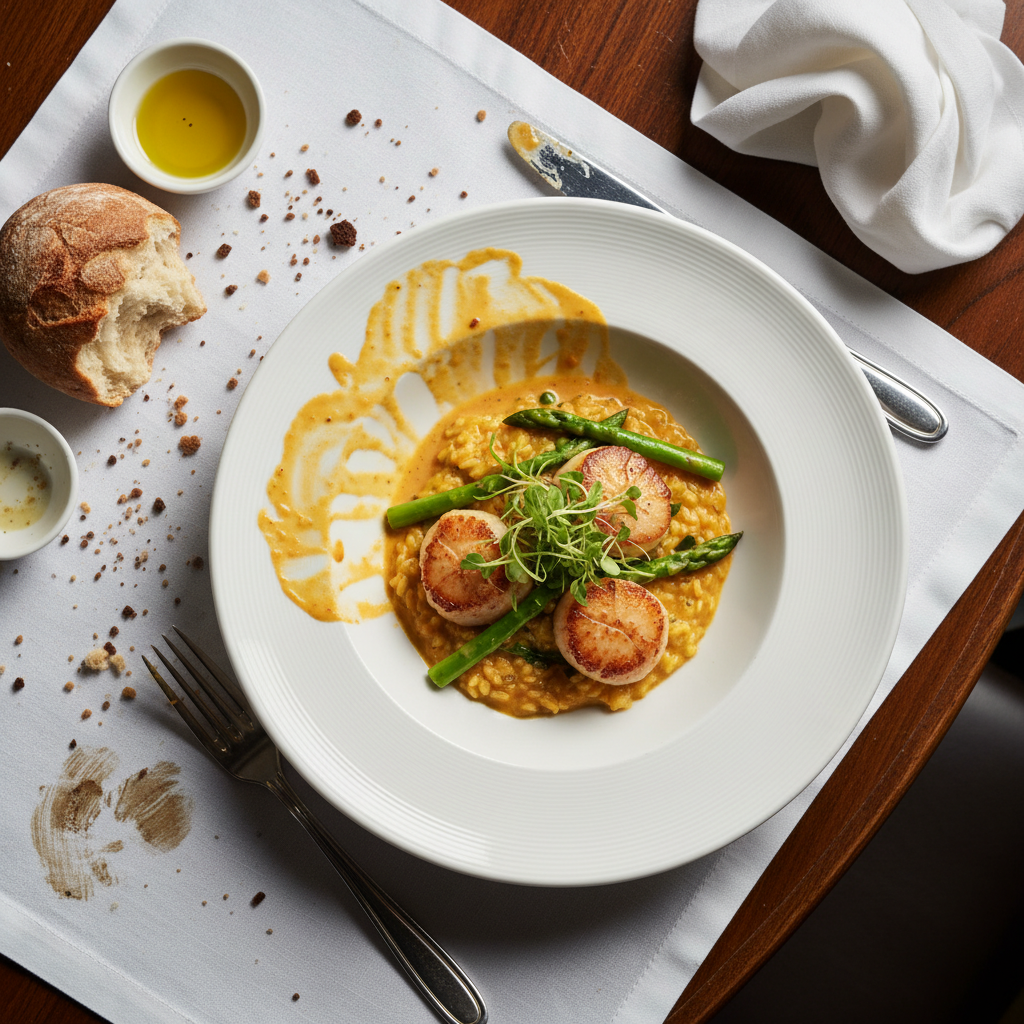
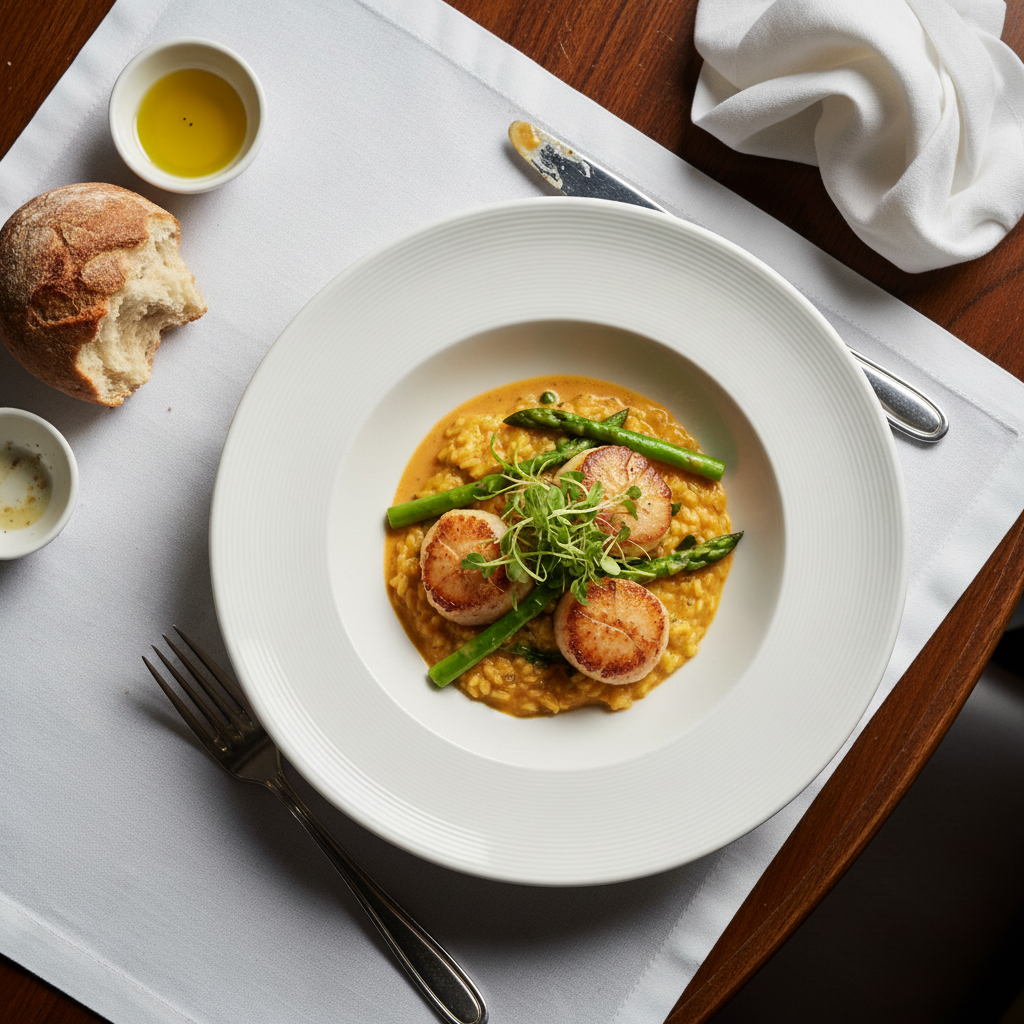
Dining room for listing
Restaurant dining room enhanced with warm lighting for the Google Business photo gallery.
Common Issues
Food photo looks cold and unappetizing
Why: Phone cameras capture food under harsh or cool lighting that kills the warmth
Adding 'warm' and 'appetizing' triggers AI to use food photography techniques
Harsh flash creates shiny glare on dishes
Why: Direct flash reflects off sauces, glazes, and wet surfaces
Soft overhead lighting is the gold standard for food — AI knows this pattern well
Messy table or background visible in shot
Why: Real restaurant tables have napkins, clutter, and other diners
Focus on the immediate area around the plate rather than the entire background
Colors look off — food appears grey or blue
Why: Mixed lighting (daylight + indoor) confuses white balance
Mention specific colors if known (e.g., 'the tomato should be bright red')
Frequently Asked Questions
How many Google Business photos should a restaurant have?
At least 15-20 covering exterior, interior, food, drinks, and team. Google rewards listings with more high-quality photos with better visibility in search results.
What photo should be my cover photo?
Your most appetizing food photo or your most inviting interior shot. Test different options — Google lets you suggest a cover but uses engagement data to choose.
Do Google Business photos affect search ranking?
Yes. Google factors photo quality and quantity into local search rankings. Updated, high-quality photos improve your visibility in 'restaurants near me' searches.
Should I remove old photos?
Replace rather than remove. Add new enhanced photos which will naturally get more engagement and rise to the top of your listing gallery.
How often should I update listing photos?
At minimum seasonally. New photos signal an active business and give Google fresh content to index. Update whenever you change decor, menu, or seasonal offerings.
Is this free?
Yes — you get 1 free edit per week, no account needed. For a complete listing photo package, plans start at $4.99/month.
Fill your tables from Google Maps
Professional listing photos in seconds. Free to try.
Upload Your PhotoTrusted by 15,000+ users