AI Photo Editor for Restaurant Interior Photos
Interior photos that capture your restaurant's atmosphere.
Drop your photo here
or click to browse
Free • No signup
Release to upload
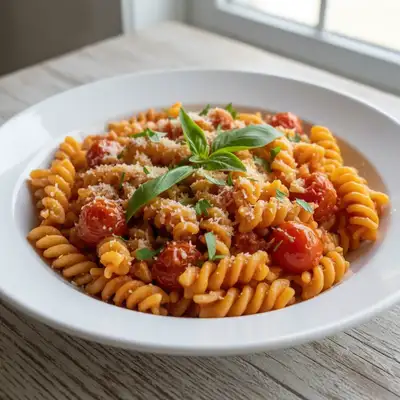
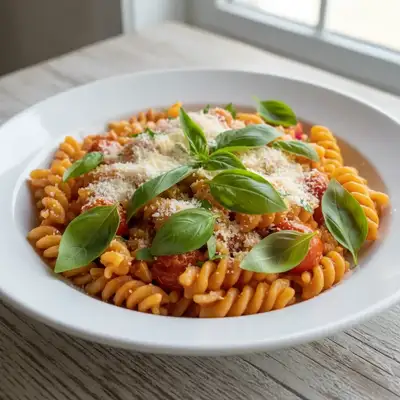
Built for Restaurant Interior Professionals
Diners choose restaurants partly based on atmosphere photos. But the dim, moody lighting that creates your ambiance makes phone photography nearly impossible. Professional interior photography costs $500+. EditThisPic enhances your photos to match what guests actually experience — warm, inviting, and atmospheric.
How to AI Photo Editor for Restaurant Interior Photos
-
Upload your photo
Drop your restaurant interior photo into EditThisPic. JPG, PNG, WebP up to 7MB.
-
Describe your edit
Type what you want — the AI understands restaurant interior photography needs.
-
Review the result
Check that the edit looks natural and represents your subject accurately.
-
Refine if needed
Tap markers on specific areas and describe adjustments.
Copy-Paste Prompts for Restaurant Interior
brighten the dining room while maintaining the warm cozy restaurant ambiance, enhance mood lighting
The key is brightening without losing the atmosphere you've created
enhance the warm amber restaurant lighting, make the space feel intimate and inviting
Warm amber tones capture the dining experience visitors will have
brighten the bar area with warm atmospheric lighting, show bottles and fixtures clearly
Bar areas need enough light to see details while keeping the mood
enhance the patio dining area with warm evening lighting, make it look inviting
Outdoor dining photos are huge for attracting warm-weather visitors
Show more prompts
brighten the private dining room with elegant warm lighting, show the exclusive atmosphere
Private dining rooms sell themselves when properly photographed
balance the lighting throughout the restaurant, keep warm tones consistent
Consistent lighting across the space creates a cohesive look
Real Restaurant Interior Photo Transformations
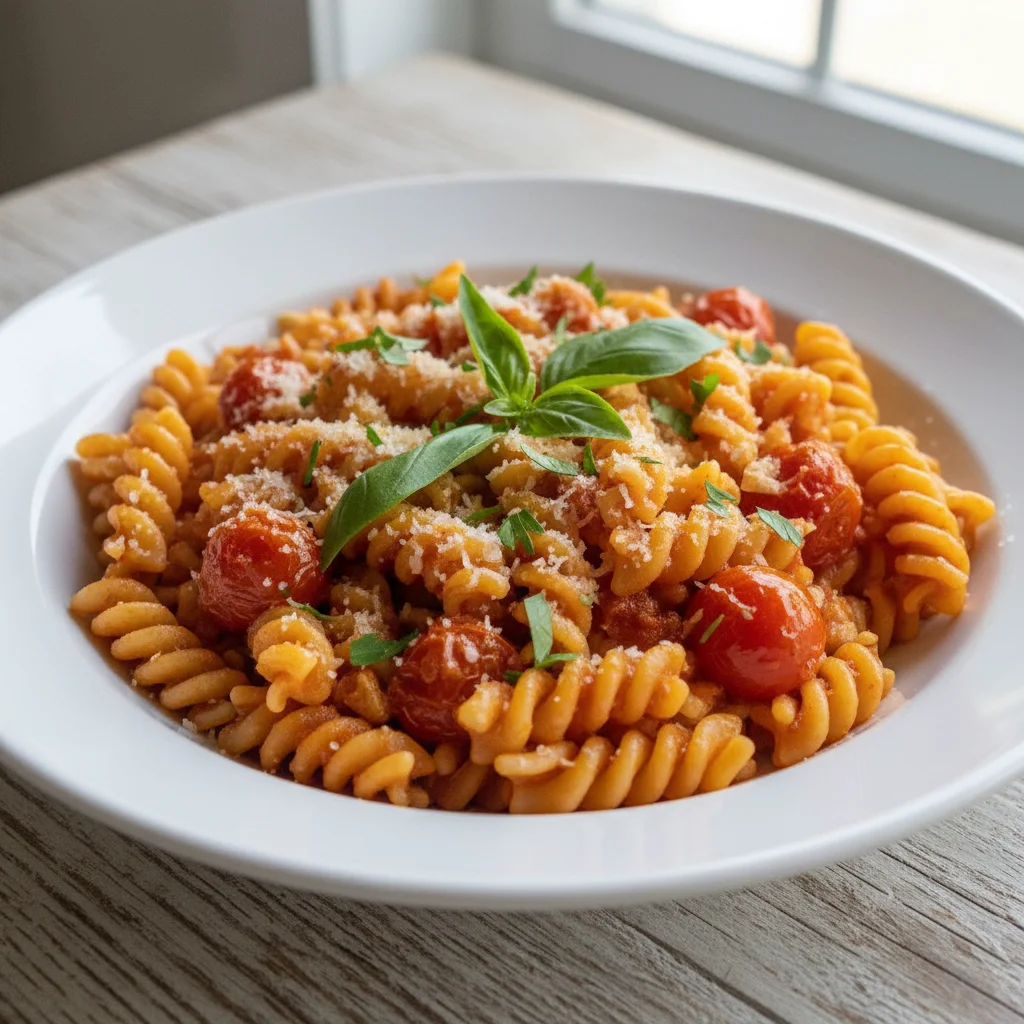
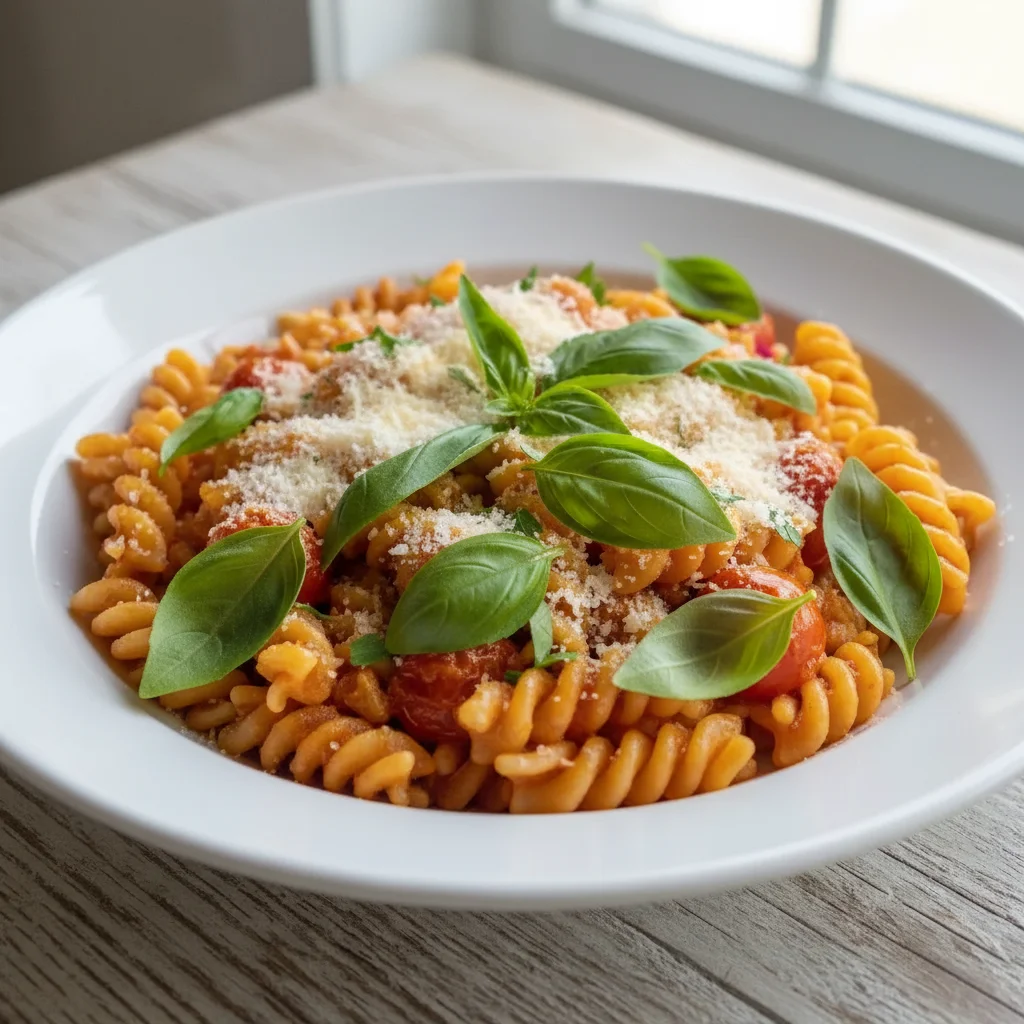
Dining room ambiance captured
Dark restaurant dining room enhanced to show warm inviting atmosphere while maintaining the mood.
brighten the dining room while maintaining the warm cozy restaurant ambiance, enhance mood lighting
Bar area showcased
Dark bar photo enhanced to show the warm atmosphere and beautifully displayed bottles.
brighten the bar area with warm atmospheric lighting, show bottles and fixtures clearly
Common Issues
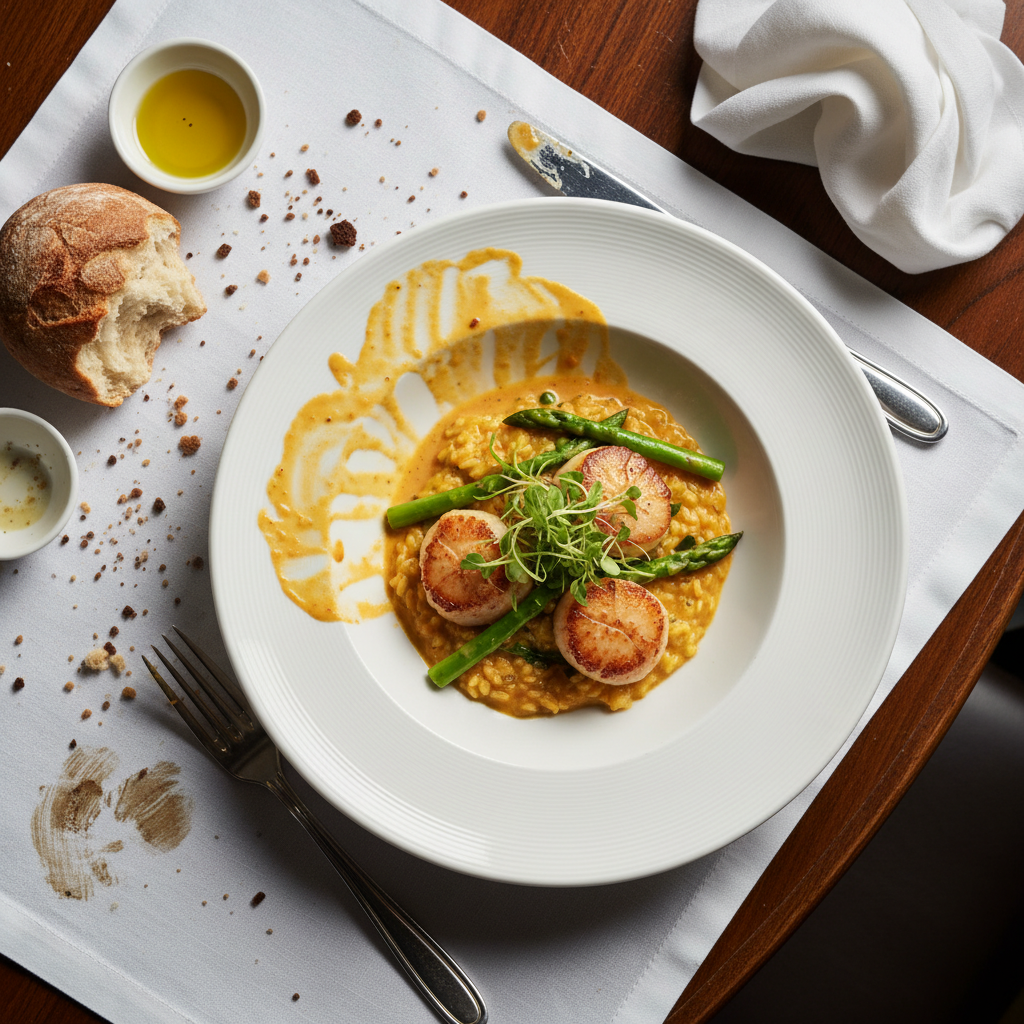
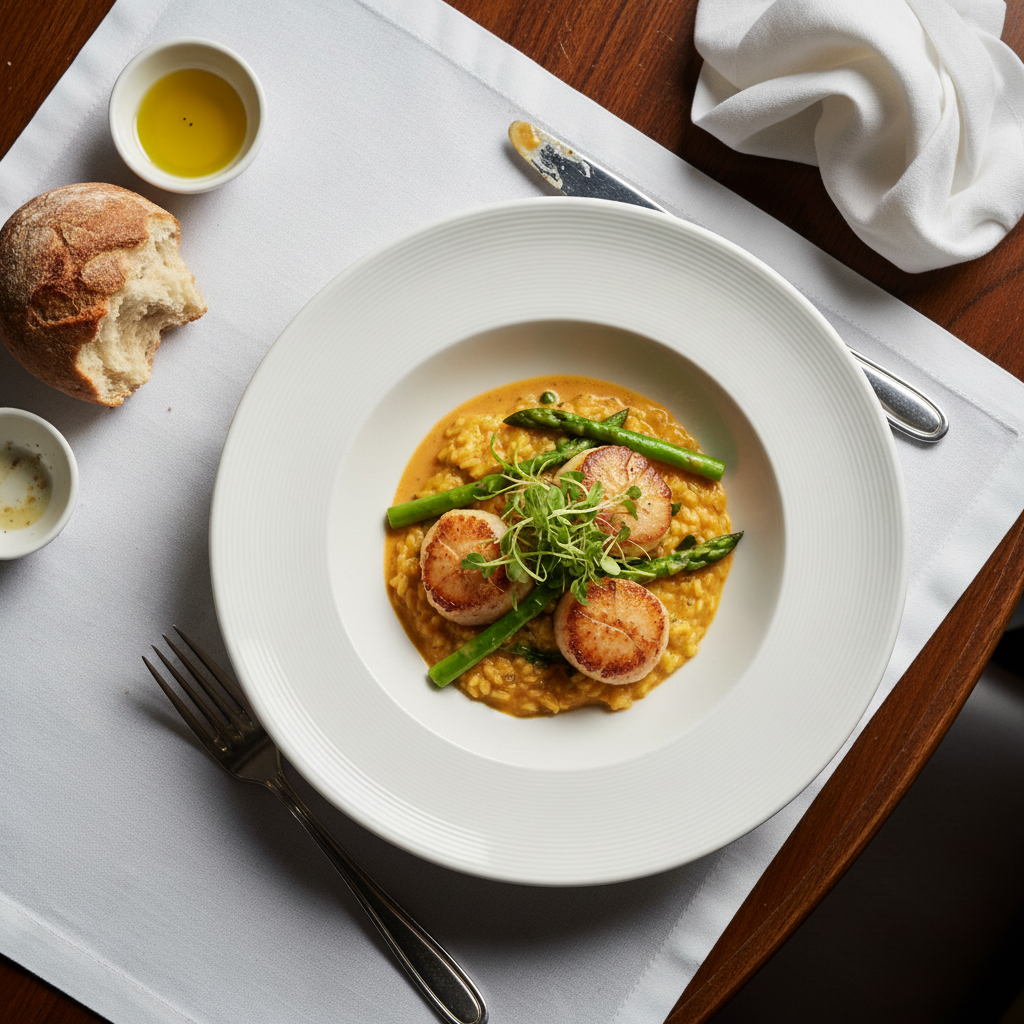
Food photo looks cold and unappetizing
Why: Phone cameras capture food under harsh or cool lighting that kills the warmth
Adding 'warm' and 'appetizing' triggers AI to use food photography techniques
Harsh flash creates shiny glare on dishes
Why: Direct flash reflects off sauces, glazes, and wet surfaces
Soft overhead lighting is the gold standard for food — AI knows this pattern well
Messy table or background visible in shot
Why: Real restaurant tables have napkins, clutter, and other diners
Focus on the immediate area around the plate rather than the entire background
Colors look off — food appears grey or blue
Why: Mixed lighting (daylight + indoor) confuses white balance
Mention specific colors if known (e.g., 'the tomato should be bright red')
Frequently Asked Questions
How do I photograph a dark restaurant?
Use your phone's night mode if available, then enhance with EditThisPic. The AI can brighten while preserving the warm amber tones. Prompts with 'maintain ambiance' keep the mood while adding visibility.
Will brightening make my restaurant look different from the experience?
No — the goal is showing what guests actually see when their eyes adjust. Phone cameras underexpose dark spaces. Enhancement brings photos closer to the real visual experience.
Should I use flash for restaurant photos?
Avoid flash — it destroys ambiance and creates harsh shadows. Instead, take the best photo you can in available light and let the AI enhance it. The results look much more natural.
How many interior photos do I need?
8-12 covering your main dining room, bar, patio, entrance, and any unique features. Different angles of the same space show the full experience.
Can I enhance photos with people dining?
Yes, with consideration for privacy. The AI enhances the overall scene. For public-facing photos, consider photographing during quiet hours or getting patron consent.
Is this free?
Yes — you get 1 free edit per week, no account needed. For a full interior photo refresh, plans start at $4.99/month.
Show the atmosphere, not just the food
Restaurant interior photos that fill tables. Free to try.
Upload Your PhotoTrusted by 15,000+ users