AI Photo Editor for Bachelor & Bachelorette Party Photos
Last updated
Keep the memories. Fix the lighting. Lose the embarrassing background.
Drop your photo here
"fix the neon color cast, restore natural skin tones, keep the fun lighting in the background"
Release to upload
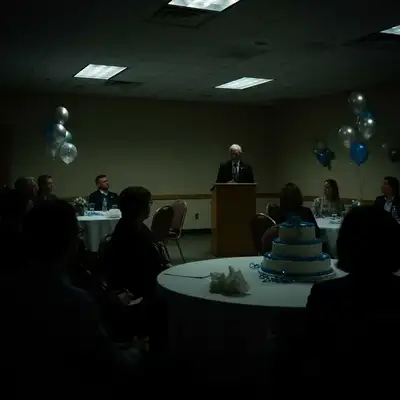
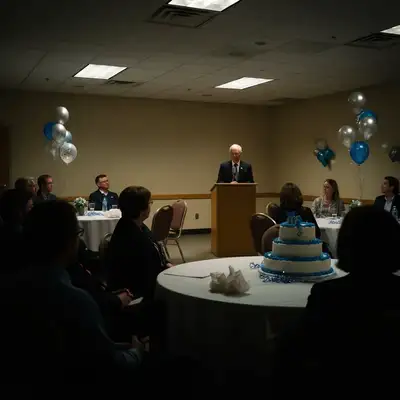
How to Edit Party Photos
-
Upload your party photo
Drop your bachelor or bachelorette party photo into EditThisPic. Bar shots, pool parties, dinner group photos, and outdoor celebrations all work. JPG, PNG, WebP up to 7MB.
Lighting fixes: 15-20 seconds. Background edits: 25-35 seconds. -
Describe your edit
Type what you want: 'fix the neon color cast and brighten faces' or 'remove the random stranger behind us' or 'blur the messy bar background.'
For bar photos, try 'fix color cast and brighten faces while keeping fun nightlife atmosphere' to preserve the party vibe. -
Review and download
Check that faces look natural and the party energy is preserved. Download for social media or the wedding slideshow.
Best Prompts for Party Photos
fix the neon color cast, restore natural skin tones, keep the fun lighting in the background
Fixing color cast on faces while preserving background neon creates the best balance
brighten all faces significantly while keeping nightlife atmosphere
Adding 'significantly' helps when photos are extremely dark
remove the people in the background behind our group
Clearing strangers from party backgrounds makes photos more shareable
sharpen the faces and reduce motion blur while keeping the photo natural
AI can recover moderate blur but severely blurry photos may need multiple passes
Show more prompts
remove the items on the table and show clean surface
Be specific about what to remove for best results
soften the harsh shadows on faces and balance the bright sunlight
Outdoor party photos often have extreme contrast between sun and shade
Party Photo Transformations
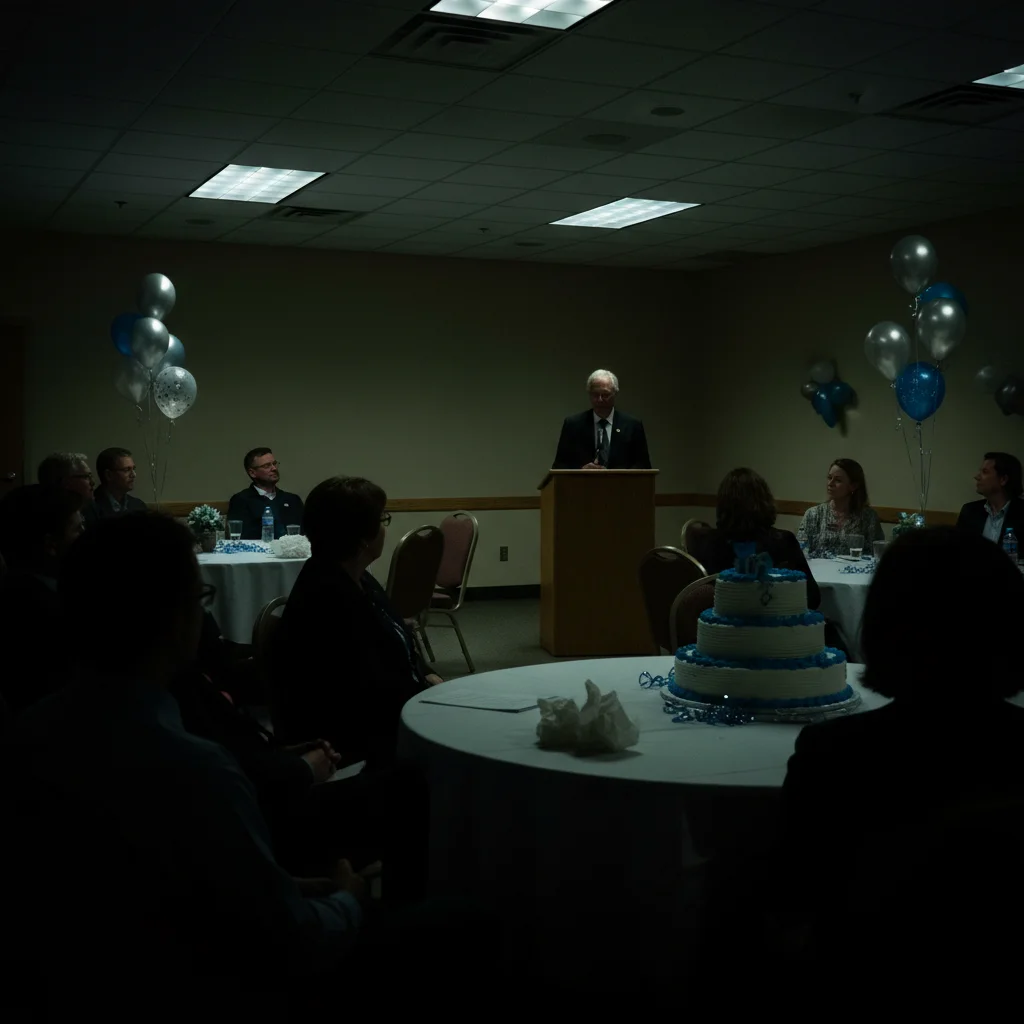
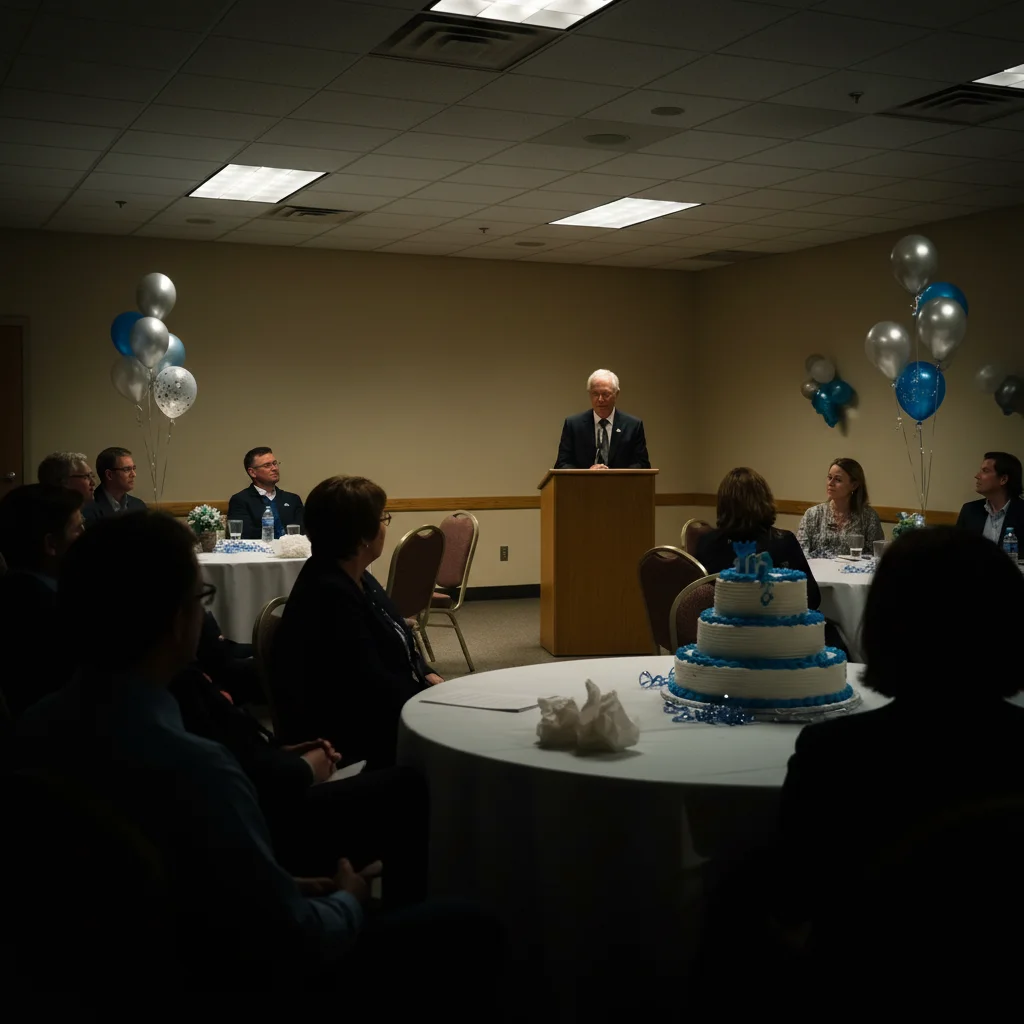
Bar photo color corrected
Bachelor party group shot at a neon-lit bar with corrected skin tones and brighter faces.
fix the neon color cast, restore natural skin tones, keep the fun lighting in the background
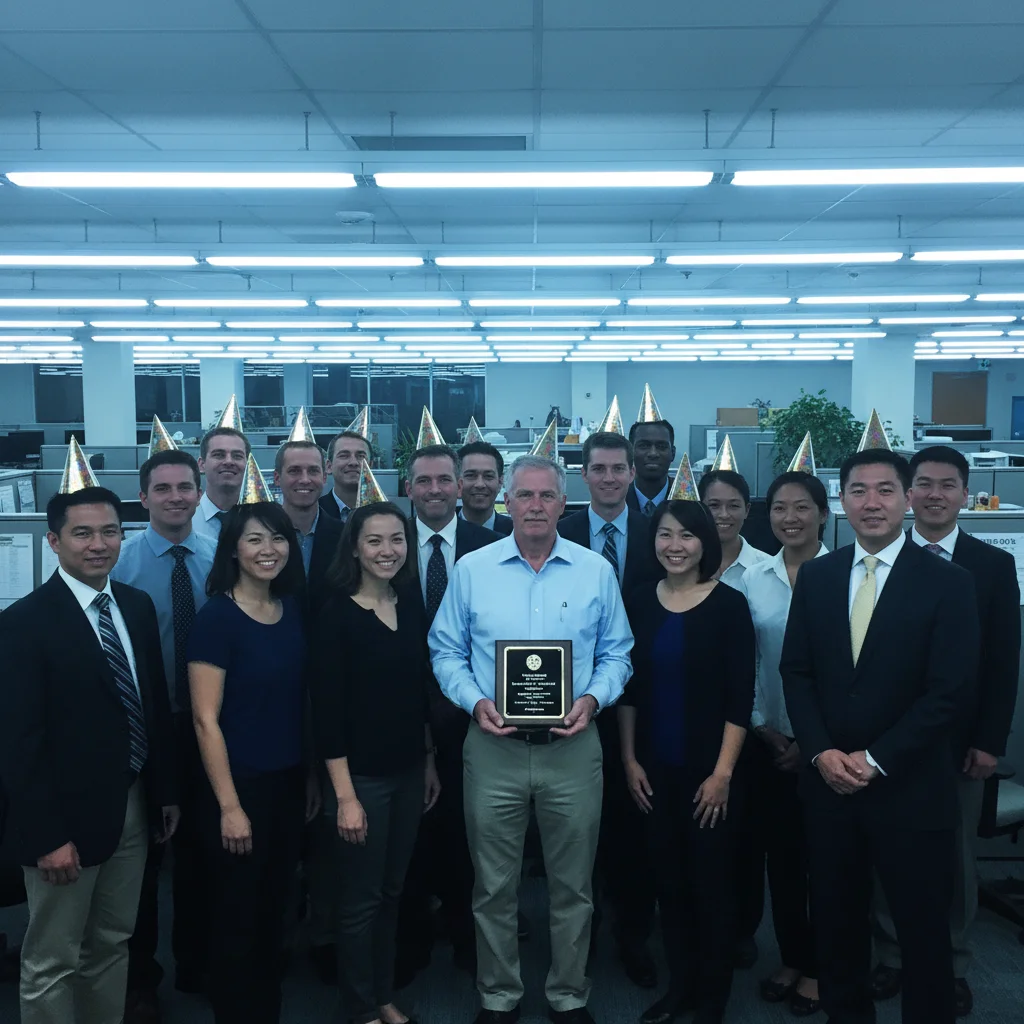
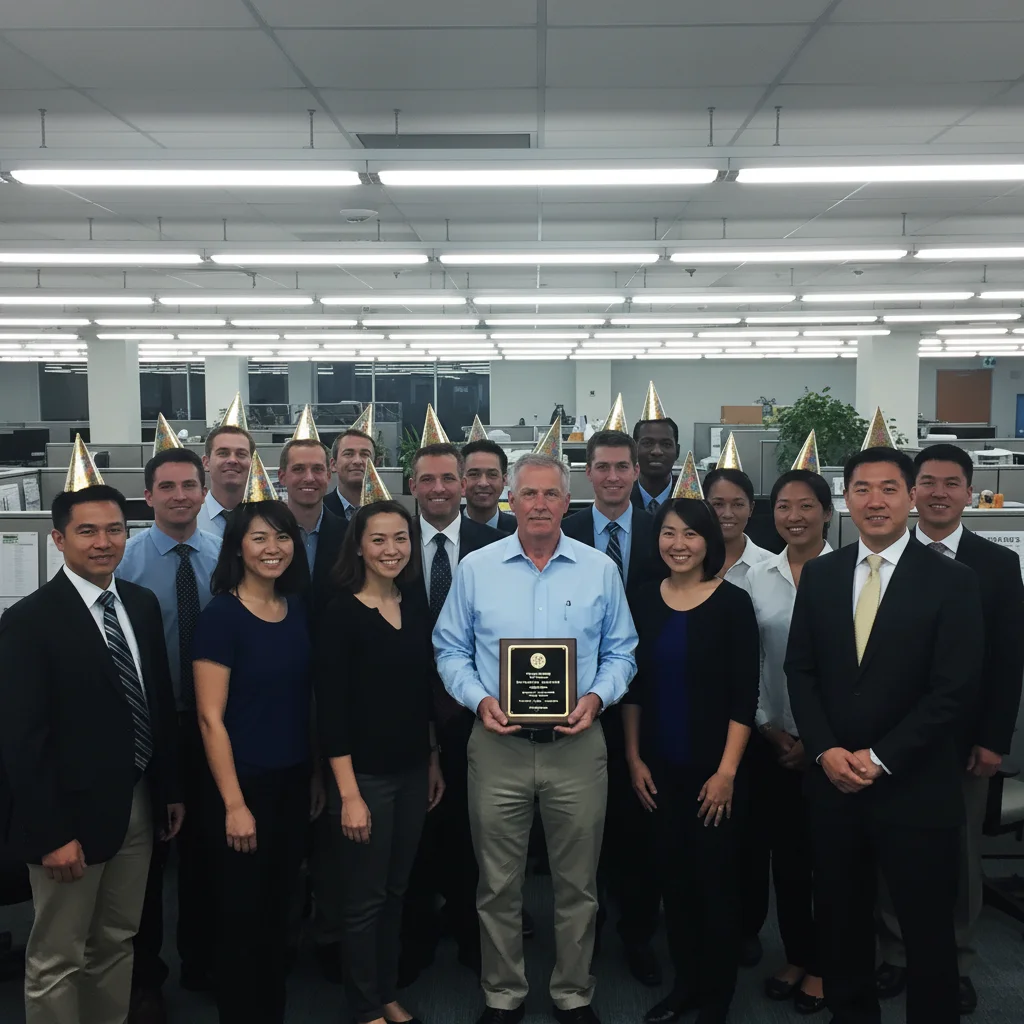
Bachelorette group brightened
Dark rooftop bar bachelorette photo brightened to show the whole group clearly.
Common Issues
Color correction made the photo look boring and flat
Why: AI removed all atmospheric lighting instead of just fixing skin tones
Specifying 'faces only' keeps the fun party atmosphere while fixing skin tones
Brightened photo reveals unflattering details
Why: Lifting shadows revealed elements that were hidden in the dark
Sometimes a bit of mystery in party photos is better than revealing everything
Frequently Asked Questions
How do I fix dark bar and nightclub photos?
Type 'brighten all faces while keeping nightlife atmosphere.' The AI lifts exposure on faces without making the photo look like it was taken in daylight. For neon color issues, add 'fix color cast on skin.'
Can I remove embarrassing things from party photos?
Yes. You can also remove people, signs, or anything else that shouldn't be in the final photo.
How do I fix neon lighting that makes everyone look weird?
Type 'fix neon color cast and restore natural skin tones.' The AI corrects the green, purple, or blue tint on faces while keeping the fun bar lighting in the background.
Can I fix blurry party photos?
The AI can reduce moderate blur. Type 'sharpen faces and reduce blur.' For severely blurry photos, results vary. Best results come from photos that are dark but not motion-blurred.
Is this party photo editor really free?
Yes - you get 1 free edit per week, no account needed. Plans start at $4.99/month for 15 edits.
Can I edit party photos on my phone?
Yes. EditThisPic works in any mobile browser - iPhone, Android, tablet. No app download needed.
Popular use cases
Ready to save your party photos?
Free to try. No signup required. Party-ready results in seconds.
Upload Your PhotoTrusted by 15,000+ users