Do I need to mark the billboard area before uploading my ad design?
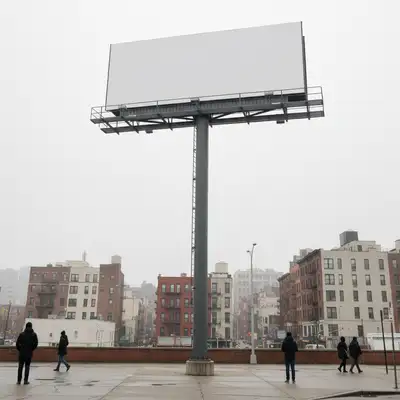
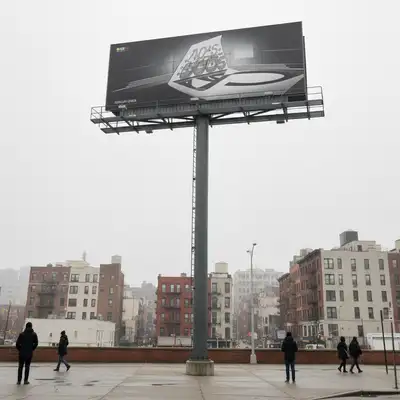
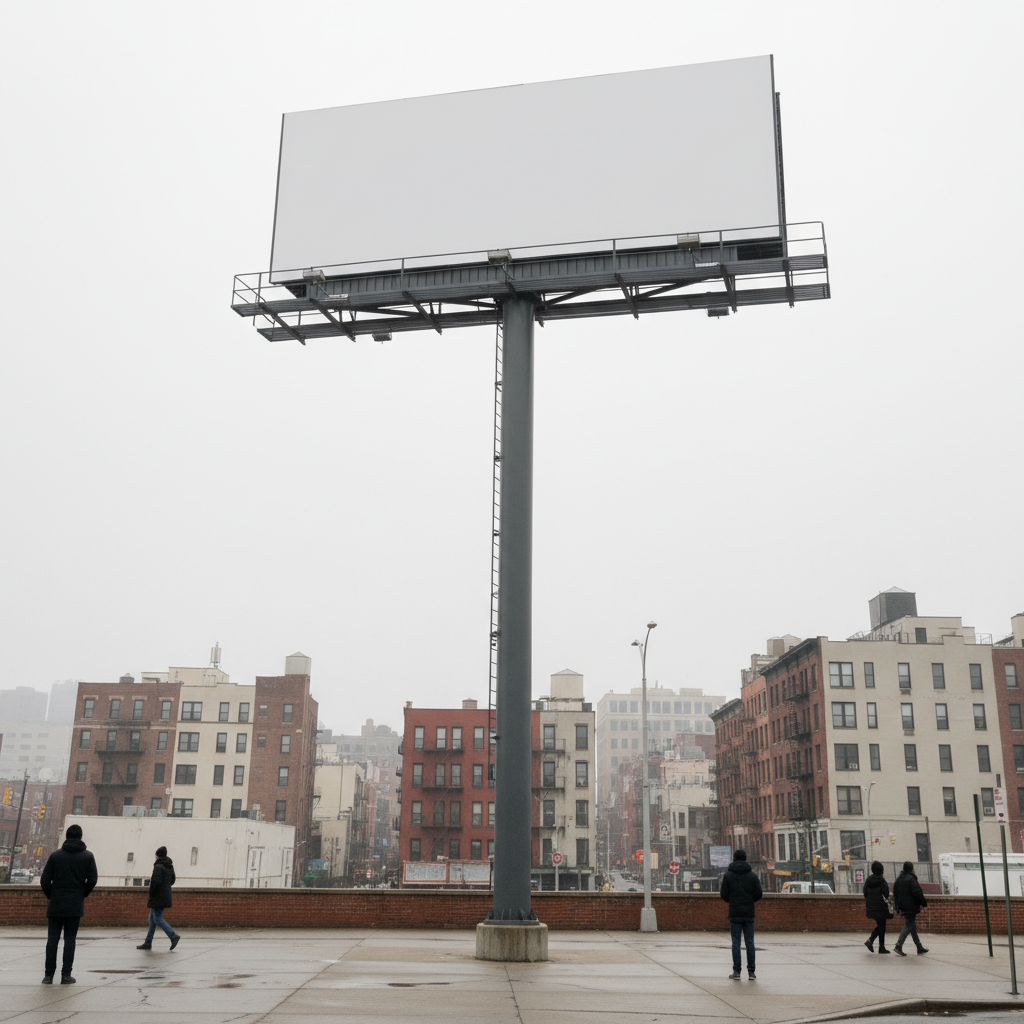
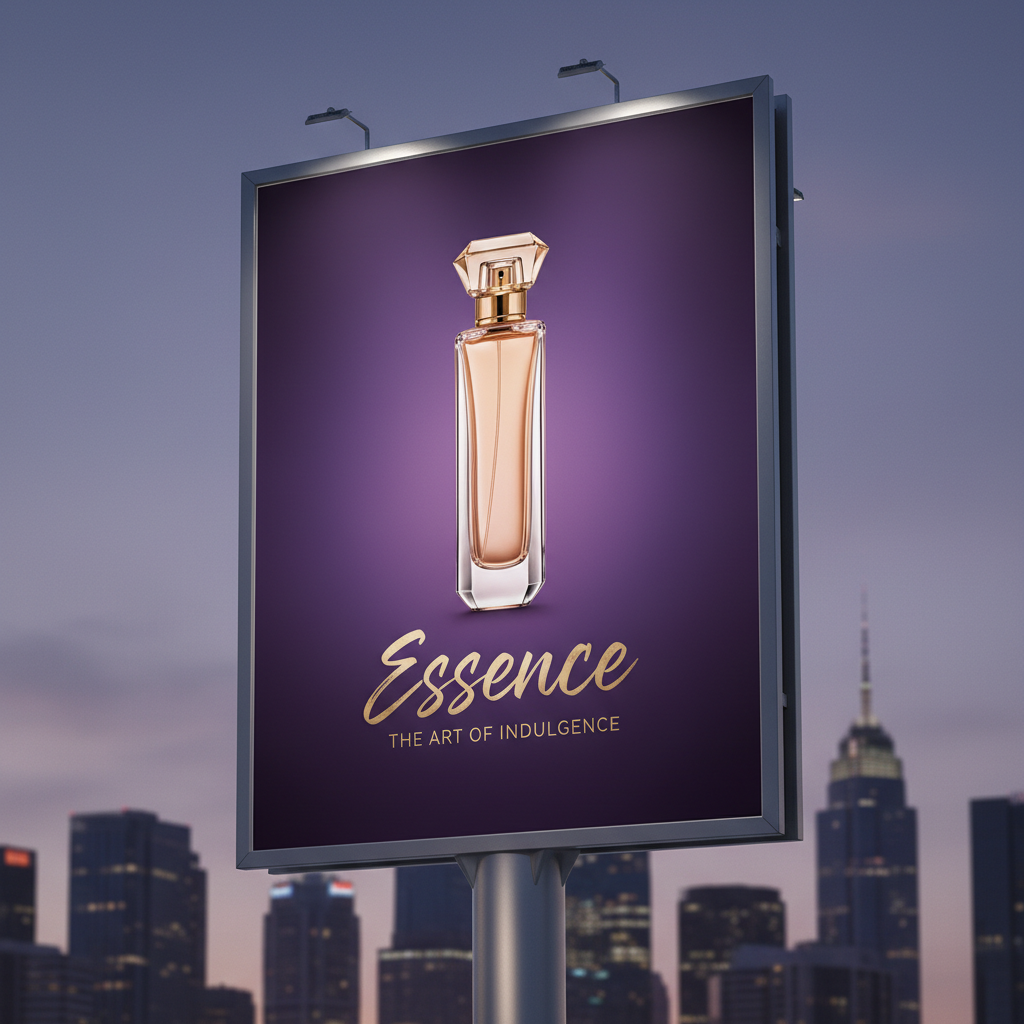
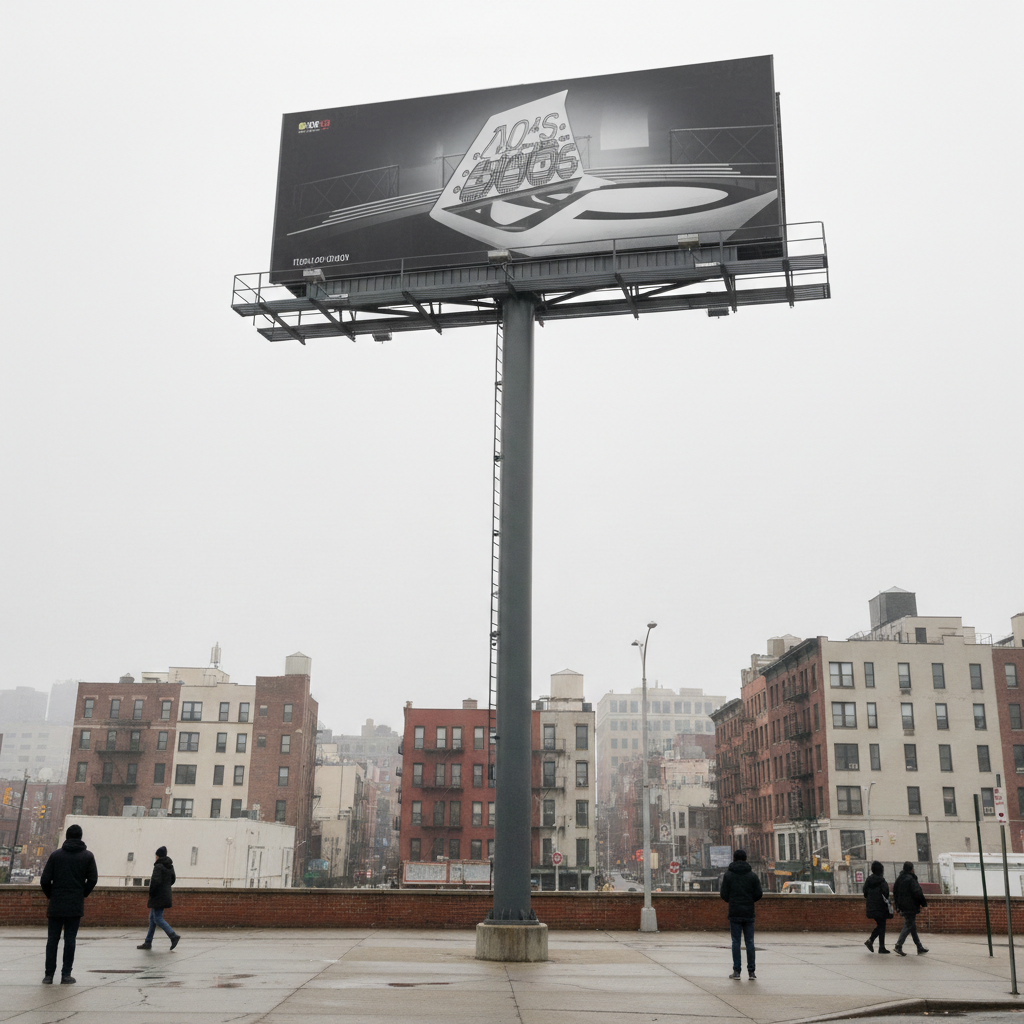
No. Just upload the billboard photo as your main image, upload your ad creative as the reference image, and type 'place the ad design on the billboard panel.' The AI identifies the display surface automatically.
How do I put my ad design on a billboard photo for free?
EditThisPic handles this as a two-image workflow at no cost. Upload your billboard location photo as the main image, then click '+ Add reference image' to attach your ad creative. Type a placement instruction — 'place the ad on the billboard, matching the perspective and lighting' — and click edit. The result downloads without a watermark. Free to try with no account required.
Can I create a billboard mockup from a real photo without Photoshop?
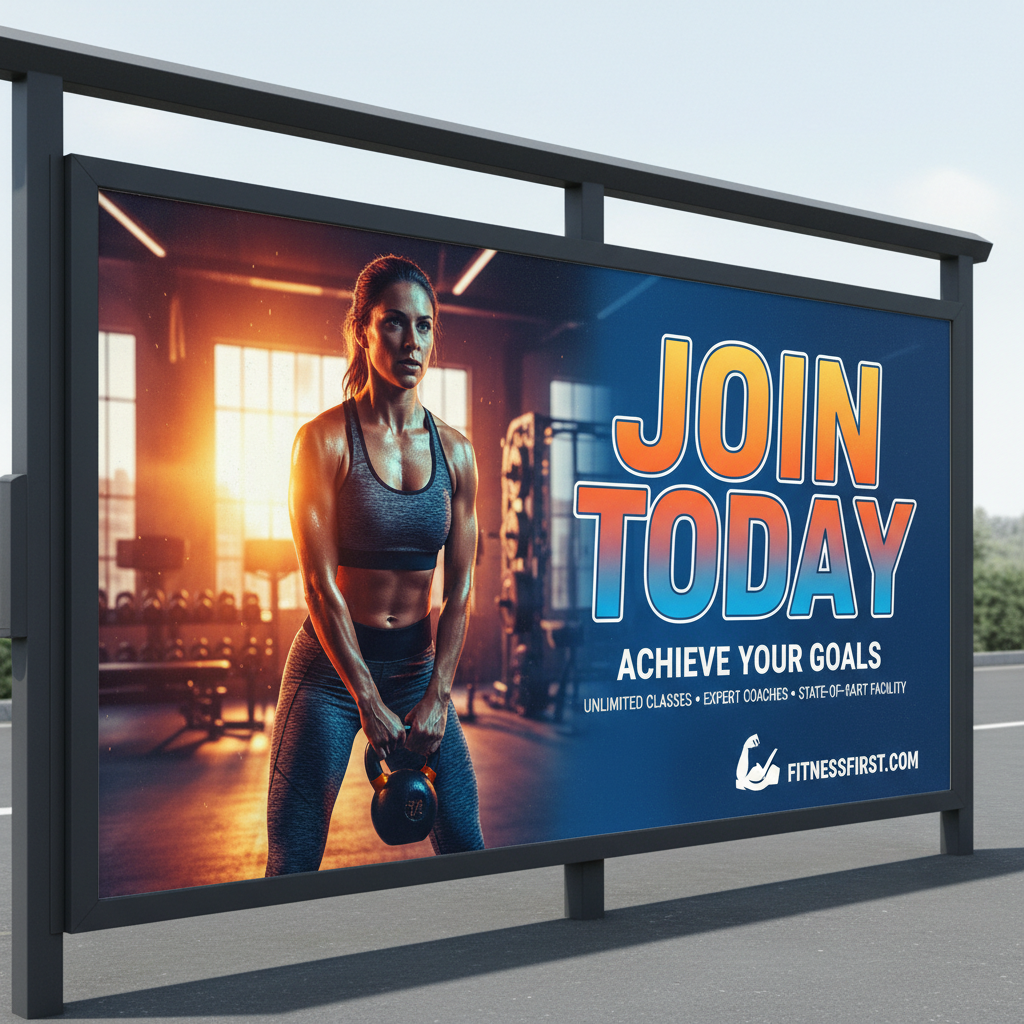
Yes. Photoshop requires manual perspective warping, masking, and layer blending — often 30-60 minutes per mockup. EditThisPic does the same thing in 30 seconds. Upload both images, describe the placement, and the AI handles perspective correction, surface texture matching, and lighting integration automatically. No design skills required.
What types of outdoor advertising does this work for?
It works for any flat or near-flat display surface: 48-sheet and 96-sheet roadside billboards, 6-sheet bus shelter panels, subway and transit posters, retail window graphics, building-wrap hoardings, digital LED screens, and outdoor kiosks. The key requirement is a clear photo showing the display panel where your design should appear. Curved displays like wrapped buses require additional refinement prompts.
Is there a free billboard mockup generator that works from real location photos, not templates?
Yes. EditThisPic is free and works from any real location photo — not stock templates. Upload a photo from a site visit, a media owner's location image, or a Google Street View screenshot, then upload your design as the reference image. The AI places your creative into the actual location context, which is far more persuasive for client presentations than template-based mockups.
What format should I export my ad creative for the reference image?
Export your ad at the highest resolution available, as a flat PNG or JPG with a clean white or transparent background. Do not pre-warp the design to match the billboard angle — the AI handles the perspective transformation. Standard creative formats like 4:1, 3:1, 48-sheet (12x3m ratio), or 6-sheet (1.2x1.8m ratio) all work. The AI reads the design content, not the file dimensions.
How do I make the mockup look realistic enough for a client pitch?
Three things drive realism: (1) use a high-quality photo of the actual location rather than a low-resolution screenshot; (2) describe the surface material in your prompt — 'vinyl billboard with slight grain' vs 'digital LED screen with backlit glow'; (3) mention the lighting conditions — 'overcast flat daylight' vs 'direct afternoon sun from the right.' For critical pitches, generate 2-3 variations and choose the most convincing.
Can I create mockups for digital DOOH screens and LED billboards?
Yes. For digital screens, specify 'LED digital screen with bright backlit glow and sharp pixel rendering, no physical surface texture' in your prompt. This tells the AI to skip the vinyl grain and paper texture that applies to printed displays and instead render the design as a luminous screen output. Evening and night shots work especially well for digital screen mockups.
Can I use this for bus shelter and transit advertising mockups?
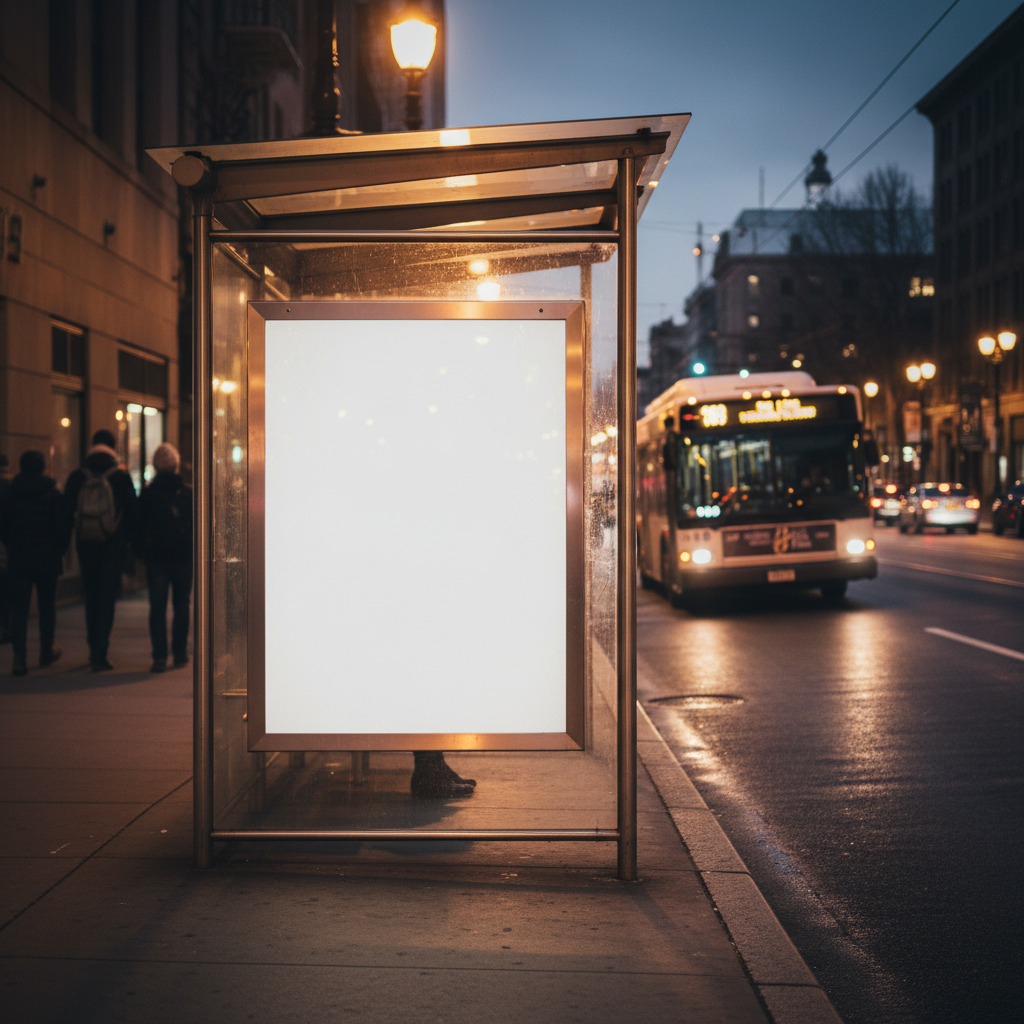
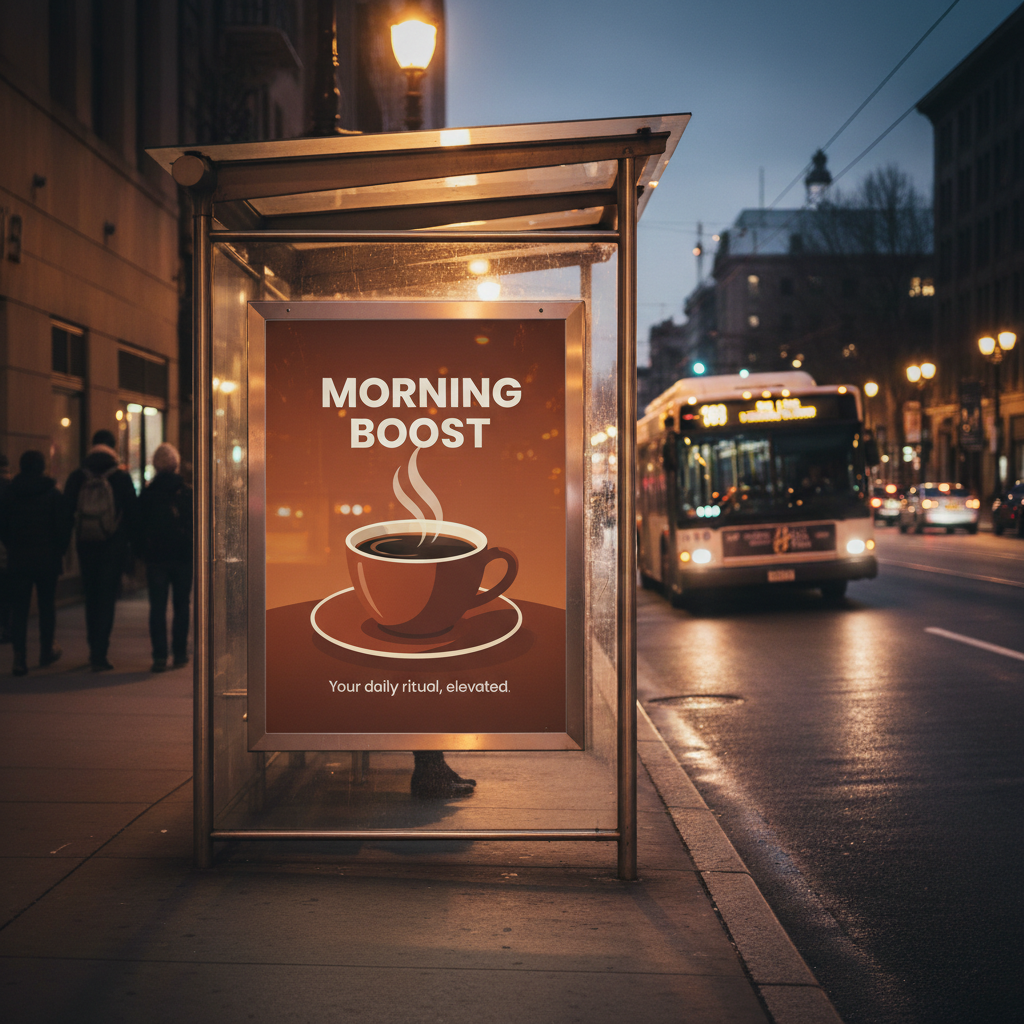
Yes. Bus shelter panels, subway posters, and airport light boxes all work. For bus shelters, mention the glass frontage: 'composite the design on the poster panel inside the glass-fronted shelter, with a subtle glass reflection from the street side.' For backlit transit panels, add 'backlit lightbox glow' to your prompt for realistic illumination.
What if the billboard has an unusual angle or is photographed from far away?
Very small or heavily distorted panels may need 2-3 refinements for clean results.
Can my whole team use this for OOH campaign visualization?
Yes. EditThisPic is browser-based and requires no account to use the free tier. Share the URL with your team — each person can upload location photos and creative files independently. For teams running high volumes of mockups for large campaigns, credit packs give faster throughput: one credit per mockup with packs starting at $4.99 for 10 edits.
How is this different from Canva billboard mockup templates?
Canva uses generic stock billboard templates at fixed angles. EditThisPic works from your actual location photos — real streets, real sites, the exact locations on your media plan. That in-context realism is what closes client approvals. You can't show a brand that their ad will appear on the M25 gantry by using a stock photo of a generic American highway billboard.
How much does EditThisPic cost?
You get 1 free edit per week — no account needed. After that, one-time credit packs start at $4.99 for 10 edits, valid 12 months, no subscription. Power users who edit daily can pick Studio Membership, a monthly workspace at $49.99/mo for 300 edits. Purchased downloads are clean with no watermark.