AI Photo Editor for Graphic Designer Portfolio Photos
Last updated
Portfolio shots that showcase your design work.
Drop your photo here
"enhance the mockup photo with clean even lighting, show design details clearly"
Release to upload


Built for Graphic Designer Portfolio Professionals
Design portfolios sell on visual presentation. Clients judge your design skills by how your work looks in your portfolio. EditThisPic ensures your mockup photos, print photography, and branding showcases look polished and professional.
How to AI Photo Editor for Graphic Designer Portfolio Photos
-
Upload your photo
Drop your graphic designer portfolio photo into EditThisPic.
-
Describe your edit
Type what you want.
-
Review
Check accuracy.
Prompts for Graphic Designer Portfolio
enhance the mockup photo with clean even lighting, show design details clearly
Clean lighting lets your design work speak for itself
enhance the branding collateral photo with professional studio lighting
Branding projects need consistent presentation across all touchpieces
remove screen glare and moire from the monitor/device photo, show design clearly
Screen photos are tricky — clean them up for portfolio use
enhance the print piece photo with accurate colors and clean presentation
Color accuracy matters when showcasing print work
Show more prompts
enhance the packaging design photo with professional product photography lighting
Packaging projects photograph beautifully with the right lighting
Graphic Designer Portfolio Transformations
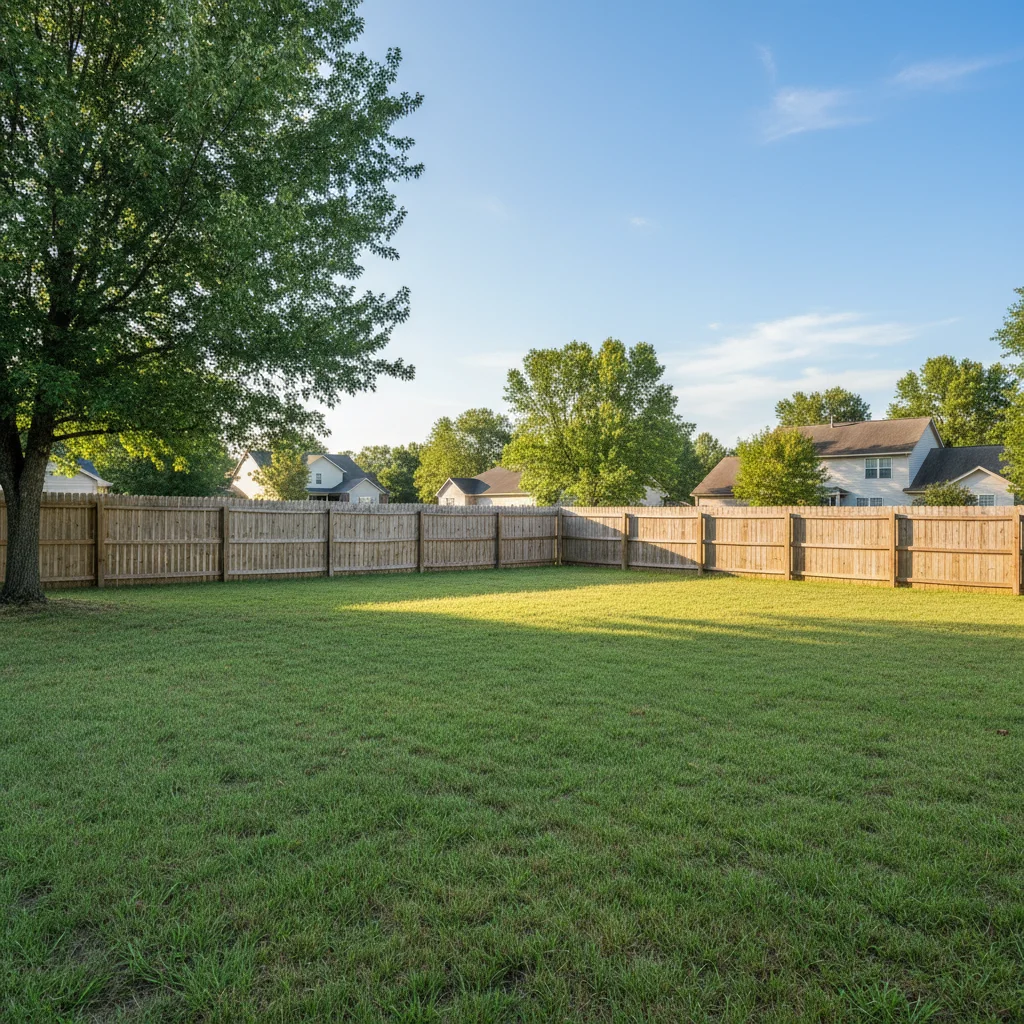
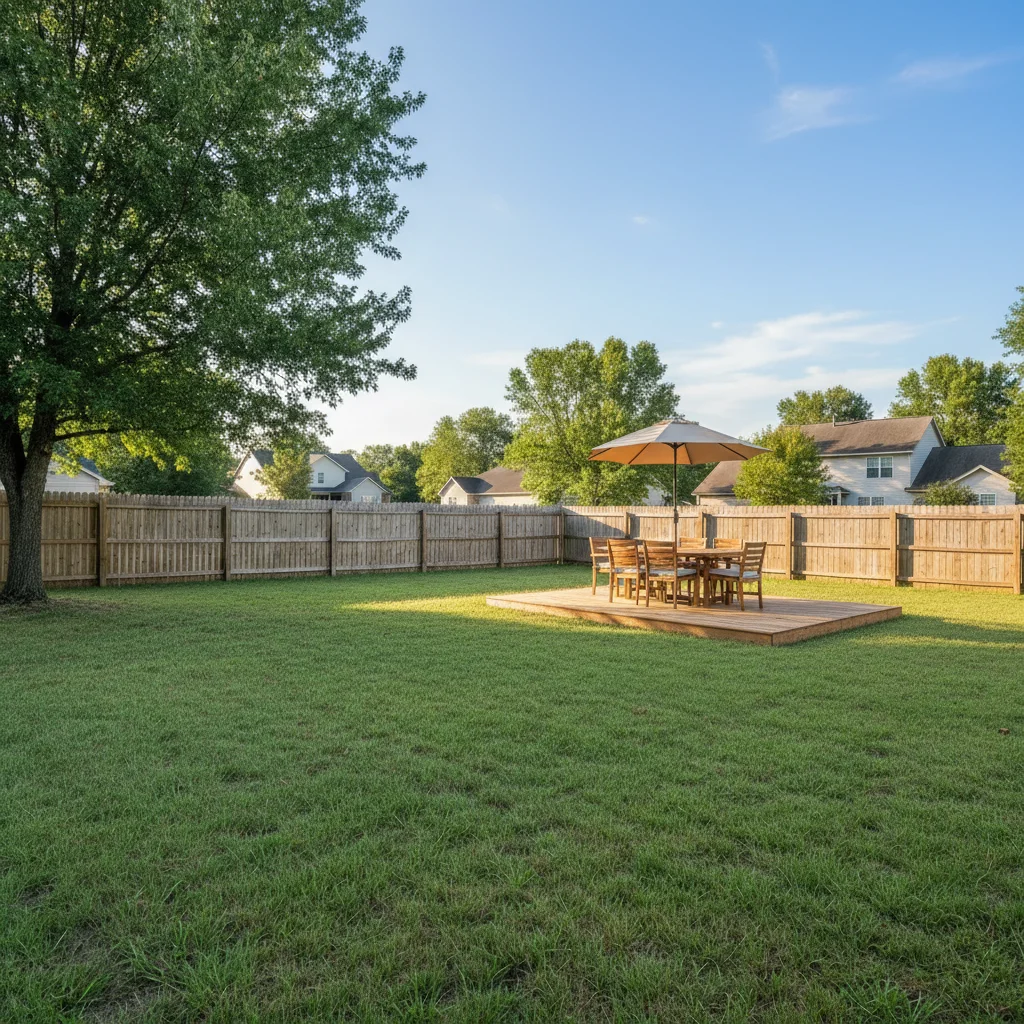
Mockup enhanced
Design mockup photo enhanced with clean professional lighting to showcase branding work.
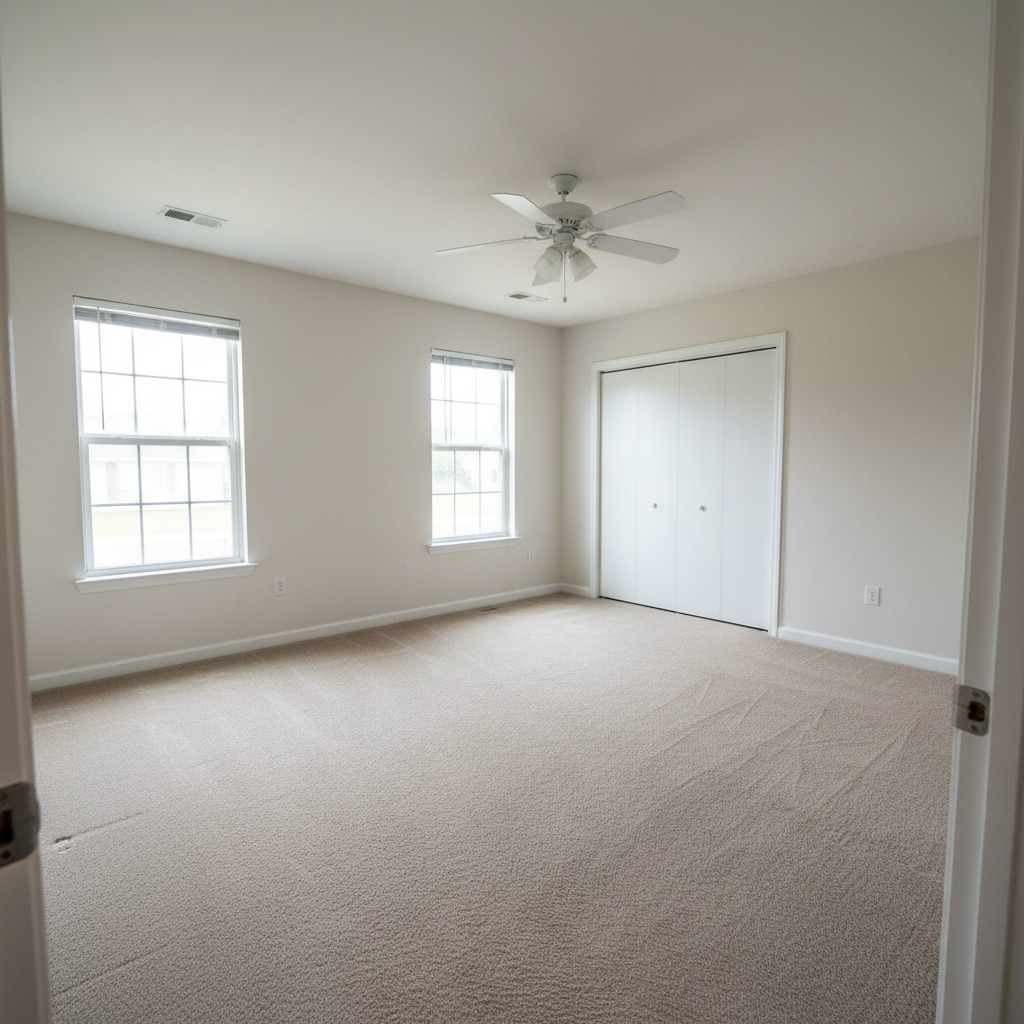
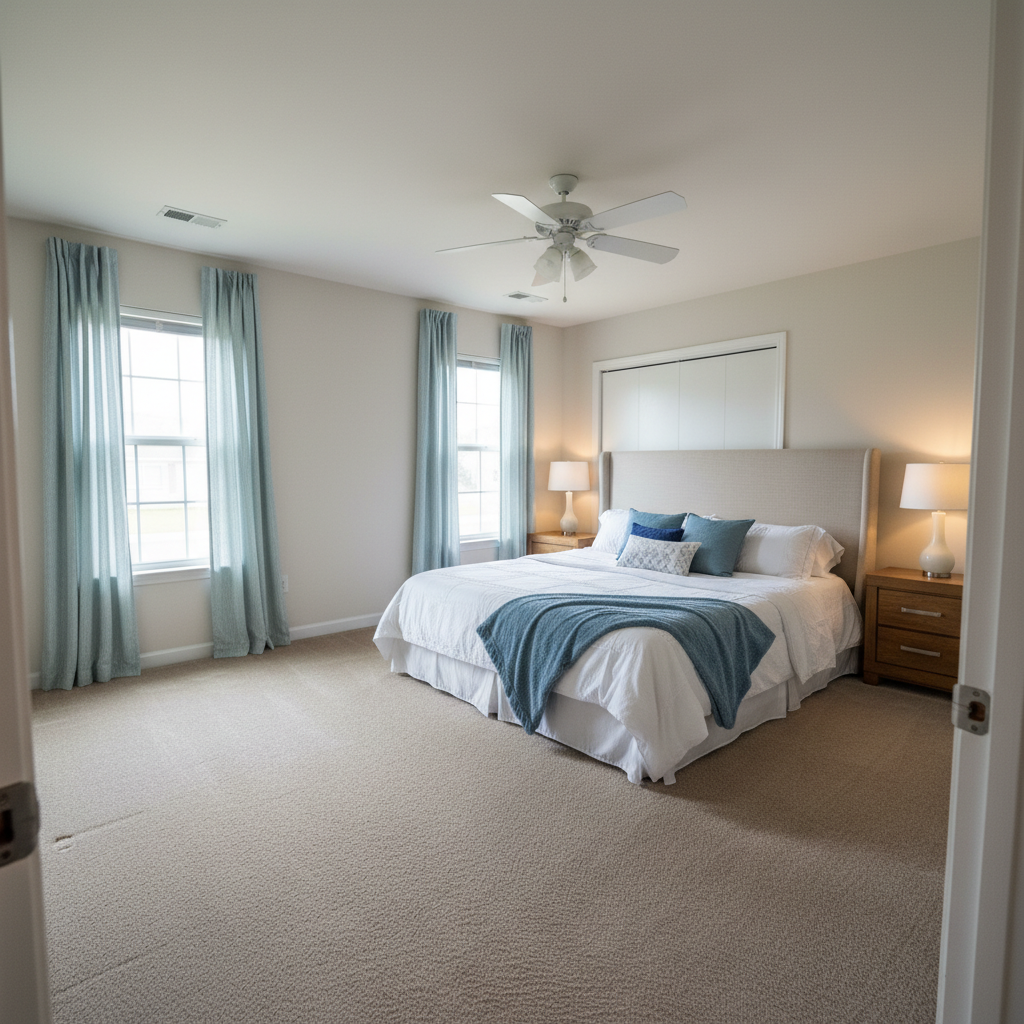
Screen design captured
Design on screen captured cleanly without glare or moire for portfolio presentation.
Common Issues
Colors don't match the creative vision
Why: Camera captures literal colors, not the artistic mood you intended
Describe the mood you want (e.g., 'moody and dark' or 'bright and airy')
Fine details are lost in the photo
Why: Phone cameras compress detail in textures, brushstrokes, or fine work
Tap-mark the specific detail area for targeted sharpening without artifacts
Background doesn't complement the portfolio piece
Why: Workshop or studio backgrounds can look messy in portfolio shots
replace the background with a clean, professional surface that complements the piece
Neutral backgrounds let the creative work speak for itself
Lighting makes the work look flat
Why: Even lighting removes the depth and dimensionality of physical work
Slight side lighting reveals texture and depth that flat lighting hides
FAQ
How do I photograph design work for my portfolio?
Natural diffused light is best for mockups and print work. Photograph at a slight angle to avoid direct reflections, then enhance for consistent portfolio presentation.
Should I use real mockups or digital templates?
Both have their place. Real mockup photos feel more authentic and impressive. Digital templates are faster. Enhanced real mockup photos are the gold standard.
How do I show screen-based designs?
Screenshot the design directly for the cleanest version, or photograph the screen for environmental context. The AI removes moire and glare from screen photos.
What portfolio platforms work best for designers?
Behance, Dribbble, and your own website. All need high-quality images. Consistent, professional portfolio photos set you apart on every platform.
Can I fix color accuracy in portfolio photos?
Yes. Color correction ensures your portfolio photos accurately represent your design work, especially important for branding and print projects.
Is this free?
Yes — 1 free edit per week. plans start at $4.99/month.
Popular use cases
Showcase your design work professionally
Professional portfolio photos. Free to try.
Upload Your PhotoTrusted by 15,000+ users