AI Photo Editor for Pet Adoption Photos
Last updated
Your new family member deserves better than a shelter photo. Fix it in seconds.
Drop your photo here
"remove the shelter cage and kennel background, replace with a warm cozy home setting"
Release to upload


How to Edit Pet Adoption Photos
-
Upload your pet photo
Drop your adoption photo into EditThisPic. Shelter photos, gotcha day shots, first-day-home moments, and family-with-pet photos all work. JPG, PNG, WebP up to 7MB.
Lighting fixes: 15-20 seconds. Background changes: 25-35 seconds. -
Describe your edit
Type what you want: 'brighten and remove the cage background' or 'enhance fur detail and eye brightness' or 'replace the shelter background with a cozy home setting.'
For shelter photos, try 'brighten the pet, enhance eye brightness, and replace the kennel background with a warm cozy home setting.' -
Review and download
Check that your new family member looks their adorable best. Download for adoption announcements, social media, or printing.
Best Prompts for Pet Adoption Photos
remove the shelter cage and kennel background, replace with a warm cozy home setting
Replacing shelter backgrounds with home settings tells a happier story
brighten the photo significantly, enhance the pet's eyes and fur detail
Shelters have notoriously poor lighting that makes pets look dull
enhance the pet's eyes to look bright, alert, and full of life
Bright eyes instantly make any pet photo more engaging and lovable
enhance the fur to look clean, fluffy, and detailed with natural shine
Newly groomed rescue pets deserve photos that show their glow-up
Show more prompts
brighten everyone including the pet, reduce blur on the excited pet
New pets are excited and blurry - sharpening helps capture the moment
Pet Adoption Photo Transformations
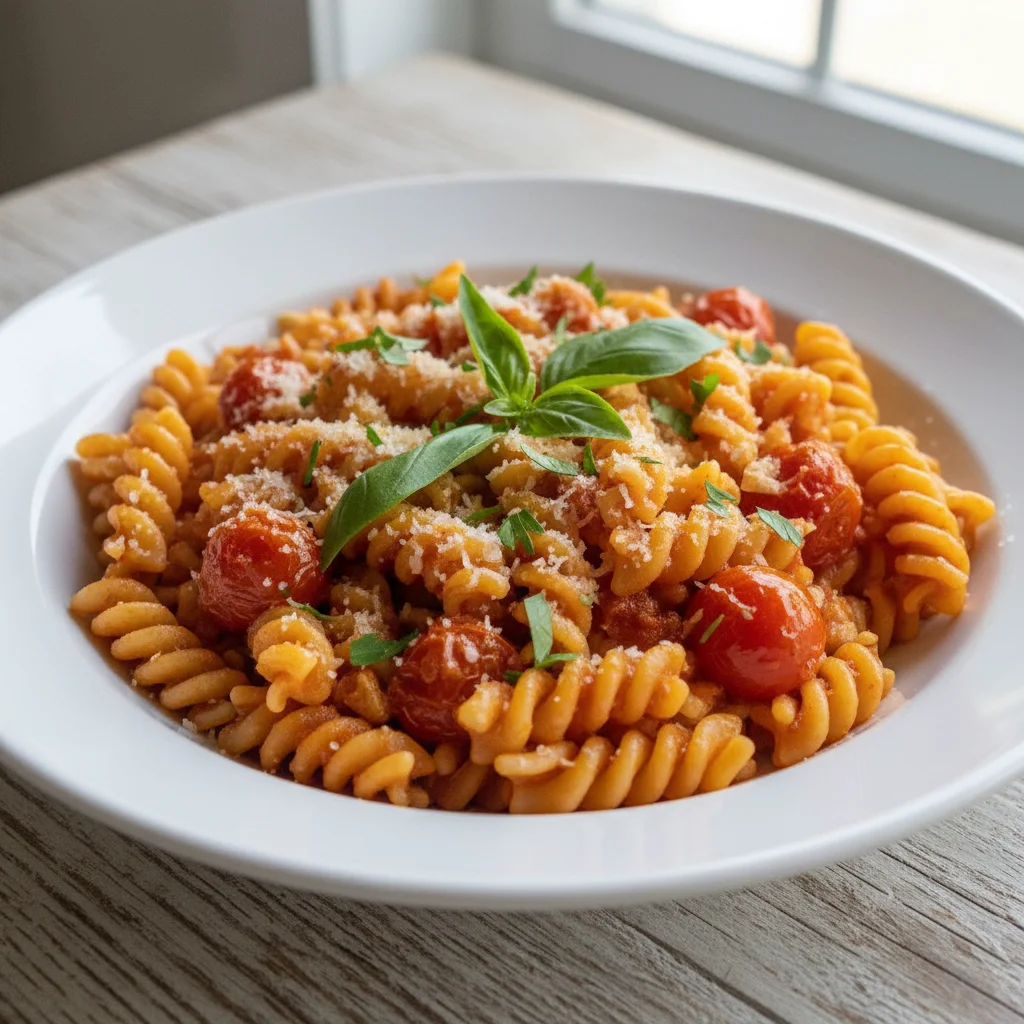
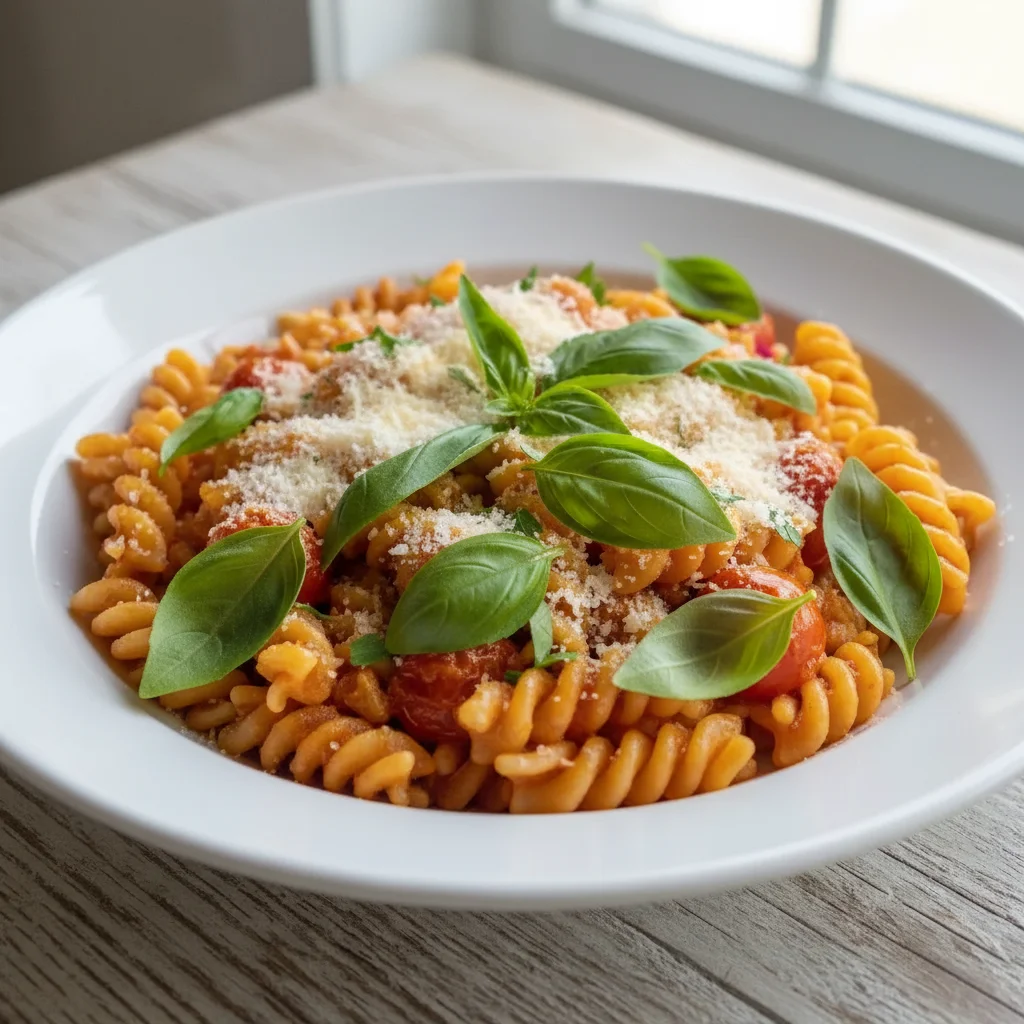
Shelter photo transformed
Dark kennel adoption photo transformed into a bright, warm portrait showing the pet's true personality.
remove the shelter cage and kennel background, replace with a warm cozy home setting
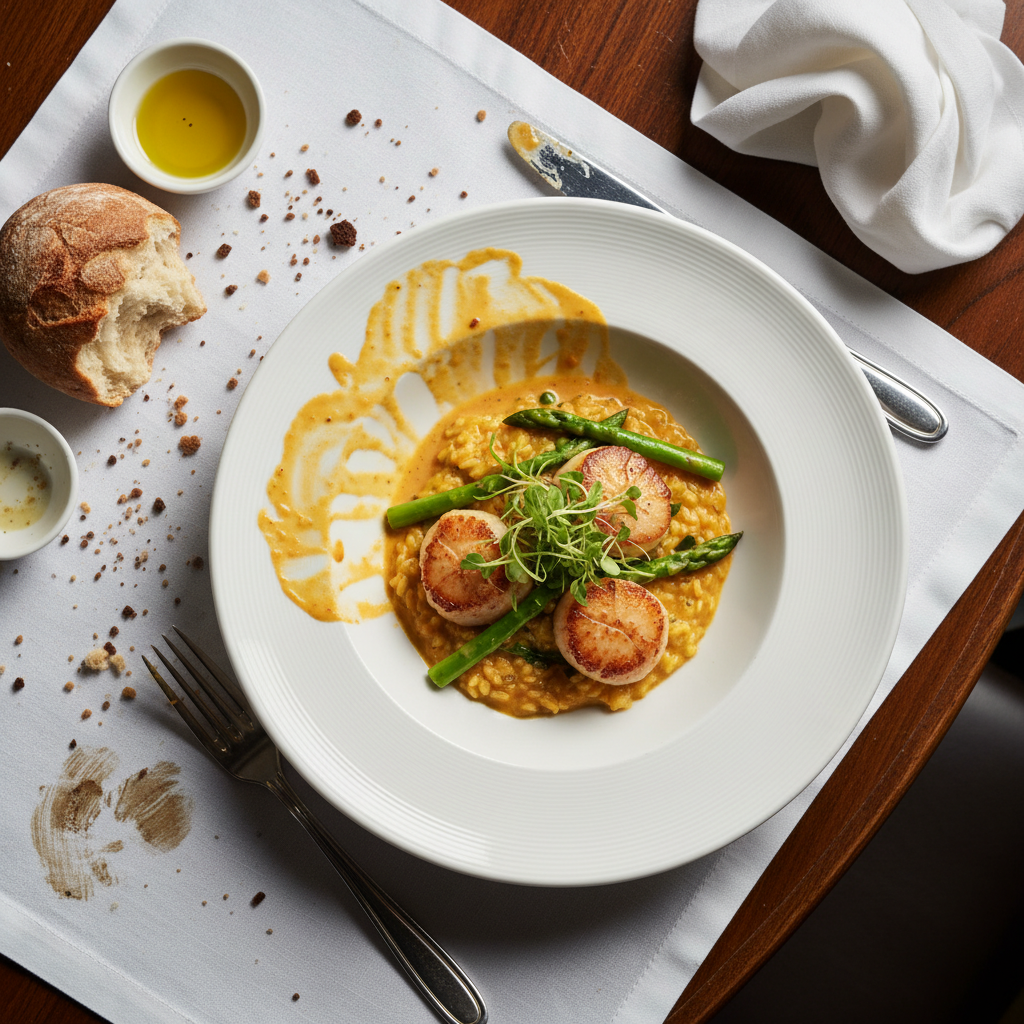
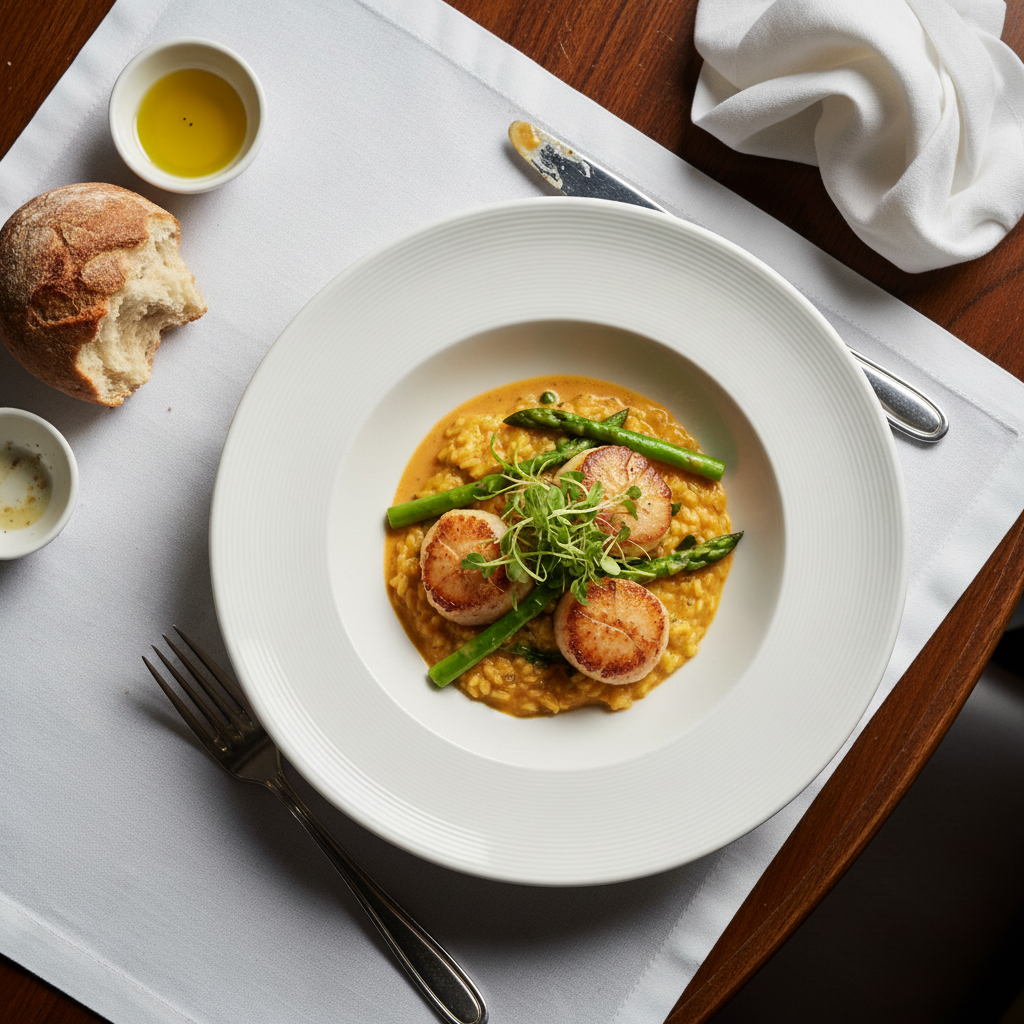
First day home photo brightened
Dark first-day-home puppy photo with enhanced lighting and vivid detail.
Common Issues
Eye enhancement made eyes look alien or glowing
Why: AI over-processed the eye brightness
Words like 'naturally' and 'slightly' prevent over-processing
Frequently Asked Questions
Can I remove the shelter cage from pet photos?
Yes! Type 'remove shelter cage and replace with cozy home setting.' The AI removes kennel bars and institutional backgrounds, replacing them with a warm, inviting home environment.
How do I fix dark shelter pet photos?
Type 'brighten significantly and enhance eyes and fur detail.' Shelters have poor lighting that makes pets look dull. The AI brings out their true colors and personality.
Can I make my pet's eyes look brighter in photos?
Yes. Type 'enhance eyes to look bright and full of life.' The AI adds natural light reflections that make eyes sparkle. Keep it subtle with 'naturally brighten' to avoid overdoing it.
Does it work for cats too?
Yes! Works for dogs, cats, rabbits, and any pet. The AI understands different animal types and enhances fur, eyes, and features appropriately.
Is this pet photo editor free?
Yes - you get 1 free edit per week, no account needed. Plans start at $4.99/month for 15 edits.
Can I edit pet adoption photos on my phone?
Yes. EditThisPic works in any mobile browser - iPhone, Android, tablet. No app download needed.
Popular use cases
Ready to show off your new family member?
Free to try. No signup required. Adorable results in seconds.
Upload Your PhotoTrusted by 15,000+ users