Free โ€ข No signup Edit Pet photos ยท Free

Pet Photo Editor

Your furry family members deserve perfect photos too

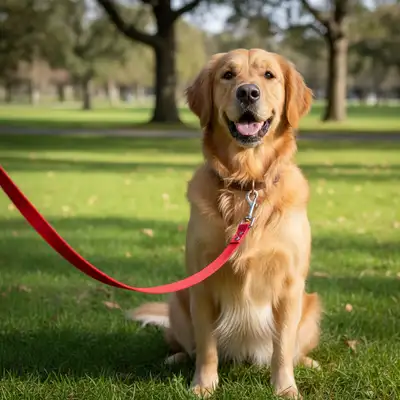
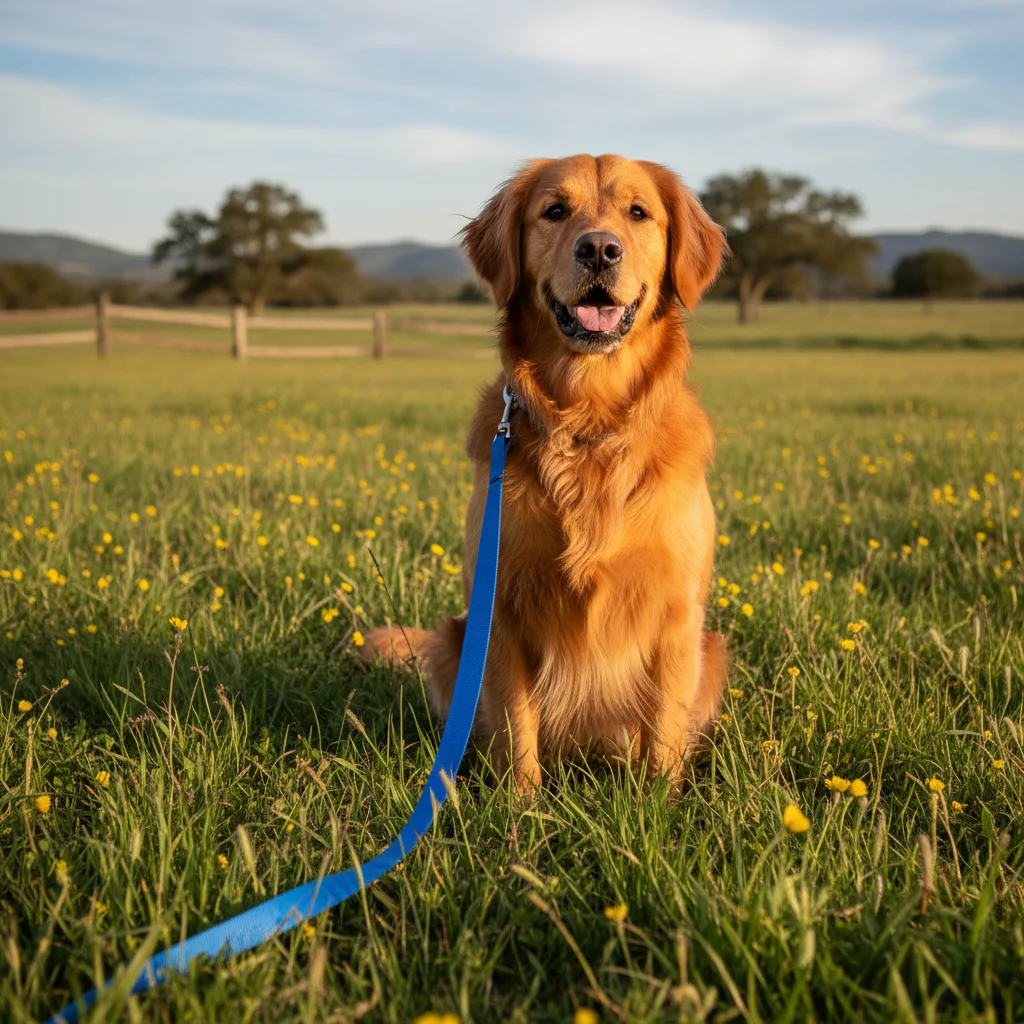
Golden retriever with visible red harness and blue leash
Before
โ†’
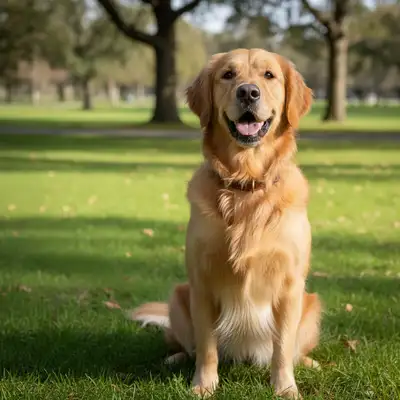
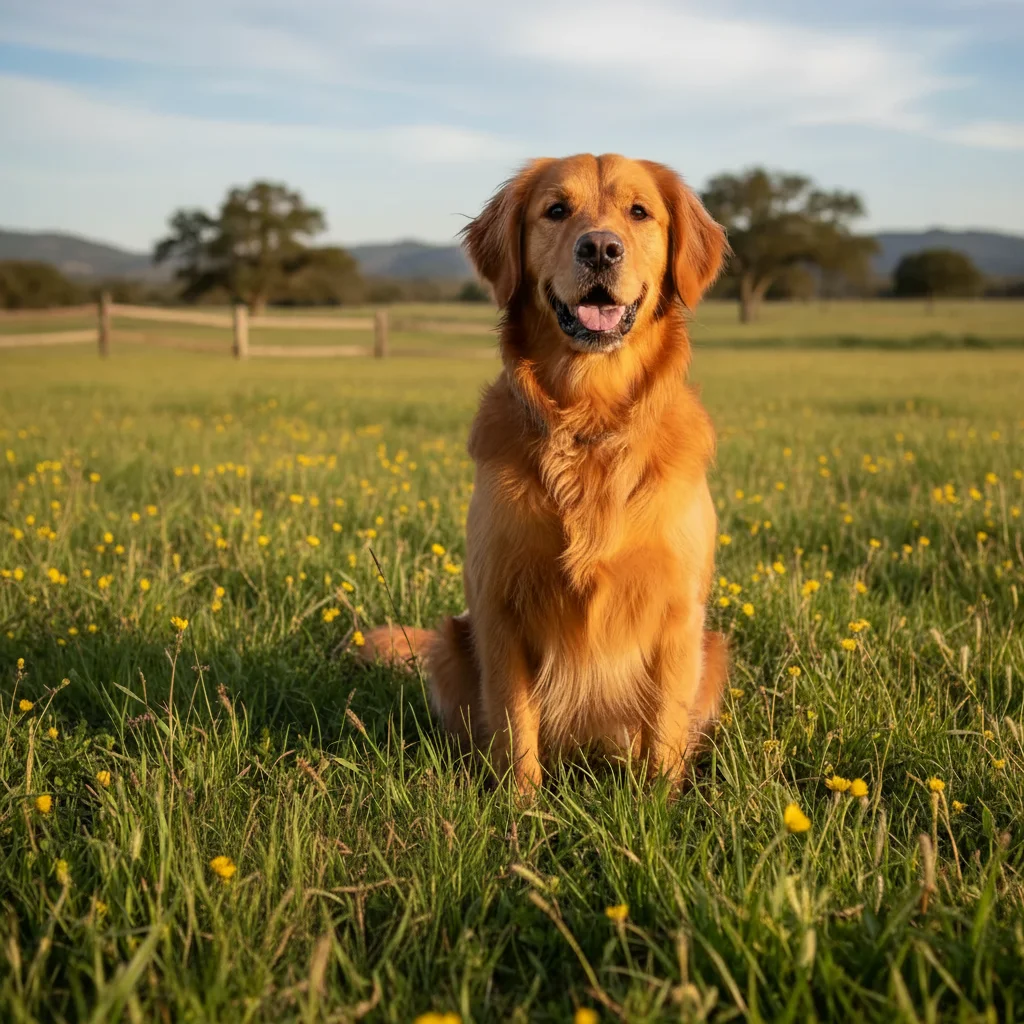
Same golden retriever with harness and leash removed, clean portrait
After

Pet Photo Editor

Drop your photo here

or click to browse

Release to upload

Free โ€ข No signup

Advertisement
Popular use cases:
  • pet portraits
  • dog photos
  • cat photos
  • pet photography
  • animal photos
  • puppy pictures
  • kitten photos
  • pet pictures

Cost
Free No signup required
Time
Instant results in 15-30 seconds
Works on
Any device - browser, phone, tablet, desktop
Powered by
AI-powered photo editing
Scenario Prompt Time
Remove leash remove the leash and harness from my dog 20s
Fix blur fix the motion blur and make my pet look sharp 25s
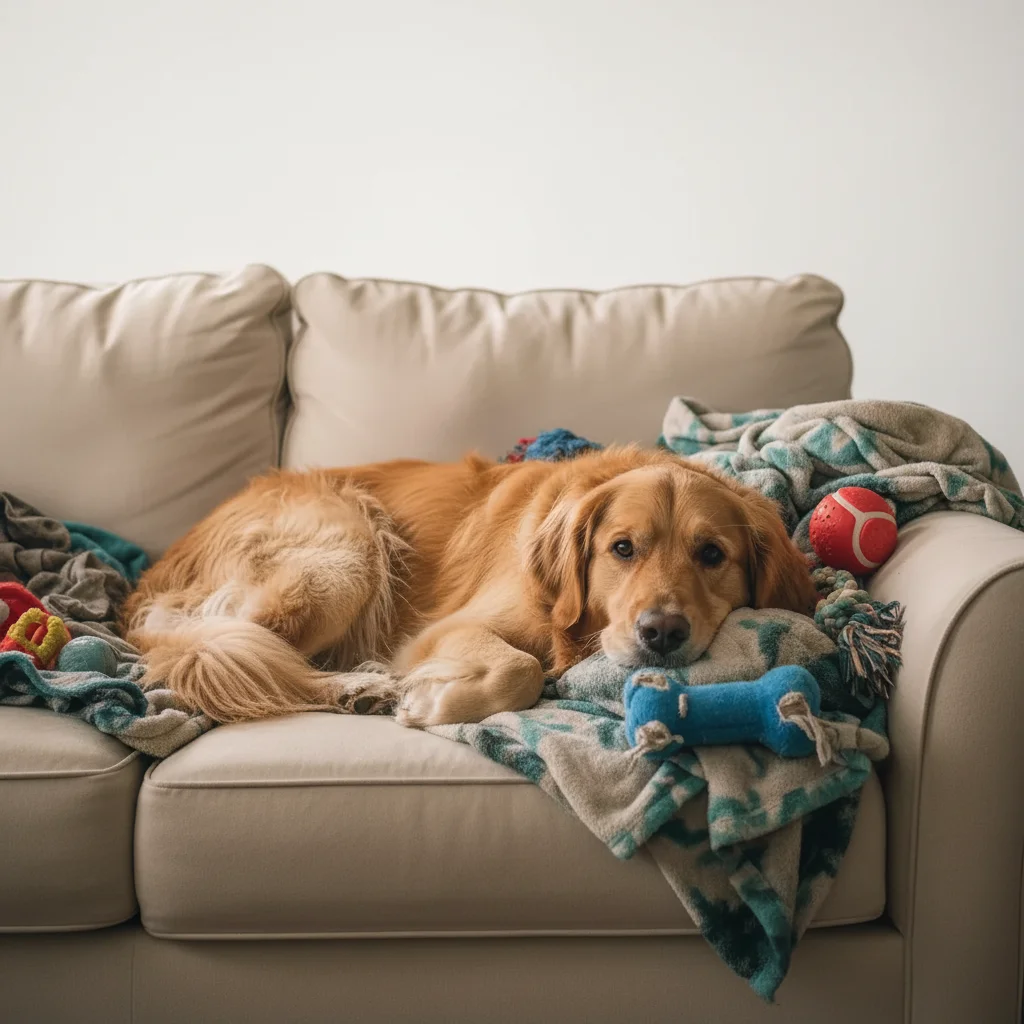
Clean background replace background with clean white backdrop 25s

How it works

  1. Upload your pet photo

    Drop any pet photo into EditThisPic. Dogs, cats, birds, or any furry friend. JPG, PNG, WebP up to 7MB.

    Expect: Simple fixes like removing objects: 15-20 seconds. Complex edits: 25-30 seconds.
  2. Describe what needs fixing

    Type what you want: 'remove the leash' or 'fix the blurry motion blur.' Be specific about the problem. The AI understands pet photo issues like leashes, harnesses, red-eye, and distracting backgrounds.

    Tip: Combine multiple fixes in one prompt: 'remove the leash and fix the eye shine'

    Copy one of these to get started:

    Leash or harness ruins the portrait remove the leash and harness from my dog
    Pet moved and photo is blurry fix the motion blur and make my pet look sharp
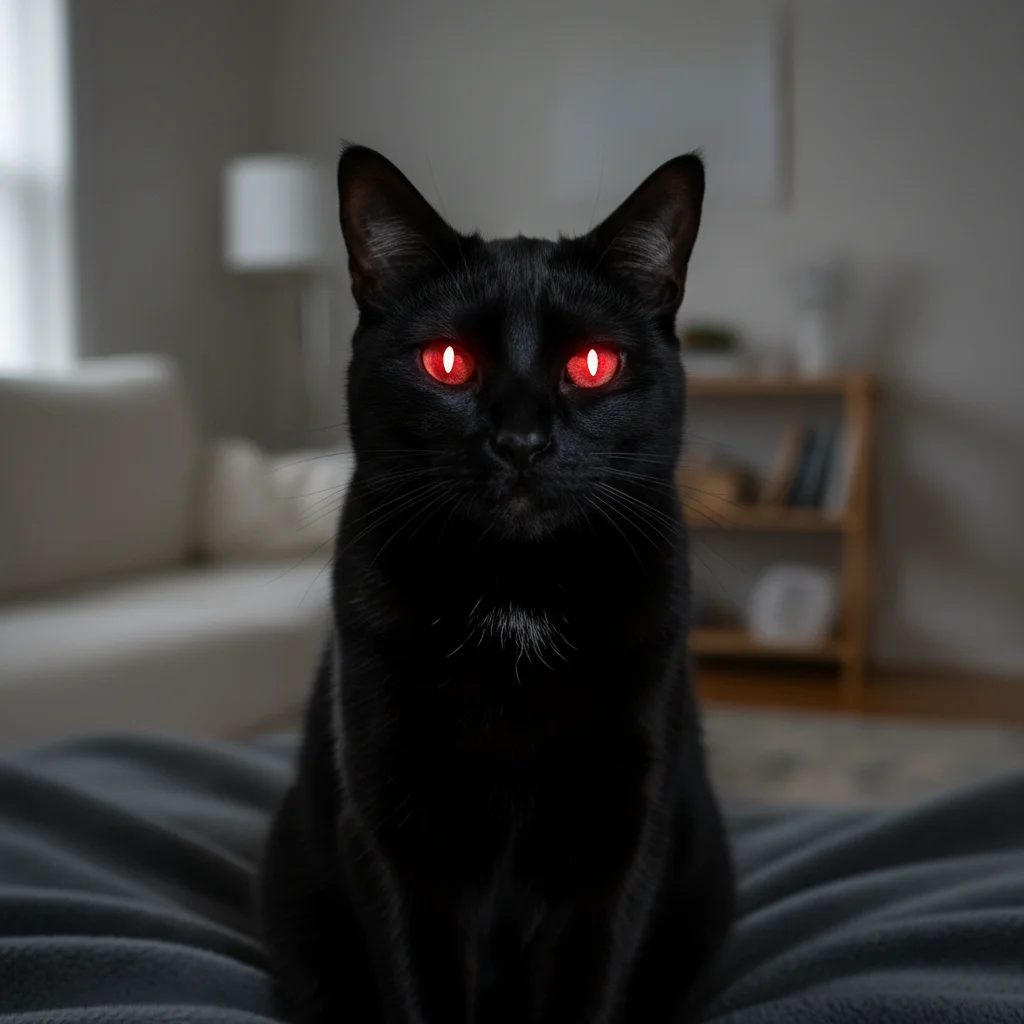
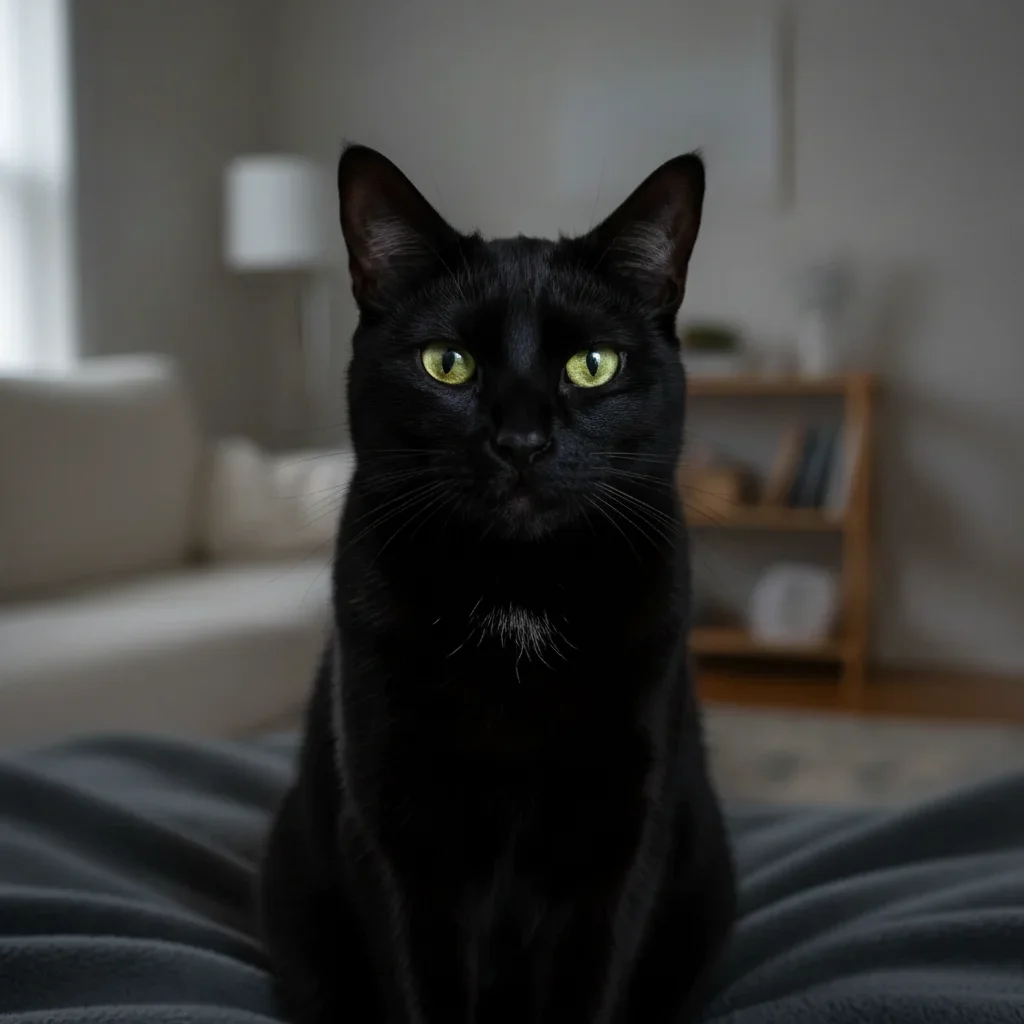
    Eyes have red-eye or green eye shine fix the eye shine and make my pet's eyes look natural
    Want a clean studio-style background remove the background and replace with a clean white backdrop
    4 more prompts
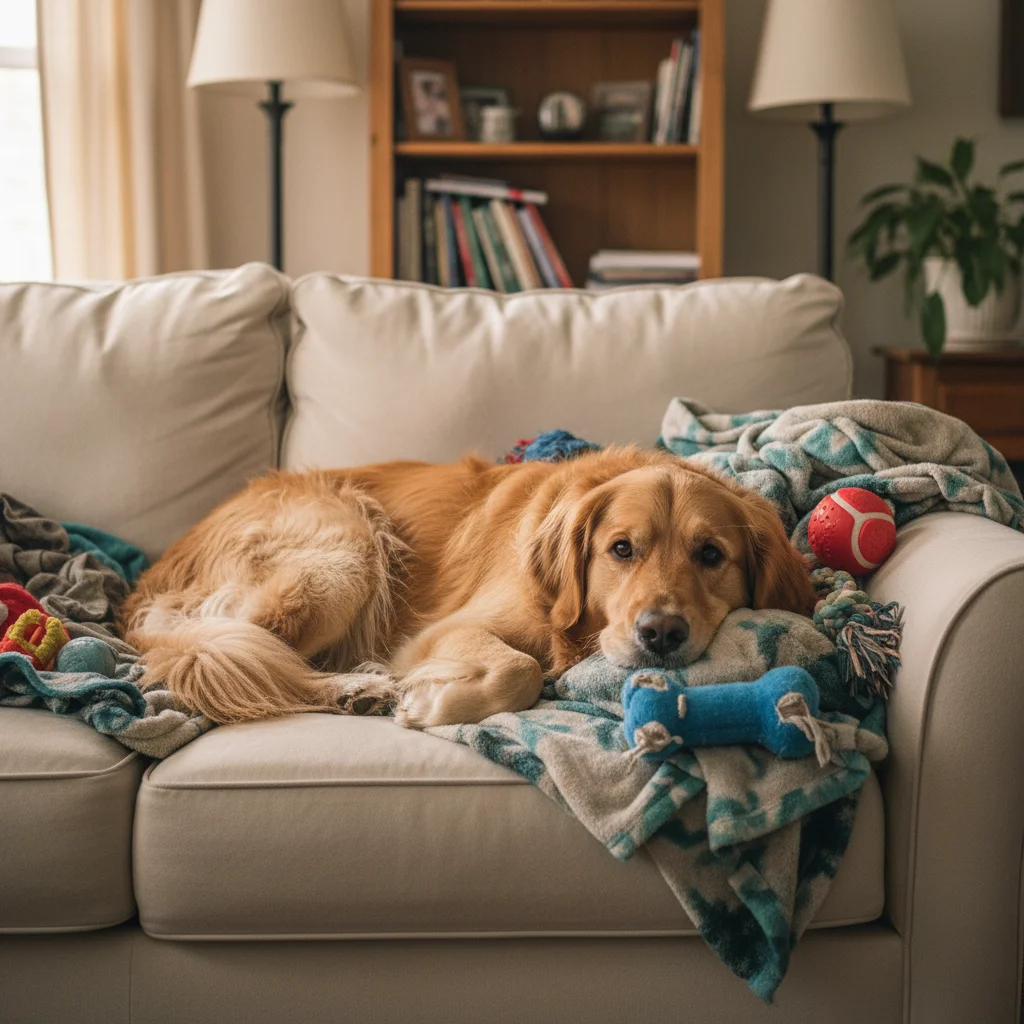
    Toys or furniture distract from the pet remove the toys and furniture from the background
    Indoor photo has bad lighting fix the dark lighting and brighten my pet's face
    Another pet or animal in the frame remove the other dog from the photo and keep only my pet
    Fur looks dull or colors are off enhance the fur colors and make the coat look shiny and detailed
  3. Download your perfect pet photo

    Review your edited pet photo and download in high resolution. Perfect for printing, social media, or holiday cards. If you want additional adjustments, just describe them.

  4. Use markers for precise fixes

    If you need to target a specific area or the AI missed something, tap markers on those spots and describe the refinement. Most pet photo fixes work perfectly without markers.

    Tip: Markers are helpful when you want to remove a specific toy without affecting your pet nearby
Advertisement
Try it free โ†“

Pet Photo Editor

Drop your photo here

or click to browse

Release to upload

Free โ€ข No signup

"My cat finally looks majestic without that scratching post photobombing the background. Best pet photo I've ever taken!" @catlover2026

See it in action

Golden retriever with visible red harness and blue leash
Before
->
Same golden retriever with harness and leash removed, clean portrait
After

Removed Leash and Harness

Walk photo transformed into a clean portrait without equipment.

Prompt: remove the leash and harness from my dog
Orange cat in motion with significant blur
Before
->
Same cat now sharp and clear with motion blur fixed
After

Fixed Motion Blur

Blurry action shot made sharp and clear.

Prompt: fix the motion blur and make my pet look sharp
White Persian cat with cluttered living room background
Before
->
Same Persian cat with clean white studio backdrop
After

Removed Background Clutter

Messy living room replaced with clean studio backdrop.

Prompt: remove the background and replace with a clean white backdrop

If something looks off

AI removed part of my pet along with the leash

Why: The leash may have been close to or overlapping with your pet's body

Try: Use markers on just the leash, then 'remove only this leash, keep my pet intact'

Tip: Markers help the AI understand exactly what to remove and what to preserve

Motion blur fix made my pet look unnatural

Why: Extreme blur is difficult to correct perfectly

Try: Try 'slightly reduce the blur while keeping a natural look'

Tip: Use words like 'slightly' and 'subtle' for more natural results

Eye fix made my pet's eyes look fake

Why: The AI may have over-corrected the eye color or reflection

Try: Try 'make the eyes look natural with a subtle catchlight'

Tip: Reference your pet's natural eye color in the prompt for better results

Background removal left fuzzy edges around fur

Why: Fine fur details are challenging to separate cleanly

Try: Try 'clean up the edges around the fur' or use markers on problem areas

Tip: Solid color backgrounds hide edge issues better than detailed scenes

Quick answers

Can I remove leashes and harnesses from pet photos?

Yes! Just describe what to remove: 'remove the leash and harness from my dog.' The AI will cleanly remove the equipment and fill in the fur naturally. Works great for turning walk photos into portrait-worthy shots.

How do I fix blurry pet photos when my pet moved too fast?

Describe the issue: 'fix the motion blur' or 'make my pet look sharp and clear.' The AI can reduce blur from fast-moving pets, though extreme motion blur may still show some softness. Best results come from photos where the blur is moderate.

Can I fix the green or red eye shine in pet photos?

Absolutely! Pets often get bright green or yellow eye shine from flash photography. Try 'fix the eye shine and make the eyes look natural' and the AI will correct the reflection while keeping your pet's natural eye color.

Is there a free pet photo editor without watermarks?

Yes! EditThisPic is free to try with no signup required. You can remove leashes, fix blur, and edit backgrounds without any watermarks on your edited pet photos.

Can I remove other animals from a photo and keep only my pet?

Yes, you can remove other pets or animals from the frame. Use markers to tap on the specific animal you want removed, then describe: 'remove this animal and keep only my pet.' The AI will fill in the background naturally.

Is EditThisPic's AI pet photos editor really free?

Yes โ€” you get 1 free edit per week, no account needed. For unlimited edits, plans start at $3.99/month.

Can I edit pet photos on my phone?

Yes. EditThisPic works in any mobile browser โ€” iPhone, Android, tablet. No app download needed.

What photo formats does the AI pet photos editor support?

JPG, PNG, WebP, and HEIC. Upload any common photo format and EditThisPic handles the rest.

Ready to create the perfect pet portrait?

Free to try. No signup required. Professional results in 15-30 seconds.

Try it free โ†’