Remove Leash from Photo
Get clean, off-leash pet portraits with a simple text description.
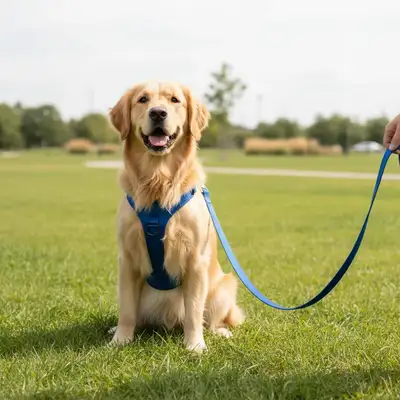
Type 'remove the leash and show the pet standing freely' and EditThisPic's AI handles it in 15-30 seconds. No manual tracing needed. Just describe what you want. The AI erases the leash and collar hardware while keeping your pet looking natural. Perfect for pet portraits, competition photos, and social media. Free to try, no account needed.
How it works
Upload your photo
Drop your pet photo into EditThisPic. JPG, PNG, WebP up to 7MB. Photos with clear contrast between the leash and background work best.
Describe what you want
Type your instruction: 'remove the leash from the dog' or 'erase the leash and show clean background.' Be clear about what to remove. No marking needed - the AI recognizes leashes automatically.
Copy one of these to get started:
remove the leash from the dog and fill the background naturally where the leash was
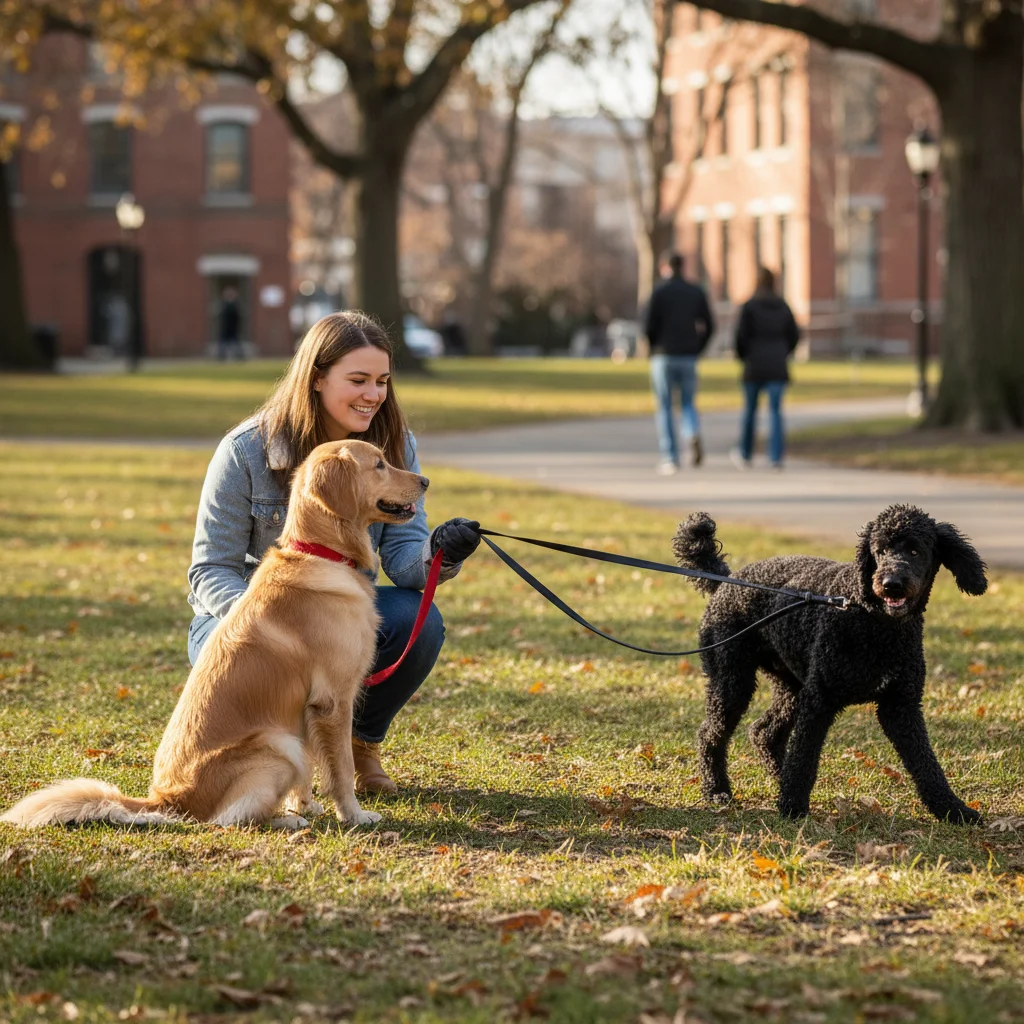
remove just the leash but keep the dog's collar, show clean background where leash was
remove the retractable leash including the cord and handle visible in the photo
remove the leash where it crosses in front of the dog, restore the fur pattern underneath
2 more prompts
remove the leash and the hand holding it from the edge of the photo
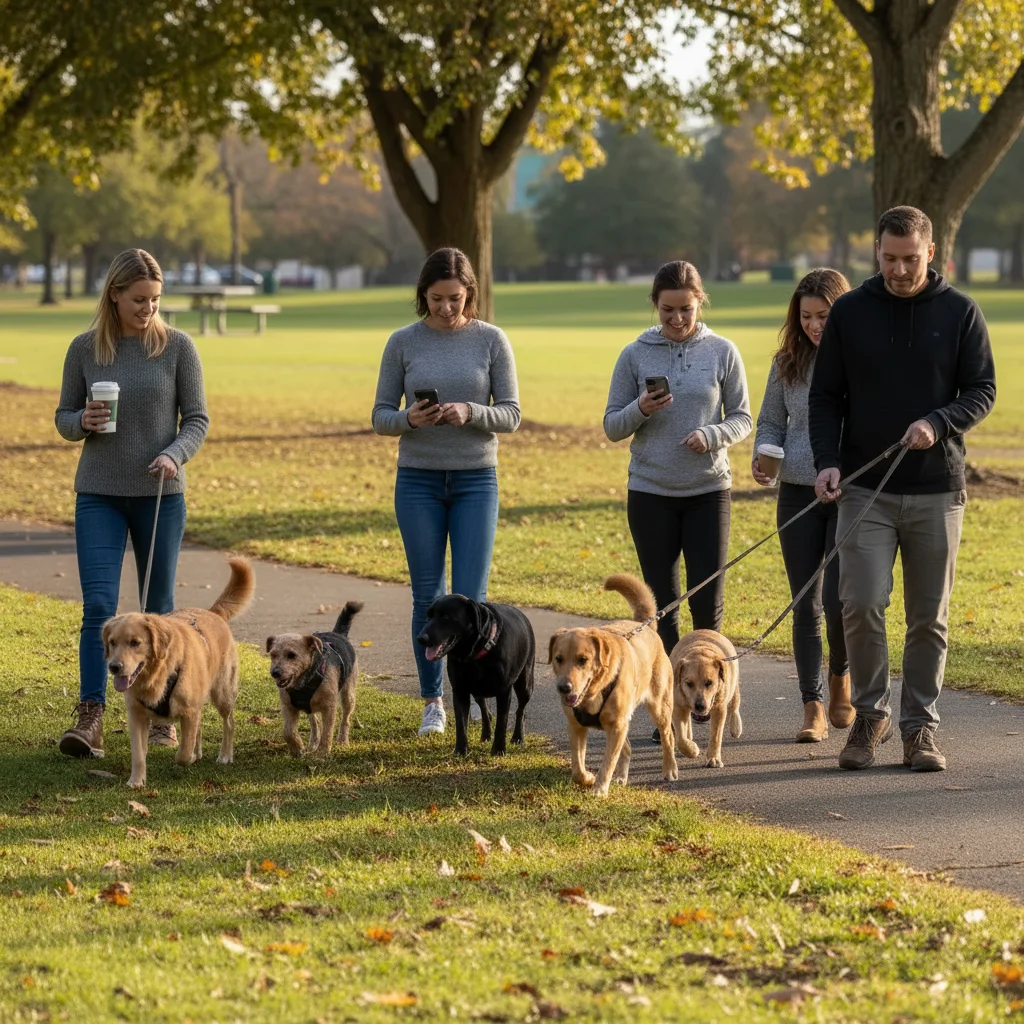
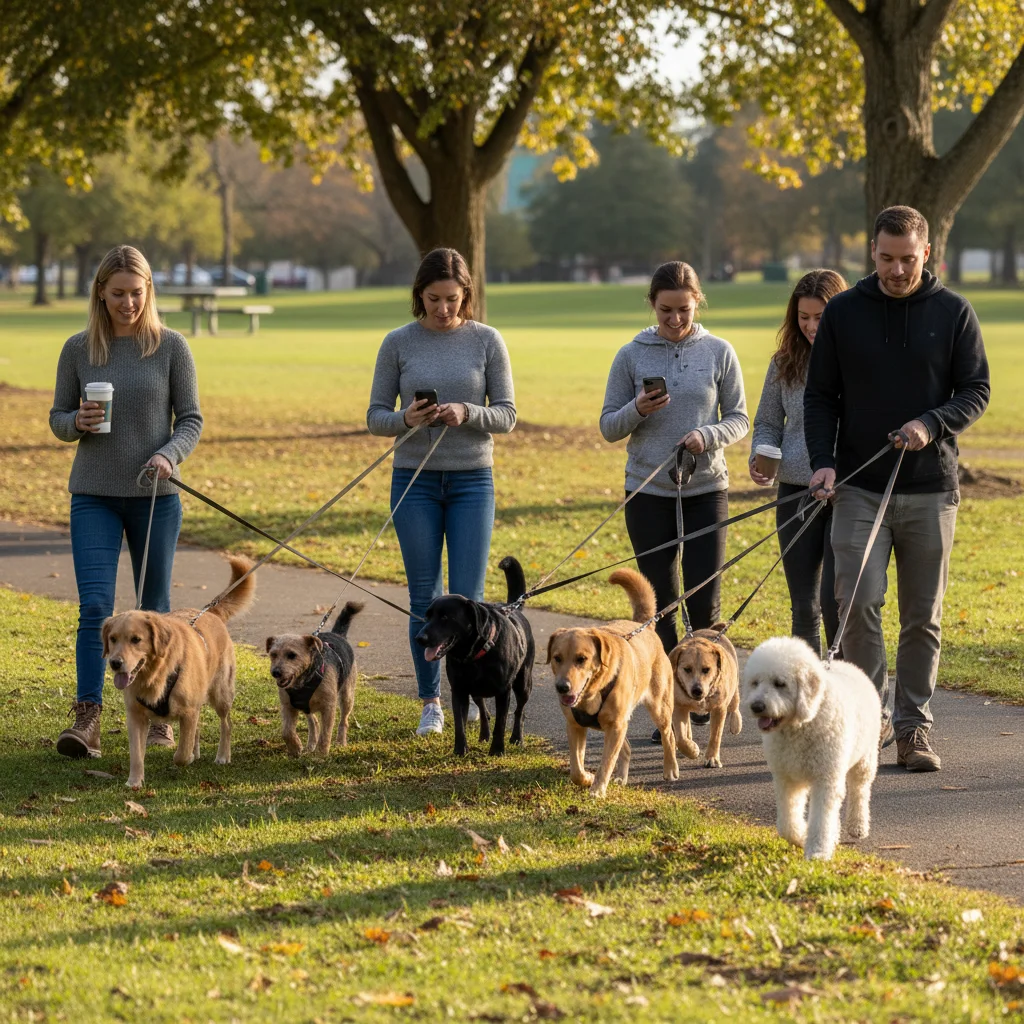
remove all leashes from both dogs and show them standing freely together
Review the result
Check where the leash was attached. Verify the background is seamlessly reconstructed, the pet's fur looks natural, and no leash remnants remain. Look at collar area if the leash was attached there.
Refine with markers if needed
If part of the leash remains or the background looks patchy, tap markers on those spots and regenerate. This is optional for most pet photos.
"My dog's portrait looked so much more professional without the leash. One click and it was gone!" @dogmom_sarah
See it in action
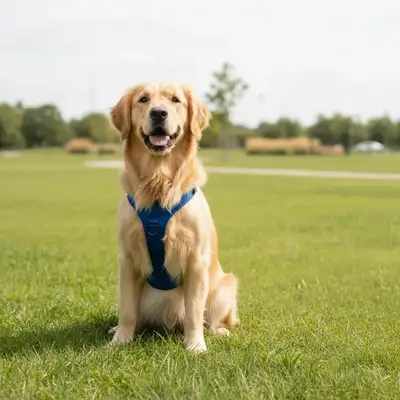
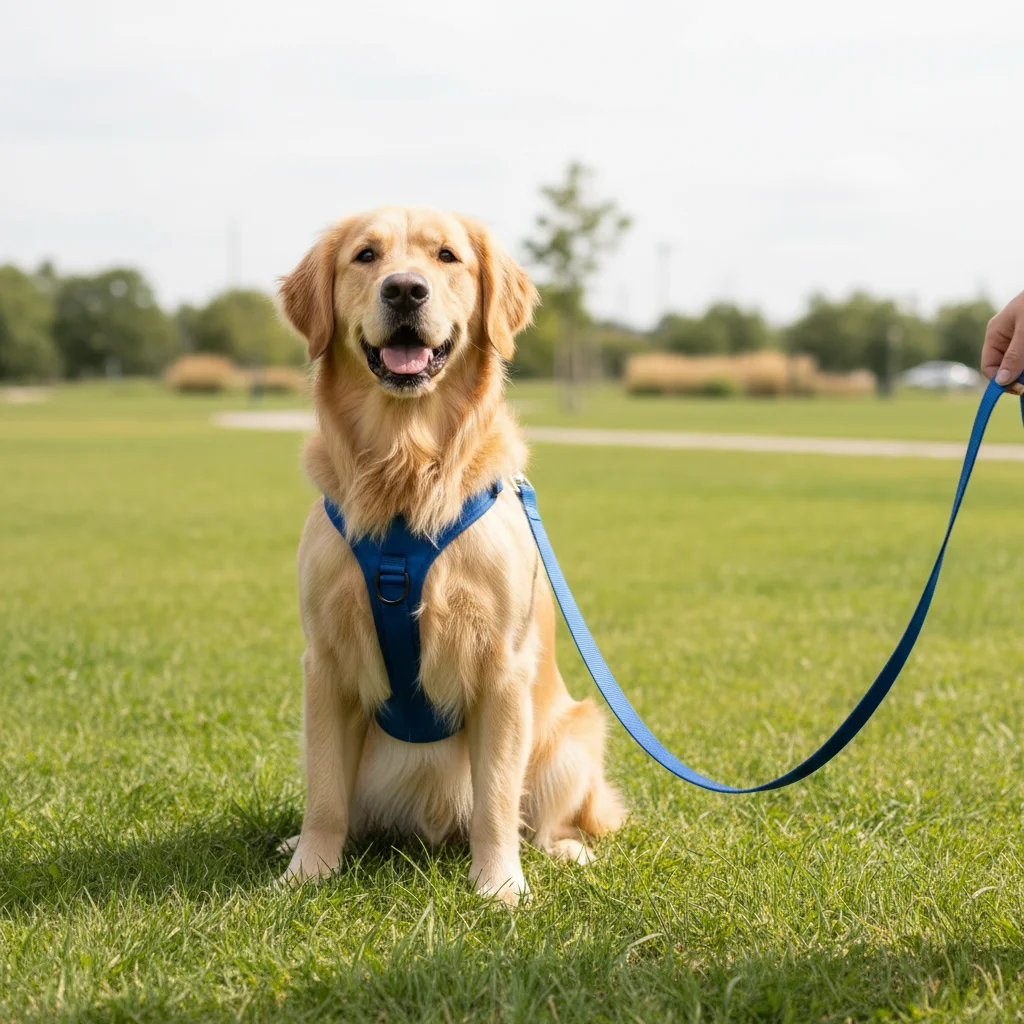
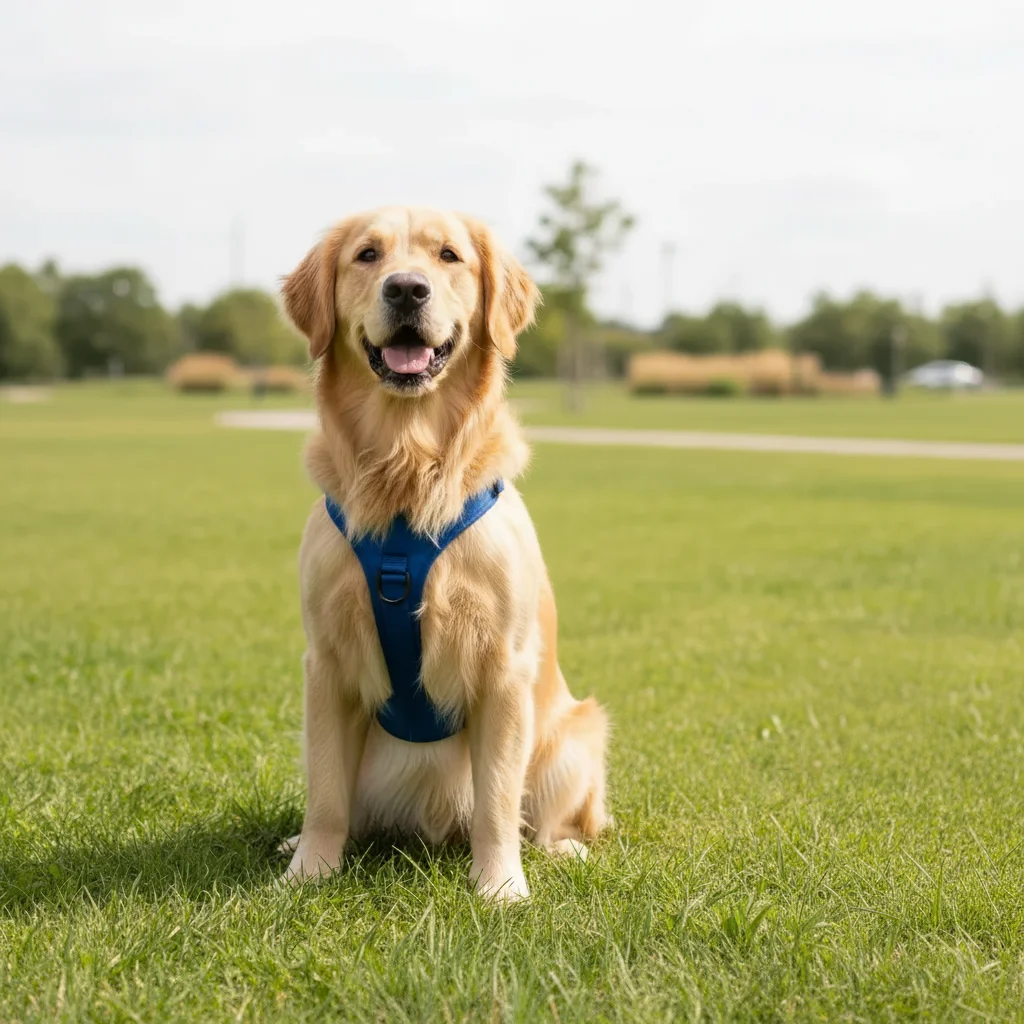
Park portrait leash removal
Dog photo at the park needed a leash-free look. AI removed the leash and filled the grass naturally.
remove the leash from the dog and fill the background naturally where the leash was
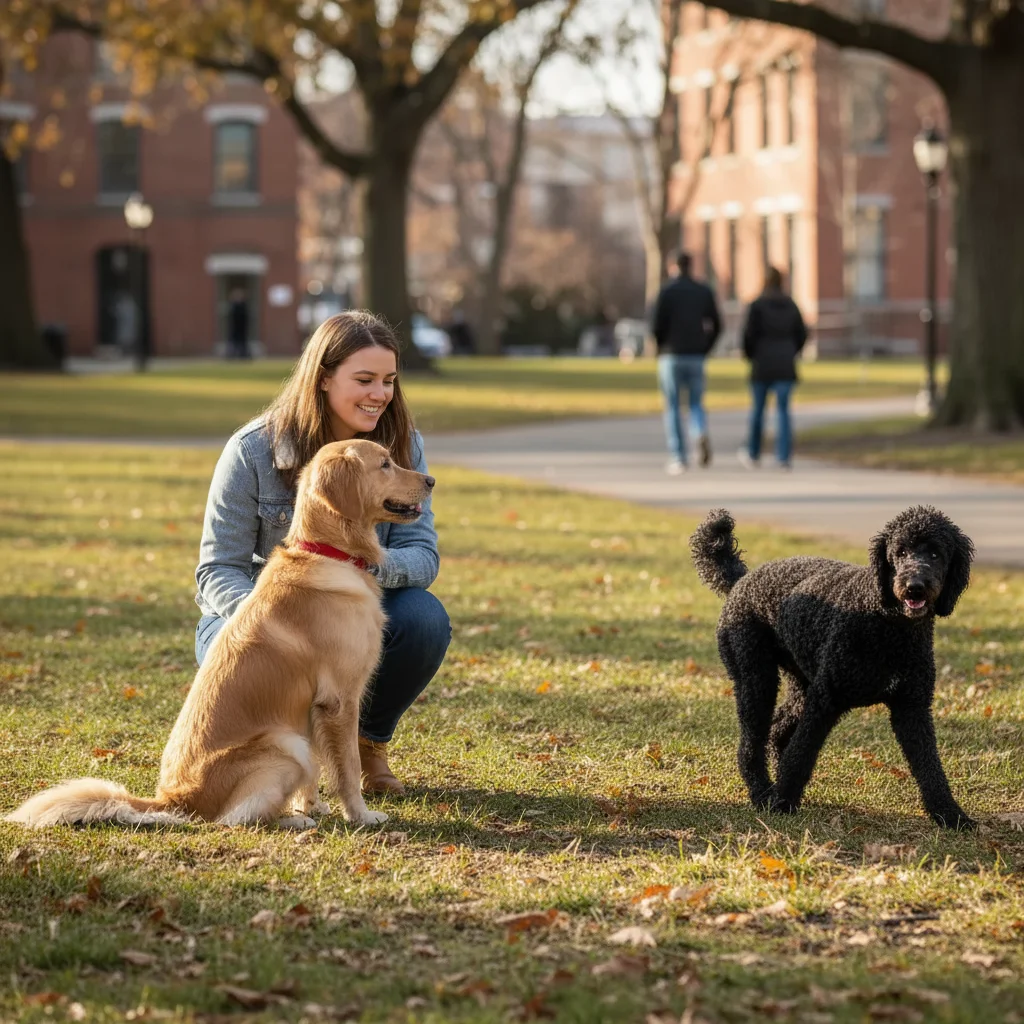
Beach dog photo cleanup
Vacation photo needed the leash removed for framing. AI erased it and restored the sandy background.
remove just the leash but keep the dog's collar, show clean background where leash was
Studio portrait enhancement
Professional pet portrait had the leash crossing the body. AI removed it and restored the fur.
remove the leash where it crosses in front of the dog, restore the fur pattern underneath
If something looks off
Part of the leash still visible after removal
Why: Thin leashes or sections that blend with the background may not be fully detected.
Tap markers on remaining leash sections and regenerate: 'remove all traces of the leash'
💡 Zoom in to find any remaining thin sections, then mark them precisely.
Pet's fur looks patchy where leash was removed
Why: The AI had difficulty reconstructing fur texture where the leash crossed the pet's body.
remove the leash and seamlessly restore the natural fur pattern
💡 Mention the fur type: 'restore fluffy white fur' or 'blend with short brown coat'.
AI changed the wrong area or something I didn't want changed
Why: The AI couldn't determine exactly which area you meant from description alone. This happens with ambiguous requests.
Tap a marker on the specific area you want to change, then regenerate with the same prompt
💡 Markers tell the AI 'I mean THIS one specifically.' Use them when description alone is ambiguous.
Background looks smudged or unnatural
Why: Complex backgrounds (grass patterns, brick walls) are harder to reconstruct than simple ones.
remove the leash and fill with natural [background type] matching the surrounding area
💡 Describe the background: 'fill with matching green grass' or 'continue the brick pattern'.
Quick answers
Do I need to mark the leash before describing?
No! Just describe what you want: 'remove the leash' or 'erase the dog leash.' The AI recognizes leashes automatically. Only use markers if parts remain after the first attempt or if the leash blends with the background.
Can I keep the collar but remove just the leash?
Yes! Specify this in your prompt: 'remove the leash but keep the collar.' The AI will remove the leash and any attached clips while preserving the collar itself.
What about retractable leashes with thin cords?
Thin cords can be trickier to detect. Mention 'retractable leash' in your prompt and be prepared to use markers on any remaining sections. Multiple passes may be needed.
Can I remove leashes from multiple pets at once?
Yes, use 'remove all leashes' in your prompt. For best results with multiple pets, ensure each leash is clearly visible. Complex tangles may need individual attention.
Ready to get that leash-free look?
Free to try. No signup required.