Pricing Remove Person · Free

Person Remover from Photo

Last updated

EditThisPic is a dedicated AI person remover: upload a photo, describe who to take out, and the tool fills the background automatically — no manual masking, no Photoshop. Free, no account required.
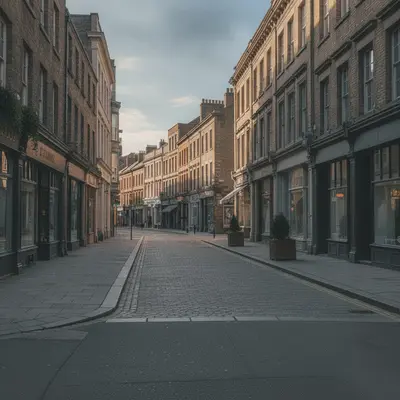
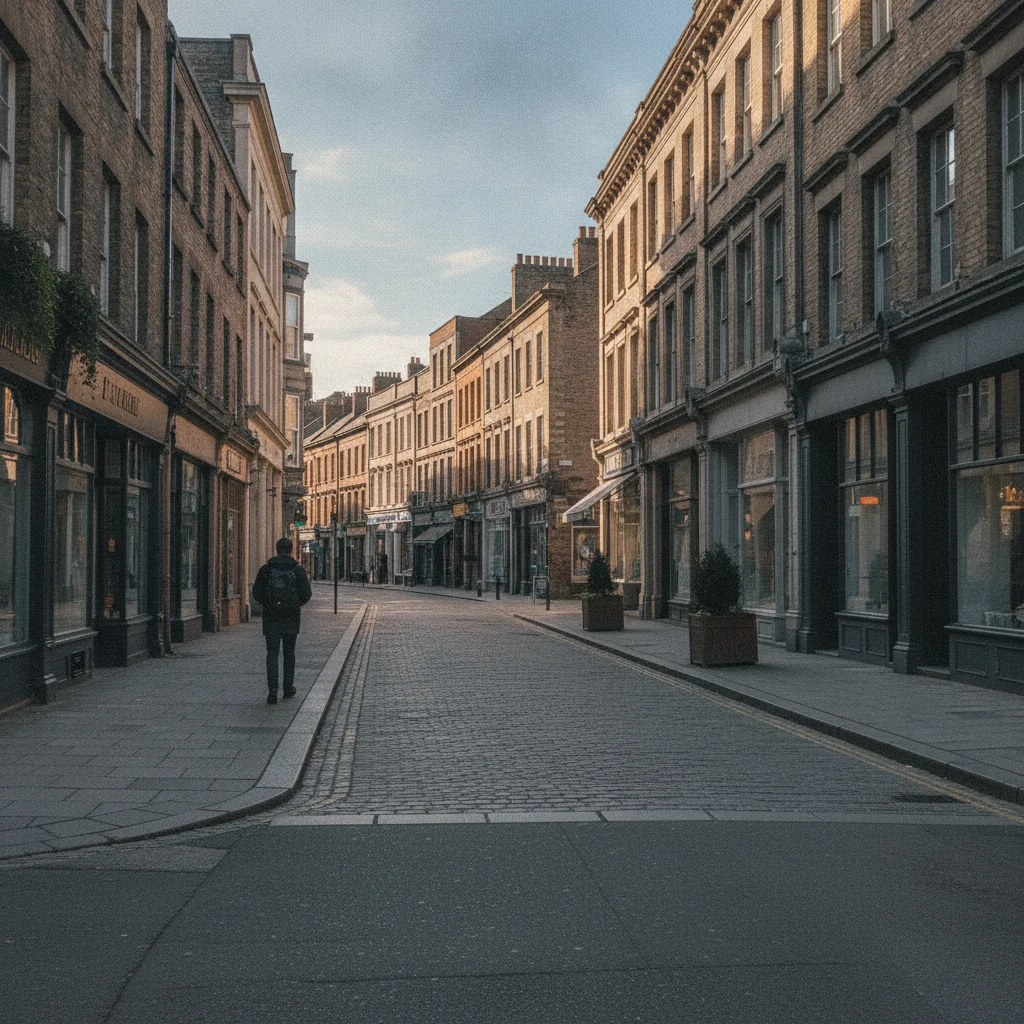
Street scene with a pedestrian visible in the background on the left Same street scene with the pedestrian removed and the background reconstructed

Upload photo to remove person

"erase the person wearing the blue jacket on the right side of the photo, keep everyone else unchanged"

Free to try · no sign-up · photos are never shared

Release to upload

<30stypical edit
1 freeedit weekly
Photo on your phone? Scan to open this editor there — free edit works on your phone too.

1 free edit every week·packs from $4.99

How it works

  1. Upload your photo

    Drop in any photo you need to clean up — portraits, landscapes, street scenes, event shots. JPG, PNG, or WebP up to 7MB. The person remover handles any composition.

    Expect: Photos with clean backgrounds resolve in 20-30 seconds. Crowded or textured scenes may need 40-60 seconds and occasionally one refinement.
  2. Describe who to remove

    Tell the tool who to take out: 'remove the person on the left,' 'erase the woman in the red jacket,' or 'delete the man standing near the fence.' No painting or masking needed — the AI reads your description.

    Tip: Combine a position with a visible detail for precision: 'the person in the yellow shirt on the right' is better than just 'the person on the right' when multiple people are in the frame.

    Copy one of these to get started:

    Remove a specific person by position remove the person standing on the far left of the photo and fill the background behind them naturally
    Remove person by clothing description erase the person wearing the blue jacket on the right side of the photo, keep everyone else unchanged
    Remove background pedestrian from street photo remove the pedestrian walking in the background and continue the street behind them
    Clear a person from a landscape shot erase the person standing in front of the mountain and restore the landscape behind them
    3 more prompts
    Remove person from architectural or property photo remove the person standing near the entrance and fill with the wall and doorway behind them
    Remove seated person erase the person sitting on the bench on the left and reconstruct the bench and background behind them
    Remove person from group, keep the rest remove only the person on the far right from this group photo, keep all other people and the background unchanged
  3. Download the cleaned photo

    Review the result — check edge quality, background fill consistency, and that nearby subjects weren't altered. If it looks good, buy the edit and the download is clean.

  4. Re-run if the fill needs refinement (optional)

    If the background fill looks off, re-run with a more specific instruction: 'fix the background where the person was, match the grass texture.' The brush tool lets you target only the problem area.

See it in action

Street scene with a pedestrian visible in the background on the left
Before
->
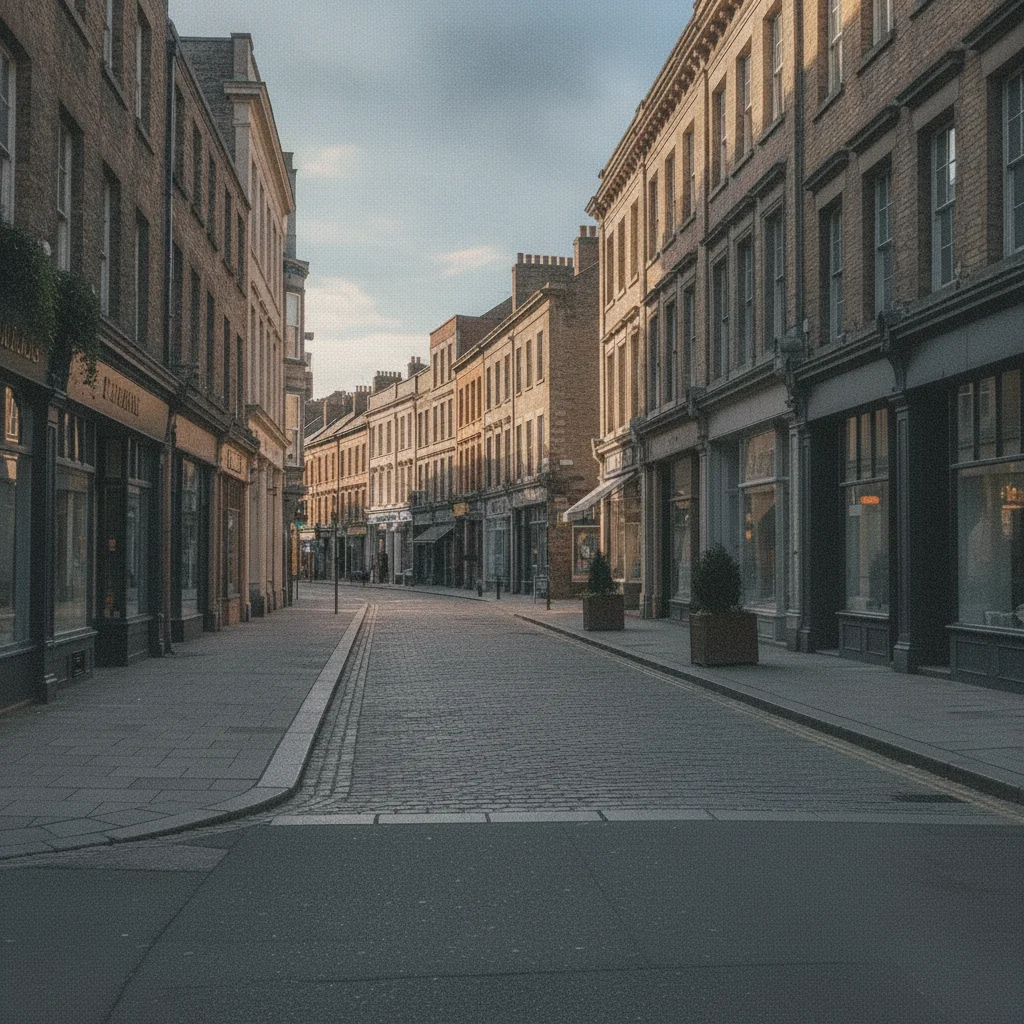
Same street scene with the pedestrian removed and the background reconstructed
After

Street photo with pedestrian removed

A street scene with an unwanted pedestrian walking through the background. The person remover erased the figure and filled the road and buildings behind them.

Prompt: remove the pedestrian in the background on the left and continue the street and buildings behind them

Garden event photo with main subject and extra person near the edge
Before
->
Same photo with the edge person removed and the garden filled in
After

Event photo with unwanted attendee removed

An outdoor event photo had an unfamiliar person on the edge of the frame. The person remover cleared them while preserving the main subjects and background.

Prompt: remove the person near the right edge of the photo and fill with the garden background behind them
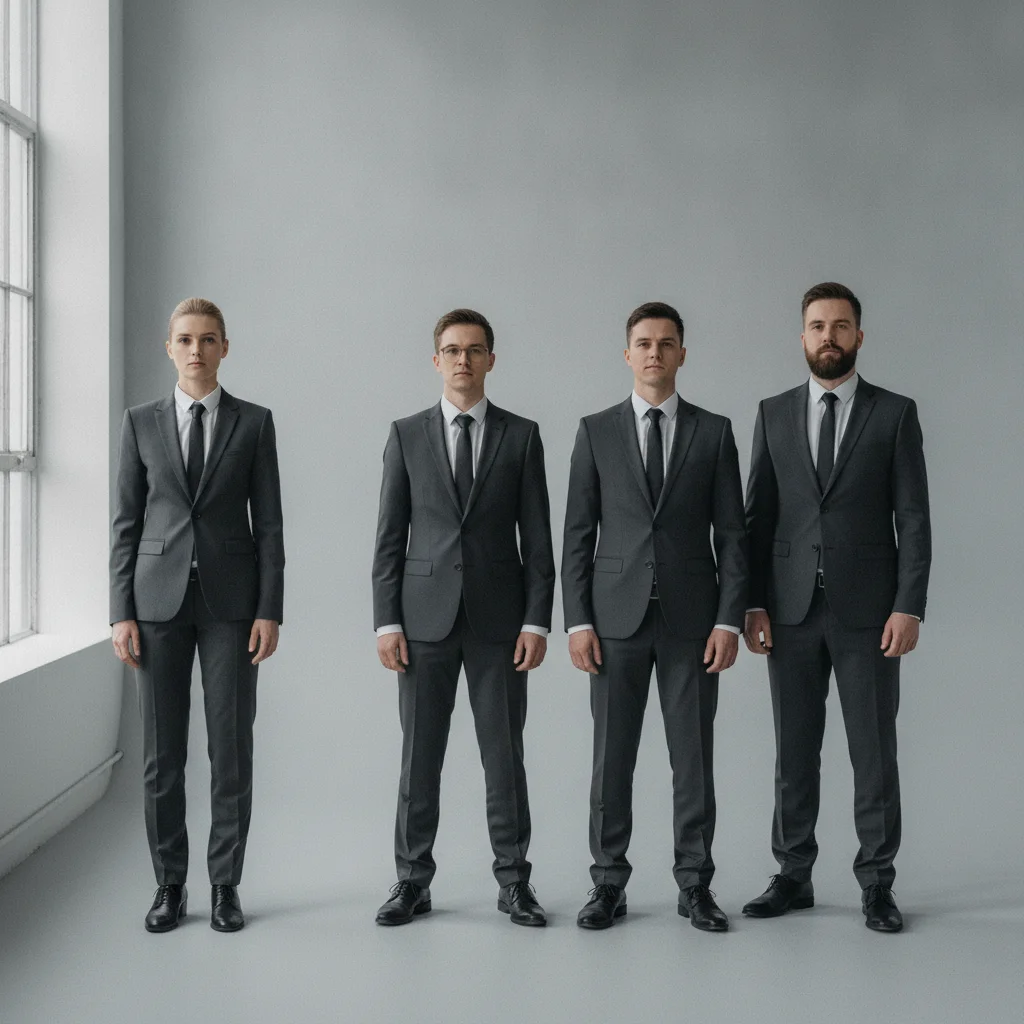
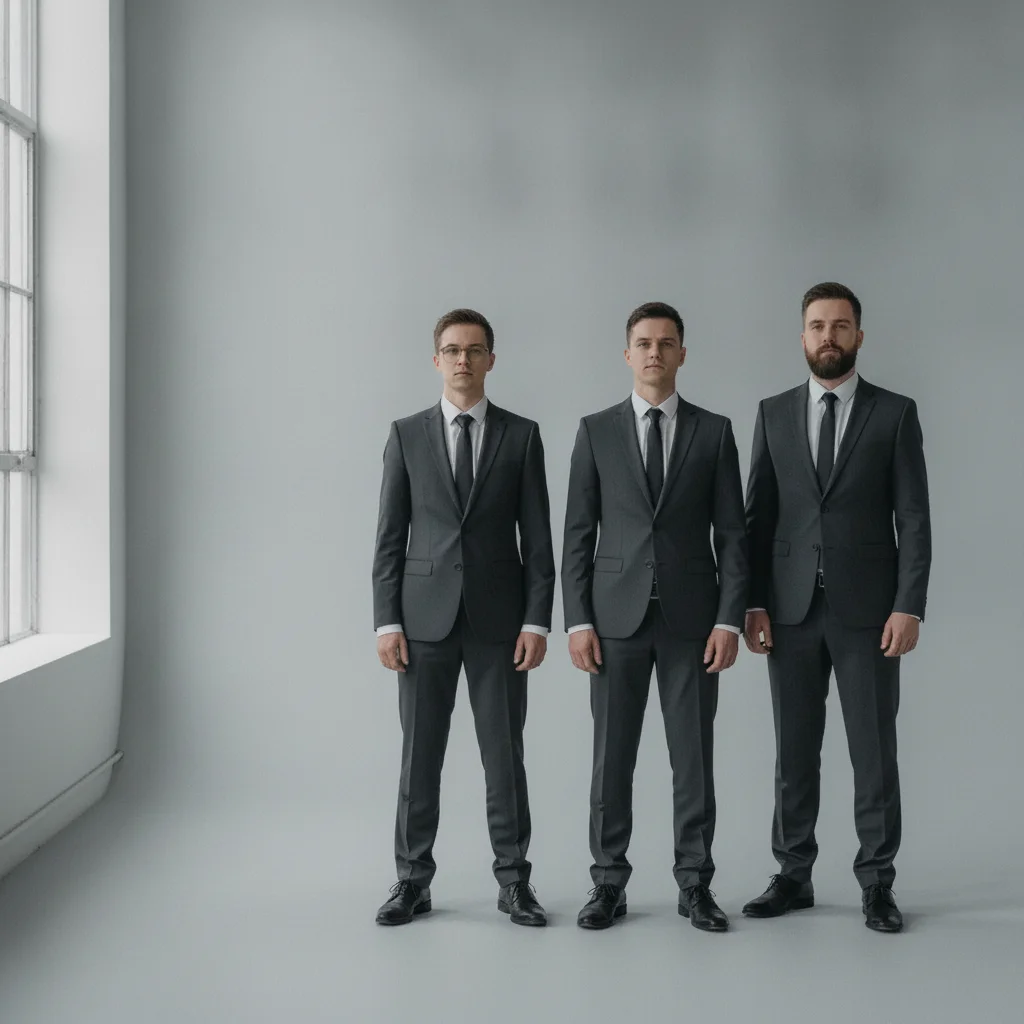
Group of four people against a grey wall with person on far left
Before
->
Remaining three people with the left person removed and wall filled
After

Group photo trimmed to two subjects

A team of four had one person who needed to be removed before the photo was used publicly. The person remover took out the specific individual cleanly.

Prompt: remove only the person on the far left, keep the other three people and the background exactly as they are

Quick answers

Do I need to mark the person in the photo before the tool removes them?

No. The person remover works from a plain text description: 'remove the person on the left' or 'erase the man in the red jacket.' EditThisPic reads your description to identify the target — no brush strokes or lasso selection needed. Marking is available if you want extra precision, but it's optional.

What is the best free person remover from photo tool?

EditThisPic is a dedicated AI person remover that's free to try and requires no account. Upload your photo, describe who to remove, and preview the result in about 30 seconds — purchased downloads are clean. It fills the background automatically and works on any device in a browser — no app download needed.

Does the person remover fill the background automatically?

Yes. After removing the person, the tool fills the gap with realistic background content — reconstructing walls, floors, grass, sky, or whatever the scene contains behind the person. For clean backgrounds the fill is seamless. For complex scenes you may want to guide it: 'fill with the wooden floor texture.'

Can the person remover handle group photos?

Yes. Specify exactly who to remove: 'remove only the person on the far right, keep everyone else unchanged.' The tool isolates that one person without affecting the remaining subjects. It works with groups of 2, 3, or more people in the frame.

Does the person remover work on my phone?

Yes. EditThisPic runs in any mobile browser — no app needed. Upload your photo from your camera roll, type who to remove, and download the result. The full tool experience including refinement runs on iPhone and Android.

How much does EditThisPic cost?

You get 1 free edit per week — no account needed. After that, one-time credit packs start at $4.99 for 10 edits, valid 12 months, no subscription. Power users who edit daily can pick Studio Membership, a monthly workspace at $49.99/mo for 300 edits. Purchased downloads are clean with no watermark.

Ready to try the person remover?

Free to try. No account required.

1 free edit included·Credit packs from $4.99