Free • No signup Place Furniture in room · Free

Place Furniture in Room from Photo

Upload a room photo + your furniture product photo. AI composites the furniture into the room naturally.

Modern living room with empty space in front of windows
Before
Same living room with gray sectional sofa naturally composited in front of windows
After

Place Furniture in Room from Photo

Drop your photo here

or click to browse

Release to upload

Free • No signup

Popular use cases:
  • furniture in room composite
  • furniture product room visualization
  • place furniture in room photo
  • furniture store room scene
  • interior design furniture placement
  • home staging with real furniture
  • real estate furniture compositing
  • Wayfair product room photo

Cost
Free No signup required
Time
Instant results in 15-30 seconds
Works on
Any device - browser, phone, tablet, desktop
Powered by
AI-powered photo editing
Scenario Prompt Time
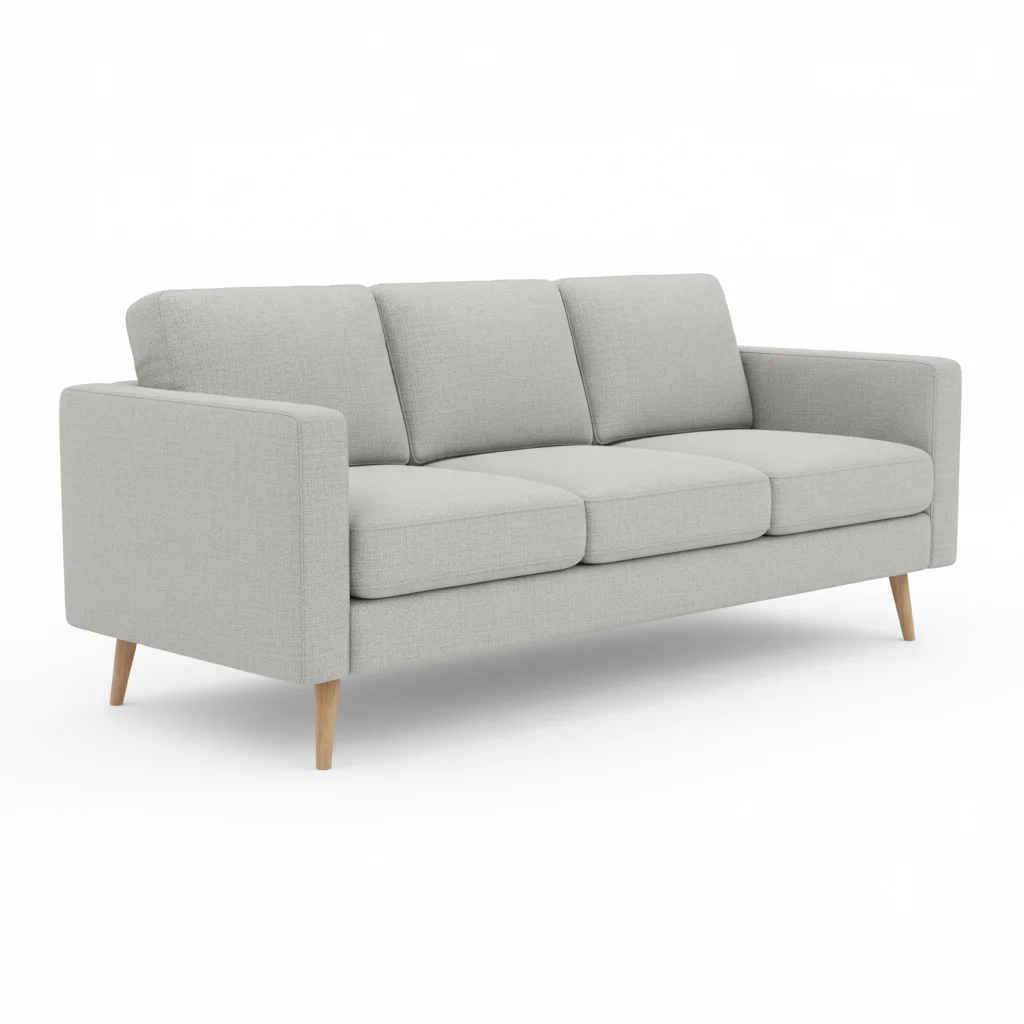
place this sofa from reference in the living room with natural shadow and matching lighting 30s
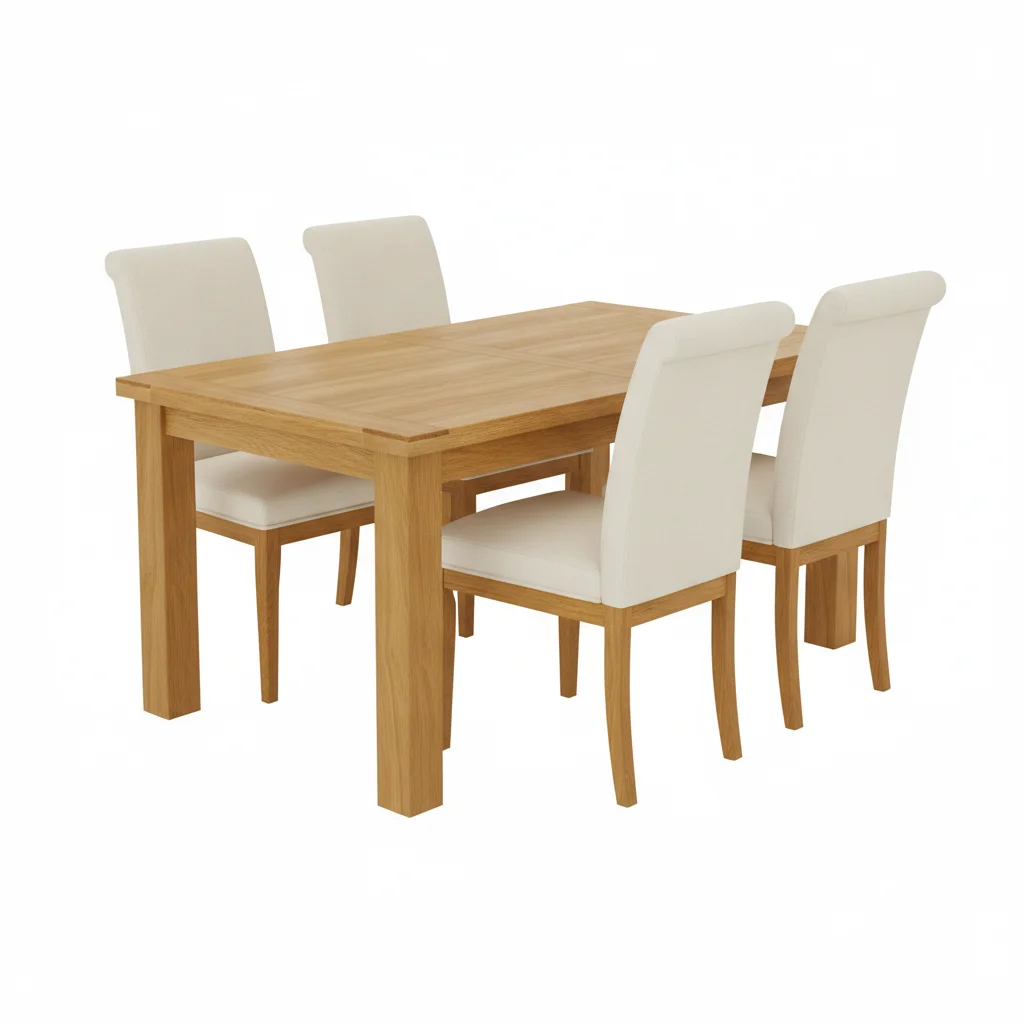
composite this dining table from reference into center of dining room, correct scale and perspective 30-45s
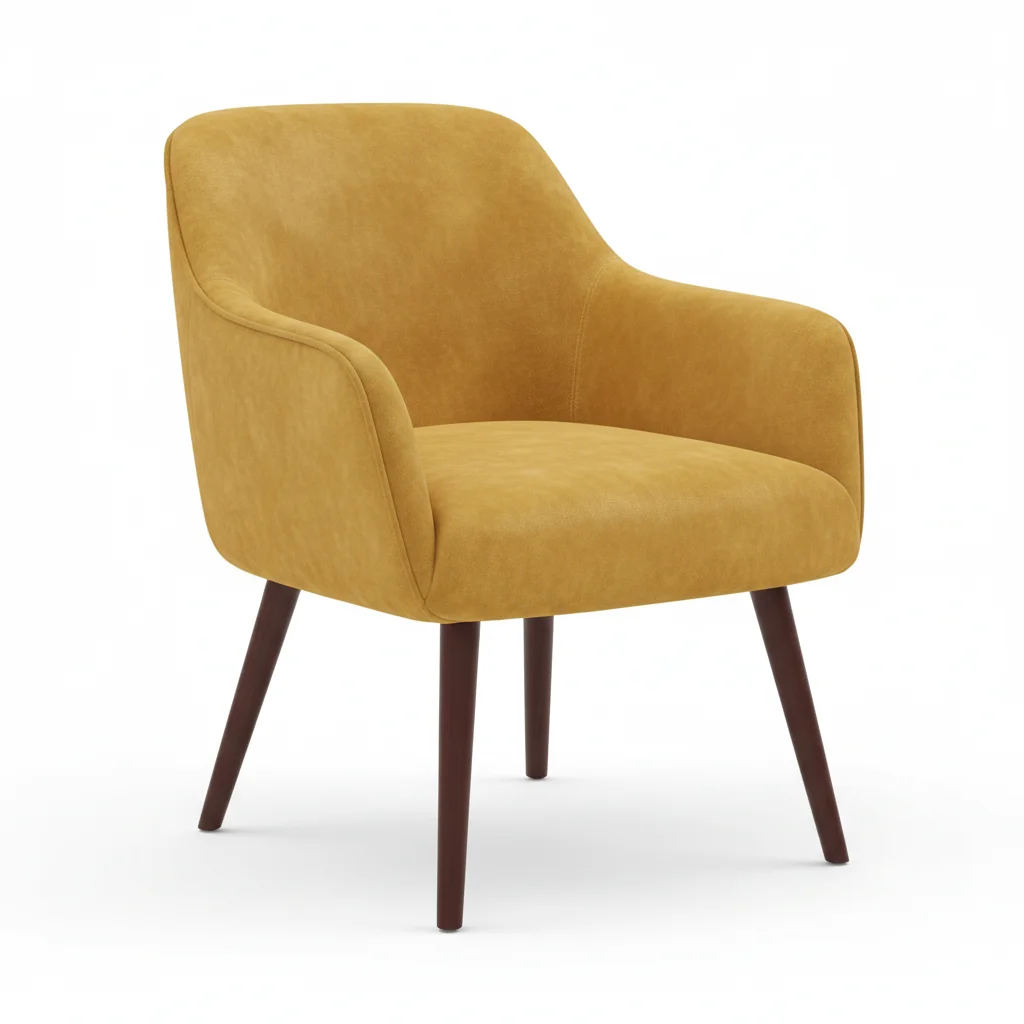
place this accent chair from reference in the corner, matching room's lighting and angle 30s
place this bed frame from reference centered on far wall, natural floor shadow 30-45s

How it works

  1. Upload your room photo

    Drop your room photo into EditThisPic. This is the main image — the space where the furniture will appear. Use a well-lit room photo with a clear area where the furniture should go. JPG, PNG, WebP up to 7MB.

    Expect: Simple furniture placement: 30 seconds. Complex scenes with multiple pieces or tricky angles: may need 2-3 refinements.
  2. Add your furniture photo as reference

    Click '+ Add reference image' below the prompt and upload your furniture product photo. A clean product shot on a white or solid background works best — the AI extracts the furniture and maps it into the room. Then describe the placement: 'place the furniture from the reference in front of the window, matching the room's perspective and lighting.'

    Tip: Product photos on white backgrounds composite most cleanly. If your product photo has a busy background, remove it first using the background remover.

    Copy one of these to get started:

    Sofa into living room for furniture store listing place this sofa from the reference in the living room, sitting naturally on the floor with correct perspective, a soft cast shadow, and lighting that matches the room's natural daylight
    Dining table into dining room for catalog composite this dining table from the reference into the center of the dining room, correctly scaled for the space, with shadow on the hardwood floor and perspective matching the room angle
    Accent chair into client's room for interior design place this accent chair from the reference in the corner next to the window, angled slightly toward the center of the room, with natural shadow on the rug and lighting matching the afternoon sun
    Bed frame into bedroom for real estate staging place this bed frame from the reference centered on the far wall of the empty bedroom, with the headboard against the wall, natural floor shadow, and scale matching the room proportions
    4 more prompts
    Bookshelf against wall for home office setup composite this bookshelf from the reference against the left wall of the room, flush with the wall, at correct height and depth, with a subtle shadow on the floor
    Coffee table on rug for lifestyle scene place this coffee table from the reference on the area rug in front of the sofa, centered in the seating area, with correct perspective and a shadow that matches the overhead lighting
    Outdoor furniture on patio for garden store composite this patio set from the reference onto the outdoor deck, naturally placed on the wooden surface with correct sun shadows and scale matching the space
    Dresser into bedroom for Wayfair listing place this dresser from the reference against the bedroom wall between the window and the closet door, at correct scale, with a natural shadow and the room's warm ambient lighting
  3. Generate and review

    The AI composites the furniture into the room, matching scale, perspective, and lighting. Check that the furniture sits naturally on the floor, shadows look correct, and proportions match the room. Zoom in on where the furniture meets the floor and walls.

  4. Refine with markers if needed

    If the furniture lands in the wrong spot or at the wrong scale, tap a marker on the exact floor area where it should sit and regenerate. Markers help when the room has multiple open areas and the AI picks the wrong one.

    Tip: Tap the floor spot where the furniture's front legs should go. This anchors the placement precisely.
Try it free

Place Furniture in Room from Photo

Drop your photo here

or click to browse

Release to upload

Free • No signup

"We sell mid-century modern furniture online. Instead of renting staged rooms for every new piece, we composite our products into room photos. Clients can actually see how pieces look in a real setting." @ModernHomeDesigns

See it in action

Modern living room with empty space in front of windows
Before
->
Same living room with gray sectional sofa naturally composited in front of windows
After

Modern sofa composited into living room

A furniture retailer's product photo of a gray sectional sofa composited into a bright modern living room for an online listing.

Prompt: place this sofa from the reference in front of the large windows, sitting naturally on the hardwood floor with a soft cast shadow and lighting matching the room's natural daylight
Empty dining room with pendant light and tile floors
Before
->
Same dining room with wooden dining table and chairs naturally staged
After

Dining table placed in empty dining room for staging

A home staging company composited their rental dining table into a vacant property's dining room for the real estate listing.

Prompt: composite this dining table from the reference into the center of the dining room, with chairs around it, matching the overhead pendant light and casting a natural shadow on the tile floor
Reading nook with bookshelf and empty space for a chair
Before
->
Reading nook with accent chair composited naturally next to the bookshelf
After

Accent chair placed in client's reading nook

An interior designer composited a recommended accent chair into the client's actual room photo for a design proposal presentation.

Prompt: place this accent chair from the reference in the reading nook corner next to the bookshelf, angled slightly toward the room, with a natural shadow on the rug and warm lamplight matching the scene

Detailed Guides by Scenario

📷

Furniture Retail & Showrooms

Show your furniture products in styled room settings without renting and furnishing model rooms. Upload your product photos and composite them into aspirational room scenes for online listings, catalogs, and social media.

Common Scenarios

  • Sofa composited into a modern living room for Wayfair listing
  • Dining table placed in styled dining room for catalog photo
  • Bookshelf inserted into home office scene for Amazon listing
  • Bed frame composited into a styled bedroom for furniture store website

Best Practices

  • Use room photos with similar lighting color temperature to your product photos
  • Choose room angles where the furniture placement area has clear floor space
  • Specify 'with shadow on the hardwood floor' or 'on the carpet' for grounding
  • Match the room's design style to your product — modern rooms for modern furniture
Sofa in living room for online furniture store place this sofa from the reference in the center of the living room, sitting naturally on the hardwood floor with a soft cast shadow, matching the warm afternoon lighting from the windows
Dining table in room scene for catalog composite this dining table from the reference into the dining area, centered under the pendant light, with chairs visible around it and correct perspective matching the room angle
📷

Interior Design Client Presentations

Show clients exactly how specific furniture pieces will look in their actual rooms. Upload the client's room photo and composite the furniture you're recommending. Faster than 3D rendering, more convincing than mood boards.

Common Scenarios

  • Recommended sofa composited into client's living room photo
  • Accent chair placed in client's reading nook for design proposal
  • Coffee table shown in client's existing space for approval
  • Multiple furniture options shown in the same room for comparison

Best Practices

  • Use the client's actual room photos for maximum impact in presentations
  • Keep furniture product photos at similar angles to the room perspective
  • Create multiple versions showing different pieces in the same room for comparison
  • Include 'with natural shadow and correct floor reflection' for realism
Accent chair in client's room for design proposal place this accent chair from the reference in the corner next to the bookshelf, angled slightly toward the sofa, with a natural shadow on the rug beneath it
Coffee table visualization for client approval composite this coffee table from the reference in front of the sofa, centered on the area rug, matching the room's natural daylight and perspective
📷

Home Staging & Real Estate

Stage empty or partially furnished rooms with real furniture products for real estate listings. Unlike generic virtual staging that uses AI-generated furniture, this composites actual products — perfect when sellers want to show specific pieces or when staging companies want to showcase their inventory.

Common Scenarios

  • Real staging furniture composited into empty listing photos
  • Specific brand pieces placed in rooms for staging company portfolio
  • Before/after staging shots using actual available furniture
  • Vacant home staged with real furniture from rental inventory

Best Practices

  • Use wide-angle room photos that show floor and walls for best perspective matching
  • Photograph your staging furniture from an angle matching the room's camera height
  • Add 'with realistic floor contact and shadow' to every staging prompt for grounding
  • Stage one room at a time for the most natural results
Staging empty room for real estate listing place this sectional sofa from the reference against the far wall of the empty living room, sitting naturally on the carpet with a soft shadow, matching the overhead lighting
Bedroom staging for vacant property listing composite this bedroom set from the reference into the empty bedroom, with the bed centered on the wall, nightstands on each side, matching the window light direction

If something looks off

Furniture scale doesn't match the room

Why: The AI misjudged relative proportions between your product photo and the room, making the furniture too large or too small for the space.

Try: place the furniture at realistic scale relative to the room dimensions, matching the height of the doorframe and width of the window for proportion reference

Tip: Include real dimensions in your prompt: 'this is a 7-foot sofa' or 'standard 30-inch dining table height' to anchor the scale.

Furniture appears to float above the floor

Why: The AI didn't properly ground the furniture on the floor surface, missing the contact point and shadow.

Try: place the furniture firmly on the floor with visible contact points where the legs meet the surface and a natural cast shadow beneath

Tip: Always include 'sitting on the floor with shadow' or 'with legs touching the hardwood' in your initial prompt.

Lighting on furniture doesn't match the room

Why: The product was photographed under different lighting than the room scene, creating an obvious color temperature or shadow direction mismatch.

Try: composite the furniture matching the room's lighting direction, color temperature, and shadow angles — light appears to come from the windows on the left

Tip: Describe where the light comes from in the room: 'window light from the right side' or 'overhead ceiling fixture.' This helps the AI relight the furniture.

Furniture perspective doesn't match the room angle

Why: The product photo was shot from a different angle than the room photo, making the furniture look tilted or pasted on.

Try: place the furniture matching the room's camera angle and vanishing point, as if photographed from the same position

Tip: Best results come from product photos shot at a similar height and angle to the room photo. A straight-on product shot into a wide-angle room will always look slightly off.

AI changed the wrong area or something I didn't want changed

Why: The AI couldn't determine exactly which area you meant from description alone. This happens with ambiguous requests or rooms with multiple open spaces.

Try: Tap a marker on the specific floor area where you want the furniture placed, then regenerate with the same prompt

Tip: Markers tell the AI 'I mean THIS spot specifically.' Use them when a room has multiple potential placement areas.

Edges between furniture and room look harsh or unnatural

Why: The boundary between the composited furniture and the room background shows visible hard edges or color halos.

Try: blend the furniture edges seamlessly into the room scene, with soft natural transitions where the furniture meets the floor and walls

Tip: Try 'with feathered edges where furniture meets the floor' for cleaner ground contact. Harsh edges are most visible on light-colored floors.

Quick answers

Do I need to mark where to place the furniture in the room?

No. Describe the placement in words: 'place the sofa in front of the windows' or 'put the table in the center of the dining room.' The AI understands spatial references like 'against the far wall' and 'next to the bookshelf.' Use markers only when the room has multiple open areas and the AI keeps choosing the wrong spot.

How do I place my real furniture product into a room photo?

Upload the room photo as your main image, then click '+ Add reference image' and upload your furniture product photo. Describe the placement: 'place this sofa from the reference against the far wall with natural shadow and matching lighting.' The AI extracts the furniture from your product photo and composites it into the room in 30 seconds. Product photos on white backgrounds work best.

Is there a free tool to place furniture in room photos without signup?

Yes. EditThisPic lets you composite real furniture product photos into room scenes completely free, with no signup and no watermark. Upload your room photo and furniture photo, describe the placement, and download the result. One free edit per week, or purchase credits starting at $1.99 for more.

How is this different from the add-furniture page that generates furniture?

This tool composites a REAL furniture product from your photo into a room. The add-furniture tool generates AI-imagined furniture from a text description. Use this page when you have an actual product photo you want to show in a room setting. Use the other when you want the AI to create a furniture piece from scratch.

What kind of furniture product photo works best as a reference?

Clean product photos on white or solid backgrounds composite most cleanly. The furniture should be well-lit, in focus, and photographed at a similar angle to how it would appear in the room. Straight-on catalog shots work for most placements. Avoid photos with busy backgrounds or extreme angles — remove the background first if needed.

Can I place multiple furniture pieces into the same room?

Yes, but do it one piece at a time for the best results. Place the largest piece first (sofa, bed, table), download the result, then upload that result as your new main image and add the next piece. This gives you control over each placement and produces more natural-looking staged rooms.

Will the furniture look realistic enough for a product listing or real estate ad?

When done well, yes. The AI matches lighting, scale, perspective, and shadows automatically. The key is using a high-quality product photo and a room photo with similar lighting conditions. Most furniture retailers and staging companies find the results indistinguishable from physical staging at thumbnail size, especially for sofas, tables, and chairs.

What is the best free tool for furniture room visualization from photos?

EditThisPic is a strong option for compositing real product photos into room scenes. Unlike 3D room planners that require CAD models or expensive subscriptions, you just upload two photos and describe the placement. It handles perspective matching, shadow generation, and lighting adjustment automatically. Free to try with no account required.

Ready to place your furniture in a room?

Upload room + furniture photo. Get realistic room scenes in seconds. Free, no signup.

Try it free