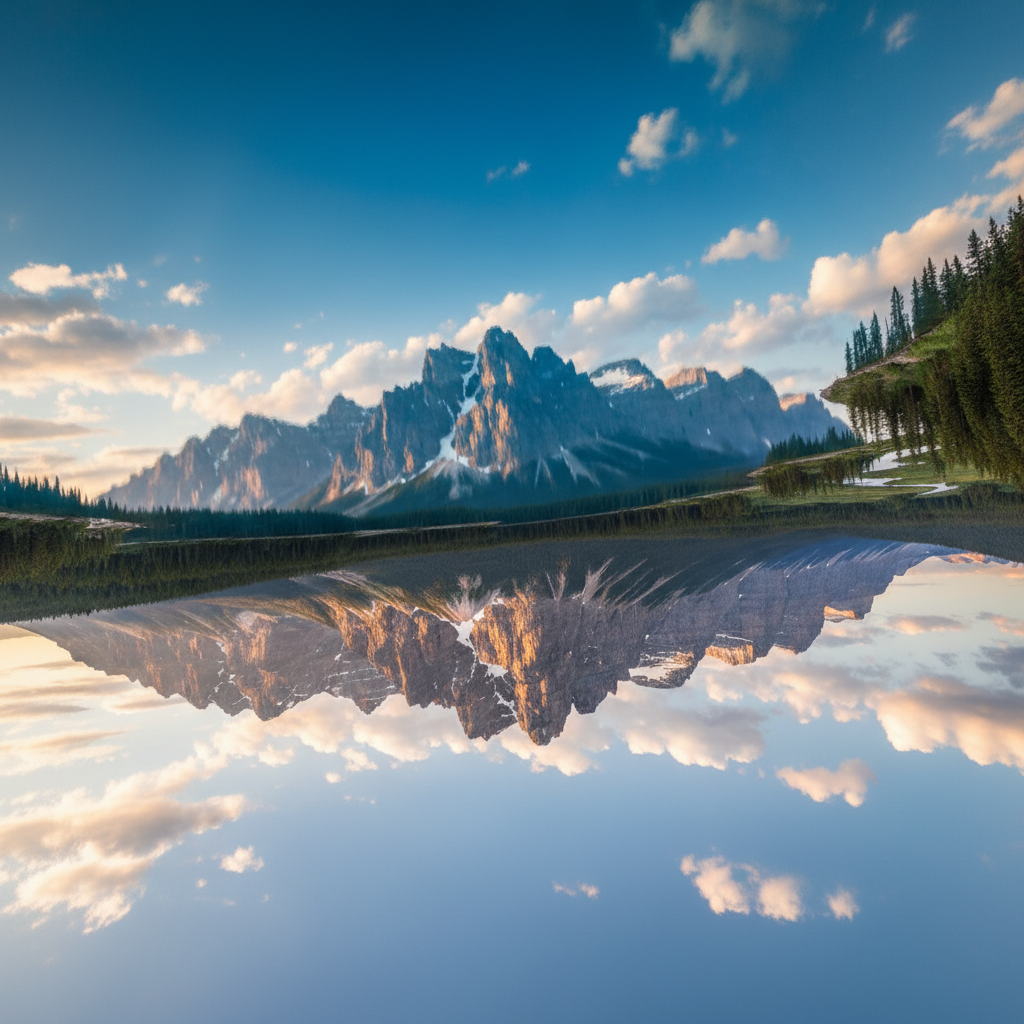
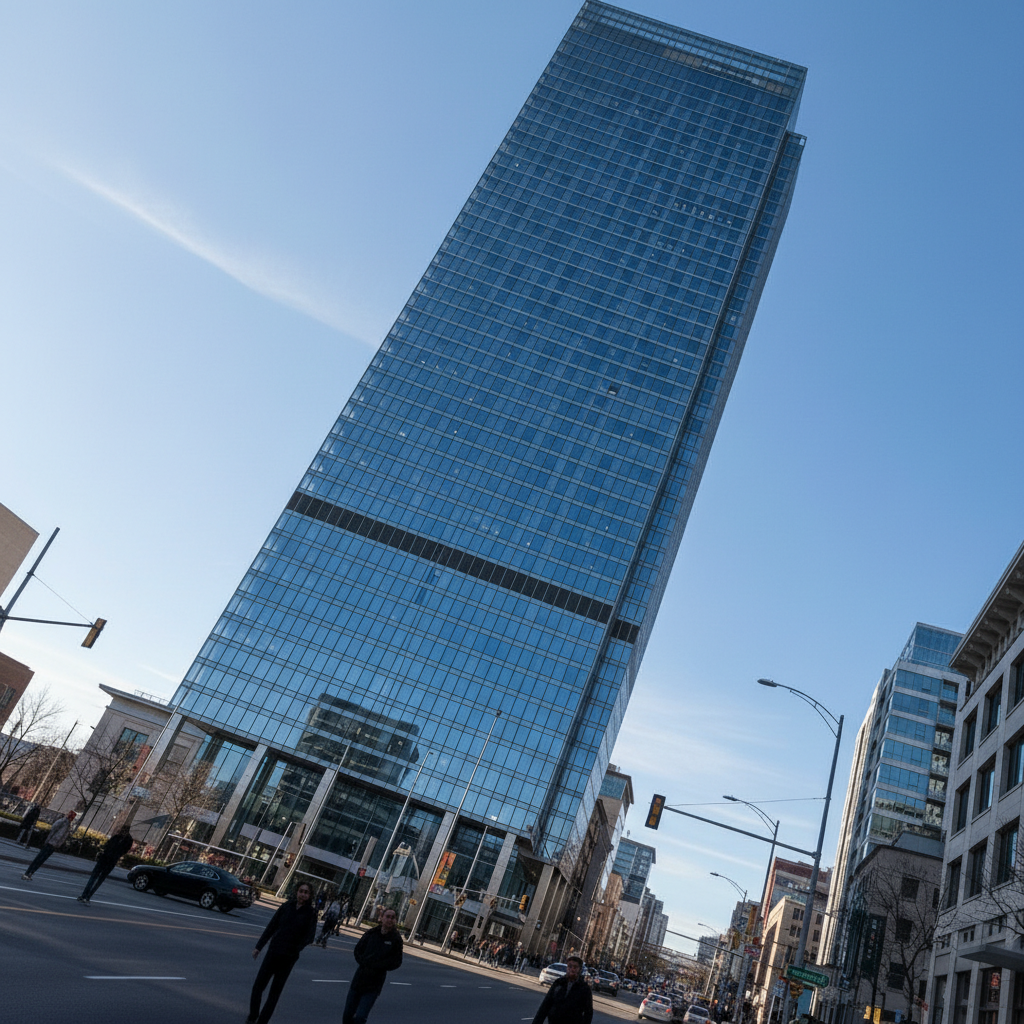
Free • No signup Correct Perspective · Free

AI Perspective Correction for Real Estate

Fix tilted walls, converging verticals, and wide-angle distortion in property photos instantly.

Kitchen photo with wide-angle distortion causing curved walls and tilted cabinets
Before
Same kitchen with perfectly straight walls and properly aligned cabinets
After

AI Perspective Correction for Real Estate Photos Free

Drop your photo here

or click to browse

Release to upload

Free • No signup

Popular use cases:
  • real estate perspective correction
  • property photo straightening
  • listing photo distortion fix
  • wide-angle correction
  • converging verticals fix
  • MLS photo perspective
  • real estate photography
  • tilted photo correction

Cost
Free No signup required
Time
Instant results in 15-30 seconds
Works on
Any device - browser, phone, tablet, desktop
Powered by
AI-powered photo editing
Scenario Prompt Time
Tilted walls straighten vertical lines and walls 15s
Wide-angle distortion correct wide-angle lens distortion 20s
Leaning building fix converging verticals on building 20s

How it works

  1. Upload your property photo

    Drop your listing photo into EditThisPic. Works with interior and exterior shots showing tilted walls or distorted lines. JPG, PNG, WebP up to 7MB.

    Expect: Simple straightening: 15-20 seconds. Heavy wide-angle correction: may need 1-2 refinements.
  2. Describe the correction you want

    Type your instruction: 'straighten the vertical lines and correct the perspective' or 'fix the wide-angle distortion so walls are straight.' Be specific about what looks wrong. No marking needed - the AI understands perspective correction.

    Tip: Mention specific problem areas: 'fix the converging verticals on the left wall' gives better results than a generic 'fix perspective.'

    Copy one of these to get started:

    Straighten vertical lines straighten all vertical lines in this room photo so walls and doorframes are perfectly vertical
    Correct wide-angle distortion correct the wide-angle lens distortion so walls look straight and the room proportions appear natural
    Fix tilted horizon level the horizon line and straighten the building so it stands perfectly vertical in this exterior photo
    Correct barrel distortion remove the barrel distortion from this photo so straight edges appear straight and the image looks natural
    3 more prompts
    Fix converging verticals on tall building correct the converging vertical lines on this building so it looks straight and not leaning backward
    Straighten interior walls make all the walls in this interior photo perfectly straight and vertical, correct any lens distortion
    Correct phone camera distortion fix the phone camera distortion in this property photo so the room looks natural and proportional
  3. Review the correction

    Check that vertical lines are truly vertical, horizontal lines are level, and the room proportions look natural. Zoom in on doorframes and window edges to verify.

  4. Refine with markers if needed

    If specific areas still look tilted or distorted, tap markers on those spots and regenerate. Most perspective corrections work without markers.

    Tip: Doorframes and window frames are the easiest reference points for checking if perspective is correct.
Try it free

AI Perspective Correction for Real Estate Photos Free

Drop your photo here

or click to browse

Release to upload

Free • No signup

"My phone camera makes every room look like a funhouse. One prompt fixed the barrel distortion and suddenly the kitchen actually looks like a rectangle. Huge difference for listings." @AgentMelissaCA

See it in action

Kitchen photo with wide-angle distortion causing curved walls and tilted cabinets
Before
->
Same kitchen with perfectly straight walls and properly aligned cabinets
After

Kitchen with tilted walls straightened

A kitchen listing photo shot with a wide-angle phone camera. Walls curved outward and cabinets looked tilted.

Prompt: straighten all vertical lines and correct the wide-angle distortion so the kitchen walls and cabinets are perfectly straight
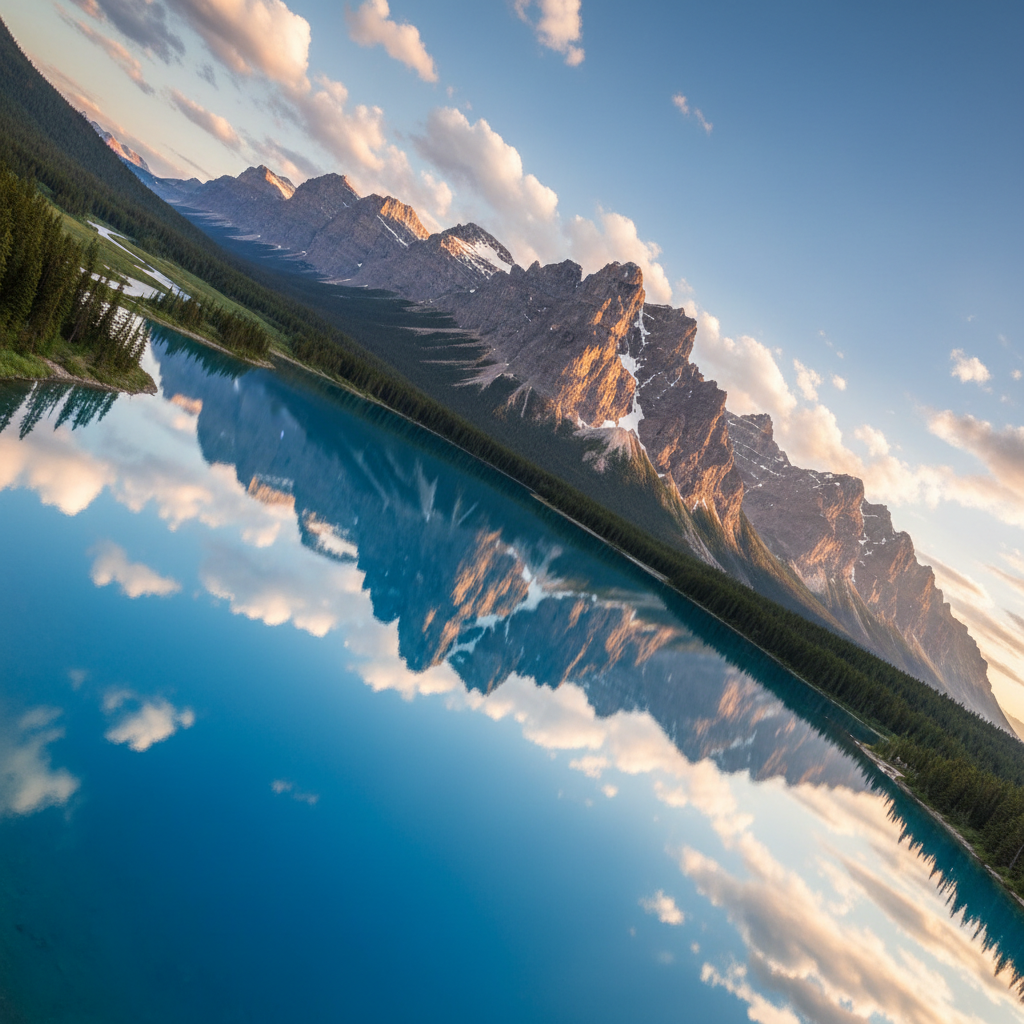
Two-story house leaning backward with converging vertical lines
Before
->
Same house standing perfectly straight with corrected verticals
After

Exterior shot with leaning building corrected

A two-story house photographed from ground level, making it appear to lean backward with converging verticals.

Prompt: correct the converging verticals so the house stands perfectly straight and vertical, keep the natural look
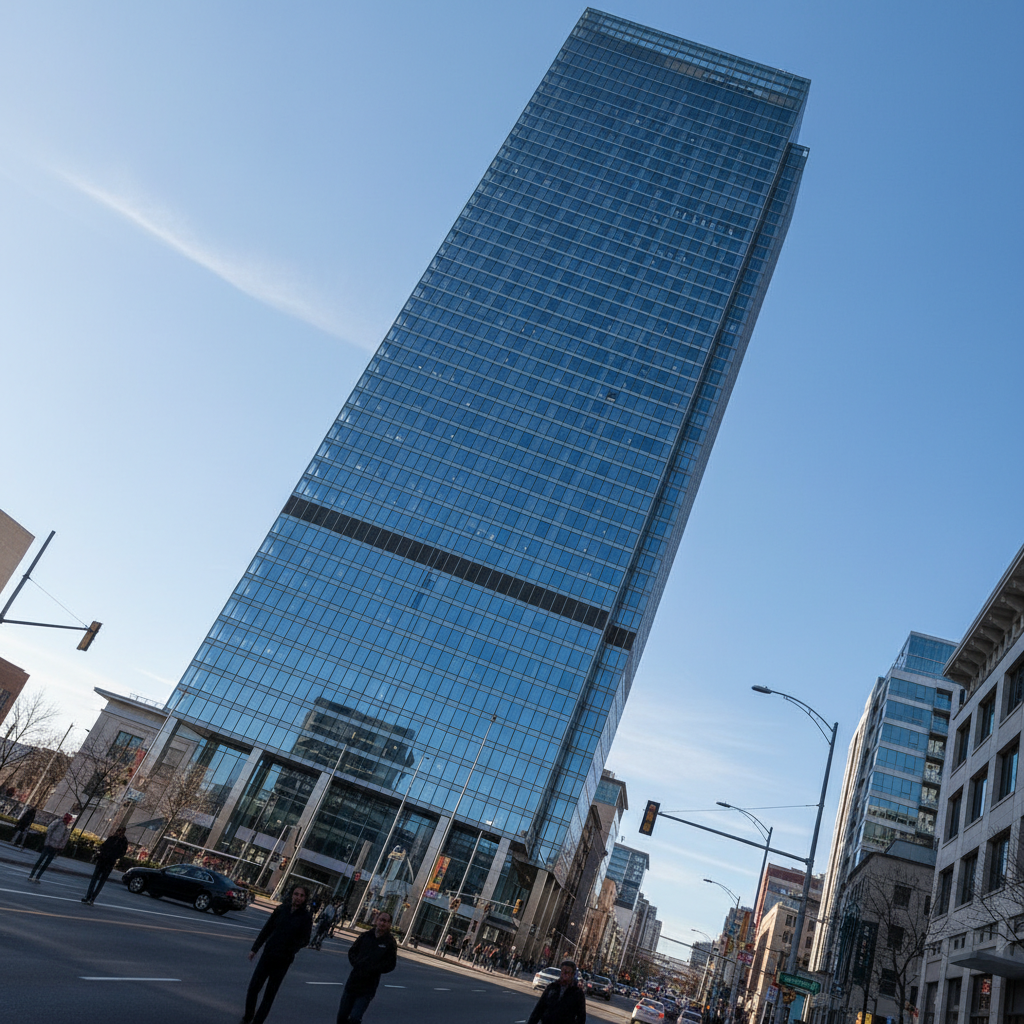
Living room photo tilted clockwise making everything look crooked
Before
->
Same living room perfectly level with straight horizontal and vertical lines
After

Living room with tilted horizon fixed

A living room where the photographer held the camera slightly crooked, making the entire room feel off-balance.

Prompt: level the horizon and straighten all vertical lines so the room looks perfectly level and balanced

Detailed Guides by Scenario

📷

Listing Photo Correction

Fix tilted and distorted property photos before uploading to MLS, Zillow, or Realtor.com.

Common Scenarios

  • Straightening phone camera shots of kitchens and bathrooms with visible barrel distortion
  • Correcting converging verticals on exterior shots taken from ground level
  • Leveling tilted horizon lines in hastily shot listing photos

Best Practices

  • Check doorframes and window edges after correction to verify walls are truly vertical
  • Correct perspective before enhancing colors or replacing skies for the cleanest result
  • Process all photos from the same property with consistent correction for a cohesive listing
📷

Exterior & Architecture

Make buildings look straight and imposing instead of tilted and unstable in exterior photography.

Common Scenarios

  • Fixing converging verticals on tall buildings shot from street level
  • Correcting the leaning effect on multi-story homes photographed from the driveway
  • Straightening commercial property exteriors for marketing materials

Best Practices

  • Buildings should appear to stand straight, not lean backward or sideways
  • Keep some natural perspective for realism - over-correction looks unnatural
  • Verify the roofline is level after straightening the walls
📷

Phone Camera Fixes

Phone cameras use wide-angle lenses that distort room proportions. Fix the barrel effect and stretched edges.

Common Scenarios

  • Correcting barrel distortion from smartphone wide-angle lens in interior shots
  • Fixing the stretched, curved appearance of rooms shot on iPhone ultrawide
  • Normalizing room proportions that look exaggerated by phone camera optics

Best Practices

  • Phone photos with barrel distortion benefit most from 'correct wide-angle distortion' prompts
  • Interior shots taken with ultrawide lens often need both distortion and vertical correction
  • Compare before and after to ensure the room size looks realistic after correction

If something looks off

Correction makes the image look unnaturally stretched

Why: Over-correcting perspective can warp the image, especially at the edges where content gets stretched to compensate.

Try: correct the perspective gently, keeping natural proportions without stretching the edges

Tip: Use 'subtle' or 'gentle' in your prompt to avoid over-correction.

Some walls are straight but others are still tilted

Why: The AI corrected the most prominent distortion but missed secondary issues.

Try: straighten the left wall specifically, it's still tilting inward

Tip: Address remaining walls individually in follow-up prompts for best results.

Room proportions look wrong after correction

Why: Aggressive perspective correction can change the apparent room dimensions.

Try: correct the perspective while keeping the room proportions looking natural and realistic

Tip: Adding 'natural proportions' helps the AI balance correction with realism.

AI changed the wrong area or something I didn't want changed

Why: The AI couldn't determine exactly which area you meant from description alone. This happens with ambiguous requests.

Try: Tap a marker on the specific area you want to change, then regenerate with the same prompt

Tip: Markers tell the AI 'I mean THIS one specifically.' Use them when description alone is ambiguous.

Quick answers

Do I need to mark the distorted areas before correcting?

No! Just describe what you want: 'straighten the vertical lines' or 'correct the wide-angle distortion.' The AI understands perspective issues and fixes them automatically. Only use markers if a specific wall or edge still needs adjustment after the first attempt.

How do I fix wide-angle distortion in listing photos without Lightroom?

Upload your photo to EditThisPic and type 'correct the wide-angle distortion so walls look straight.' The AI reverses barrel distortion and converging verticals without lens profiles or manual sliders. Works on phone camera shots and DSLR wide-angle photos alike.

Is there a free perspective correction tool for real estate photos?

Yes. EditThisPic corrects perspective in property photos free with no account required. Upload your tilted or distorted listing photo, describe what needs straightening, and download the corrected result. No watermarks on the free tier.

What causes buildings to look tilted in photos?

Two main causes: tilting the camera up to capture a tall building (converging verticals) and wide-angle lens distortion (barrel effect that curves straight lines). Phone cameras are especially prone to both issues because they use wide lenses.

Is EditThisPic's perspective correction really free?

Yes — you get 1 free edit per week, no account needed. For unlimited edits, plans start at $3.99/month.

Can I correct perspective on my phone?

Yes. EditThisPic works in any mobile browser — iPhone, Android, tablet. No app download needed.

Ready to straighten your listing photos?

Free to try. No signup required.

Try it free