Pricing Recolor Garment · Free

Recolor Garment in Photo

Last updated

Recolor any garment in your photo in 30 seconds — cut and texture stay locked.
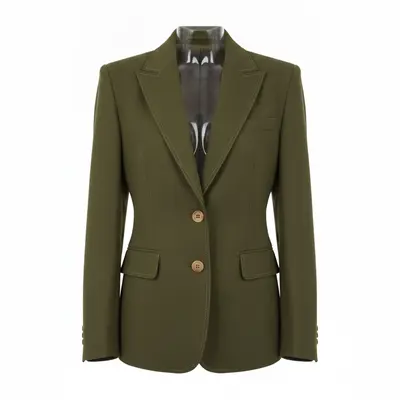
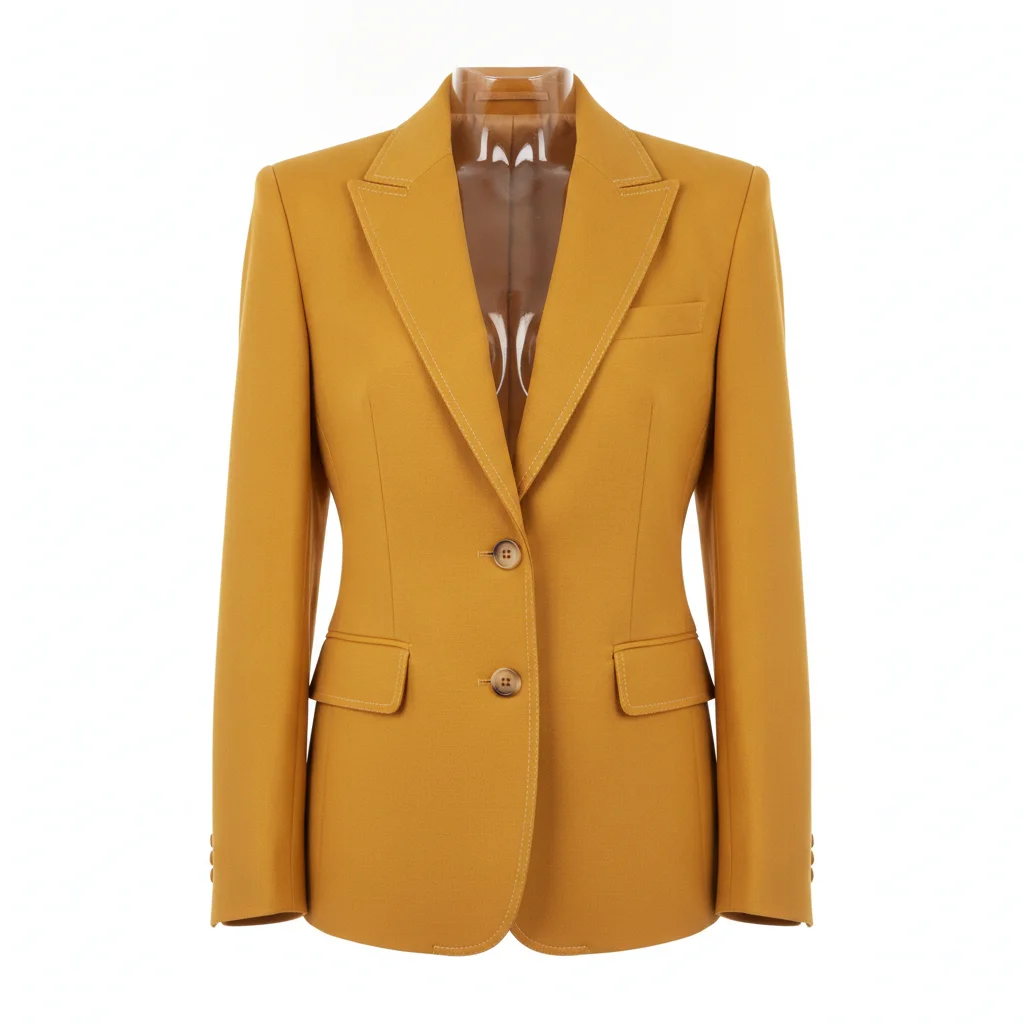
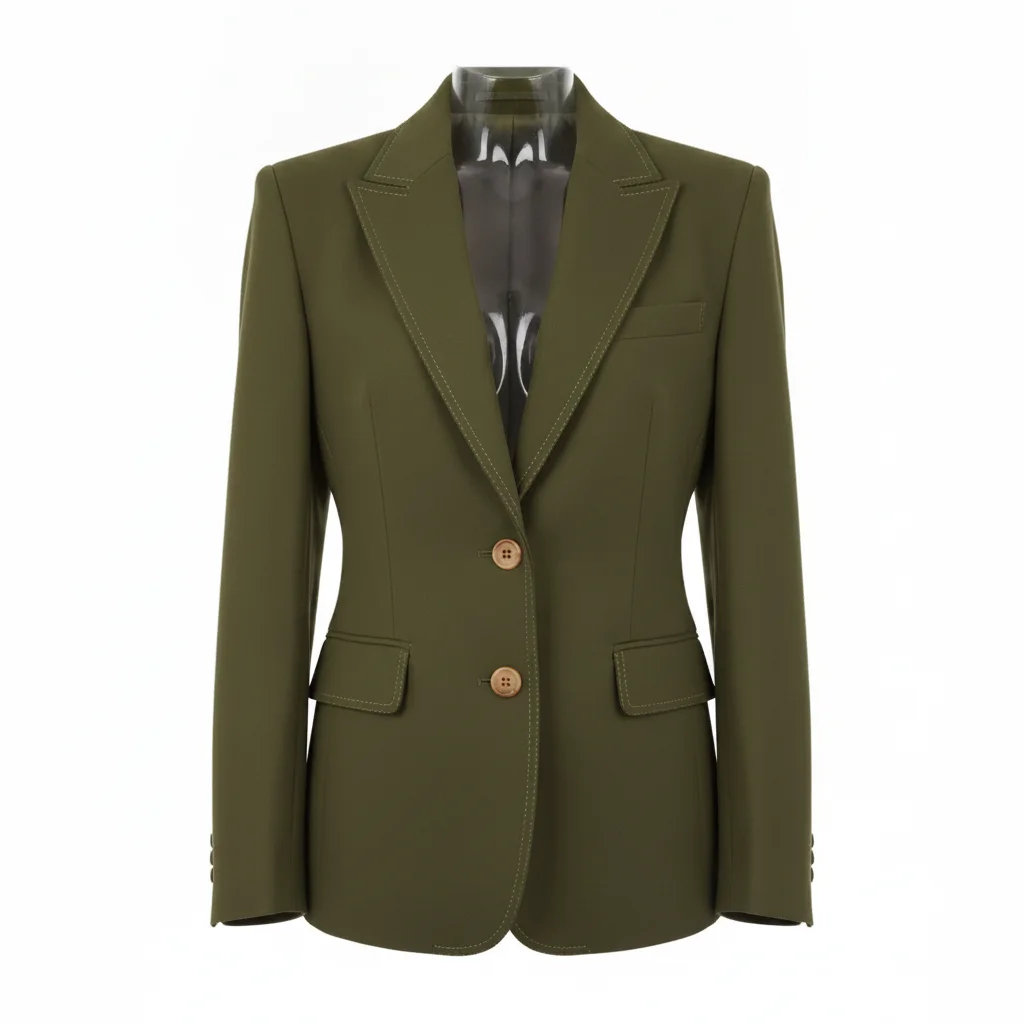
Mustard yellow structured blazer with lapels and button placket on white background Same blazer in olive green with identical lapels, buttons, and topstitching

Upload photo to recolor garment

"recolor the trousers to charcoal grey, preserve the belt loops, pocket placement, side seams, and all fabric texture exactly — only the color changes"

Free to try · no sign-up · photos are never shared

Release to upload

<30stypical edit
1 freeedit weekly
Photo on your phone? Scan to open this editor there — free edit works on your phone too.

1 free edit every week·packs from $4.99

How it works

  1. Upload your photo

    Upload any photo where the garment you want to recolor is clearly visible. White or clean backgrounds work best for product shots. On-model photos also work well. JPG, PNG, or WebP up to 7MB.

    Expect: Simple solid garments: recolored in 15–30 seconds. Structured garments with buttons, zippers, or topstitching may need a detail-lock phrase to preserve those elements.
  2. Describe the new color and name what to preserve

    Type: 'recolor the [garment type] to [color], preserve all seams, buttons, pockets, and fabric texture exactly — only the hue changes.' Naming the garment type ('jacket,' 'trousers,' 'top') and listing the key details to preserve produces the cleanest results.

    Tip: For ecommerce variant runs: build a template prompt with your garment's specific details listed — buttons, zippers, topstitching, pocket placement. Reuse the same template for every colorway.

    Copy one of these to get started:

    Jacket or coat recolor — product listing recolor the jacket to olive green, preserve all seam lines, buttons, pocket flaps, and fabric texture exactly — only the hue changes
    Trousers or jeans recolor recolor the trousers to charcoal grey, preserve the belt loops, pocket placement, side seams, and all fabric texture exactly — only the color changes
    Top or blouse recolor — on-model photo recolor only the top to dusty lavender, preserve the neckline shape, sleeve hem, all seams, and fabric drape exactly — do not alter skin tone, hair, or background
    Outerwear with multiple textures — preserve contrast materials recolor the jacket body to navy blue, preserve the contrast knit collar and cuffs in their original color, preserve all zippers and pockets exactly — only the main body fabric color changes
    2 more prompts
    Color-only change for A/B test listing recolor the sweatshirt from grey to burgundy, preserve every seam, ribbing detail, pocket, and fabric texture exactly — the only difference between original and result should be the color
    Denim garment — change denim color without losing wash texture recolor the denim jacket from indigo to black, preserve the denim wash texture, distressing, seam lines, and all hardware exactly — only the base denim color changes
  3. Download and check detail areas at full zoom

    Open at 100% zoom. Check button holes, pocket edges, zipper pulls, and any contrast stitching. These are the highest-risk areas for color bleed or detail loss. Verify the background hasn't been tinted by the new color.

See it in action

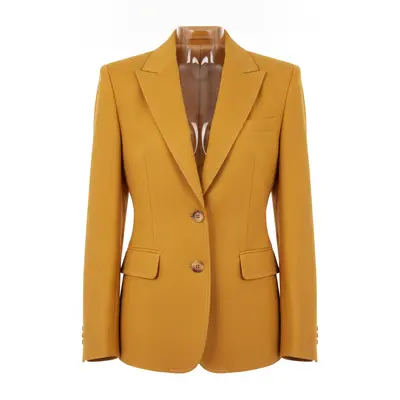
Mustard yellow structured blazer with lapels and button placket on white background
Before
->
Same blazer in olive green with identical lapels, buttons, and topstitching
After

Mustard jacket → olive green for Shopify listing

Ghost-mannequin product shot of a mustard yellow structured blazer. The button placket, lapels, and topstitching all preserved on first pass.

Prompt: recolor the jacket to olive green, preserve the lapel shape, button placket, topstitching, and all fabric texture exactly — only the hue changes
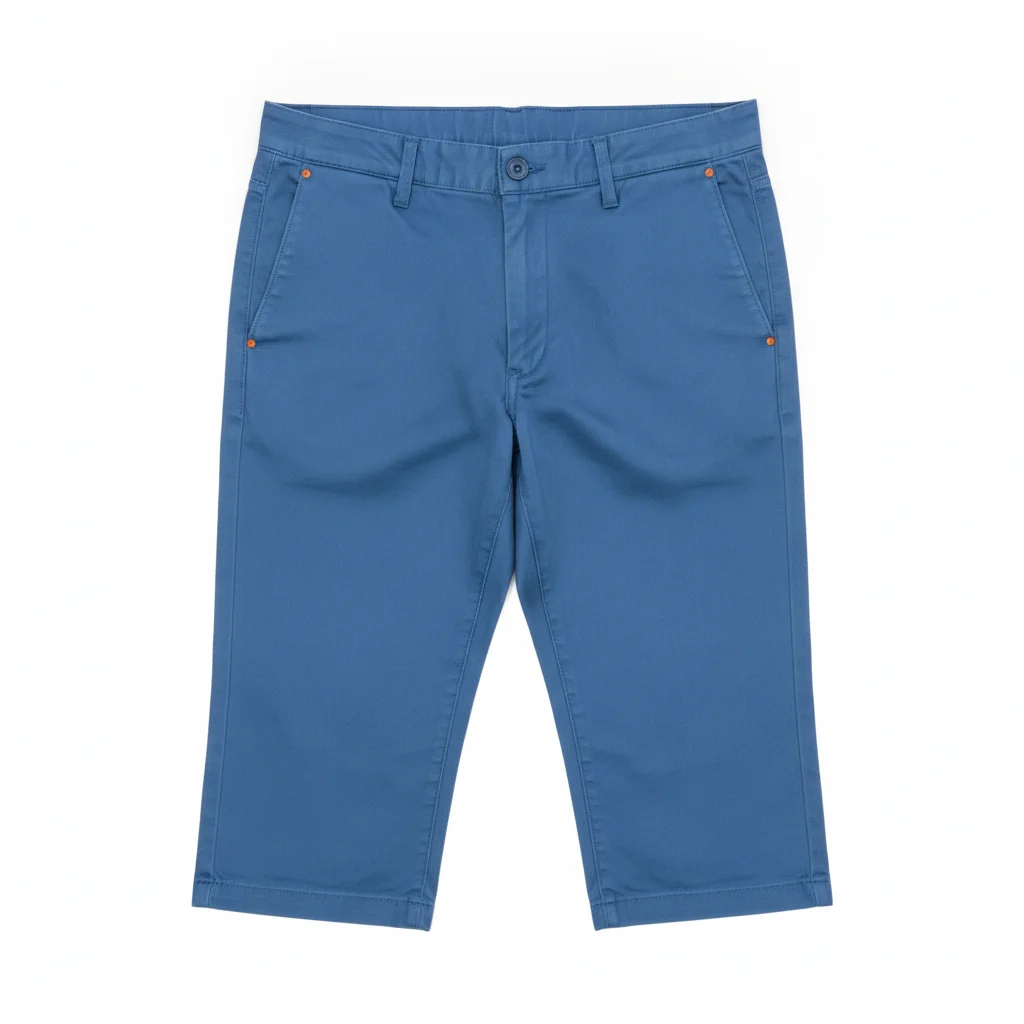
Mid-blue trousers flat-lay with belt loops and pocket stitching visible
Before
->
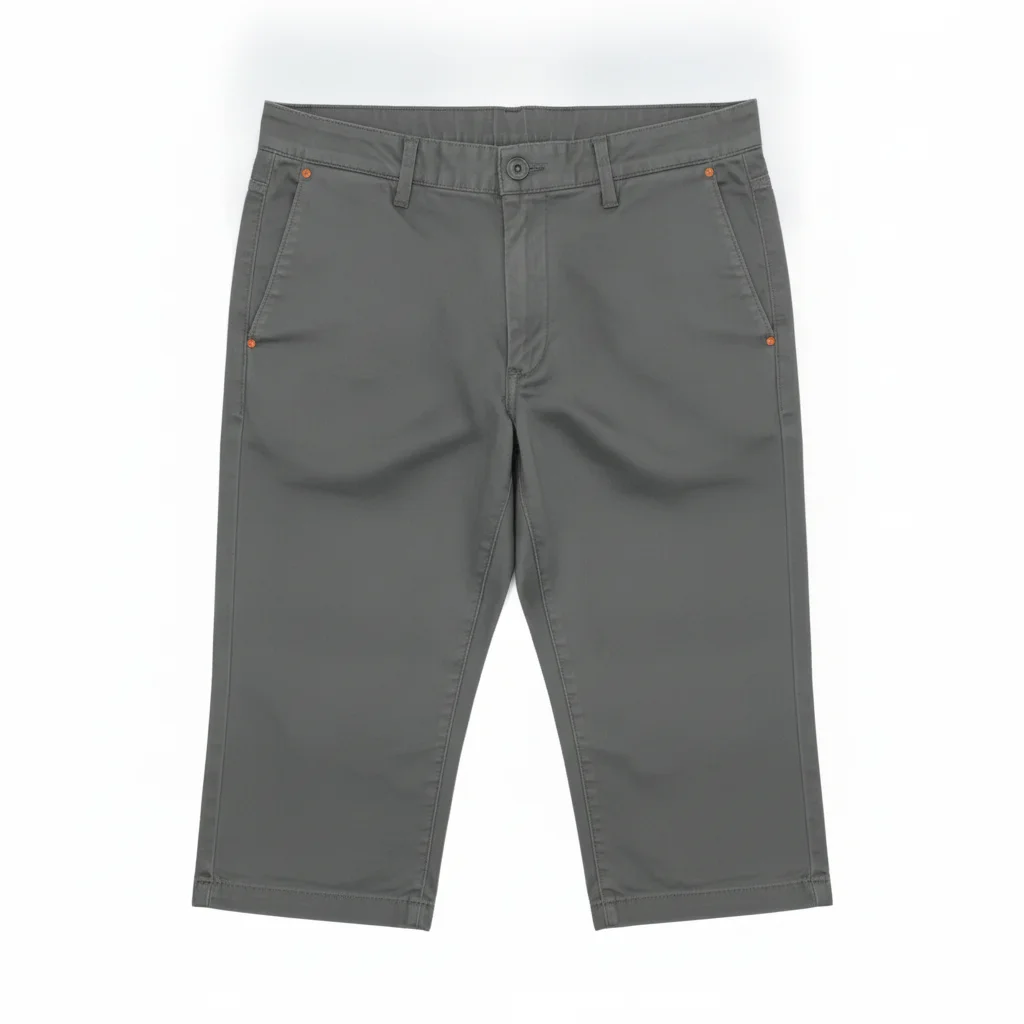
Same trousers in charcoal grey with belt loops and stitching preserved
After

Blue trousers → charcoal for catalog variant

Flat-lay product shot of mid-blue trousers on white background. Belt loops, pocket seams, and side seam stitching all transferred cleanly to charcoal grey.

Prompt: recolor the trousers to charcoal grey, preserve the belt loops, pocket seams, side seam stitching, and all fabric texture exactly — only the color changes

Quick answers

Do I need to mark or select the garment before recoloring it?

No. Just describe: 'recolor the jacket to olive green, preserve all seams and fabric texture exactly.' The AI identifies the garment from context. Use a marker tap only if it recolors the wrong element — for layered outfits or when garment and background share similar tones.

Is there a free AI tool to recolor a garment in a photo with no login?

Yes. EditThisPic recolors garments free to preview with no signup, and purchased downloads are clean. Upload your photo, describe the new color, download the result in 30 seconds. Free tier includes one preview edit per week. Credit packs start at $4.99.

How do I recolor a garment for a product listing or Shopify store?

Upload your product photo (white background, front-facing). Type: 'recolor the [garment] to [color], preserve all seams, buttons, pockets, and texture exactly — only the hue changes.' Download and use directly in your listing. For multiple variants, always start from the original photo.

Can I recolor just one garment in a layered outfit?

Yes. Be specific about which layer to target: 'recolor only the jacket to navy, leave the shirt underneath, trousers, shoes, and accessories completely unchanged.' For complex layered outfits, tap a marker on the specific garment before generating — markers eliminate ambiguity about which layer to change.

How much does EditThisPic cost?

You get 1 free edit per week — no account needed. After that, one-time credit packs start at $4.99 for 10 edits, valid 12 months, no subscription. Power users who edit daily can pick Studio Membership, a monthly workspace at $49.99/mo for 300 edits. Purchased downloads are clean with no watermark.

Ready to recolor your garment?

Free to start. No signup required.

1 free edit included·Credit packs from $4.99