StudioNew Pricing Generate Shirt color variant · Free

AI Shirt Color Variant Generator

← Browse all creative effects

Last updated

One shirt photo, every color option — Shopify, Etsy, print-on-demand ready.
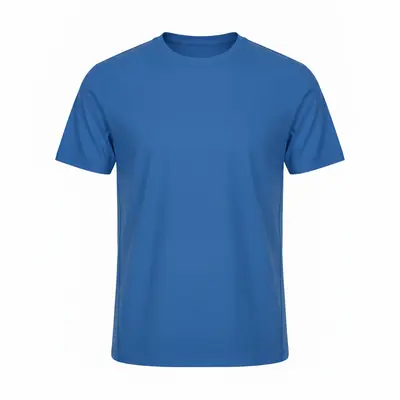
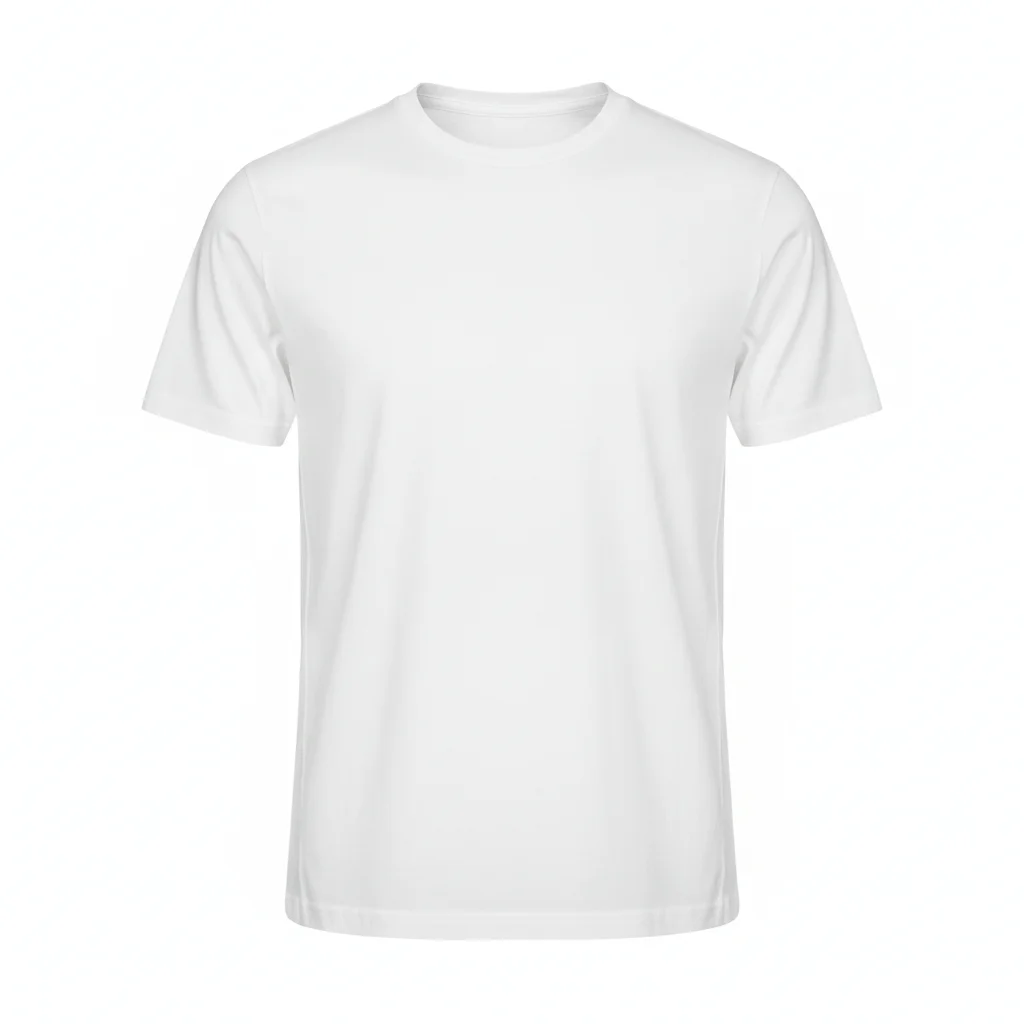
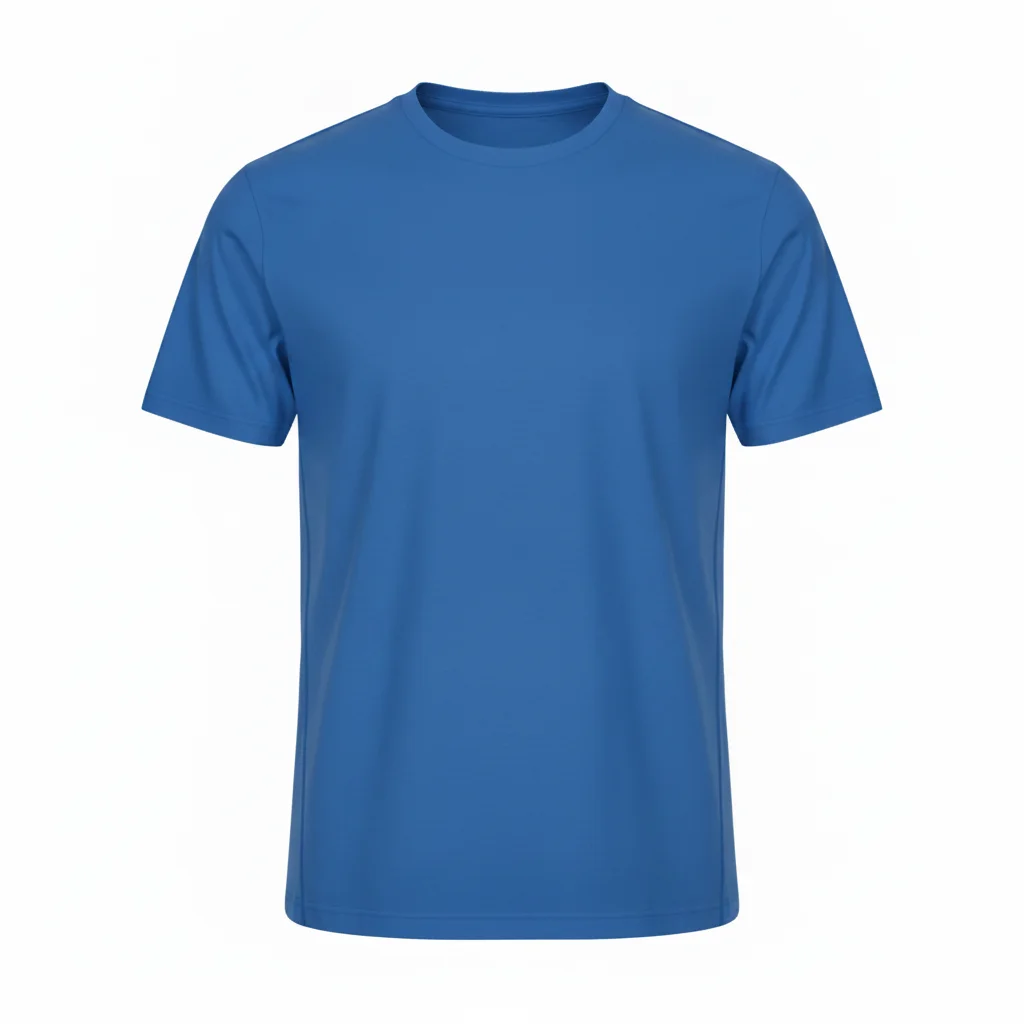
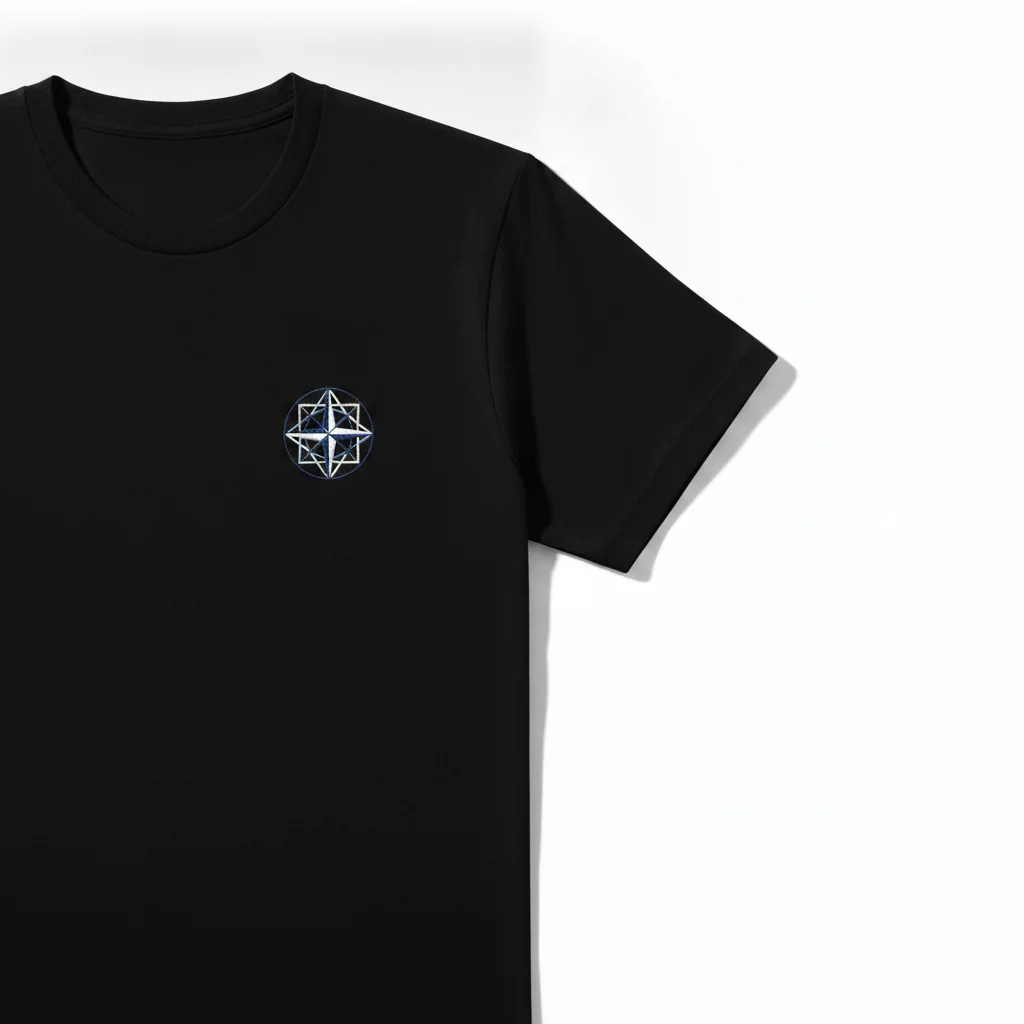
Plain white crew-neck t-shirt ghost mannequin shot Same tee in cobalt blue with collar and seams preserved

Upload photo to generate shirt color variant

"generate a burgundy color variant of this polo, preserve the ribbed collar, two-button placket, side seams, and all fabric texture exactly — only the hue changes"

Free to try · no sign-up · photos are never shared

Release to upload

<30stypical edit
1 freeedit weekly
Photo on your phone? Scan to open this editor there — free edit works on your phone too.

1 free edit every week·packs from $4.99

How it works

  1. Upload your hero shirt photo

    Use your best product photo — white or neutral seamless background, front-facing, even lighting. Ghost mannequin or flat-lay both work well. This is the source for every variant in your color run. JPG, PNG, or WebP up to 7MB.

    Expect: Plain tees and solid tops: variant in 15–30 seconds on first pass. Polo shirts with collar structure and buttons: 30–60 seconds, may need one pass on the collar area. Shirts with printed graphics or embroidery need explicit logo-preservation phrases.
  2. Describe the target color and lock shirt structure

    Type: 'generate a cobalt blue color variant, preserve the collar shape, seam lines, sleeve hem, and all fabric texture exactly — only the hue changes.' For shirts with collar structures (polo, button-down): name the collar type explicitly. 'Preserve the ribbed collar' or 'preserve the button placket' tells the AI exactly which structural elements to protect.

    Tip: For print-on-demand stores: if the shirt has a printed graphic, add 'preserve the printed graphic in its original colors — only the base shirt color changes.' Without that, the AI will recolor the graphic alongside the shirt.

    Copy one of these to get started:

    Plain crew-neck or v-neck tee — Shopify or Etsy listing generate a cobalt blue color variant, preserve the collar shape, seam lines, and all fabric texture exactly — only the hue changes
    Polo shirt — preserve collar and button placket generate a burgundy color variant of this polo, preserve the ribbed collar, two-button placket, side seams, and all fabric texture exactly — only the hue changes
    Graphic tee — color change without recoloring the print generate a black color variant of this tee, preserve the printed graphic in its original colors exactly — only the base shirt color changes, the print stays identical
    Button-down shirt — preserve button details and collar spread generate a sky blue color variant, preserve the button placket, button spacing, collar spread, chest pocket, and all fabric texture exactly — only the hue changes
    3 more prompts
    Long-sleeve tee — color run for seasonal catalog generate a slate grey color variant of this long-sleeve tee, preserve the cuff hem, collar, side seams, and all fabric texture exactly — only the color changes from [current color] to slate grey
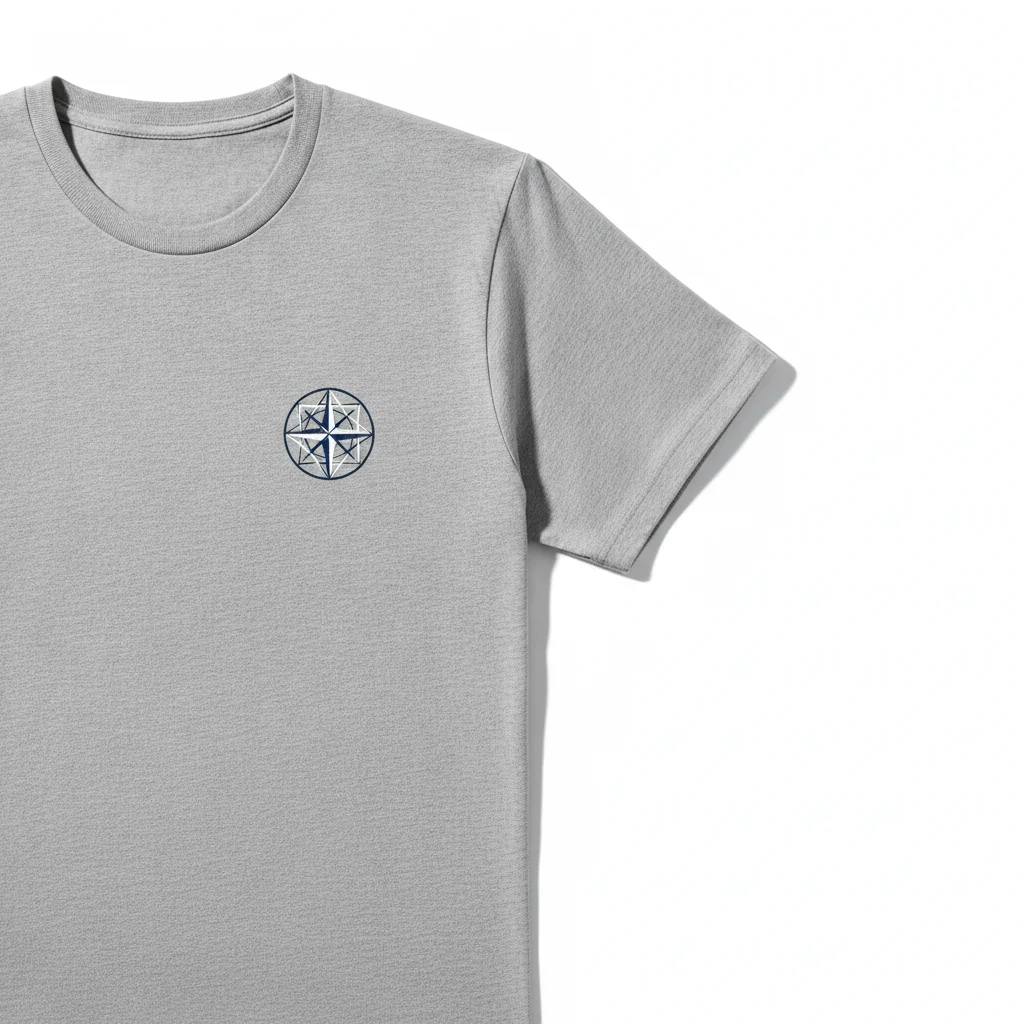
    Embroidered shirt — preserve embroidery during recolor generate a navy color variant, preserve the embroidered chest logo in its original colors exactly — only the base shirt color changes, do not alter the embroidery
    Ribbed or textured fabric shirt — preserve weave during color change generate a terracotta color variant of this ribbed tee, preserve every ribbed detail, the rib spacing, and the three-dimensional knit texture exactly — only the color changes
  3. Verify collar, seam, and detail areas at full zoom

    Open the result at 100%. Check the collar edge and neckline first — this is where most shirt color variants show subtle edge issues. Check sleeve hems, side seams, and any contrast stitching. Verify the background is still pure white if needed for your marketplace.

  4. Refine collar or detail areas with markers if needed

    If the collar edge or a stitching detail didn't carry through, tap a marker on that specific spot and regenerate: 'restore the ribbed collar texture at the neckline — do not change the color, only restore the structural detail.' Markers isolate the refinement to the exact area.

    Tip: Collar issues are the most common refinement point for polo and structured shirts. One marker tap on the collar, one regeneration, typically resolves it.

See it in action

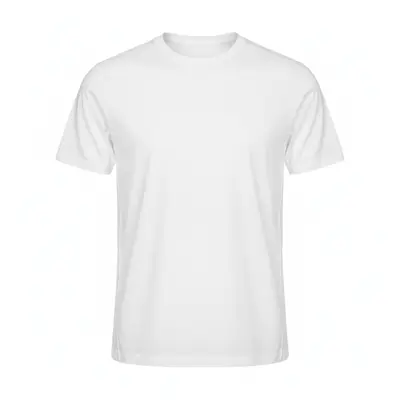
Plain white crew-neck t-shirt ghost mannequin shot
Before
->
Same tee in cobalt blue with collar and seams preserved
After

White crew-neck tee → 6 colorways for Etsy

Ghost-mannequin product shot of a plain white crew-neck on white background. Six colorways generated in one session. Collar shape and side seams transferred consistently across all variants.

Prompt: generate a cobalt blue color variant, preserve the ribbed collar, side seams, and all fabric texture exactly — only the hue changes
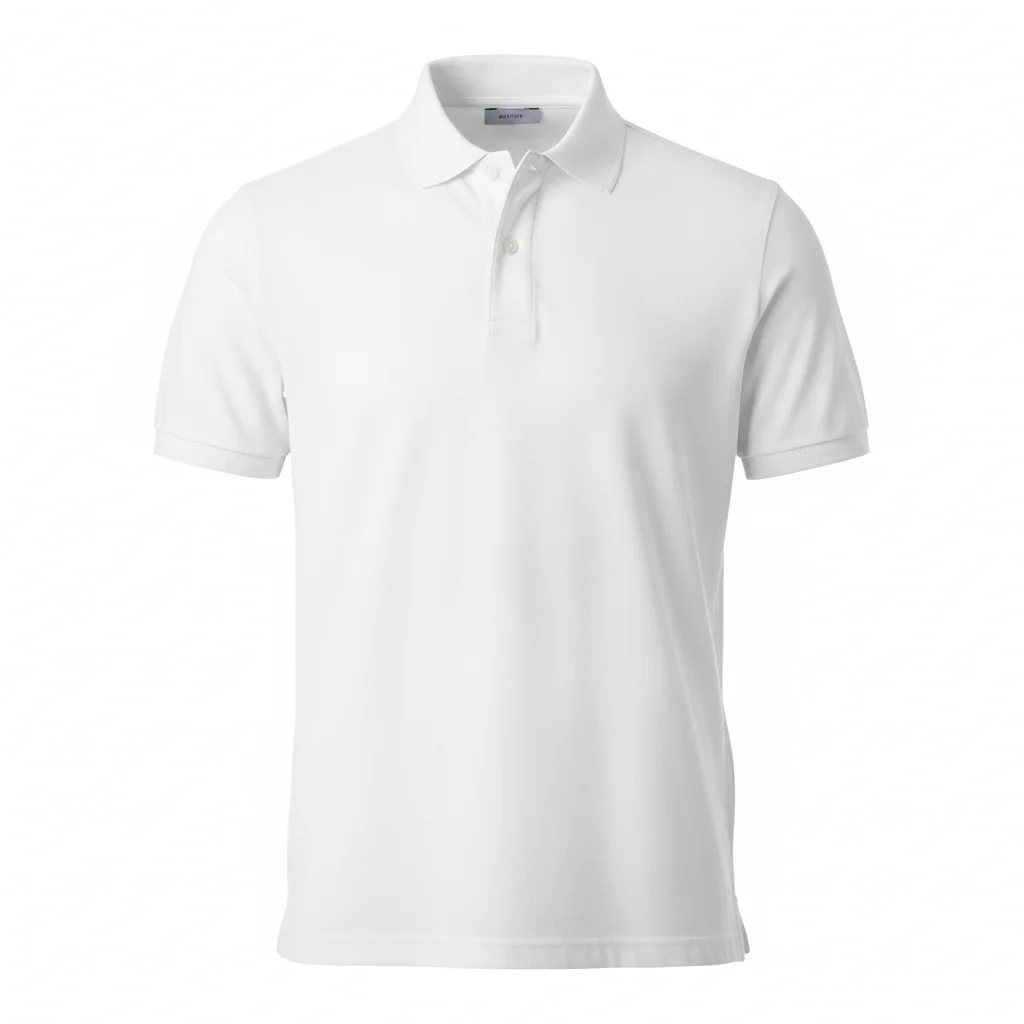
White polo shirt ghost mannequin with ribbed collar and button placket
Before
->
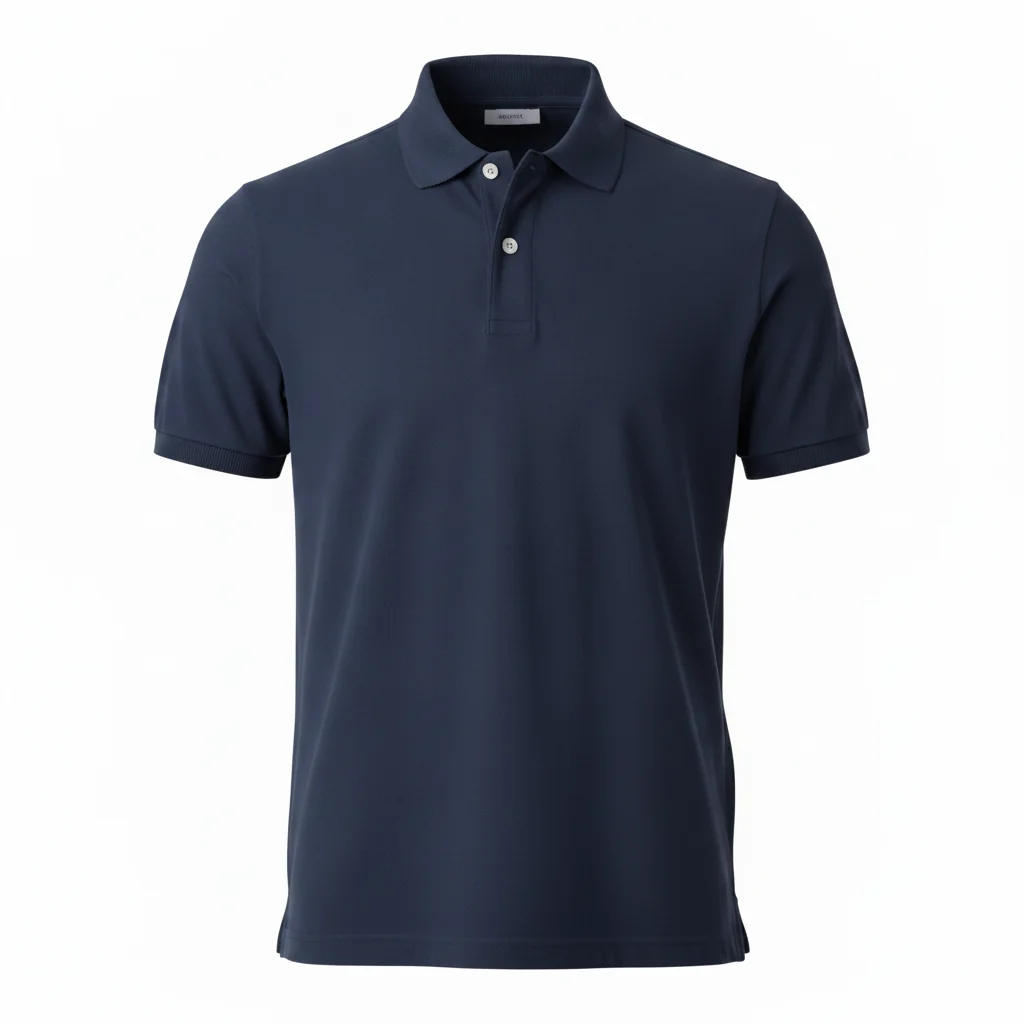
Same polo in navy with collar structure and button placket preserved
After

White polo → 4 variants for Shopify

Ghost-mannequin polo product shot. The two-button placket and ribbed collar required explicit preservation phrases. All four colorways (navy, burgundy, forest green, slate) came through cleanly.

Prompt: generate a navy color variant, preserve the two-button placket, ribbed collar, side seams, and all fabric texture exactly — only the hue changes
Grey t-shirt with printed chest graphic on white background
Before
->
Same tee in black with printed graphic colors completely unchanged
After

Grey graphic tee → black base color without recoloring print

Flat-lay of a grey tee with a printed chest logo. Generated a black base variant without altering the print. The graphic colors and print boundary stayed exactly intact.

Prompt: generate a black color variant, preserve the printed chest graphic in its original colors exactly — only the base shirt color changes from grey to black, the print stays identical

Quick answers

Do I need to mark or select the shirt before generating a color variant?

No. Just describe: 'generate a cobalt blue color variant, preserve the collar and fabric texture exactly — only the hue changes.' The AI identifies the shirt from context. Use a marker tap only for white shirts on white backgrounds or when it changes the wrong element.

Is there a free AI shirt color variant generator with no login?

Yes. EditThisPic generates shirt color variants for free with no account and no watermark. Upload your shirt photo, describe the target color, download in 30 seconds. Free tier includes one edit per week. Credit packs start at $4.99 for 3 variants.

How do I create shirt color variants for my Shopify or Etsy store?

Upload your hero shirt photo (white background, front-facing). For each color, type: 'generate a [color] color variant, preserve the collar shape, seam lines, and all fabric texture exactly — only the hue changes.' Download each result. Always start from the original photo for each variant to prevent color drift.

How do I generate shirt variants for a print-on-demand store without recoloring the graphic?

Add a graphic-lock phrase: 'preserve the printed graphic in its original colors exactly — only the base shirt color changes, the print stays identical.' This prevents the AI from treating the graphic as part of the shirt color zone. The result is a clean base-color variant with the print unchanged.

How many shirt color variants can I generate from one photo?

As many as you need — each variant is one edit (one credit). Always start from the original hero photo for each pass, not from a previously recolored version. There is no per-session limit on variants.

How much does EditThisPic cost?

You get 1 free edit per week — no account needed. After that, one-time credit packs start at $4.99 for 10 edits, valid 12 months, no subscription. Power users who edit daily can pick Studio, a monthly workspace from $29.99/mo. Purchased downloads are clean with no watermark.

Ready to generate your shirt variants?

Free to start. No signup required.

1 free edit included·Credit packs from $4.99