StudioNew Pricing Change Outfit color bulk · Free

Bulk Outfit Color Changer

← Browse all body & person tools

Last updated

Shoot one sample, generate every colorway — no extra samples, no reshooting.
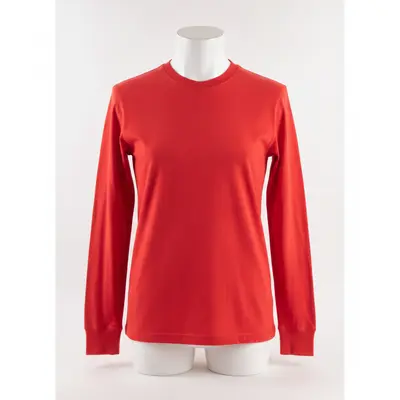
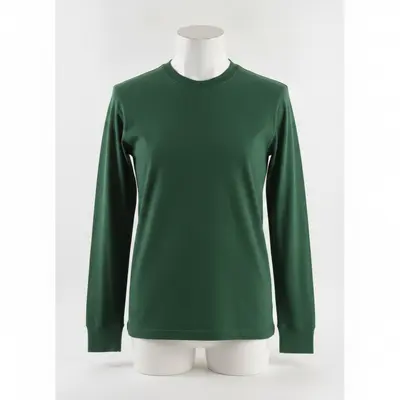
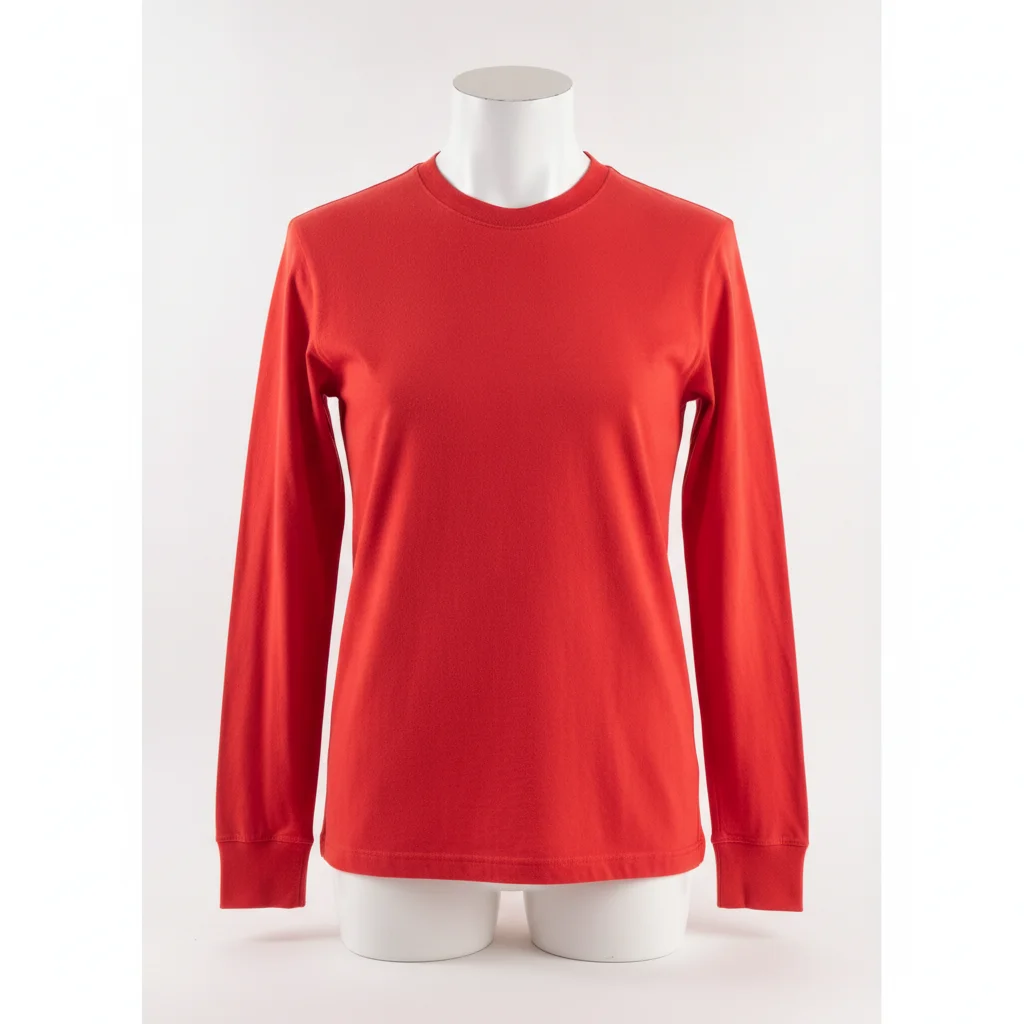
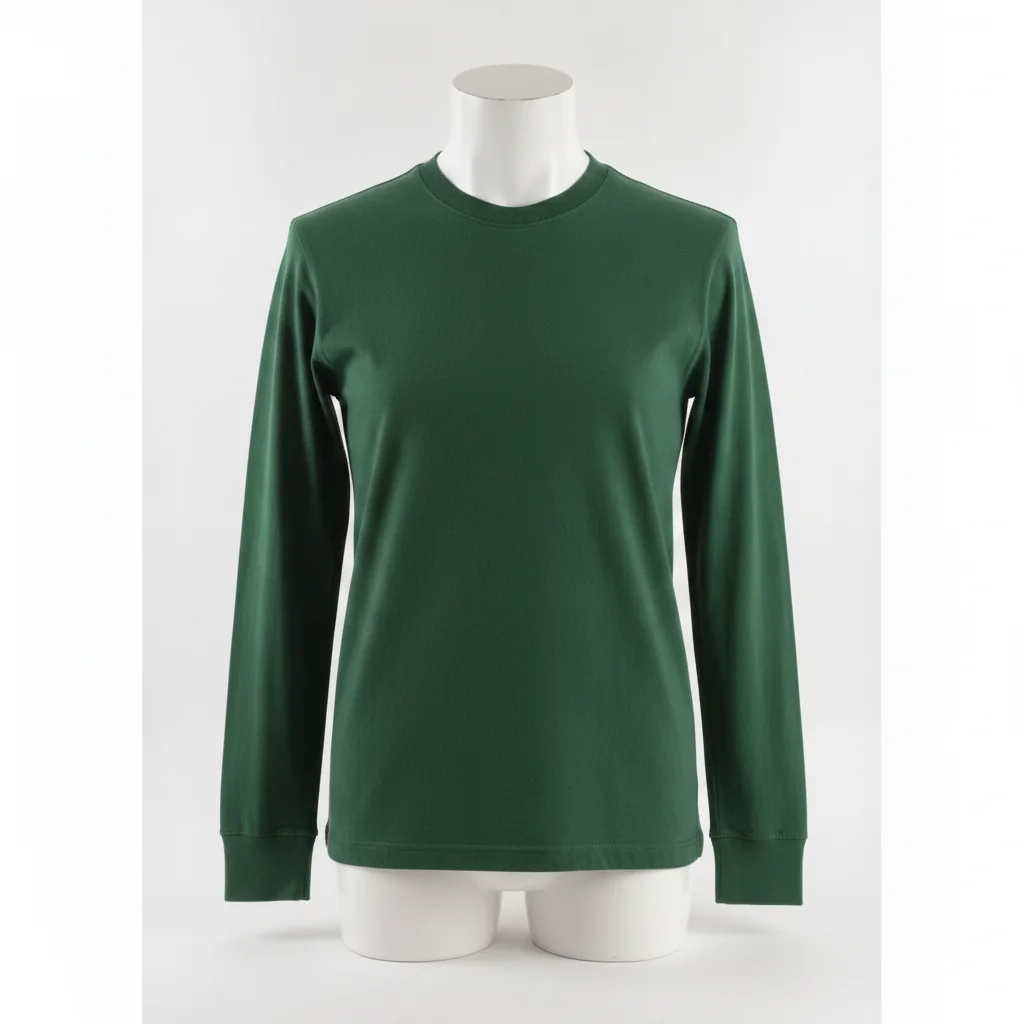
Red long-sleeve t-shirt on white mannequin bust, seamless white background Same shirt in forest green with identical ribbing and seam lines preserved

Upload photo to change outfit color bulk

"change the outfit color to dusty rose, preserve the cut, all seam lines, button placement, and weave texture exactly — do not alter garment shape or fabric type"

Free to try · no sign-up · photos are never shared

Release to upload

<30stypical edit
1 freeedit weekly
Photo on your phone? Scan to open this editor there — free edit works on your phone too.

1 free edit every week·packs from $4.99

How it works

  1. Upload your hero product shot

    Use your cleanest, highest-resolution sample photo — ideally on a white or neutral seamless background. Front-facing, even lighting with no harsh shadows gives the AI the clearest view of seams, texture, and silhouette. JPG, PNG, or WebP up to 7MB.

    Expect: Simple solid-color garments: each colorway takes 30–60 seconds. Garments with visible texture (ribbing, weave patterns) may need one refinement pass to lock the texture. Complex patterned garments take longer — plan for 2–3 passes.
  2. Describe the target color and lock everything else

    Type the full color instruction: 'change the outfit color to cobalt blue, preserve all seams, stitching, ribbing, collar shape, and fabric texture exactly — only the hue should change.' The lock phrase is load-bearing — without it, the AI may simplify or redesign the garment as it recolors. Name the exact color; 'blue' produces any blue, 'cobalt' constrains the output.

    Tip: Run your full colorway list before doing any refinement passes. You want consistent lighting and fabric texture across all variants — check all of them at thumbnail size first, then zoom in on any that need a second pass.

    Copy one of these to get started:

    Solid-color garment — new colorway for Shopify or Etsy change the outfit color to forest green, preserve all seams, stitching details, collar shape, and fabric texture exactly — only the hue should change
    Multiple colorways from one run — name each color explicitly change the outfit color to dusty rose, preserve the cut, all seam lines, button placement, and weave texture exactly — do not alter garment shape or fabric type
    Textured knit or ribbed garment — color change without losing weave change the sweater color from grey to camel, preserve every ribbed knit detail, cable pattern, and hem texture exactly — only the color changes, the weave structure stays identical
    Seasonal color drop — Pantone-adjacent color naming change the jacket color to terracotta orange — warm, muted, earthy tone not bright orange — preserve lining edges, zipper details, and all fabric texture exactly
    3 more prompts
    Product catalog A/B test — two near-identical color variants change the outfit color to charcoal grey, preserve all seam lines, topstitching detail, pocket placement, and fabric weight texture exactly — the only change should be the color from black to charcoal
    Amazon main image — white background preserved during color swap change the outfit color to burgundy, preserve the seamless white background and all garment details — collar shape, seam lines, and fabric texture stay identical
    Look-book variant — color change with model photo change only the dress color to sage green, preserve the model's skin tone, hair, shoes, and all accessories exactly — only the garment color changes, everything else stays
  3. Download and batch through each colorway

    Download the result, verify seam lines and texture are intact at 100% zoom, then return to your original photo and run the next color. Always start from the original hero shot — not from a previously recolored version — to prevent color drift across your batch.

  4. Refine texture or edge issues with markers

    If a collar edge or ribbing detail didn't carry through, tap a marker directly on that area and regenerate with 'fix the ribbing texture at the neckline to match the original — only restore the texture detail, do not change the color.' Markers constrain the refinement to that region only.

    Tip: Markers are for specific edge or texture failures, not routine use. Most solid-color garments pass on the first attempt without them.

See it in action

Red long-sleeve t-shirt on white mannequin bust, seamless white background
Before
->
Same shirt in forest green with identical ribbing and seam lines preserved
After

Red crew-neck tee → 6 colorways for Shopify listing

Standard studio product shot of a red long-sleeve tee on a mannequin bust, white seamless background. Each colorway ran from the same original photo. All 6 passes preserved the ribbed collar and cuffs without manual refinement.

Prompt: change the outfit color to forest green, preserve all seams, ribbed collar, cuffs, and fabric texture exactly — only the hue should change
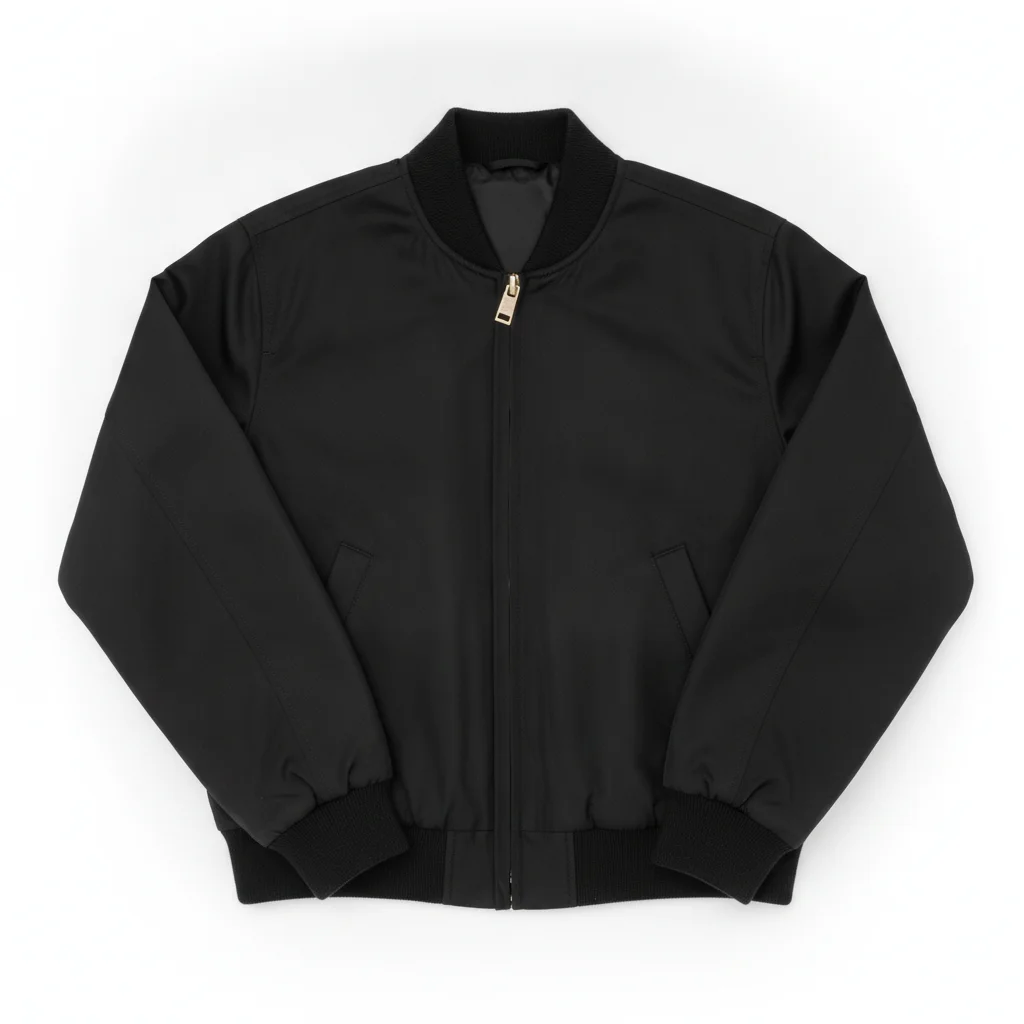
Black bomber jacket flat-lay with zipper and topstitching visible
Before
->
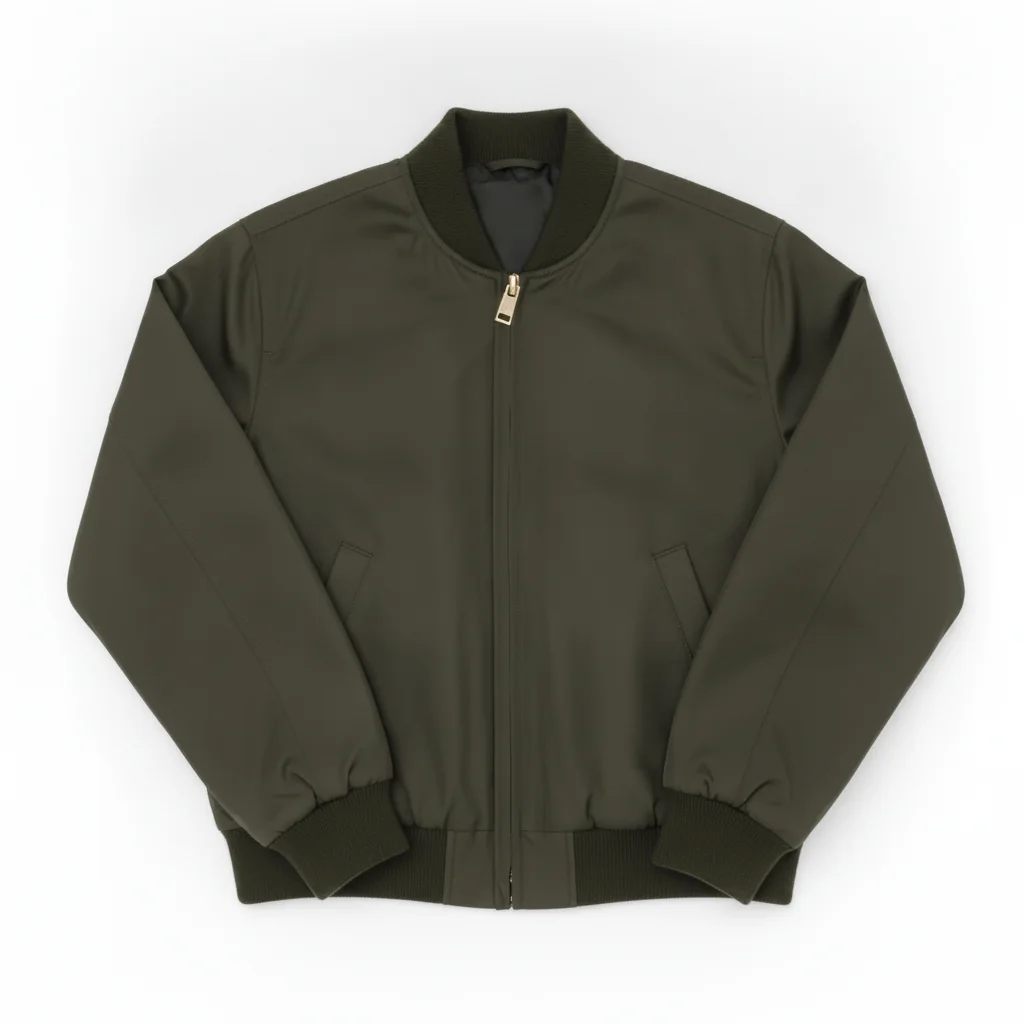
Same bomber in olive green with zipper, topstitching, and ribbing all preserved
After

Black bomber jacket → seasonal color drop (4 variants)

Flat-lay product shot of a bomber jacket on a white background. Ran four color passes: olive, terracotta, dusty blue, and camel. The zipper pull and topstitching lines carried through consistently across all four.

Prompt: change the jacket color to olive green, preserve the zipper detail, topstitching lines, ribbed hem and cuffs, and all fabric texture exactly — only the hue changes
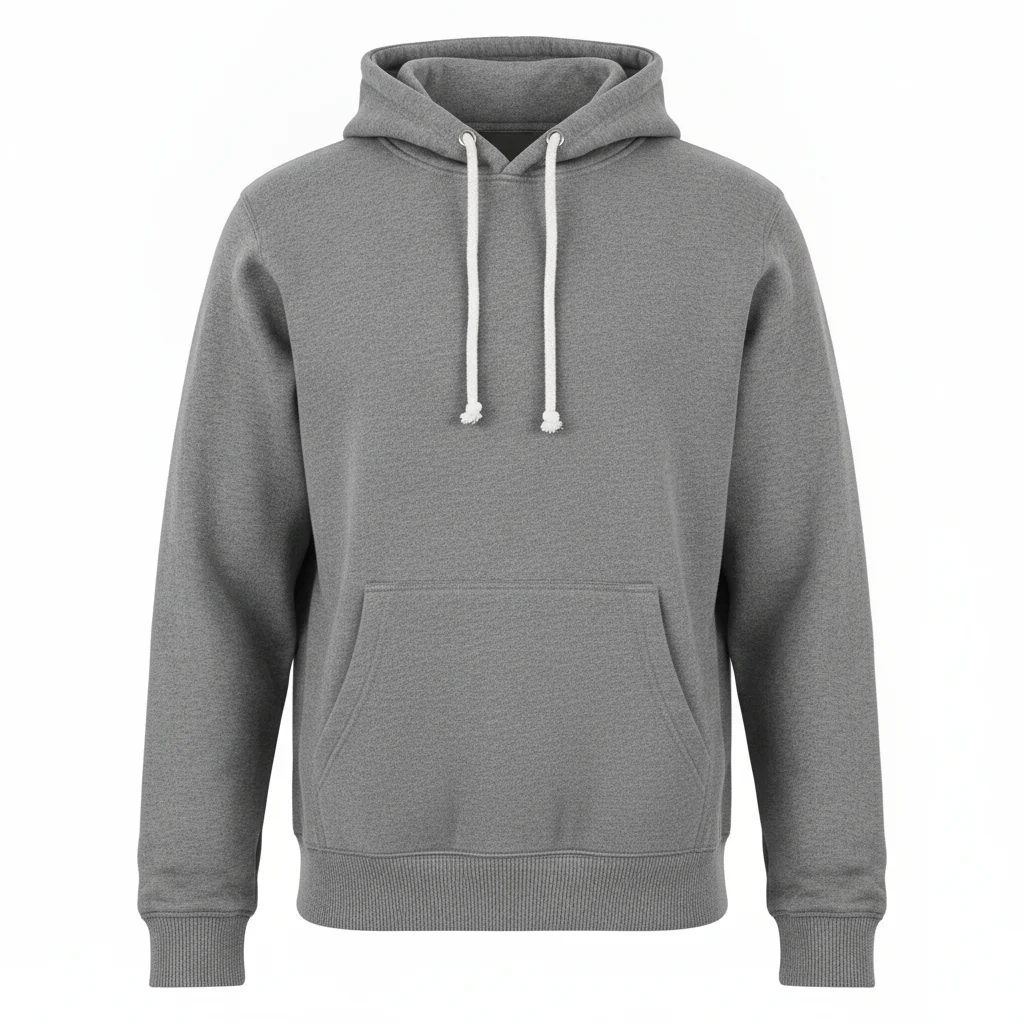
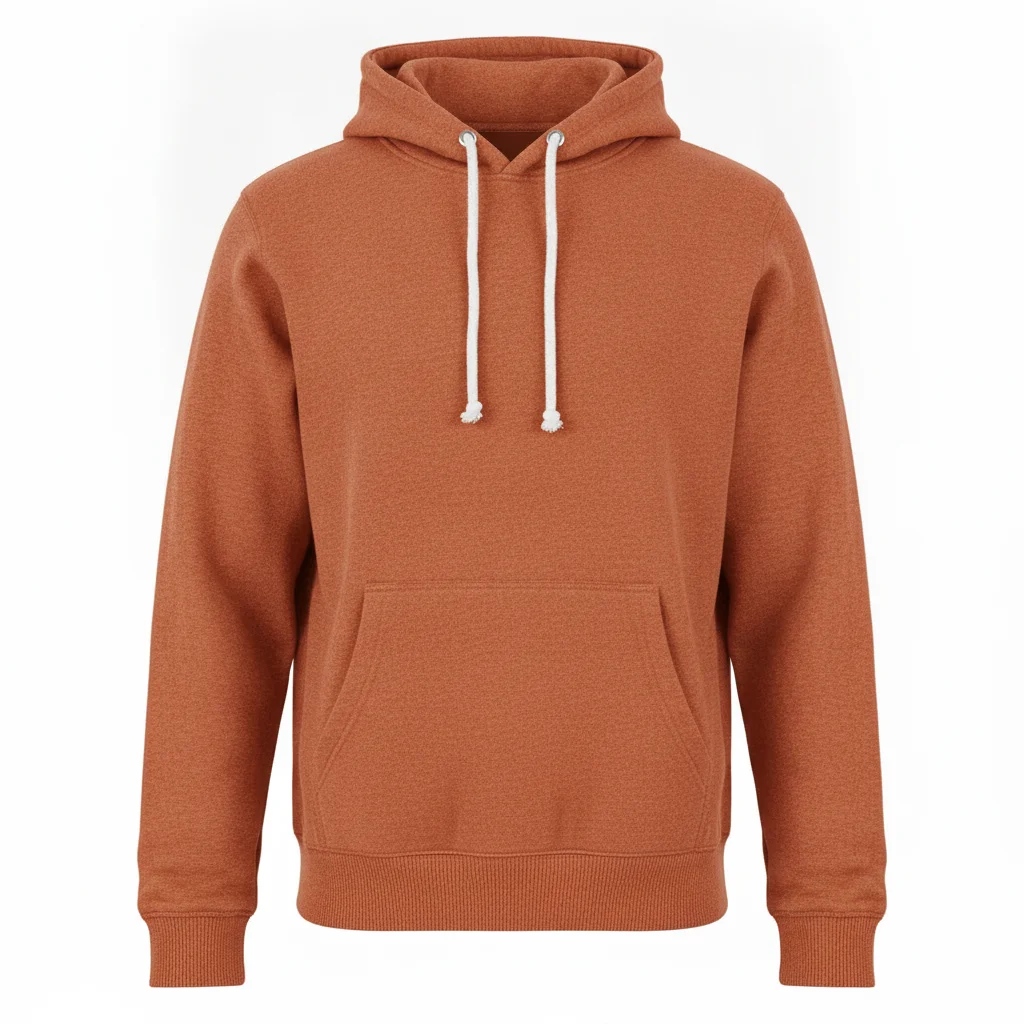
Grey pullover hoodie ghost mannequin shot with kangaroo pocket and drawstrings
Before
->
Same hoodie in rust orange with pocket, drawstrings, and ribbing preserved
After

Grey hoodie → 5-color Etsy listing batch

Ghost mannequin product shot of a grey pullover hoodie. Five colorways in one session. The kangaroo pocket, drawstring, and hem ribbing stayed consistent across all passes. Total time: under 8 minutes.

Prompt: change the hoodie color to rust orange, preserve the kangaroo pocket, drawstring grommets, ribbed hem, and all fabric texture exactly — do not alter the garment shape or any structural details

Quick answers

Do I need to mark or select the garment before changing the color?

No. Just describe the color change and what to preserve: 'change the outfit color to cobalt blue, preserve all seams and texture exactly.' The AI identifies the garment from context. Only use markers if the AI changes the wrong area — for example, if a white background picks up a color tint alongside the garment.

What does bulk outfit color changing cost?

Each colorway uses 1 credit. Credit packs: 10 for $4.99 (50¢ each), 25 for $9.99 (40¢ each), 50 for $17.99 (36¢ each). Your weekly free edit covers a single photo — it does not cover a batch of colorways.

How do I generate all my Shopify or Amazon colorways from one product photo?

Upload your hero product shot (white background, front-facing, good lighting). For each color, type: 'change the outfit color to [color], preserve all seams, texture, and garment details exactly — only the hue changes.' Download each result. Always start from the original photo for each pass to prevent color drift across your batch.

Will the AI preserve ribbing, topstitching, and seam details when I recolor?

Yes, if you explicitly tell it to. Add 'preserve all seams, stitching details, and fabric texture exactly' to your prompt. Without that phrase, color-change prompts may smooth away texture details while recoloring. The explicit lock prevents the AI from simplifying the garment surface.

How many colorways can I generate from one photo?

As many as you need — each colorway is one edit (one credit). Always start from the original hero photo for each pass, not from a previously recolored version. Starting from a recolored image can cause color drift across your batch. There is no per-session or per-day limit on the number of edits.

Can I do color variants for on-model photos, not just flat-lay or mannequin shots?

Yes. For on-model shots, explicitly name what to preserve beyond the garment: 'preserve the model's skin tone, hair color, shoes, and accessories — only the garment color changes.' Without that, the AI may apply a color cast to the whole image. White-background and ghost-mannequin shots are more forgiving for bulk color runs.

How much does EditThisPic cost?

You get 1 free edit per week — no account needed. After that, one-time credit packs start at $4.99 for 10 edits, valid 12 months, no subscription. Power users who edit daily can pick Studio, a monthly workspace from $29.99/mo. Purchased downloads are clean with no watermark.

Ready to run your color variants?

One prompt per colorway. From 40¢ per pass.

1 free edit included·Credit packs from $4.99