How do I remove multiple people from a photo?
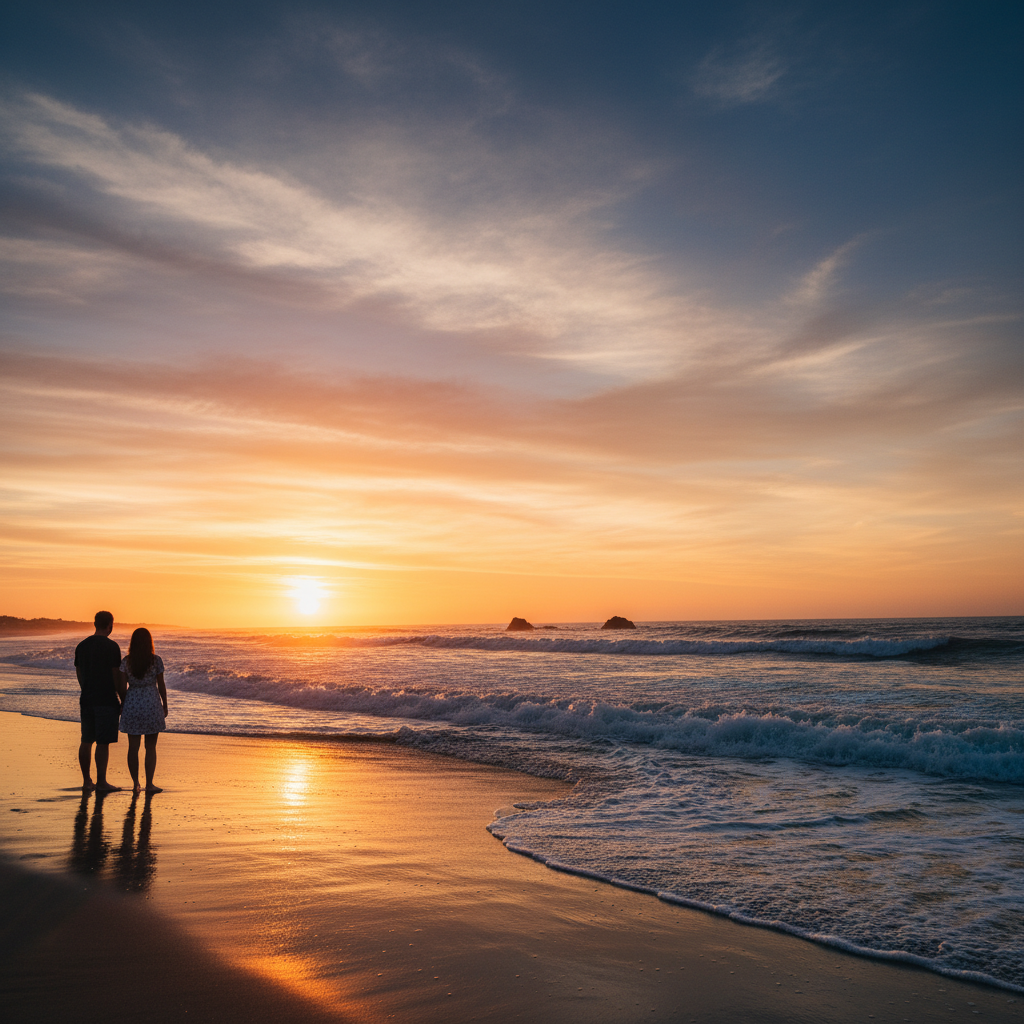
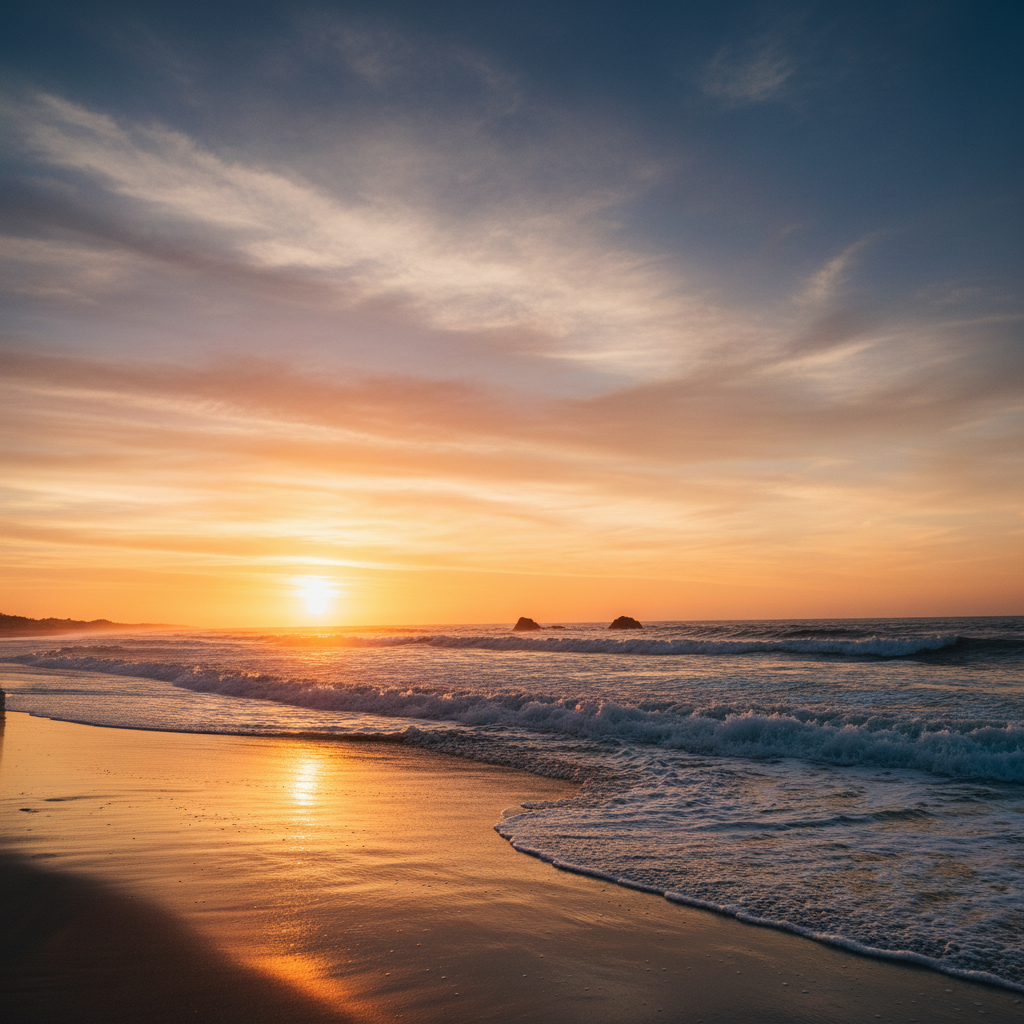
Upload your photo to EditThisPic, tap each person you want removed to place a marker, type 'remove all the marked people and reconstruct the background,' and click Generate. The AI removes all marked people in one pass β usually 15-30 seconds.
How many people can I remove at once?
There's no hard limit, but for best results we recommend marking up to 5-7 people in one pass. For larger groups (10+), do two passes β mark half, generate, then mark the rest. This produces cleaner edges than trying to remove everyone at once.
Will the rest of the photo stay the same?
Yes, when you mark only the people you want removed and use 'keep the rest of the photo exactly the same.' The AI focuses on the marked areas and reconstructs the background behind each person. Adjacent objects and people stay unchanged.
Can I remove tourists from a landmark photo?
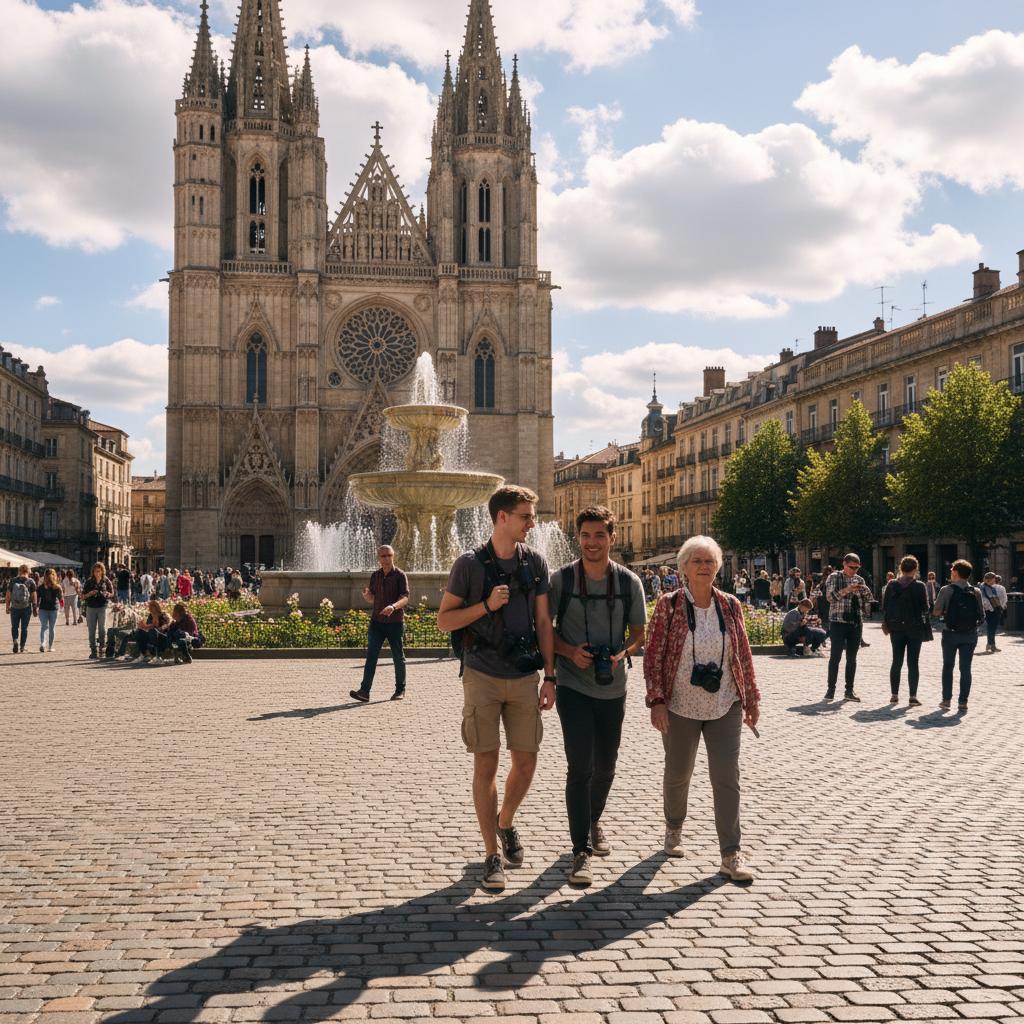
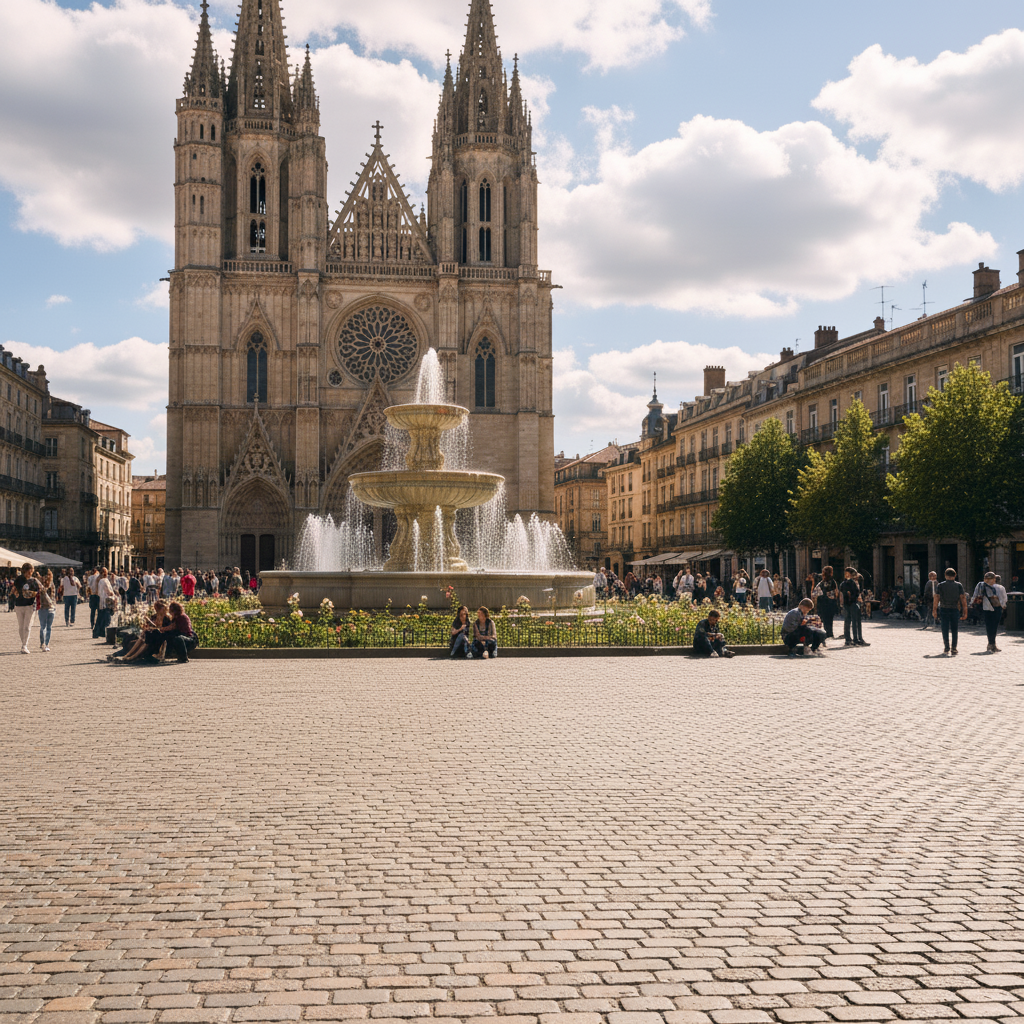
Yes β this is one of the most common uses. Mark each tourist (even small ones in the distance), prompt 'remove the marked tourists and reconstruct the landmark,' and the AI delivers a clean shot. For very crowded shots like Times Square, expect 2 passes.
Does it work on photos where people overlap?
Yes, but overlapping people may need a refinement pass. Remove them in pairs first (the most overlapping ones together), then do a second pass for any leftover edges. Two passes give cleaner results than trying to remove a tangled cluster all at once.
Will the background look natural after removing many people?
Yes, in most cases. The AI uses surrounding pixels to reconstruct each removed area. Natural backgrounds (sand, water, sky, trees) reconstruct cleanly. Complex backgrounds with intricate detail (architecture, signage) may need a refinement pass.
Can I remove people from group photos?
Yes. Mark each person you want removed, then say 'remove the marked people from this group photo, keep everyone else exactly the same, close the gap naturally.' The AI brings the remaining people slightly closer to fill the empty spaces.
Is it free to remove people?
Yes β one free edit per week with no account needed. For removing people from many photos, packs start at $1.99 for 3 edits and subscriptions at $4.99/month for 15.
How much does EditThisPic cost?
You get 1 free edit per week β no account needed. After that, credit packs start at $1.99 for 3 edits. Monthly plans start at $4.99/mo for 15 edits with unused credits rolling over. All edits are full resolution with no watermark.