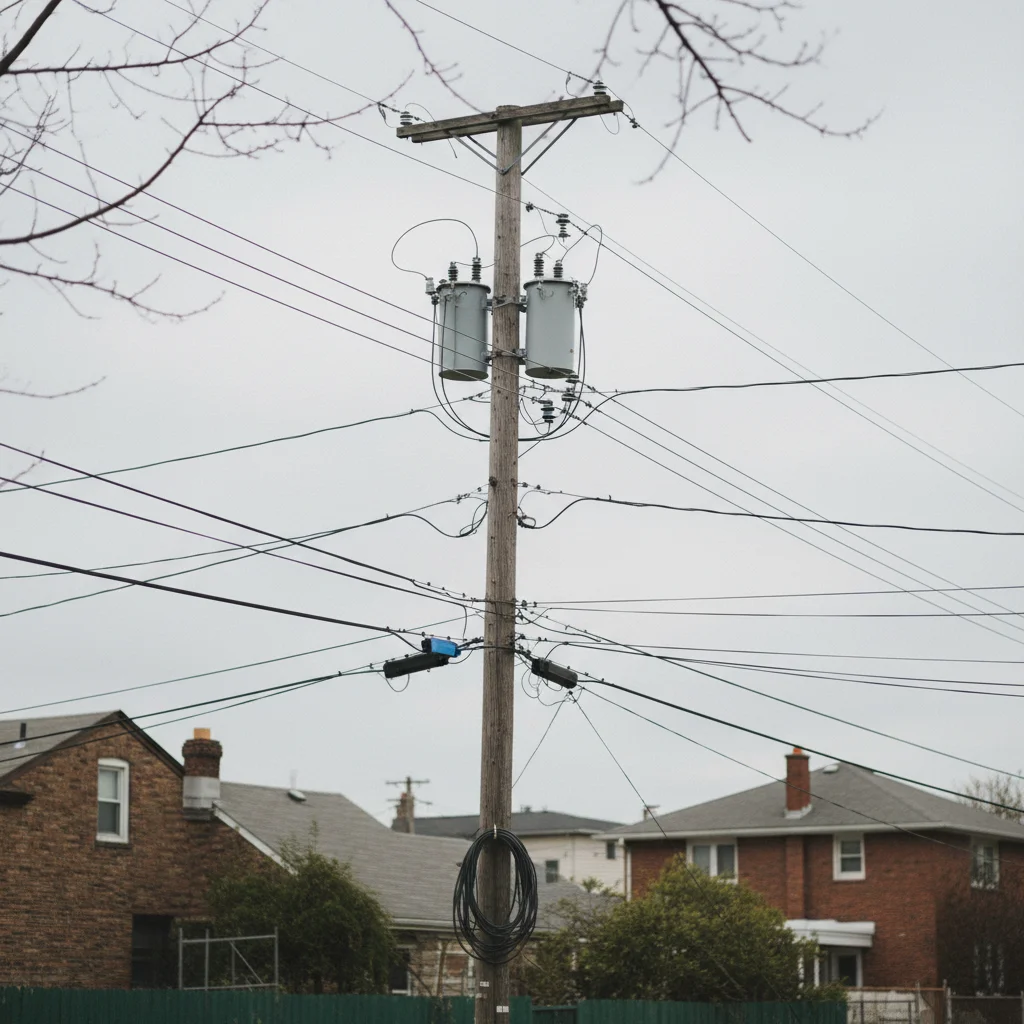
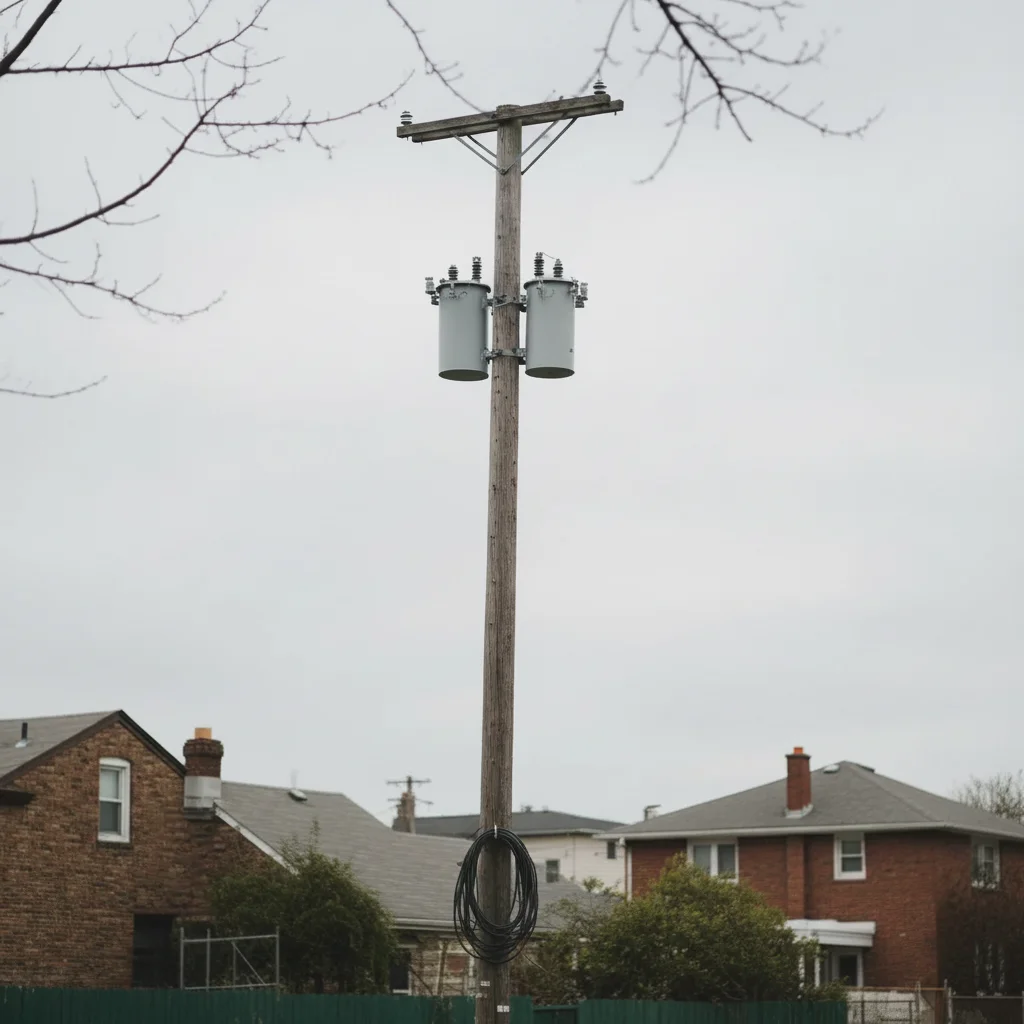
Do I need to mark or trace the wires before describing?
No! Just describe what you want removed: 'remove the power lines from the sky' or 'remove wires crossing the building.' The AI understands these concepts without tracing. Only use markers when you need precision—like specifying which of several wire sections to remove first, or targeting thin remnants after your first attempt.
How do I remove wires from photos for free?
EditThisPic offers free wire removal with AI. Upload your photo, type 'remove the power lines from the sky,' and the AI handles it in 20-30 seconds. No account needed, no watermark added. Works on landscape photos, cityscapes, and architectural shots with wires crossing the frame.
Can it remove thick power lines and thin telephone wires?
Yes, the AI handles both thick power lines and thin telephone cables. Thick wires against clear backgrounds (sky, walls) typically remove in one pass. Very thin wires against complex backgrounds (trees, textured surfaces) may need a second refinement pass with markers for complete removal.
What's the best free tool for removing power lines from landscape photos?
EditThisPic's AI Wire Remover works specifically for power lines, telephone wires, and overhead cables in landscape and city photos. It's free, requires no login, and handles both simple wire removal (clear sky backgrounds) and complex scenes (wires crossing buildings or trees). The AI reconstructs sky and background texture automatically.
Will it remove the utility pole or just the wires?
You can remove both or either one. For wires only: 'remove the wires, leave the pole.' For pole and wires: 'remove the utility pole and all attached wires.' The AI understands the distinction and fills the background appropriately based on your instruction.
Does it work on photos with wires crossing trees or buildings?
Yes, but complexity affects results. Wires crossing simple backgrounds (clear sky, solid walls) remove cleanly in 20-30 seconds. Wires crossing detailed backgrounds (tree branches, textured facades) work well but may need a second pass with markers to refine edges where the wire overlapped complex details.
Is EditThisPic's AI wires remover really free?
Yes — you get 1 free edit per week, no account needed. For unlimited edits, plans start at $3.99/month.
Can I remove wires on my phone?
Yes. EditThisPic works in any mobile browser — iPhone, Android, tablet. No app download needed.