Vehicle Wrap Preview from Photo
← Browse all preview & visualize toolsLast updated
Upload your vehicle photo + wrap design — AI applies the livery with correct contours and perspective.
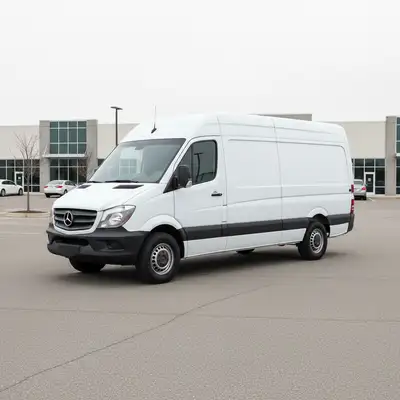

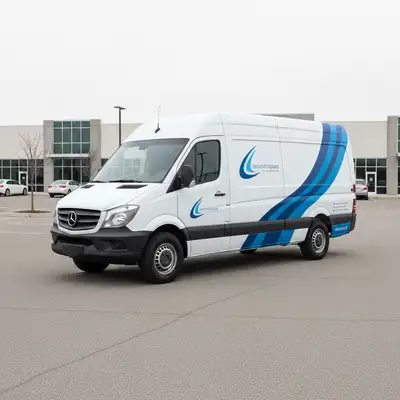
Upload photo to preview vehicle wrap
"apply a blue and white livery to the van — white body with blue lower third stripe, company logo from the reference centered on each side door panel, 'Company Name' text along the roofline, realistic surface contour"
Drag & drop, or paste · JPG · PNG · WEBP
Release to upload
How it works
-
1
Upload your vehicle photo
Drop a clear photo of the vehicle — van, truck, car, or trailer — into EditThisPic. Side profiles and three-quarter angles work best because the AI can see multiple panels at once. JPG, PNG, WebP up to 7MB.
Expect: Single-panel vehicles (car side): 20-30 seconds. Full van or truck with multiple panels: 30-45 seconds, may need 1-2 refinements for panel alignment. -
2
Upload your wrap design as a reference image
Click '+ Add reference image' below the prompt box and upload your wrap artwork, livery sheet, or brand kit. This can be a flat design file exported as PNG, a logo on white background, or a photo of an existing wrapped vehicle you want to replicate. The AI reads color, graphics, and layout from this reference.
Tip: A flat design file on white background gives the clearest result. If you only have a logo, describe the color scheme in the prompt: 'red and white color scheme with the logo centered on both doors'.Copy one of these to get started:
Vehicle Wrap Preview fromapply this wrap design across the full body of the van, following door panel contours and wheel arches, logo centered on both side door panels, matching the perspective and lighting of the vehicle photoCorporate color-scheme livery with stripeapply a blue and white livery to the van — white body with blue lower third stripe, company logo from the reference centered on each side door panel, 'Company Name' text along the roofline, realistic surface contourFood truck illustrated full wrapapply this illustrated wrap design to the food truck body — main food photography graphic on the left service side panel, brand name large across the top, menu items panel on the right, follow the truck's curves and wheel archesRace car livery with sponsor placementsapply this racing livery to the race car — main sponsor logo on the hood, door number panels in white with black numbers, secondary sponsor logos on rear quarter panels, matte black base color, realistic surface lighting and contour3 more prompts
Tradesperson van door panel graphic onlyapply this trade company logo and phone number graphic to the side door panels only, white panel background, logo at top, contact details below, keep the rest of the van body its original colorRacing team transporter truckapply this team livery design to the transporter truck side panels — team colors with large logo centered on the trailer body, sponsor strip along the top edge, number graphics on the cab doors, follow the vehicle perspective and lightingTest color variants on same vehicleapply this logo to the van in a red and white color scheme — full red body with white logo panels on each door, white roof, follow panel boundaries, realistic perspective -
3
Describe the wrap placement
Tell the AI how to apply the design: 'apply this wrap across the full body of the van, follow the panel contours and wheel arches, match lighting and perspective.' Include any placement specifics — logo on driver and passenger doors, stripe along the roofline, or full bleed side panels.
Tip: Mention the vehicle color you want underneath if the wrap has cut-out areas: 'base white with graphics on top.' Mention panel boundaries if critical: 'logo centered on each door panel, not spanning the seam'.Copy one of these to get started:
Vehicle Wrap Preview fromapply this wrap design across the full body of the van, following door panel contours and wheel arches, logo centered on both side door panels, matching the perspective and lighting of the vehicle photoCorporate color-scheme livery with stripeapply a blue and white livery to the van — white body with blue lower third stripe, company logo from the reference centered on each side door panel, 'Company Name' text along the roofline, realistic surface contourFood truck illustrated full wrapapply this illustrated wrap design to the food truck body — main food photography graphic on the left service side panel, brand name large across the top, menu items panel on the right, follow the truck's curves and wheel archesRace car livery with sponsor placementsapply this racing livery to the race car — main sponsor logo on the hood, door number panels in white with black numbers, secondary sponsor logos on rear quarter panels, matte black base color, realistic surface lighting and contour3 more prompts
Tradesperson van door panel graphic onlyapply this trade company logo and phone number graphic to the side door panels only, white panel background, logo at top, contact details below, keep the rest of the van body its original colorRacing team transporter truckapply this team livery design to the transporter truck side panels — team colors with large logo centered on the trailer body, sponsor strip along the top edge, number graphics on the cab doors, follow the vehicle perspective and lightingTest color variants on same vehicleapply this logo to the van in a red and white color scheme — full red body with white logo panels on each door, white roof, follow panel boundaries, realistic perspective -
4
Generate and review
Check that graphics follow the vehicle's surface curves, door seams, and wheel arches. Verify perspective distortion looks natural on angled panels. Zoom in to confirm text and logos are legible and correctly scaled.
See it in action
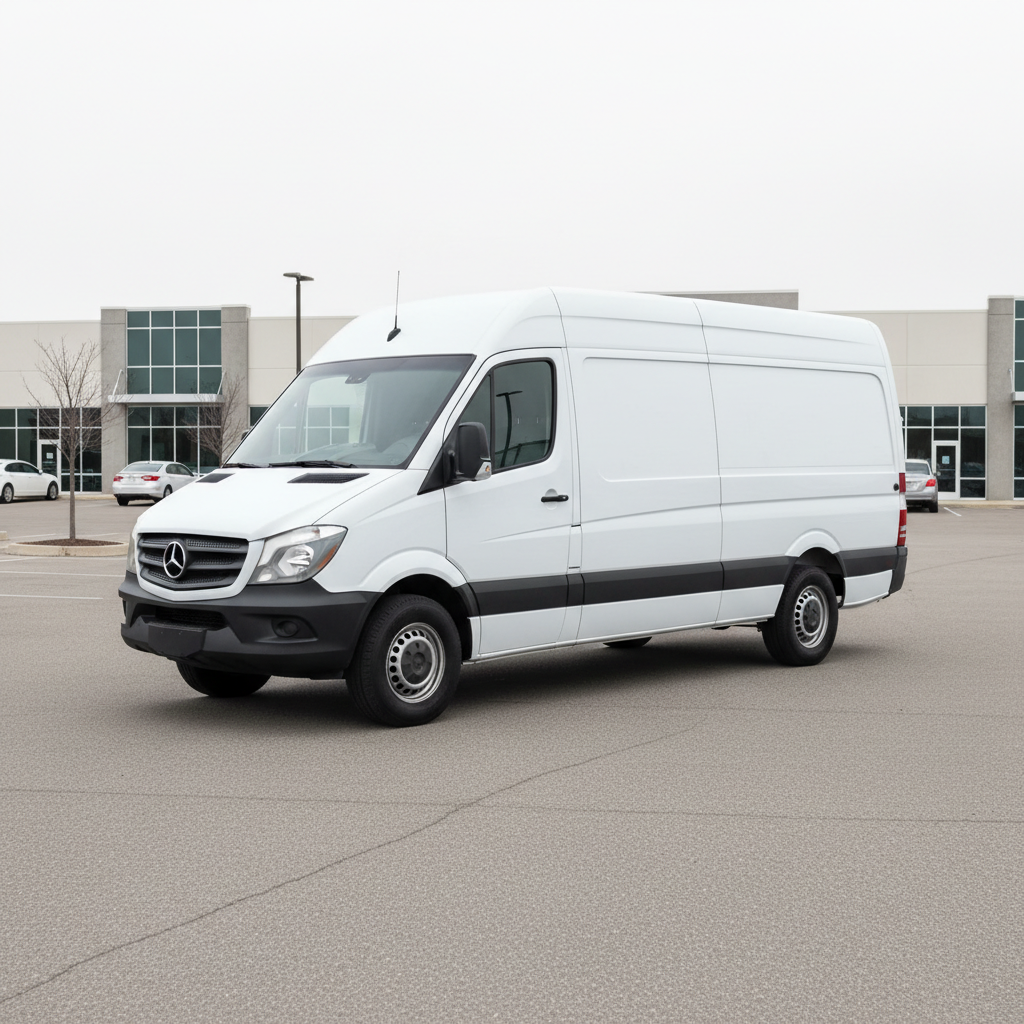
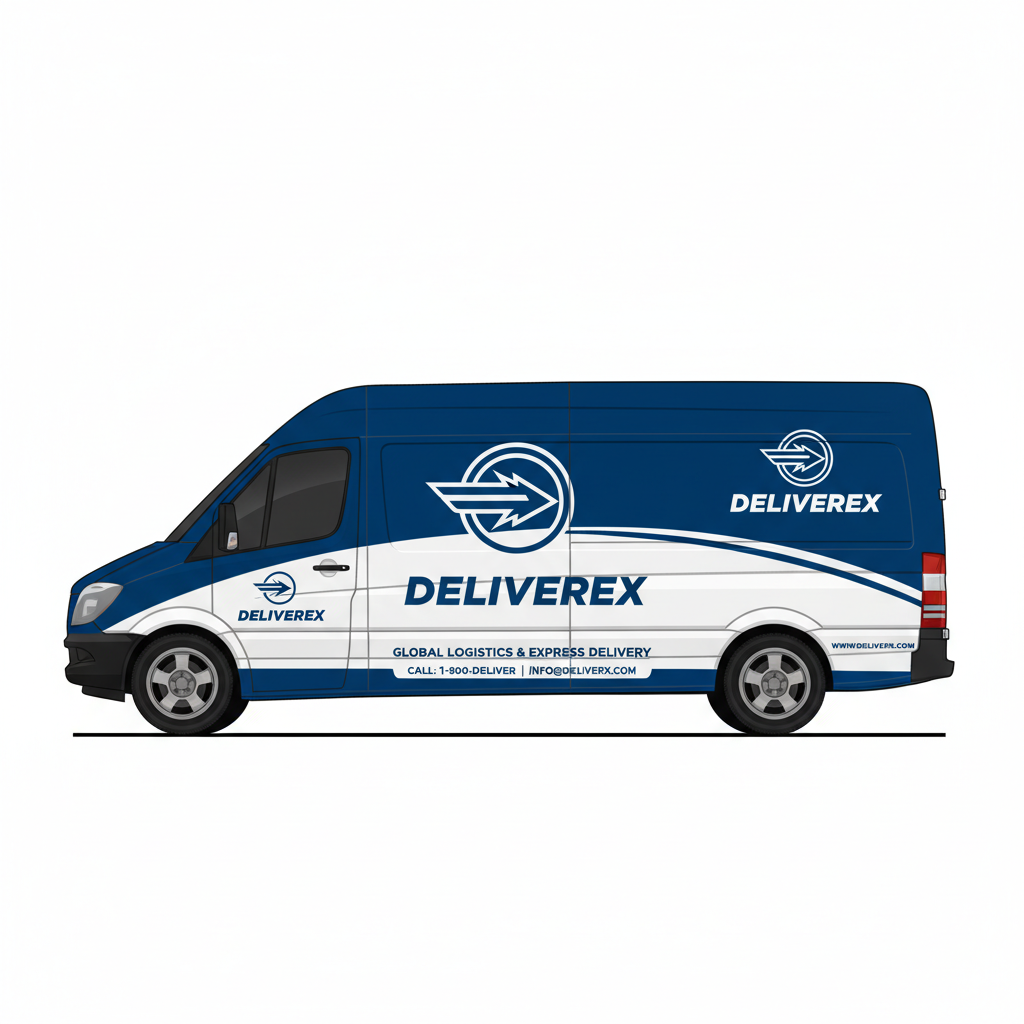
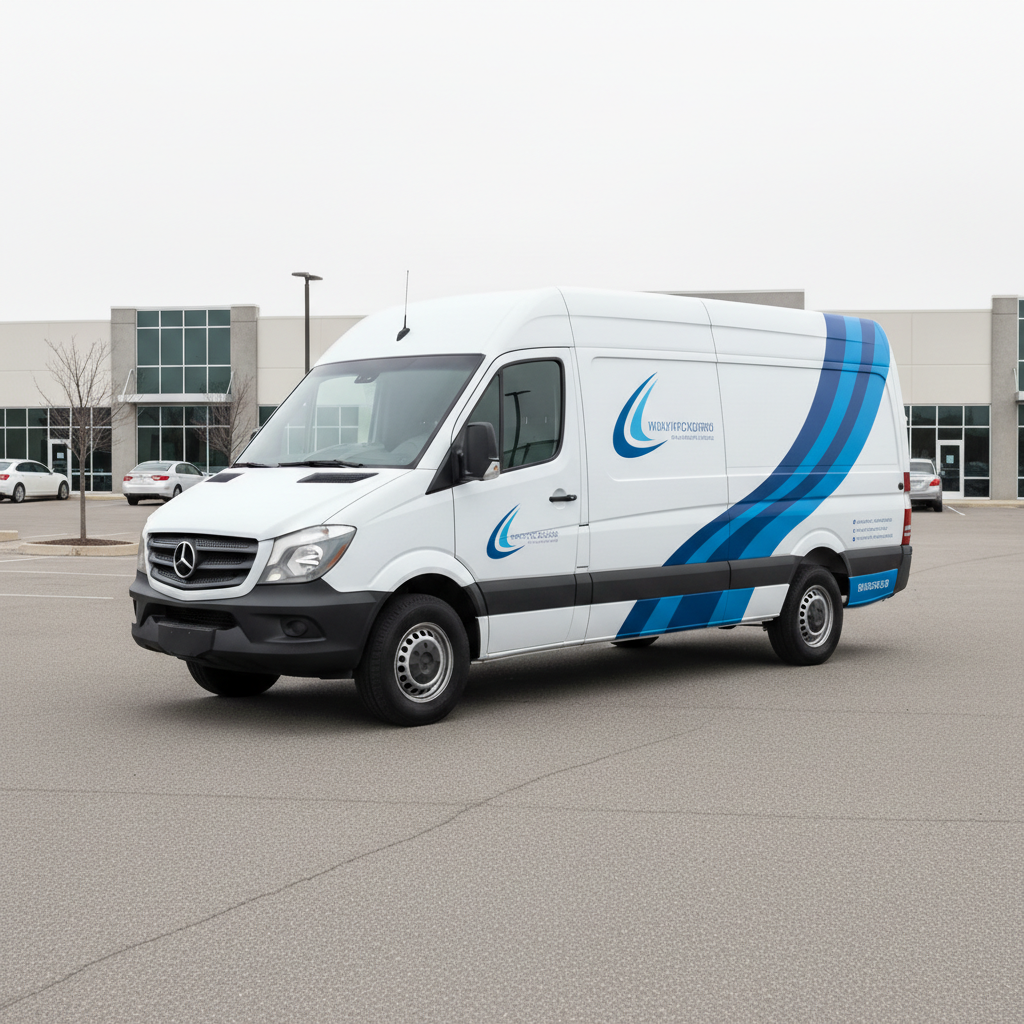
Delivery van fleet livery preview
A logistics company needed to approve a new brand livery before wrapping their entire fleet. Two-image workflow produced a client-ready mockup in under a minute.
Apply the vehicle wrap design from the reference photo onto the side of this van. Make sure the design follows the van's contours and the logo is centered on the door panels.
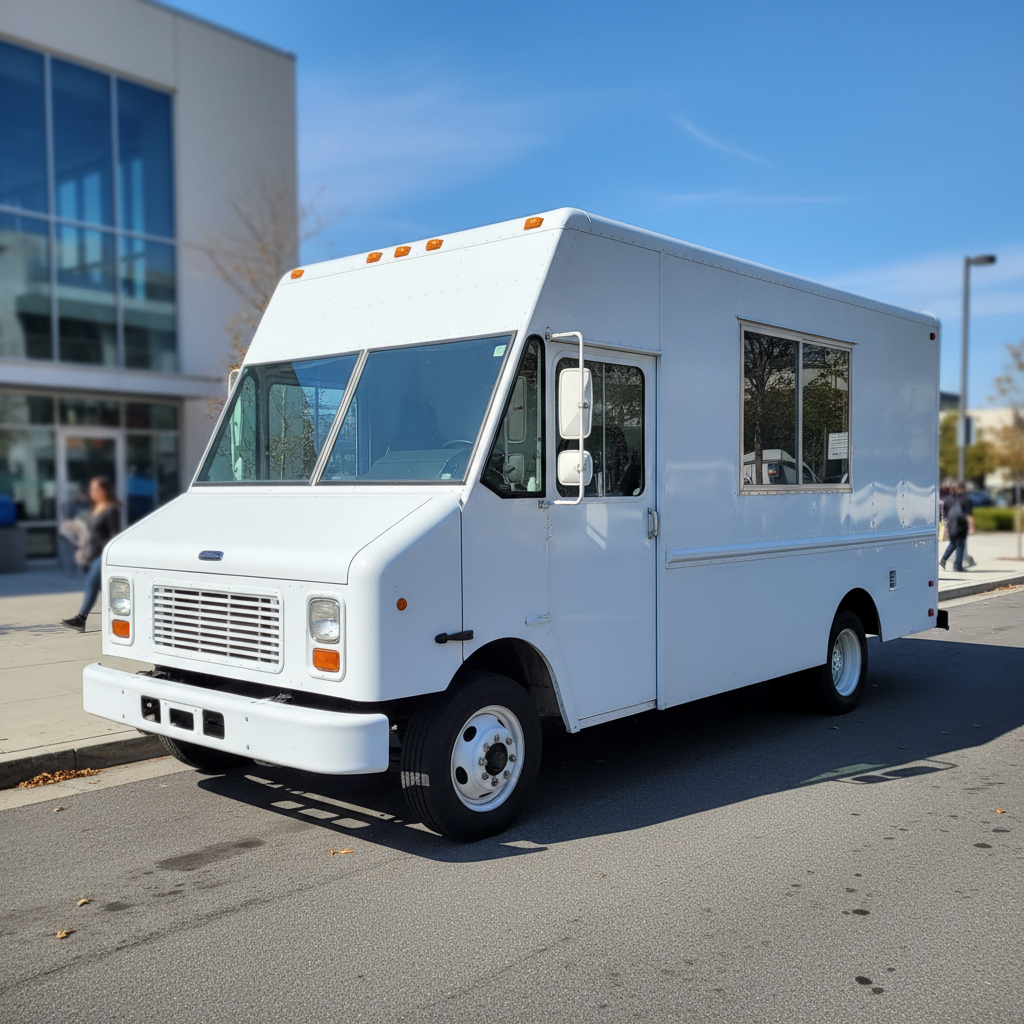
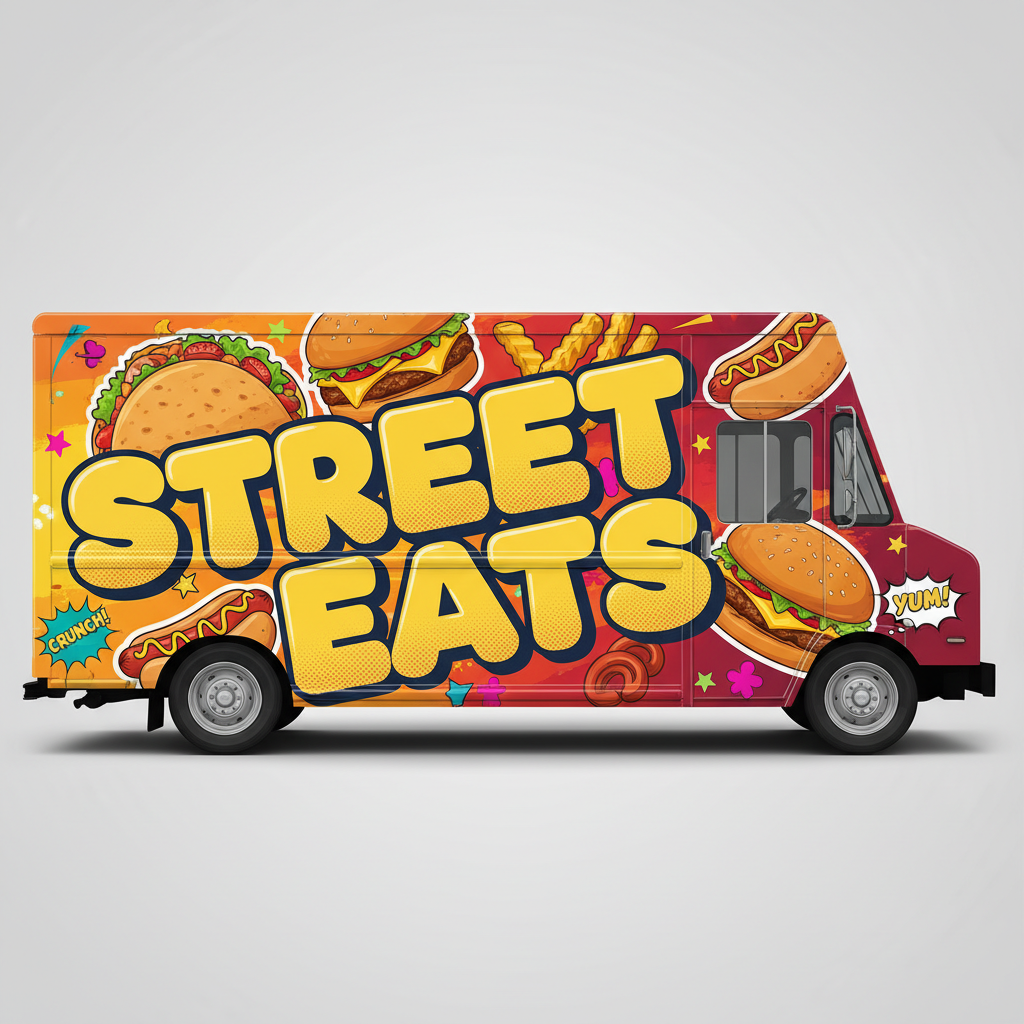
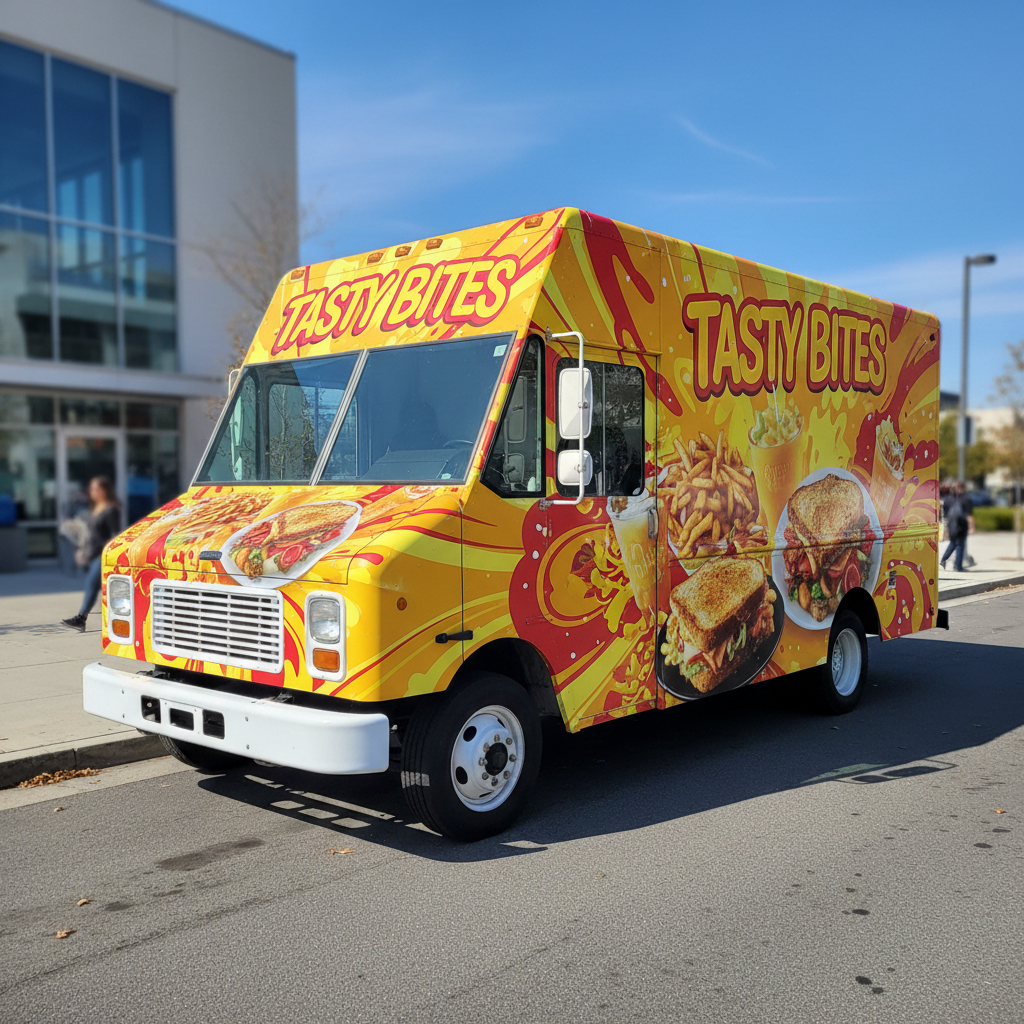
Food truck full illustrated wrap
A street food operator previewed a bold illustrated wrap design on their truck photo before committing to a $3,000 installation.
Apply the wrap design from the reference photo to the entire food truck, fitting it to the body panels and curves.
Quick answers
Do I need to mark the vehicle panels before uploading the wrap design?
No. Just upload your vehicle photo and the wrap design reference image, then describe the placement: 'apply this wrap across the full van body following panel contours.' The AI understands vehicle panel structure.
How do I preview a vehicle wrap design on my actual vehicle photo?
EditThisPic uses a two-image workflow. Upload your vehicle photo as the main image, then click '+ Add reference image' to upload your wrap artwork or livery design. Describe the placement in the prompt — 'apply this wrap to the full van body, follow panel contours and wheel arches' — and the AI generates a photorealistic mockup in 30 seconds. Free, no account needed.
Is there a free vehicle wrap visualizer that doesn't require login?
Yes. EditThisPic generates vehicle wrap previews free with no account or signup required. Upload your vehicle photo, add your wrap design as a reference image, describe the placement, and download the result with no watermark. You get one free edit per week, or purchase credit packs for more.
What is the best AI tool for fleet branding mockups?
EditThisPic is purpose-built for two-image compositing tasks like fleet branding mockups. Unlike generic image editors, it accepts both a vehicle photo and a reference design simultaneously, then maps the livery to the vehicle's actual surface contours. No Illustrator templates, no specialist software. Works on vans, trucks, cars, and trailers in 30 seconds.
Can wrap shops use this to show clients mockups before production?
Yes, this is one of the most common B2B uses. Upload the client's vehicle photo and your finished wrap artwork. Generate a photorealistic mockup in under a minute. Share the result directly with the client for approval before committing to vinyl printing costs. Most wrap shops use this to accelerate sign-off and reduce revision cycles.
What format should the wrap design reference image be?
PNG on a white or transparent background works best. A flat design export from Illustrator or Photoshop gives the clearest result. You can also use a logo file, a brand kit export, or even a photo of an existing wrapped vehicle you want to replicate. If your reference has a busy background, describe the key design elements in the prompt to help the AI focus on the correct graphics.
How do I preview a van wrap design for free?
EditThisPic lets you preview van wrap designs free with no signup. Upload a photo of your van (side profile works best), click '+ Add reference image' to upload your wrap design, then type: 'apply this wrap design across the full van body following panel contours and wheel arches.' The AI returns a realistic mockup in 30 seconds. Download without watermark.
Can I test different wrap color schemes on the same vehicle photo?
Yes. Upload your vehicle photo once, then run multiple edits with different reference designs or describe the color scheme directly in the prompt: 'apply a red and white livery' then 'apply a navy and gold livery.' Each edit takes 30 seconds. Compare results side-by-side before choosing a direction. Useful for client presentations showing two or three colorway options.
Does this work for racing livery mockups and sponsor placement previews?
Yes. Upload a photo of the race car or transporter and a livery sheet or sponsor board as the reference image. Describe placement: 'main sponsor logo on hood, number panels on doors, secondary sponsors on rear quarters.' The AI maps the design to the car's bodywork. Racing teams use this to present sponsor placement options before livery production.
What angle should I photograph my vehicle for the best wrap preview?
A straight side profile or slight three-quarter angle (showing the side and partial front) gives the best results. These angles expose the most panel surface area, letting the AI accurately map graphics to doors, wheel arches, and body curves. Straight-on front-only photos limit the wrap to just the front bumper and hood, which rarely shows the full livery design.
Can I preview a partial wrap or door graphics, not a full vehicle wrap?
Yes. Describe the coverage explicitly: 'apply this logo graphic to the side door panels only, keep the rest of the van white' or 'apply a stripe design along the lower third of the van body.' The AI respects coverage boundaries when you specify them. Partial wraps and spot graphics work just as well as full vehicle wraps.
How accurate is the AI wrap preview compared to a professional template mockup?
The AI preview is accurate enough for client approval and design direction decisions. It correctly handles panel contours, perspective, and lighting in most cases. It is not a substitute for a precision technical template (used to cut vinyl) — it is a visualization tool for showing clients how the finished wrap will look, saving rounds of revision before production sign-off.
How much does EditThisPic cost?
You get 1 free edit per week — no account needed. After that, credit packs start at $1.99 for 3 edits. Monthly plans start at $4.99/mo for 20 edits with unused credits rolling over. All edits are full resolution with no watermark.
Related Tools
Browse all preview & visualize tools →Explore More Preview & Visualize Tools
View all preview & visualize tools →Popular use cases
Ready to preview your vehicle wrap?
Upload your vehicle photo and wrap design. Free, no signup required.