AI Photo Editor for Food Delivery App Photos
Delivery app photos that win the scroll.
Drop your photo here
or click to browse
Free • No signup
Release to upload
Built for Food Delivery Professionals
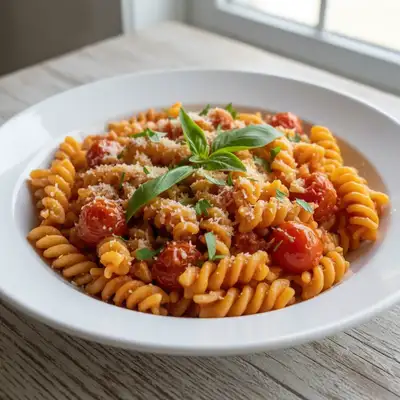
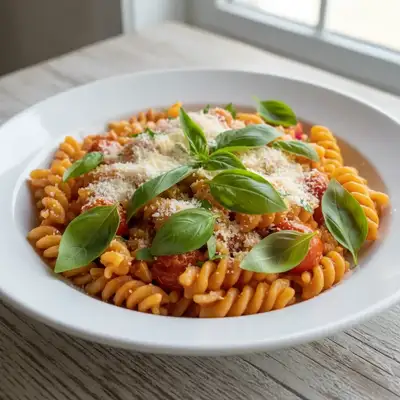
On delivery apps, your photo IS your menu. Items without photos lose 70% of potential orders. But photographing every menu item professionally costs hundreds. EditThisPic transforms quick kitchen photos into scroll-stopping menu images that compete with chain restaurant quality.
How to AI Photo Editor for Food Delivery App Photos
-
Upload your photo
Drop your food delivery photo into EditThisPic. JPG, PNG, WebP up to 7MB.
-
Describe your edit
Type what you want — the AI understands food delivery photography needs.
-
Review the result
Check that the edit looks natural and represents your subject accurately.
-
Refine if needed
Tap markers on specific areas and describe adjustments.
Copy-Paste Prompts for Food Delivery
make this dish look warm, fresh, and appetizing with professional food photography lighting
Professional lighting is the difference between a scroll-past and an order
correct the harsh kitchen lighting, add warm appetizing tones, make the food look delicious
Kitchen fluorescents make everything look institutional — fix that
enhance the food colors to look vibrant and appetizing, natural not oversaturated
Natural vibrance looks real and appetizing; oversaturation looks fake
clean up the plate edges and presentation, show a perfect dish ready for the menu
Clean plating in photos signals quality and attention to detail
Show more prompts
place the dish on clean white background with professional food photography lighting
White backgrounds are the standard for delivery app hero images
enhance the beverage colors and freshness, cold and inviting, ready to order
Drink add-ons are high margin — make them irresistible
Real Food Delivery Photo Transformations
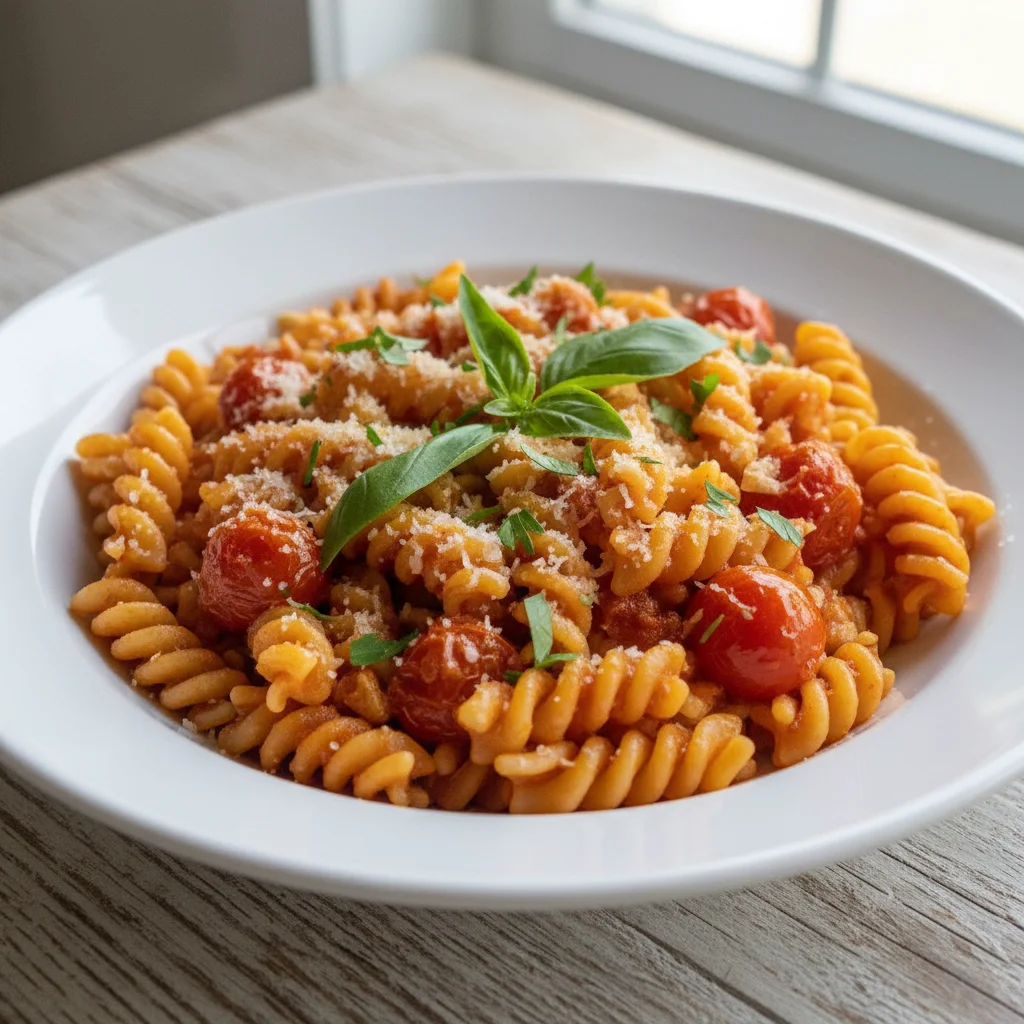
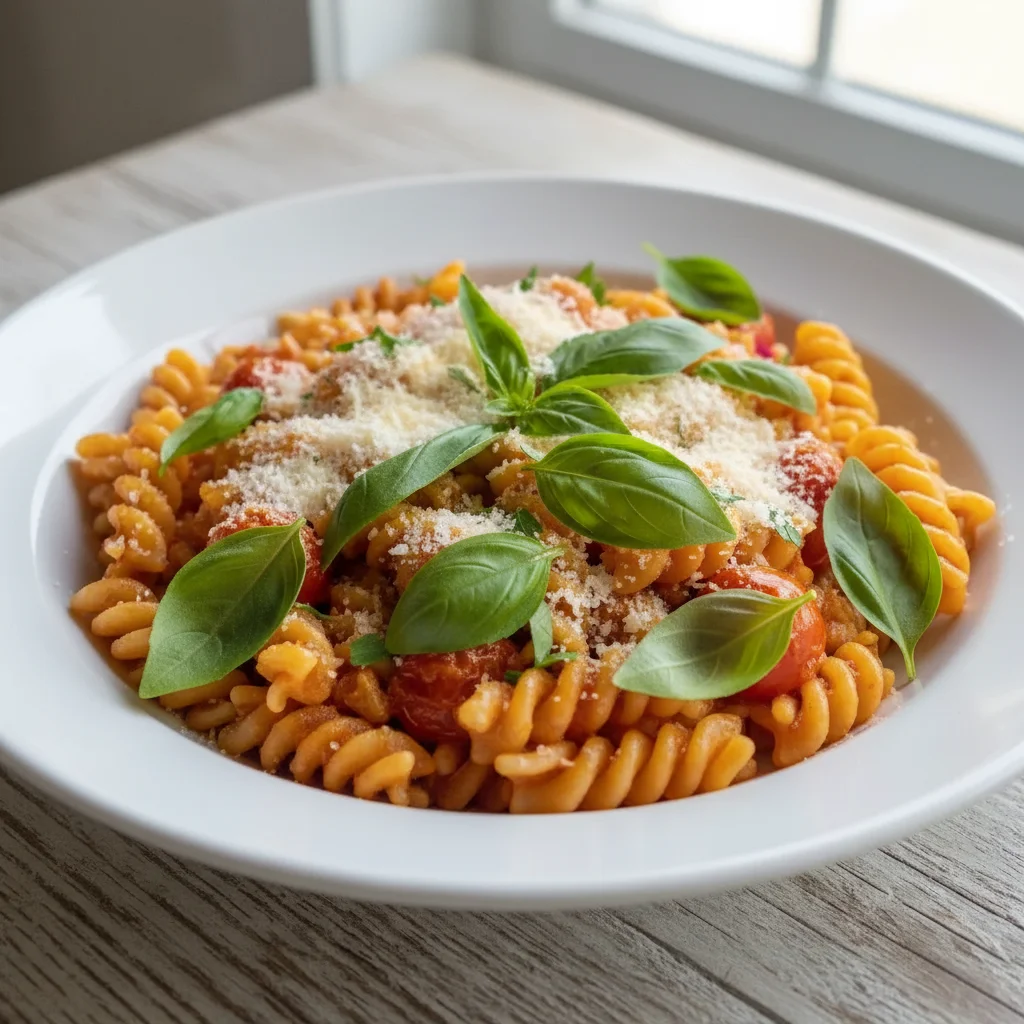
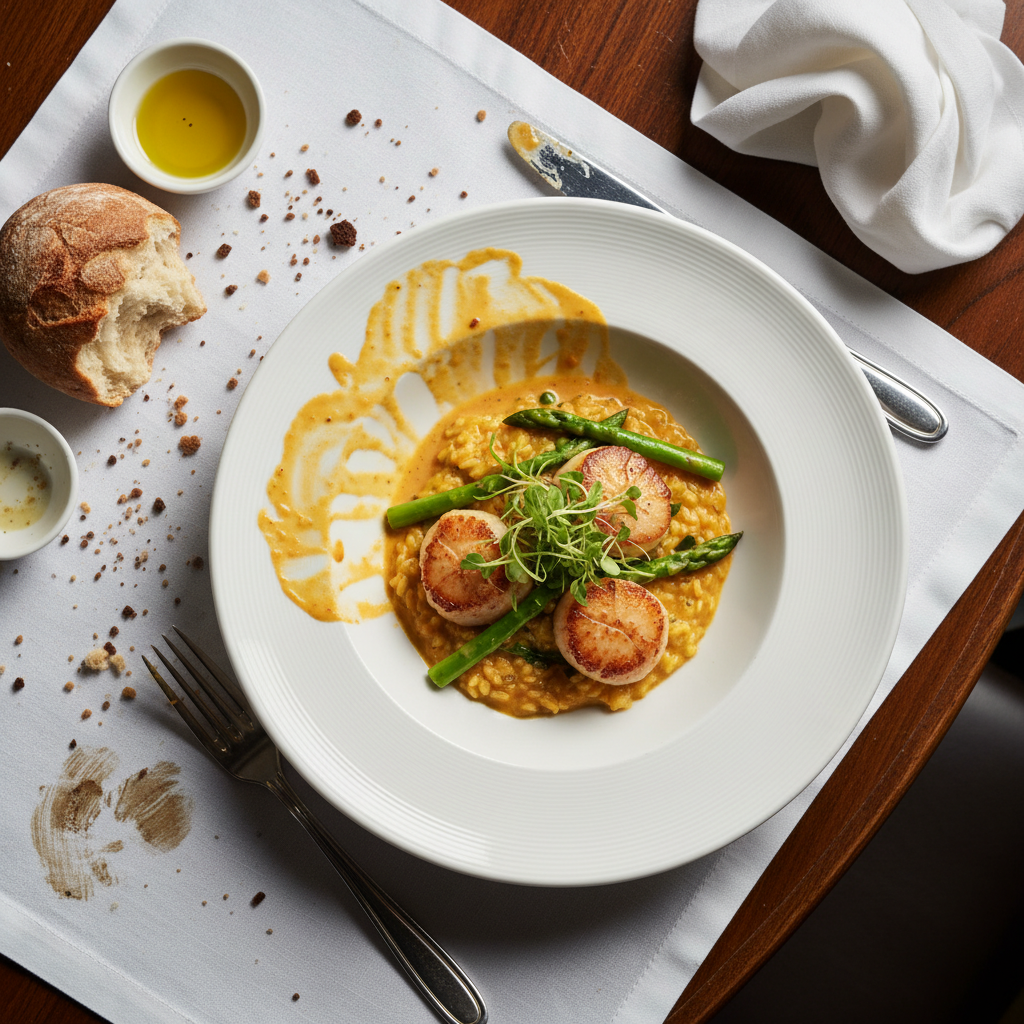
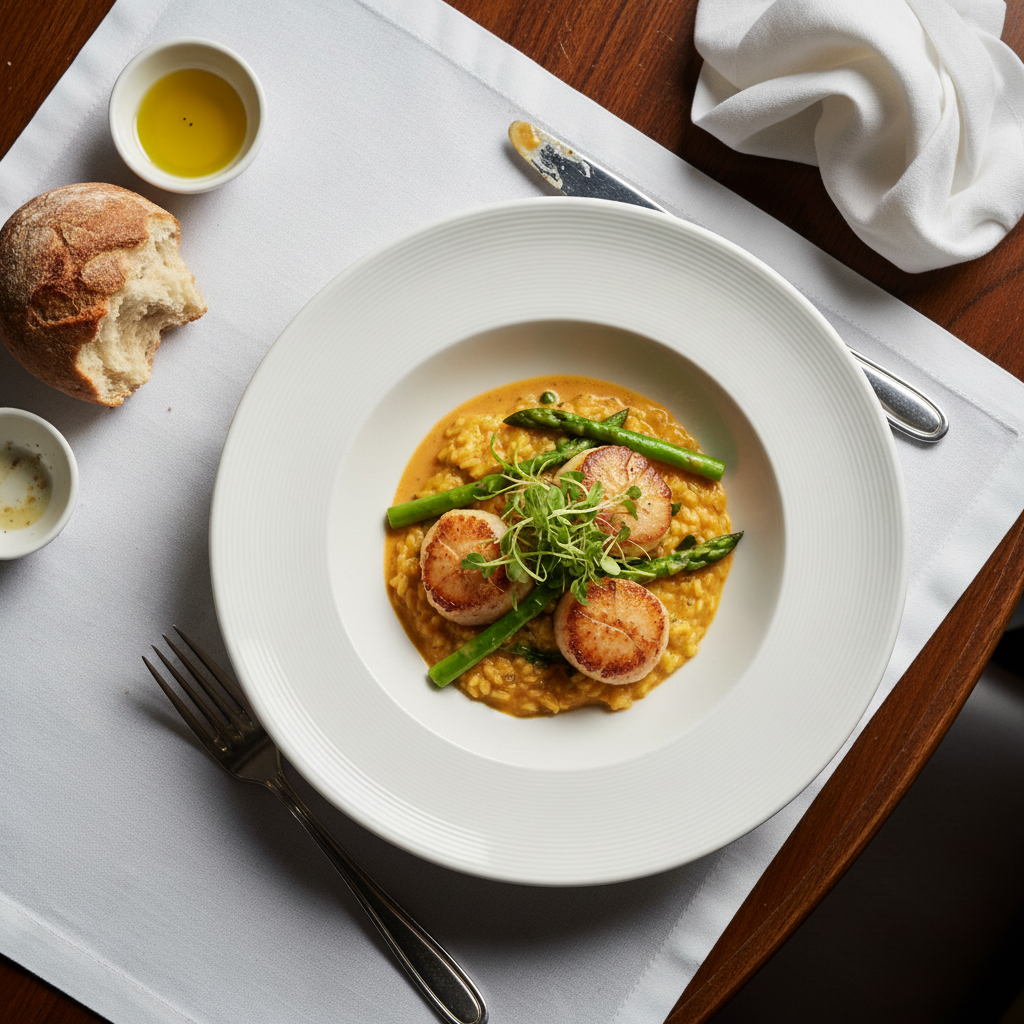
Kitchen photo to menu hero
Quick kitchen food photo transformed into appetizing delivery app menu image.
make this dish look warm, fresh, and appetizing with professional food photography lighting
Burger enhanced for DoorDash
Basic burger photo enhanced with warm tones and detail to drive delivery orders.
enhance the food colors to look vibrant and appetizing, natural not oversaturated
Common Issues
Food photo looks cold and unappetizing
Why: Phone cameras capture food under harsh or cool lighting that kills the warmth
Adding 'warm' and 'appetizing' triggers AI to use food photography techniques
Harsh flash creates shiny glare on dishes
Why: Direct flash reflects off sauces, glazes, and wet surfaces
Soft overhead lighting is the gold standard for food — AI knows this pattern well
Messy table or background visible in shot
Why: Real restaurant tables have napkins, clutter, and other diners
Focus on the immediate area around the plate rather than the entire background
Colors look off — food appears grey or blue
Why: Mixed lighting (daylight + indoor) confuses white balance
Mention specific colors if known (e.g., 'the tomato should be bright red')
Frequently Asked Questions
Do delivery app photos really matter?
Yes. Items with photos get 70% more orders. On a scrolling delivery app, your photo is your first and often only chance to attract an order.
What angle is best for delivery food photos?
Top-down for bowls, salads, and pizzas. 45-degree angle for burgers, sandwiches, and items with height. Get close enough that the food fills most of the frame.
Should I use white background or styled shots?
White backgrounds are clean and professional for main menu images. Styled shots (on tables, with sides) work better for social media and featured items.
Can I do this for my entire menu?
Yes. With a consistent warm prompt, you can photograph and enhance your entire menu for a cohesive, professional look across all items.
Will this work for all delivery platforms?
Yes. Enhanced food photos work on DoorDash, UberEats, Grubhub, and any other platform. Higher quality photos improve performance on all of them.
Is this free?
Yes — you get 1 free edit per week, no account needed. For a full menu, plans start at $4.99/month.
Make every menu item a best seller
Professional delivery app photos in seconds. Free to try.
Upload Your PhotoTrusted by 15,000+ users