AI Food Photo Enhancer
← Browse all food toolsLast updated
Describe how you want your food photo to look and AI enhances it instantly. No marking needed.
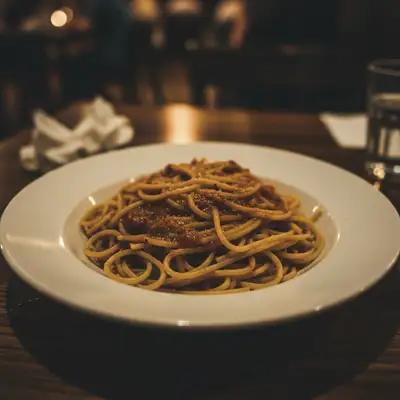
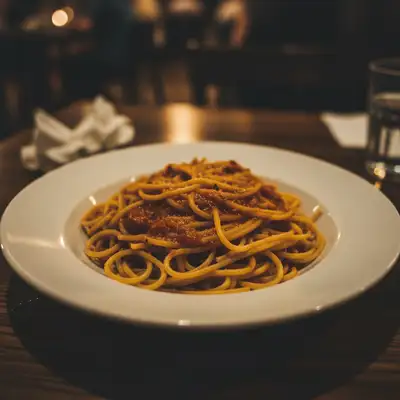
Upload photo to enhance food photos
"brighten this food photo and fix the dim lighting, make the dish clearly visible with natural colors"
Free to try · no sign-up · photos are never shared
Release to upload
<30stypical edit
1 freeedit weekly
Photo on your phone?
Scan to open this editor there — free edit works on your phone too.
How it works
See it in action
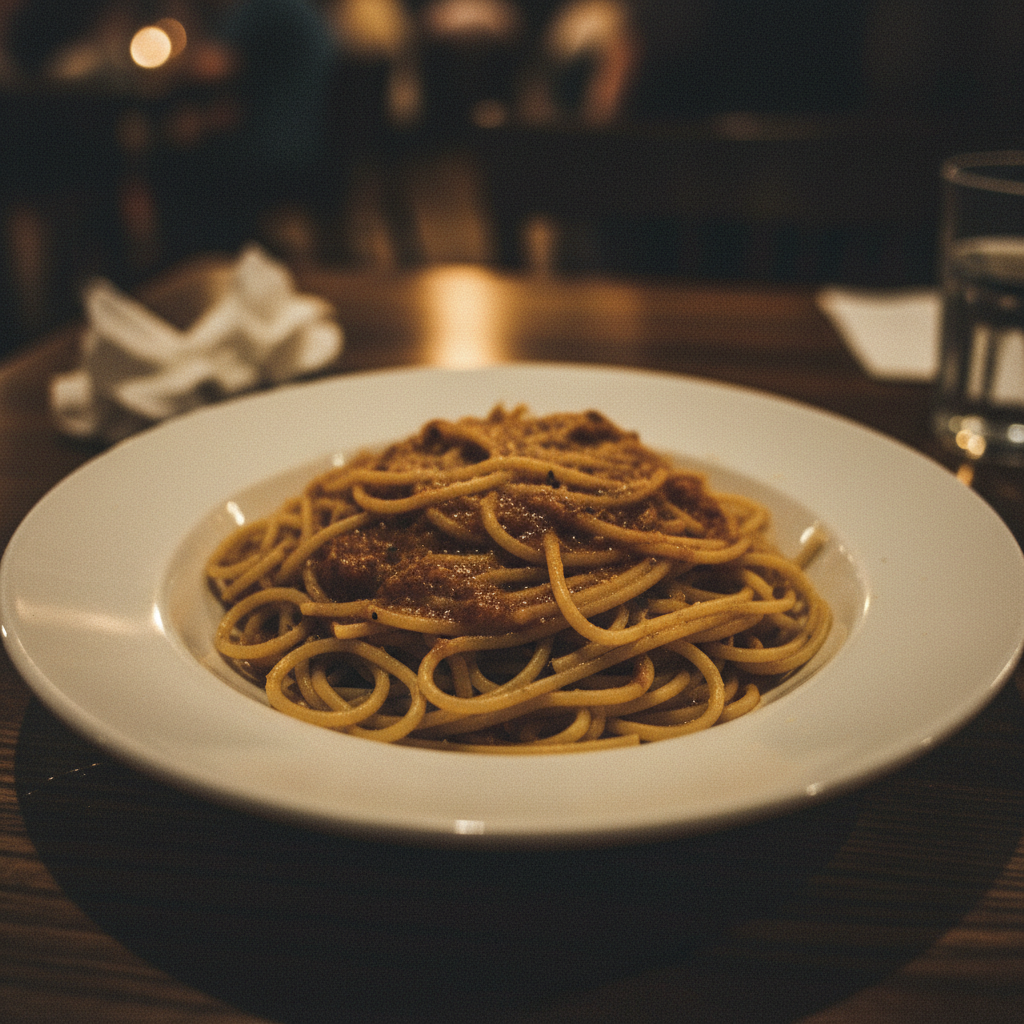
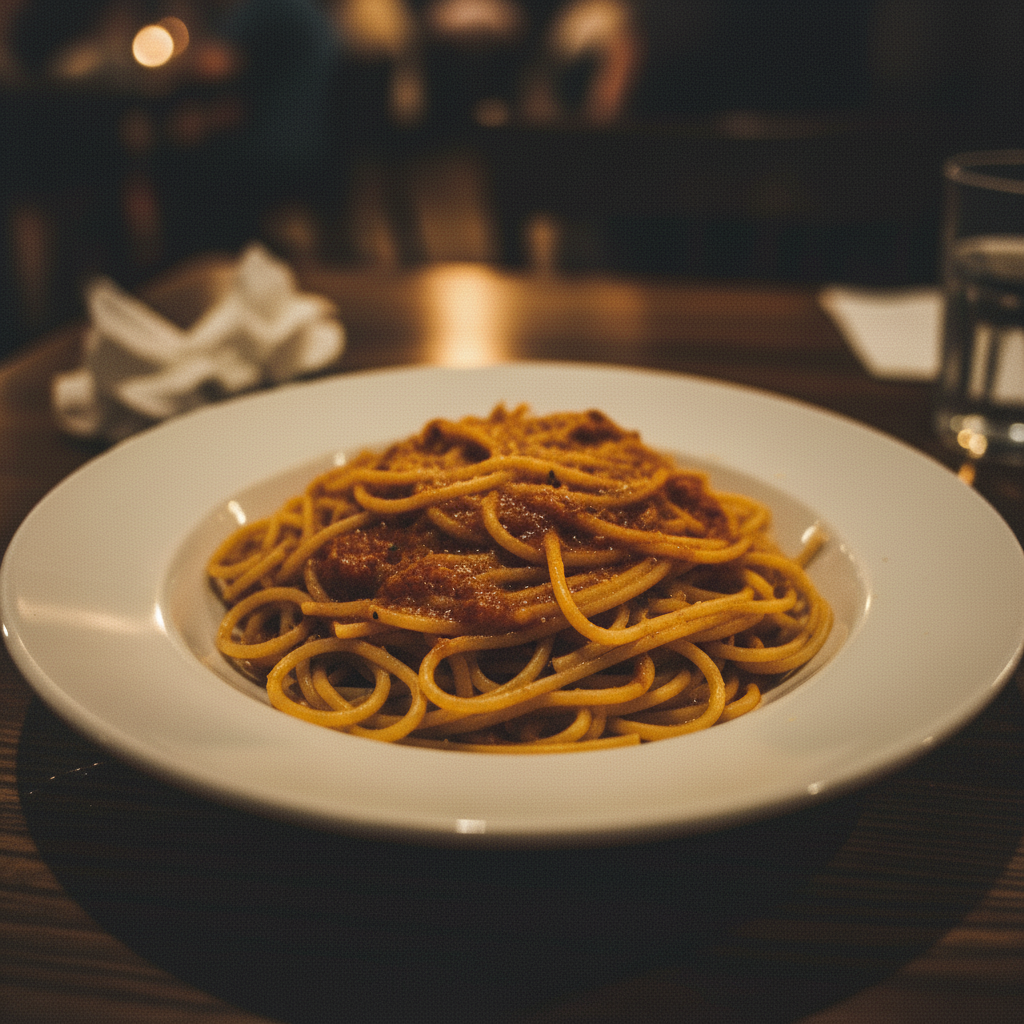
Dim restaurant photo to appetizing hero shot
A dark, underlit plate of pasta photographed at a restaurant table transformed into a vibrant menu-worthy image.
Prompt:
brighten this food photo and fix the dim lighting, make the dish clearly visible with warm appetizing colors
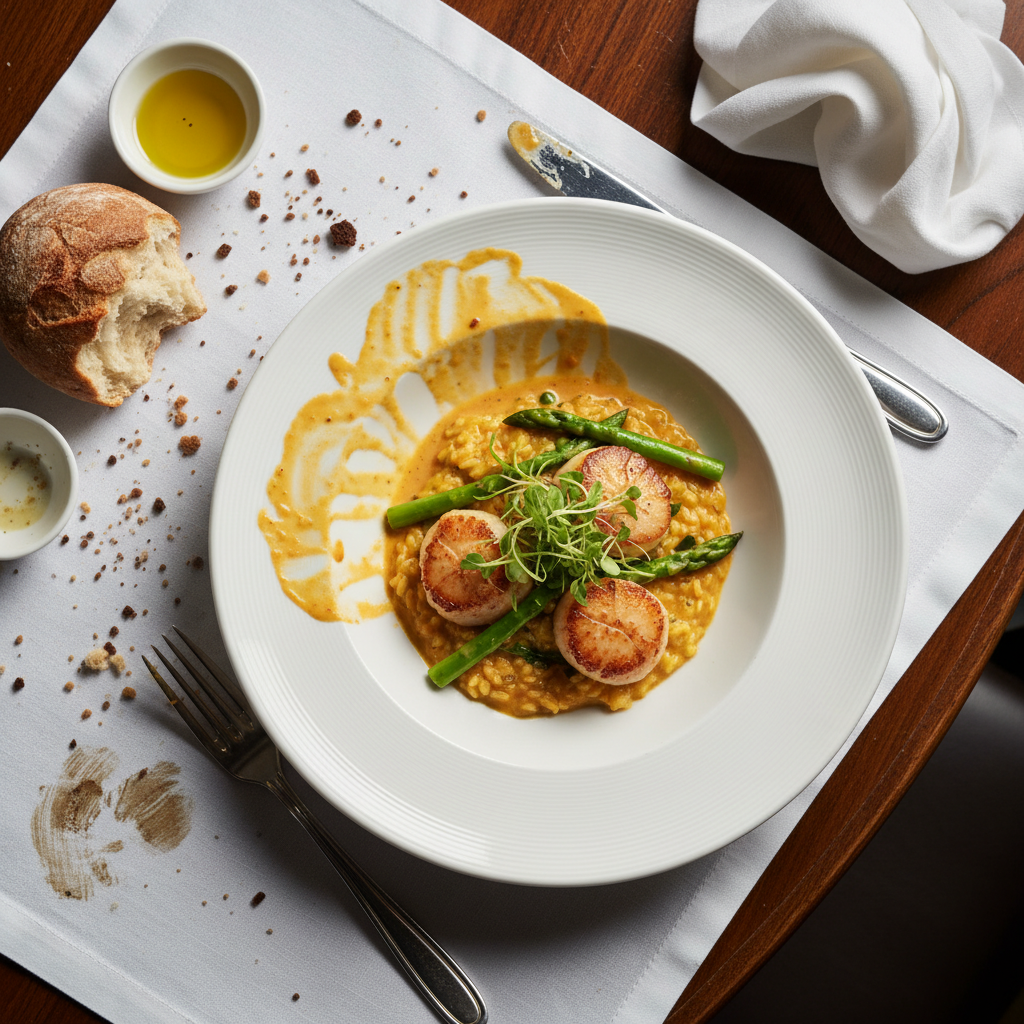
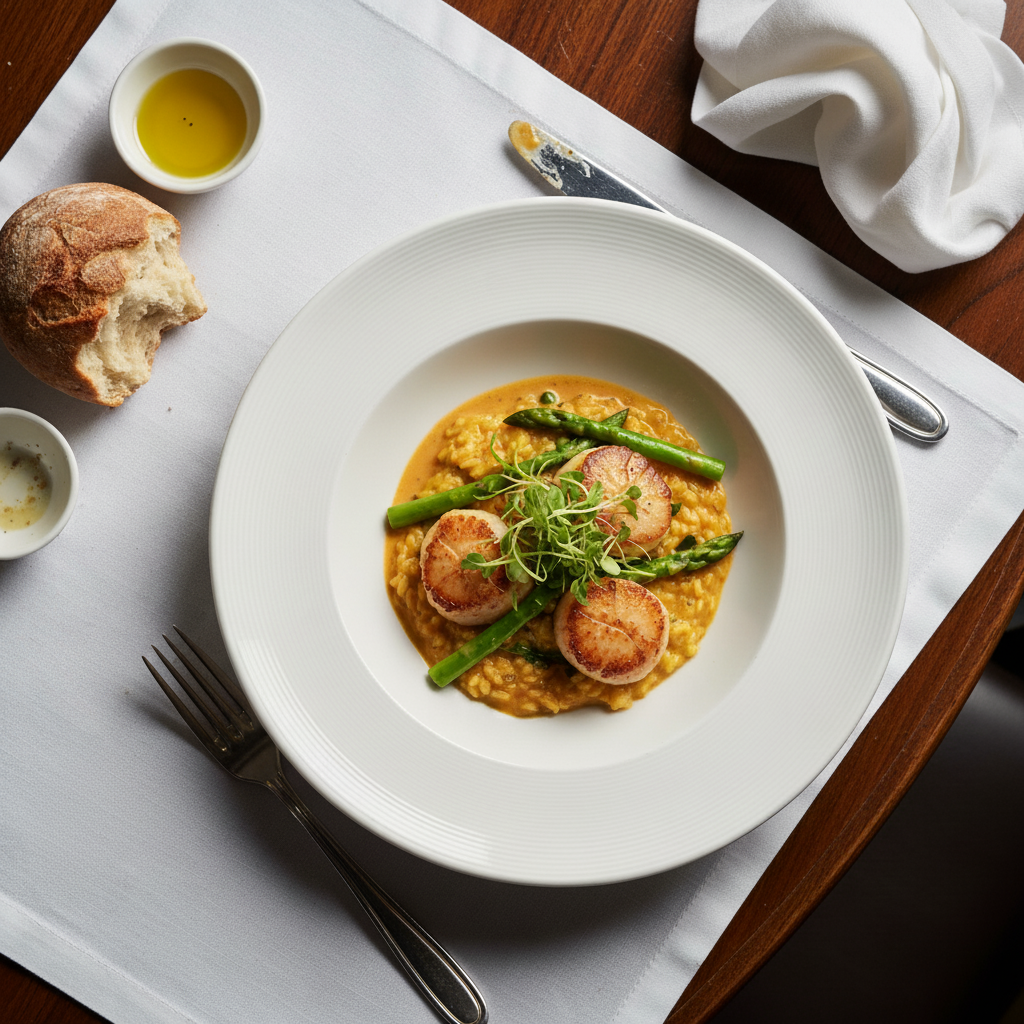
Flat phone photo to food blog quality
A casual phone photo of a salad upgraded with better colors and that signature food blog look.
Prompt:
enhance this dish to look like a food blog hero shot, soft natural side lighting with vibrant fresh colors
Quick answers
Popular use cases
Ready to enhance your food photos?
Free to try. No signup required.