AI Photo Editor for Restaurant Menu Photos
Menu photos that make customers hungry.
Drop your photo here
or click to browse
Free • No signup
Release to upload
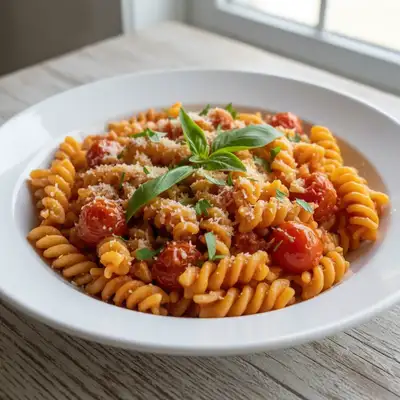
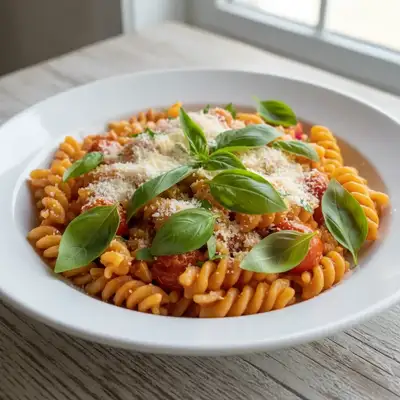
Built for Restaurant Menu Professionals
Menu photos directly drive orders. Studies show restaurants with professional food photos get 30% more online orders. But professional food photography costs $50-100 per dish. EditThisPic makes your phone photos look like they came from a food photographer — warm, appetizing, and true to the dish.
How to AI Photo Editor for Restaurant Menu Photos
-
Upload your photo
Drop your restaurant menu photo into EditThisPic. JPG, PNG, WebP up to 7MB.
-
Describe your edit
Type what you want — the AI understands restaurant menu photography needs.
-
Review the result
Check that the edit looks natural and represents your subject accurately.
-
Refine if needed
Tap markers on specific areas and describe adjustments.
Copy-Paste Prompts for Restaurant Menu
enhance the food with warm appetizing lighting, make colors vibrant and the dish look fresh and delicious
Warm tones trigger appetite — it's food photography 101
add warm golden lighting, make the food look freshly prepared and steaming hot
'Freshly prepared' signals the quality and care behind the dish
make the food colors more vibrant and appetizing, natural enhancement not oversaturated
Natural vibrance looks appetizing; oversaturation looks fake
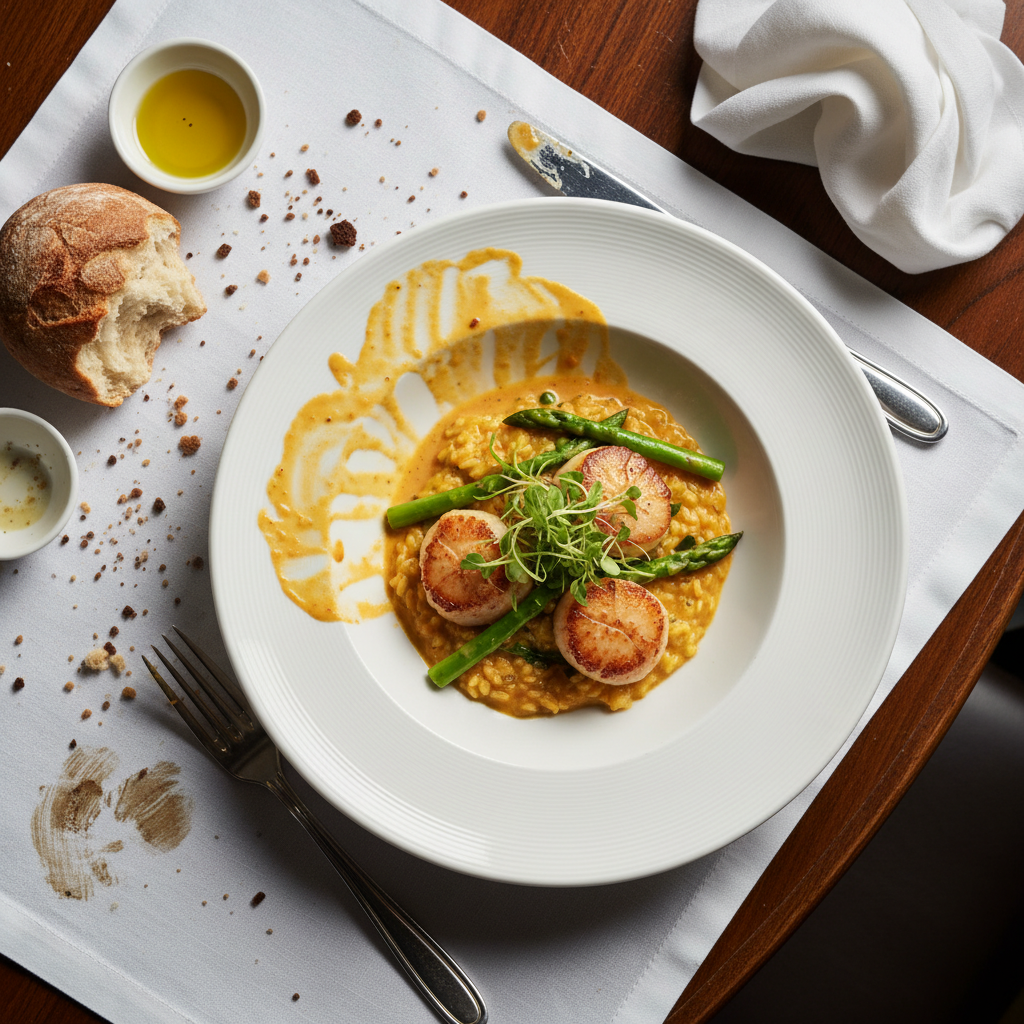
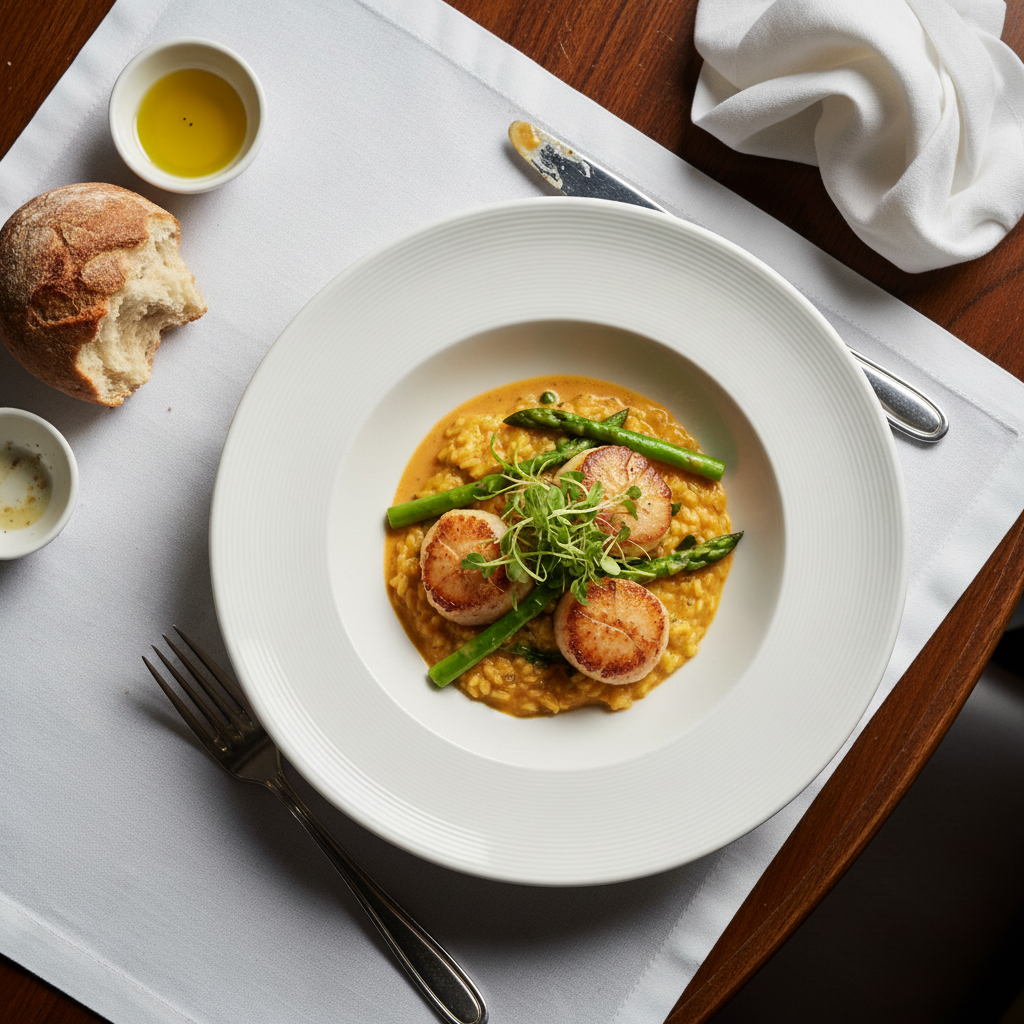
clean up the plate edges, remove sauce drips, show a perfect plating presentation
Clean plates signal attention to detail and quality
Show more prompts
brighten the food photo while keeping the warm restaurant ambiance
Keep the ambiance — just make the food the star
enhance the cocktail/beverage with better lighting, show condensation and freshness
Condensation and freshness cues sell drinks
Real Restaurant Menu Photo Transformations
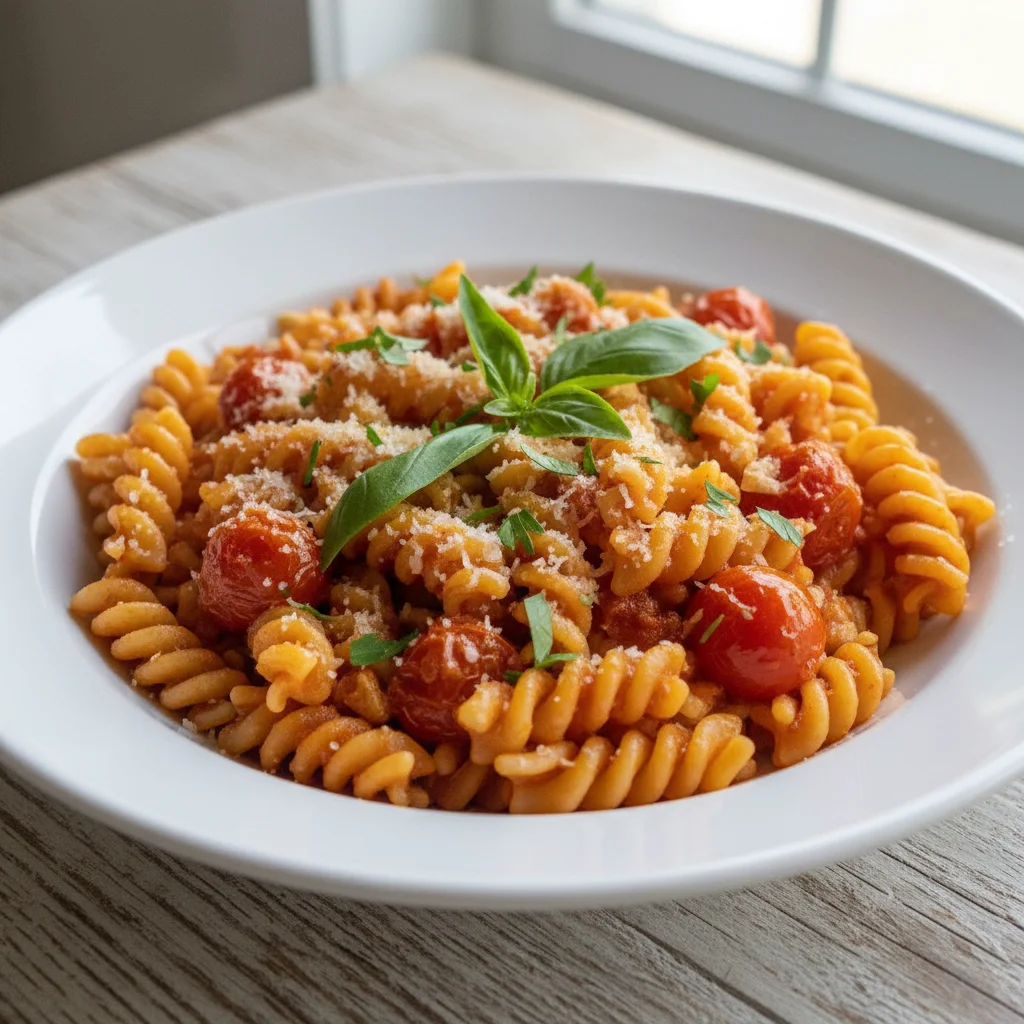
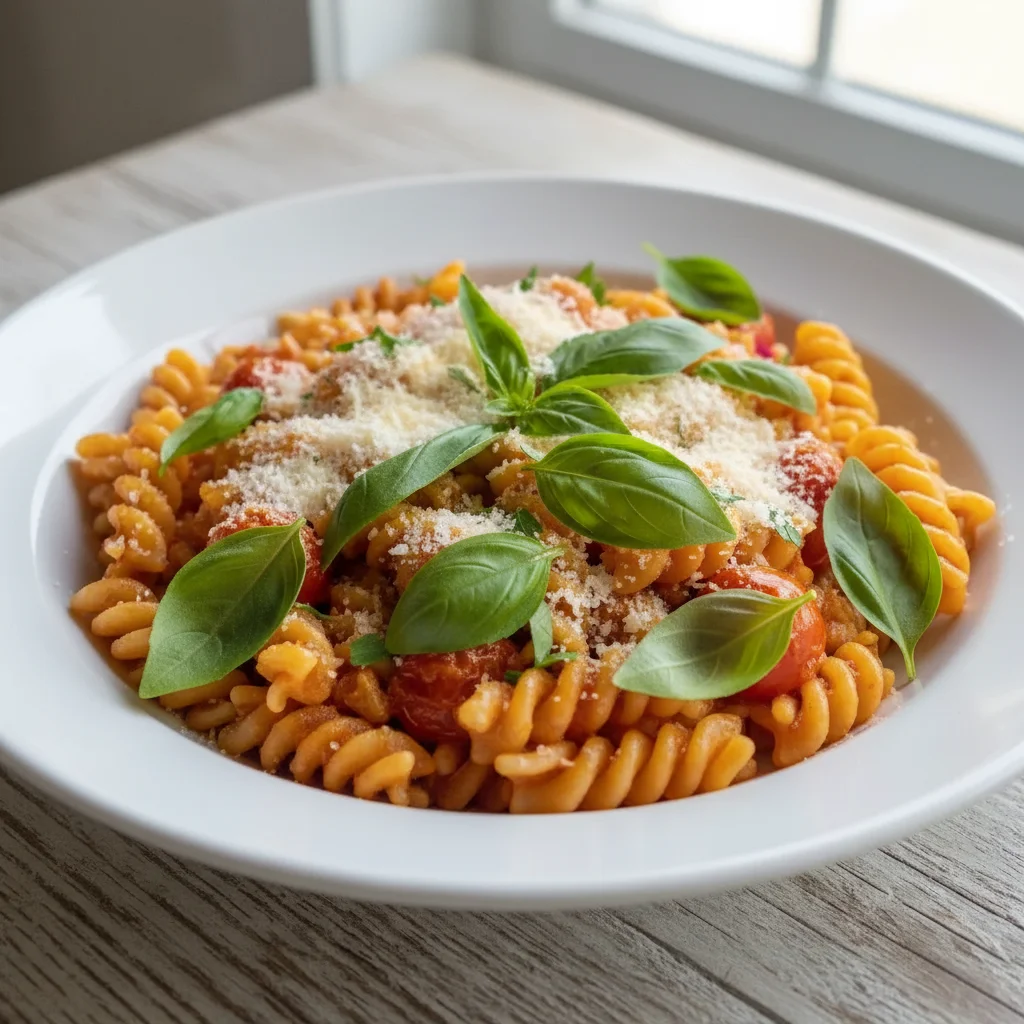
Pasta dish made appetizing
Restaurant pasta dish with flat fluorescent lighting enhanced to look warm, fresh, and delicious for the menu.
enhance the food with warm appetizing lighting, make colors vibrant and the dish look fresh and delicious
Burger photo enhanced for delivery app
Quick burger photo transformed from flat and lifeless to juicy and appetizing for online ordering.
Common Issues
Food photo looks cold and unappetizing
Why: Phone cameras capture food under harsh or cool lighting that kills the warmth
Adding 'warm' and 'appetizing' triggers AI to use food photography techniques
Harsh flash creates shiny glare on dishes
Why: Direct flash reflects off sauces, glazes, and wet surfaces
Soft overhead lighting is the gold standard for food — AI knows this pattern well
Messy table or background visible in shot
Why: Real restaurant tables have napkins, clutter, and other diners
Focus on the immediate area around the plate rather than the entire background
Colors look off — food appears grey or blue
Why: Mixed lighting (daylight + indoor) confuses white balance
Mention specific colors if known (e.g., 'the tomato should be bright red')
Frequently Asked Questions
How do I make food photos look more appetizing?
Warm lighting is the key. Use prompts with 'warm,' 'appetizing,' and 'fresh.' The AI enhances colors to look vibrant without oversaturation, making dishes look as good as they taste.
Should I use professional food photography?
Professional food photography is ideal but expensive ($50-100/dish). EditThisPic gets you 80% of the way there with phone photos for a fraction of the cost. Great for regular menu updates and delivery app photos.
Can I use enhanced photos on DoorDash and UberEats?
Absolutely. Delivery apps recommend professional-quality food photos. Enhanced photos meet their quality standards and drive more orders.
Will the food still look like what customers receive?
Yes, if you start with a photo of the actual dish. Enhanced lighting and colors show the food at its best without creating false expectations. The dish still looks like what arrives at the table.
How many menu photos should I have?
Every dish should have a photo for online ordering. Studies show dishes without photos get ordered significantly less. Start with your top sellers and expand.
Is this really free?
Yes — you get 1 free edit per week, no account needed. For updating an entire menu, plans start at $4.99/month.
Make your menu photos irresistible
Appetizing food photos in seconds. Free to try.
Upload Your PhotoTrusted by 15,000+ users