Free • No signup Remove Wires · Free

AI Wire Remover

Just describe which wires to remove. No tracing or selecting required.
Sunset landscape with three power lines crossing the sky
Before
Clean sunset landscape with power lines removed
After

Remove Wires from Photo

Drop your photo here

or click to browse

Release to upload

Free • No signup

Advertisement
Popular use cases:
  • landscape photography
  • real estate photos
  • travel photography
  • architectural shots
  • city skyline photos
  • vacation photos
  • outdoor portraits
  • property listings

Cost
Free No signup required
Time
Instant results in 15-30 seconds
Works on
Any device - browser, phone, tablet, desktop
Powered by
AI-powered photo editing
Scenario Prompt Time
Power lines in sky remove the power lines from the sky and restore clean blue background 20s
Wires on building remove electrical wires crossing the building facade and restore the clean wall 25s
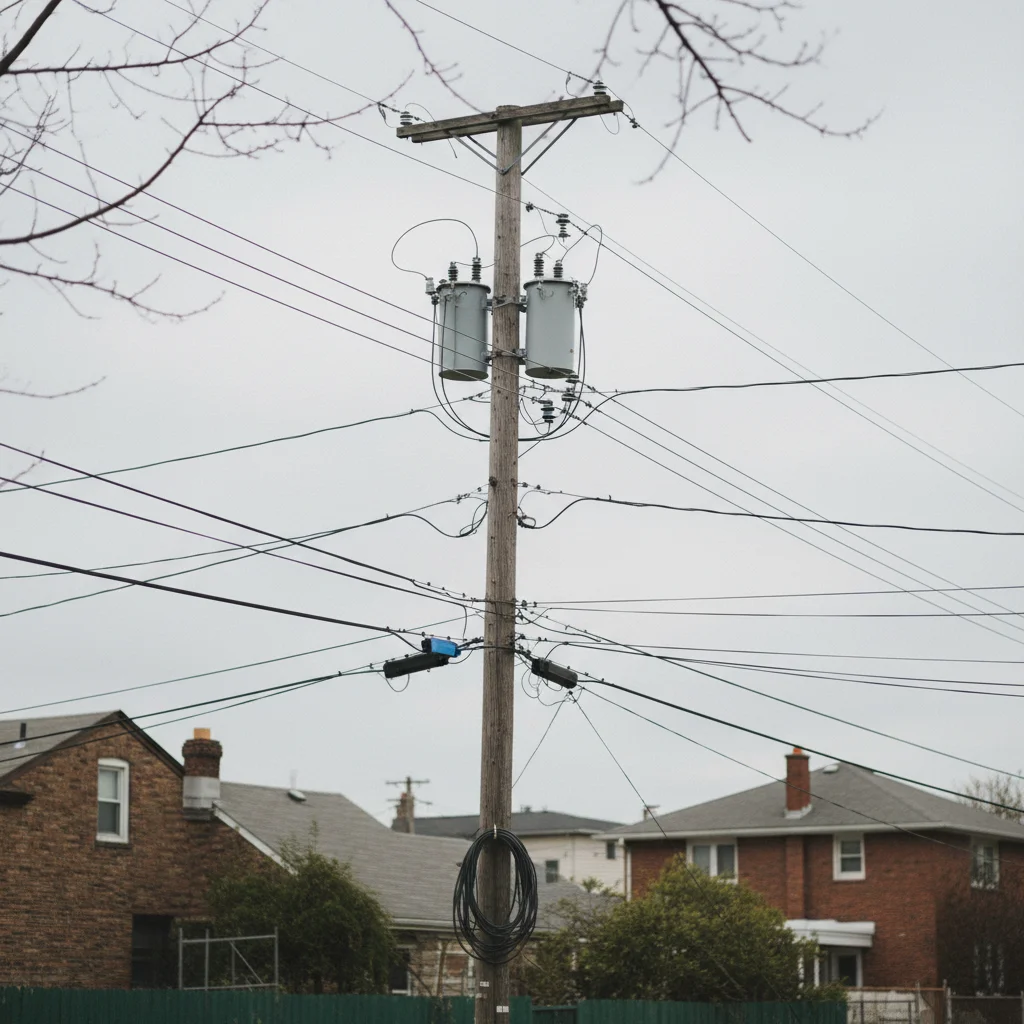
Overhead cables in street remove all overhead cables and wires from the upper half, fill with clean blue sky 30s
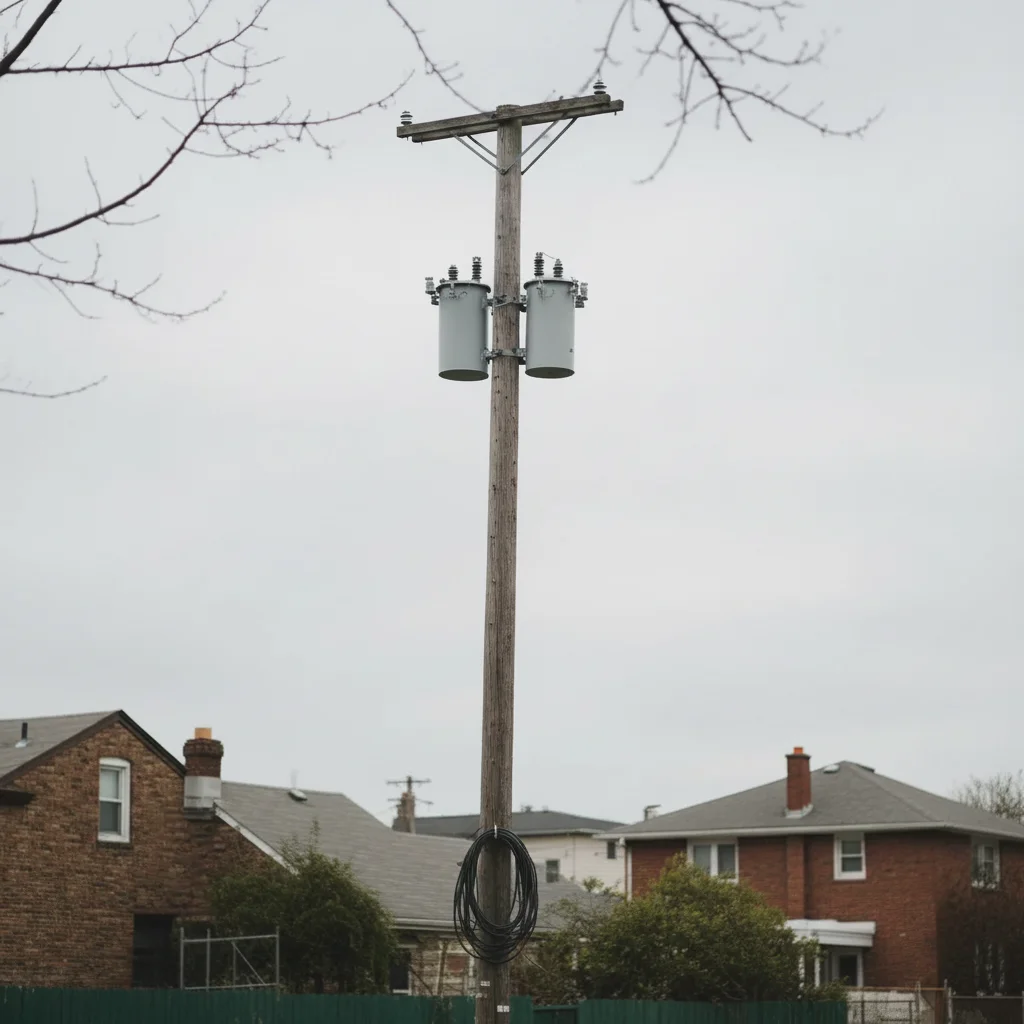
Utility pole + wires remove the utility pole and all attached wires, extend the sky and trees naturally 35s

How it works

  1. Upload your photo

    Drop your landscape, cityscape, or architectural photo into EditThisPic. JPG, PNG, WebP up to 7MB. Works best with photos where wires cross sky, buildings, or natural scenery.

    Expect: Simple scenes with clear sky: 20-30 seconds. Complex urban scenes with multiple wire crossings: may need 2-3 refinements for perfect results.
  2. Describe which wires to remove

    Type your instruction: 'remove the power lines from the sky' or 'remove electrical wires crossing the building.' Be specific about location if there are multiple wire sections. No tracing needed—the AI understands what 'power lines' and 'wires' mean in photos.

    Tip: For complex wire networks, try removing one section at a time: 'remove wires on the left side of the frame' then generate again for 'wires on the right side.'

    Copy one of these to get started:

    Power lines crossing landscape photo remove the power lines from the sky and restore clean blue background
    Electrical wires on building facade remove electrical wires crossing the building facade and restore the clean wall
    Telephone wires in street photo remove all telephone wires and cables from the upper portion of the photo
    Overhead cables in city scene remove the overhead cables and wires, fill with clean sky matching the existing blue tone
    3 more prompts
    Utility poles and wires remove the utility pole and all attached wires, extend the sky and trees naturally
    Wires crossing mountain view remove the power lines crossing the mountain peaks and restore unobstructed view
    Multiple wire layers in urban photo remove all electrical wires and cables in the foreground and background, leave buildings untouched
  3. Generate and review

    Click Generate and wait 20-30 seconds. Zoom to full size to check wire removal quality. Verify the sky or background texture looks natural where wires were removed. Check edges where wires crossed buildings or trees.

  4. Refine with markers if needed

    If thin wire segments remain or edges need cleanup, tap markers on those specific spots and regenerate. This is optional—most wire removals work without markers. Use markers to specify which wire section if the AI missed one.

    Tip: Markers are for precision refinement, not required. Try description-only first, then add markers only if some wire segments remain.
Try it free

Remove Wires from Photo

Drop your photo here

or click to browse

Release to upload

Free • No signup

"Saved my vacation photos! Those power lines ruined the sunset view but the AI removed them perfectly." @travel_photographer

See it in action

Sunset landscape with three power lines crossing the sky
Before
->
Clean sunset landscape with power lines removed
After

Sunset with power lines removed

Power lines crossed a beautiful sunset sky. One prompt removed all wires and restored clean gradient.


Prompt: remove the power lines from the sky and restore clean gradient background
Brick building with electrical wires crossing the facade
Before
->
Clean brick building facade with wires removed
After

Wires removed from building facade

Electrical cables crossed a historic building in this city photo. AI removed wires and restored brick texture.


Prompt: remove electrical wires crossing the building facade and restore the brick wall
European street with overhead cable network cluttering the sky
Before
->
Clean European street with all overhead cables removed
After

Overhead cables removed from street scene

Complex network of overhead wires cluttered this European street photo. Two-step removal cleaned it completely.

Prompt: remove all overhead cables and wires from the upper half, fill with clean blue sky
Advertisement

If something looks off

AI changed the wrong area or removed part of a building instead of wires

Why: The AI couldn't determine exactly which thin lines were wires versus architectural features. This happens when wires overlap building edges or are similar in color to structures.

Try: Tap a marker directly on the wire segment you want removed, then regenerate with a more specific prompt like 'remove only the thin wire at this marker, preserve the building edge'

Tip: Markers tell the AI 'I mean THIS line specifically.' Use them when wires overlap other linear elements like building edges or tree branches.

Thin wire segments still visible after removal

Why: Very thin wires (especially against complex backgrounds like trees) can be difficult for AI to fully detect in one pass. The algorithm prioritizes preserving surrounding detail.

Try: Zoom in and tap markers on the remaining wire segments, then regenerate with 'remove the thin wire at these markers completely'

Tip: For stubborn thin wires, try two passes: first remove the main wire sections, then a second generation targeting the thin remnants with markers.

Sky or background looks blurry where wires were removed

Why: The AI had to reconstruct large areas where wires crossed, sometimes resulting in softer texture than the original surrounding sky or background.

Try: Try a more specific prompt: 'remove the wires and fill with sharp blue sky matching the existing texture' or use a reference image showing the sky texture you want

Tip: For best results, use photos with simple, uniform backgrounds (clear sky, solid walls) rather than complex textured backgrounds.

Shadows or traces of wires remain

Why: Thick wires cast shadows that the AI may not recognize as part of the wire. The shadow removal requires explicit instruction.

Try: Add to your prompt: 'remove the power lines and their shadows from the wall' or mark both the wire and its shadow before generating

Tip: When wires cross light-colored surfaces (walls, sky), explicitly mention shadows in your removal instruction.

Color mismatch where wires crossed different background areas

Why: When a wire crosses both sky and building, the AI fills each section with the appropriate background, but the transition may not be seamless if lighting differs.

Try: Try separate instructions for each background: first 'remove wires from the sky portion' then 'remove wires from the building portion' in a second generation

Tip: For wires crossing multiple distinct backgrounds (sky + trees + building), remove in sections for better color continuity.

Multiple overlapping wires - some removed, some remain

Why: When many wires overlap at different distances, the AI may interpret them as a single complex object and miss individual strands.

Try: Remove in layers: 'remove the thickest foreground wires' first, generate, then 'remove the thinner background wires' in a second pass

Tip: Complex wire tangles work better with a layered approach: foreground first, then background elements.

Quick answers

Do I need to mark or trace the wires before describing?

No! Just describe what you want removed: 'remove the power lines from the sky' or 'remove wires crossing the building.' The AI understands these concepts without tracing. Only use markers when you need precision—like specifying which of several wire sections to remove first, or targeting thin remnants after your first attempt.

How do I remove wires from photos for free?

EditThisPic offers free wire removal with AI. Upload your photo, type 'remove the power lines from the sky,' and the AI handles it in 20-30 seconds. No account needed, no watermark added. Works on landscape photos, cityscapes, and architectural shots with wires crossing the frame.

Can it remove thick power lines and thin telephone wires?

Yes, the AI handles both thick power lines and thin telephone cables. Thick wires against clear backgrounds (sky, walls) typically remove in one pass. Very thin wires against complex backgrounds (trees, textured surfaces) may need a second refinement pass with markers for complete removal.

What's the best free tool for removing power lines from landscape photos?

EditThisPic's AI Wire Remover works specifically for power lines, telephone wires, and overhead cables in landscape and city photos. It's free, requires no login, and handles both simple wire removal (clear sky backgrounds) and complex scenes (wires crossing buildings or trees). The AI reconstructs sky and background texture automatically.

Will it remove the utility pole or just the wires?

You can remove both or either one. For wires only: 'remove the wires, leave the pole.' For pole and wires: 'remove the utility pole and all attached wires.' The AI understands the distinction and fills the background appropriately based on your instruction.

Does it work on photos with wires crossing trees or buildings?

Yes, but complexity affects results. Wires crossing simple backgrounds (clear sky, solid walls) remove cleanly in 20-30 seconds. Wires crossing detailed backgrounds (tree branches, textured facades) work well but may need a second pass with markers to refine edges where the wire overlapped complex details.

Ready to remove wires from your photos?

Free to try. No signup required.

Try it free