Free • No signup Remove Logo · Free

AI Logo Remover

Just describe what logo to remove and AI does the rest.
Red athletic shirt with Nike swoosh logo on chest
Before
Clean red shirt after logo removal with natural fabric texture
After

Remove Logo from Photo

Drop your photo here

or click to browse

Release to upload

Free • No signup

Advertisement
Popular use cases:
  • product photography
  • clothing resale
  • Amazon sellers
  • eBay listings
  • fashion photography
  • stock photography
  • brand removal

Cost
Free No signup required
Time
Instant results in 15-30 seconds
Works on
Any device - browser, phone, tablet, desktop
Powered by
AI-powered photo editing
Scenario Prompt Time
Any logo remove the logo and fill with matching background 15s
Clothing brand remove the brand logo from the shirt and blend with fabric texture 15s
Product branding eliminate the brand mark from the product and create clean surface 15s

How it works

  1. Upload your photo

    Drop your image into EditThisPic. JPG, PNG, WebP up to 7MB. Works on product photos, clothing items, screenshots, and any image with visible logos or branding.

    Expect: Simple logo removals: 15 seconds. Complex overlapping logos or textured backgrounds: may need one refinement.
  2. Describe what you want

    Type your instruction: 'remove the logo' or 'eliminate the Nike swoosh on the shirt.' Be specific if there are multiple logos. No marking needed—the AI recognizes brand marks and logos automatically.

    Tip: Include the location if there are multiple logos: 'remove the logo on the left chest' for precise targeting

    Copy one of these to get started:

    Remove any logo remove the logo and fill with matching background
    Clothing brand marks remove the brand logo from the shirt and blend with fabric texture
    Product branding eliminate the brand mark from the product and create clean surface
    Multiple logos remove all visible logos and brand marks from the image
    1 more prompts
    Watermark logos remove the watermark logo overlay and restore the original image
  3. Generate and review

    Click Generate and watch the AI remove the logo while filling the area with matching background texture. Check at full zoom to verify clean edges and natural blending.

Try it free

Remove Logo from Photo

Drop your photo here

or click to browse

Release to upload

Free • No signup

"Removed a massive Nike swoosh from my product photo. Took literally 10 seconds." @seller_pro

See it in action

Red athletic shirt with Nike swoosh logo on chest
Before
->
Clean red shirt after logo removal with natural fabric texture
After

Clothing brand removed

Large Nike swoosh on athletic shirt. One prompt removed it cleanly with natural fabric texture.
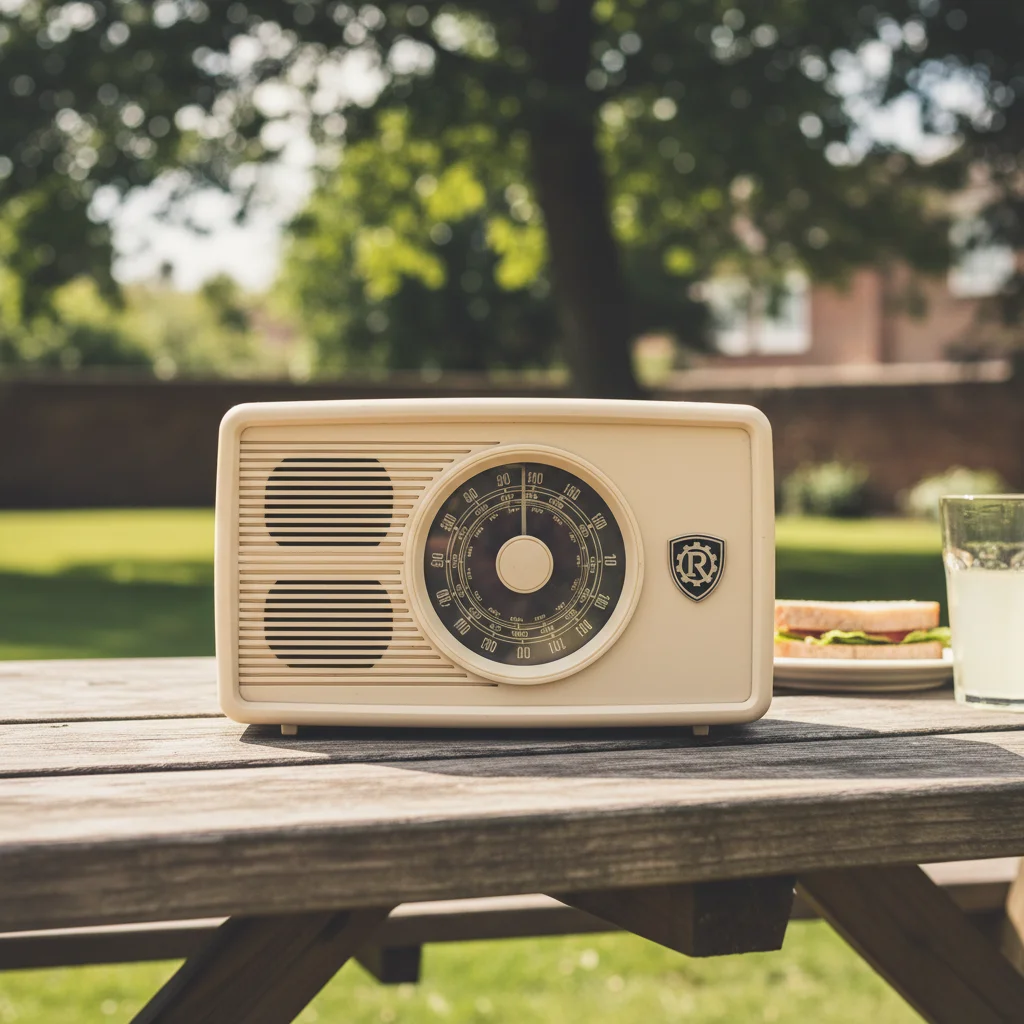
Prompt: remove the brand logo from the shirt and blend with fabric texture
Silver laptop with Apple logo on lid
Before
->
Clean laptop surface after logo removal with smooth metallic finish
After

Product branding eliminated

Apple logo on laptop cover. AI removed the mark and recreated smooth metallic surface.

Prompt: eliminate the brand mark from the product and create clean surface
Advertisement

If something looks off

AI changed the wrong area or something I didn't want changed

Why: The AI couldn't determine exactly which logo you meant from description alone. This happens when there are multiple logos or brand marks.

Try: Tap a marker on the specific logo you want to remove, then regenerate with the same prompt

Tip: Markers tell the AI 'I mean THIS logo specifically.' Use them when there are multiple brand marks in the image.

Logo area looks blurry or patched

Why: The background texture behind the logo was complex or the logo was large, making reconstruction challenging.

Try: Try 'remove logo and match surrounding texture precisely' to improve blending quality

Tip: For logos on patterned backgrounds, mention the pattern: 'blend with striped fabric' or 'match wood grain'

Logo is partially visible or ghosting remains

Why: High-contrast logos or embossed/raised branding may leave traces after first removal.

Try: Generate once, then mark any remaining traces and generate again with 'remove all traces of the logo'

Tip: Embossed logos may need 2 passes: remove the color first, then clean up shadows/texture

Removed wrong logo when there were multiple

Why: The AI chose the most prominent logo when multiple brand marks were present.

Try: Be specific: 'remove only the logo on the left side' or use markers to indicate which logo to eliminate

Tip: When multiple logos exist, describe location: 'upper right', 'on the chest', 'bottom corner'

Quick answers

Do I need to mark the logo before describing?

No! Just describe what you want: 'remove the logo' or 'eliminate the Nike swoosh.' The AI recognizes common brand marks and logos. Only use markers when you need precision—like removing one specific logo when there are multiple brand marks in the image.

How do I remove a logo from a photo for free?

Upload your image to EditThisPic, type 'remove the logo,' and click Generate. The AI automatically identifies and removes the logo while filling the area with matching background texture. Free to try with no account needed.

Can I remove logos from clothing in photos?

Yes. EditThisPic works great for removing brand logos from clothing, shoes, and accessories. Just describe it: 'remove the logo from the shirt' and the AI blends the fabric texture naturally. Perfect for reselling items or creating unbranded product photos.

Will it work on watermark logos?

Yes, but effectiveness depends on the watermark type. Solid overlay watermarks work best. Semi-transparent or scattered watermarks may need refinement. Use 'remove watermark overlay and restore original image' for best results.

Ready to remove logos from your photos?

Free to try. No signup required.

Try it free