Free • No signup Generate Corporate headshots · Free

AI Corporate Headshot Generator

Turn any photo into a polished corporate headshot. Studio quality without the studio.
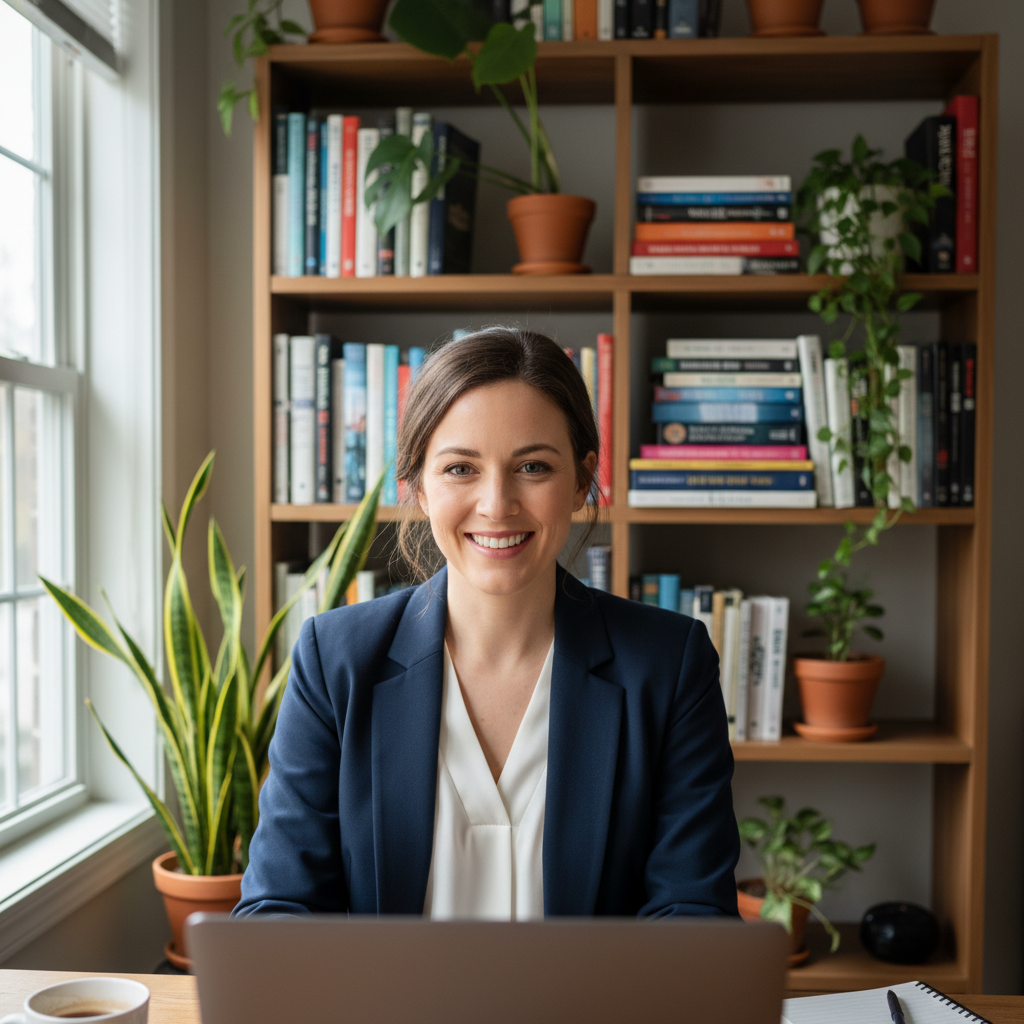
Man on video call with cluttered home office background
Before
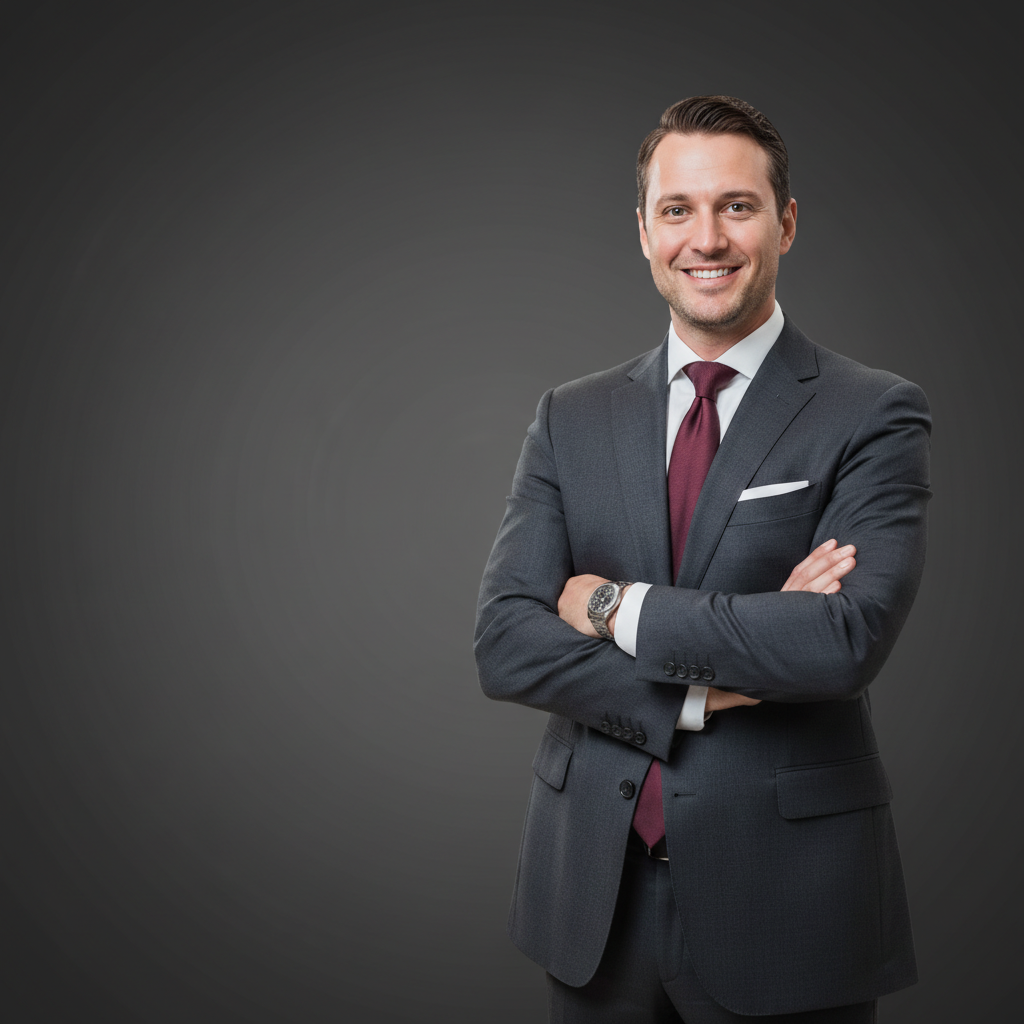
Same man with polished corporate executive headshot and dark grey backdrop
After

AI Corporate Headshot Generator

Drop your photo here

or click to browse

Release to upload

Free • No signup

Advertisement
Popular use cases:
  • executive portraits
  • board of directors photos
  • company leadership page
  • corporate website headshots
  • press kit photos
  • law firm portraits
  • C-suite headshots
  • professional bio photos

Cost
Free No signup required
Time
Instant results in 15-30 seconds
Works on
Any device - browser, phone, tablet, desktop
Powered by
AI-powered photo editing
Scenario Prompt Time
Simple background swap replace background with solid grey, professional lighting 30s
Full corporate transformation generate corporate headshot with suit, studio backdrop, and professional lighting 40s
Executive editorial portrait create dramatic executive portrait with single key light against black 45s

How it works

  1. Upload your photo

    Drop your image into EditThisPic. JPG, PNG, WebP up to 7MB. Clear photos where the face and upper body are visible work best. Any photo where you can clearly see the person's face will work—selfies, webcam captures, and event photos included.

    Expect: Standard corporate headshot: 30-40 seconds. Full executive portrait with complex styling: 45-60 seconds and may need one refinement.
  2. Describe the corporate headshot style

    Type your instruction: 'generate a corporate headshot with a charcoal suit, white shirt, and solid dark grey background with professional studio lighting' or 'create an executive portrait with dramatic lighting.' Specify the attire, background color, and lighting style. No marking needed—the AI understands what 'corporate headshot' and 'executive portrait' mean.

    Tip: Include the seniority level: 'C-suite executive portrait' produces a different look than 'mid-level manager headshot.' The AI adjusts formality accordingly.

    Copy one of these to get started:

    Classic executive headshot generate a corporate executive headshot with a dark charcoal suit, crisp white shirt, subtle tie, and solid dark grey background with professional Rembrandt studio lighting
    Board of directors portrait create a board of directors portrait with dark navy suit, conservative styling, deep charcoal gradient background, and dramatic studio lighting conveying authority
    Modern corporate headshot generate a modern corporate headshot with fitted blazer, open collar, clean light grey background, and bright even lighting with a confident approachable expression
    Law firm partner portrait create a law firm partner headshot with dark suit, conservative tie, rich dark blue background, and soft dramatic lighting that conveys trust and expertise
    3 more prompts
    Company page headshot generate a company page headshot with business professional attire, clean white background, warm even lighting, and a friendly confident expression
    Healthcare executive portrait create a healthcare executive headshot with professional attire, clean white coat optional, bright clinical-clean background, and warm trustworthy lighting
    High-contrast editorial headshot generate a dramatic corporate headshot with dark suit against pure black background, single key light from the left creating strong contrast and shadow definition
  3. Review the headshot

    Check that the corporate styling looks authentic. Verify suit fit, collar alignment, background uniformity, and that lighting creates appropriate depth and authority. Zoom in on facial details and clothing edges.

  4. Refine with markers if needed

    If collar details, lapel lines, or the transition between hair and background need refinement, tap markers on those spots and regenerate. Most corporate headshots come out polished on the first attempt.

    Tip: Markers are for precision refinement only. Try without them first—you usually won't need them.
Try it free

AI Corporate Headshot Generator

Drop your photo here

or click to browse

Release to upload

Free • No signup

"Had to update our entire board of directors page and couldn't schedule a photographer for 8 executives. Uploaded their existing photos and generated consistent corporate headshots for all of them in one afternoon." @CorpComms_Elena

See it in action

Man on video call with cluttered home office background
Before
->
Same man with polished corporate executive headshot and dark grey backdrop
After

Video call screenshot to executive headshot

A blurry video call screenshot transformed into a polished executive headshot suitable for a company's leadership page.

Prompt: generate a corporate executive headshot with a dark charcoal suit, crisp white shirt, and solid dark grey background with professional studio lighting
Woman in coral blazer at company event with buffet table behind
Before
->
Same woman with formal board portrait, dark suit, and charcoal gradient background
After

Event photo to board portrait

A photo from a company event transformed into a formal board of directors portrait.

Prompt: create a board of directors portrait with dark navy suit, conservative styling, deep charcoal gradient background, and dramatic studio lighting conveying authority
Advertisement

If something looks off

AI changed the wrong area or something I didn't want changed

Why: The AI couldn't determine exactly which part you wanted to change from description alone. This happens when both attire and background need different adjustments simultaneously.

Try: Tap a marker on the specific area you want to change, then regenerate with the same prompt

Tip: Markers tell the AI 'I mean THIS area specifically.' Use them when description alone is ambiguous.

Suit looks painted on or doesn't have realistic fabric texture

Why: The AI didn't have enough detail in the prompt to generate realistic fabric folds, stitching, and material texture.

Try: generate a corporate headshot with a TAILORED dark suit showing natural fabric drape, visible lapel stitching, and realistic wool texture

Tip: Including fabric type ('worsted wool', 'Italian silk') and construction details ('notch lapels', 'double-breasted') creates authentic results.

Background gradient looks uneven or has banding

Why: The AI generated a gradient with visible steps instead of a smooth transition, which is common with subtle gradients.

Try: make the background a perfectly smooth gradient from dark charcoal at edges to medium grey at center, no visible banding or steps

Tip: Explicitly requesting 'no banding' and 'smooth gradient' tells the AI to pay extra attention to gradient quality.

Lighting doesn't create the professional depth expected

Why: The prompt didn't specify lighting direction or style, so the AI used flat even lighting instead of dramatic portrait lighting.

Try: add professional portrait lighting with a key light from the upper left, fill light from the right, and rim light creating subtle edge separation from background

Tip: Three-point lighting (key, fill, rim) is the foundation of professional portrait photography. Naming all three gets the best results.

Result doesn't match the formality level needed

Why: The AI interpreted 'corporate' generically instead of matching the specific seniority or industry level you need.

Try: Be more specific about the level: 'Fortune 500 CEO portrait' vs 'mid-level manager headshot' vs 'startup CTO photo' for different formality levels

Tip: Naming a specific role or company type gives the AI clearer guidance than generic terms like 'professional' or 'corporate.'

Quick answers

Do I need to mark areas before generating a corporate headshot?

No! Just describe the look: 'generate a corporate headshot with dark suit and grey background' or 'create an executive portrait with studio lighting.' The AI handles the entire transformation. Only use markers if you want to refine a specific detail like collar alignment after the first attempt.

How do I create a corporate headshot from a casual photo for free?

Upload any photo to EditThisPic and type something like 'generate a corporate executive headshot with charcoal suit, professional lighting, and dark grey background.' The AI handles attire, background, and lighting in one step. Download the result without watermarks. Free to try, no account needed.

Is there a free corporate headshot generator that doesn't require signup?

Yes, EditThisPic generates corporate headshots with no account or login required. Upload any photo of a person—selfie, webcam capture, or event photo—and describe the corporate look you want. Results in under a minute, no watermarks, unlimited tries.

What's the best free AI tool for executive portraits?

EditThisPic specializes in transforming casual photos into corporate-quality executive portraits. Unlike professional photography sessions costing $200-500, describe the exact look you want—lighting style, background, attire—and get results in seconds. Perfect for board pages, company sites, and press kits.

Ready to generate your corporate headshot?

Free to try. No signup required.

Try it free