Free • No signup Remove Face shadow · Free

Remove Shadow from Face in Photos

← Browse all remove tools

Last updated

Remove harsh shadows from faces — overhead light bands, hat shadows, and dark half-face lighting fixed with one instruction.
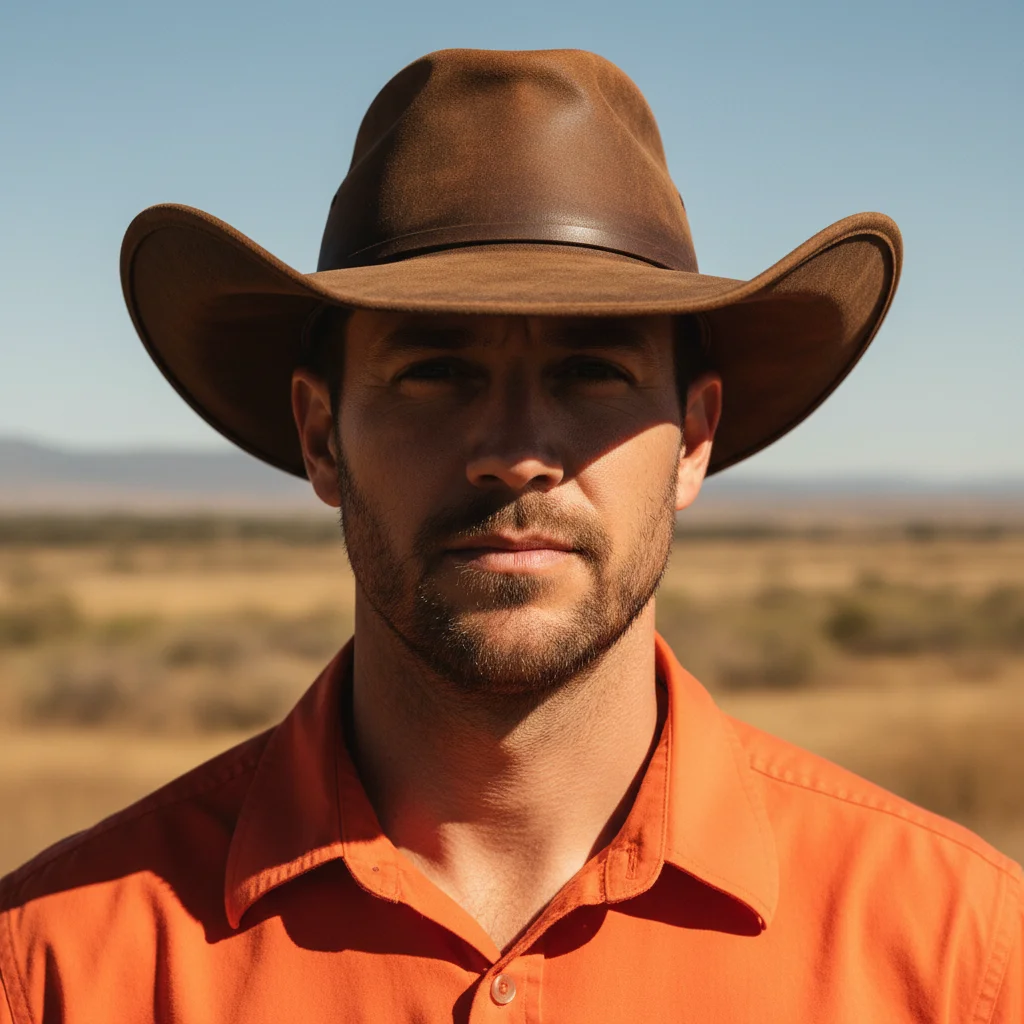
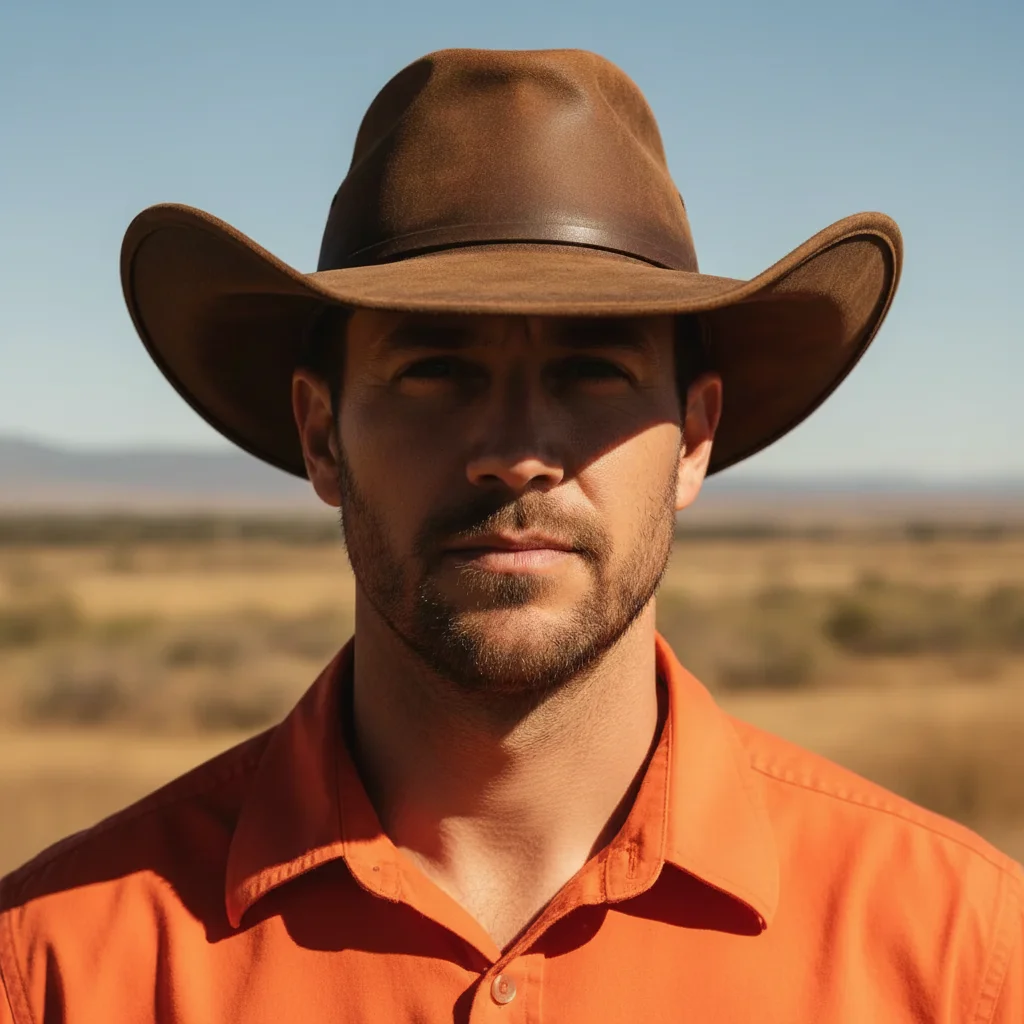
Portrait with sharp hat brim shadow across the upper face and eyes Same portrait with hat shadow removed and face evenly lit

Upload photo to remove face shadow

"remove the shadow cast by the hat brim across the face — brighten the eye area and cheeks to match the naturally lit forehead and chin"

Release to upload

50,000+photos edited
<30stypical edit
1 freeedit weekly

1 free edit·then from $4.99

How it works

  1. Upload your photo with the face shadow

    Drop your photo into EditThisPic. JPG, PNG, or WebP up to 7MB. Works for overhead harsh light causing dark eye sockets, hat brims casting shadow across the face, window bars casting stripes on skin, half-face shadow from side lighting, and nose shadows from direct flash. Photos with good face visibility in the lit areas work best.

    Expect: Moderate shadow on one face: 20-30 seconds. Multiple faces or complex shadow patterns: 30-45 seconds.
  2. Describe the shadow fix

    Type: 'remove the harsh shadow from the face and restore even natural lighting' or 'fix the dark shadow under the hat brim — brighten the shadowed eye and cheek area naturally' or 'remove the striped shadow pattern across this face and restore smooth even skin tones.' Describe the shadow type for best results. No marking needed.

    Tip: Describing the shadow source — 'overhead light,' 'hat brim shadow,' 'window bar shadow' — helps the AI understand the pattern and restore the appropriate lighting to replace it.

    Copy one of these to get started:

    General harsh face shadow remove the harsh shadow from the face and restore even, natural, flattering lighting across the entire face
    Hat brim shadow remove the shadow cast by the hat brim across the face — brighten the eye area and cheeks to match the naturally lit forehead and chin
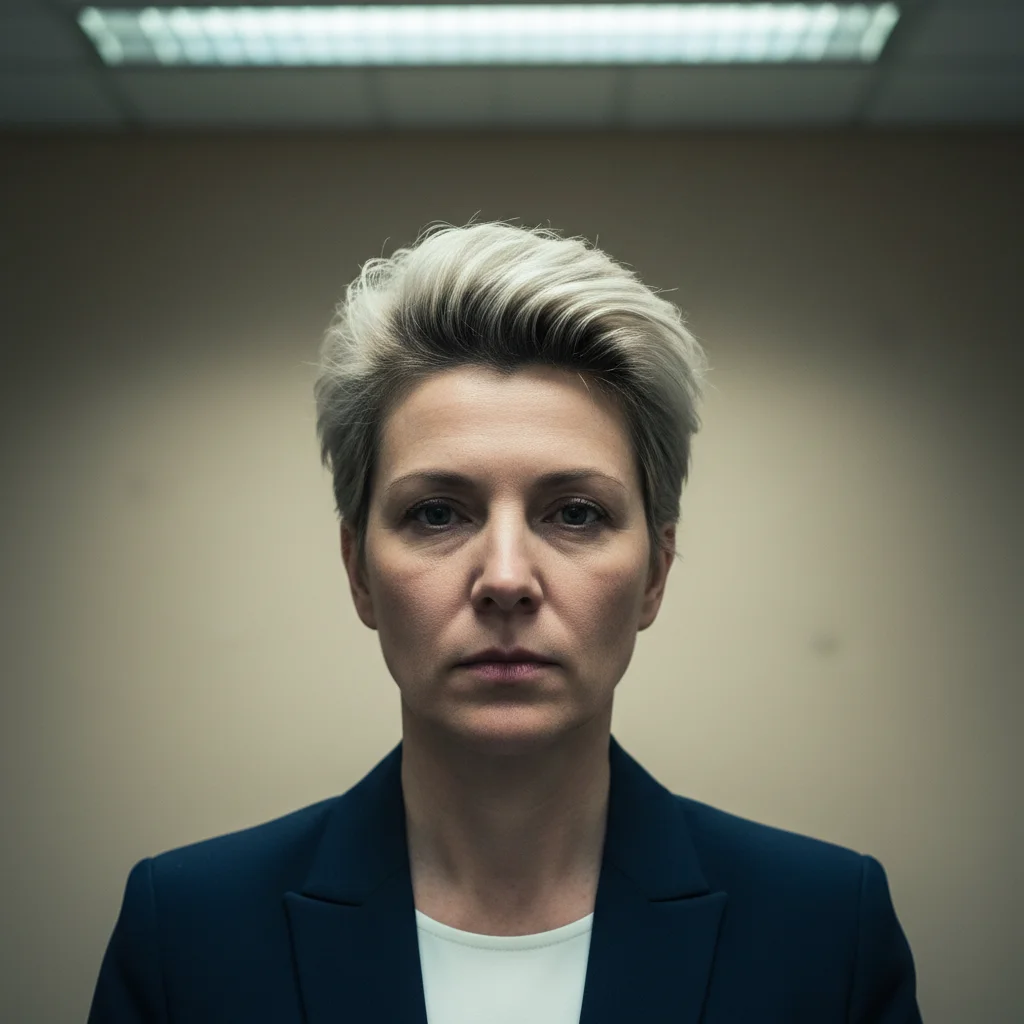
    Overhead light dark eye sockets fix the harsh overhead lighting causing dark eye socket shadows and unflattering nose shadow — restore soft, even frontal lighting
    Half-face shadow from side lighting remove the dark shadow covering the left half of the face — restore even balanced lighting across both sides of the face to match the lit side
    3 more prompts
    Window bar or fence shadow stripes remove the striped shadow pattern across the face from window bars — restore smooth even skin tones across the whole face
    Graduation cap shadow remove the graduation cap brim shadow from the face — brighten the shadowed forehead, eye area, and upper cheeks to match the rest of the face
    Preserve intentional dramatic shadow remove only the unwanted dark under-eye shadows and harsh nose shadow from this portrait — keep the intentional side lighting for dramatic effect but fix the unflattering specific shadows
  3. Review the lighting restoration

    Check that the shadow is fully removed without leaving dark patches or unnatural bright areas. The skin tone in the previously-shadowed area should match the lit areas. Look at the eye socket and nose areas — these are the most common problem spots. The overall face should look evenly and naturally lit.

See it in action

Portrait with sharp hat brim shadow across the upper face and eyes
Before
->
Same portrait with hat shadow removed and face evenly lit
After

Hat brim shadow removed

An outdoor portrait with hat shadow across the face restored to even natural lighting.

Prompt: remove the shadow cast by the hat brim across the face — brighten the eye area and cheeks to match the naturally lit forehead and chin
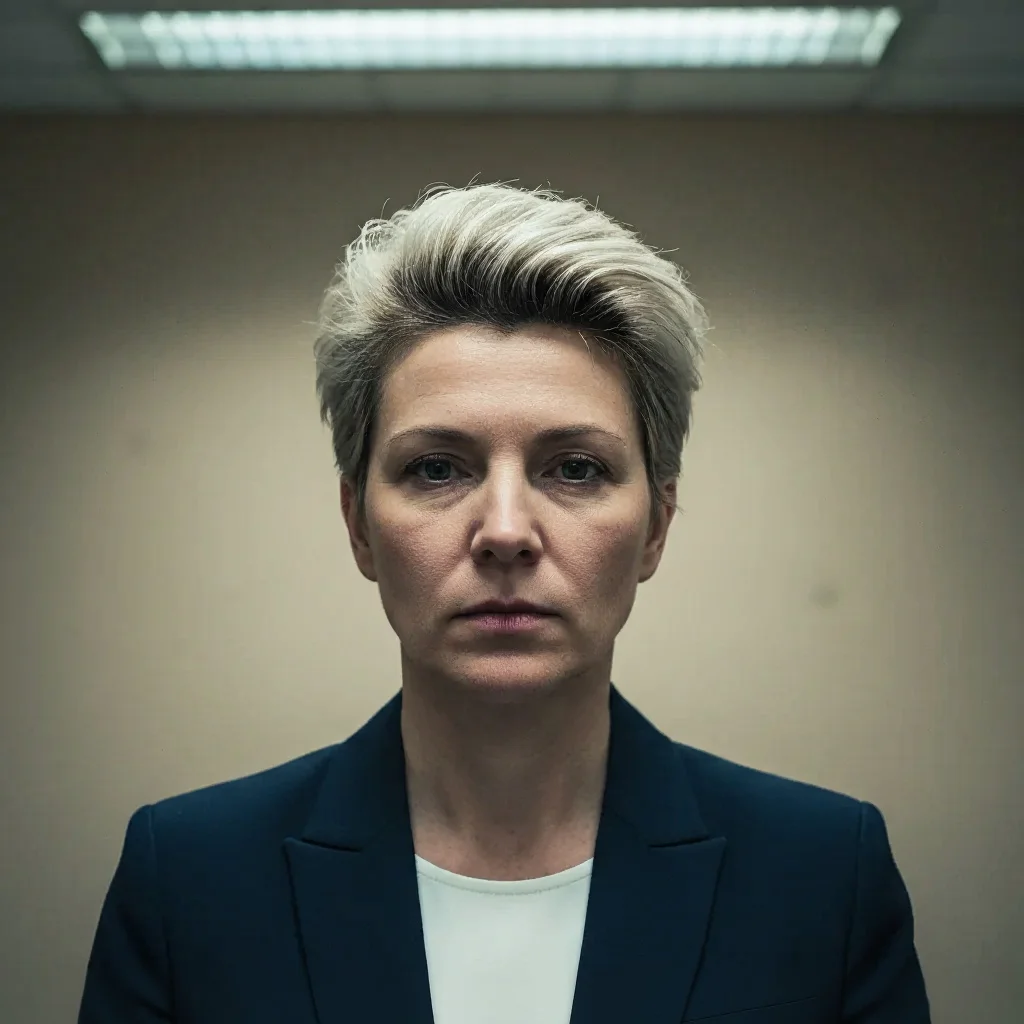
Portrait with harsh overhead fluorescent lighting and dark eye socket shadows
Before
->
Same portrait with eye socket shadows removed and even soft frontal lighting restored
After

Overhead light dark eye socket fix

An indoor photo under overhead fluorescent light restored with soft frontal lighting.

Prompt: fix the harsh overhead lighting causing dark eye socket shadows and unflattering nose shadow — restore soft, even frontal lighting

Quick answers

Do I need to mark the shadow before removing it?

Not for most single portraits — the AI detects and removes the facial shadow automatically from your description.

How do I remove a shadow from a face in a photo for free?

EditThisPic removes face shadows for free with no account needed. Upload your photo, type 'remove the harsh shadow from the face and restore even natural lighting,' and download the result — no signup or watermark.

Can it fix the dark shadow under a hat brim?

Yes — hat brim shadow is one of the most common use cases. Type: 'remove the shadow cast by the hat brim across the face — brighten the eye area and cheeks to match the naturally lit forehead and chin.' This handles the most typical hat shadow pattern.

Will it make the face look flat or lose natural depth?

Not if you ask for balanced lighting. The AI removes the problematic harsh shadows while preserving natural facial contour shading. Add 'keep natural subtle contour shadows' if you want to ensure three-dimensional facial depth is maintained.

Can it fix striped shadow patterns from window grilles?

Yes — describe it: 'remove the striped shadow pattern across the face from window bars and restore smooth even skin tones.' The AI fills in the shadow stripes with matching skin tone. Very complex or very high-contrast stripe patterns may need a second pass.

How much does EditThisPic cost?

You get 1 free edit per week — no account needed. After that, credit packs start at $1.99 for 3 edits. Monthly plans start at $4.99/mo for 20 edits with unused credits rolling over. All edits are full resolution with no watermark.

Ready to remove that harsh face shadow?

Free to try. No signup required.

1 free edit included·Credit packs from $4.99