Pricing Generate Product photo before after · Free

AI Product Photo Before and After

← Browse all ecommerce tools

Last updated

Turn raw product snapshots into studio-quality shots — clean backgrounds, sharp edges, professional light. Perfect for Instagram posts, TikTok ads, and Etsy listings.
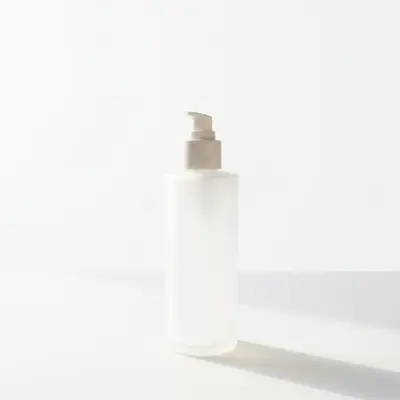
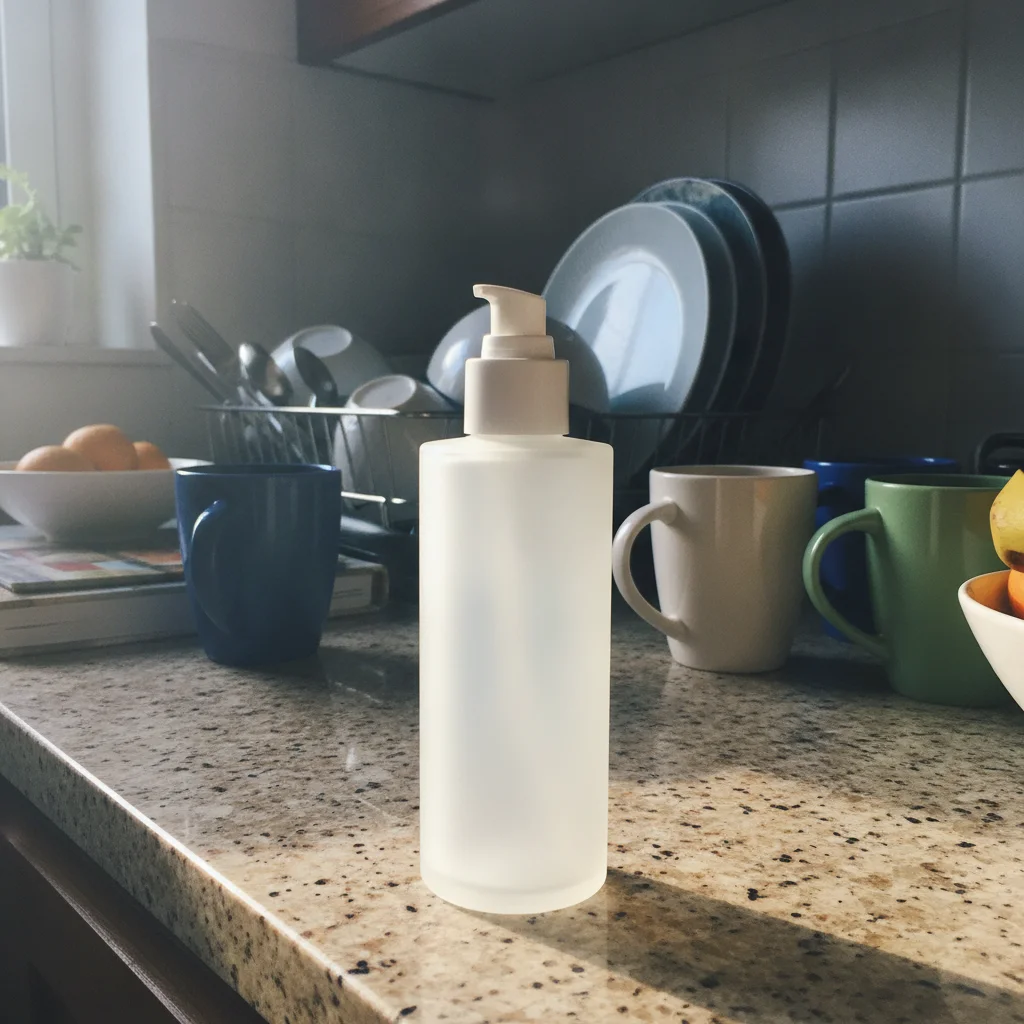
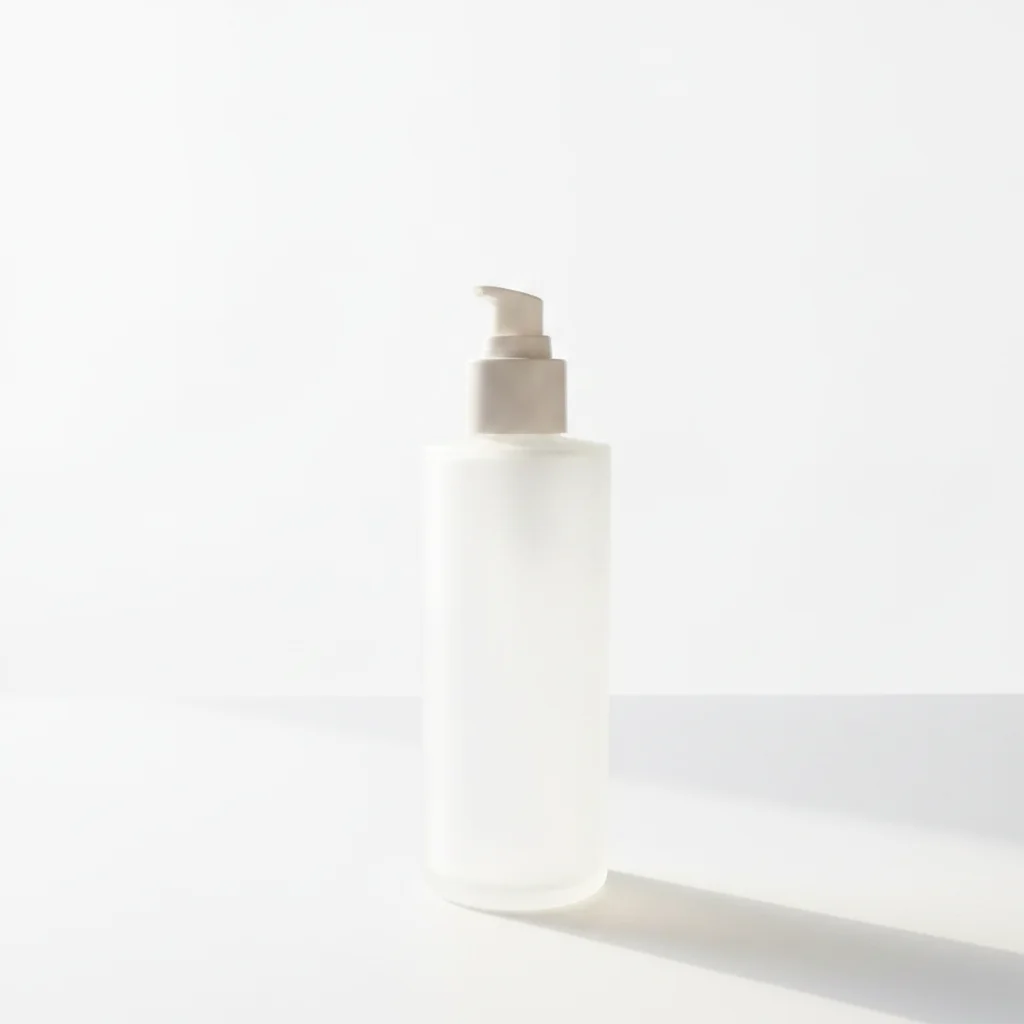
Skincare bottle on cluttered kitchen counter with mixed lighting Same skincare bottle on clean white studio background with soft even light and natural shadow

Upload photo to generate product photo before after

"place the product on a light marble surface with soft natural daylight coming from the left, blurred neutral background, warm minimal aesthetic suitable for an Instagram product post"

Free to try · no sign-up · photos are never shared

Release to upload

<30stypical edit
1 freeedit weekly
Photo on your phone? Scan to open this editor there — free edit works on your phone too.

1 free edit every week·packs from $4.99

How it works

  1. Upload your raw product photo

    Use the clearest photo you have — the product should be in focus and fully visible. Even kitchen-table phone shots work well. The AI handles lighting correction, background removal, and sharpening. JPG, PNG, or WebP up to 7MB.

    Expect: Simple product shots on a single-color surface: 15-30 seconds, usually perfect on the first pass. Complex shapes with handles, transparent bottles, or intricate labels may need one refinement. The AI's biggest improvement is usually background — even a mediocre photo becomes listing-ready after a clean background swap.
  2. Describe the transformation

    Type what you want the 'after' to look like: 'replace the background with a clean white studio backdrop and enhance the product with soft even lighting from above.' For lifestyle shots, describe the scene: 'place the product on a marble surface with a soft grey background and warm natural light.' The more specific you are about the final scene, the better the result.

    Tip: Marketers and creators: describe the platform your ad runs on. 'Clean white background for Amazon listing' produces different lighting than 'moody dark background for TikTok ad.' Platform context shapes the aesthetic.

    Copy one of these to get started:

    Clean white background — Amazon/Etsy listing replace the background with a pure white seamless studio backdrop, place the product on a clean white surface with a soft natural shadow below it, enhance product sharpness and even out the lighting
    Lifestyle background — Instagram aesthetic place the product on a light marble surface with soft natural daylight coming from the left, blurred neutral background, warm minimal aesthetic suitable for an Instagram product post
    Dark moody — premium/luxury product place the product on a dark charcoal grey surface with a dramatic single light source from the upper right, deep shadows, cinematic product photography style, premium brand aesthetic
    Shadow and reflection — floating product look place the product on a pure white background with a clean natural shadow directly below it and a subtle mirror reflection beneath, product appears to float slightly, professional commercial photography look
    3 more prompts
    Multiple products — flat-lay arrangement arrange the products in a clean flat-lay composition on a white background, even overhead lighting, professional product photography style, equal spacing between items
    Before/after for social proof ad creative show the product transformation: on the left, the original product against a plain background; on the right, the same product enhanced with a professional studio setting. Label the panels 'Before' and 'After' in clean minimal text
    Color variation catalog — same shot, different color change the product color from [original color] to [new color], keep the studio background, lighting, shadow, and product shape identical — only the product color should change
  3. Review the transformation at full resolution

    Zoom to 100% and check three things: product edges (no fringing or haloing), product color accuracy (make sure the actual product color is preserved), and shadow consistency (shadows should look natural and grounded, not floating).

  4. Refine specific areas with markers

    If a label is blurry, a bottle reflection looks wrong, or an edge is rough, tap a marker on that area and regenerate with a targeted prompt. Markers are optional — most product shots don't need them.

    Tip: For products with transparent packaging (glass, clear plastic), tap the edge of the transparent area and add 'keep the transparent material visible with realistic glass refraction' in the refinement prompt.

See it in action

Skincare bottle on cluttered kitchen counter with mixed lighting
Before
->
Same skincare bottle on clean white studio background with soft even light and natural shadow
After

Kitchen counter to white studio — Amazon listing ready

Seller shot a skincare bottle on a kitchen counter in natural window light. One prompt removed the messy background and produced a clean listing-ready studio shot.

Prompt: replace the background with a pure white seamless studio backdrop, place the product on a clean white surface with a soft natural shadow below it, enhance product sharpness and even out the lighting
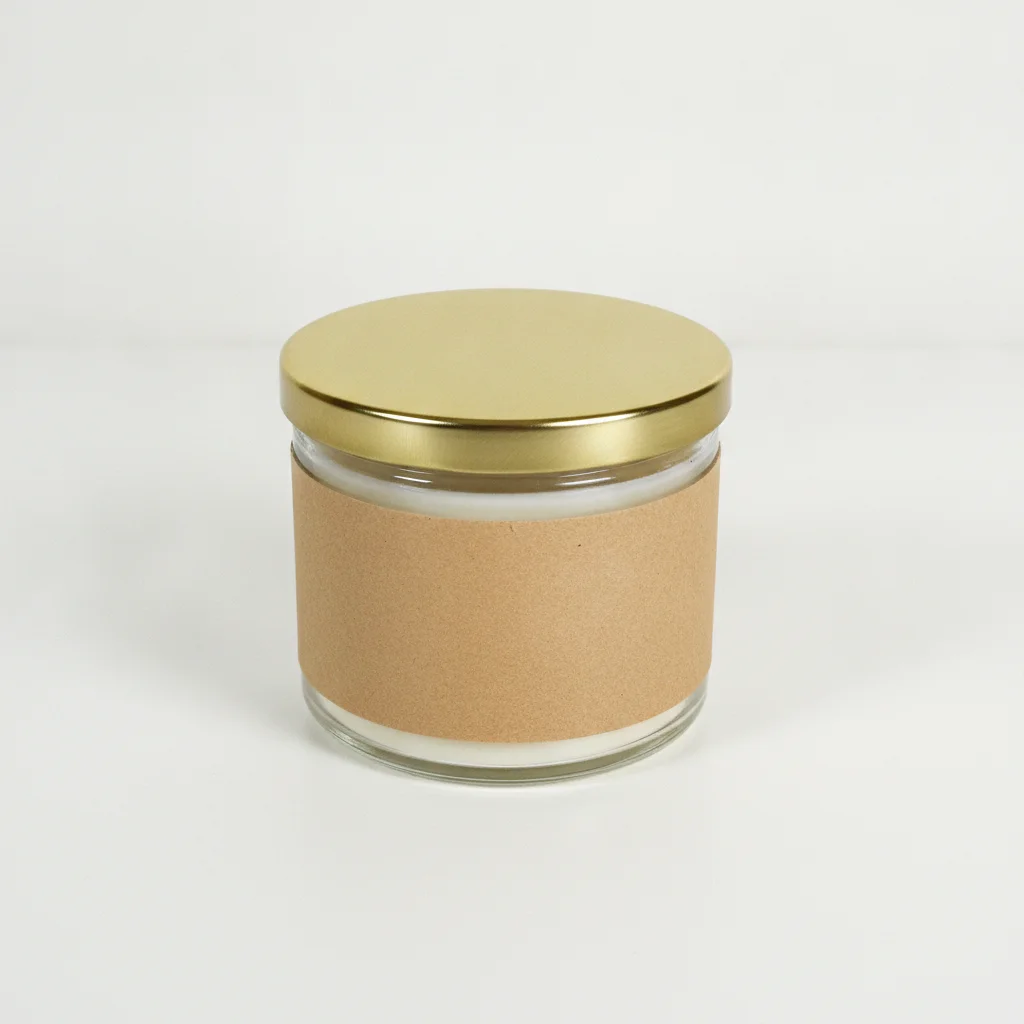
Glass candle jar on plain white table with flat overhead lighting
Before
->
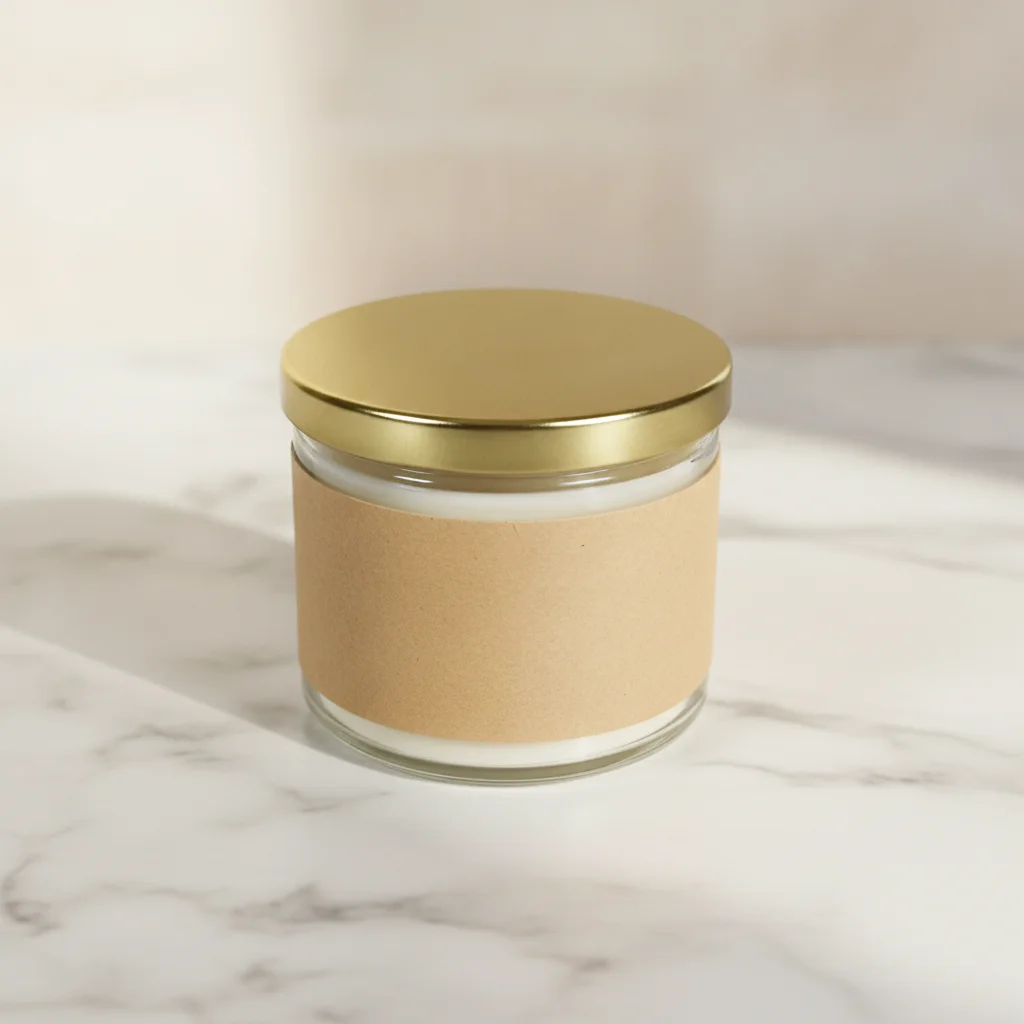
Same candle on marble surface with warm natural side light and blurred soft background
After

Marble lifestyle shot — Instagram ad creative

A candle brand needed a polished Instagram photo from a plain phone shot. The marble lifestyle background was added entirely by the AI.

Prompt: place the product on a light marble surface with soft natural daylight coming from the left, blurred neutral background, warm minimal aesthetic suitable for an Instagram product post
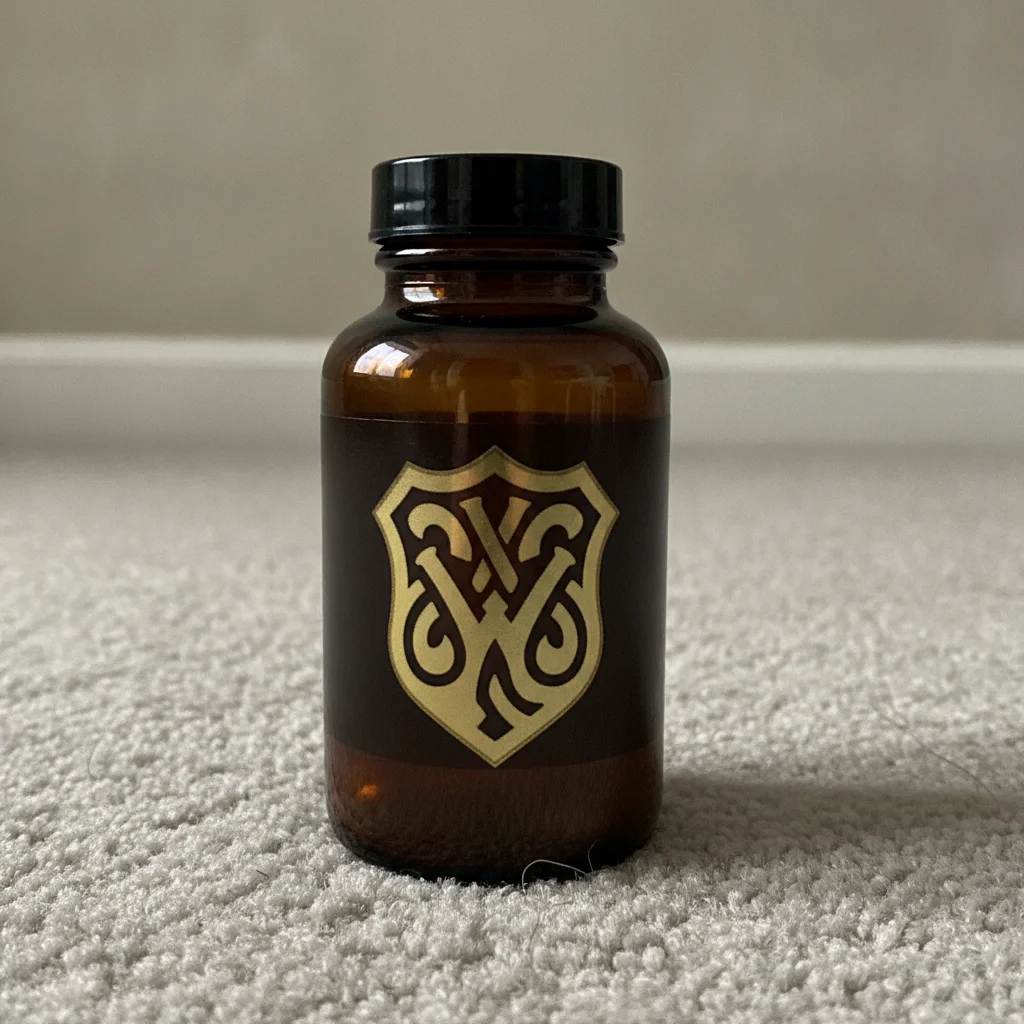
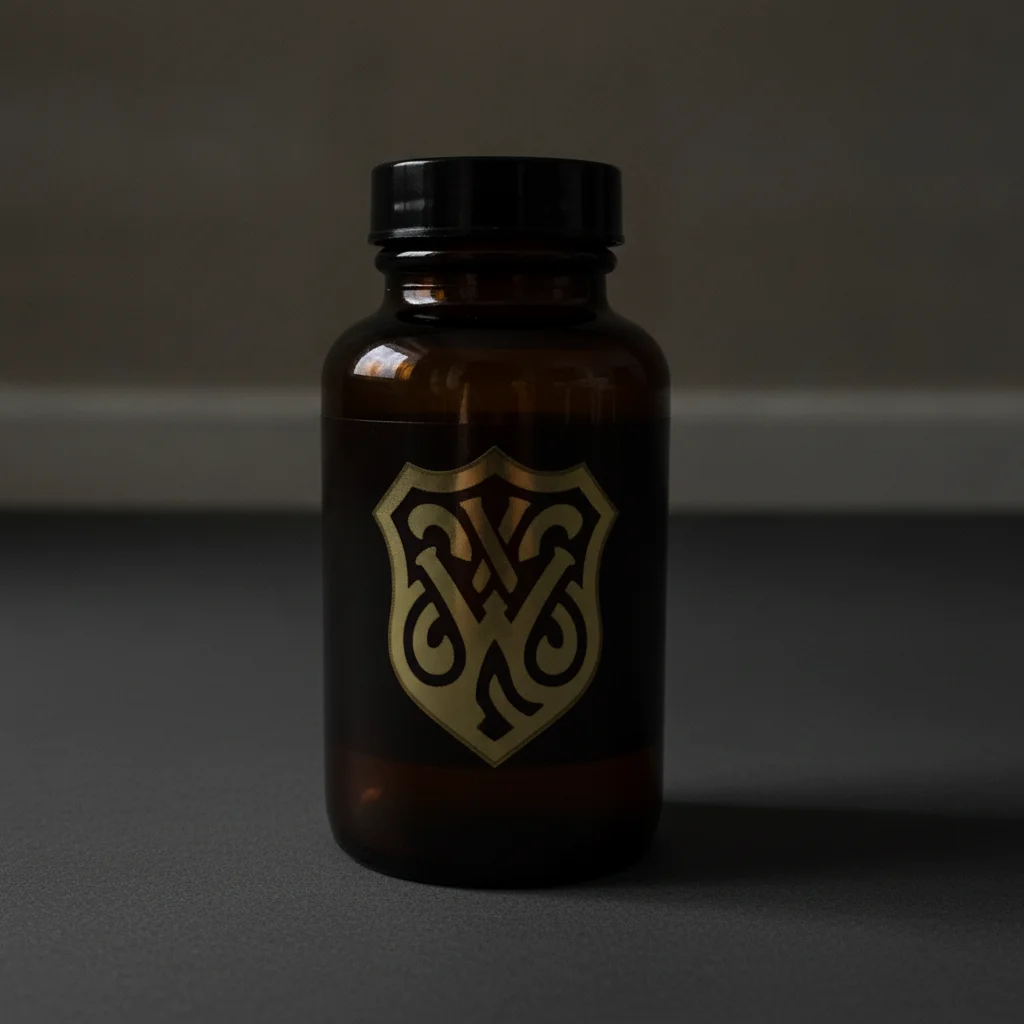
Dark supplement bottle on grey carpet with flat ambient lighting
Before
->
Same bottle on dark charcoal surface with dramatic single-source lighting from upper right, premium aesthetic
After

Dark premium backdrop — luxury supplement ad

A supplement brand needed a premium dark-backdrop photo for TikTok ad creative from a basic phone product shot.

Prompt: place the product on a dark charcoal grey surface with a dramatic single light source from the upper right, deep shadows, cinematic product photography style, premium brand aesthetic

Quick answers

Do I need to mark or select my product before transforming the photo?

No. Just describe the transformation: 'replace the background with a clean white studio backdrop, enhance product sharpness.' The AI identifies the product automatically. Markers are only useful if the AI modifies the product instead of the background — which you can fix with one tap on the background area.

Is there a free AI tool to create professional product photos without a studio?

Yes. EditThisPic transforms product photos into studio-quality shots for free with no account. Upload your phone photo, describe the professional result you want, and download in about 30 seconds. Used by Etsy sellers, Amazon FBA sellers, and social media marketers. The free edit is a preview — purchased downloads are clean, full quality.

How do I make product photos look professional for Amazon or Etsy listings?

Upload your raw product photo to EditThisPic. Type 'replace the background with a pure white seamless studio backdrop, place the product on a clean white surface with a soft natural shadow, enhance sharpness and even out the lighting.' The AI transforms the photo in 30 seconds — free, no login required. Amazon's pure white background requirement is met by including 'seamless white backdrop' in the prompt.

Can I create Instagram and TikTok ad creative from product photos?

Yes. Describe the platform aesthetic in your prompt: 'warm marble lifestyle shot for Instagram' produces a different result than 'dark moody cinematic for TikTok ad.' Most marketers use a single clean product photo and run it through 3-4 different background prompts to create a full ad creative batch — one for each platform's visual style.

How do I show multiple color variants of a product from one photo?

First generate a clean studio base image of your hero color. Then use 'change the product color from [original] to [new color], keep the background, lighting, and shadow identical.' Run this once for each color variant. Each result matches in background and lighting style, creating a consistent catalog.

Will the AI preserve my product's label text and packaging details?

Yes, for most photos. If label text becomes slightly blurred after a background transformation, tap a marker on the label area and regenerate with 'sharpen the product label so all text is clearly readable.' Labels with very fine print on textured surfaces occasionally need a dedicated sharpening pass.

Can I create a before-and-after comparison image for ads?

Yes. Use the prompt: 'show the product transformation: on the left, the original product; on the right, the enhanced professional version. Label the panels Before and After in clean minimal text.' This generates a complete split-screen ad asset in a single pass — popular for cleaning products, beauty items, and supplements.

How much does EditThisPic cost?

You get 1 free edit per week — no account needed. After that, one-time credit packs start at $4.99 for 10 edits, valid 12 months, no subscription. Power users who edit daily can pick Studio Membership, a monthly workspace at $49.99/mo for 300 edits. Purchased downloads are clean with no watermark.

Ready to create stunning product photos?

Free to try. No signup required.

1 free edit included·Credit packs from $4.99