Fix a Product Photo with AI
Last updated
Turn cluttered phone product shots into ecommerce-ready listings in under 30 seconds.
Drop your photo here
"Fix this product photo: replace cluttered background with clean white seamless, sharpen product details and texture, restore TRUE product color (no shifts), balance lighting evenly, remove distracting glare, photographic quality, ecommerce ready."
Release to upload


Built for Shopify, Etsy, Amazon, and direct-to-consumer sellers
EditThisPic gives DTC sellers a way to make any phone product shot look like a real ecommerce listing. Background removal, lighting balance, color correction - all in under a minute per product.
Tools for AI Product Photo Fixer
How to Fix a Product Photo with AI
-
Open EditThisPic
Go to editthispic.com on your phone or laptop. No app, no Shopify oauth.
-
Upload your product photo
Drop in any product shot - apparel, jewelry, home goods, gadgets, beauty, anything you sell.
-
Type the prompt
Try: 'fix this product photo, clean white background, sharpen detail, true color, ecommerce ready'.
-
Generate
EditThisPic returns a clean ecommerce shot in about 25 seconds. White background, sharp product, accurate color.
-
Upload to your store
Save the result and upload directly to Shopify, Etsy, Amazon, WooCommerce, or your own site.
Copy-Paste Prompts for AI Product Photo Fixer
Real Examples


Etsy candle from phone shot
An Etsy candle seller uploaded a phone photo of their soy candle on a wooden table. EditThisPic stripped the background and produced a clean white shot ready for the Etsy listing.
Shopify apparel rescue
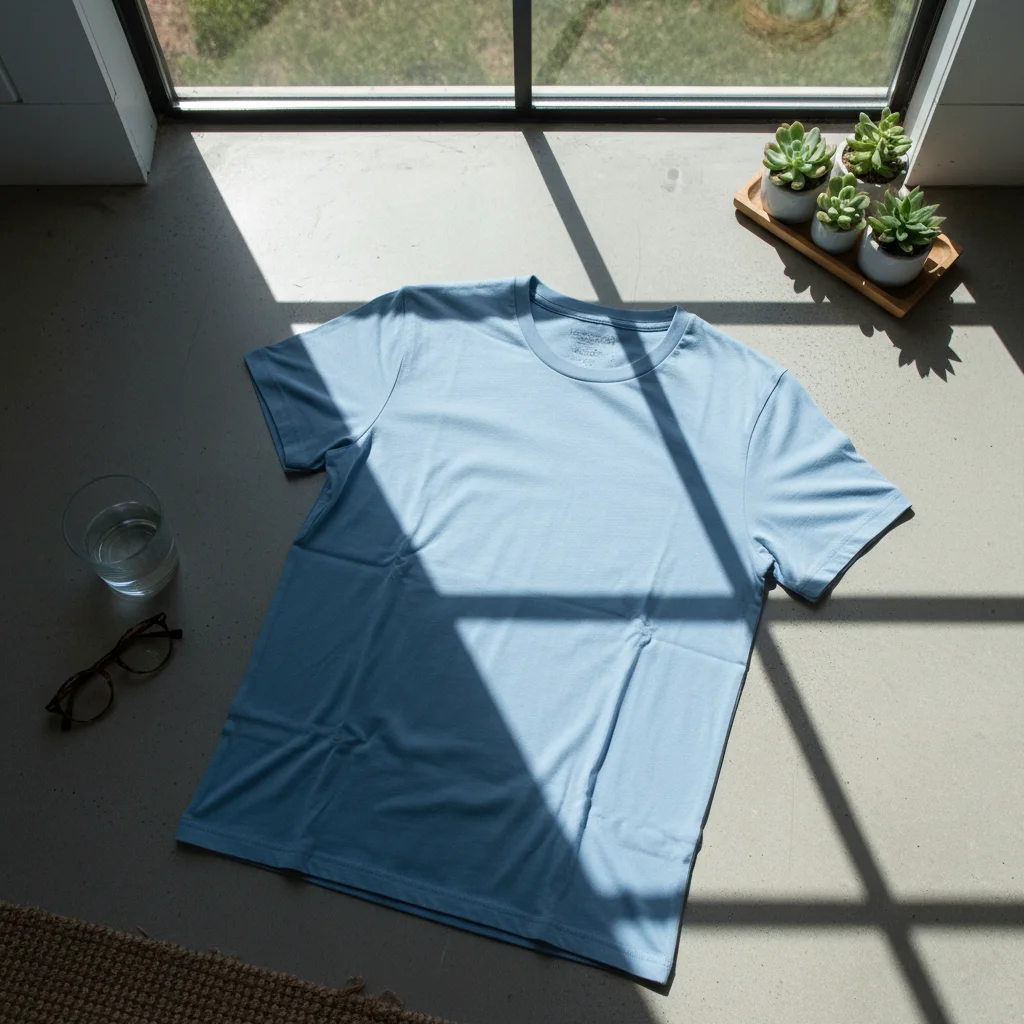
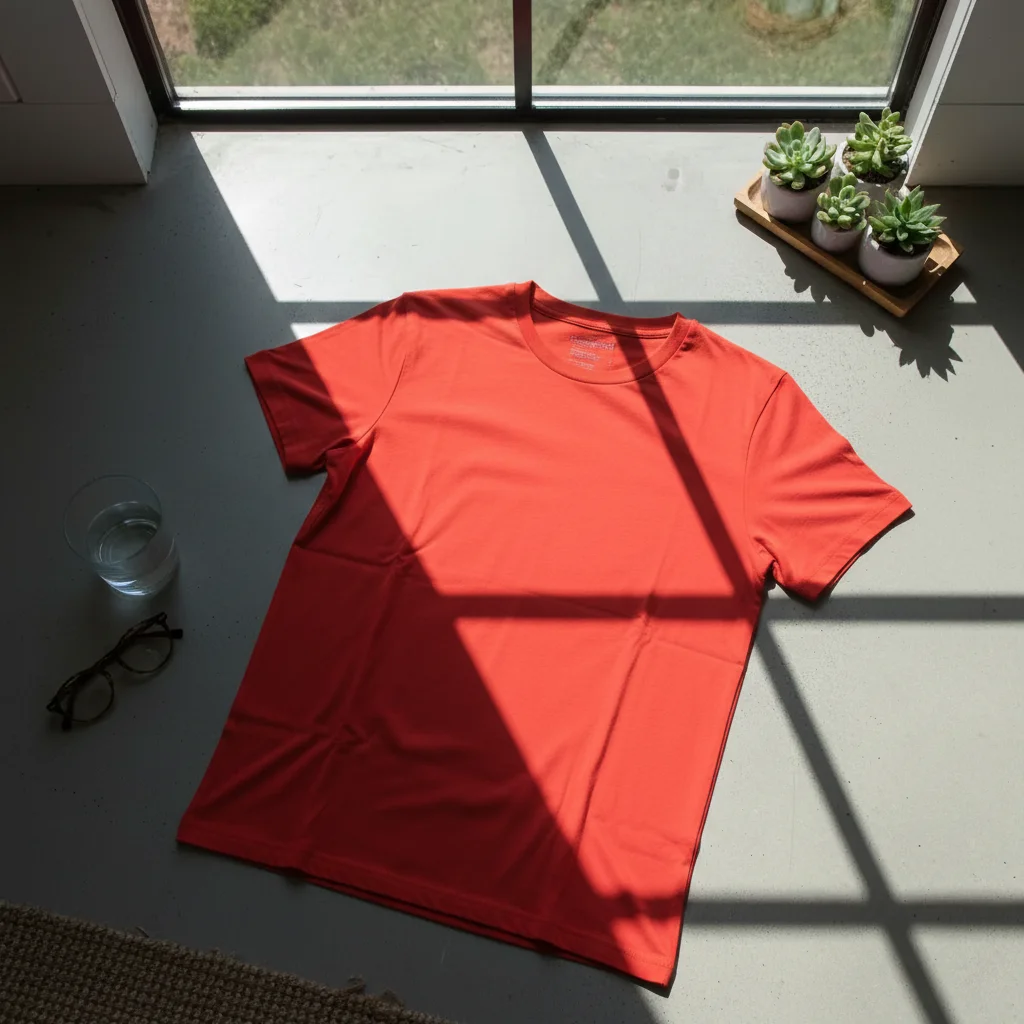
A Shopify clothing brand uploaded a flat-lay shirt photo with harsh window shadows. The fix balanced the lighting and produced a clean ecommerce shot.
Amazon jewelry sparkle
An Amazon jewelry seller uploaded a ring photo with too much glare. The fix balanced the reflection while keeping the diamond sparkle.
When Things Go Wrong
Background not pure white
Product color shifted from real life
Glossy product still has glare
Result looks too 'AI'
Frequently Asked Questions
How do I fix a product photo with AI?
Upload your product photo to EditThisPic, type a prompt like 'fix this product photo, clean white background, sharpen detail, true color', and download the result in about 25 seconds. Then upload to your Shopify, Etsy, Amazon, or other ecommerce store. Free, no signup.
Can AI replace my product background with white?
Yes. EditThisPic strips cluttered backgrounds and replaces them with clean white seamless background. Add 'pure white seamless background' to your prompt. Works for apparel, jewelry, beauty, electronics, home goods, and most product categories.
Is the product photo fixer free?
Yes. EditThisPic is free to use. No signup, no watermark, no credit card needed for basic use. Fix as many product photos as you have SKUs.
Will the AI change my product's color?
By default, EditThisPic preserves the original product color. If you notice a shift, add 'preserve EXACT original product color, no color shift, no color enhancement' to your prompt. True color is critical - shifted color leads to returns and negative reviews.
Will the photos meet Amazon's image requirements?
Yes. Amazon requires pure white background (RGB 255 255 255) for main product images. Add 'pure white seamless background, RGB 255 255 255' to your prompt. EditThisPic outputs at 1024x1024 or higher, which exceeds Amazon's 1000x1000 minimum for zoom.
Does this work for Shopify, Etsy, and WooCommerce?
Yes. The output is a high-resolution JPG that uploads directly to Shopify, Etsy, WooCommerce, BigCommerce, Squarespace, and any other ecommerce platform. The same file works across all platforms.
Does this work for jewelry photos?
Yes. Use 'fix this jewelry product photo: pure white background, sharpen metal and stone detail, balance reflection without losing sparkle, true gold or silver tone, macro quality'. The AI handles the tricky balance of removing glare while keeping the jewelry sparkle.
Does this work for clothing and apparel?
Yes. Works for hanger shots, flat-lays, mannequin shots, and on-model photos. Use 'fix this apparel product photo: clean white background, sharpen fabric texture and stitching, restore true garment color'. The result looks like a real fashion ecommerce shot.
How big should ecommerce product photos be?
Most platforms recommend 1000x1000 to 2000x2000 pixels. Amazon requires at least 1000x1000 for the zoom feature. Shopify recommends 2048x2048. EditThisPic outputs at 1024x1024 or higher, sufficient for most platforms.
Are my product photos stored?
No. EditThisPic processes your image in your browser session and does not save or train on your photos. The image is deleted shortly after processing.
Popular use cases
Ready to make ecommerce-ready product photos?
Free to try. No signup required. No watermarks.
Start EditingTrusted by 15,000+ users